

Content Creation
How to Edit a Facebook Reel Caption After Posting
Learn how to edit a Reels caption after posting on Facebook. Follow simple steps to update text and hashtags or fix caption mistakes.

Writer at Crayo. Browse every post published by Brody Scott.
Learn how to edit a Reels caption after posting on Facebook. Follow simple steps to update text and hashtags or fix caption mistakes.

Learn what a clipping agency is and how it works. Explore short-form video editing, creator networks, pricing, and social media distribution.

Is clipping videos legal? Learn about copyright laws, fair use, creator permission, and how to share video clips without infringement.

How much do clippers make on YouTube? Explore pay per 1,000 views, monthly earnings, and how YouTube Shorts clipping campaigns work.

How much do clippers make on TikTok? Explore pay per 1,000 views, monthly earnings, and how clipping campaigns pay creators.

Did YouTube remove clipping? Find out what happened to the Clip button and how to share timestamps or create clips in YouTube Studio.

Wondering how many trial reels you can post a day? Explore reported Instagram limits, posting restrictions, and ways to test your Reels.
Wondering what clipping in social media is? Discover 7 ways to make short videos from podcasts and streams. Get started in 30 minutes.
Wondering how to clip on Twitch? Follow simple steps to capture stream highlights, edit clips, and share your favorite moments in 20 minutes.

Discover 7 of the best AI video clipping tools. Compare AI features, automatic captions, and video editing tools to save time.

Looking for the best AI video repurposing tools? Compare 7 options for creating short clips, adding captions, and sharing across platforms.
Podcasters know the struggle: you record a great episode, but getting people to actually listen feels like a separate job. Turning audio into eye-catching audiograms, short animated sound-wave clips that stop people mid-scroll, is one of the smartest ways to grow an audience on social media. If you have been searching for the best AI podcast clip generator to speed up the process, you are in the right place. This article breaks down the 6 best audiogram makers that can help you create shareable
Learn how to trim a Zoom recording in under 10 minutes. Cut unwanted sections, set start and end points, and get your video ready to share.

Find the best AI video tools like Vizard for webinar clips. Compare 7 options for highlights, captions, editing, and clips in 30 minutes.

Wondering how to automate my video clipping? Learn a simple 30-minute workflow to find highlights, add captions, and create ready-to-share clips.
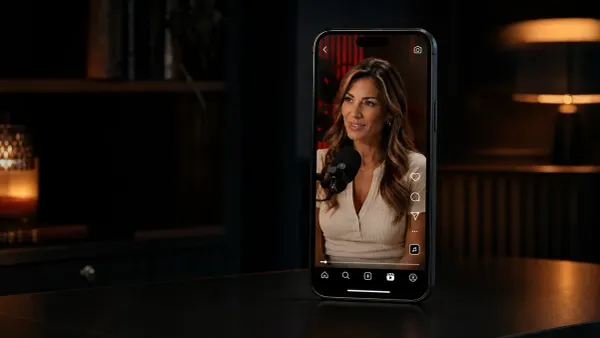
Learn how to make podcast reels in 30 minutes, from choosing the right clips to adding captions and formatting them for Instagram and Shorts.
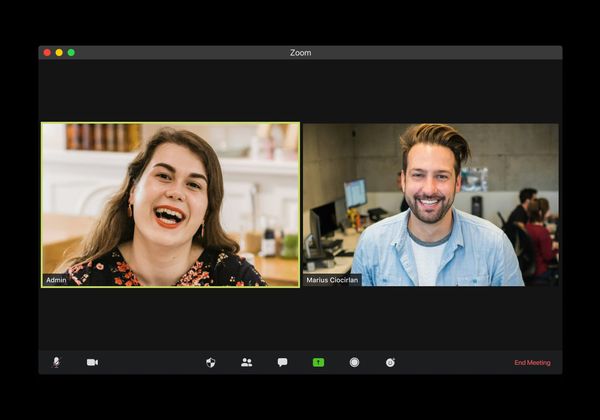
How to trim a Zoom recording saved on my computer: locate local files, edit start or end points, save a new copy, and share faster.

Repurposing content for social media guide: turn one source asset into TikToks, Reels, Shorts, LinkedIn posts, and emails.

How to add audio to a video without sync issues: line up waveforms, adjust timing, preview playback, and export with confidence.
Best video clipping tool for YouTube guide: review tools that turn long videos into Shorts, Reels, TikToks, and captioned clips.

How to start clipping on Instagram fast: turn long videos into Reels with hooks, captions, clean cuts, and vertical formatting
Repurpose a keynote into social media clips with AI: find key moments, trim clips, add captions, resize, and publish in 30 minutes.
Podcast Shorts monetization: compare platform revenue, sponsorships, clip services, affiliate offers, and audience growth strategies.

Church reels editing in 30 minutes: cut strong sermon moments, add readable captions, resize to 9:16, and export clips fast.

Sermon Clips AI guide: find key sermon moments, add captions, reframe vertical video, and share clips across social media.
How do I repurpose my interview to social media? Use transcripts, short clips, pull quotes, and captions to create posts fast.

Podcast clips for social media: create short clips from interviews, webinars, or episodes with hooks, captions, and vertical exports.
Video clipping for social media: create short clips from podcasts, webinars, or videos with clean cuts, captions, and platform-ready formats.
Clipping a YouTube video: learn legal ways to use YouTube Clips, timestamps, permissions, fair use, and sharing steps.
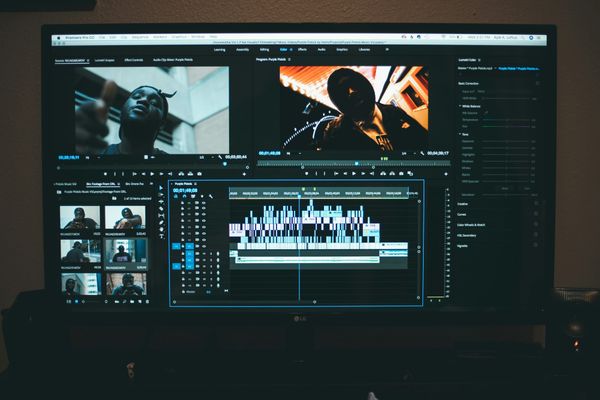
Webinar to short clips AI: repurpose long sessions into short videos with transcripts, highlights, captions, and vertical exports.

Content repurposing examples to try: reuse long-form content across TikTok, Reels, YouTube Shorts, LinkedIn, email, and blogs.

How long does it take to trim a Zoom recording? Learn typical trim times, cloud processing delays, and faster ways to edit clips.

What is an audiogram podcast? See how creators use short clips, animated waveforms, captions, and CTAs to promote episodes.

Best AI podcast clip generator options: turn long podcast episodes into short clips with hooks, captions, resizing, and scheduling.
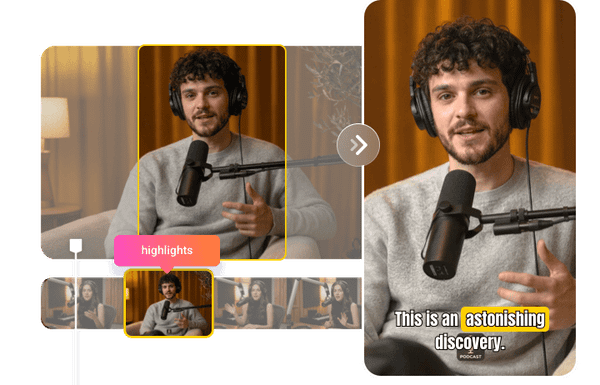
Repurpose webinar content in 30 minutes: extract key moments, create clips, write summaries, and share across channels.
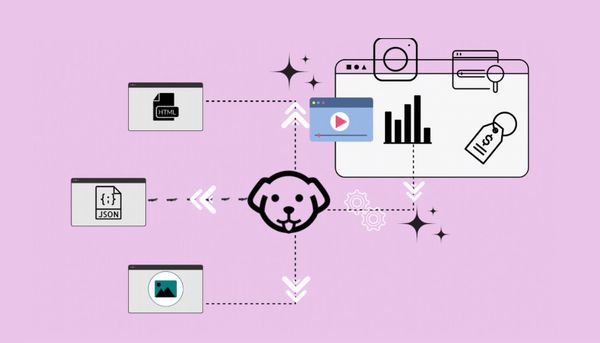
Scrapingdog alternatives guide: review tools for anti-bot handling, structured data, browser rendering, and scraping workflows.

Best video format for TikTok: compare vertical clips, hooks, captions, pacing, watch time, and creator formats to get more views.

ScrapingBee alternatives guide: review tools for structured data, anti-bot handling, browser rendering, and scraping workflows.
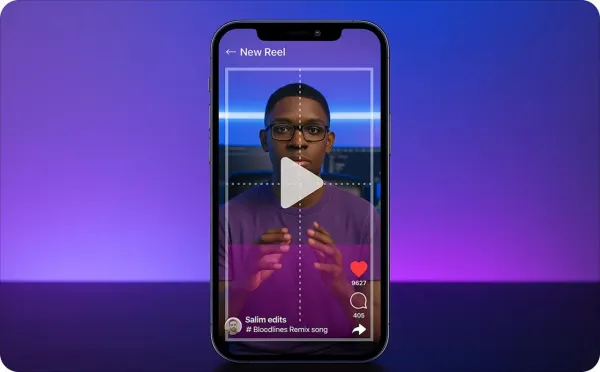
Viral hooks for Instagram guide: write Reels openings with clear value, fast pacing, bold text, and stronger retention signals.

Social media hooks for creators: use questions, bold claims, relatable pain points, and quick payoffs to keep viewers watching.

Brainrot examples for creators: see short-form ideas with surreal characters, split screens, captions, sounds, and meme pacing.
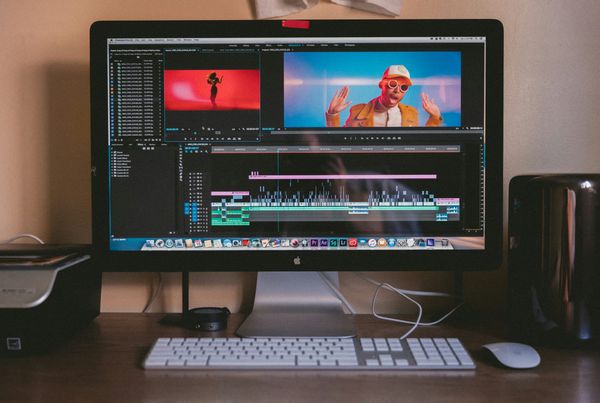
Learn how to remove background music from a video in 10 minutes while keeping voice clear. Follow simple steps and clean up your audio fast.

POV Ideas for TikTok creators: film relatable scenes, reactions, story setups, and niche moments in 30 minutes.

Scroll-stopping hooks for creators: use first lines, pattern breaks, questions, and clear promises to keep viewers watching.

How to make a good hook for videos: use first lines, pattern breaks, questions, and clear promises to keep viewers watching.

YouTube Hooks for creators: write video openings with curiosity, clear value, tension, and viewer-focused reasons to keep watching.

Why are my TikTok videos not getting views? Learn 7 common causes, from weak hooks to low watch time, and quick fixes.

Italian Brainrot quiz ideas: use viral characters, sound clues, emoji rounds, and answer screens to make a fun creator quiz.

How to make TikTok videos more engaging: use stronger openings, tighter edits, sounds, captions, and clear CTAs to keep viewers watching.
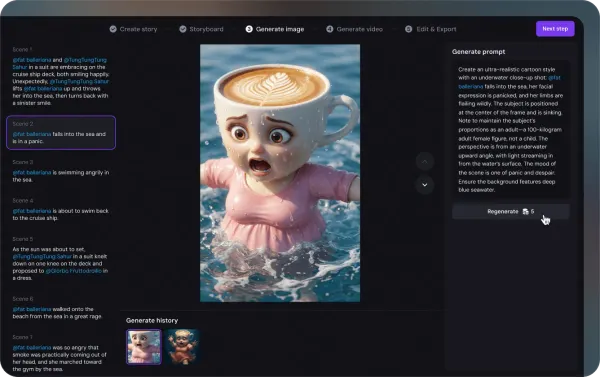
How to make brainrot videos with AI: create short clips using voiceovers, captions, meme pacing, backgrounds, and quick edits.
TikTok content strategy guide: build content pillars, hooks, posting cadence, captions, and analytics checks in 30 minutes.
Long-form video content in 30 minutes: plan your outline, record key sections, add chapters, edit flow, and publish with purpose.
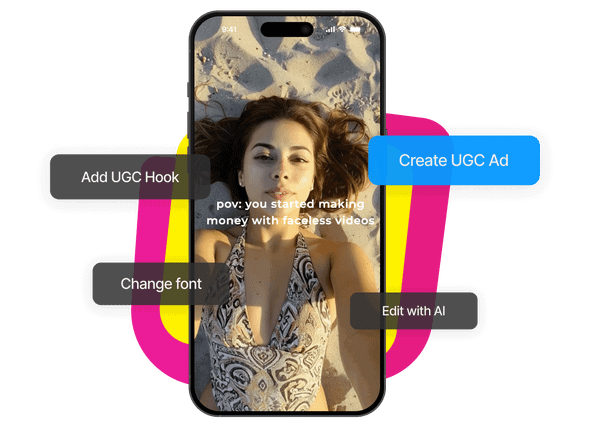
How to create POV videos: plan a point-of-view scene, film from the right angle, add captions, and edit for short-form platforms.

Sludge content guide: see why TikTok, Reels, and Shorts use overstimulation, split screens, and meme clips to keep viewers watching.

What is Italian Brainrot? A creator guide to AI meme formats, pseudo-Italian names, voiceovers, pacing, and responsible trend use.

What is brainrot content? Learn how chaotic short-form videos use fast cuts, memes, captions, and trends to grab attention.

How to do text to speech on TikTok in 30 minutes: turn text into voiceovers, sync clips, and test different voice styles.

TikTok retention rate guide: use stronger openings, tighter edits, captions, loops, and retention checks to keep viewers watching.

YouTube average view duration guide: use stronger intros, tighter edits, better story flow, and retention checks to keep viewers watching.
Emotional hooks explained: turn video intros, pinned comments, and CTAs into stronger YouTube comment prompts.