

 TRUSTED BY 3.2+ MILLION USERS
Cut multiple clips from one video in a single pass
Clip Cutter is a timeline tool that cuts a long video into up to 50 separate clips in one pass, each marked by dragging a range on the track. It is for clippers and streamers who already know which parts they want and need them saved as individual files fast.
Mark the parts you want on one timeline, name them, and save every range as its own clip.
Cut Clips Now
Web-Based Editor.Full control with our web editor.Feels like magic.
Try Crayo Now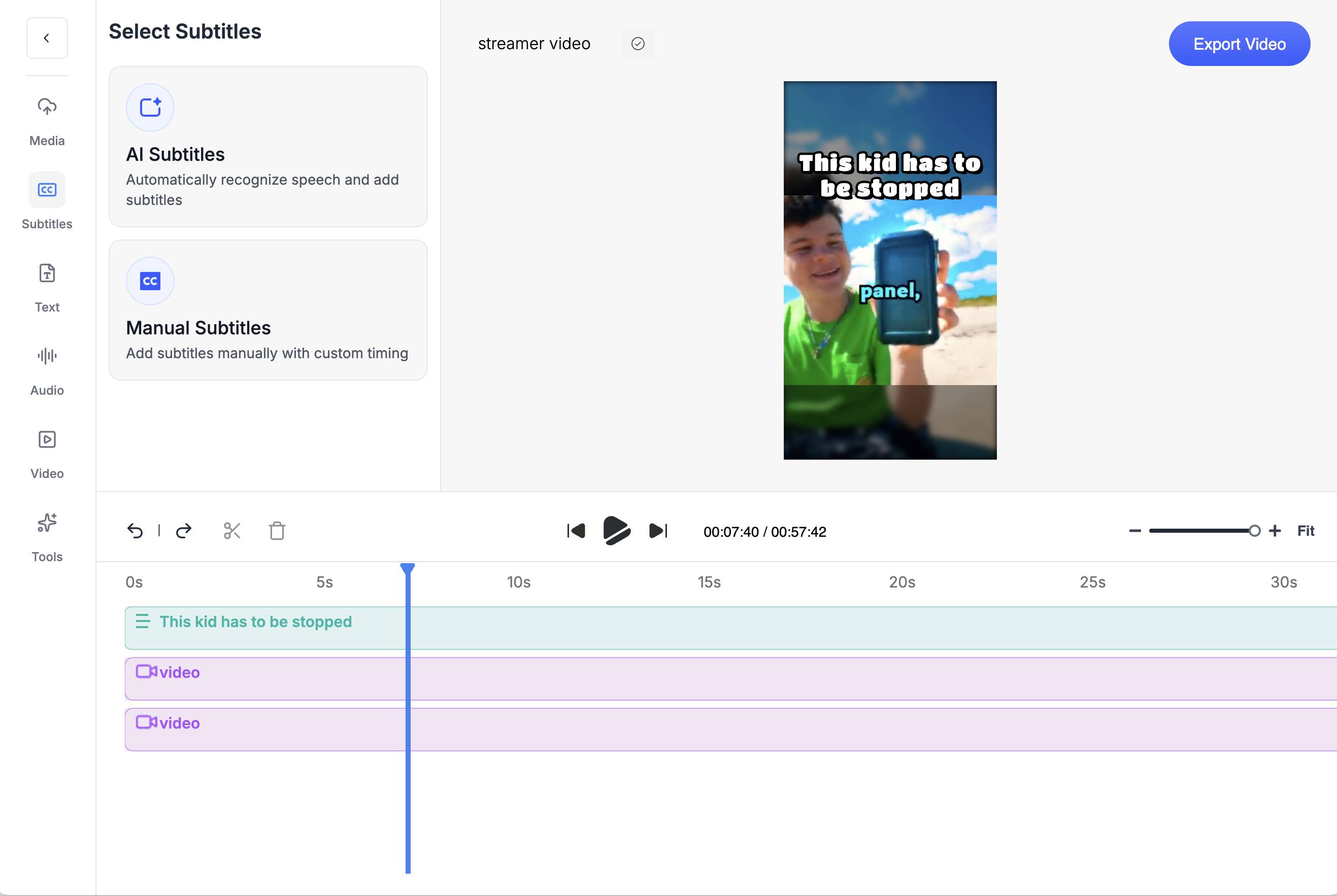
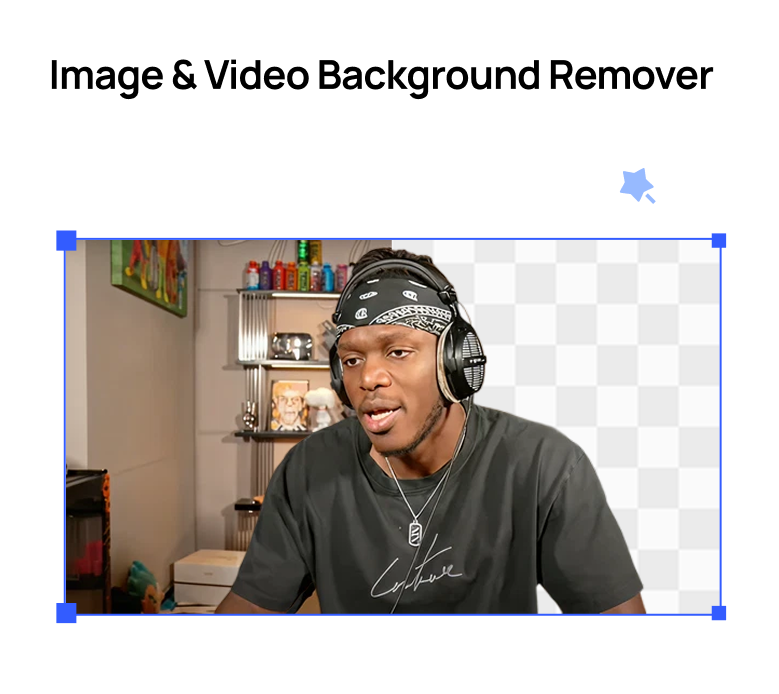
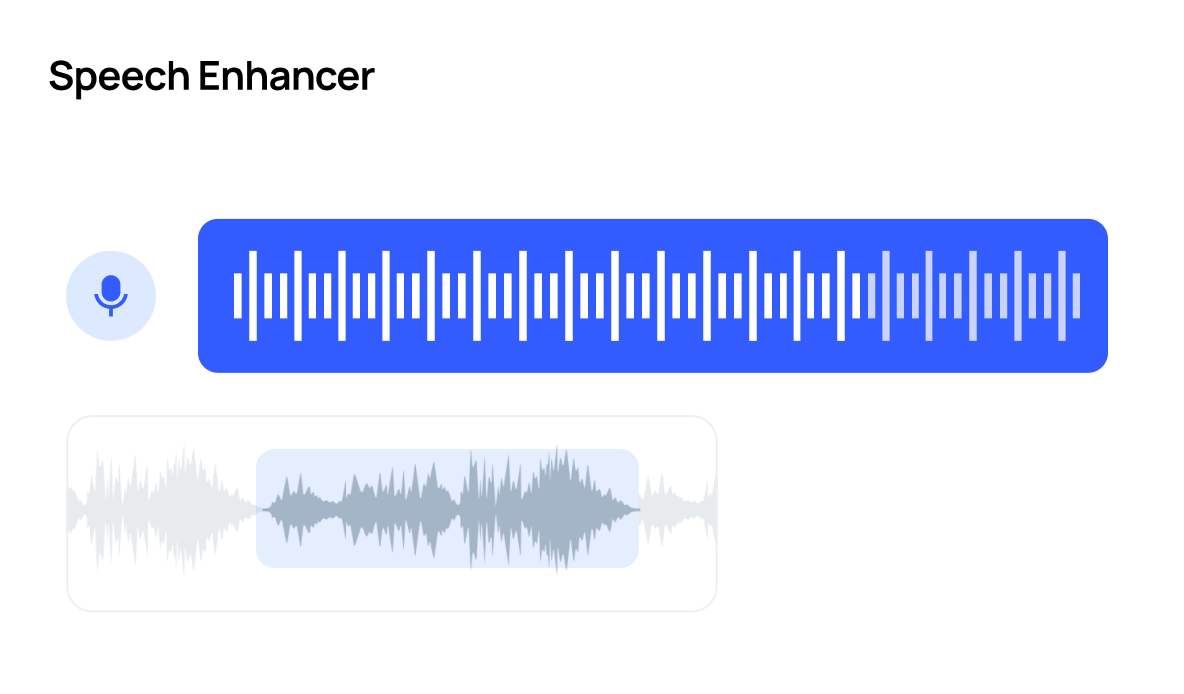
Countless ToolsCrayo has everything you need to go viralFrom cutting-edge speech enhancement to downloading videos, we've got you covered.
Try Crayo Now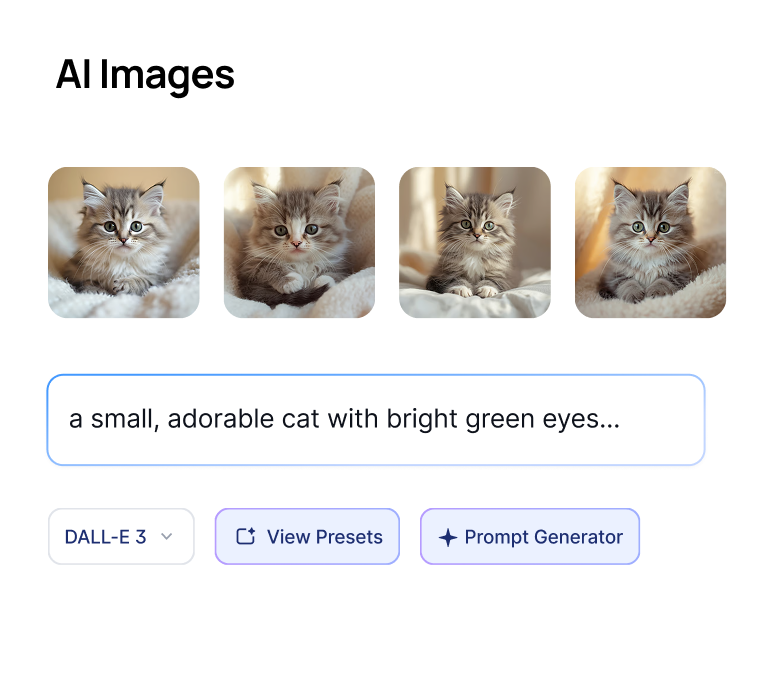




Crayo Has Generated Billions of Views.
For Millions of Clippers.
See What Our Users Are Saying

Musa
I've clipped for some of the biggest creators on the internet. Crayo is the tool I wish I had when I started.

Jonathan
Crayo is the only tool I've found that can remove backgrounds from videos well. 10/10.

Daniel
After running channels with over 1 million subscribers, I built Crayo to solve my own scaling problems.

Dave
Crayo makes formatting and clipping content so much easier, now I can focus on finding the clips & trends.

Brandon
Their image generator is insane. It saves me from needing multiple subscriptions for different AI models.

James
I wish I found this sooner. Reddit story generations are OP for YouTube Shorts. Most worth it subscription I have.
Keep exploring
Find Viral Moments
Upload a long video, tell us what is in it, and get a ranked set of moments you can review, trim and keep.
FeatureVideo Cutter
Trim and cut any video down to the exact moment you need, right in your browser with no watermark.
FeatureVideo Editor
A multi-track timeline with captions, zooms, transitions, LUTs, speed ramps, cutaways and camera keyframes. No install, no watermark on any plan.
Use caseClippers
Browse live clipping campaigns in Crayo's Content Library, cut clips in minutes with AI, and track every view. Find the work and do the work in one app.
Use caseStreamers
Crayo turns Twitch and Kick VODs into short vertical clips by finding the highest-energy moments and formatting them for TikTok, Reels, and Shorts. It is for streamers who want clips made from footage they already recorded.
ComparisonCrayo vs StreamLadder
Crayo vs StreamLadder, with dated prices. StreamLadder gates ClipGPT to Creator and imports Twitch and Kick VODs. Crayo clips YouTube links on its entry plan.
FAQs
Frequently asked questionsFrequent questionsStill have questions?
Contact our 24/7 support team for any concerns or inquiries.