Scroll through TikTok for ten minutes, and you will understand why people talk about TikTok brain rot. Short clips grab attention fast, and the ones that keep viewers watching almost always share one thing in common: the right video format. If your videos aren't getting the views you want, the format might be holding you back, and this article breaks down the 7 best TikTok video formats to get more views in 30 minutes or less.
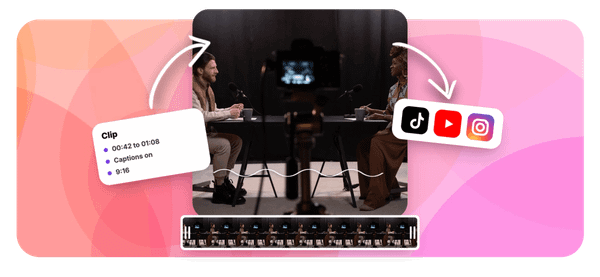
Crayo's clip creator tool makes applying these formats simple and fast. Instead of spending hours editing aspect ratios, adjusting resolution, or figuring out the ideal video length for the TikTok algorithm, you can use Crayo to get your content ready quickly and focus on what actually matters: creating videos people want to watch.
Summary
- Short-form video performance depends heavily on format compliance before content quality matters. TikTok's algorithm evaluates signals like completion rate and aspect ratio match before a single real viewer watches your video, meaning a format mismatch quietly limits distribution without any visible rejection or warning. Creators often assume weak performance reflects weak content, when the actual cause is a technical decision made during export.
- The 9:16 aspect ratio at 1080x1920 pixels is the single most consequential format decision on TikTok. Videos uploaded in horizontal or non-native aspect ratios display with black bars, which reduces screen immersion and lowers completion rates. Since completion rate is one of the primary signals TikTok's ranking system uses to decide how widely to distribute a video, a letterboxed upload effectively penalizes itself before the audience has a chance to respond.
- Pre-compressing footage before uploading creates a compounding quality problem most creators don't catch. TikTok re-encodes every upload through its own compression pass regardless of what the creator does beforehand, and when a pre-compressed file goes through that second pass, the algorithm is working from degraded source material. Uploading at approximately 8 Mbps without pre-compressing gives TikTok clean data to work with, producing a noticeably sharper final output, especially in motion-heavy or low-light footage.
- The upload method determines which file size limits apply, and many creators use the wrong ones. In-app recording caps at around 288MB and 10 minutes on mobile, while TikTok Studio supports uploads up to 4GB. Creators who apply in-app constraints to Studio uploads end up compressing or trimming content unnecessarily, which costs quality and sometimes runtime. According to Buffer's analysis of 1.1 million TikToks, longer videos tend to get more views, making unnecessary trimming a distribution cost, not just a quality one.
- Video length functions as a distribution variable, not just a creative preference. TikTok videos between 21 and 34 seconds long get the most views, according to AdManage.ai, and that data point carries more weight when paired with the right aspect ratio, codec settings (MP4 or MOV, H.264, AAC), and safe-zone framing. Content placed too close to screen edges gets obscured by TikTok's own interface overlays, including usernames, action buttons, and captions, which is a particular problem for subtitle-driven formats where captions are the primary retention mechanism.
- The technical overhead of getting format settings right is almost always a one-time setup, not an ongoing one. Saving a named export preset in editing software, something like "TikTok 2026 Native," converts a manual per-video check into a permanent workflow default. According to Coupler.io, data export workflows for TikTok can be configured in under 30 minutes using the right tools, and the same principle applies to export presets: the time investment happens once and applies to every video that follows.
Crayo's clip creator tool addresses this by generating short-form videos already formatted to TikTok's native specs, removing the export configuration step from the creator's workflow entirely.
Why Creators Struggle to Choose the Best TikTok Video Formats

TikTok's algorithm does not grade your content on effort. It grades it on signals, and the most punishing signal to trigger is a format mismatch. Most creators never realize this because TikTok accepts wrong-format uploads without complaint. The video plays, comments come in, and everything looks fine. What they cannot see is that the ranking system already made its decision before a single viewer hit play.
Why Wrong Aspect Ratios Hurt Performance
The failure point is usually invisible. A creator films horizontally because that is how their camera defaults, or they repurpose a YouTube clip without reformatting it. TikTok displays the video with black bars on either side, the viewable frame shrinks, and completion rates fall because the experience feels less immersive.
According to The Utopia's 2025 TikTok Video Formats Guide, TikTok videos can range from 3 seconds to 10 minutes in duration, but none of that flexibility matters if the aspect ratio is working against you from the first frame. The algorithm reads low completion as weak content, not as a formatting problem, and reduces distribution accordingly.
The TikTok Compression Trap
What makes this worse is the compression trap. Many creators pre-compress their footage before uploading to save time or reduce file size, not knowing that TikTok re-encodes every upload regardless.
- Pre-compressing strips source data that TikTok's own compression process cannot recover, especially on motion-heavy or low-light footage.
- Uploading a high-bitrate source file (around 8 Mbps) and letting TikTok handle the compression produces a noticeably cleaner final result.
The bottleneck is not footage quality. It is the assumption that pre-compressing is neutral when it is actually subtractive.
Why Export Settings Matter
Most creators handle export settings by accepting whatever their editing software defaults to, because changing them feels like a technical detour from the actual creative work. That familiar approach costs nothing when the defaults happen to align with TikTok's confirmed 2026 specs:
- 1080x1920 pixels
- 9:16 aspect ratio
- H.264 encoding
When they do not align, the content takes an algorithmic penalty that no amount of strong hooks or clever captions can fully offset. Tools like Crayo sidestep this entirely by outputting content already formatted to native TikTok specs, so the technical layer stops being a variable creators have to manage separately from their creative decisions.
Upload Limits Can Cost You Timing
The same pattern surfaces across upload method differences, too. In-app recording caps around 10 minutes with file size limits near 288MB on mobile, while TikTok Studio supports uploads up to 4GB. Creators who do not know this distinction compress or trim content that never needed those constraints.
According to Vizzy Labs, TikTok trends rise and die in days, which means a video that spends even 48 extra hours underperforming because of a fixable format error is not just a technical miss. It is a timing miss.
The Hidden Cost of Format Errors
The core problem isn't that TikTok's format requirements are hard to find. It is that the consequences of ignoring them are delayed and invisible. A wrong-format video does not get rejected. It just gets shown to fewer people, quietly, while the creator assumes the content itself was the problem.
What that quiet penalty actually costs you in real distribution numbers is more surprising than most people expect.
Related Reading
- How To Increase Video Engagement
- Emotional Hooks
- Short Social Media Videos
- How To Get More Comments On Youtube
- Viral Content Ideas
- Video Storytelling
- Why Are My Tiktok Videos Not Getting Views
- YouTube Average View Duration
- Short Form Content Ideas
- How To Make Videos For Social Media
- Social Media Content Ideas
The Hidden Cost of Uploading in the Wrong Format

Most creators believe TikTok handles format differences gracefully, with no real performance cost. That belief is expensive, and not in an obvious way.
The quiet penalty is not a rejection notice. It is a completion-rate signal the algorithm reads before most creators even check their analytics. A letterboxed video still plays. It still looks acceptable.
But the aspect ratio mismatch feeds directly into the ranking system as a non-native signal, and TikTok's distribution responds accordingly, not with a warning, but with a smaller initial audience that compounds into lower overall reach. The frustrating part is that the content itself may be genuinely strong. The format sets the ceiling.
Avoid Double Compression
Pre-compressing footage before upload creates a different but equally invisible problem. When a creator compresses a file first, and then TikTok runs its own compression pass on top, the algorithm isn't working with the original source. It is working with a degraded copy of a degraded copy.
Motion-heavy clips and low-light footage absorb this double compression worst, producing blocky artifacts at exactly the moments that should be visually sharp. Uploading at a source bitrate around 8 Mbps gives TikTok's compression pass clean material to work with, and the difference in final output quality is measurable, not marginal.
Know Your Upload Limits
The upload method distinction compounds this further. Creators who apply in-app recording limits (roughly 288MB and 10 minutes) to TikTok Studio uploads work under constraints that don't exist for that path. TikTok Studio supports files up to 4GB. Cutting content or compressing unnecessarily to fit a limit that was never real is a self-inflicted disadvantage that costs nothing to avoid once the distinction is known.
Automate TikTok-Ready Formatting
Most creators who produce subtitle-driven short-form content handle export settings as an afterthought, defaulting to whatever their editing template produces. Crayo addresses this at the workflow level, building native 9:16 output and format-ready generation into the process so export doesn't become a separate technical check.
When the format decision is already made correctly before the video is even finished, the content reaches its audience without that avoidable algorithmic friction layered on top.
Treat Format as an Algorithmic Signal
The core reframe here is simple: format is not a cosmetic choice. It is an input the algorithm reads before a single viewer watches a second of your video. Exporting at 1080x1920 pixels, using MP4 or MOV with H.264 video and AAC audio, confirming the right upload path, these are not production upgrades. They are the minimum conditions for letting the content compete on its actual merits.
But knowing the right specs is only part of the equation, and the format decisions that actually move the numbers are more specific than most guides suggest.
7 Best TikTok Video Formats to Get More Views in 30 Minutes
1. Aspect Ratio: 9:16 Vertical
TikTok's ranking system is built around one native format, and every spec decision either supports that system or works against it. The seven format choices below are confirmed for 2026, and each one connects directly to how the algorithm evaluates your content for distribution before a single real viewer sees it.
2. Resolution: 1080 x 1920 Pixels
Export at exactly 1080x1920 pixels. TikTok caps displayed output at 1080p regardless of source resolution, so uploading in 4K costs you export time and file size while producing an identical result on screen. The platform discards the extra data on its end, not yours.
3. File Format and Codec: MP4 or MOV, H.264, AAC
The failure point is usually invisible: creators leave codec settings on editing software defaults and never check what's actually being exported. Confirm your export panel shows MP4 or MOV as the container, H.264 as the video codec, and AAC as the audio codec. These are the formats TikTok's playback infrastructure is specifically optimized for, and deviating from them introduces encoding friction that shows up as playback inconsistency, not an error message.
4. Frame Rate: Match Motion to Format
If your content is a talking-head clip or slow-paced commentary, 30fps is sufficient. For action footage, sports clips, or anything with rapid cuts and fast movement, 60fps matters because TikTok's compression pass amplifies choppiness in high-motion content shot at lower frame rates. The faster the on-screen motion, the more visible the degradation.
5. Bitrate: Upload Higher Than You Think
Upload at approximately 8 Mbps without pre-compressing your file first. TikTok runs its own compression pass on every upload, and the quality of that output depends directly on how much source data it has to work with. Pre-compressing removes information the platform cannot recover, resulting in a visibly softer final video that reflects a decision made before you ever hit publish.
Most creators handle this by compressing exports to save upload time or storage space, which feels efficient until you see the output quality side by side. Crayo sidesteps this entirely by handling export and generation in a way that keeps source quality intact through the pipeline, so the creator never has to manage the compression decision manually.
6. Length and File Size: Know Which Limit Applies
The same issue keeps coming up: creators apply the most conservative upload limits to every workflow, regardless of which method they're actually using. In-app recording caps around 10 minutes with a 288MB mobile file size limit. TikTok Studio supports files up to 4GB. Applying in-app limits to a Studio upload means unnecessary compression or trimming that costs quality for no actual reason. Confirm your upload path first, then decide how much to compress or trim.
According to Buffer's analysis of 1.1 million TikToks, longer videos tend to get more views, which makes your upload-method decision more consequential than it might seem. If you're trimming content to fit a limit that doesn't actually apply to your workflow, you may be cutting the runtime that would have driven more distribution.
7. Safe Zone: Frame for the Interface, Not Just the Screen
A correctly formatted 9:16 video can still underperform if the subject or key text sits behind TikTok's own UI overlays. Usernames, action buttons, and caption text cover predictable areas of the screen, and content placed too close to edges gets obscured before a viewer can process it. Frame your subject and any on-screen text within the central safe zone as a non-negotiable habit, not an afterthought.
This matters more for subtitle-driven content than for any other format. When captions are the primary vehicle for retention, placing them in a zone that competes with TikTok's interface elements undermines the entire strategy. The safe zone is where the message actually lands.
What Changes When You Apply These Specs
The before state is familiar: footage exported in whatever aspect ratio the camera defaulted to, codec settings left to software defaults, bitrate compressed before upload, and file size limits applied without checking which upload method is actually in use. The after state is not fundamentally different content. It is the same content exported in the format TikTok's ranking system is built to reward.
Format Optimization as a Performance Variable
AdManage.ai reports that TikTok videos between 21 and 34 seconds long get the most views, which reframes the length decision as a distribution variable, not just a creative preference. Paired with the correct aspect ratio, codec, frame rate, and safe zone discipline, length becomes one more lever you're either using deliberately or leaving to chance.
The difference between a video that competes and one that doesn't is rarely the content itself. It's whether the format gave the content a fair chance to be evaluated on its actual merits. But knowing the specs and applying them consistently are two different problems, and the gap between them is where most creators quietly lose ground.
The 30-Minute Workflow to Set Up TikTok-Native Export Settings
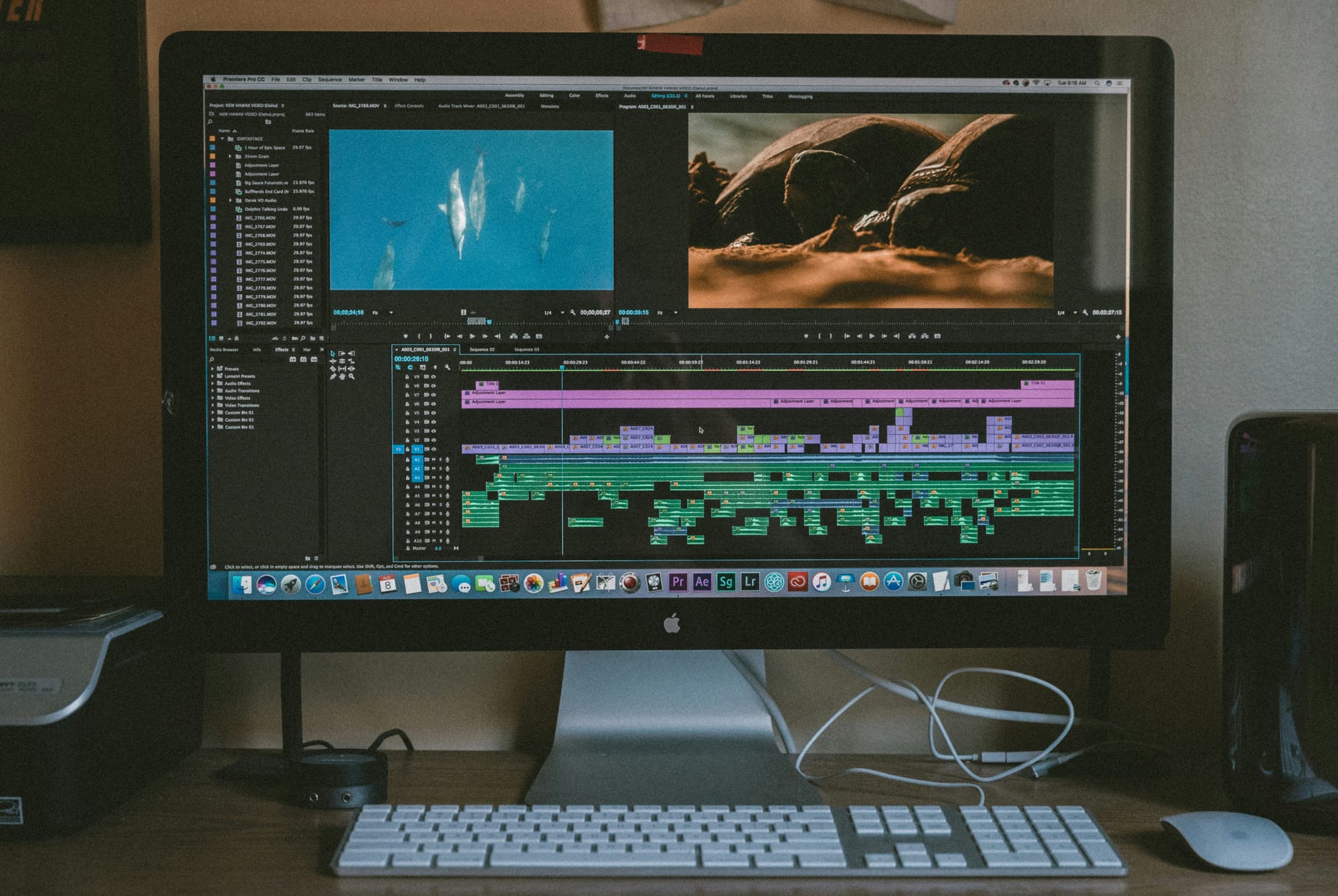
Checking format settings video by video is how most creators quietly bleed time and consistency. The fix is not another checklist. It is a saved export preset that makes TikTok-native specs the default, so the correct settings ship with every video automatically, not just the ones you happened to double-check.
Minute 0-5: Confirm Your Current Export Defaults
Open your editing software's export panel before changing anything. Compare the current defaults against TikTok's confirmed specs:
- Aspect ratio
- Resolution
- Codec
- Bitrate
This step matters because most editing software ships with defaults built for broadcast or web output, not vertical short-form. You cannot fix what you have not confirmed is broken.
Minutes 5-10: Lock In 9:16 at 1080x1920
Change your export preset to 9:16 at 1080x1920 specifically. Do not export at a higher resolution expecting better results. TikTok compresses incoming files to its own standard regardless, so uploading at 4K only adds file size without preserving quality after compression. The native resolution is the target.
This single change carries more weight than any other setting in the workflow. Completion rate is the signal TikTok's ranking system responds to most directly, and a video that fills the screen without black bars or letterboxing is the baseline condition for that signal to work in your favor. Everything else in this workflow supports this one decision.
Minutes 10-15: Set Codec and Frame Rate
Confirm MP4 or MOV output with H.264 video and AAC audio. Set frame rate to 30fps for standard talking-head or text-overlay content, and 60fps only if your footage regularly includes fast motion. H.264 is the codec TikTok processes most cleanly. Deviating from it introduces compression artifacts that can't be recovered after upload.
Minutes 15-20: Set Bitrate and Kill Pre-Export Compression
Set export bitrate to approximately 8 Mbps. Then disable any compression step in your workflow that runs before the file reaches TikTok. Double compression is the most common quality killer in short-form video pipelines, and it is almost always invisible until you compare the final output side by side with a clean source upload.
A common pattern surfaces here: creators assume their editing software's export settings are already optimized, when the defaults are almost never built for platform-native output. The failure point is usually not ignorance of the correct specs. It is the assumption that the software already knows what platform the video is going to.
Automating Platform-Ready Video Formatting
Most creators handle this by manually adjusting settings each time they export, which works until it does not. When a deadline is tight, or a batch of clips needs to go out fast, that manual check gets skipped. Crayo sidesteps this entirely by generating short-form videos already formatted for TikTok, with subtitle styles baked in, so the output is platform-ready without requiring a separate export configuration step each time.
Minutes 20-25: Save the Preset by Name
Save these settings as a named preset in your editing software, something specific like "TikTok 2026 Native" rather than a generic label. Named presets reduce the chance of accidentally selecting the wrong output profile when working across multiple projects or platforms. This step turns a one-time fix into a permanent workflow asset.
According to the Coupler.io Blog, you can configure TikTok data export workflows in under 30 minutes using automated scheduling tools, which reflects a broader truth: the technical overhead of getting platform-native output is almost always a setup problem, not an ongoing one. You spend the time once and recover it on every video after.
Minute 25-30: Test on a Real Upload Before You Rely on It
Export your next video using the new preset. Before publishing, open it on your phone and confirm it fills the screen without cropping or black bars. This on-device check is the only confirmation that matters, because what looks correct in your editing software preview does not always translate to correct display inside TikTok's native player.
The preset is only as reliable as the test that validated it. One upload, one check, and you have a format foundation you can trust across every video that follows.
But setting up the right export workflow is only part of what separates creators who scale from those who plateau, and the next piece is one most people overlook entirely.
Related Reading
- Tiktok Content Strategy
- Sludge Content
- What Is Brainrot Content
- How To Do Text To Speech On Tiktok
- How To Make Brainrot Videos
- Long Form Video Content
- What Is Italian Brainrot
- Tiktok Retention Rate
- How To Create Pov Videos
- Italian Brainrot Quiz
- How To Make Tiktok Videos More Engaging
Export TikTok-Native Videos Faster With Crayo
Getting the format right is only half the equation. The other half is whether your workflow lets you apply it consistently, every time, without adding friction to an already fast-moving content cycle.
Most creators using traditional editing software handle exports manually, adjusting codec, bitrate, and resolution settings before each upload. That works when you have time. Under pressure, it's the first step that gets skipped, which is exactly when default settings quietly introduce the format mismatches and compression problems covered earlier in this post.
Simplify TikTok-Ready Exporting
Crayo removes that decision point entirely, exporting in TikTok's confirmed native format by default so the technical foundation is already correct before you publish.
Your job then is simple: generate your video, export it, do a quick on-device check to confirm it fills the screen correctly, and publish. No preset management, no manual spec configuration, no second-guessing whether your editing software's defaults match TikTok's native requirements. The format works for your content, not against it.