How to Remove Background Music From a Video in 10 Minutes

On this page
Ever scrolled through TikTok and noticed how TikTok brain rot content, those endlessly looping clips with chaotic background music, can make it nearly impossible to repurpose a video for your own use? Whether you want to strip audio from a clip, isolate dialogue, or replace the soundtrack entirely, knowing how to remove background music saves time and frustration. This article walks you through the whole process in 10 minutes or less.
The fastest way is Crayo's clip creator tool, which lets you separate audio tracks, mute background music, and clean up your video without prior editing experience. Instead of wrestling with complicated software, you can isolate vocals, remove unwanted sound, and quickly export a polished final cut. If you need a cleaner audio track right now, Crayo is the place to start.
Summary
- Modern AI audio separation tools are genuinely reliable, but most creators still get poor results. A 2026 technical analysis confirmed that deep learning models now deliver studio-quality vocal isolation without any manual frequency editing. The skill barrier that made background music removal difficult in the past is no longer the limiting factor.
- The real bottleneck is source file quality, not the separation algorithm. Lossless formats like WAV and FLAC give AI models the most audio information to work with, while MP3 files below 192kbps contain compression artifacts that no tool can recover. Creators who feed degraded inputs into a separation tool and get muddy results often blame the technology when the actual problem was the file they started with.
- A separated audio stem is intermediate material, not a finished asset. Gain levels shift during separation and frequency balance changes slightly, which means dropping a raw stem directly into an edit will often sound off against dialogue or other audio layers. A Journal of Technology Studies analysis found that hidden quality costs can represent up to four times the visible cost of poor quality, a ratio that holds in content production just as clearly as in manufacturing.
- Workflow friction compounds over time in ways creators rarely account for. Research from Doubletrack found that data workers spend up to 80% of their time preparing and cleaning data rather than doing the actual analysis. The audio parallel is real: creators spend more time troubleshooting bad outputs than they would have spent verifying source quality and running a quick adjustment pass before finalizing the edit.
- The sequence of steps matters as much as the tools used. Checking source file format and bitrate before running any separation, choosing the right tool for the specific material, and applying a brief gain and EQ pass after separation are three distinct steps that most creators either skip or do out of order. LALAL.AI reports that modern stem splitters now support eight or more stem types, including vocals, drums, bass, and synth, showing how granular separation has become when source quality allows it.
- Tool-switching friction is one of the most consistent reasons creators skip the adjustment steps that determine final audio quality. Moving a file from a video editor to a standalone remover and back breaks focus and adds enough steps that the source check and gain pass start feeling optional.
Crayo's clip creator tool addresses this by combining vocal removal, speech enhancement, and export inside a single pipeline, so the adjustment step happens within the same workflow rather than as a separate task that has to be remembered and completed in a different environment.
Why Creators Struggle to Remove Background Music From a Video

Most creators don't fail at removing background music because the technology is broken. They fail because they're solving the wrong problem, or solving the right one with the wrong inputs.
The belief that clean audio separation requires manual EQ work and frequency editing is a holdover from an older era of production.
- Traditional phase-cancellation techniques genuinely were inconsistent and skill-dependent, which made the reputation stick.
- Modern AI-based separation uses deep learning models trained on vast libraries of mixed and isolated audio
A 2026 technical analysis confirmed that these methods now deliver studio-quality vocal isolation without the user ever touching a frequency band. The skill barrier is gone. What replaced it is something quieter and easier to miss.
What Actually Determines Separation Quality
The real variable is the source file.
- Lossless formats like WAV and FLAC give AI separation models the most audio information.
- MP3 files above 256kbps are workable.
Below 192kbps, compression artifacts are already baked in, and no separation tool can recover what encoding discarded. Most creators skip this check entirely, run a heavily compressed export through a tool, get a muddy result, and conclude the approach doesn't work. The tool wasn't the problem.
Why Separated Audio Stems Need Post-Processing
The common workflow is to download the separated vocal or instrumental stem and drop it straight into the timeline. That stem is an intermediate file, not a finished one. Gain levels shift during separation, frequency balance changes slightly, and without a quick adjustment pass, the track sounds thin or oddly leveled against the rest of the video.
Platforms like Crayo handle this inside a single pipeline, where vocal removal connects directly to speech enhancement and export, so the output is already optimized for short-form video rather than requiring a separate correction step in a different tool.
Why One Bad Result Causes Creators to Quit
When a compressed source file produces artifacts, creators rarely trace the failure back to the bitrate. They blame the method. That misdiagnosis is expensive, because it leads to either abandoning a task that's now genuinely accessible, or continuing to use low-quality inputs and accepting mediocre results as the ceiling. The real ceiling is much higher, but only if you treat the source file as part of the process, not an afterthought.
The pattern is consistent across creators working with repurposed footage, interview content with ambient music, or clips recorded in environments with background sound. They underestimate the source, overestimate the tool's complexity, and then treat the raw output as final. Fix any one of those three things and the result improves. Fix all three and the gap between what they're producing and what's possible closes fast.
Related Reading
- Can You Download YouTube Videos
- How to Download YouTube Videos Without Premium
- Can You Download YouTube Videos to Watch Offline
- Is It Illegal to Download YouTube Videos
- Do You Need YouTube Premium to Download Videos
- Can You Download YouTube Shorts
- Why Can't I Download TikTok Videos
- How to Make Reddit Story Videos
- How to Make TikTok Reddit Story Videos
- How to Download YouTube Shorts
The Hidden Cost of Ignoring Source Quality and Treating Stems as Final
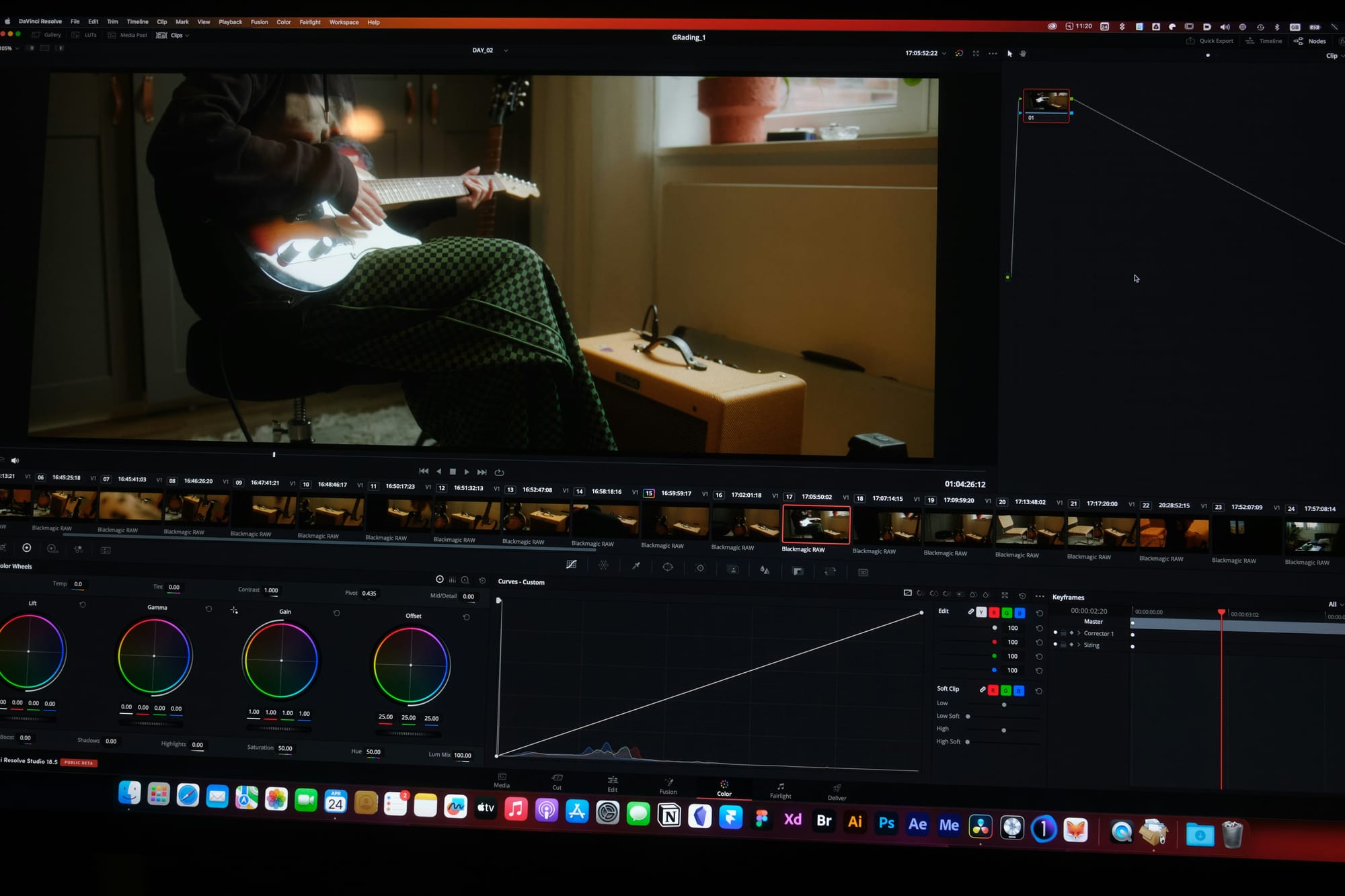
The gap between what AI separation tools can do and what most creators actually get from them isn't a technology problem. It's a workflow problem, and it shows up in two specific, measurable places: input file quality and what happens to the output file.
How Source Compression Hurts Audio Separation
Source compression is the first failure point. When you run a heavily compressed export through a separation tool, the model has less audio information to work with. The artifacts you hear in the result aren't a sign that the technology is unreliable.
They're a direct consequence of feeding a degraded input into a process that depends on signal clarity. Lossless formats give the model the full picture. A 128kbps MP3 gives it a sketch.
Why Separated Stems Need Final Audio Adjustments
The second failure point is subtler but just as costly. A separated stem is intermediate material, not a finished asset. Dropping it directly into an edit without a gain check or a brief EQ pass is like printing a document and calling it designed. The separation may be clean, but a level mismatch or frequency gap will make it sound off against the rest of your audio.
According to a Journal of Technology Studies analysis, hidden quality costs can represent up to four times the visible cost of poor quality, and that ratio holds in content production just as clearly as in manufacturing. The cost of skipping a two-minute adjustment pass compounds across every piece of content where the audio lands slightly wrong.
Why an Integrated Audio Workflow Produces Better Results
Most creators handle audio removal by running whatever file they already have through a standalone tool, downloading the result, and moving on. That approach works until the audio sounds subtly off on playback, and by then the edit is already done.
Platforms like Crayo are built around a different model: vocal removal, speech enhancement, and export exist inside the same pipeline, so the adjustment step isn't something you have to remember to do separately. It's part of how the output gets made.
The Hidden Cost of Skipping Audio Preparation
The pattern that drives both mistakes is the same. According to Doubletrack's research on dirty data, data workers spend up to 80% of their time preparing and cleaning data rather than analyzing it. The parallel in audio work is real: creators spend more time troubleshooting bad outputs than they would have spent checking source quality and running a final pass in the first place. The fix isn't complicated. It's just not the default.
Why Poor Results Usually Come From Workflow Mistakes
What makes this frustrating is that the technology itself isn't the bottleneck. The separation models available now are genuinely reliable. The results that fall short almost always trace back to one of those two checkable variables, not a fundamental ceiling in what the tools can do.
Once you know exactly where the process breaks down, the next question becomes which specific methods close the gap fastest.
7 Ways to Remove Background Music From a Video in 10 Minutes
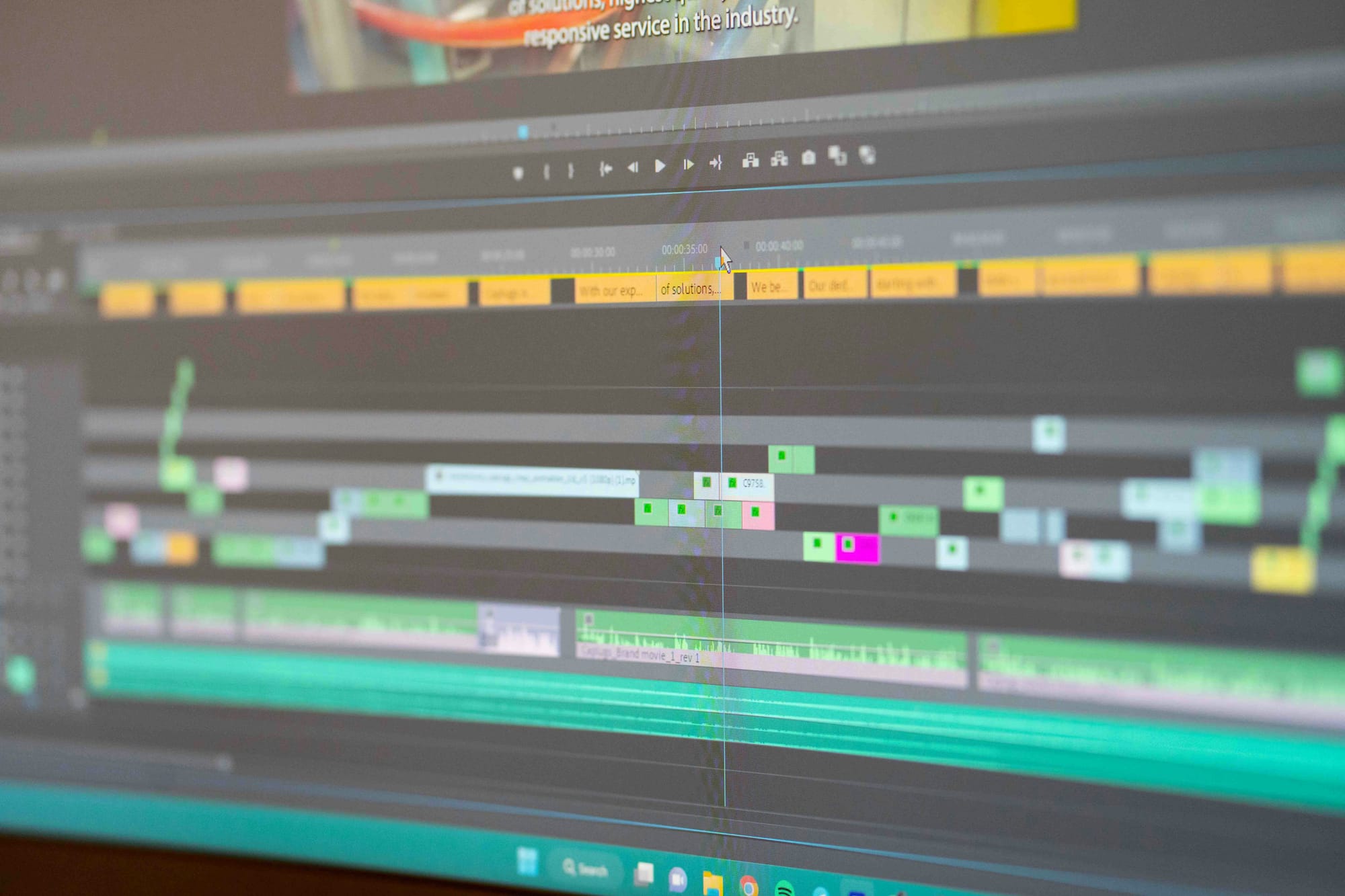
Separation quality depends on source file quality and post-separation adjustments, not the tool alone. With that in mind, each method below matches a specific use case so you can choose before you start, not troubleshoot after.
1. Browser-Based AI Vocal Remover
The fastest path to a clean stem requires no software installation and no file transfer. Some browser-based AI vocal removers handle separation entirely on-device, meaning your audio never leaves your machine.
According to Remove.Music, AI separation can extract a voice from background music in under 60 seconds, making it a strong starting point for short clips where speed matters more than surgical precision.
2. Upload-Based AI Separation Platform
When a browser tool hits its ceiling on longer files or higher-resolution audio, an upload-based platform closes that gap. These cloud platforms run on dedicated infrastructure that handles the computational load a local browser session cannot sustain.
Platforms in this category support up to seven video formats including MP4, MOV, MKV, and WebM, alongside six audio formats including WAV, FLAC, and AAC, giving you real flexibility when your source file isn't a standard MP3.
Why Integrated Audio Tools Reduce Editing Guesswork
Most creators take the familiar approach:
- Grab the first tool that appears in a search
- Run the file through it
- Move on
The hidden cost shows up later, when the stem sounds slightly off against the rest of the edit, and there's no clear reason why.
Crayo removes that guesswork by building audio separation directly into the same pipeline as subtitles, speech enhancement, and export, so the output is already calibrated for the final video rather than handed off as a raw file that needs separate treatment.
3. Desktop Audio Software With Dialogue Isolation
The failure point is usually the source material itself, not the tool. Old recordings, noisy environments, or audio with multiple overlapping sound sources push general-purpose AI separators past their reliable range.
Professional desktop software with a dedicated dialogue isolation module is built specifically for speech-in-noise scenarios, offering manual control that consumer-grade tools simply don't expose.
4. Mobile Editing App With Built-In Music Removal
If your entire workflow lives on a phone, adding a separate desktop or browser step creates friction that compounds over time. A mobile editing app with built-in background music removal processes the video on-device, skipping the export-upload-download cycle entirely.
For creators who shoot, edit, and post from a single device, that cycle isn't a minor inconvenience; it's a genuine bottleneck that slows publishing cadence.
5. Source-First Verification Before Any Tool
The single most preventable cause of poor separation happens before you open any tool. Checking your source file's format and bitrate first, and sourcing a lossless or higher-bitrate version if the original is heavily compressed, costs two minutes and changes the output more than switching tools does. Every method on this list performs measurably better with cleaner input.
6. Post-Separation Gain and EQ Pass
A clean separation is not a finished stem. Gain-matching and a brief EQ pass on the separated audio before it enters the final edit prevent the subtle mismatch that makes an otherwise good separation sound like it was dropped in from a different project. This step takes less time than re-exporting a file, and skipping it is the second most common reason a technically successful separation still sounds wrong in context.
7. Crayo's Built-In Audio Separation
Tool-switching friction is real, and it accumulates. Moving a file from a video editor to a standalone remover and back adds steps that break focus and slow down the creative decision-making that actually determines whether a clip performs. When background music removal is built into the same tool handling the rest of the edit, the separation feeds directly into the next step without a context switch.
The difference between a frustrating result and a clean one almost never comes down to finding a better separation algorithm. It comes down to matching the method to the use case, checking the source first, and treating the stem as a starting point rather than a finished product.
Related Reading
- How to Download YouTube Shorts Without Watermark
- How to Generate AI Voiceover for Video
- How to Remove Music from TikTok Video
- How to Remove Music from YouTube Video
- How to Download YouTube Videos on iPhone
- How to Download YouTube Videos for Free
- How to Download YouTube Videos on PC
- How to Download YouTube Videos on Android
- How to Download YouTube Videos Without Any Software
- How to Download YouTube Videos in Mobile Gallery
- Download Deleted YouTube Videos
- How to Download Age Restricted YouTube Videos
The 10-Minute Workflow to Remove Background Music From a Video

Knowing which tools exist is only the first step. What separates a frustrating result from a clean one is the sequence you follow once you choose a tool.
Minute 0–2: Check Your Source File's Quality
Confirm your source file's format and bitrate before running anything. Lossless WAV or FLAC is ideal; MP3 above 256kbps works well. Replace anything at or below 192kbps with a higher-quality version if available, because compressed audio feeds the AI model degraded frequency data, and the separation output reflects that upstream limit directly.
Minutes 2–3: Choose the Method That Matches Your Use Case
Pick your tool based on the actual material, not habit. A browser-based vocal remover handles quick, clean files efficiently. An upload-based cloud platform suits longer content or less common formats. Dedicated dialogue isolation software handles noisy or old recordings where standard separation tools were never designed to perform well.
The failure point most creators hit is using a lightweight tool on complex source material, then blaming the technology when the result sounds rough. The tool wasn't wrong; it was just mismatched to the job.
Minutes 3–6: Run the Separation
With a verified source file, modern AI audio separation earns its reputation. The model isolates vocal and instrumental content with meaningful accuracy when the input gives it something clean to work with.
LALAL.AI reports that its stem splitter supports 8 or more stem types, including vocals, instrumental, drums, bass, guitar, and synth, showing how granular modern separation has become when source quality allows it.
Minutes 6–8: Apply a Gain and EQ Pass
The raw separated stem is a starting point, not a finished product. Listen to it alongside your other project audio and adjust gain and EQ so it sits naturally in the mix rather than sounding like something dropped in from a different recording session. This single pass is the specific, documented step that determines whether a technically clean separation actually sounds clean in context.
Most creators skip this entirely. The result is audio that passes a solo listen but feels subtly wrong the moment it plays against dialogue, subtitles, or ambient sound in the final video.
Integrating Vocal Removal and Enhancement
The familiar workaround is to download the stem and drop it straight into the timeline, assuming the AI handled everything. As the edit gets more complex, that assumption creates friction: volume mismatches, frequency clashes, and a final mix that sounds assembled rather than composed.
Crayo addresses this by combining vocal removal with speech enhancement inside a single pipeline, so the adjustment step happens within the same workflow rather than as a separate manual task bolted on afterward.
Minutes 8–10: Confirm the Result and Check Usage Rights
Listen to the finished audio in the context of the full video, not in isolation. Pay attention to how the separated track behaves against dialogue and any other audio layers. You can remove background music from a video in under 60 seconds for the separation step itself, which means the time you spend on this final confirmation pass is genuinely the most valuable investment in the entire workflow.
If the content is for commercial or monetized use, confirm you have appropriate rights to the underlying audio. Personal use of separated audio is generally treated as fair use in most jurisdictions. Commercial or published use typically still requires licensing for the original material, and discovering that gap after publishing is much harder to fix than checking beforehand.
Why the Order Matters
Verify the source before separation; adjust after. That sequence lets the technology perform to its full capability, rather than being limited by two avoidable, unchecked steps on either side.
The improvement does not come from finding a better separation algorithm. It comes from not undermining a capable one.
Before and After
Before: a compressed source file processed without a quality check, separation run once, the downloaded stem used exactly as-is with no adjustment, and usage rights never confirmed.
After: source quality verified first, the right method chosen for the specific material, separation run on a clean input, a brief gain and EQ pass applied before final use, and rights confirmed before publishing.
The gap between those two outcomes reflects workflow discipline, not tool capability. The same technology produces both results depending on what happens before and after it runs. What changes when you stop managing that workflow manually and handle it inside a single, connected environment is where things get genuinely surprising.
Remove Background Music Faster With Crayo
Uploading to a separate tool, downloading the result, and re-importing it into your editor isn't a technical problem. It is a friction problem. That cycle adds enough steps that creators start skipping the source quality check and the final gain pass, because the whole process already feels like too many moves before the actual edit even begins.
Crayo removes that cycle entirely.
- Upload your video
- Strip the background music
- Continue editing inside the same project
Streamlining Workflows for Consistent Audio Quality
Speech enhancement and subtitles available in the same pipeline. The separation step stops feeling like a detour and starts feeling like one part of a connected workflow aimed at a publishable clip.
Creators producing the cleanest audio aren't running more sophisticated tools. They do fewer context switches, so they complete the source check and the quick gain pass every time because nothing in the process feels like too many steps.
Related Reading
- How to Download Private YouTube Videos
- How to Download YouTube Videos on Chromebook
- How to Download YouTube Videos Without YouTube Premium
- How to Download TikTok Videos
- How to Download TikTok Videos on PC
- How to Download All TikTok Videos at Once
- How to Download Private TikTok Videos
- Best AI Voiceover for Video Creation
- How to Download TikTok Videos Without the Watermark
- How to Download TikTok Videos on Mac
- Best Way to Download YouTube Videos