If you create video content regularly, you already know the pain of sitting through hours of footage just to find that one perfect clip worth sharing. The demand for short, punchy video clips has never been higher, and whether you are a podcaster looking for the best AI podcast clip generator or a content creator trying to keep up with social media, the right tool can save you serious time. This article breaks down the 7 best AI video clipping tools to edit faster so you can stop wasting hours and start publishing more.
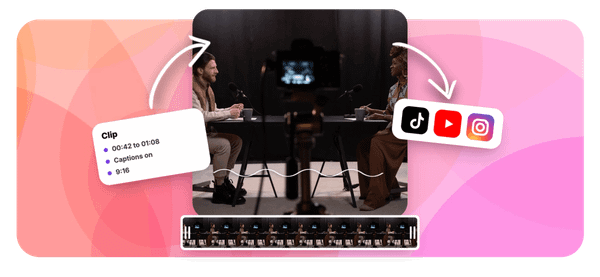
One tool that stands out is Crayo, built specifically to help creators pull shareable clips quickly without advanced editing skills. While other AI video clipping tools focus on basic cuts, Crayo goes further by helping you identify high-impact moments, add captions automatically, and format clips for platforms like TikTok, YouTube Shorts, and Instagram Reels in one smooth workflow. If your goal is to edit faster and grow your audience, knowing how Crayo fits into your toolkit is a solid place to start.
Summary
- AI video clipping is not a single task. It is five separate jobs compressed into one label: highlight selection, trimming, reframing, captioning, and quality review. When creators treat these as one continuous action, the time compounds quickly. A 45-minute manual workflow per clip across 16 clips monthly adds up to roughly 12 hours of labor, or about $435 in monthly labor costs at the median film editor wage of $36.26 per hour reported by the U.S. Bureau of Labor Statistics in May 2025.
- The discovery phase is where most of the time actually disappears. Unstructured scrubbing through a full timeline feels productive but produces no comparative judgment until 20 or 30 minutes have already passed. A creator who searches a transcript for a specific topic, reviews two or three candidates side by side, and selects the one with a clean opening will finish in a fraction of that time. The method matters more than the effort applied.
- AI engagement scores are useful signals, not publishing decisions. A model scores energy and pacing, not accuracy or context. A moment where a speaker's voice rises and delivery tightens will score well even if trimming that section removes a caveat that changes the meaning of everything around it. Caption corrections and crop tracking still require human review before any clip goes live.
- The real waste in a broken clipping workflow is not one frustrating afternoon. It is the same loop running quietly every week across every recording. When a team uploads a 70-minute recording to pull two usable 40-second clips, they process 68 minutes of footage that never appears anywhere. YouTube's audience-retention documentation also shows that intro drop-off is measurable within the first 30 seconds, meaning a clip that opens weakly bleeds viewers before the point arrives.
- Creators using AI-assisted workflows can save up to 10 hours per week according to AIXHDD's 2026 analysis of AI video editing tools, but that figure only materializes when the tool matches the specific bottleneck in the workflow. Choosing a tool based on feature count rather than where time actually disappears produces no meaningful throughput improvement. The sequence of decisions controls output rate more than any individual platform's capabilities.
This is where Crayo fits in, as a resource for creators looking to match the right AI clipping tool to their specific workflow stage, with the article covering 7 best AI video clipping tools to edit faster, addressing discovery, transcript-based editing, caption design, and bulk team workflows across the tools most relevant to short-form publishing.
Why Creators Struggle to Clip Videos Quickly
Clipping a long video is not one task. It is five tasks wearing the same name.
Most creators treat highlight selection, trimming, reframing, captioning, and quality review as a single job called "editing." That framing is where the real slowdown begins. Each of those five steps requires a separate decision, and when you repeat them for every candidate clip across a 60-minute recording, the time compounds faster than most people expect.
Structuring the Discovery Phase
The failure point is usually the discovery phase. Scrubbing a timeline from the beginning feels productive because you are moving through footage. But unstructured scrubbing means you are making no comparative judgments until you have already spent 20 or 30 minutes on a single pass. A creator who searches the transcript for a specific question, reviews three candidates side by side, and picks the one with a clean opening and landing will finish in a fraction of that time. The method matters more than the effort.
Shortlisting Moments for Longer Videos
Most teams handle this by watching full recordings and marking timestamps in a notes document. It is familiar, requires no new tools, and feels thorough. But as episode length grows and publishing frequency increases, that approach creates a backlog that never clears.
According to a Buffer analysis of 1.1 million TikTok clips via Media Group Online, videos exceeding one minute generate 63.8% more watch time than shorter counterparts, which means creators now need to evaluate longer candidate clips, not just 30-second grabs. That raises the review burden significantly. Tools like Crayo address this friction by automatically surfacing high-impact moments, so human review starts with a shortlist, not the raw file.
Where AI Scores Mislead Editors
The problem with leaning entirely on an AI engagement score is that the model scores energy, not accuracy. A moment where the speaker's voice rises, and the pacing tightens, will score well, even if that moment removes a caveat that changes the meaning of everything around it. The score is a signal, not a verdict. Treating it as a publishing decision skips the one review step that protects your credibility with your audience.
The same issue surfaces in caption correction and crop tracking. AI handles the first pass faster than any manual editor, but wrong words and misframed speakers still require human eyes before the clip goes live. The goal is not to remove human judgment from the workflow. The goal is to move human judgment to the decisions that actually require it and automate the ones that don't.
Related Reading
- Best AI Podcast Clip Generator
- What Is An Audiogram Podcast
- How Long Does It Take To Trim A Zoom Recording
- Content Repurposing Examples
- Webinar To Short Clips AI
- Clipping a YouTube Video
- Podcast Clips For Social Media
- Video Clipping For Social Media
- How Do I Repurpose My Interview To Social Media
- Sermon Clips AI
The Hidden Cost of Manual Video Clipping
Searching for the right moment in a long recording isn't passive work. It is paid time, and most creators never account for it in their clip budget. The failure point is usually invisible until you map it. A 45-minute manual workflow per clip, across 16 clips monthly, adds up to roughly 12 hours of labor.
At the median film editor wage reported by the U.S. Bureau of Labor Statistics in May 2025 ($75,420 annually, or about $36.26 per hour), that scenario represents about $435 in monthly labor before a single subscription charge hits your card. Cut the per-clip time to 25 minutes with a structured AI-assisted process, and the same math drops to around $242. The gap is not the tool cost. The gap is repeated searching, abandoned clips, and exports that had to be redone.
Where the Real Waste Hides
Many people believe clipping only costs time when something goes wrong. That belief breaks down the moment you count discarded clips. When a team uploads a 70-minute recording to pull two usable 40-second clips, they process 68 minutes of footage that never appears anywhere. Pricing structures compound this:
- A per-source-minute plan charges for the upload regardless of how many clips survive review
- While a per-generated-clip plan shifts the cost to output volume but may still cap export minutes separately
The unit that matters is cost per approved, exported, usable clip, not the monthly subscription line item.
Refining Automated Selection With Editorial Judgment
Most teams handle this by treating the AI suggestion as a finished product. The clip gets flagged, captioned automatically, and queued for export without a retention check. What happens next is predictable: YouTube's audience-retention documentation (Google Support) shows that intro drop-off is measurable within the first 30 seconds, and a clip that opens with "as I said earlier" or a three-second pause bleeds viewers before the point arrives. The fix is editorial, not cosmetic.
Moving a clear sentence to the front, trimming the lead-in, or selecting a different excerpt entirely changes the retention curve. A brighter subtitle color does not. Crayo is built to surface high-impact moments automatically, which reduces the chance that a weak intro survives the selection stage, but a human reviewer still makes the final judgment on pacing and context.
A Test Worth Running Before You Subscribe
Before committing to any AI video clipping tool, run a break-even test on three clips manually and three with the tool's trial allowance. Record five numbers:
- Time to locate a usable moment
- Time to fix captions and crop
- Clips discarded
- Export success rate
- Final minutes per approved clip
Multiply minutes saved by clips produced monthly, divide by 60, and you have hours recovered. Multiply that by your actual hourly labor cost, subtract the tool fee, and you get a net value figure specific to your workflow, not borrowed from a vendor's marketing page. No credible published benchmark gives a universal "AI saves 80% of editing time" figure, because the variable that matters most is how often you repeat the process, not how fast the first clip moves.
The Compounding Friction of Broken Workflows
The real cost of a broken clipping workflow is not one frustrating afternoon. It is the same 45-minute loop running quietly every week, across every recording, on every platform, until the numbers make the decision for you.
Once you see which tools actually move those numbers, the choice becomes a lot less obvious than the pricing pages suggest.
7 Best AI Video Clipping Tools to Edit Faster
The deciding factor is not how many clips the AI generates. It is how quickly you get an accurate, approved clip worth sharing.
1. Crayo: Ranked Moments Plus a Full Short-Form Editor
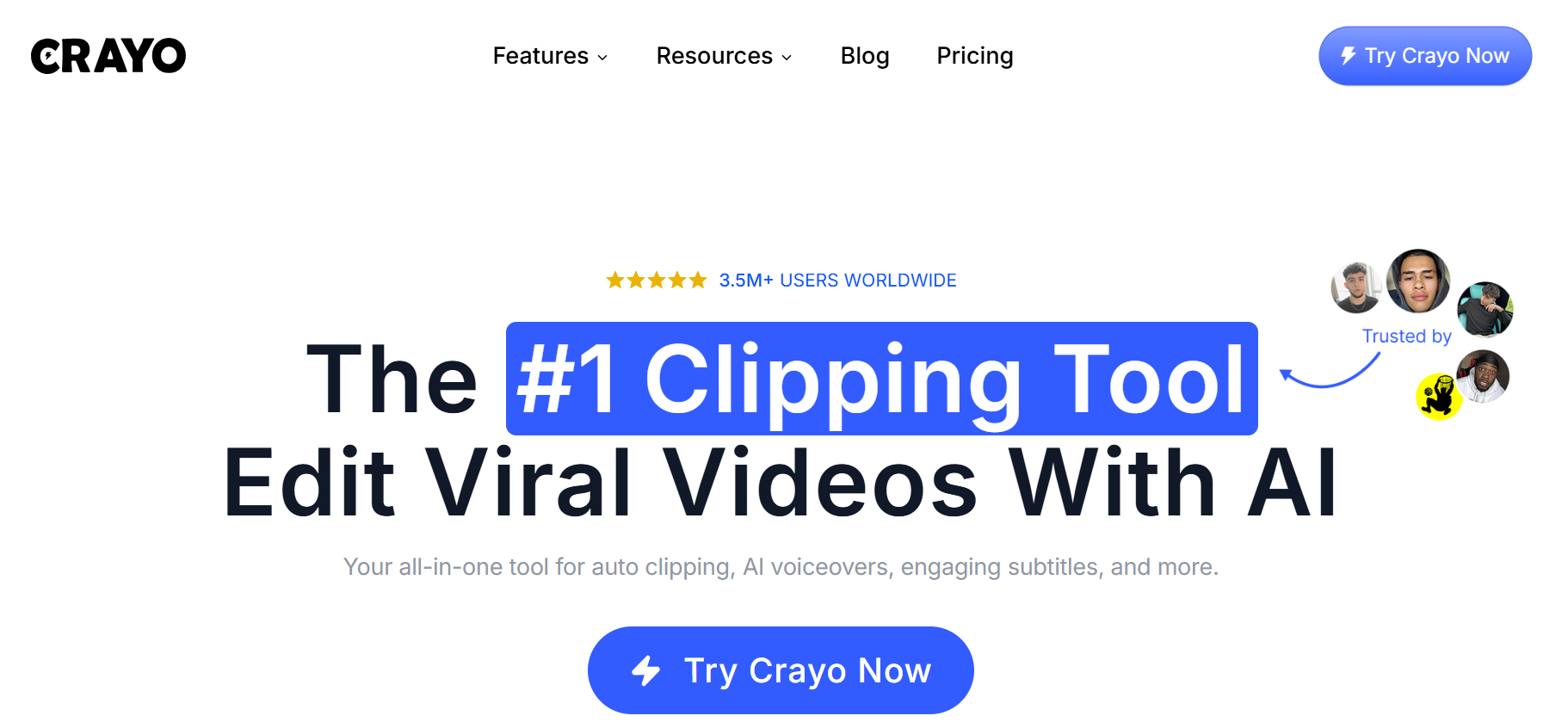
Crayo finds candidate highlights, creates captioned clips, tracks the speaker in vertical video, and gives you a timeline to finish the result. Upload an interview, ask for two candidate moments around a specific topic, check the original context, adjust the caption and crop, then export a 45-second clip ready for any short-form platform. Clip discovery, portrait cropping, subtitles, and finishing all happen inside one workflow, which means fewer handoffs and fewer places for a mistake to hide.
The limitation worth knowing: Crayo does not automatically publish to social platforms. Review Crayo workflow credit and export-minute limits before you start processing long recordings at volume.
2. OpusClip: Fast AI Highlight Discovery
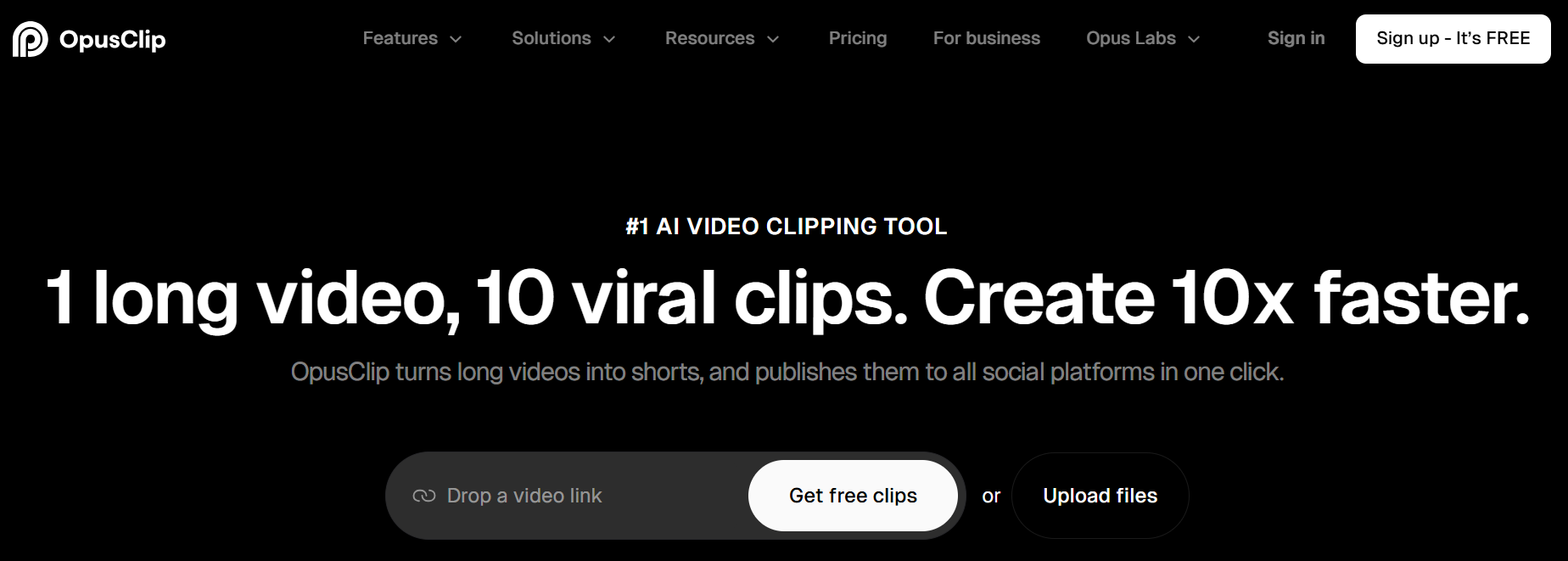
- Analyzes source videos
- Generates suggested clips
- Uses a predicted Virality Score to rank them
The practical value isn't the score itself, which reflects a model's prediction rather than real engagement. The value is that the first pass gives you a shortlist of moments worth reviewing, so you spend time evaluating candidates rather than scrubbing a 40-minute timeline from the beginning. Plan allowances are metered, so confirm credit limits before committing to a recurring workflow.
3. Vizard: Bulk Clipping and Team Workflows

The same bottleneck surfaces in agencies and in-house social teams alike:
- One long recording needs to become five different clips for five different audiences.
- And someone has to organize, revise, and deliver them all without losing track of which version is approved.
Vizard addresses this by combining clip generation with a text-based editor designed to organize multiple outputs at once. Generate five potential clips from a training session, keep the two that answer separate customer questions, and revise captions before delivering them to a client.
Confirm processed-minute credits, resolution limits, and sharing restrictions by plan before committing. Those details change the math on whether bulk clipping at scale stays within budget.
4. Klap: Automatic Topic Clips and Reframing
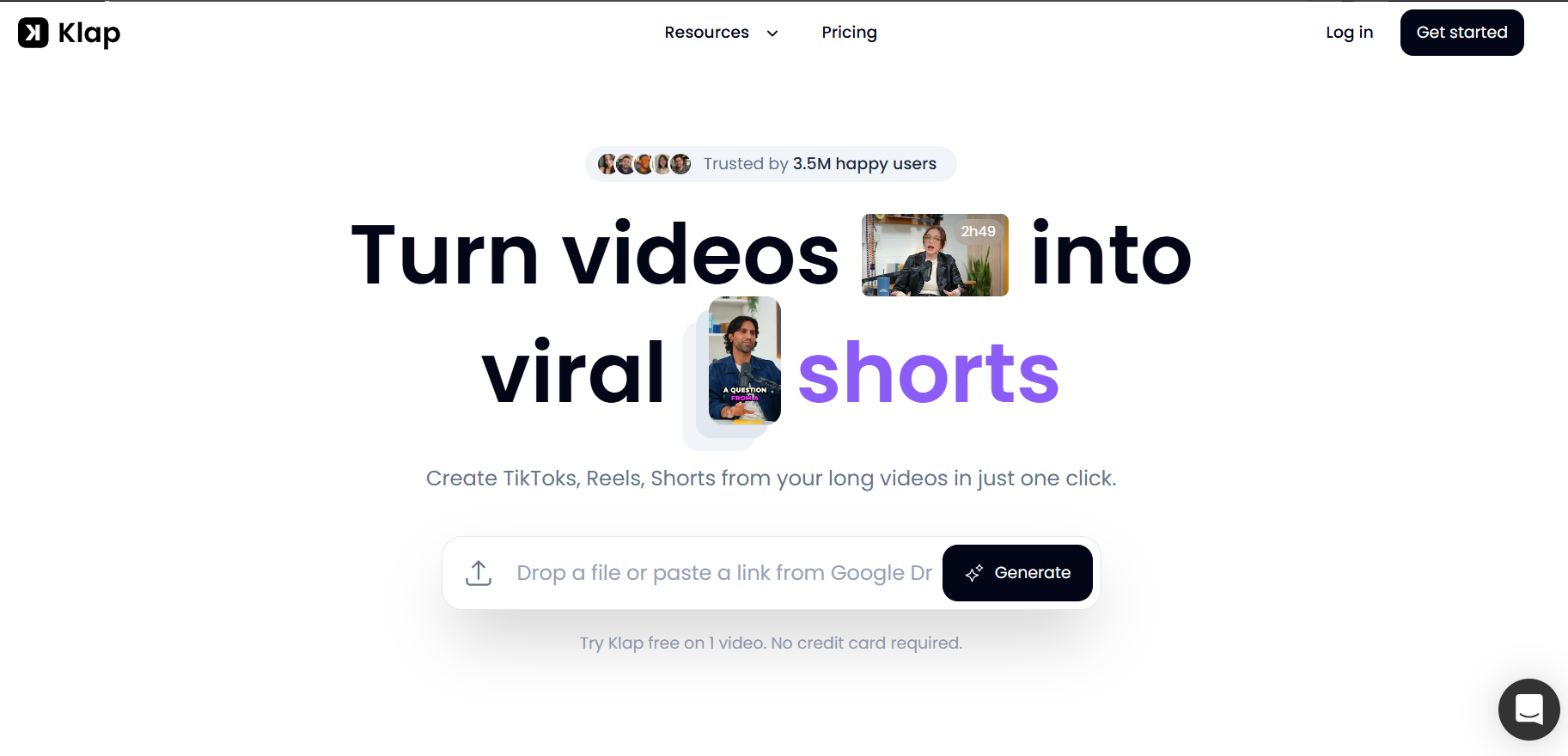
Most clipping tools apply a static center crop to vertical video. Klap's reframing options can adapt scenes, including screen recordings, rather than locking the frame on a fixed point. That distinction matters when the speaker moves, shares a screen, or demonstrates something outside the frame center.
Klap works best with speaking-led content. Test gameplay footage or music-heavy recordings before subscribing, because the tool is built around speech as the primary signal for moment selection.
5. Descript: Precise Transcript-Led Cuts

The failure point in most long-form editing is precision. Finding the exact frame where a speaker finishes a thought, before the filler and the tangent begin, takes longer than it should when you are working from a visual timeline. Descript solves this by making the transcript the editing surface: delete a sentence in text, and the matching video disappears with it. That approach is especially useful for podcast teams who care about exact word choices and need to preserve context across a cut.
The tradeoff is finishing time. Descript offers more manual control than a focused one-click clipper, which means more decisions per clip, not fewer.
6. VEED: Captioned Clips Without Complex Software
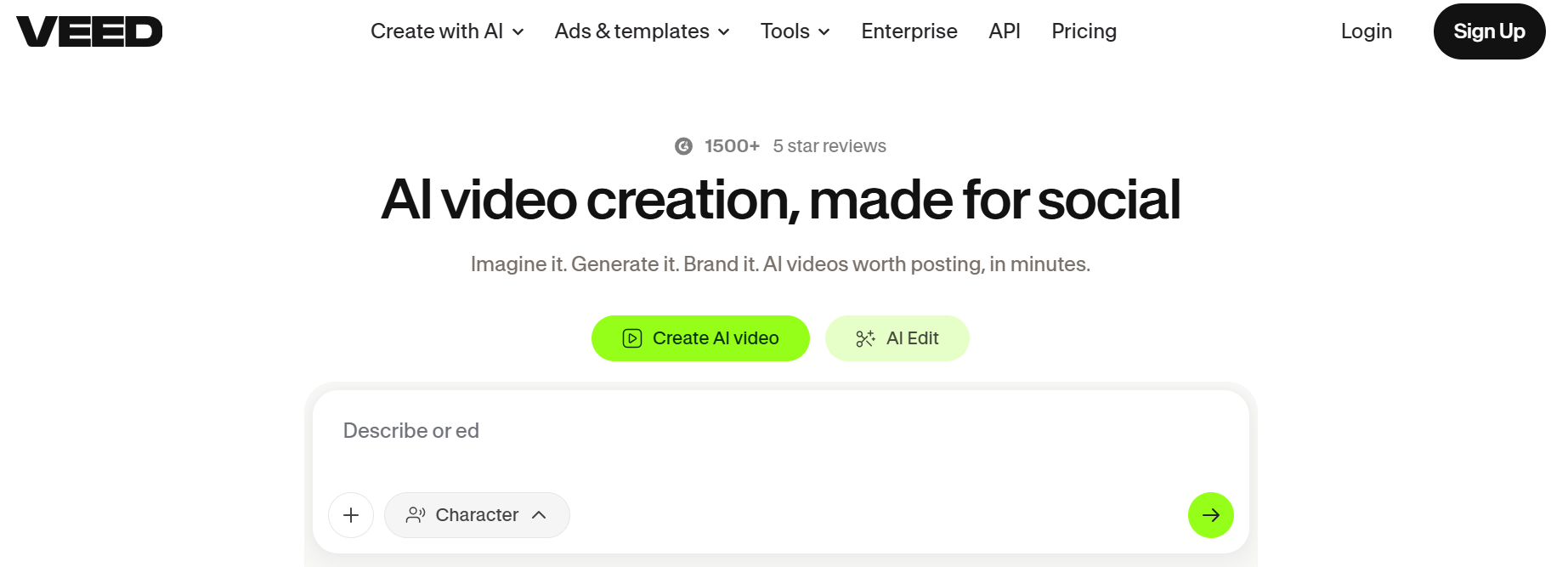
When the main editing task is subtitles and clean vertical framing, a browser-based tool removes a layer of friction that desktop software adds. VEED's AI Clips feature picks highlights, reframes speakers, adds subtitles, and removes filler words, all inside the same editor used to make corrections. Turn a coaching answer into a 50-second clip, correct a brand name in the transcript, and adjust text placement for a phone screen without switching applications.
The free-plan AI Clips usage is a limited trial. Check the current eligible paid plan before building a recurring clipping process.
7. Submagic: Caption-First Short Videos
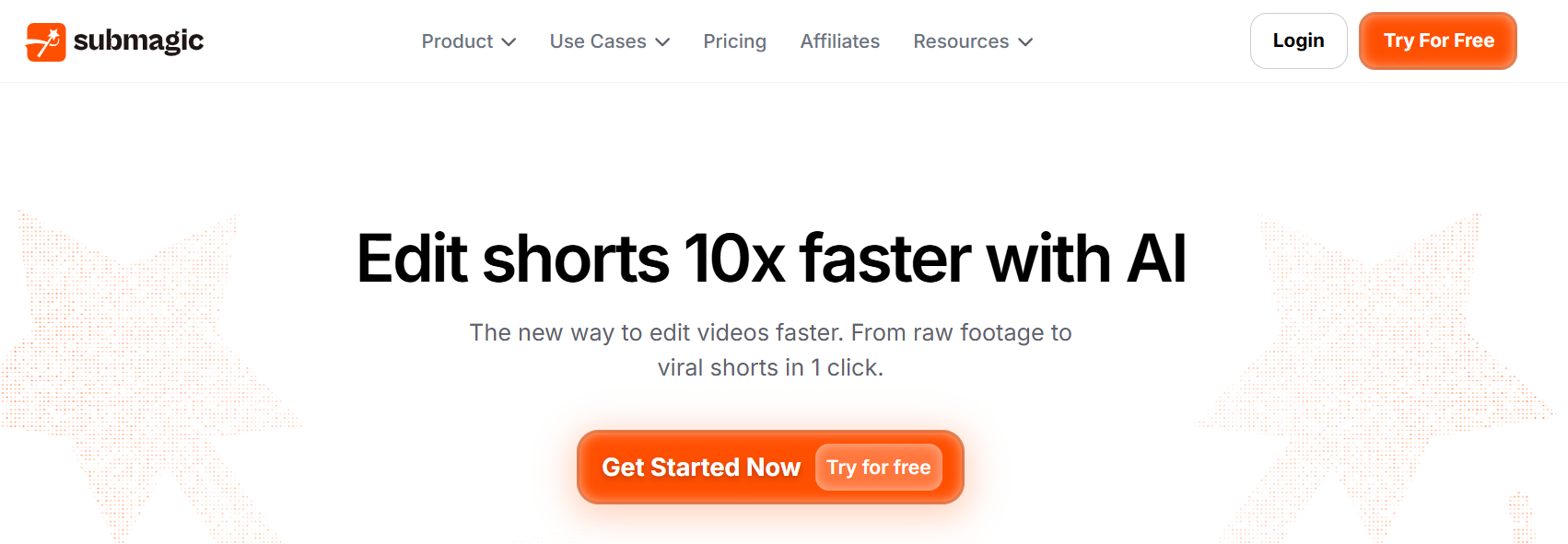
Most creators treat captions as a finishing step. Submagic treats them as the product. Its Magic Clips feature generates short segments from longer footage, but the platform's real strength is animated caption design:
- Hook styling
- Text placement
- Brand-consistent subtitle formats that go beyond a plain white transcript
Select one complete lesson excerpt, correct the terms, then apply a caption style consistent with the channel. Check source-duration and credit restrictions before assuming it replaces a full editing suite. A caption-focused tool handles one part of the workflow exceptionally well, but it is not built to manage complex multi-track edits.
Why the Workflow Matters More Than the Tool
Most teams handle this by picking the tool with the most features and building a process around it afterward. The problem is that features do not determine throughput. The sequence of decisions does. According to AIXHDD's 2026 analysis of AI video editing tools, creators using AI-assisted workflows save up to 10 hours per week, but that number only materializes when the tool matches the specific bottleneck in the workflow, not when it is simply the most capable option on the market.
The old workflow runs like this:
- Scrub the whole source
- Guess a moment
- Trim
- Reframe
- Type subtitles
- Export
- Discover a mistake
- Edit again
The new workflow starts by defining a complete point before touching the timeline, generating candidate timestamps, reviewing meaning in context, finishing crop and captions, approving one clip, and then measuring what happens. The difference is not speed. It is sequence.
Matching Clipping Tools to Workflow Bottlenecks
Most clipping teams reach a point where the AI suggestions stop feeling useful, and the manual review pile starts growing again. That usually means the tool was chosen for the wrong task. Choose based on where time actually disappears:
- Crayo or OpusClip for finding and finishing moments
- Descript for transcript precision
- VEED or Submagic when captions dominate the edit.
A faster clip is only valuable if it is accurate, understandable, and ready to share. Speed without those three things is just a faster way to publish something you will later wish you had not. Most people don't realize the tool is only half the equation, and the other half that controls your output rate is something else entirely.
Related Reading
- Church Reels Editing
- Podcast Shorts
- How To Start Clipping On Instagram
- Best Video Clipping Tool For YouTube
- Repurposing Content For Social Media
- How To Add Audio To A Video
- How To Repurpose Webinar Content For Marketing
The 30-Minute Workflow to Make Better Video Clips Faster
This workflow applies to one recording clipped into two reviewed, finished videos. It does not scale automatically to a three-hour source, and AI-generated clips will not perform well just because they were produced quickly. Speed earns its value only when the output is accurate, complete, and honest to the original speaker's meaning.
The structure below separates five distinct jobs: defining what a good moment looks like, finding candidates, editing the strongest one, checking for the three failure points most creators skip, and measuring the result. Each job has a clear input and output. That separation compresses the timeline.
Minute 0–5: Define a Clip That Can Stand Alone
Start with one audience question and write a single sentence describing the answer the clip should deliver. That sentence becomes your editorial filter for everything that follows. Without it, you are asking the tool to decide what matters, and tools do not know your audience.
Choose a target length based on what the story needs, not because a platform preference says "keep it under 60 seconds." A 47-second clip that answers one question completely outperforms a 28-second clip that answers nothing. The criterion you write in this step is the only thing that separates useful AI suggestions from noise.
Minutes 5–10: Generate a Shortlist, Not a Library
Load the recording into a clipping tool and request a small number of candidate highlights around the topic you defined. Preview the start point, end point, and surrounding context for each. Compare the tool's ranking with your own judgment before selecting anything.
The failure point here is volume. Generating 20 candidates and reviewing them afterward is not faster than manual scrubbing; it is just a different kind of scrubbing. Two usable candidates is the target. If the tool cannot surface two credible options around your defined topic, the source needs a different search before you move forward.
Minutes 10–17: Turn a Rough Cut Into an Editorial Decision
Trim dead air and confusing lead-ins from the stronger candidate. Keep the sentence that explains the situation to the viewer. Apply vertical framing and confirm that faces or on-screen demonstrations stay visible as the speaker moves.
This is the moment where the workflow earns its time savings. According to the Boolv Blog, AI video workflow automation can reduce production time by 70%, but that figure assumes the human editor makes real decisions at this stage, not just accepts whatever the tool outputs. The rough cut is a starting point. The editorial trim is the actual product.
Add subtitles and correct any technical language the transcription misread. A clip that captions a proper noun incorrectly loses credibility in the first five seconds, regardless of how strong the underlying content is.
Minutes 17–22: Check the Three Failure Points Before You Move On
Most creators export after the first draft feels "close enough." The three checks below exist because close enough is not the same as done.
- First, the first-second test: can a stranger understand what is happening without prior context?
- Second, the context test: did any removed phrase change the speaker's meaning or create a false impression?
- Third, the silent-view test: do subtitles remain readable and accurate with the audio off?
Also watch the crop when the speaker shifts position. Automated tracking can follow the wrong subject when two people are on screen.
The common pattern in failed clips is not a bad AI tool; it is a skipped review. Automation adds subtitles quickly. It cannot take responsibility for a missing disclaimer, a misidentified speaker, or a sentence fragment that sounds like a claim the speaker never made.
Minutes 22–27: Build a Second Variation With the Same Standard
Use the second candidate from your shortlist, or create a shorter version of the first clip if the source had only one strong moment. Apply the same three-point quality checklist before exporting anything.
Most teams handle this step by generating a second clip with a different hook or framing and calling it a variation. That is fine, as long as the edit stays truthful to the original. Changing the first sentence to test a different opening is a legitimate editorial choice. Reframing the speaker's position to improve engagement is not. The distinction matters more than the time it saves.
Export both files and confirm audio, picture, and subtitle sync in the downloaded versions before moving to the final step. Corrupt exports are more common than most creators expect, and discovering one after posting costs more time than the check takes.
Minutes 27–30: Record What Actually Happened
Write down the source duration, the number of candidates the tool generated, the number of clips you approved, the total editing time, and the tool credits or export usage consumed. Calculate the time per approved clip.
That number is your real benchmark. Modern AI tools can produce a complete video in around 30 minutes, but that figure reflects a clean workflow with well-structured source material. Your own time-per-clip calculation will show whether that holds for your specific content type and recording quality.
After posting, check actual audience-retention data rather than vanity metrics. Retention patterns tell you whether the clip answered the question you defined in minute one. If viewers drop at second three, the opening did not work. If they drop at the midpoint, the story lost its thread. Both are editorial signals, not platform signals.
Before Export: Six Checks That Prevent Costly Mistakes
The checklist below takes under two minutes and prevents the most common post-export regrets.
- Does the clip answer one question?
- Is the first line understandable without context?
- Did trimming preserve the speaker's meaning?
- Are names, claims, and subtitles accurate?
- Does the crop follow the right subject?
- Does the downloaded file play correctly on the device you will use to upload?
If any answer is no, fix it before export. Publishing a clip with a captioning error or a cropped-out speaker, then re-uploading a corrected version, costs more audience trust than the original delay would have.
When the Workflow Breaks Down
No useful moments found means the audience question needs to change, not that the tool failed. A weak clip forced from a poor source is not a faster result; it is a published mistake.
- If the AI starts a clip mid-sentence, move the start point earlier rather than accepting the fragment.
- If captions misread technical terms, correct them before export rather than adding a correction in the comments after posting.
- If a face leaves frame, adjust the camera track or use a wider crop rather than hoping viewers will follow the audio alone.
Most creators take a familiar approach: generate several clips, fix obvious errors, and export in bulk. That method works when source quality is consistent, and you protect review time. When either condition breaks, the batch produces clips that look finished but perform like drafts. Crayo’s clip creator tool surfaces the strongest candidate moments early in the process, reducing the review burden before it compounds across a large batch.
Before vs. After: What the Separation Actually Changes
Before this structure, the typical workflow involves repeatedly searching the timeline, producing several rough cuts, and discovering formatting mistakes after export. Time disappears in the transitions between tasks because each one bleeds into the next.
After applying the separation, the job looks like this: define a moment, review two AI candidates, finish one or two accurate cuts, and record the time per approved clip. The savings do not come from removing the quality check. They come from doing each task once, in order, with a clear output before moving to the next.
That distinction is worth sitting with, because the next question most creators ask isn't about the workflow itself, but about something the workflow cannot fix on its own.
Turn Long Recordings Into Finished Clips Faster With Crayo
Your current workflow covers the full sequence: define the moment, find the candidates, finish the strongest clip, and measure what it cost you in time. The only variable left is whether you actually run it on something real. Open Crayo with one long recording you own, ask it to surface a few moments around a specific audience problem, review the strongest candidate, correct the captions and framing, then export a short that holds meaning without the full recording behind it.
That single test gives you a real number: minutes spent per approved clip. If that number improves on your current process, you have a repeatable system worth keeping. Crayo handles the searching, initial cutting, and short-form formatting so your attention stays on accuracy and meaning, which is the part no AI should decide for you. Start with one clip today.
Related Reading
- Best AI Video Repurposing Tools 2026
- How To Automate My Video Clipping
- Best Audiogram Maker
- How To Trim Google Meet Recording
- Best AI Video Tools Like Vizard For Webinar Clips
- Best Way To Make Podcast Clips
- Content Repurposing Tool
- How To Trim A Zoom Recording