7 Best AI Podcast Clip Generators to Try in 30 Minutes

On this page
Podcasting has grown fast, and so has the pressure to share content across short-form video platforms like TikTok, Instagram Reels, and YouTube Shorts. The problem most podcasters face is simple: turning a two-hour episode into sharp, shareable clips takes time, and most people don't have enough. That is exactly why finding the best AI podcast clip generator matters, and this article walks you through 7 solid options you can test in 30 minutes or less.
One tool worth knowing early is Crayo's clip creator, which takes your long podcast audio or video and automatically pulls out the most engaging moments. Instead of scrubbing through timestamps and guessing what will perform well, Crayo handles the heavy lifting so you can focus on publishing and growing your audience faster.
Summary
- AI clipping tools are more accurate than most podcasters assume, but they still miss critical moments. In a documented 49-clip sample, AI selection overlooked the best-performing clip entirely, which later generated 109,000 views on Instagram. This makes the case for using AI to narrow the field quickly, then applying a human review to the top candidates before anything gets published.
- Publishing every clip a tool generates quietly undermines the clips that actually deserved attention. Documented analysis found the top 15 clips from a typical batch outperform the bottom 10 by 4 to 8 times in engagement. That gap does not close with more volume. It widens, because weaker clips compete for the same audience attention that stronger clips need to gain traction.
- Format compatibility determines whether AI clip selection is useful or just fast. A tool optimized for single-speaker, high-energy audio will consistently prioritize volume and pace over insight, so a two-host conversational show gets clips that reflect a completely different kind of podcast. The mismatch is not a minor inconvenience. It is a structural problem that no amount of manual review fully corrects after the fact.
- Copyright compliance is the step most AI clip tools skip entirely, and most podcasters assume is handled. No major AI clip generator automatically strips copyrighted intro or outro music, and platforms like TikTok and YouTube Shorts detect it immediately on upload, muting or removing the clip without warning. A pre-generation compliance check takes under five minutes and protects every clip in the batch from silent, automated removal.
- The bottleneck in podcast clip production has shifted from generation to curation. A 60-minute episode takes only 10 to 20 minutes to process with AI clip tools, which means the time cost now lives almost entirely in the review and selection step. A single podcast episode can yield 20 to 30 pieces of short-form content, but the documented performance sweet spot sits between 15 and 25 curated clips, where audience attention concentrates rather than fragments across a long tail of mediocre moments.
- Workflow sequence determines whether time savings materialize or quietly disappear. Checking compliance before generation, sorting clips by engagement score before reviewing any of them, and curating to the documented output range before doing a final review keeps each step from creating problems the next one has to absorb. When you skip or reorder any step, the engagement and compliance costs described throughout the process return, regardless of which tool you use.
Crayo's clip creator tool addresses the curation and compliance gaps directly by combining format-matched generation, per-clip engagement scoring, and license-safe audio handling into a single workflow, so the remaining decisions are which clips to publish, not how to evaluate or protect them.
Why Podcasters Struggle to Choose an AI Clip Generator
Choosing the best AI podcast clip generator feels straightforward until you realize the decision has at least four distinct failure modes, and most podcasters only discover them after publishing content that underperforms.
The problem is not a shortage of capable tools. The problem is that the selection criteria most podcasters use, things like feature count, pricing tier, and general reputation, have almost nothing to do with what actually determines clip performance. Format compatibility, credit consumption rates, compliance gaps, and clip volume discipline are the real variables. And they rarely appear in comparison charts.
What the Data Actually Shows About AI Clipping Accuracy
The gap between AI selection and human judgment is real and worth understanding clearly. According to Josh Ryan on LinkedIn, AI clipping tools missed the best-performing clip entirely across a 49-clip sample, a clip that went on to generate 109,000 views on Instagram. That is not a reason to abandon AI clipping tools. It is a reason to stop treating their output as final. The strongest workflow uses AI to narrow the field fast, then applies a human filter to the top candidates before publishing.
The Limits of Automated Clip Volume
Most podcasters handle clip selection by letting the tool decide and publishing whatever it surfaces. That works well enough at low volume. But when you publish weekly across multiple platforms, with episodes running 60 to 90 minutes, the compounding effect of small selection errors becomes a real drag on performance.
The familiar approach scales the wrong thing: output volume, not output quality.
Crayo’s High-Impact Curation
This is exactly where tools like Crayo's clip creator tool shift the dynamic. Rather than generating an undifferentiated batch and leaving the curation entirely to the creator, it surfaces the moments most likely to perform, reducing the gap between what gets published and what actually earns attention. The efficiency gain is not just time saved. It is fewer weak clips diluting your strongest material.
Format Mismatch in Clip Selection
The format mismatch problem compounds everything else. A tool optimized for single-speaker, high-energy audio will consistently prioritize volume and pace over insight, which means a two-host conversational show gets clips that sound like highlights from a different kind of podcast entirely.
And that gap between what the tool selects and what your audience actually responds to is more expensive than most people expect.
Related Reading
- What Is An Audiogram Podcast
- How Long Does It Take To Trim A Zoom Recording
- Content Repurposing Examples
- Webinar to Short Clips AI
- Clipping A YouTube Video
- Podcast Clips For Social Media
- Video Clipping For Social Media
- Repurpose Webinar Content
- Can You Trim The Middle Of A Zoom Recording
- How Do I Repurpose My Interview To Social Media
- Sermon Clips AI
The Hidden Cost of Maximizing Clip Volume Over Quality
Posting every clip your AI tool generates feels logical. The tool did the work, the clips exist, and publishing them costs nothing extra. That reasoning quietly undermines the clips that actually deserve attention.
Documented 2026 analysis found the top 15 clips from a typical batch outperform the bottom 10 by 4 to 8 times in engagement. Publishing more doesn't close that gap. It widens, because every weaker clip you add to your feed competes for the same audience attention your strongest clips need to gain traction. The math works against you the moment you treat clip volume as the goal rather than the byproduct.
Why Publishing Everything Dilutes What Actually Works
The failure point is usually invisible until you look at average engagement per clip, not total impressions. A podcaster publishing 35 clips from one episode spreads audience attention across a long tail of mediocre moments.
The strongest clip in that batch, the one that might have driven shares and new listeners, gets the same algorithmic starting position as the clip that never should have been published at all. Curation is not about discarding effort. It is about protecting the moments that earned their shot.
Selective AI Publishing for Creator Growth
Most creators handle this by defaulting to whatever the AI tool produces in full, because deleting output feels like leaving value on the table. That instinct makes emotional sense but ignores a measurable cost.
Crayo is built on the understanding that speed and volume aren't the same, giving creators a workflow that moves fast without pressuring them to publish indiscriminately, since the tool is designed by people who already know which moments perform and which ones dilute.
The Compliance Gap Nobody Warns You About
The same assumption that drives over-publishing also drives a quieter problem: copyrighted audio making it into published clips. Creators assume that a tool sophisticated enough to identify key moments, generate captions, and format for vertical video must also handle music licensing. It does not.
No major AI clip generator auto-strips copyrighted intro or outro music, and platforms like TikTok and YouTube Shorts detect it automatically on upload, muting or removing the clip with no advance warning. The frustration is not that the rule exists. It is that the enforcement is silent and immediate, and the clip disappears before it ever had a chance.
Music Licensing Checks and Pre-Publishing Strategy
The fix is a single pre-publishing check: confirm that any music in your episode is royalty-free or license-cleared before generating clips. That step takes two minutes and protects every clip in the batch. Skipping it means your most shareable moment might never be heard, not because the content failed, but because a licensed guitar riff in your intro triggered an automated flag on a platform that does not send warnings.
But knowing what to avoid is only half the equation, and the other half is where most podcasters leave the most performance on the table.
7 Best AI Podcast Clip Generators to Try in 30 Minutes
Matching the right tool to your format solves the selection problem. Curating output to the documented 15-25 clip range solves the volume problem. Together, those two decisions determine whether your clips perform or disappear into a feed nobody scrolls far enough to reach.
1. Opus Clip
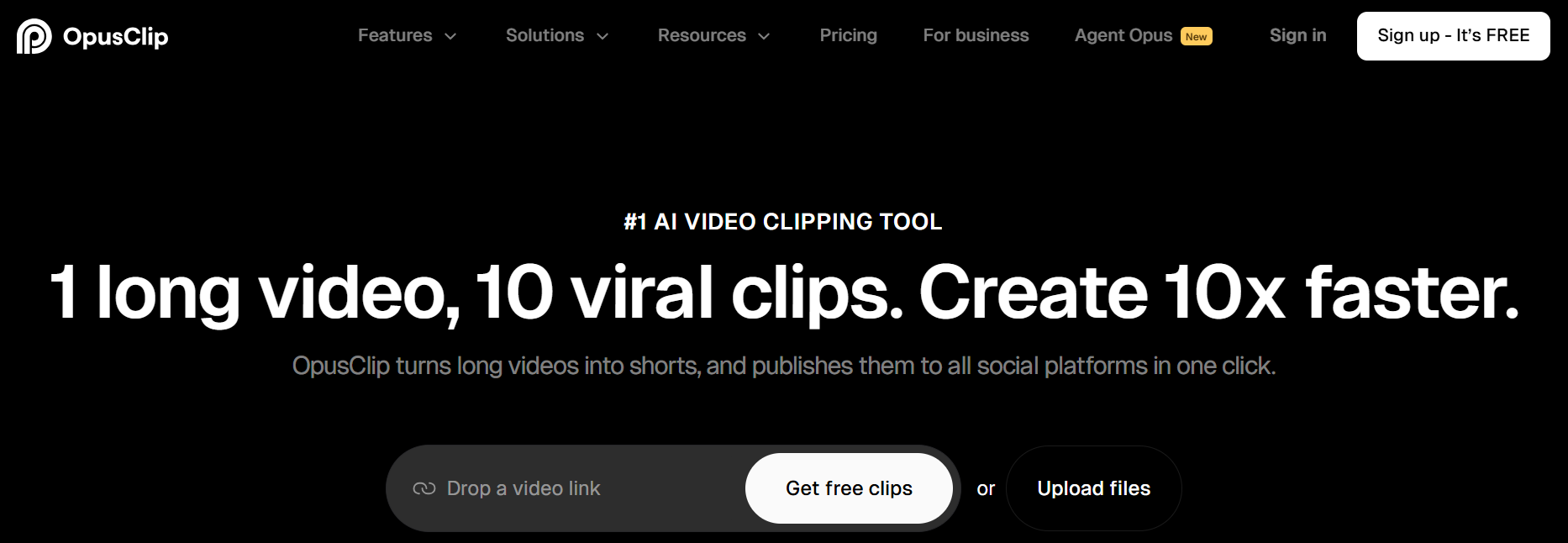
Opus Clip works best for video podcasts where you want a fully hands-off experience. It analyzes your video, generates multiple clips with auto-captions, applies auto-zoom, and assigns each clip an AI virality score predicting social performance. The scoring model depends heavily on visual input, so if you run an audio-only show, the virality predictions lose their core mechanism and become significantly less reliable.
2. Choppity
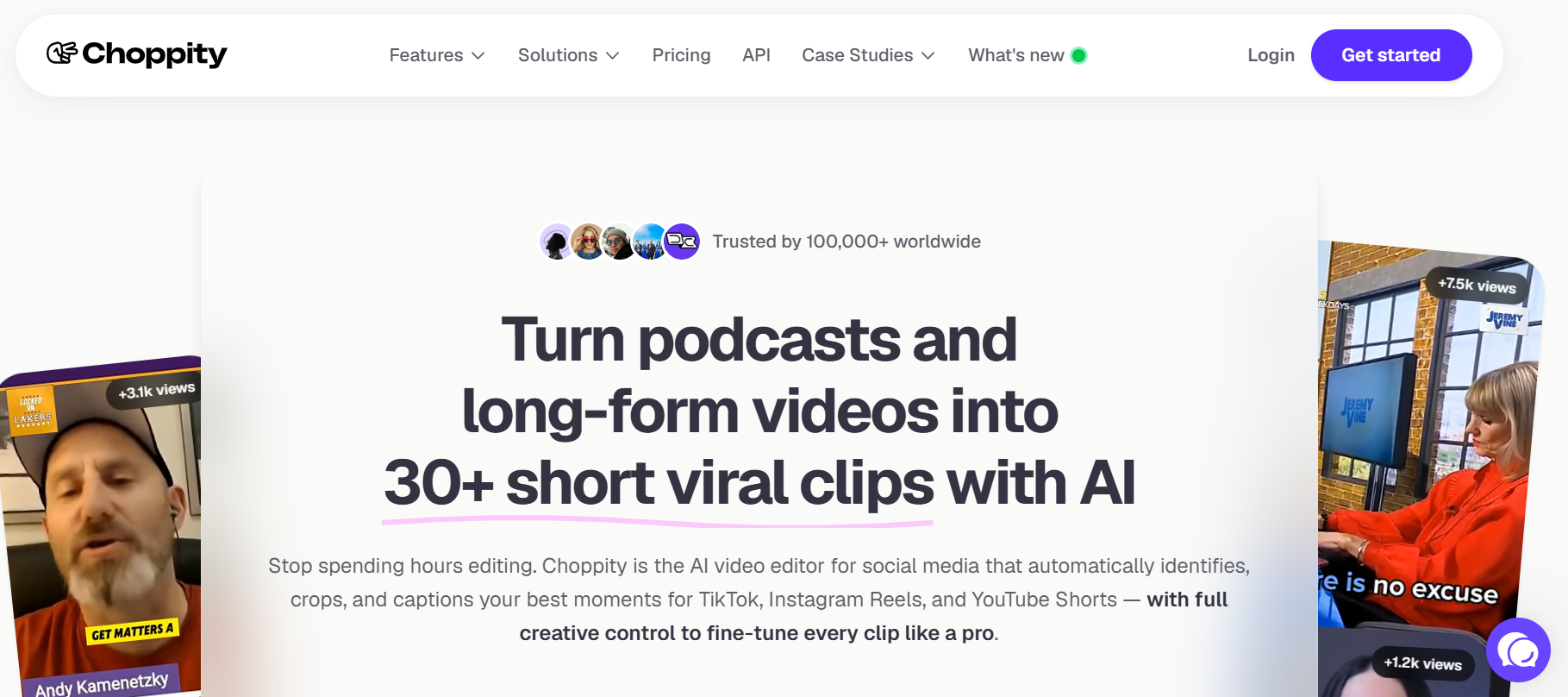
Most general-purpose clip tools fail because they optimize for energy, not insight. Choppity is built specifically for podcast content, identifying quotable moments and conversational exchanges rather than just loud or high-energy segments. Its transcript editing and direct social publishing make it a strong fit when your show's value lives in the quality of the exchange, not the production spectacle around it.
According to the Choppity Blog, AI podcast clip makers can automatically extract 30- to 90-second clips from longer episodes, and Choppity's conversational-moment detection makes that extraction meaningfully more accurate for dialogue-driven formats.
3. Descript
When manual editorial control matters more than automation speed, Descript earns its place. It transcribes your full episode and lets you create clips by selecting transcript segments directly, with an auto-clip feature layered on top for suggested highlights. Documented as the strongest performer on transcript accuracy among comparable tools, it also includes studio sound enhancement, which matters specifically for audio-only shows that cannot rely on visual polish to carry weaker audio moments.
AI-Driven Curation and Compressed Workflows
Most podcasters handle the review step by listening back through generated clips in real time. That works until you realize a 60-minute episode can generate 30 or more clip candidates, and listening to each one takes more time than the original recording session. A 60-minute podcast episode takes only 10 to 20 minutes to process with AI clip generation tools, which means the bottleneck has shifted entirely from production to curation.
Crayo addresses this directly, built around a three-step workflow that compresses the gap between raw episode and published clip without requiring technical editing experience or a separate review session.
4. Vizard

Vizard performs well for structured interview podcasts with clear question-and-answer segments. It identifies that structure and generates clips accordingly, running entirely in the browser with nothing to install.
The documented limitation is real and worth knowing before you commit: Vizard sometimes prioritizes loud moments over genuinely insightful ones, and it specifically struggles with nuanced multi-speaker conversations. For freeform or conversational multi-host formats, that is a direct format mismatch, not a minor inconvenience.
6. Klap

The same issue that makes Vizard a poor fit for multi-host shows is exactly what Klap is designed to solve. Klap generates 10 to 20+ clips per episode with speaker-labeled captions and automatic split-screen layouts for multiple speakers, plus an AI engagement score to help prioritize the batch. Reliable speaker tracking keeps each person correctly framed across the clip, so the output stays visually coherent, not just accurate in content selection.
7. Ssemble
If you want production polish bundled into the clip-generation step, Ssemble adds B-roll, transitions, sound effects, zoom animations, and CTA overlays on top of AI-driven highlight detection. That eliminates the need for a separate editing tool, which matters when your publishing cadence is high and your team is small.
One thing worth checking before you commit to a plan: Ssemble's credit consumption is based on processing minutes, and that cost can scale faster than expected on longer or more frequent episodes. Run your actual publishing cadence against the credit-per-minute rate before you sign up.
Curate to 15-25 Clips Regardless of Which Tool You Choose
The tool you pick shapes which moments surface. The curation step shapes whether those moments actually perform. Every tool on this list will generate more clips than you should publish, and the documented evidence from earlier in this piece is clear: the 15-25 range outperforms maximum output because it concentrates audience attention rather than fragmenting it. That principle applies whether you are using Opus Clip, Descript, or anything else on this list.
What Changes When You Match the Tool to Format
Before the match: one tool chosen by general reputation, every generated clip published, and the intro music copyright check skipped because it felt like an extra step.
After the match: a tool selected for your specific format, output curated to the range the data supports, and compliance verified before a single clip goes live. The difference is not finding a universally superior tool. It is making two deliberate decisions, format fit and output discipline, that most podcasters skip entirely because the default feels close enough.
Format Alignment and Workflow Efficiency
A common pattern surfaces across podcasters who switch from a general-purpose tool to a format-matched one: the first reaction is not excitement about new features; it is relief that the clips actually sound like the show. That alignment between tool behavior and podcast format is what produces clips that reflect genuine insight rather than just the moments an algorithm found easiest to score.
The frustrating part? Knowing which tool fits your format is only the starting point. The workflow you use to move from raw episode to published batch is where most of that time savings either materializes or quietly disappears.
Related Reading
- Podcast Shorts
- Repurpose Keynote Into Social Media Clips
- Church Reels Editing
- How To Start Clipping On Instagram
- How To Trim A Zoom Recording Saved On My Computer
- Best Video Clipping Tool For YouTube
- Repurposing Content For Social Media
- How To Add Audio To A Video
- Podcast Reels
- How To Repurpose Webinar Content For Marketing
The 30-Minute Workflow to Turn One Episode Into Curated Clips
Workflow is where strategy either pays off or evaporates. You've matched your tool to your format, you understand why curation beats volume, and now the question is purely operational: how do you move from raw audio or video to a published batch of clips without the process quietly eating the time you were supposed to save?
The answer is a sequenced 30-minute workflow that builds compliance and curation directly into the production steps, not as afterthoughts at the end.
Start With Compliance, Not Content
The failure point most podcasters hit isn't in the clipping itself. It's discovering, after publishing, that the platform's content ID system flagged the intro or outro music in a clip. Checking whether your episode's intro and outro music is royalty-free or properly licensed for clip use takes under five minutes and eliminates the most common post-publication problem that no AI tool catches automatically.
This check happens before you run a single clip. Not after. The sequence matters because a muted or blocked clip doesn't just underperform; it signals to the algorithm that your account produces problematic content, which affects distribution on clips unrelated to the flagged audio.
Generate Clips With the Right Tool Already Selected
With compliance confirmed, run the full episode through the format-matched tool you identified earlier. The output you get from a tool built for your specific format, whether video, audio-only, or multi-speaker conversation, is the raw material you'll curate from. A mismatched tool produces a batch where even the top-scored clips feel slightly off, and no amount of manual review fixes that upstream problem.
According to the Loopdesk Blog, the full process from raw episode to curated clips takes around 30 minutes when the workflow is structured. That number only holds if you're not backtracking to fix a tool mismatch or a compliance issue you could have caught at the start.
Sort by Score Before You Review Anything
After generation, sort every clip by its AI-assigned engagement or virality score before watching or listening to a single one. This step sounds mechanical because it is, and that's the point. Sorting creates a ranked list, so your review effort concentrates on the clips most likely to perform, rather than starting from the top of a randomly ordered batch and running out of attention before you reach the strongest candidates.
Most podcasters skip this step and review clips in the order the tool generated them. That's how you end up spending twelve minutes on a clip that scored in the bottom third while the highest-scoring clip gets a thirty-second glance because you're already fatigued.
Select Within the Documented Output Range
The Cutlume Blog documents that a single podcast episode can yield 20 to 30 pieces of short-form content. That's the ceiling of the range, not the publishing target. From your sorted list, select only the top 15 to 25 clips. This curation step separates a batch built to perform from a batch built to fill a content calendar.
The instinct to publish everything the tool generates is understandable. More content feels like more opportunity. But engagement data doesn't reward volume; it rewards relevance. A smaller, curated batch where every clip earns its place consistently outperforms a full dump of everything the AI produced.
Review Only What You're Actually Publishing
After selecting your top clips, do a final review of captions, framing, and any AI editing choices only for that curated group. Not the full batch. Not the clips you've already decided not to use. Reviewing only the clips scheduled for publication keeps the final quality check proportional to the actual output, which is how the 30-minute total holds together.
Most teams handle this by reviewing everything the tool generated, which sounds thorough but is actually inefficient. As the batch grows from 15 clips to 40 or 50, review time expands without improving the quality of what gets published, because the clips you're spending time on were never going to make the cut anyway.
Streamlined All-in-One Clip Editing
Crayo addresses this friction directly. Built by people who have personally produced viral content for major creators, it compresses the generation-to-review cycle by combining AI clip detection with editing tools in a single workflow, so the steps between raw episode and publishable clip don't require switching between four different applications.
Why the Sequence is the Point
The workflow above isn't a list of tasks. It's a sequence where each step protects the next one.
- Compliance confirmed before generation means you're not reviewing clips you'll have to pull later.
- Sorting before reviewing means you focus on the right clips first.
- Curating to the documented range speeds up your final review because the batch is already small.
When you skip or reorder any step, the savings disappear. Compliance checked after publishing means reactive damage control. Reviewing before sorting means subjective decisions replace data-driven ones. Publishing without curating brings back the engagement dilution problem from earlier sections, regardless of which tool you use.
Data-Backed Selection and Compliance Protection
The improvement this workflow produces doesn't come from generating more content or using a more sophisticated tool. It comes from concentrating effort on the specific clips the data suggests will actually perform, and protecting that effort from the compliance and review problems that usually interrupt it.
And yet, even a workflow this tight still leaves one question most podcasters never think to ask until it costs them.
Produce Compliant, High-Performing Clips Faster With Crayo
The question most podcasters never ask until it costs them is simple: who handles the steps the tool skips? Upload your episode to Crayo, and the answer becomes clear. Format-matched generation, engagement scoring per clip, and license-safe audio handling are built into the same workflow, so curation and compliance become the only remaining decisions, not the whole job.
Most tools generate a raw batch and stop there, leaving sorting, scoring, and compliance entirely to you. That gap is where the documented costs from earlier sections actually happen: publishing past the 15-25 clip sweet spot because sorting feels like extra work, and assuming audio compliance is handled because the tool processed the file.
Data-Driven Selection and Efficiency Mindset
Crayo surfaces engagement scores directly per clip, so selecting your top performers takes minutes, not a separate analysis session.
The podcasters generating the strongest results from AI clip generation are not the ones using the most sophisticated tools. They are the ones treating curation and compliance as the work, and using a tool that makes both fast enough to actually do.