

Turn a long YouTube video into Shorts worth posting
Crayo turns a long YouTube video into captioned vertical Shorts. Paste the link into the built-in downloader, run AutoClip, and review every clip in the editor before you post. It is for clippers and creators repurposing their own uploads or videos they have permission to clip.


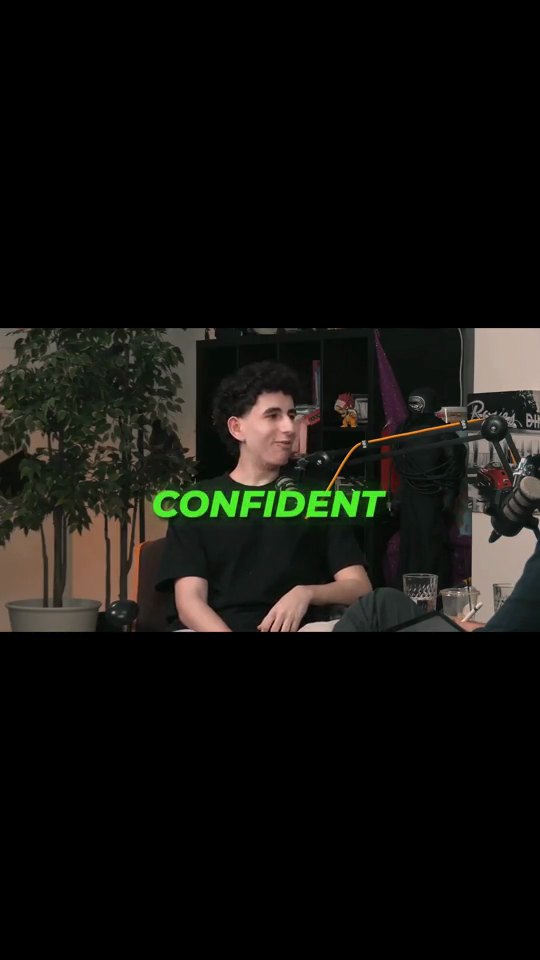
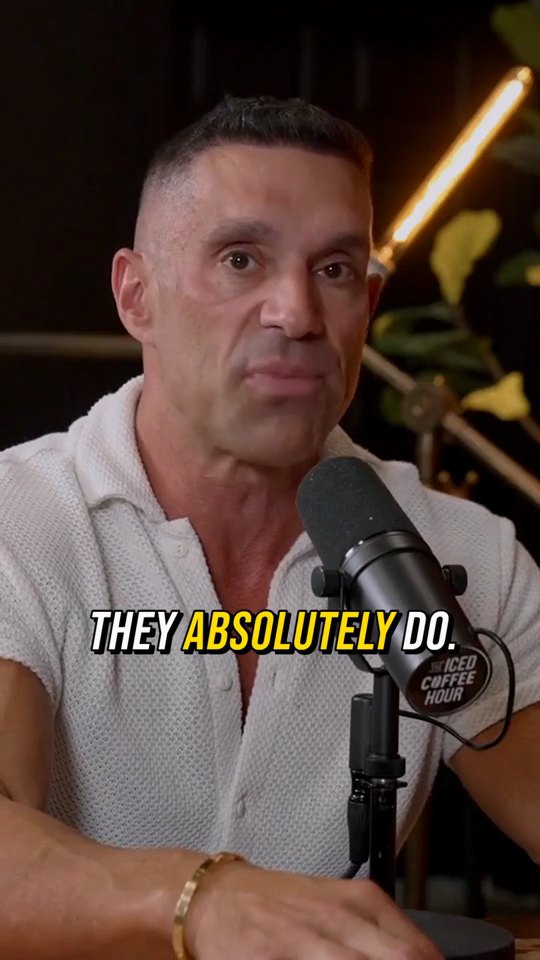

How it works
Bring the video into Crayo
Paste the YouTube link into the YouTube Downloader and the video is saved to your Assets. You can also upload the file yourself.
Run AutoClip
Choose the video and a template, then set the number of clips, the clip length and the spoken language. Add a focus note if you only want certain topics.
Review and export
Rate each clip, open any of them in the editor to fix a caption or the framing, then export vertical 9:16 files for Shorts.
Why clip YouTube videos in Crayo
Vertical from the start
AI Reframe follows whoever is talking, so a widescreen video becomes a 9:16 Short with the speaker in frame.
Captions on every clip
Word by word captions in the style of the template you picked. Fix any word in the editor and the timing stays put.
Point it at the right topic
A focus note such as only the parts about pricing tells AutoClip which moments to pull from a long video.
Nothing is locked
Every clip opens in the timeline editor, so trims, captions, zooms and the camera stay yours to change.
One export, three apps
A 9:16 clip works on YouTube Shorts, TikTok and Instagram Reels, so you can post the same file everywhere.
Shortlist first if you prefer
Use Find Viral Moments to score the moments and keep only the ones you like before any editing happens.
The tools behind it
AutoClip
Drop in a podcast, stream or interview. AI finds the strongest moments and cuts each one into a captioned vertical clip, ready to post.
YouTube Downloader
Paste a YouTube link, pick a quality, and the video is saved to your Crayo assets, ready to clip.
Find Viral Moments
Upload a long video, tell us what is in it, and get a ranked set of moments you can review, trim and keep.
AI Captions
Accurate, animated captions on every clip. Pick a template, highlight keywords, and tweak the style in the editor.
AI Reframe
Face detection and speaker tracking keep the talker centered as the crop moves from widescreen to vertical.
Video Editor
A multi-track timeline with captions, zooms, transitions, LUTs, speed ramps, cutaways and camera keyframes. No install, no watermark on any plan.
Crayo Has Generated Billions of Views.
For Millions of Clippers.See What Our Users Are Saying
5 → 400
posts a week
Cutting one podcast episode used to take me about four hours. Now I upload it to AutoClip and have 12 clips ready before lunch. I went from 5 posts a week to 20 without hiring an editor.
 Dave
1 tab
from the moment to the final cut
Every other clipping tool stopped at the export, so I’d still end up in CapCut fixing things. With Crayo I let AI find the moment, then fix the cut and captions in the same tab. I cancelled CapCut last month.
 James
2M
views from 30 clips
I started clipping podcast campaigns in September. My first 30 Crayo clips did 2 million views, and one hit 600k on its own. The captions are the first thing people comment on.
 Jonathan
Keep exploring
AutoClip
Drop in a podcast, stream or interview. AI finds the strongest moments and cuts each one into a captioned vertical clip, ready to post.
FeatureYouTube Downloader
Paste a YouTube link, pick a quality, and the video is saved to your Crayo assets, ready to clip.
GlossaryLong form to short form
Long form to short form is the process of turning a long recording such as a podcast, stream, or interview into short vertical clips for TikTok, Reels, and Shorts. It covers selecting moments, cutting them, reframing to 9:16, and adding captions.
Video ideas32 YouTube Shorts Ideas for Any Channel
YouTube Shorts ideas for any channel, grouped by format, each with the shot, the hook and the edit so you can post something today.
GlossaryReupload policy
A reupload policy is the set of rules a platform or a clipping campaign applies to reposting content that already exists elsewhere. Platforms use it to decide what counts as original, and campaigns use it to decide which clips are eligible for payment.
CalculatorClips From One Video
See how many short clips, and how many views, you can squeeze out of one long video.