

Remove the audio from any video
Drop the sound and keep the picture exactly as it is. Most files are done in a few seconds because the video is not re-encoded.
- Free
- No signup
- No watermark
- Runs in your browser
Four ways to clip
Let AI do everything, or take over wherever you want.



AutoClip
Fully automated, in one go
Upload one video and AI does the rest in a single pass: finding the moments, framing, captions and titles.
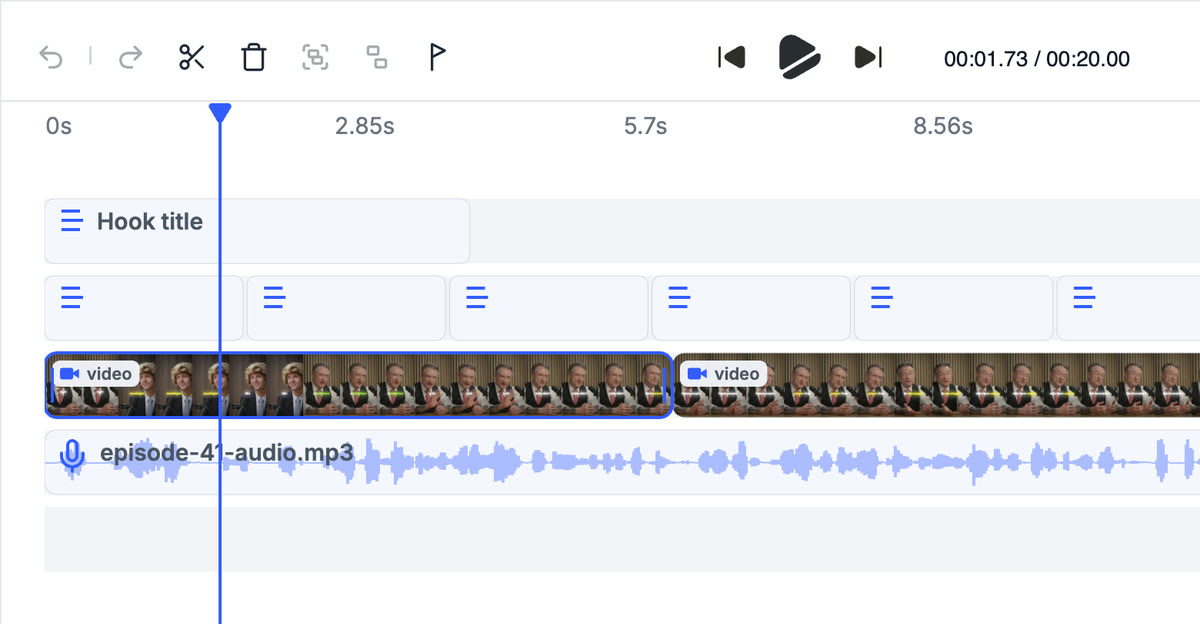
Find Viral Moments + Video Editor
AI finds it, you edit it
AI scores the best moments in your video. Then fine-tune every cut in the full editor.



Find Viral Moments + Edit with AI
AI finds it, AI edits it
The same AI, split into two steps. Review the moments it finds, keep what you like, then let it apply a creator style.
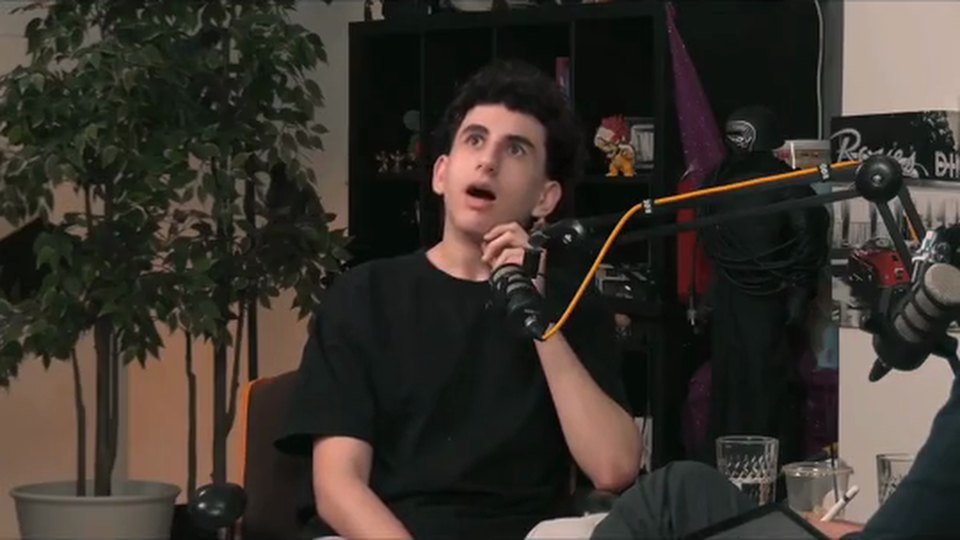

Clip Cutter + Edit with AI
You find it, AI edits it
Cut the moments you want yourself, then let AI handle the captions, framing and style.
A full video editor. Right in your browser.
Most clipping tools stop at the export. Crayo comes with a real multi-track editor and nothing to download.
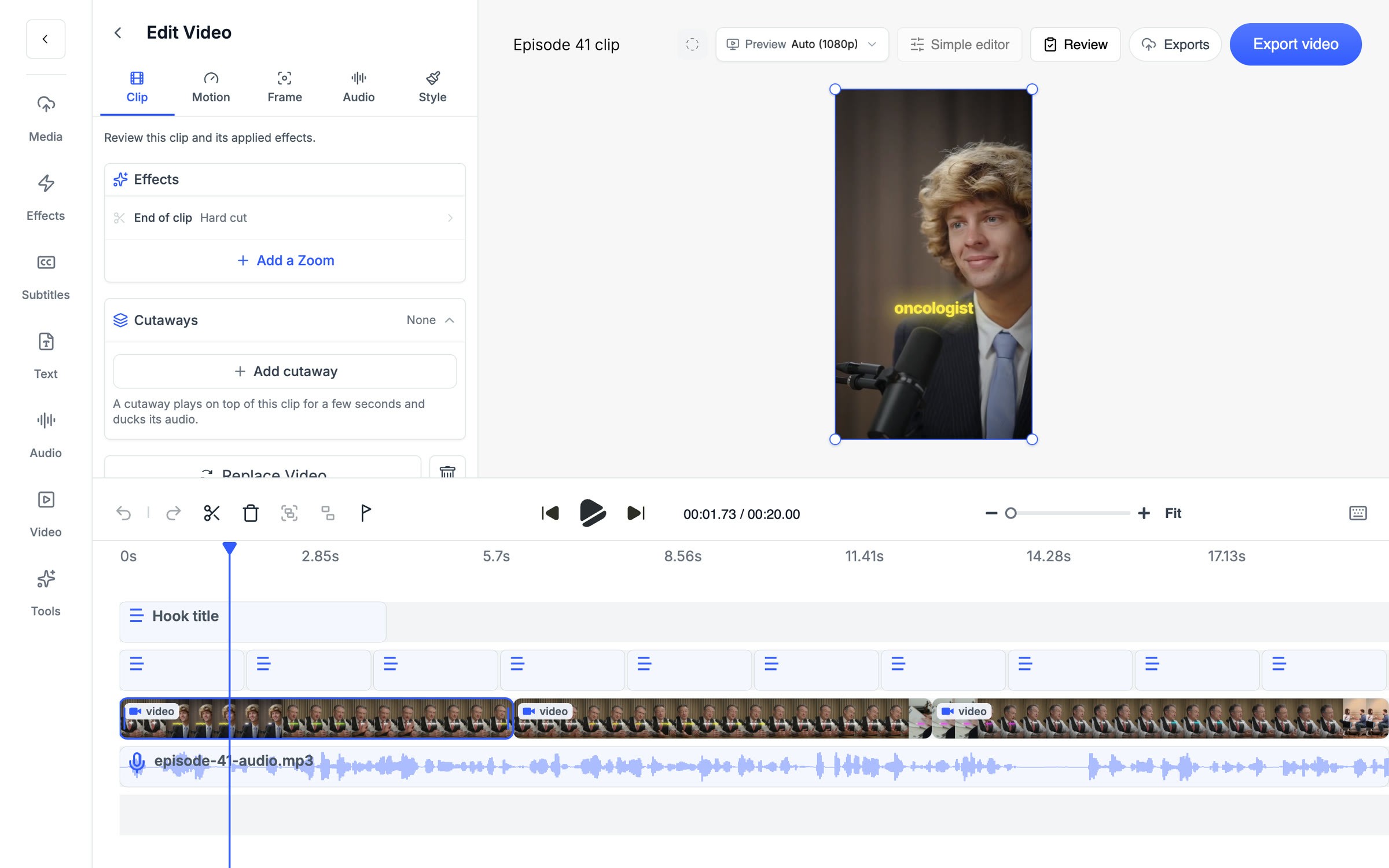
Multi-track timeline
Cut, split and rearrange your clip on a real timeline.
Effects
LUTs, zooms, transitions and reframe, built in.
Captions
AI or manual subtitles, styled the way you want.
Cutaways
Drop b-roll over any clip and its audio ducks on its own.
Crayo Has Generated Billions of Views.
For Millions of Clippers.See What Our Users Are Saying
5 → 400
posts a week
Cutting one podcast episode used to take me about four hours. Now I upload it to AutoClip and have 12 clips ready before lunch. I went from 5 posts a week to 20 without hiring an editor.
 Dave
1 tab
from the moment to the final cut
Every other clipping tool stopped at the export, so I’d still end up in CapCut fixing things. With Crayo I let AI find the moment, then fix the cut and captions in the same tab. I cancelled CapCut last month.
 James
2M
views from 30 clips
I started clipping podcast campaigns in September. My first 30 Crayo clips did 2 million views, and one hit 600k on its own. The captions are the first thing people comment on.
 Jonathan
Keep exploring
Volume Booster
Let Auto raise the volume as far as it can go without clipping, or pick a fixed boost of 1.5x, 2x, 3x or 4x.
Free toolMP3 Converter
Pull the audio out of a video, or turn a WAV, M4A or FLAC into an MP3. Pick a bitrate from 32 to 320 kbps.
Free toolAudio Balancer
Upload a video or audio file recorded on one channel and get it back with sound in both ears. Or keep only the left or right channel when the other one is noise.
Free toolVideo Compressor
Pick how hard to compress and, for a single video, whether to lower the resolution. You see the new file size before you download it.
Free toolVideo Trimmer
Drag two handles to mark the start and end, preview it, and download that section as an MP4.
Free toolAspect Ratio Converter
Pick a ratio, slide the crop to the part of the shot you want to keep, and download an MP4 sized for TikTok, Reels, Shorts or YouTube.