

Make brainrot videos in minutes, not hours
Crayo assembles a split-screen video from a story, gameplay footage, an AI voiceover, and automatic captions in one sitting. It is for brainrot-style channels that post split-screen gameplay story videos.


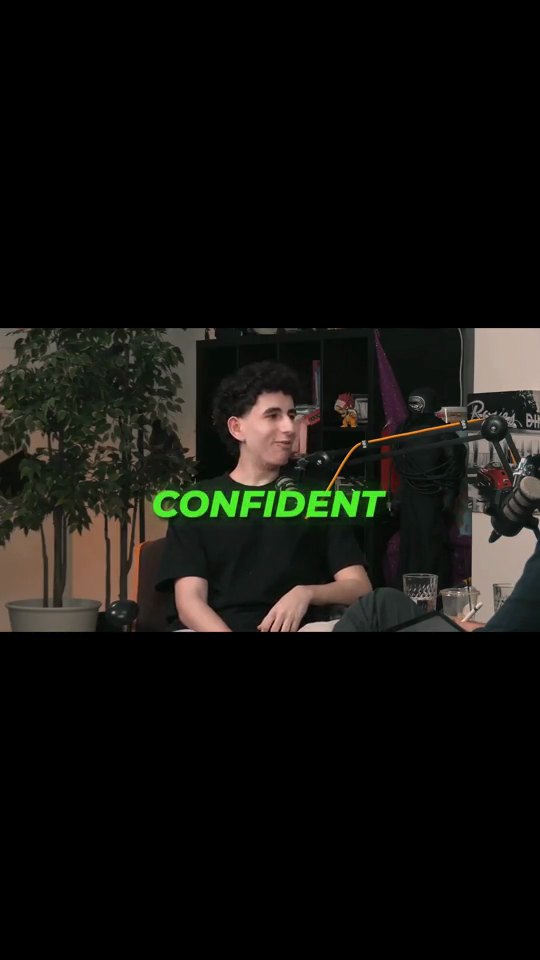
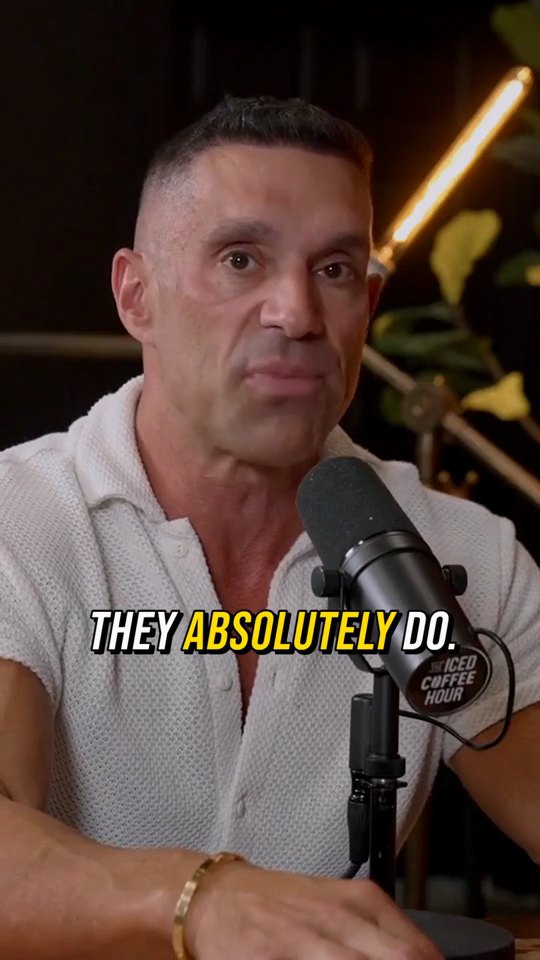

How it works
Drop in a story
Paste a Reddit story, write your own, or build a fake text conversation that unfolds on screen.
Pick your gameplay
Choose split-screen footage from Crayo's built-in gameplay library, the bottom-half motion that keeps viewers watching.
Narrate and export
Add an AI voiceover and auto captions, then export vertical video ready for TikTok, Shorts, and Reels.
Why creators pick Crayo
The full format, built in
Story on top, gameplay on the bottom, captions in the middle. You assemble it in clicks, not layers in a video editor.
Gameplay library included
No recording your own runs or hunting for footage. Pick from the library and go.
Stories that hook in one second
Reddit stories and fake-text convos are hook machines. The viewer has to know how it ends.
Voiceover that carries the video
Natural AI narration, because a flat robot voice is where retention goes to die.
Volume is the strategy
This format rewards posting a lot. When each video takes minutes, you can feed the algorithm daily.
Captions built for the format
Big, punchy, word-by-word subtitles, the style the format demands, applied automatically.
The tools behind it
Reddit Story
Paste a story or write your own, pick a voice and a caption style, and export a narrated vertical video.
Fake Text Chat
Write a text conversation or let AI draft one, add a voiceover, and export a vertical video that plays it message by message.
AI Voiceover
Paste a script, pick a voice and get narration back in seconds. Use it for hooks, intros and story videos when you would rather not record.
Crayo Has Generated Billions of Views.
For Millions of Clippers.See What Our Users Are Saying
5 → 400
posts a week
Cutting one podcast episode used to take me about four hours. Now I upload it to AutoClip and have 12 clips ready before lunch. I went from 5 posts a week to 20 without hiring an editor.
 Dave
1 tab
from the moment to the final cut
Every other clipping tool stopped at the export, so I’d still end up in CapCut fixing things. With Crayo I let AI find the moment, then fix the cut and captions in the same tab. I cancelled CapCut last month.
 James
2M
views from 30 clips
I started clipping podcast campaigns in September. My first 30 Crayo clips did 2 million views, and one hit 600k on its own. The captions are the first thing people comment on.
 Jonathan
Keep exploring
Fake Text Chat
Write a text conversation or let AI draft one, add a voiceover, and export a vertical video that plays it message by message.
FeatureAI Voiceover
Paste a script, pick a voice and get narration back in seconds. Use it for hooks, intros and story videos when you would rather not record.
Use caseFaceless Channels
Scripts, voiceovers, gameplay backgrounds, and subtitles: everything a faceless channel needs, in one place. No camera, no mic, no editing software.
CalculatorPosts to a Million Views
See how many times you need to post to reach 1,000,000 views at your average.
Use caseClippers
Paste a YouTube link or upload a long video. AutoClip finds the moments, frames the speaker and adds captions and a title, then View Tracker follows the views on every clip you post.
Use caseYouTube to Shorts
Crayo turns a long YouTube video into captioned vertical Shorts. Paste the link into the built-in downloader, run AutoClip, and review every clip in the editor before you post. It is for clippers and creators repurposing their own uploads or videos they have permission to clip.