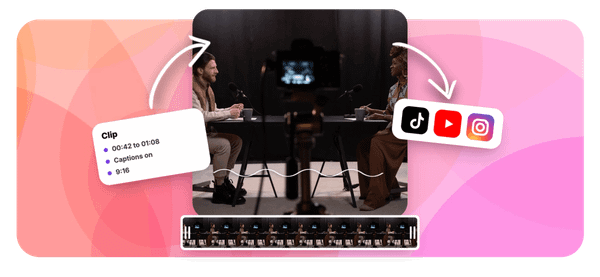
Every Sunday, powerful sermons and worship moments happen in churches worldwide, but most never reach beyond the four walls of the building. If you have hours of church footage sitting on your hard drive and aren't sure how to turn it into short social media clips that actually connect with people, you are not alone. This article walks you through editing church reels for social media in 30 minutes, using the right tools and a clear process, including how the best AI podcast clip generator technology is changing how ministry teams handle video content.
That is where Crayo's clip creator tool comes in. Instead of spending hours scrubbing through sermon recordings to find the right moment, Crayo helps you quickly pull the most engaging segments, add captions, and format your church reels for platforms like Instagram, TikTok, and Facebook. Whether you are working with a full worship service, a Bible study session, or a pastor's message, Crayo simplifies the entire editing workflow so your congregation and community can experience those moments long after the service ends.
Table of Contents
- Why Church Reels Aren't Getting the Reach They Used To
- The Hidden Cost of Editing Reels Like It's Still 2023
- How to Edit Church Reels for Social Media in 30 Minutes
- The 30-Minute Workflow to Edit Church Reels Correctly
- Edit Church Reels Faster With Crayo
Summary
- Short-form video platforms have recalibrated how they distribute content, and church media teams are feeling the effects without always knowing why. Instagram now reduces distribution for videos that are not full-frame, meaning a wide sanctuary shot cropped to 9:16 without proper reframing triggers an algorithmic penalty regardless of the sermon quality inside it.
- The cost of staying with outdated editing habits compounds quietly over months. A team posting twelve clips over three months using the same rough-crop workflow often interprets modest reach as audience disinterest, when the actual cause is a formatting issue affecting distribution at the platform level.
- Editing quality for short-form video has split sharply in recent years. According to a breakdown by David Mansilla, the price gap between low-tier and high-tier video editors runs from $40 to $200 per reel, and that spread reflects a documented difference in output, not just effort. One produces a cropped, minimally processed clip; the other produces a properly reframed, caption-optimized, hook-forward piece of content built for how platforms distribute today.
- Most viewers on Instagram and Facebook watch Reels without sound, which means captions function as the message itself rather than an optional accessibility feature. Bold, high-contrast text sized for a small mobile screen is a functional requirement, not a stylistic preference. A viewer who cannot follow the content in silence is a viewer who scrolls past, regardless of how strong the sermon moment is.
- A single 30- to 45-minute sermon can produce 20 to 30 pieces of content, according to the Sermon Clips App Blog, which means reframing, hook selection, captioning, and timing decisions aren't one-time tasks but repeatable weekly production steps. Teams seeing consistent Reels growth aren't producing more interesting content than teams that aren't.
Crayo's clip creator tool addresses this by handling the reframing, caption styling, and subject positioning automatically, so the manual production steps that typically consume the most time no longer sit between a strong sermon moment and a properly formatted Reel.
Why Church Reels Aren't Getting the Reach They Used To
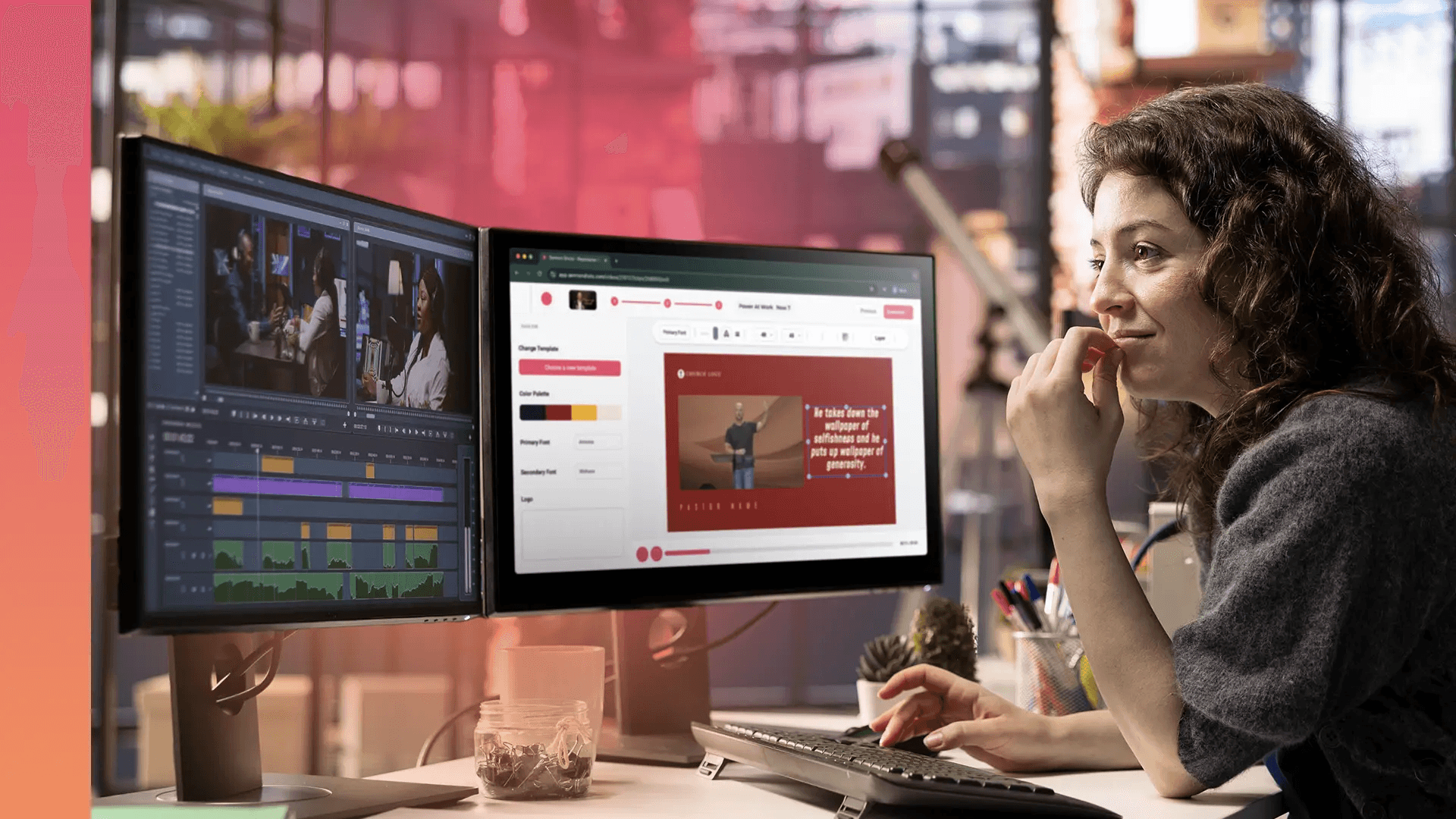
Vertical video used to be a shortcut. Post a cropped sermon clip, let the algorithm do the heavy lifting, and watch the reach roll in. That window closed quietly, and most church media teams didn't get a memo. The documented reality from 2026 analysis is this: short-form content peaked around 2023 or 2024, and the platforms have since recalibrated around quality signals, not just format signals. Instagram now actively reduces distribution for videos that aren't full-frame, meaning a wide sanctuary shot cropped to 9:16 without reframing the subject isn't just aesthetically weaker; it's algorithmically penalized.
Framing for Maximum Feed Impact
The average TikTok video gets watched for roughly six seconds, which means a viewer scrolls through approximately 100 clips in a single ten-minute session. Your Reel isn't competing with other church content. It's competing with everything.
The failure point is usually invisible to the team producing the content. When a Reel underperforms, the instinct is to question the message, the posting time, or the caption. Rarely does anyone look at the frame itself and ask whether the pastor's face fills the vertical space or floats in the middle of a wide shot with empty pew space on either side. That formatting gap triggers the distribution penalty, and it has nothing to do with sermon quality.
Automating Vertical Reframing and Styling
Most media teams handle this by exporting whatever footage they have and cropping it quickly before the Sunday post. It's a reasonable workflow when time is tight, and there's no dedicated editor on staff. But as platform standards have shifted, that familiar approach now costs reach without anyone realizing why.
Tools like Crayo address this directly: instead of manually reframing and reformatting each clip, teams can upload sermon footage, select a style, and generate properly formatted vertical content with built-in captions and speech enhancement, removing the formatting bottleneck without adding hours to the workflow.
Adapting to Evolving Distribution Standards
The critical difference between content that earns reach now and content that doesn't isn't the theology or the speaker's charisma. It's whether the editing effort matches the current platform environment. A pastor delivering a genuinely powerful moment, filmed on a quality camera, still gets buried if the clip is formatted the way teams formatted clips two years ago. The sermon hasn't changed. The distribution rules have. What most teams don't realize is that the cost of staying with the old approach compounds quietly over months, not overnight.
Related Reading
- Best AI Podcast Clip Generator
- What Is An Audiogram Podcast
- How Long Does It Take To Trim A Zoom Recording
- Content Repurposing Examples
- Webinar To Short Clips AI
- Podcast Clips For Social Media
- Video Clipping For Social Media
- Repurpose Webinar Content
- Can You Trim The Middle Of A Zoom Recording
- How Do I Repurpose My Interview To Social Media
- Sermon Clips AI
The Hidden Cost of Editing Reels Like It's Still 2023
That compounding cost is real, and it shows up in a specific way: the gap between what a clip could reach and what it actually reaches widens quietly, week after week, without a single obvious failure to point to.
What the Pricing Gap Actually Signals
The truth is, short-form video editing quality has bifurcated sharply in 2026. According to David Mansilla's video editing breakdown, the price gap between low-tier and high-tier editors runs from $40 to $200 per reel, and that spread isn't arbitrary. It reflects a documented difference in output:
- One produces a cropped, minimally processed clip.
- The other produces a properly reframed, caption-optimized, hook-forward piece of content built for how platforms actually distribute today.
Church media teams operating on tight budgets often land at the lower end of that spectrum, not out of carelessness, but because the old approach used to work at that investment level. It no longer does, and the reach data reflects that quietly every week.
The Compounding Cost of Poor Formatting
The failure point is usually invisible until it compounds. A team posts twelve clips over three months using the same rough-crop workflow, sees modest reach on each one, and interprets the pattern as our audience just isn't engaging with Reels.
The real cause is more specific:
- Each clip triggers the documented full-frame distribution penalty
- Each one is missing a hook in the first three seconds
- Each one competes in a saturated feed against content edited to a higher standard
The sermon content itself may be genuinely compelling. The editing workflow is working against it at the distribution layer.
Fixing Suppression Through Automated Reframing
Most teams handle this by doubling posting frequency, assuming volume will compensate for reach. What actually happens is that more clips, each carrying the same formatting liabilities, produce more of the same suppressed reach. The problem scales with the output, not against it. Crayo addresses this differently: instead of adding editing steps to an already stretched workflow, the platform handles reframing, captions, and hook structuring automatically, so production standards rise without time costs multiplying alongside them.
Why the Editing Standard Gap Keeps Widening
The same issue surfaces in volunteer-run media teams and small paid staff alike: the editing standard platforms expect in 2026 requires more deliberate production decisions per clip than most church workflows were built to support. Bold, high-contrast captions readable on a phone screen at arm's length. A subject filling the vertical frame, not floating in the center of a cropped wide shot.
An opening line chosen specifically because it creates immediate tension or curiosity, not because it introduces the sermon topic. These aren't cosmetic choices. They are the specific signals platforms use to decide whether a clip gets distributed beyond an existing audience. The engagement around the $40 versus $200 editor debate drew over 1,384 likes precisely because creators across industries recognized the gap as real and felt its consequences directly.
Overcoming Feed Saturation and Distribution Penalties
When Reels get edited with the same minimal effort that worked two years ago, the reach doesn't just plateau. It actively declines against two documented barriers: saturation and the full-frame distribution penalty. The content hasn't gotten worse. The environment around it has gotten more demanding, and the editing standard hasn't kept pace. And once you understand exactly what that updated standard looks like in practice, the time required to hit it turns out to be far more manageable than most teams assume.
How to Edit Church Reels for Social Media in 30 Minutes
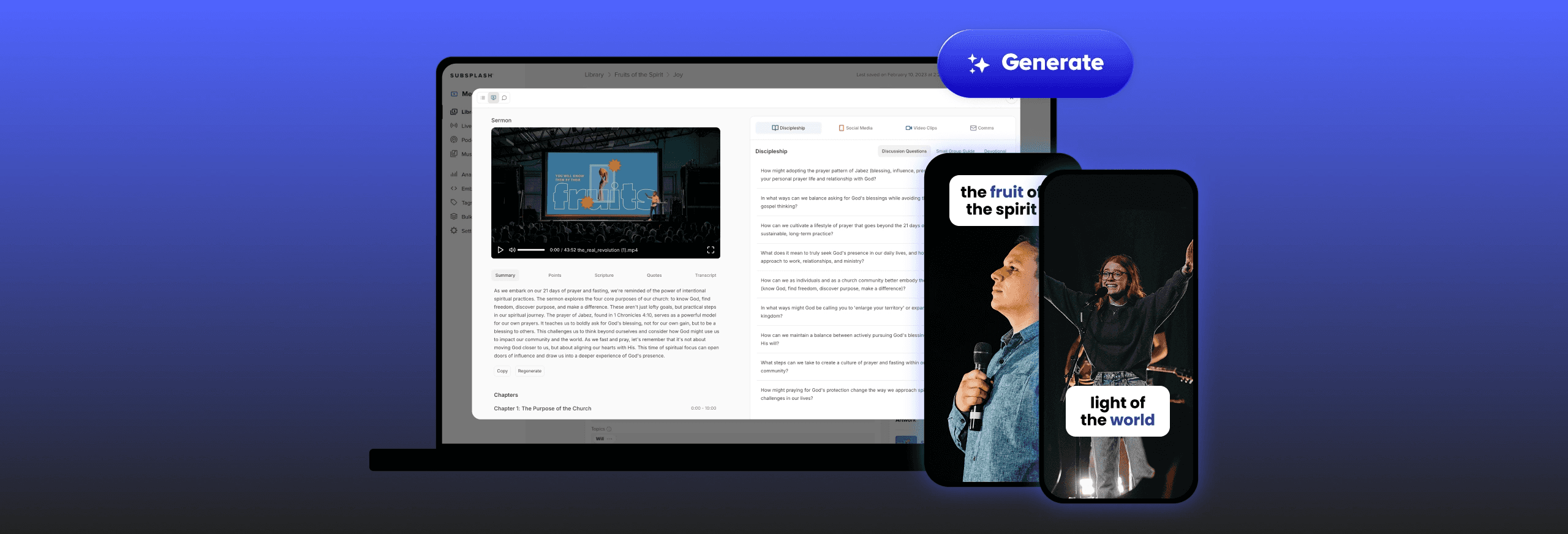
Reframing footage, writing hooks, adding captions, timing your post correctly: each step matters, and together they represent a real shift in how church content teams need to think about short-form video production. The standard has moved. The workflow needs to keep up.
Reframe, Don't Just Crop
The failure point is almost always the same. A wide sanctuary shot gets trimmed to vertical, the pastor appears small and off-center, and the background fills the frame instead of the subject. That's not a vertical video. That's a horizontal video wearing vertical clothes. Fixing it means repositioning and zooming the footage so your subject fills the frame properly. The goal is to make the viewer feel like the camera was always intended for this format, not that someone cropped out the edges after the fact. Instagram's distribution system distinguishes between the two, and so does every viewer who scrolls past in under three seconds.
Open With the Line That Earns Attention
When a clip starts with "Good morning, welcome to our series on..." the viewer is already gone. That opening costs you the only moment that actually matters. The most compelling line in a sermon is rarely the first one spoken. It's usually buried somewhere in the middle, when the pastor makes a specific, unexpected claim or asks a question that stops you cold. Start there. Let the context catch up. Viewers will stay to understand what they just heard, but only if the first line gives them a reason to.
Captions Are Not Optional
Most people watch Reels in silence. According to documented platform behavior across short-form video, most viewers watch without sound enabled, particularly during commutes, in public spaces, or while multitasking. A clip without captions communicates nothing to most of its audience. Bold, high-contrast captions sized for a small mobile screen are not a design preference. They're a functional requirement. The caption style matters too: small, low-contrast text that blends into a busy background might as well not exist.
Length Is a Decision, Not a Default
The common mistake is letting clip length be determined by where the editor stopped watching rather than by what the content actually needs. A 45-second clip with a clear arc performs consistently better than a 90-second clip that wanders past its natural ending point. For most sermon clips, 30 to 60 seconds is the right range. Extend to 90 seconds only when the content genuinely builds across that duration, not because the moment felt too good to cut. Discipline here is what separates clips that hold attention from clips that lose it at the 40-second mark.
Hashtags: Specificity Over Volume
Using 30 hashtags does not multiply reach by 30. It signals to the platform that the content lacks a clear audience, and it dilutes whatever relevance the post might have carried with a tighter selection. Three to five specific hashtags, chosen for their alignment with the content and community, consistently outperform long generic lists. For church content, that means tags tied to sermon topics, faith community language, or specific themes from the message rather than broad terms that every account in the category uses.
When You Post Shapes Who Sees It First
Platform distribution gives early engagement outsized weight. The viewers who interact with a post in the first hour signal to the algorithm whether the content deserves broader reach. If you post when your audience is asleep or at work, you lose that window entirely. For church audiences specifically, 6 to 9 AM and 7 to 9 PM on weekdays capture the highest activity windows. Sunday evening performs particularly well for sermon recap content, when the message is still fresh, and people are naturally inclined to share what resonated.
The Editing Effort Gap
Most church media teams handle the production side of this with a single editor working across multiple responsibilities:
- Sunday service
- Announcements
- Social content
- Whatever else the week demands
Asking that person to add reframing, hook selection, captioning, and timing discipline to their existing workload without changing anything else is not a workflow improvement. It's just more pressure on the same constraint.
Shifting Judgment to Content Selection
That's where the production model itself needs to shift. Teams using platforms like Crayo handle the formatting layer automatically:
- Captions are generated and styled
- Footage is processed for vertical output
- The mechanical steps
It runs in the background so the editor can focus on the one thing no tool replaces: finding the right moment in the sermon. The difference between a 30-minute workflow and a 3-hour one is usually not effort. It's which parts of the process require human judgment and which ones don't.
What Actually Changes
Before applying this process: a typical church Reel looks like this: a wide shot cropped to vertical, clip starting with a greeting, no captions, posted mid-morning on a Tuesday with 20 hashtags. The content might be genuinely compelling. The packaging makes it invisible.
After applying it: the same sermon moment looks different. The pastor fills the frame. The clip opens on a line that creates immediate tension or curiosity. Captions appear in bold, readable text. The post goes live Sunday evening. The hashtags are specific. None of this changes the message. It changes whether the message reaches anyone.
The critical difference is not creative. It's operational. Churches that consistently grow their Reels reach are not producing more interesting content than churches that don't. They're producing the same content with a tighter, more deliberate process around every clip.
Related Reading
- Podcast Shorts
- Repurpose Keynote Into Social Media Clips
- How To Start Clipping On Instagram
- How To Trim A Zoom Recording Saved On My Computer
- Best Video Clipping Tool For YouTube
- Repurposing Content For Social Media
- How To Add Audio To A Video
- Podcast Reels
- How To Repurpose Webinar Content For Marketing
The 30-Minute Workflow to Edit Church Reels Correctly
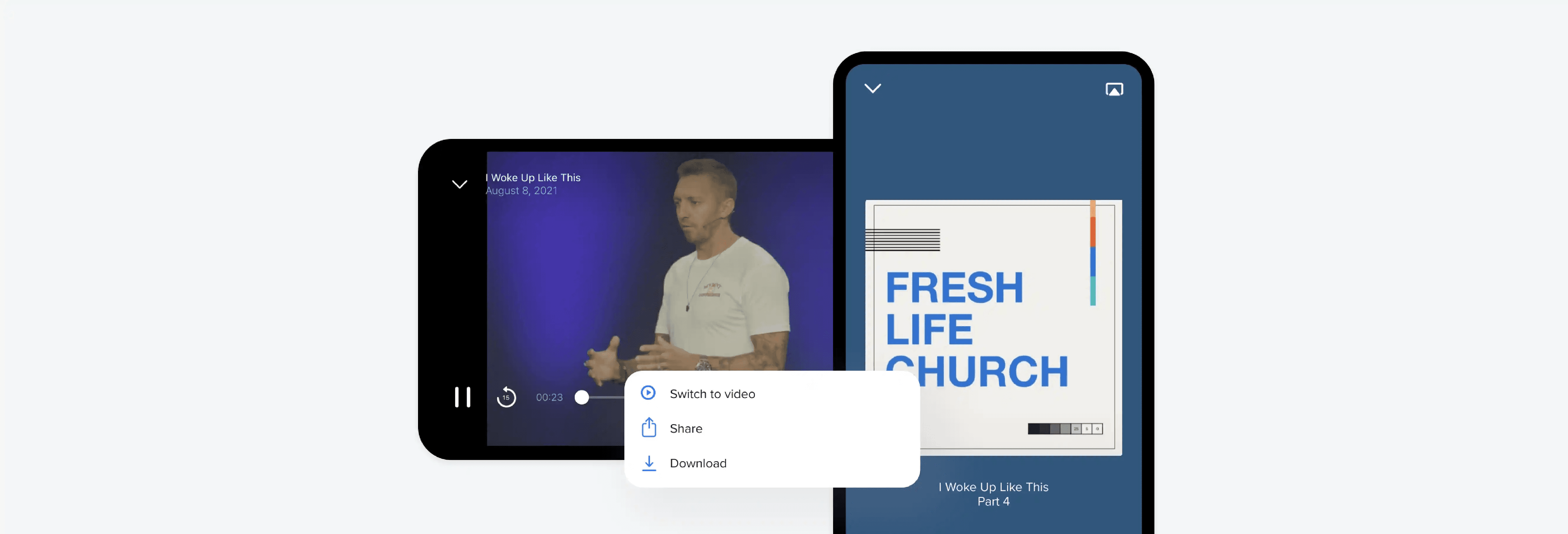
The process works when every step has a fixed place. That's the part most church media teams skip: not the editing itself, but the sequence that makes editing consistent across every Sunday, every clip, every upload.
Minute 0–5: Choose the Moment and the Hook Line
Start by identifying the specific sermon moment worth clipping, then find the exact opening line that earns the next five seconds. Not the introduction. Not the transition. The line where something lands. This step separates clips people finish from clips they scroll past in under two seconds. The failure point is usually here: teams pull a clip starting from wherever the camera started rolling, rather than from where the message actually begins. A viewer who doesn't feel something in the first three seconds won't wait to find out if it gets better.
Minutes 5–15: Reframe the Footage for the Vertical Frame
This step is not about cropping. It's about repositioning. Wide sanctuary footage needs the subject repositioned to fill the vertical frame naturally, not just trimmed at the edges. Platforms read framing as a quality signal, and poorly composed vertical frames get less distribution regardless of the message inside. The Sermon Clips App Blog notes that a single 30 to 45 minute sermon can produce 20 to 30 pieces of content, which means this reframing step isn't a one-time effort. It's a repeatable skill that compounds in value every week a team gets faster at it.
Consolidating Reframing in a Single Workflow
Most church teams handle this reframing manually inside a general-purpose editing tool, stitching together a vertical crop on top of a horizontal export. That workflow works until you're producing more than two or three clips per week, when the time cost becomes the bottleneck, not the content itself. Crayo handles reframing, captioning, and styling inside a single workflow, so teams aren't bouncing between tools to complete what should be one task.
Minutes 15–20: Add Bold, High-Contrast Captions
Captions are not optional. Most viewers on Instagram and Facebook watch Reels without sound, which means captions aren't an accessibility feature. They're the message itself. Bold, high-contrast text sized for a small mobile screen is the standard, not a stylistic choice. The gap between teams that caption consistently and teams that caption occasionally shows up in completion rates. A viewer reading captions is an engaged viewer. A viewer who can't follow the audio without sound is gone.
Minutes 20–25: Trim Length and Add Targeted Hashtags
Thirty to sixty seconds is the target window for sermon clips, with ninety seconds reserved for moments that genuinely earn the extra time. Trimming to length isn't about cutting the message short. It's about respecting that attention is the resource being spent, and shorter clips that land completely outperform longer clips that trail off. Three to five specific, relevant hashtags outperform broad tag stacking. Tags like #ChurchReels, #SermonClips, or denomination-specific tags reach audiences already primed for this content. Generic tags dilute distribution rather than expanding it.
Minutes 25–30: Schedule for a Documented Peak Window
Posting time is the last variable most teams treat as optional. It isn't. Manual video editing takes 20 to 30 minutes per clip, which means a team investing that time deserves to post when their audience is actually active, not when it's convenient. Weekday mornings between 6 and 9 AM and evenings between 7 and 9 PM are the windows with documented audience activity for church content. Sunday evening specifically outperforms other weekend slots for recap and highlight content. Scheduling in advance removes the variable of posting at the wrong moment after a long Sunday.
Why the Sequence Matters More Than Any Single Step
The pattern that surfaces across church media teams that see consistent Reels growth isn't that they've found a better hook or a better caption style. It's that they run the same sequence every time. Consistent process creates consistent output, and consistent output is what platforms reward with sustained distribution. Each step in this workflow addresses one documented failure point: the hook fixes the scroll problem, reframing fixes the distribution penalty, captions fix the muted-viewing gap, length and hashtags fix the tagging and timing mismatch, and scheduling fixes the reach window problem. Remove any one step and you've reintroduced the exact gap that was suppressing reach before.
Matching Sermon Output to Platform Standards
The improvement doesn't come from producing more content. It comes from matching your existing sermon content to what current platform conditions actually require, every time, without exception. But the teams seeing the sharpest gains aren't just running this workflow manually, and what they're doing differently is worth understanding.
Edit Church Reels Faster With Crayo
The teams seeing the sharpest reach gains aren't running a more complicated workflow. They're running the same three steps outlined in this post, but with Crayo handling reframing and captioning automatically, the manual production work that used to take the most time no longer sits between a strong sermon moment and a properly formatted Reel. Upload your footage to Crayo, and it handles reframing, caption styling, and subject positioning without manual editing.
Focusing Human Effort on High-Impact Decisions
What remains is the part that actually requires human judgment: selecting the right hook line and scheduling for a documented peak window. That's a meaningful shift in where your team spends its time. The churches getting consistent reach from sermon clips in 2026 aren't posting more. They're meeting current platform standards every single time, without the editing overhead that pushes most teams back toward the quick crop-and-post approach that no longer performs. That's the whole difference.
Related Reading
• Best Way To Make Podcast Clips
• Best AI Video Clipping Tools 2026
• Best AI Video Tools Like Vizard For Webinar Clips
• Content Repurposing Tool
• Best Audiogram Maker
• Best AI Video Repurposing Tools 2026
• How To Automate My Video Clipping
• How To Trim Google Meet Recording
• How To Trim A Zoom Recording