

Turn long interviews into clips with the speaker in frame
Crayo cuts long interviews into short vertical clips. Tell AutoClip the video is an interview, and it finds the moments worth posting while AI Reframe keeps whoever is talking in frame. It is for clippers, podcast teams and media accounts posting interview moments to Shorts, Reels and TikTok.


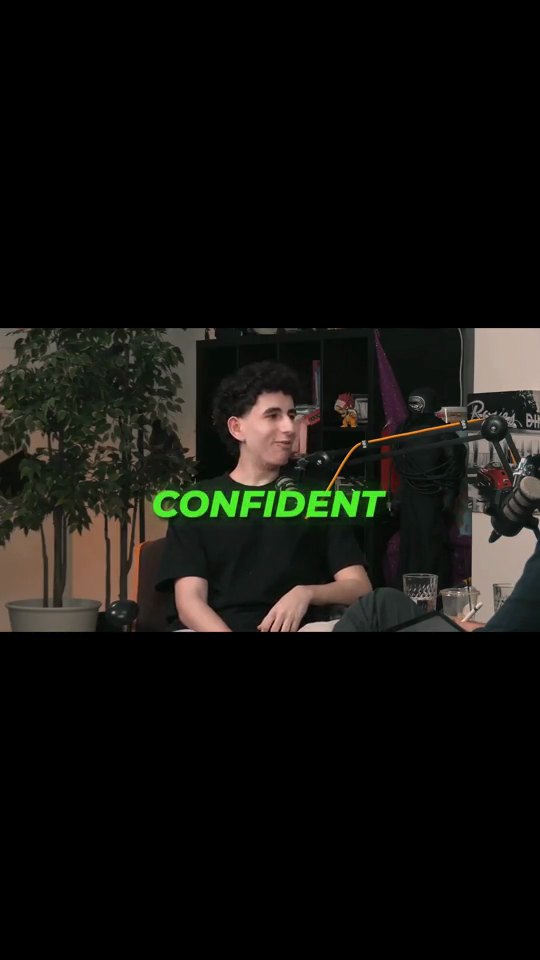
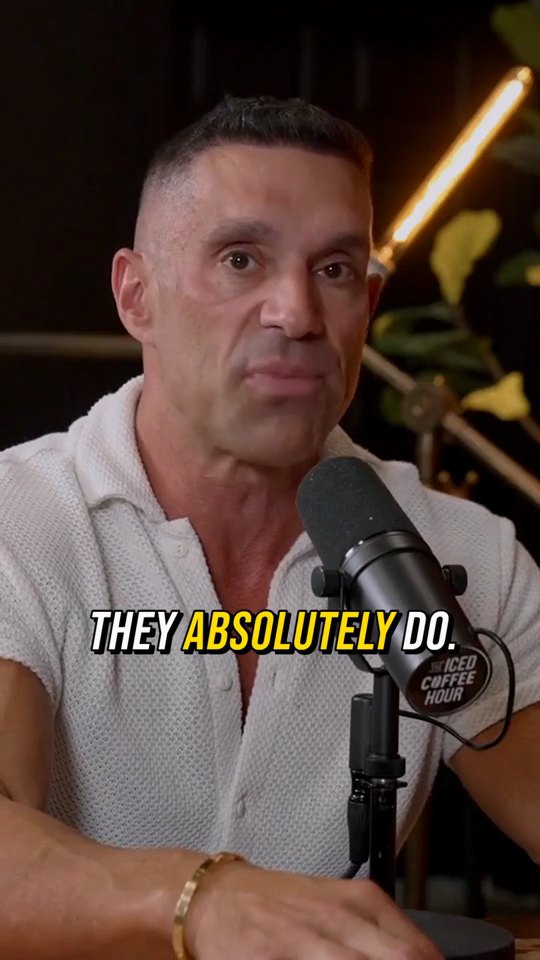

How it works
Add the interview
Upload the recording, or paste a YouTube or TikTok link into the built-in downloader so it lands in your Assets.
Set it up as an interview
In AutoClip, set What is in it to Interview, choose the spoken language and a template, and add a focus note if you want a specific topic.
Check the framing and post
Each clip follows the active speaker. If a cut lands on the wrong person, lock the camera on one speaker in the editor, then export.
Why interview clips work better in Crayo
The camera follows the talker
Face detection and lip movement decide who is speaking, and the crop glides to them instead of jittering on every head turn.
Built for conversations
Set What is in it to Interview so AutoClip treats the video as a conversation, not a solo talk to camera.
Wide shots handled
Pick Letterbox when both people need to stay on screen, or Fullscreen when the clip should follow one speaker at a time.
Captions viewers can follow
Word by word captions in the template you picked, transcribed in the language the interview is spoken in.
Topic by topic
A focus note pulls only the moments about one subject, which suits interviews that cover a lot of ground.
Fine tune by hand
Open any clip in the editor to edit camera keyframes, trim the answer, or change a caption line.
The tools behind it
AutoClip
Drop in a podcast, stream or interview. AI finds the strongest moments and cuts each one into a captioned vertical clip, ready to post.
AI Reframe
Face detection and speaker tracking keep the talker centered as the crop moves from widescreen to vertical.
AI Captions
Accurate, animated captions on every clip. Pick a template, highlight keywords, and tweak the style in the editor.
Find Viral Moments
Upload a long video, tell us what is in it, and get a ranked set of moments you can review, trim and keep.
Video Editor
A multi-track timeline with captions, zooms, transitions, LUTs, speed ramps, cutaways and camera keyframes. No install, no watermark on any plan.
Crayo Has Generated Billions of Views.
For Millions of Clippers.See What Our Users Are Saying
5 → 400
posts a week
Cutting one podcast episode used to take me about four hours. Now I upload it to AutoClip and have 12 clips ready before lunch. I went from 5 posts a week to 20 without hiring an editor.
 Dave
1 tab
from the moment to the final cut
Every other clipping tool stopped at the export, so I’d still end up in CapCut fixing things. With Crayo I let AI find the moment, then fix the cut and captions in the same tab. I cancelled CapCut last month.
 James
2M
views from 30 clips
I started clipping podcast campaigns in September. My first 30 Crayo clips did 2 million views, and one hit 600k on its own. The captions are the first thing people comment on.
 Jonathan
Keep exploring
AI Reframe
Face detection and speaker tracking keep the talker centered as the crop moves from widescreen to vertical.
FeatureAutoClip
Drop in a podcast, stream or interview. AI finds the strongest moments and cuts each one into a captioned vertical clip, ready to post.
GlossarySpeaker tracking
Speaker tracking is the detection of who is talking at each moment in a video, using face detection, lip movement, and the audio track, so the frame can follow the active speaker or switch between speakers in a vertical cut.
Video ideas40 Interview Clip Hook Ideas for Podcast and Interview Guests
Interview clip hook ideas for podcast and interview guests, grouped by hook type, each with what to listen for and where to open the cut.
Use casePodcast Clips
Drop in an episode, or just a YouTube link, and AutoClip finds the moments worth posting. Each clip comes back vertical, with the speaker in frame and captions on.
Use caseClippers
Paste a YouTube link or upload a long video. AutoClip finds the moments, frames the speaker and adds captions and a title, then View Tracker follows the views on every clip you post.