You spent hours preparing a webinar. You rehearsed, showed up live, answered questions, and delivered real value. Then it ended, and most of that content just sat there. Sound familiar? The good news is that one webinar holds far more potential than a single live session, and in this article, you will discover 7 ways to repurpose webinar content in 30 minutes, turning your recordings into social clips, blog posts, email content, and more assets that keep working long after the event is over.
That is where the best AI podcast clip generator tools come in, and Crayo's clip creator tool stands out as a practical way to do it fast. Instead of spending hours editing video or writing transcripts from scratch, Crayo helps you pull the strongest moments from your webinar recording and transform them into short-form clips ready to share across platforms. If you want to stretch your webinar ROI without stretching your schedule, this guide shows you exactly how.
Table of Contents
- Why Marketers Struggle to Repurpose Webinar Content Consistently
- The Hidden Cost of Treating Repurposing as an Extra Task
- 7 Ways to Repurpose Webinar Content in 30 Minutes
- The 30-Minute Workflow to Repurpose a Webinar as a System
- Repurpose Webinars Faster With Crayo
Summary
- Repurposing webinar content fails consistently because of a process gap, not a time shortage. Research from 2026 found that 32% of marketers cite lack of time as their primary repurposing barrier, but the actual cause is the absence of a repeatable system. When repurposing depends on a fresh decision after every session, it competes with other priorities and loses.
- The production investment behind a single B2B webinar runs between $5,000 and $35,000, with an average ROI of 213%. That return is not generated by the live event alone. It depends on what you extract and distribute afterward, making repurposing a required production step rather than an optional bonus task.
- A significant portion of webinar audiences never attend live. Between 41% and 45% of viewers watch only on demand, which means the replay isn't a secondary format. For a substantial share of the registered audience, it's the primary format, and short clips, written summaries, and social-ready formats reach that group most effectively.
- Webinar content stays relevant longer than most teams assume. According to ON24's Webinar Benchmarks Report, webinar recordings continue generating on-demand views for an average of 12 weeks after the live event. Teams with a distribution plan in place are positioned to capture that extended window. Teams without one typically see engagement drop off within the first 48 hours.
- Content teams that document their workflows are 60% more likely to rate their content marketing as effective, according to Content Marketing Institute. The same logic applies directly to webinar repurposing. A written, pre-assigned process survives busy weeks. A mental checklist does not.
Crayo's clip creator tool addresses the production bottleneck directly by auto-clipping standalone moments from webinar recordings, adding captions automatically, and outputting multiple short-form assets in the time it used to take to produce one.
Why Marketers Struggle to Repurpose Webinar Content Consistently

Repurposing webinar content fails consistently for one reason: there is no system. Not a time problem. A decision problem. Every time repurposing depends on someone remembering to start it and figuring out how, it competes with everything else on the calendar and loses.
Process Gap vs. Time Constraint
The pattern surfaces the same way across marketing teams of every size. A webinar wraps. The follow-up email goes out with the replay link. Then the next webinar's promotion begins, and the recording quietly joins a folder nobody opens again. According to 2026 research, 32% of marketers cite lack of time as their primary repurposing barrier, but the same research identifies the actual cause as the absence of a repeatable process, one that runs without requiring fresh creative judgment after every session. The diagnosis most teams reach, "we just don't have enough time," is accurate on the surface and completely wrong underneath.
Unused Content Potential
What makes this particularly costly is what sits inside that untouched recording. A single webinar contains:
- Quotable moments
- Teachable segments
- Audience questions
- Expert insight
This could fuel weeks of short-form content, email sequences, and social posts. The material is there. The extraction never happens because someone has to decide what to pull, how to format it, and where it goes, and that set of decisions is exactly what disappears under workload pressure.
Automated Extraction Solutions
Most teams handle this by treating repurposing as a post-event bonus task, something to tackle when capacity opens up. The hidden cost is that capacity never fully opens, so the bonus task becomes a permanent backlog. Tools like Crayo's clip creator address this friction point by removing the manual decision layer from clip extraction. Instead of someone watching the full recording and guessing which moments will perform, auto-clipping surfaces the strongest segments quickly, collapsing the creative decision from an hour of review into a quick confirmation.
Systematizing Content Repurposing
The failure point is usually not ambition or awareness. Teams know repurposing matters. They know a $10,000 webinar deserves more than one replay link in a single email. The frustration is systemic: without a checklist that runs automatically after every session, timestamps identified, quotes pulled, clips queued, the repurposing window closes before it ever really opens. Teams that extract consistent value from their webinar content aren't working harder. They have simply stopped treating extraction as a creative task and started treating it as a process step. But knowing the real blocker is process, not time, only solves half the problem.
Related Reading
- Best AI Podcast Clip Generator
- What Is An Audiogram Podcast
- How Long Does It Take To Trim A Zoom Recording
- Content Repurposing Examples
- Webinar to Short Clips AI
- Clipping A YouTube Video
- Podcast Clips For Social Media
- Video Clipping For Social Media
- Repurpose Webinar Content
- Can You Trim The Middle Of A Zoom Recording
- How Do I Repurpose My Interview To Social Media
- Sermon Clips AI
The Hidden Cost of Treating Repurposing as an Extra Task
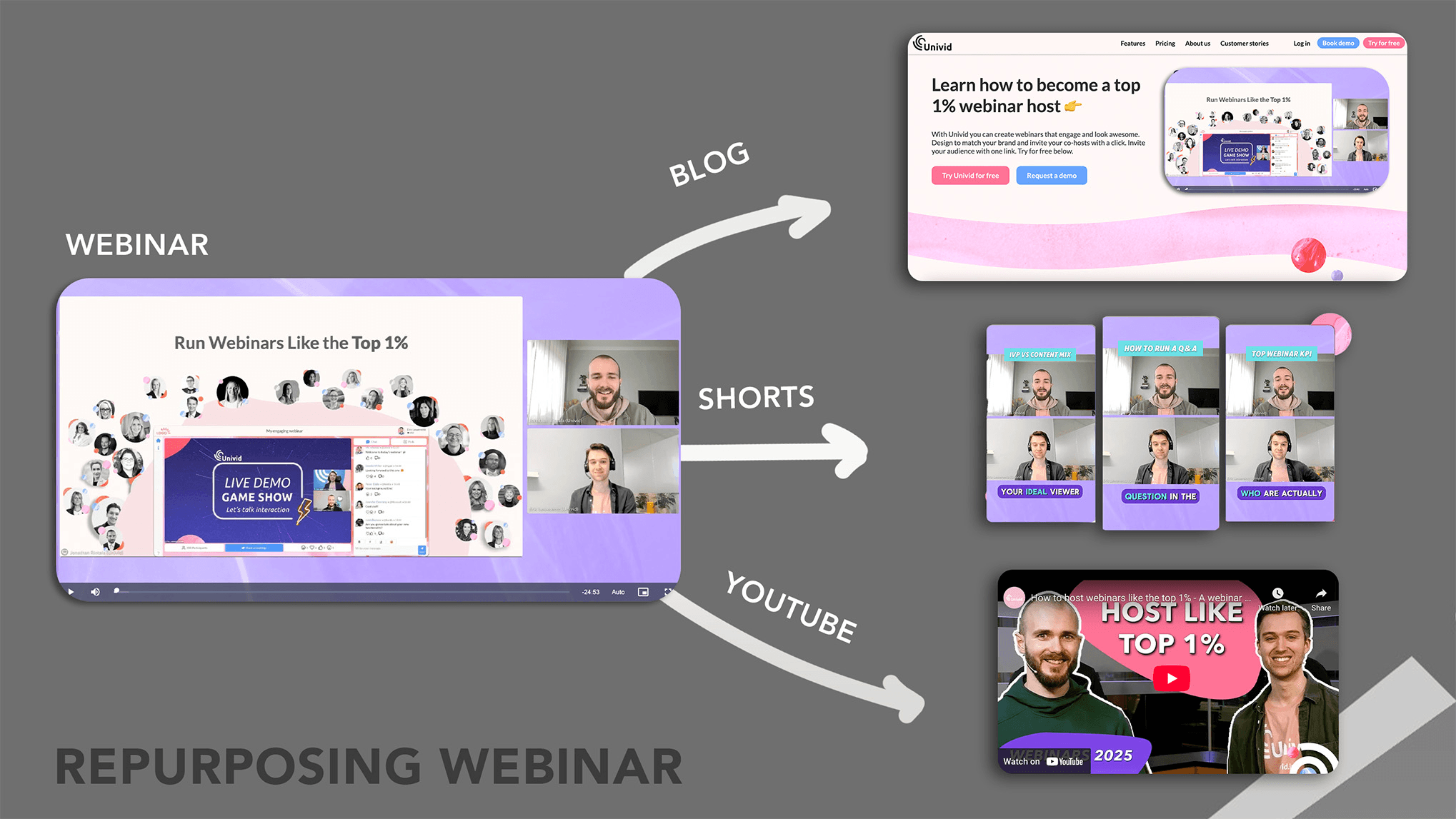
Repurposing webinar content fails most often not because teams run out of time, but because they never built it into the workflow in the first place. When repurposing lives outside the core production process, it becomes optional by default, and optional tasks are the first ones that disappear when a deadline moves or a priority shifts. The pattern is consistent across marketing teams of every size. A webinar gets produced, delivered, and filed. The recording sits in a shared drive. Someone means to pull clips, draft a summary post, or turn the Q&A into a standalone piece. But because none of that was scheduled, assigned, or systematized before the session went live, it requires a fresh decision after the fact. Fresh decisions require energy. Energy is finite. The repurposing never happens.
What the Numbers Actually Reveal
Research published in 2026 found that 32% of teams cite lack of time as their primary repurposing barrier, but the same research identifies the real culprit as the absence of a repeatable system. That distinction matters more than it sounds. A third of webinar recordings continue generating plays three months after the live event, according to documented webinar performance data. That means the content window stays open far longer than most teams assume, but only teams with a process in place are positioned to fill it.
Maximizing Webinar Value Through Auto-Clipping
Most teams handle this by treating the recording as the archive and the live session as the deliverable. The familiar approach makes sense on the surface:
- The webinar happened
- The replay exists
- The content is technically accessible
What that approach misses is the substantial share of the audience, documented at 41 to 45%, who only ever watch on demand. Without further repurposing into short clips, written summaries, or social-ready formats, that audience gets the least optimized version of the content by default. Crayo addresses this specific gap by auto-clipping long-form recordings and adding captions automatically, turning a single webinar session into multiple short-form assets without requiring a manual editing decision for each one.
Where the Real Production Cost Goes Unclaimed
The production investment behind a single B2B webinar runs between $5,000 and $35,000, according to documented 2026 industry figures. The 213% average ROI attached to that investment doesn't come from the live event alone. It depends directly on what gets extracted and distributed afterward. Treating repurposing as a bonus task rather than a required production step is like printing a full-color catalog and mailing it to only half the list because addressing the rest felt like extra work.
Building a Process-Driven Repurposing System
The failure point is not willingness. Most webinar teams genuinely want to extract more value from their recordings. The failure is structural: repurposing gets assigned to whoever has bandwidth that week, which means it gets assigned to no one consistently. The fix is not a productivity hack or a better calendar block. It is a documented, step-by-step process that runs after every session, regardless of how busy that particular week happens to be. And once that system exists, something unexpected happens with the content itself.
7 Ways to Repurpose Webinar Content in 30 Minutes
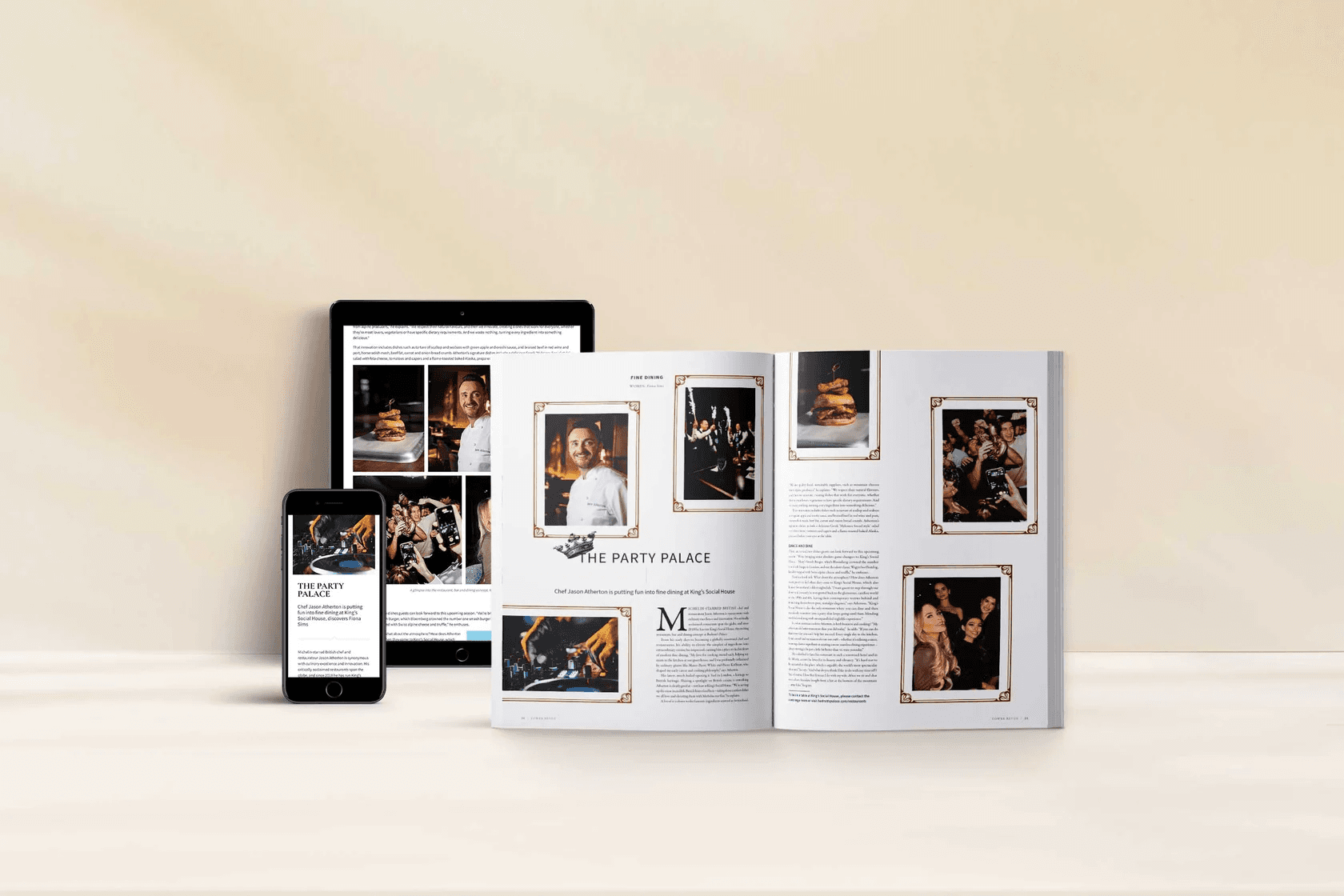
Seven specific steps turn a single webinar recording into a week's worth of content. The system below is built for repetition, not inspiration, which means it works even when motivation is low and calendars are full.
1. Build a Clip Map With Timestamps
The failure point is usually the re-watch. Without a running log of strong moments, every repurposing session starts from zero, which is why it keeps getting skipped. The fix is simple: while reviewing the recording, note timestamps for standalone moments, sharp insights, counterintuitive claims, and moments of genuine friction in the room. That clip map turns future sessions into a quick reference task instead of a full excavation. This step takes under ten minutes if you do it during a first pass. The payoff is that every subsequent repurposing decision becomes a lookup, not a judgment call made under time pressure.
2. Cut Standalone Social Clips in the 30-60 Second Range
Clips that run too long lose the feed. Clips that run too short lose the point. The 30-60 second range is the documented sweet spot because it gives enough context for the moment to stand alone while staying inside the attention window of a social scroll. Cut from your clip map, not from memory, and you will move through this step in minutes rather than hours.
Automating Clip Creation to Eliminate Editing Friction
Most teams handle this by scrubbing manually through footage, making rough cuts in whatever editing software they have open. That approach works once. When the next webinar arrives two weeks later, the friction of reopening that process is exactly what causes repurposing to quietly disappear from the schedule. Clip creator tools like Crayo address this directly: auto-clipping pulls the strongest moments from a recording, adds captions, and outputs ready-to-publish shorts without a single manual edit, compressing what used to take an afternoon into a step that fits inside a 30-minute workflow.
3. Add Captions to Every Clip by Default
Captions are not a finishing touch. They are a reach multiplier, and skipping them is a structural error, not a time-saving shortcut. Silent viewing is the dominant behavior on most social platforms, and a clip without captions is functionally invisible to a significant share of your potential audience.
The rule is simple: no clip ships without captions. Make it a non-negotiable production step, not a conditional one applied when time allows.
4. Extract a Quote Bank for Text Posts and Cards
According to the WebinarNinja Blog, repurposing content can extend a webinar's life by up to 12 months, and a quote bank is one of the clearest reasons why. Pull 5-10 standalone quotes from the transcript, specifically lines strong enough to work as a text post or a designed graphic without any additional context. This gives you a second content format from the same source material, reaching the part of your audience that scrolls past video but stops for a well-framed sentence.
A quote bank also solves a quieter problem: it prevents the webinar's ideas from living only inside the recording, where they require a viewer's full attention to surface. Text posts are skimmable, shareable, and searchable in ways that video is not.
5. Send a Short Bullet-List Email Immediately After the Webinar
Waiting three days to follow up is waiting too long. The window when attendees are still thinking about the session closes fast, and non-attendees who registered but didn't show up are quietly deciding whether the content was worth their time. A short email with 3-5 takeaways and a replay link, sent within hours of the live event, keeps both groups engaged while the session is still contextually relevant. This step also drives replay views, which matters because a meaningful share of your registered audience will only ever experience the webinar through that recording. The email bridges the live event and the on-demand audience.
6. Turn the Transcript Into a Blog Post
The transcript already exists. The only question is whether you restructure it into something readable or leave it as a raw text file no one will open. A scannable blog post with clear headers captures the audience that prefers reading, creates evergreen content that search engines can index, and extends the webinar's reach well beyond the people who were ever going to watch a 60-minute replay. The critical distinction is restructuring, not transcribing. A raw transcript dumped into a CMS is not a blog post. It is a wall of text. Edit for clarity, add headers, and cut the filler that works in conversation but reads as noise on a page.
7. Build a 30-Day Distribution Plan for the Repurposed Assets
Producing repurposed content without a distribution schedule is the same mistake as producing no content at all. The assets sit in a folder. The week gets busy. The clips never go live. A staggered 30-day plan, with clips, quote cards, the blog post, and the follow-up email mapped to specific dates, converts production into actual reach. 73% of B2B marketers say webinars are the best way to generate high-quality leads, which makes the distribution plan the step where that lead generation potential either gets captured or quietly evaporates. Staggered publishing over 30 days creates sustained visibility instead of a single burst that fades within 48 hours.
What Actually Changes When You Follow This System
Before this system exists: repurposing is a fresh decision after every webinar, made under time pressure, and usually resolved by sending a replay link and moving on.
After it exists: the decision is already made. The clip map, the social cuts, the captions, the quote bank, the email, the blog post, and the distribution plan are all predetermined steps, not creative choices made in the moment. The difference is not discipline. It is design. A system that requires willpower to activate will fail. A system that runs because the steps are already documented will survive the weeks when everything else is competing for attention.
Related Reading
- Podcast Shorts
- Repurpose Keynote Into Social Media Clips
- Church Reels Editing
- How To Start Clipping On Instagram
- How To Trim A Zoom Recording Saved On My Computer
- Best Video Clipping Tool For YouTube
- Repurposing Content For Social Media
- How To Add Audio To A Video
- Podcast Reels
- How To Repurpose Webinar Content For Marketing
The 30-Minute Workflow to Repurpose a Webinar as a System
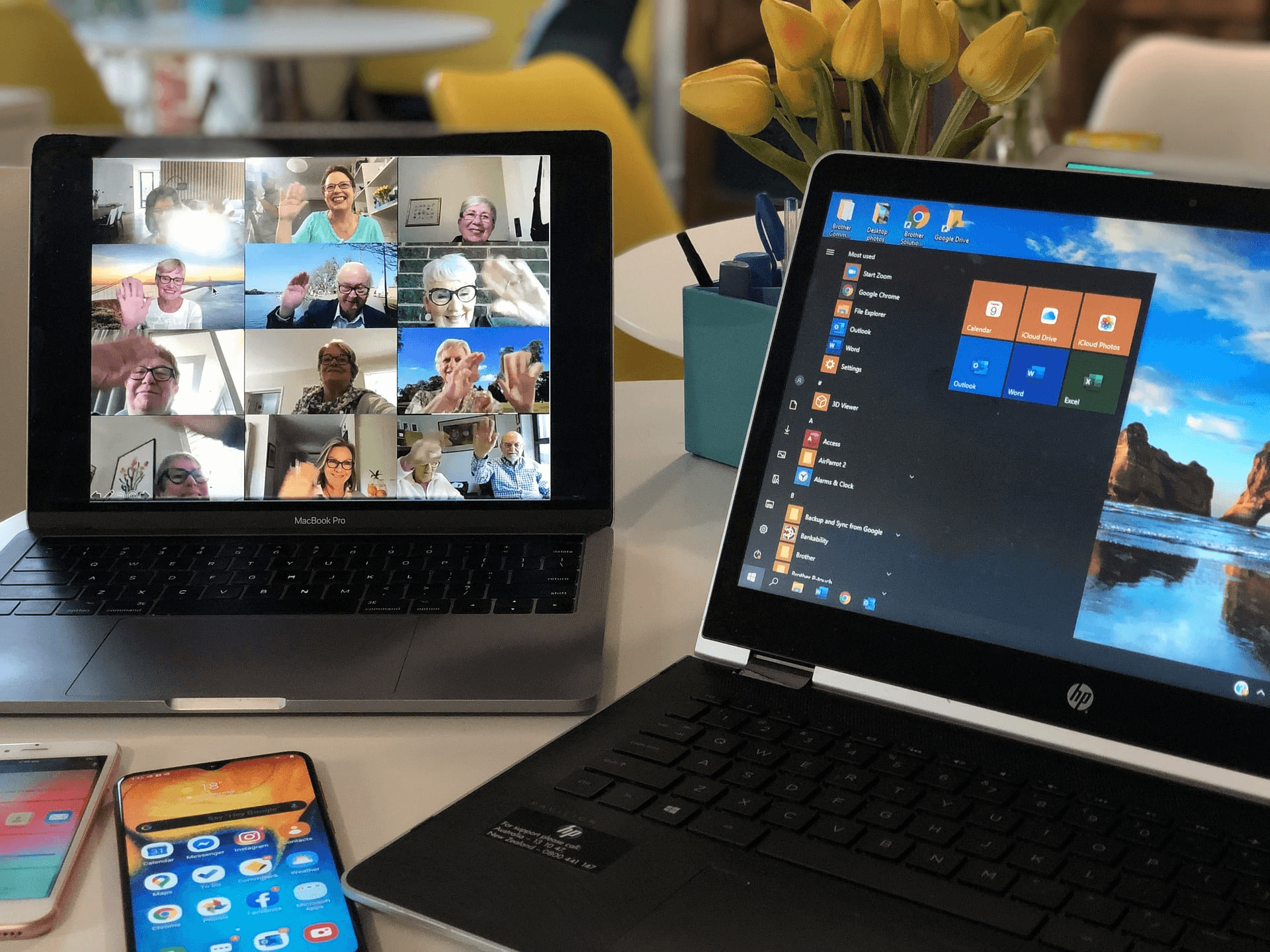
Treating the five-step sequence as a workflow is one shift. Treating it as a system is a different one entirely. A workflow gets used when someone remembers to use it. A system runs because it is embedded in how the work gets done, not layered on top of it. That distinction matters more than any individual tactic in the sequence.
Where Most Teams Lose the Gains They Made
The failure point is usually handoff. Teams build a strong clip map in the first five minutes, cut solid content in the next ten, and then stall on distribution. Not because they lack the material, but because the distribution step still lives in someone's head instead of a documented schedule. When the schedule lives in your head, it competes with every other mental task. When it is written down and pre-assigned, it runs on its own.
Content teams that documented their workflows were 60% more likely to rate their content marketing as effective than those that operated without written processes. The number is not surprising. What is surprising is how few podcast and webinar teams apply that same logic to repurposing, even when they apply it everywhere else.
The One Structural Addition That Closes the Gap
After you schedule the 30-day distribution plan, one addition makes the system self-sustaining: a session debrief template that takes less than three minutes to complete. Before closing out the webinar file, note which clip performed best in the previous cycle, which topic generated the most audience questions, and which format (short clip, quote card, or blog section) drove the most replay traffic. That data becomes the input for the next session's clip map, so each webinar is informed by the last one rather than starting from zero. This is how repurposing compounds. A single session produces content. A documented sequence produces content consistently. But a sequence that feeds forward, where each cycle informs the next, produces content that gets progressively sharper at reaching the right audience.
When Volume Meets Speed
Most teams handle clip production by exporting the recording, opening an editing tool, and manually trimming segments one by one. That approach works for one clip. It becomes a bottleneck when the goal is five to eight clips per session, the volume range where short-form content starts to build meaningful reach across platforms.
Teams producing at that volume find that the clip creator tool removes the manual trimming layer entirely. Crayo's auto-clip function identifies standalone moments from the recording, adds styled captions automatically, and outputs multiple clips in the time it used to take to produce one. For a 30-minute workflow where minutes 5 through 15 carry the heaviest production load, that compression is not a convenience; it is what makes the volume target realistic.
The Compounding Effect Nobody Tracks
When we measure webinar ROI, we typically count registrations, attendance rate, and replay views in the first week. Those numbers are real, but they capture only the immediate return. According to ON24's Webinar Benchmarks Report, webinar content continues to generate on-demand views for an average of 12 weeks after the live event. That means a single session, properly distributed across clips, quote cards, and a blog post, can generate audience touchpoints well into the following quarter. The teams that see this compounding effect are not producing more webinars. They are extracting more from each one, systematically, every time. The math is simple:
- Five clips distributed across 30 days.
- Refreshed by three quote cards and a blog post.
- Produces more touchpoints than a single replay link ever could, without requiring a single additional live session.
What Repeatable Actually Requires
Constraint-based thinking clarifies this quickly. If the workflow requires a specialist to execute, it is not repeatable at scale. If it requires a dedicated block of uninterrupted time, it will be skipped during busy weeks. If any step involves a judgment call that has not been pre-documented, that step will slow the whole sequence down.
The version of this workflow that survives long-term has three qualities: every step is assigned to a specific role before the session ends, every tool is already open and ready before the recording is processed, and every distribution slot is pre-blocked in the content calendar rather than decided after the content is produced. Remove any one of those three conditions and the system reverts to a workflow. Remove two, and it reverts to a task that gets skipped.
From Session to Searchable Asset
One underused output from the transcript step is the FAQ section. Most webinars generate live audience questions that never make it into the blog post or follow-up email. Those questions are search queries. Someone in your audience typed a version of that question into Google before they registered for the session, and someone else will type it again after the session.
Pulling five to seven of the strongest audience questions and building a short FAQ section at the bottom of the blog post takes less than ten minutes and adds documented SEO value. HubSpot's 2023 State of Marketing Report noted that FAQ-formatted content is among the highest-performing formats for featured snippet placement in search results. That is a second distribution channel activated by material you already have, requiring no additional research.
Repurpose Webinars Faster With Crayo
Your system is already complete. The timestamp map, the clip workflow, the debrief template, the 30-day distribution plan: all of it exists to turn one webinar recording into weeks of distributed content without starting from scratch each time. The only variable left is how fast you can move from recording to published assets.
Upload your next webinar to Crayo immediately after the session ends. The platform auto-clips, adds captions, and generates short-form video assets directly from the recording, cutting the production step that most teams deprioritize until the recording is three weeks old and the moment has passed. The system works when the production barrier is low enough to run every single time, not just when the calendar allows.
Related Reading
• Content Repurposing Tool
• Best Way To Make Podcast Clips
• How To Trim A Zoom Recording
• How To Trim Google Meet Recording
• Best AI Video Repurposing Tools 2026
• Best AI Video Clipping Tools 2026
• How To Automate My Video Clipping
• Best AI Video Tools Like Vizard For Webinar Clips
• Best Audiogram Maker