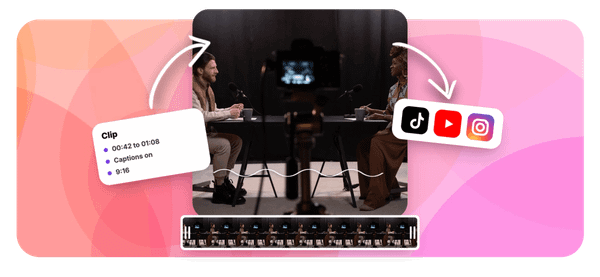
Ever wondered why some Instagram accounts grow fast while others stay stuck posting long videos nobody watches? Short clips are changing how people share content on the platform, and knowing how to start clipping on Instagram can be the difference between getting ignored and getting real engagement. This article walks you through the entire process in 30 minutes or less, covering everything from selecting the right video segments to publishing clips that actually stop people from scrolling.
The best part is that you don't need to spend hours editing. Crayo's clip creator tool works as one of the best AI podcast clip generator options available, letting you pull the strongest moments from your content, add captions, and format everything for Instagram without needing any editing skills. If you want to grow your audience through short-form video, reels, or story clips, Crayo gives you a straightforward way to turn raw footage into polished Instagram clips fast.
Table of Contents
- Why Beginners Struggle to Start Earning From Clipping on Instagram
- The Hidden Cost of Waiting to Build a Following First
- How to Start Clipping on Instagram in 30 Minutes
- The 30-Minute Workflow to Produce Your First Instagram Clips
- Produce Clips Faster With Crayo
Summary
- Short-form video under 60 seconds retains 72% of viewers through to the end, making clip length one of the most measurable factors in Instagram performance. Most beginners underestimate how much the first two seconds determine whether a clip earns the rest of its watch time. A clean hook paired with a single clear idea consistently outperforms longer, more complex edits.
- Campaign-based clipping on Instagram operates on completely different terms than native platform monetization. While Instagram's Reels program typically pays between $0.50 and $2.50 CPM and requires follower and engagement thresholds, brand-clipping campaigns documented in 2026 pay $1 to $6 CPM with no follower minimum required. Beginners can realistically earn $0 to $500 per month in their first few months without any existing audience.
- One of the most costly and avoidable mistakes in campaign clipping is joining a campaign after most of its budget has already been spent. Campaigns with exhausted budgets will still accept clips and count views but stop paying once the pool hits zero. Practical guidance: join campaigns only when roughly 60% or more of the budget remains before investing any editing time.
- Captions are not optional polish in campaign-based clipping. They are a documented payment requirement under most campaign terms, and clippers who skip them or add them after posting are among the most common cases of rejected payments. Meeting campaign-specific requirements, including logo placements and hashtags, is part of the job, not an afterthought.
- Cross-platform distribution is one of the most consistently overlooked ways beginners leave money on the table. The same finished clip can be posted to Instagram Reels, TikTok, and YouTube Shorts from a single editing session, multiplying total view counts without any additional production work. Clippers who treat each platform as requiring separate content are doing more work for lower returns than those who cross-post the same file.
- Posting volume matters more than individual clip perfection, particularly in the early stages. Clippers who evaluate their approach after one or two clips have a sample size too small to draw any useful conclusions. Producing at least 5 to 10 clips before adjusting strategy creates the feedback loop that builds judgment over time.
Crayo's clip creator tool addresses the production bottleneck that limits how many campaigns a clipper can realistically work through in a week, handling captions, formatting, and clip generation automatically so editing time stays focused on finding strong moments rather than reformatting them.
Why Beginners Struggle to Start Earning From Clipping on Instagram
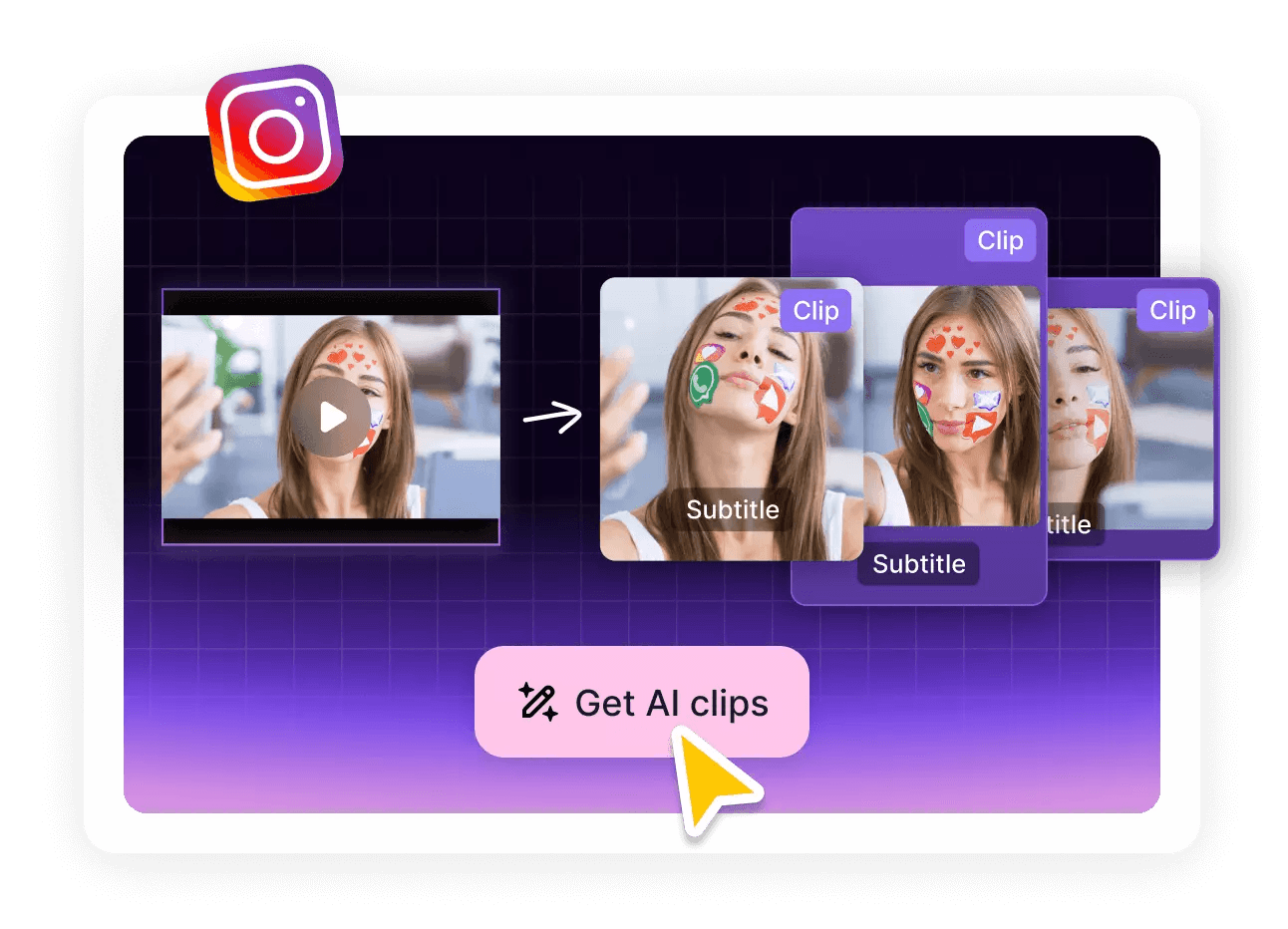
Clipping on Instagram can generate real income without a single existing follower, but most beginners never discover this because they start with the wrong assumption. The standard social media playbook, build an audience first and monetize later, simply does not apply to brand-clipping campaigns. That mismatch between conventional wisdom and actual opportunity is what keeps beginners stuck.
The Follower Threshold Myth
The failure point is usually a misread of how Instagram monetization actually works. Instagram's native Reels program genuinely does require follower and engagement thresholds before you qualify, so it's reasonable to assume that's the only path. But brand-clipping campaigns, where a creator or brand explicitly funds the distribution of their own footage, operate on completely different terms. According to the Ssemble Blog, beginners can realistically earn $0 to $500 per month in their first few months of clipping, with zero followers required to start. That number isn't a ceiling; it's what happens when someone begins before they've built anything.
Legitimacy and Permission
Beginners' hesitation isn't stubbornness. It's uncertainty about legitimacy. Many new clippers worry that editing and distributing someone else's footage crosses a legal line. The documented reality is the opposite: brands and creators actively fund this distribution because they want their content spread. You are not taking something without permission; you are fulfilling a paid brief that the creator designed specifically for people like you.
Streamlining Production
Most beginners handle production the familiar way, spending hours manually trimming clips, adding captions frame by frame, and reformatting everything for Reels. As campaign volume grows and time becomes the real constraint, that approach quietly becomes the bottleneck. Crayo's clip creator tool addresses exactly this friction, pulling strong moments from footage, generating captions, and formatting clips for Instagram in seconds, so the time you save goes back into finding better campaigns rather than wrestling with timelines.
What Actually Pays More Per View
The math here surprises most people. Instagram's native Reels monetization typically pays $0.50 to $2.50 CPM for qualifying creators. Brand-clipping campaigns documented in 2026 data pay $1 to $6 CPM with no qualification barrier. Even creators who do eventually meet Instagram's native thresholds often earn less per view through the platform than through campaign-based clipping. The smarter path isn't the one that requires more prerequisites; it's the one that pays better and starts immediately.
One practical risk does exist, and beginners consistently miss it: campaign budgets are finite. Joining a campaign after most of its budget has been spent means your clips can generate real views and receive zero payment. The documented guidance is specific: only join campaigns with roughly 60% or more of the budget still remaining. That single check separates clippers who get paid from clippers who wonder why their views didn't convert.
Related Reading
- Best AI Podcast Clip Generator
- What Is An Audiogram Podcast
- How Long Does It Take To Trim A Zoom Recording
- Content Repurposing Examples
- Webinar To Short Clips AI
- Clipping a YouTube Video
- Podcast Clips For Social Media
- Video Clipping For Social Media
- How Do I Repurpose My Interview To Social Media
- Sermon Clips AI
The Hidden Cost of Waiting to Build a Following First
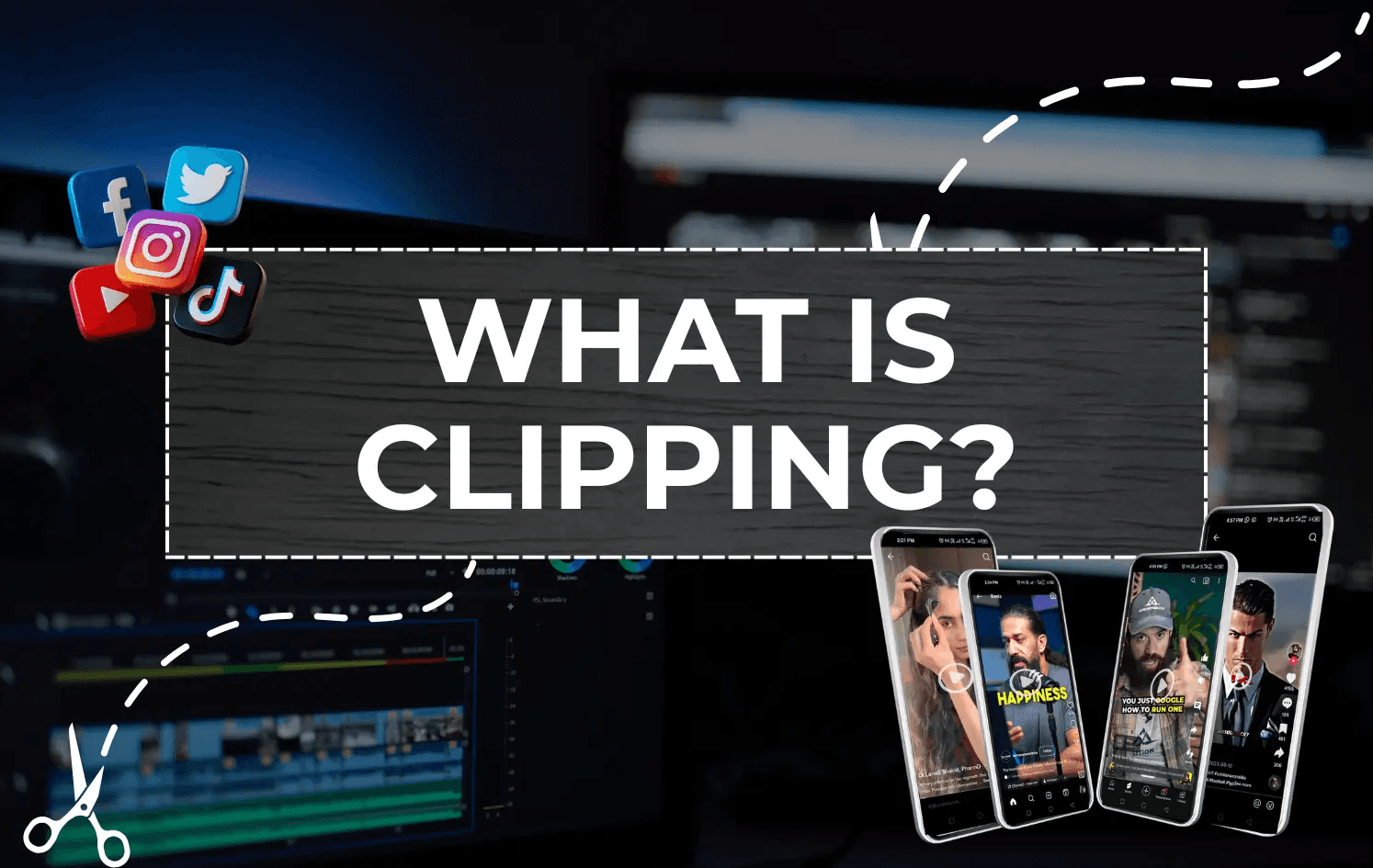
Treating follower count as the entry ticket to income from clipping is a belief that costs real money, measured in months, not just motivation. The documented reality is straightforward: campaign-based clipping on Instagram has no follower minimum, no approval queue, and no waiting period. The cost of the opposite assumption isn't abstract; it is a specific number of weeks spent building toward a threshold that was never required.
The failure point is usually a misread of how platform monetization works. Native Instagram monetization feels official, so beginners treat it as the default path and assume everything else is secondary or risky. But documented CPM data tells a different story: campaign-based clipping frequently pays $1 to $6 per thousand views, while native Reels monetization typically lands between $0.50 and $2.50. The "official" path does not automatically mean the better-paying one. Waiting for it means accepting lower earnings even after you finally qualify.
What the Legitimacy Hesitation Actually Costs
The pattern surfaces consistently: a beginner spends time researching whether clipping someone else's content is legally sound before ever joining a campaign. That hesitation is understandable, but it does not apply to the campaign structure being described. Campaign-based clipping is explicitly permission-based; the brand has budgeted for distribution and wants the footage spread. The uncertainty is real, but the risk it assumes is not.
Most clippers handle production manually at first, cutting clips frame by frame, adding captions by hand, and formatting each Reel individually. That workflow is manageable for one or two clips, but it becomes the bottleneck the moment campaign volume increases. Crayo addresses that friction point: auto-clipping, AI captions, and voiceovers generated in seconds rather than hours, so production constraints don't keep a clipper from meeting a campaign's remaining budget window.
Why the Audience-First Instinct Persists
According to a LinkedIn Pulse analysis on the hidden cost of delayed online presence, 75% of consumers judge a company's credibility based on its website design, which reflects a broader truth about perception: the visible, official-looking path always feels more legitimate, even when a faster, better-paying alternative exists right beside it.
That same instinct pushes beginner clippers toward native monetization and away from campaign marketplaces, not because the data supports it, but because familiarity reads as safety. Recognizing that instinct for what it is, a cognitive shortcut rather than a researched conclusion, is what separates clippers who start earning immediately from those who spend months preparing to start.
Break-Even and Immediate Earning
The break-even calculation here is unusually simple. Building a following before trying to earn from clipping costs months of zero earnings on a path that was never a prerequisite. Starting with campaign-based clipping directly costs an afternoon and produces verified, paid views from day one. One of those is a strategy. The other is a delay dressed up as preparation. And once you understand that the entry barrier was never what you thought it was, the next question becomes surprisingly practical.
How to Start Clipping on Instagram in 30 Minutes
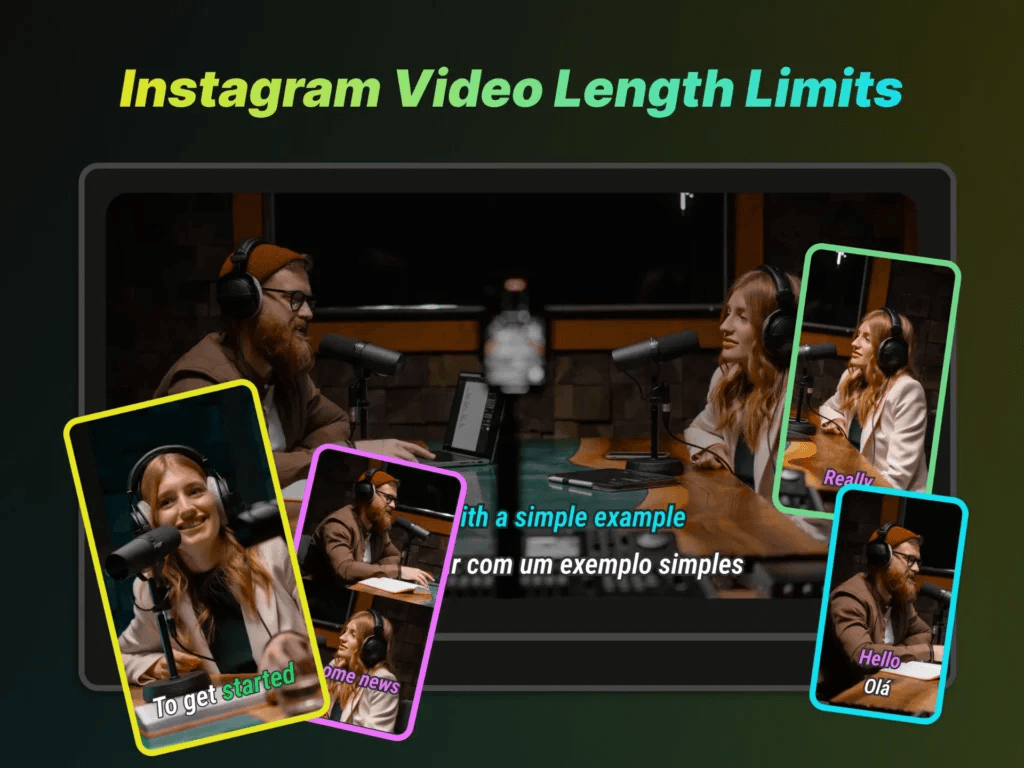
Sign up for a campaign-based clipping marketplace, connect your Instagram account, check campaign budgets, and post your first clips. That sequence, done in order, gets you from zero to verified and earning without a single follower required.
Sign Up for a Campaign-Based Clipping Marketplace
The entry point is simpler than most people expect. Create a free account on a clipping marketplace using only your email address. No follower count, no approval process, no waiting period. You are browsing available paid work within minutes of signing up. What surprises most beginners is that the hardest part of this step is believing it is actually this straightforward. The uncertainty about whether clipping is a legitimate income path creates hesitation that the sign-up process itself immediately dissolves. Once you see active campaigns with documented payout rates, the question shifts from "is this real?" to "which campaign do I start with?"
Connect Your Instagram Account for Verified Payouts
The verification step is not optional, and skipping it is where unpaid work happens. Link your Instagram account to the marketplace platform so it pulls view counts directly via API. This removes self-reporting entirely and replaces it with confirmed, verifiable data. The anxiety around getting paid fairly is real and common. People worry about doing the work and not getting paid. The API-based verification model removes that variable completely. The platform counts your views, not you, and payment follows confirmed numbers rather than trust.
Check Campaign Budget Before You Commit Editing Time
The failure point most beginners miss is joining a campaign without checking how much budget remains. A campaign with an exhausted pool will still accept your clips, still count your views, and still show you a payout rate. It just won't pay you once the budget hits zero. Prioritize campaigns with at least roughly 60% of their budget remaining before you invest editing time. This is not a minor detail. It is the difference between earning from your first clips and learning an expensive lesson about why campaign selection matters as much as clip quality.
Choose Content You Already Watch
Familiarity is an underrated edge in clipping. When you already know a podcast, streamer, or content format well, you recognize the moments worth clipping before you consciously think about why. That instinct is real, and it is faster than any checklist. Start with a niche you already consume. The clip-worthy moments in content you understand deeply are obvious to you in a way they simply are not in unfamiliar territory. That recognition gap is the difference between a strong hook and a clip that opens on nothing.
Produce Your First 5-10 Clips Before Drawing Any Conclusions
The most common mistake beginners make is evaluating their approach after one or two clips. That sample size tells you almost nothing. Some clips underperform because of the hook, some because of timing, and some because the moment itself wasn't as strong as it seemed in the edit. You cannot separate those variables with two data points. Produce at least 5 to 10 clips before forming any conclusions. Focus on three things per clip:
- A strong hook in the first two seconds
- Captions on every clip
- One clear idea per clip
Complexity kills short-form video. One idea, well-executed, consistently outperforms three ideas competing for attention in 60 seconds.
Efficiency and Workflow Automation
The editing friction at this stage is where many beginners stall. Manual captioning, formatting for multiple aspect ratios, and trimming for pacing can turn a 30-minute workflow into a three-hour one. Tools like Crayo compress that production loop significantly, handling captions, formatting, and clip generation automatically so you can focus on finding strong moments rather than reformatting them.
Post Across Platforms From the Same Edit
The same finished clip belongs on Instagram Reels, TikTok, and YouTube Shorts. That is not extra work. It is the same file uploaded three times, multiplying your total view count from a single editing session. Clippers have scaled from $0 to $5,000 per month using AI clipping tools, and cross-platform distribution is a documented part of that earnings structure. Treating each platform as requiring separate content is the single most common way beginners leave money on the table from work they have already done.
Track Performance, Then Post Again
The clippers earning the most are not the ones who spend the longest on individual clips. They post frequently, review what the data shows, and adjust. Posting volume creates the feedback loop. The feedback loop creates the improvement.
After your first batch of 5 to 10 clips, look at which ones generated the most views and ask one specific question: what did the top performers have in common? The answer to that question, applied to your next batch, is how clipping skill actually develops. According to the Sideshift Blog, getting started with Instagram clipping takes as little as 30 minutes, but the compounding value comes from treating each batch as a data set rather than a finished product. The workflow described here is not a shortcut. It is the documented, no-threshold path that removes every barrier that was never actually a barrier to begin with.
The 30-Minute Workflow to Produce Your First Instagram Clips
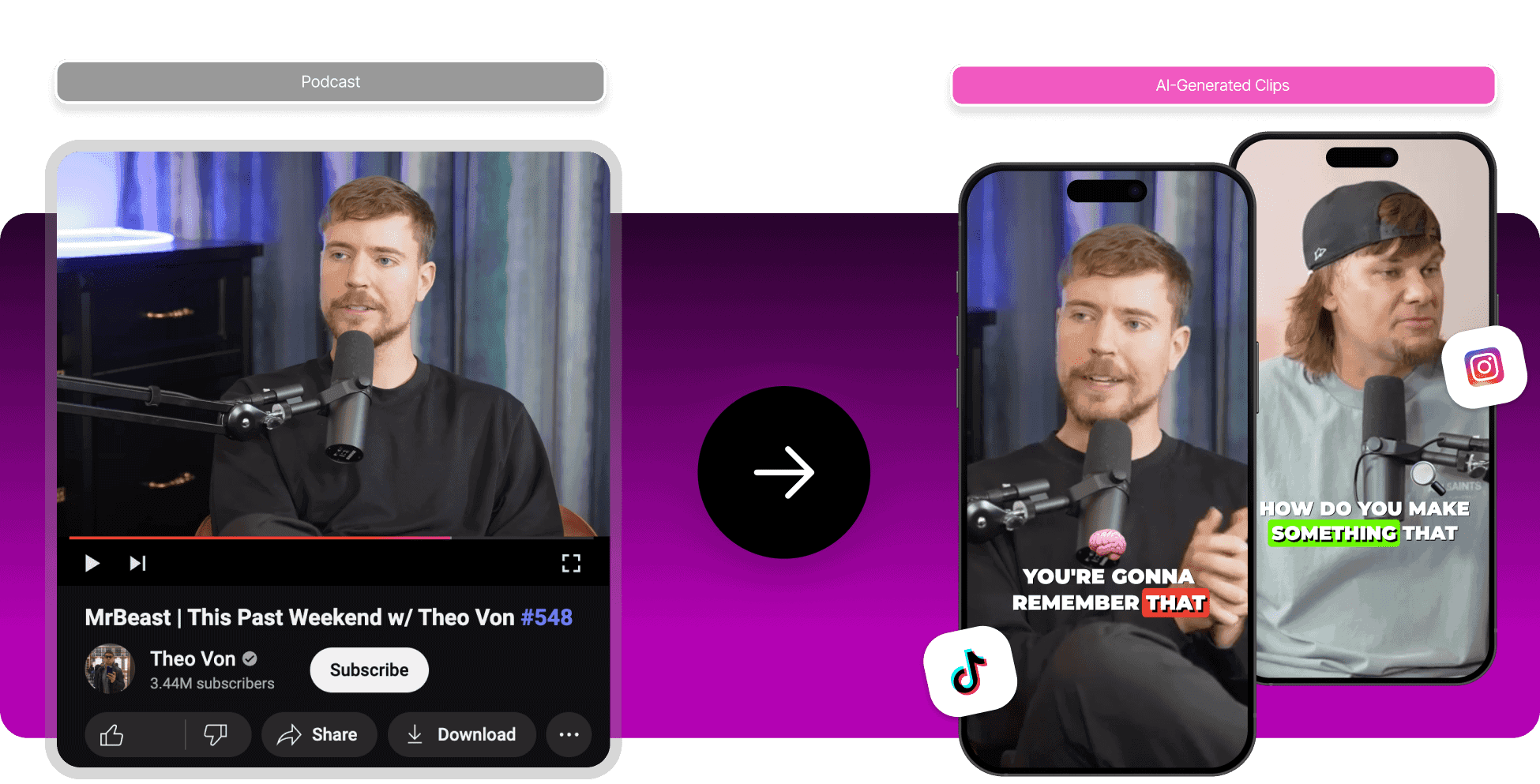
The gap between knowing the process and actually executing it is where most beginners stall. A clear, ordered workflow closes that gap, turning a vague intention into a posted, monetized clip in 30 minutes.
Minute 0–5: Sign Up and Connect Your Instagram Account
Create your marketplace account using just an email address, then connect your Instagram account for API-based view verification. This single step unlocks access to available campaigns and ties your account to guaranteed, verified payouts from the moment you start.
Minutes 5–10: Select a Campaign With Remaining Budget
Browse campaigns in a niche you already follow or consume. Before committing, check that the campaign still has a healthy remaining budget. Producing a clip for an exhausted campaign is the most avoidable mistake a new clipper makes, and it costs real time with zero compensation. The failure point here is almost always impatience. New clippers pick the first campaign they see rather than scanning for budget health. Spending two extra minutes on this check protects every minute you spend editing afterward.
Minutes 10–20: Find and Cut Your First Clip
This is where niche familiarity pays off directly. When you already understand what resonates with an audience, spotting a strong hook or a complete, self-contained thought inside a longer video takes minutes rather than guesswork. Cut to a short, platform-appropriate length, prioritizing a clean opening that earns the next few seconds of attention. Most clippers who struggle here are trying to find the "perfect" moment. There is no perfect moment in a first clip. There is only a good enough hook, a clear thought, and a clean cut. That is the standard.
Minutes 20–25: Add Captions and Required Campaign Elements
Captions are not optional polish. They determine whether your clip qualifies for payment under the campaign's specific terms. Add any required logo placements, hashtags, or content guidelines at this stage, not as an afterthought after posting. A common pattern among clippers who get rejected for payment is skipping campaign-specific requirements because they assume clip quality alone is enough. Requirements exist to protect the brand behind the campaign. Meeting them is the job.
Automating Captions and Scaling
Most clippers handle captioning manually at this stage, which works for a single clip but creates a real bottleneck when producing multiple clips across several campaigns in the same session. Tools like Crayo automate captions and required formatting elements in seconds, compressing what typically takes five to ten minutes of manual work into a step that barely registers in the workflow.
Minutes 25–30: Post to Instagram Reels and at Least One Other Platform
Publish the finished clip to Instagram Reels first, then immediately cross-post to TikTok or YouTube Shorts if the campaign allows it. According to YouTube and Instagram creator research, creators who post three to five Instagram Reels per week see up to 40% faster follower growth, which compounds the value of every clip you produce beyond just the immediate campaign payout. One edit, multiple platforms, multiple view counts feeding back into your verified total. That is the practical logic behind cross-posting, and it requires no additional production time once the clip is finished.
Why the Order Matters
The sequence above is not arbitrary. Each step protects the one that follows it. Budget verification protects your editing time. Clean captioning protects your payment eligibility. Cross-posting protects your earning ceiling per clip. Skipping any step mid-workflow does not save time; it creates rework or, worse, an uncompensated clip. Short-form video content under 60 seconds retains 72% of viewers to the end, which means the clips you produce in this window are not throwaway content. They are high-retention assets, and treating them that way from the first session changes how quickly your results compound.
Before vs. After This Workflow
Before this workflow, the experience is familiar to anyone who has tried to start clipping without a clear structure: a signup page, a list of campaigns, and no obvious next step. Momentum dies in that ambiguity.
After this workflow, you have a verified account connected to a budget-confirmed campaign, a niche-appropriate clip with captions and required elements, and a post live across at least two platforms. That is a complete, earning-eligible session, built in 30 minutes with no technical background required.
Improvement doesn't come from working harder or preparing longer. It comes from following the specific steps in the specific order that actually gets you from zero to posted. But once you do this consistently, the next question isn't about process at all.
Related Reading
- Church Reels Editing
- Podcast Shorts
- How To Start Clipping On Instagram
- How To Trim A Zoom Recording Saved On My Computer
- Best Video Clipping Tool For YouTube
- Repurposing Content For Social Media
- How To Add Audio To A Video
- Podcast Reels
- How To Repurpose Webinar Content For Marketing
Produce Clips Faster With Crayo
The next question isn't about process. It's about scale. Once the workflow clicks, the only thing that limits how many campaigns you can work through is how fast you can produce clips. That's where the tool you use stops being a preference and starts being a constraint. Open Crayo, upload your source content, and generate multiple captioned, platform-ready clips at once.
- No manual scrubbing through hours of footage.
- No guessing where the strong moments are.
Scaling Volume for Success
The production bottleneck that caps most beginners at a handful of clips per session gets removed, and suddenly working through several campaigns in a week becomes realistic rather than exhausting. That's the actual difference between clippers who learn fast and those who stay stuck. Volume creates feedback. Feedback creates judgment. And judgment is what turns a beginner into someone who consistently earns.