

Convert Videos to 9:16
for TikTok, Reels & Shorts
Change your video's aspect ratio to 9:16, 1:1, or 4:5 with a crop you control. Perfectly framed clips for every platform.
No signup required. 100% free!
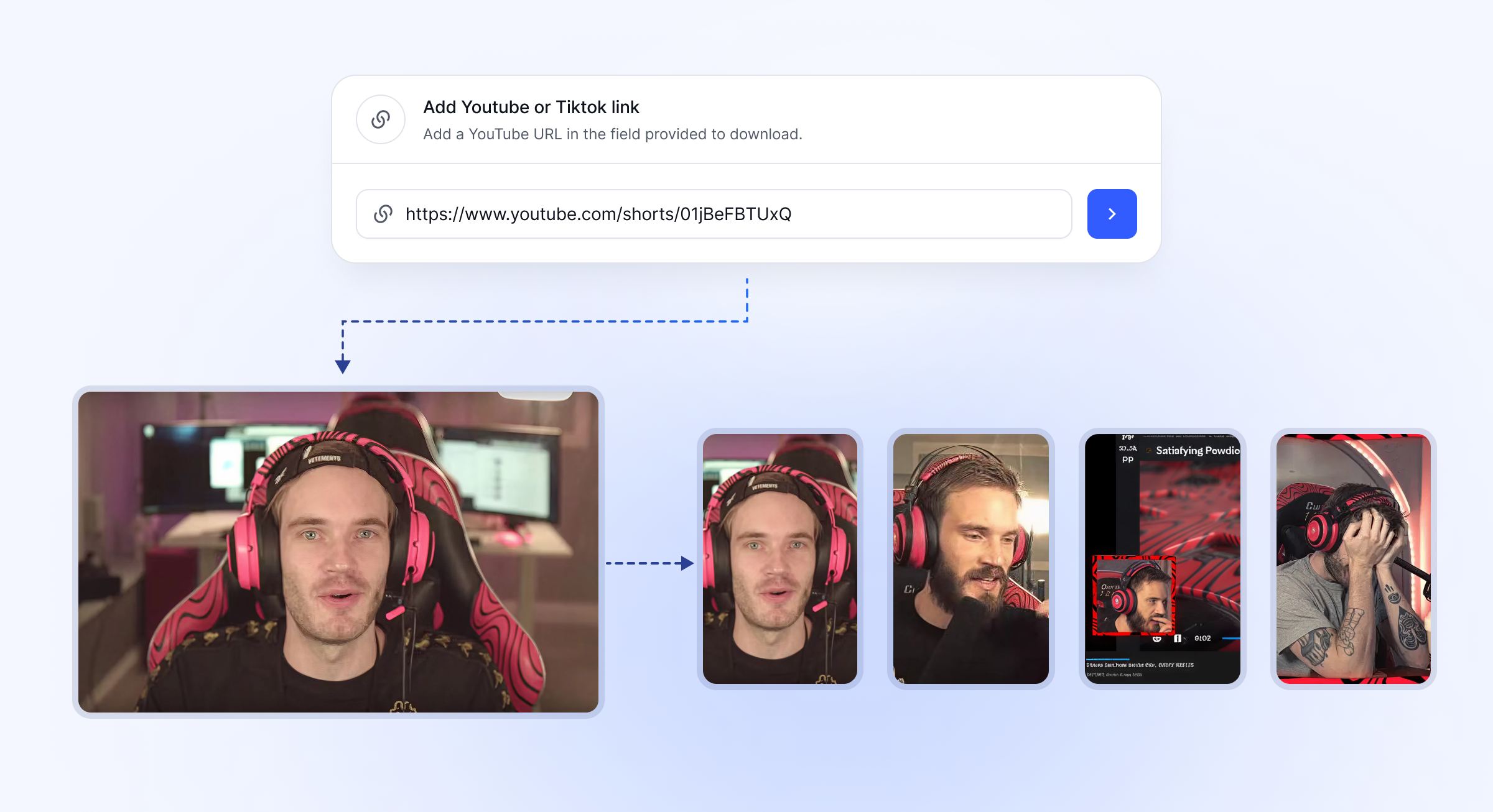
3 Step WorkflowWorkflows To Go ViralExample: See how to generate a streamer blurred clip
Make an account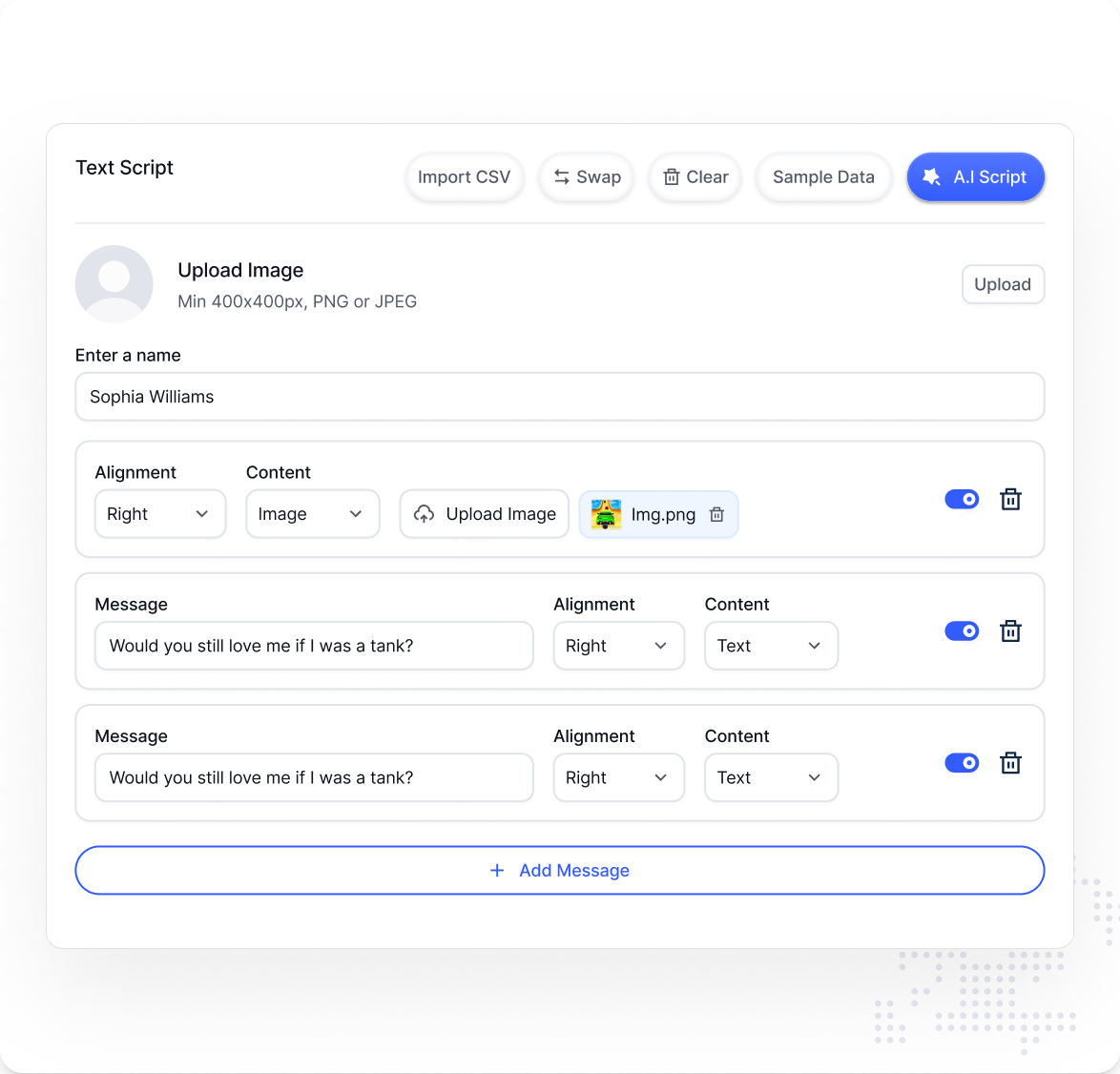
1 Upload your video
Use any file, or a YouTube/TikTok link.

2 Select Subtitle style
Choose from 15+ viral styles.
3 Generate Video
Watch it generate a video in seconds.
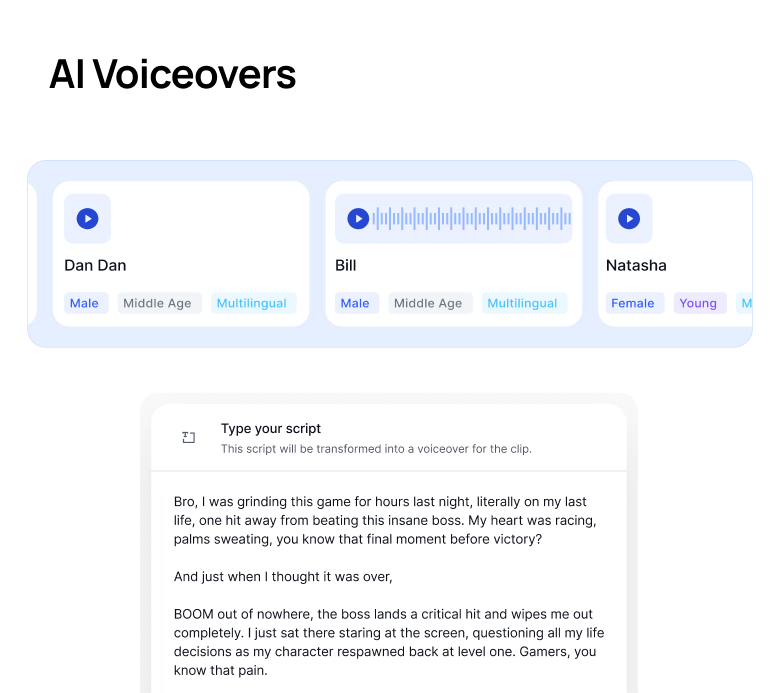
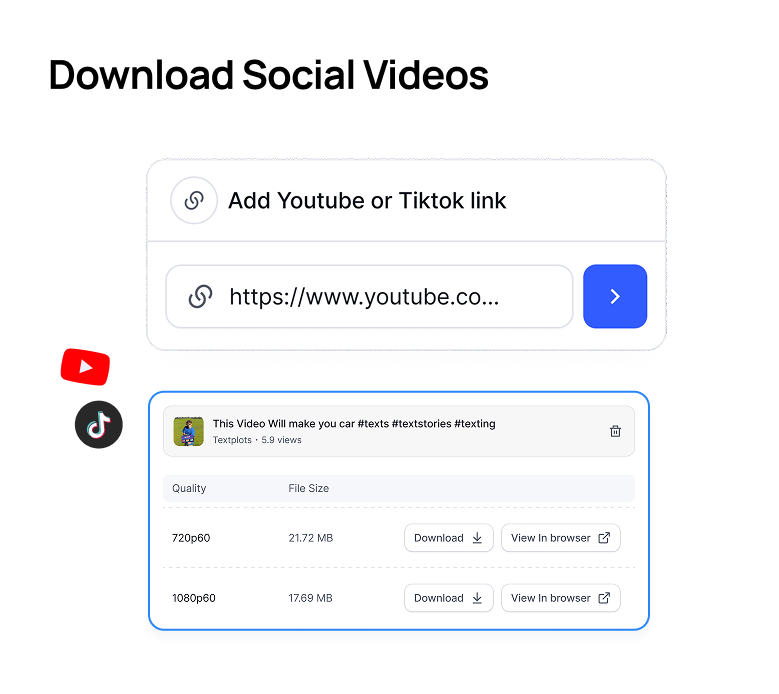
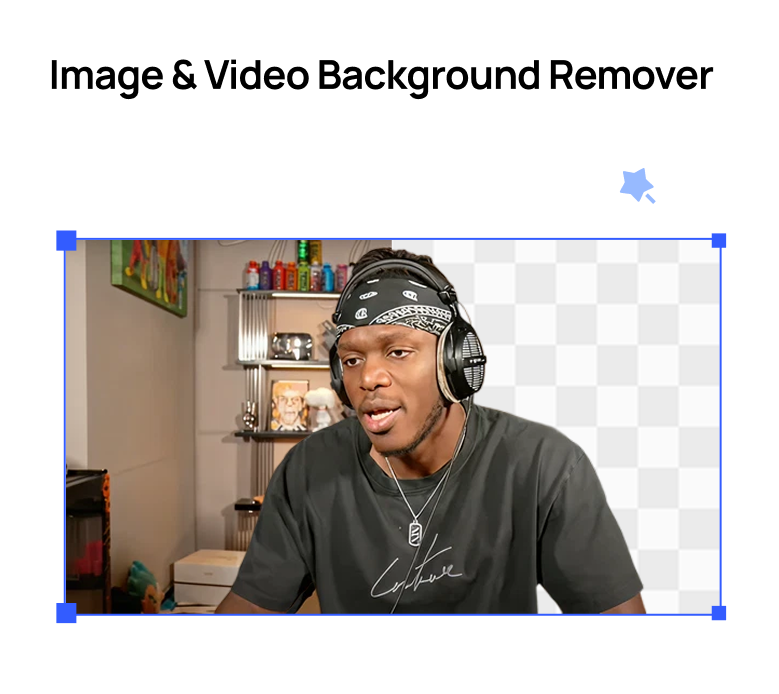
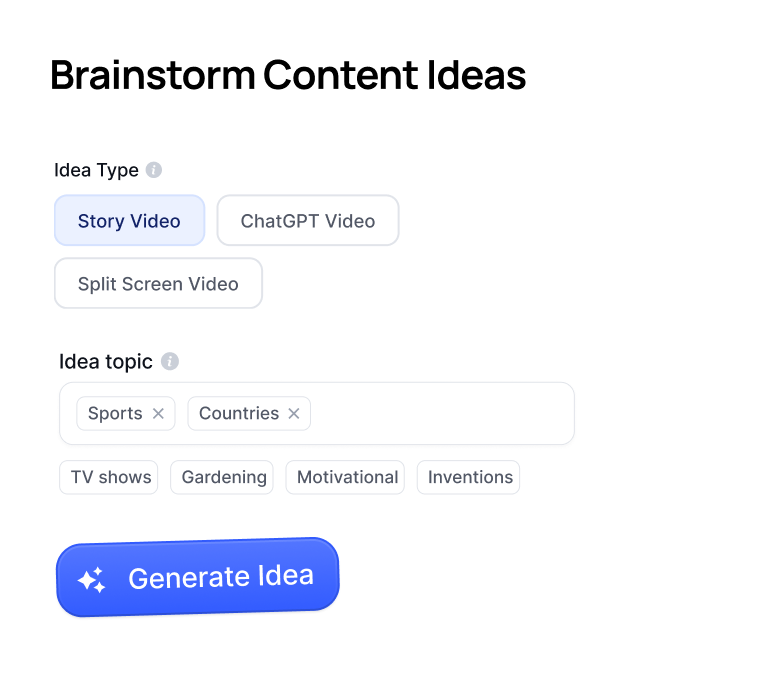
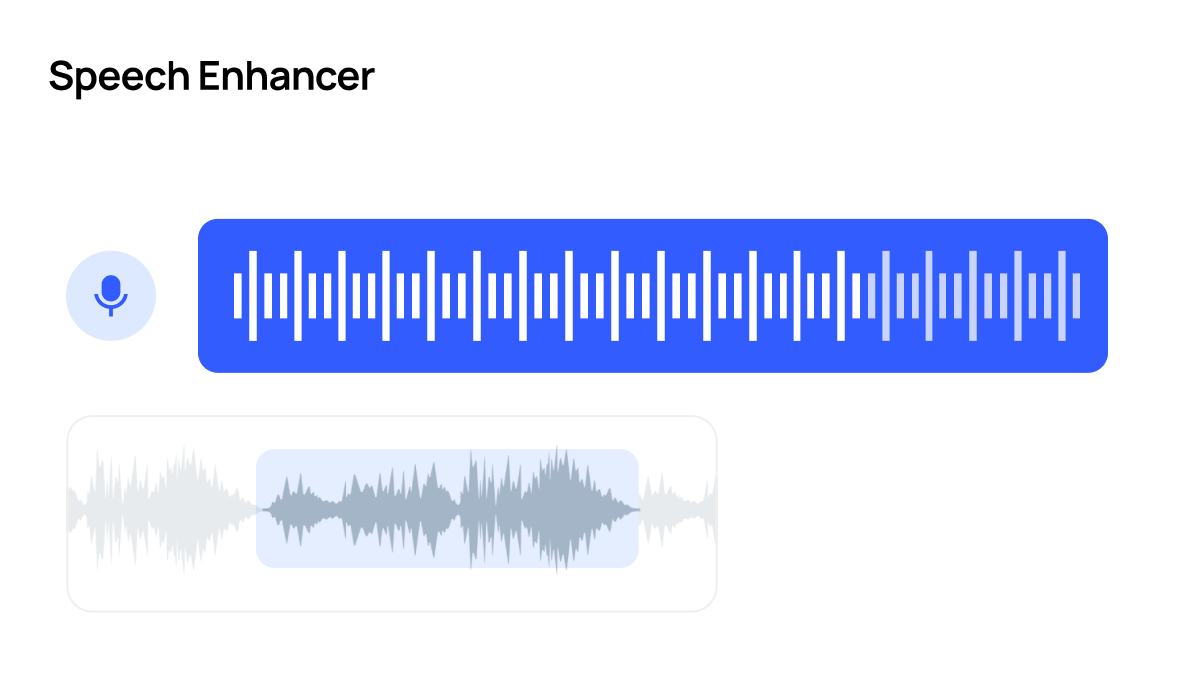
Countless ToolsCrayo has everything you need to go viralFrom cutting-edge speech enhancement to downloading videos, we've got you covered.
Try Crayo Now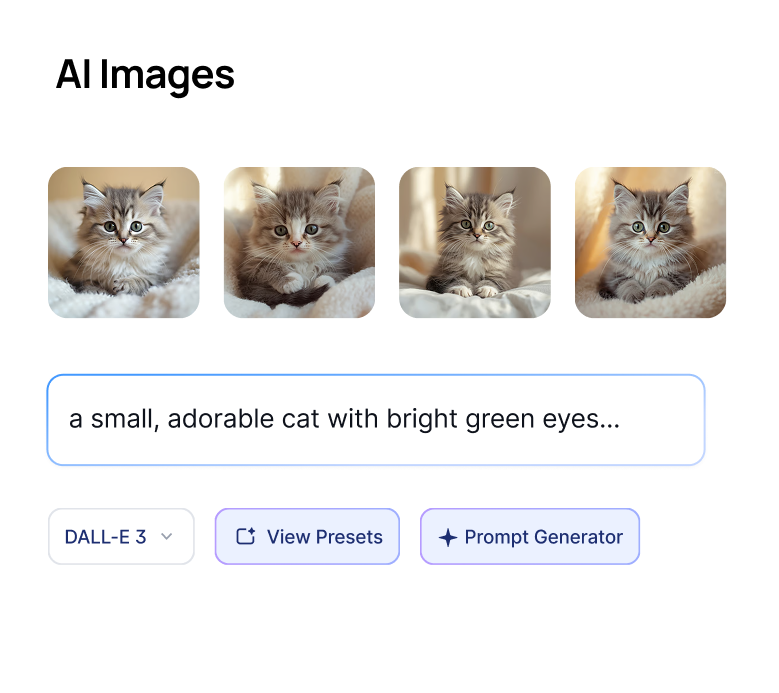
Turn one long video into viral-ready
clips in a fraction of the time.
Crayo Has Generated Billions of Views.
For Millions of Clippers.See What Our Users Are Saying
5 → 400
posts a week
Cutting one podcast episode used to take me about four hours. Now I upload it to AutoClip and have 12 clips ready before lunch. I went from 5 posts a week to 20 without hiring an editor.
 Dave
1 tab
from the moment to the final cut
Every other clipping tool stopped at the export, so I’d still end up in CapCut fixing things. With Crayo I let AI find the moment, then fix the cut and captions in the same tab. I cancelled CapCut last month.
 James
2M
views from 30 clips
I started clipping podcast campaigns in September. My first 30 Crayo clips did 2 million views, and one hit 600k on its own. The captions are the first thing people comment on.
 Jonathan

Meet our Co-Founder
I've gone viral for myself, and the most popular content creators. I know how to go viral, and made the best video editor to make going viral easy for anyone.
Watch Musa in action



Keep exploring
Video Crop
Reframe any video for TikTok, Reels, or Shorts with precise cropping presets for every platform.
Free toolVideo Trimmer
Cut your video to the exact seconds you need, right in your browser. No watermarks, no software to install.
Use caseClippers
Browse live clipping campaigns in Crayo's Content Library, cut clips in minutes with AI, and track every view. Find the work and do the work in one app.
Free toolAudio Balancer
Left-only audio? Missing one channel? Upload your file and instantly balance both channels for a clean, professional sound.
Free toolVideo Compressor
Large video files slowing you down? Upload your video and instantly reduce file size while keeping it crisp and clear.
Free toolMP3 Converter
Need to convert your video or audio to MP3? Upload your file to instantly convert it to MP3 and retain the quality.