Have you ever watched a long YouTube video and thought, "I just need that one moment"? Whether you want to pull a highlight, share a short clip, or repurpose content for social media, knowing how to trim and extract video segments legally is a valuable skill. This article walks you through exactly how to clip a YouTube video legally in 20 minutes, covering everything from fair use basics to the right tools for cutting, trimming, and sharing video snippets without crossing any lines.
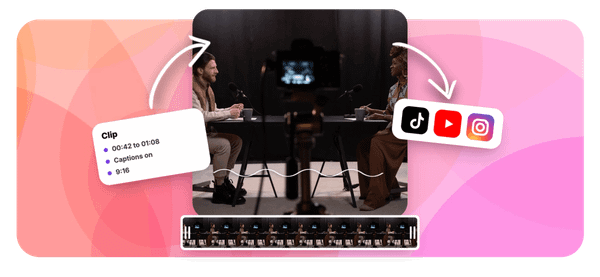
That said, doing this manually can eat up time fast, which is where Crayo's clip creator tool changes the game. If you have been searching for the best AI podcast clip generator to speed up your workflow, Crayo handles the heavy lifting by automatically identifying key moments, cutting them cleanly, and formatting them for whatever platform you need. Less time scrubbing through timelines, more time actually sharing content that connects.
Summary
- Fair use is a genuine legal risk assessment, not a self-issued permission slip. The U.S. Copyright Office is explicit that no formula determines fair use, and only courts can decide whether a specific use qualifies. Judges weigh four factors, including purpose, the nature of the original work, how much was used, and whether the clip competes with the original creator's ability to earn from their content.
- Clipping a YouTube video involves two separate legal questions that most creators treat as one. The first is whether the finished clip qualifies as fair use. The second is whether the method used to obtain the footage was itself legal. A February 2026 court ruling addressed whether using circumvention technology to download YouTube clips violates DMCA anti-circumvention provisions as a distinct legal matter, entirely separate from what the creator planned to do with the footage.
- YouTube's Terms of Service add a third layer beneath both copyright law and fair use analysis. The platform explicitly prohibits downloading or reproducing content except through buttons YouTube itself provides, such as offline mode through YouTube Premium or a creator-enabled download option. A creator can have a defensible copyright argument and still face account termination because the platform enforces its own contractual terms, not a court's ruling.
- Sourcing decisions carry more legal weight than most creators realize, and tool selection is usually where they fail. Creators default to third-party download software because it is fast and familiar, without recognizing that bypassing YouTube's access controls introduces legal exposure before a single edit is made. Browser-based alternatives that process clips without uploading files to external servers remove one layer of that exposure without requiring a workflow overhaul.
- A fixed sourcing sequence reduces risk more reliably than general awareness of safer options. Moving through Creative Commons filters, YouTube-provided download options, and direct creator permission before touching copyrighted material keeps the sourcing decision deliberate rather than reactive. According to YouTube Help, clips can be 5 to 60 seconds long, so length considerations enter the process at the sourcing stage, not just during editing.
- Fragmented multi-tool editing workflows multiply decision points where legal or technical errors can occur. Creators who use separate tools for downloading, trimming, captions, and audio cleanup introduce new gaps at each handoff, and those gaps compound across a content library over time. The time saved in the sourcing phase often gets consumed by friction in the editing process that follows.
Crayo's clip creator tool addresses this by combining auto clipping, caption generation, and subtitle styling in a single browser-based workflow, so creators who upload their own recorded content can move from sourcing to a finished clip without the separate download step that introduces legal ambiguity before editing begins.
Why Creators Struggle to Understand Whether Clipping a YouTube Video Is Legal
Clipping a YouTube video sits at the intersection of two separate legal questions that most creators collapse into one. The first is whether your finished clip qualifies as fair use. The second is whether the method you used to obtain the footage was itself legal. Treating these as the same question is where the real exposure begins.
Why the Two-Layer Problem Catches Creators Off Guard
The failure point is usually confidence in a single concept. Fair use is the most visible legal framework discussed in creator communities, so it becomes the lens through which every other question gets filtered. A creator plans commentary content, concludes their use qualifies as critique, and assumes that conclusion covers the entire process from download to publish. It does not.
Documented 2026 legal analysis confirms you can violate a platform policy without committing a copyright offense, and you can avoid platform issues while still violating copyright through redistribution. These are genuinely separate tracks, and a real February 2026 court ruling addressed whether using circumvention technology to rip YouTube clips violates the DMCA's anti-circumvention provisions, independent of what the creator planned to do with the footage afterward.
The Platform Terms Constraint
YouTube's Terms of Service add a third layer that sits beneath both. The platform explicitly prohibits downloading or reproducing content except through buttons YouTube provides, such as:
- Offline mode through YouTube Premium
- A creator-enabled download option
That contractual restriction exists whether or not your planned use would qualify as fair use under copyright law. A creator can have a legitimate commentary argument and still violate the Terms of Service based purely on how they sourced the clip.
Sourcing Risks and the Crayo Alternative
Most creators who clip content for reaction videos or commentary channels handle sourcing through third-party download tools because the workflow feels obvious and fast. The hidden cost is that this method bypasses YouTube's own delivery system, which is precisely what anti-circumvention analysis examines.
Crayo sidesteps this problem entirely by working with content you already own or have rights to, running auto-clipping, captions, and subtitle styling inside a single workflow rather than requiring a separate download step that introduces legal ambiguity before editing even begins.
What No Formula Actually Means for Your Content
The U.S. Copyright Office is direct on this point: fair use has no formula, and only courts can ultimately decide whether a specific use qualifies. Judges weigh four factors, including purpose, the nature of the original work, how much was used, and whether the clip competes with the original creator's ability to earn from their content.
A creator who adds brief commentary but uses a long, uninterrupted segment of a monetized video faces a very different risk profile than one who uses a short excerpt with substantive transformation. The fair use defense is a genuine legal risk assessment, not a permission slip you issue to yourself.
Separating Purpose from Sourcing Strategy
The pattern that creates real exposure is not bad intent. It is the assumption that commentary purpose alone resolves every downstream question. When creators separate the two layers, they make more deliberate choices:
- What content to use.
- How much to include.
- How to obtain it through a method that doesn't introduce a separate legal vulnerability before editing even starts.
And that separation, once you truly understand it, changes how you think about every clip you publish going forward.
Related Reading
- Best AI Podcast Clip Generator
- What Is An Audiogram Podcast
- How Long Does It Take To Trim A Zoom Recording
- Content Repurposing Examples
- Webinar To Short Clips AI
- Podcast Clips For Social Media
- Video Clipping For Social Media
- Repurpose Webinar Content
- Can You Trim The Middle Of A Zoom Recording
- How Do I Repurpose My Interview To Social Media
- Sermon Clips AI
The Hidden Cost of Treating Fair Use as a Complete Answer
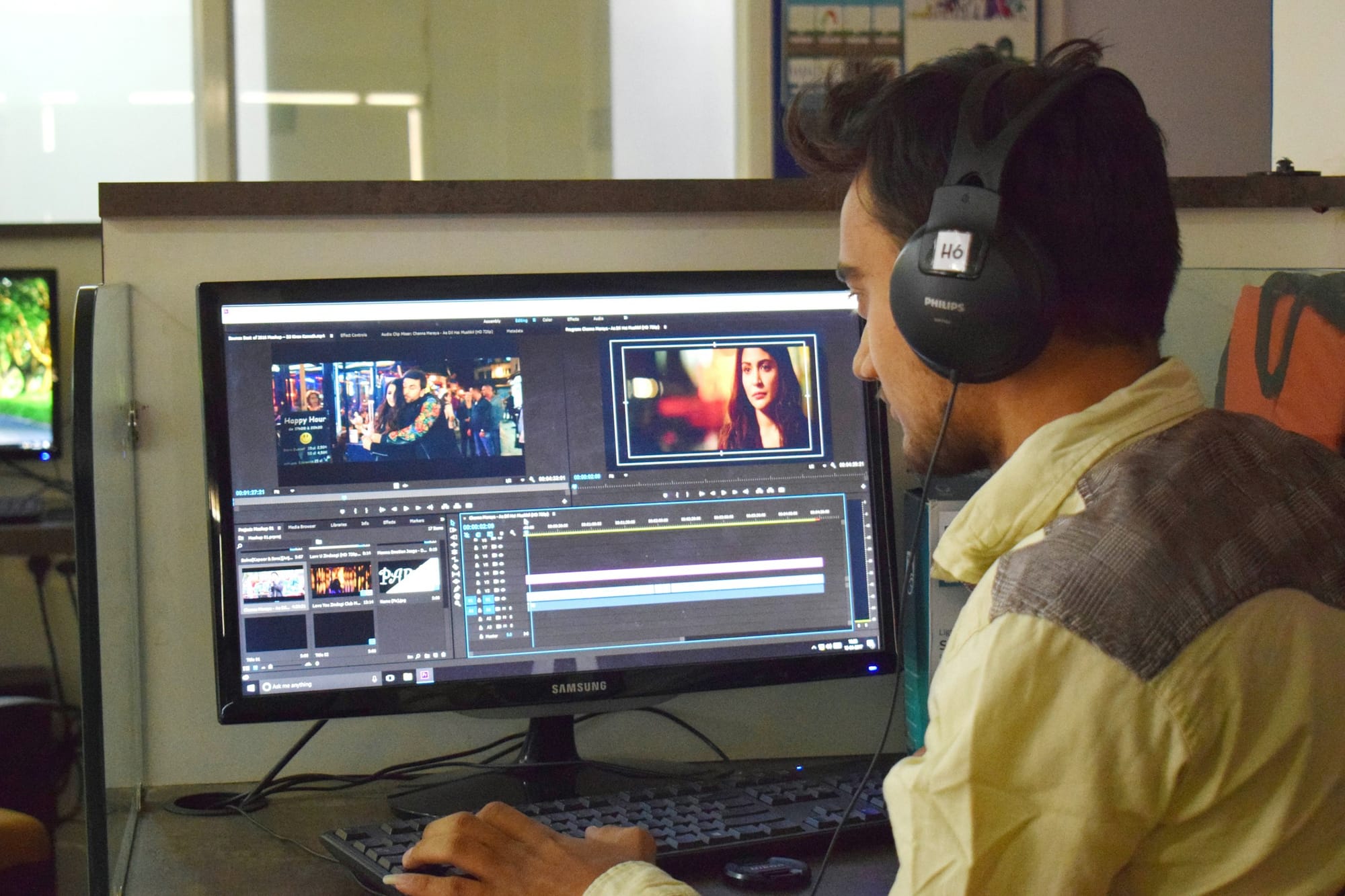
Treating fair use as a complete answer is a process error, not just a legal misconception. The finished clip's purpose and the method used to obtain the source footage are two separate questions, and documented legal analysis confirms they carry separate consequences.
Where the Logic Quietly Breaks Down
The failure point is usually invisible until it isn't.
- A creator plans a reaction video
- Reasons that commentary content has genuine legal footing
- Then uses a third-party download tool without a second thought
The finished video might genuinely qualify as transformative under fair use analysis. But that determination says nothing about whether the download itself violated DMCA anti-circumvention provisions, a question a February 2026 court ruling addressed as a distinct legal matter. Two separate acts, two separate risk profiles, and one creator who evaluated only one.
Copyright Law Versus Platform Terms
The same pattern surfaces in how creators think about YouTube's Terms of Service. Copyright law and platform contracts operate on entirely different tracks. YouTube's Terms independently restrict how content can be accessed and reproduced, regardless of what a fair use defense might accomplish in a courtroom. A creator can have a defensible copyright argument and still face account termination because the platform enforces its own contractual terms, not a judge's ruling.
Mitigating Sourcing Risks via Integrated Workflows
Most creators who piece together separate tools for downloading, editing, captioning, and publishing are also multiplying the number of decisions where this gap can appear.
Crayo works directly within a browser-based workflow, removing the need for third-party download tools entirely and keeping the sourcing question cleaner from the start. When the clipping process doesn't require circumventing anything, one layer of legal exposure simply doesn't exist.
What the Checklist Actually Measures
The four fair use factors are not a scoring rubric with a passing grade. The U.S. Copyright Office is explicit: no formula exists, and only courts decide specific cases. Treating a favorable read on all four factors as a guaranteed outcome is like treating a weather forecast as a contract. The factors matter, but they describe a judicial judgment call, not a mechanical test.
A creator who uses a substantial portion of a video and adds thin commentary may feel confident checking all four boxes, while a court weighs the same facts differently based on specifics that no general checklist captures.
Separating Acquisition from Creative Execution
The creators who navigate this most effectively treat acquisition method and creative use as genuinely separate decisions, each evaluated on its own terms. That discipline costs almost no time and eliminates a category of risk before any editing begins.
Knowing the safer path exists is one thing. Knowing exactly how to walk it is where most creators still have real questions.
How to Clip a YouTube Video More Safely

Safer clipping starts with a sourcing decision, not an editing one. The two legal layers established earlier create a specific sequence: resolve how you obtain the footage before you think about what you do with it.
Own Content and Licensed Content Come First
When you record your own footage or upload your own material, both legal questions disappear before they start. The same logic applies to content marked Creative Commons (CC-BY), found through YouTube's search filters, or confirmed public domain. According to YouTube Help, clips can be between 5 and 60 seconds long, which means even properly sourced content needs to be selected with length in mind from the start. Sourcing and trimming happen together, not in sequence.
The failure point is usually tool selection. Most creators reach for a third-party download tool by default, not because they've weighed the options, but because it's the first result. A browser-based alternative like OpenReplay's YouTube Clipper processes clips entirely in the browser, with 0 files uploaded to any server, removing one layer of exposure without requiring a workflow overhaul. That's a meaningful distinction when you're evaluating risk at the sourcing stage.
Consolidating Workflows to Reduce Tool Patchwork Risks
Most creators handle the editing and publishing workflow with a patchwork of separate tools: one for downloading, one for trimming, one for captions, one for audio cleanup. The hidden cost isn't just time. Each handoff between tools adds a new decision point where something can go wrong, legally or technically.
Crayo addresses this differently, combining auto clipping, AI voiceovers, captions, and subtitle styling in a single workflow so the gap between sourcing a safe clip and publishing it shrinks from an hour of tool-switching to minutes.
When Someone Else's Content is Involved
If you proceed with footage that isn't clearly yours or explicitly licensed, two adjustments matter most. Keep the clip short relative to the original, and add substantive original commentary, not a brief reaction, but analysis that transforms the purpose of what the viewer is watching. These steps address the amount used and transformative purpose factors directly. They reduce risk, but they don't eliminate it, because courts determine fair use on a case-by-case basis, not by any checklist.
Building Repeatable Habits Around Sourcing Discipline
The critical difference between creators who navigate this confidently and those who don't isn't access to better information. It's the habit of treating sourcing and creative use as two separate decisions, made in sequence, each evaluated on its own terms. That discipline takes less than five minutes to apply and removes an entire category of avoidable exposure before you make a single edit. Get the sourcing right, and the creative decisions that follow become cleaner, faster, and far less fraught.
Once you know which sources are genuinely safer, the next question is whether you can build that judgment into a repeatable process, and that's where most creators discover the gap between knowing and actually doing.
Related Reading
- Podcast Shorts
- Repurpose Keynote Into Social Media Clips
- Church Reels Editing
- How To Start Clipping On Instagram
- How To Trim A Zoom Recording Saved On My Computer
- Best Video Clipping Tool For YouTube
- Repurposing Content For Social Media
- How To Add Audio To A Video
- Podcast Reels
- How To Repurpose Webinar Content For Marketing
The 20-Minute Workflow to Source and Clip YouTube Content More Safely

Knowing the workflow exists is one thing. Running it consistently before every clip session separates creators who build clean content libraries from those who accumulate quiet legal risk with every project.
The five-step sequence below is ordered by safety, not by habit. That ordering matters more than it sounds.
Minute 0-5: Start With Your Own Recorded Content
When your own footage fits the creative need, use it.
- No copyright questions
- No Terms of Service friction
- No sourcing uncertainty to resolve
This isn't a conservative suggestion; it's the fastest path to a finished clip with zero legal surface area exposed.
The check takes under five minutes: scan your existing recordings, past episodes, or uploaded footage for anything that fits the clip you're building. If something works, you're done with sourcing before most creators have even opened a browser tab.
Minutes 5-10: Search for Public Domain or Creative Commons Content
If your own content doesn't fit, move to YouTube's license filter before touching anything else. Filtering search results to "Creative Commons" surfaces content explicitly cleared for reuse, which addresses the copyright question directly without requiring any legal interpretation on your part.
Public domain content carries the same advantage. A documentary clip from 1962, a government-produced training video, a Creative Commons lecture from a university channel; these are genuinely lower-risk options that most creators scroll past because they default to searching for whatever is most popular rather than whatever is most clearly usable.
Minutes 10-13: Check for a YouTube-Provided Download Option
The failure point here is almost always tool selection, not intent. Creators reach for third-party download software because it's fast and familiar, without recognizing that circumventing YouTube's access controls carries its own legal exposure, regardless of what they do with the footage afterward.
If the specific video you need is available through YouTube Premium's offline feature or a creator-enabled download button, use that path. It's the documented, platform-sanctioned method. It's also slower than a third-party tool, which is exactly why most creators skip it.
Minutes 13-16: Ask the Creator Directly
The pattern that surfaces consistently across copyright guidance: documented permission from the original creator overrides general copyright restrictions. A short direct message requesting explicit permission to clip and repurpose a specific video is one of the most legally solid moves available, and one of the least used.
Most creators assume the answer will be no, or that the outreach isn't worth the time. In practice, many creators respond positively, especially when the request is specific, respectful, and explains how you'll feature their content. A permission exchange saved in your records is worth considerably more than a vague assumption that your use qualifies as commentary.
Minutes 16-20: Apply Deliberate Risk-Reduction if Proceeding Otherwise
The most common workflow mistake is treating this step as the default rather than the last resort. Keeping clips meaningfully short and adding substantial original commentary reduces legal uncertainty; it doesn't eliminate it. Keep that distinction clear in mind before you start editing.
If you've worked through the four steps above and none apply, proceed with clear eyes about what you're doing.
- Short duration
- Original framing
- Genuine transformative purpose
These are the documented risk-reduction factors. They work best when applied deliberately, not as a post-hoc justification for a clip you've already decided to make.
Why the Order is the Actual Insight
Most creators don't lack awareness of safer sourcing options. They lack a fixed sequence that checks those options before defaulting to whatever is creatively convenient. The workflow above doesn't add time to the process; it redirects the first twenty minutes toward decisions that would otherwise get skipped entirely.
The common pattern is to start with the creative decision (which clip fits the video?) and then work backward to justify the sourcing. This workflow reverses that. Sourcing comes first, in a fixed order, and the creative decision gets made within whatever sourcing option is actually available. That's a small structural change with a meaningfully different outcome.
Where the Workflow Breaks Down in Practice
The failure mode isn't forgetting the steps. It's the moment a specific piece of content feels essential to the video and the temptation is to skip straight to clipping it because the creative fit is obvious. That's exactly when the workflow earns its value, because the feeling that a specific clip is irreplaceable is rarely accurate once you've actually searched for Creative Commons alternatives or messaged the creator.
Most creators who run this sequence consistently report finding usable alternatives more often than they expected. Assuming only the specific copyrighted clip will work usually comes from not looking elsewhere first.
Fitting This Into a Real Editing Session
The familiar approach is to open a video editor, find a clip that works, and figure out sourcing as a secondary concern. That sequence feels efficient because the creative momentum is immediate. What it actually does is front-load the enjoyable part and defer the friction until it's harder to walk back.
Crayo is built around the idea that the editing process itself shouldn't create additional friction once sourcing is resolved. Auto clipping, caption generation, and subtitle styling handled in a single workflow means the time saved in the sourcing phase doesn't get consumed by a fragmented multi-tool editing process on the back end. The workflow above handles the legal surface area; the right editing environment handles everything after.
The Before-and-After That Actually Matters
Before this workflow: opening a browser, finding a video that fits the creative brief, clipping it with whatever tool is fastest, and moving to editing with a general sense that commentary use should cover any concerns.
After this workflow: own content checked in under five minutes, Creative Commons alternatives searched before touching copyrighted material, YouTube's own download options verified for any specific video needed, direct permission requested when a specific clip matters enough to justify it, and risk-reduction steps applied only when the safer options genuinely don't exist. The sequence takes the same twenty minutes that most creators spend on sourcing anyway. It just produces a different result.
The part most creators underestimate is how much faster the editing decisions get once sourcing uncertainty is resolved before the session starts.
Create Original Clips Faster With Crayo
Uploading your own recorded content to Crayo removes the sourcing decision entirely. No separate download step, no license check mid-session, and no uncertainty about whether the footage you are editing is actually yours to use. You record it, you upload it, you clip it.
Eliminating Production Friction With Integrated Workflows
Creators building consistent output aren't spending extra time on production. They are spending less time on friction. When your sourcing is already resolved before the session opens, tools like Crayo handle the rest:
- Auto-clipping
- Captions
- Subtitle styling
- Formatting
All inside one workflow instead of spread across three separate tools that each carry their own learning curve and monthly cost. That is the practical difference between clipping content you own and clipping content you borrowed. One session starts clean. The other starts with a question you have to answer before you can edit anything.
Related Reading
- How To Trim Google Meet Recording
- Content Repurposing Tool
- Best AI Video Repurposing Tools 2026
- Best AI Video Tools Like Vizard For Webinar Clips
- Best AI Video Clipping Tools 2026
- Best Way To Make Podcast Clips
- How To Automate My Video Clipping
- Best Audiogram Maker
- How To Trim A Zoom Recording