

Every AI video tool Crayo gives you
Crayo is one workspace for making short-form video. Generate a clip from a long upload, a chat story or a prompt, then cut, crop, caption and clean it up in the same browser tab. Here is the full set.
Generate a video
Start from a long upload, a chat story, a script, or a prompt.
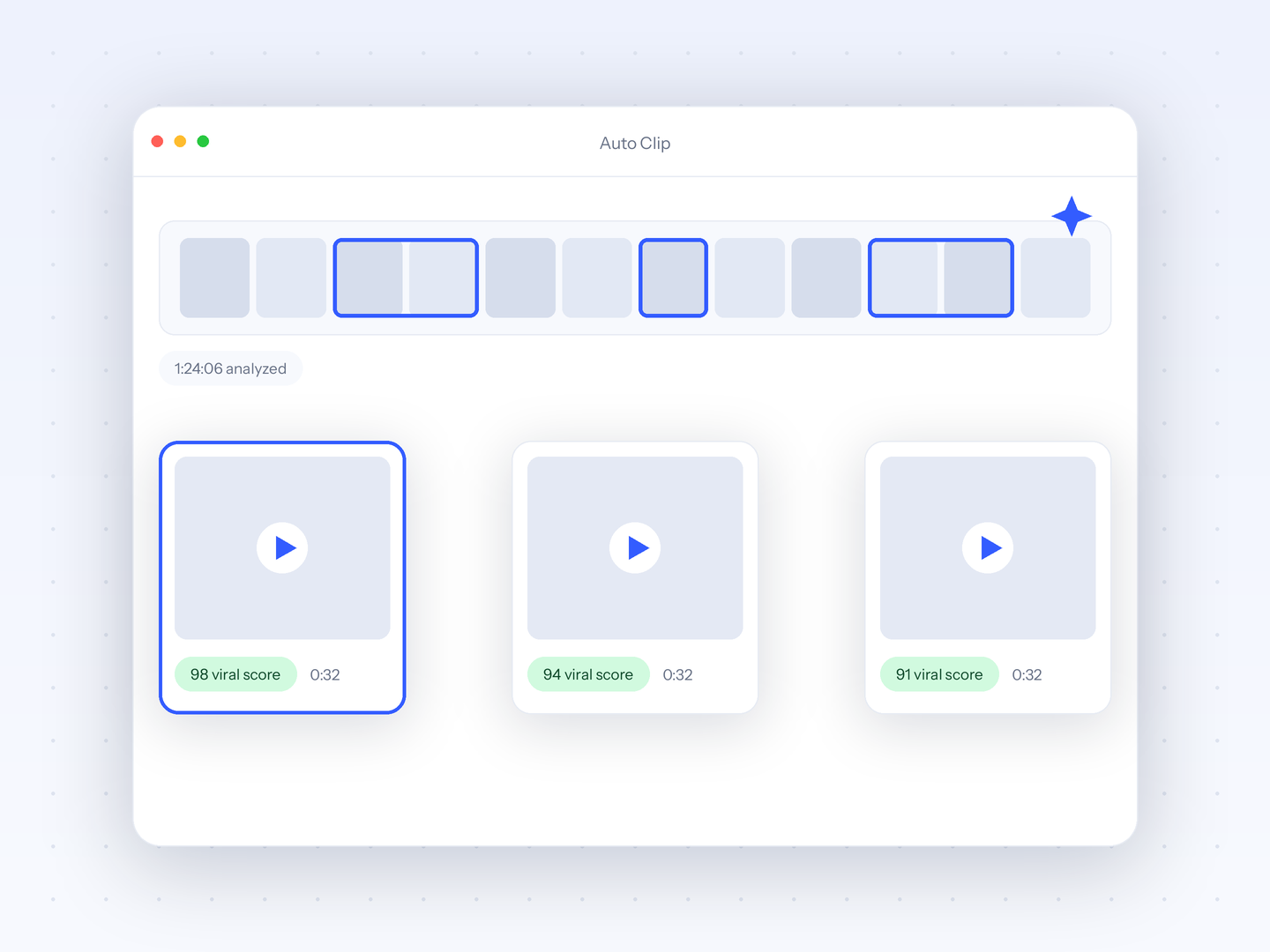
Auto Clip
Upload a long-form video and let AI find the best moments, then cut them into ready-to-post clips.

Fake Text Chat
Use our easy-to-use template generator packed with AI features to assemble your story

AI Voiceover
Use any of our 100+ high-quality AI voices to create engaging voiceovers for your videos.
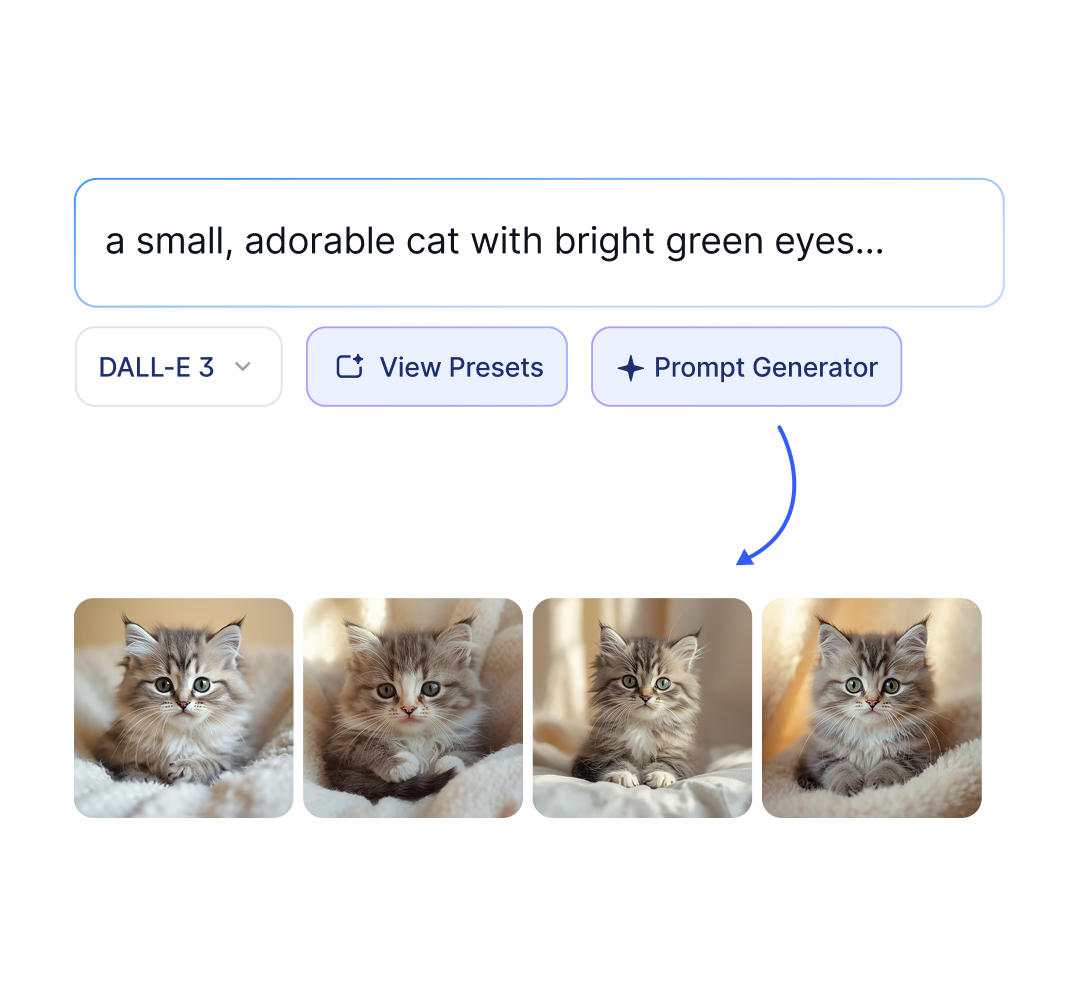
AI Images
Effortlessly create AI images in seconds, use our prompt enhancer to get the best results.
Edit and clean up
Reframe, trim, and fix the footage and audio you already have.
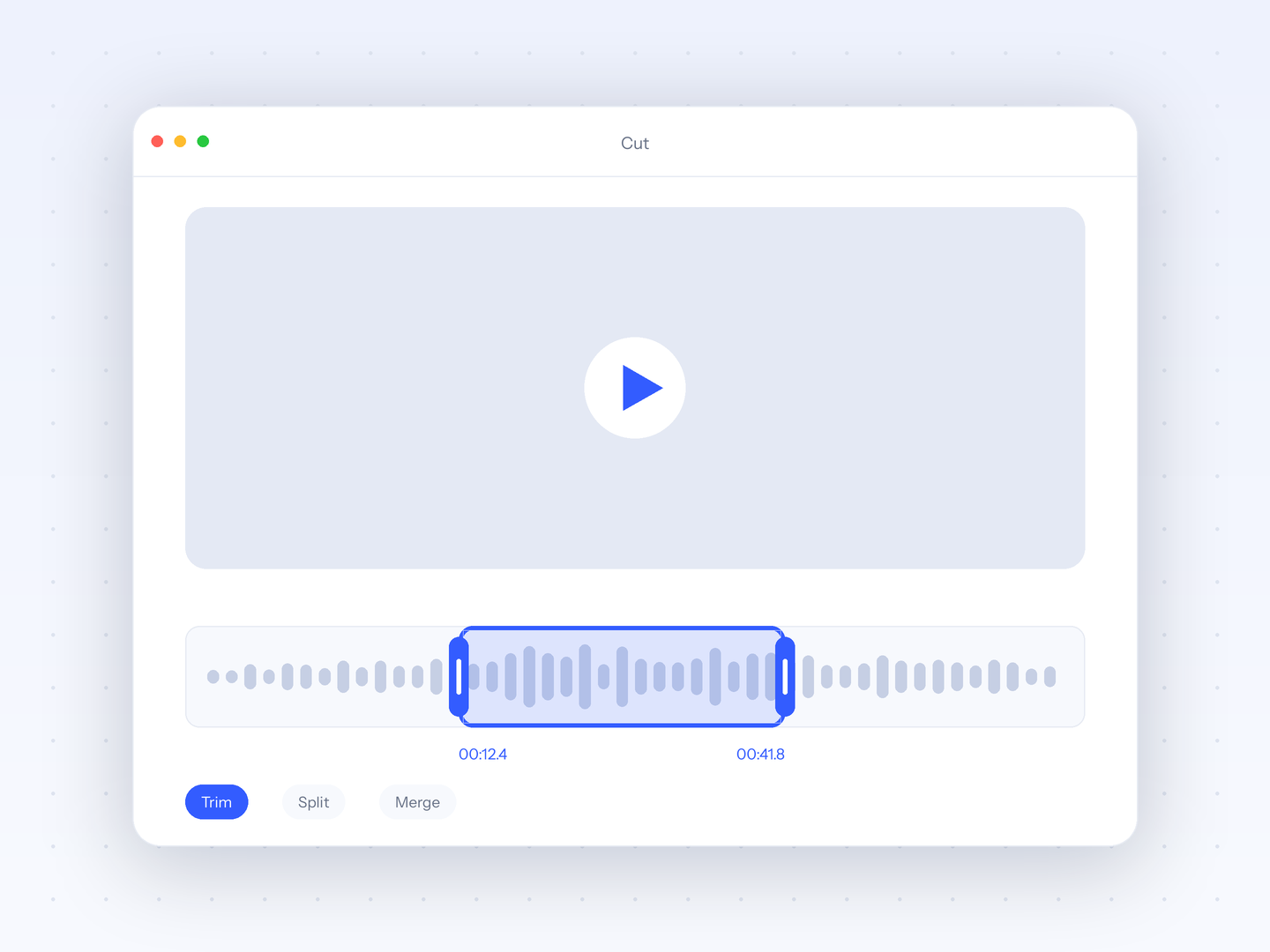
Video Cutter
Trim and cut any video down to the exact moment you need, right in your browser with no watermark.
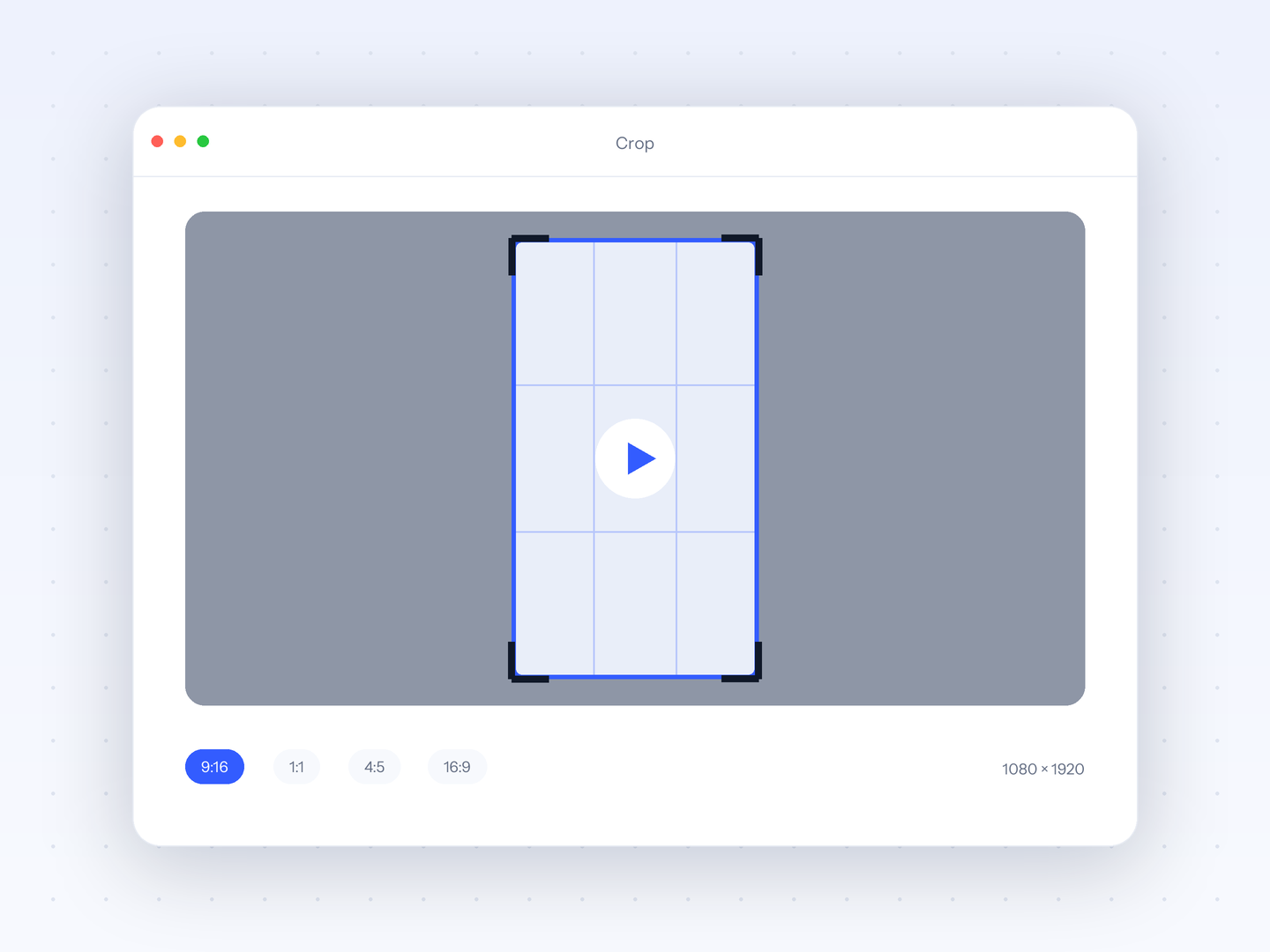
Video Crop
Reframe any video for TikTok, Reels, or Shorts with precise cropping presets for every platform.
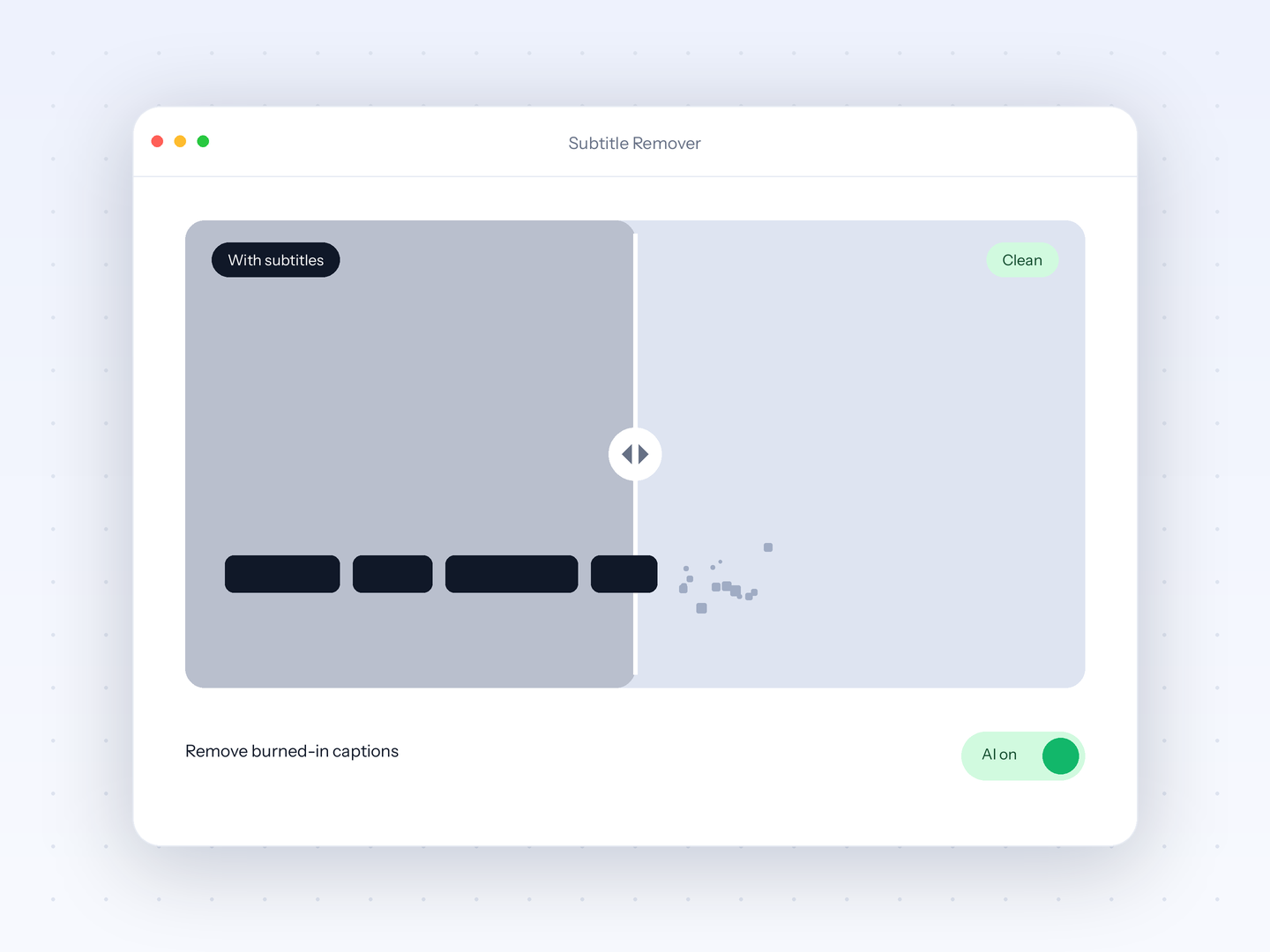
Subtitle Remover
Erase burned-in captions from any video with AI so you can repurpose clips with clean footage.
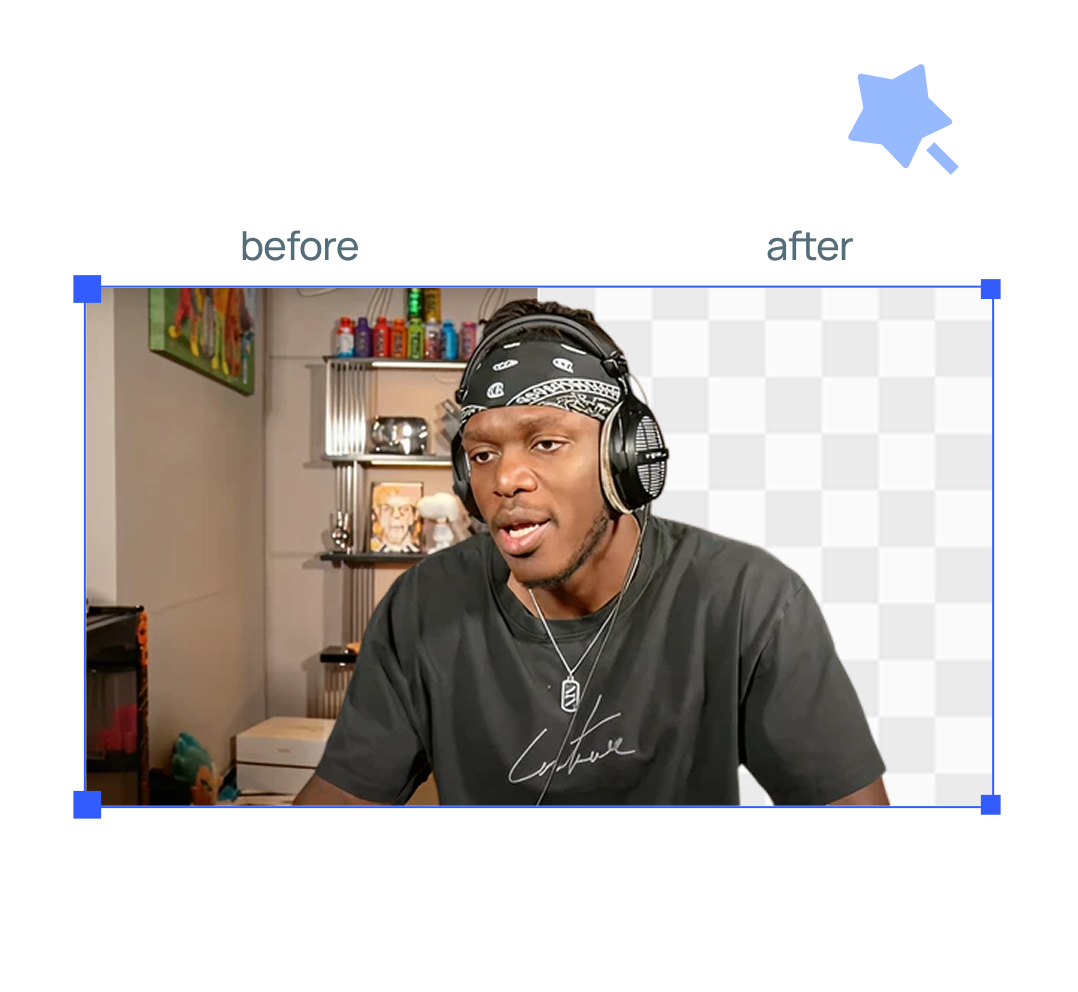
Remove Background
Upload any image or video and remove the background in seconds with AI.
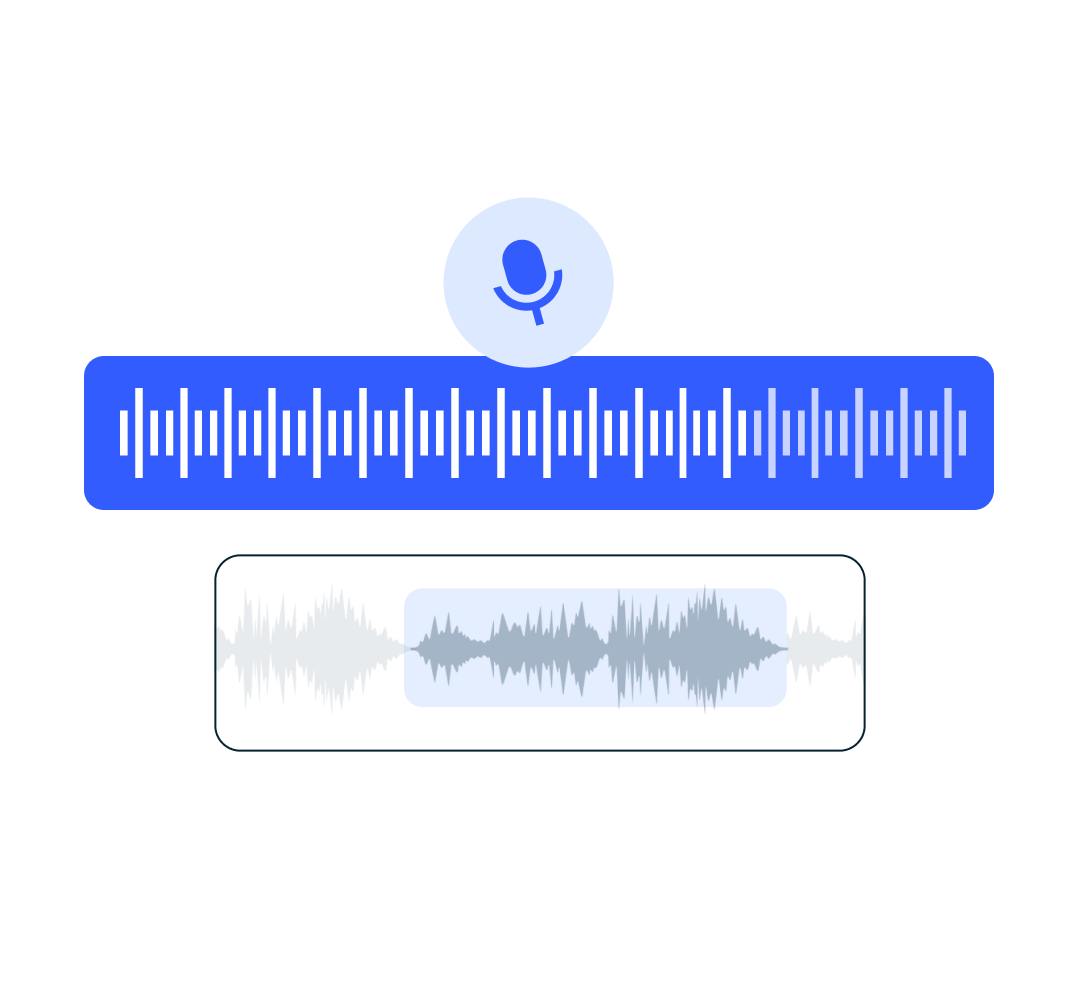
Speech Enhancer
Upload an audio file recorded in poor conditions and let our AI enhance it to sound professional.
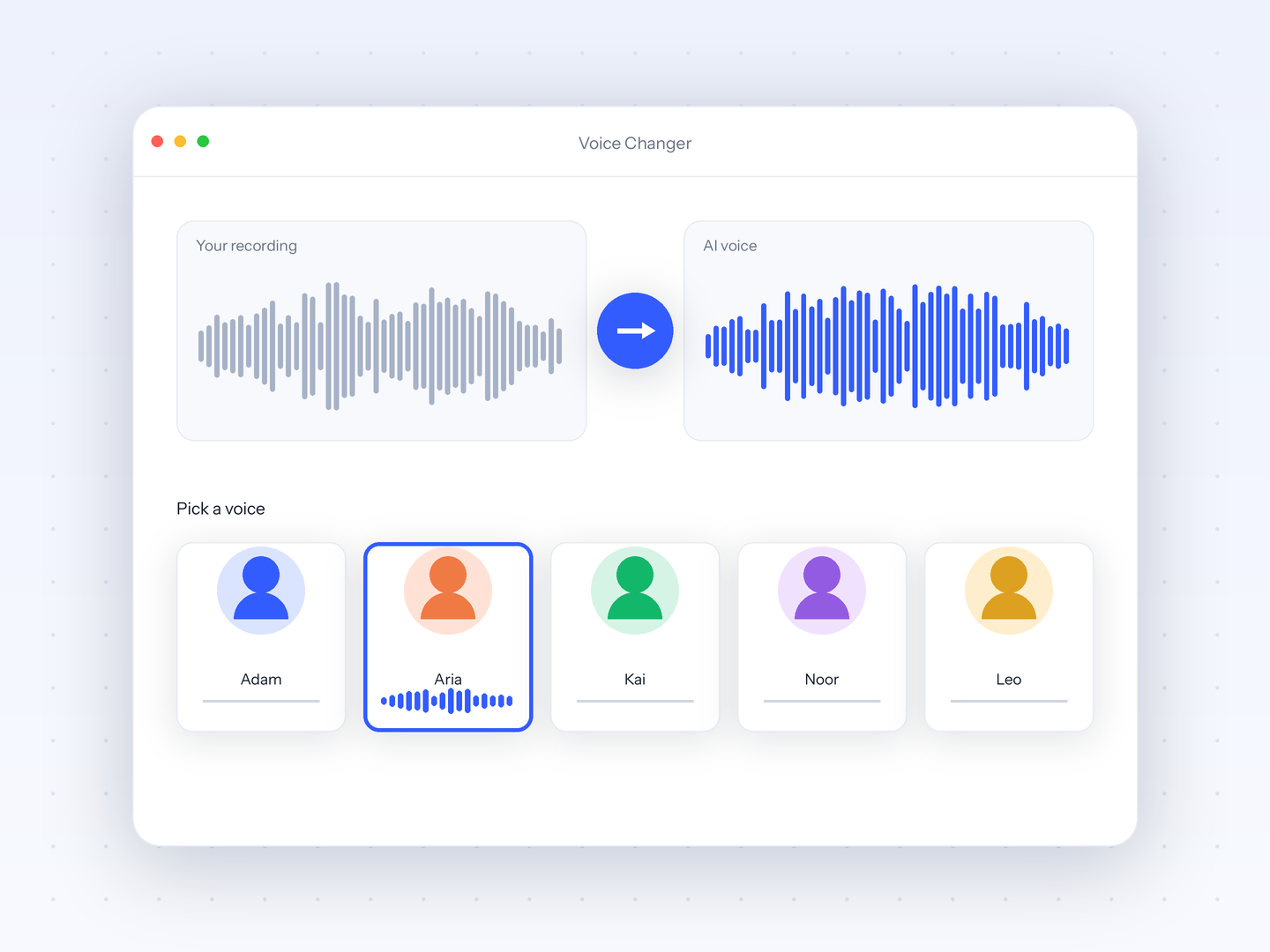
Voice Changer
Record or upload audio and transform it into any of our 100+ AI voices while keeping your delivery.
Extras
Source footage and the odd jobs around a channel.
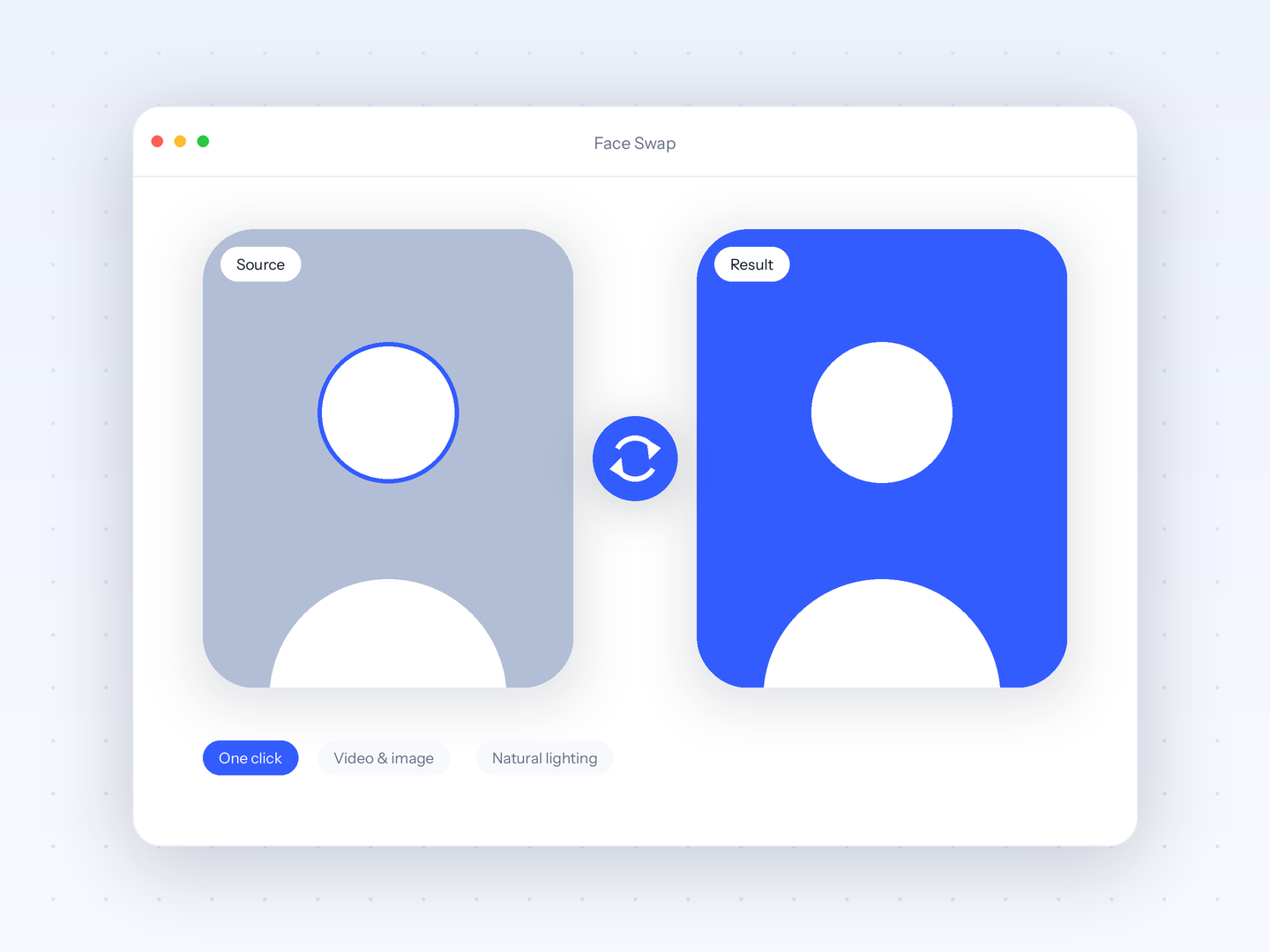
Face Swap
Swap faces in images and videos with one click, powered by AI that keeps lighting and angles natural.
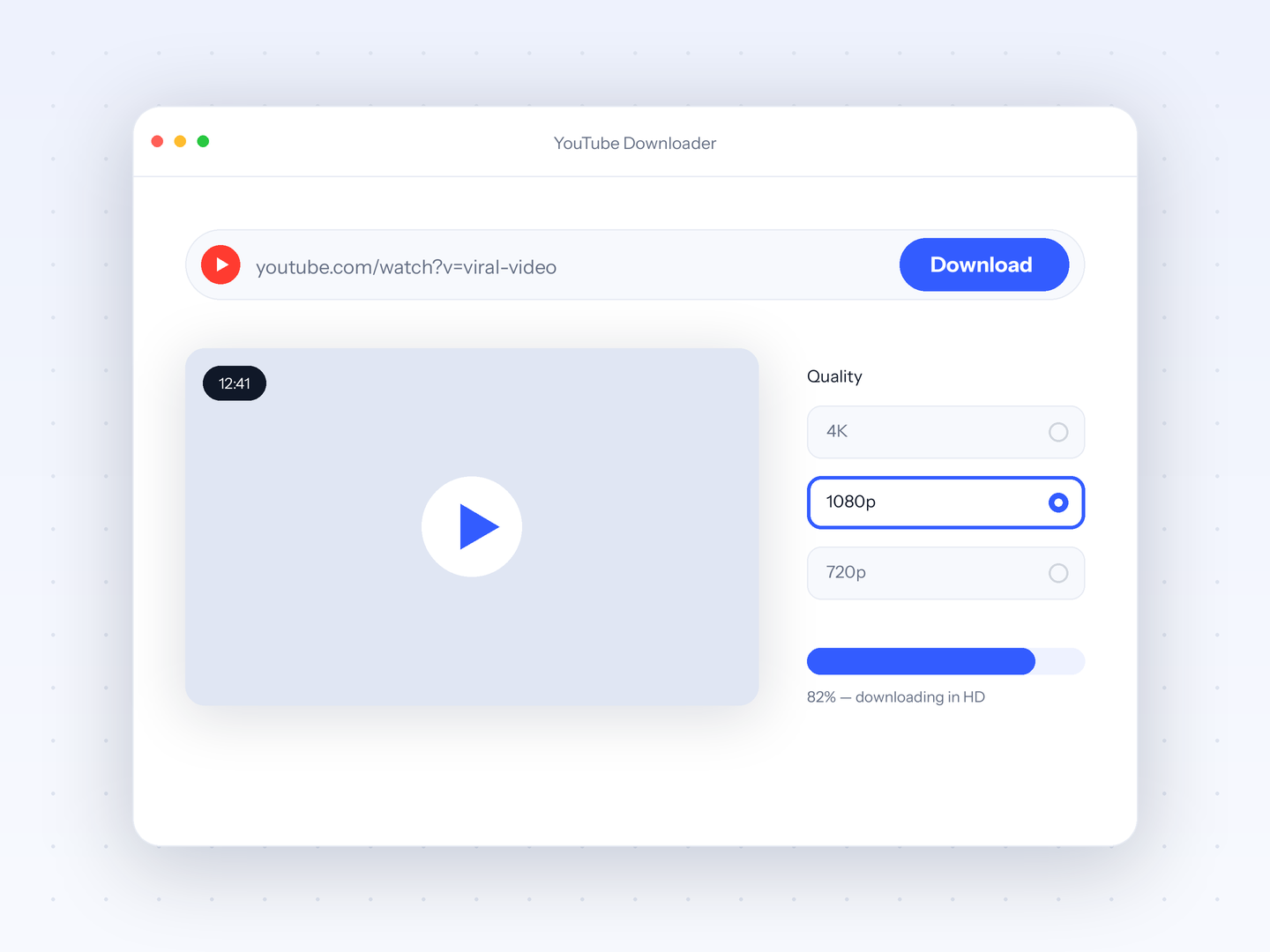
YouTube Downloader
Paste any YouTube link and download the video in high quality, ready to clip and repurpose.
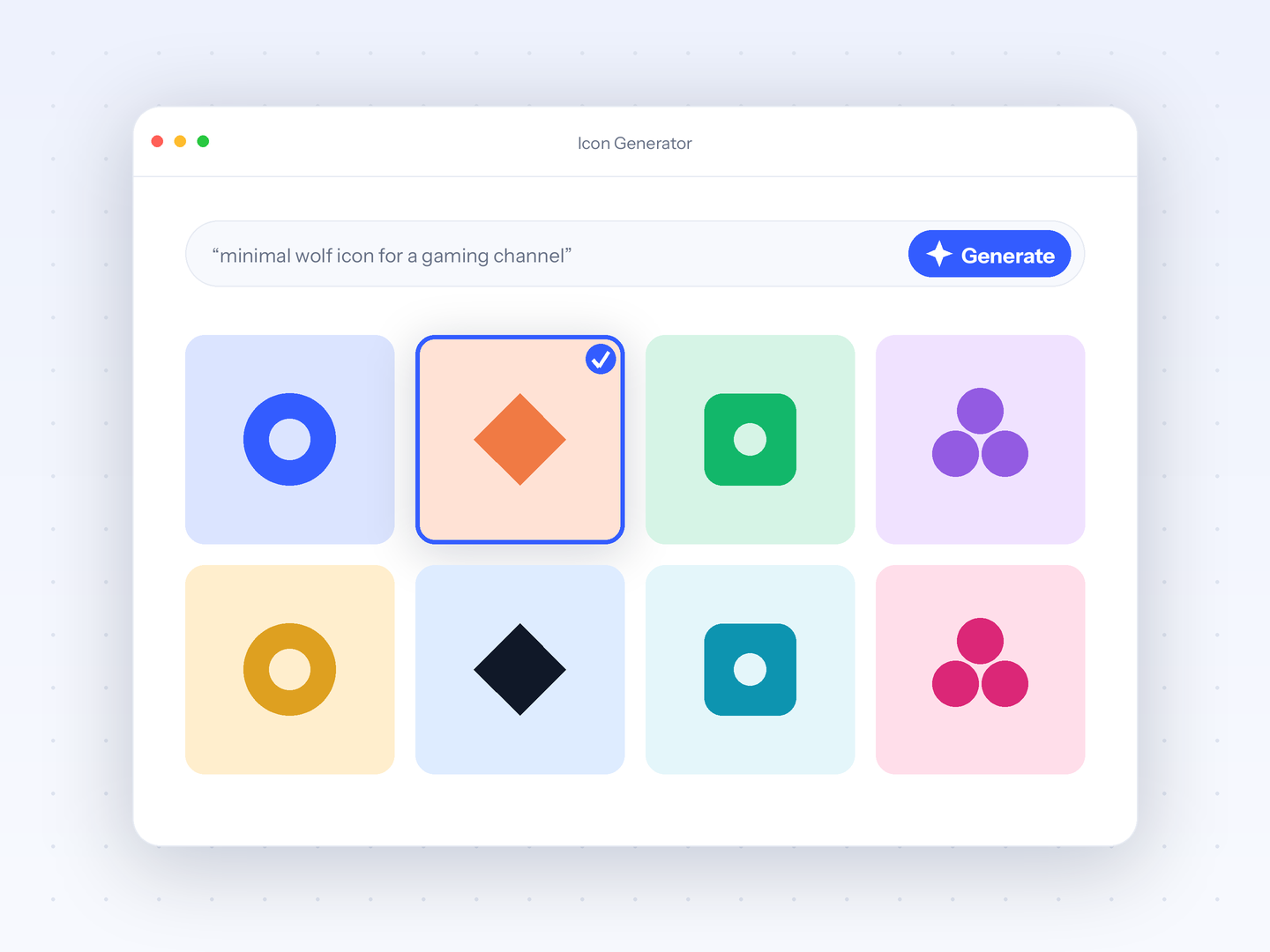
Icon Generator
Describe your channel or brand and generate crisp, professional icons and avatars with AI.
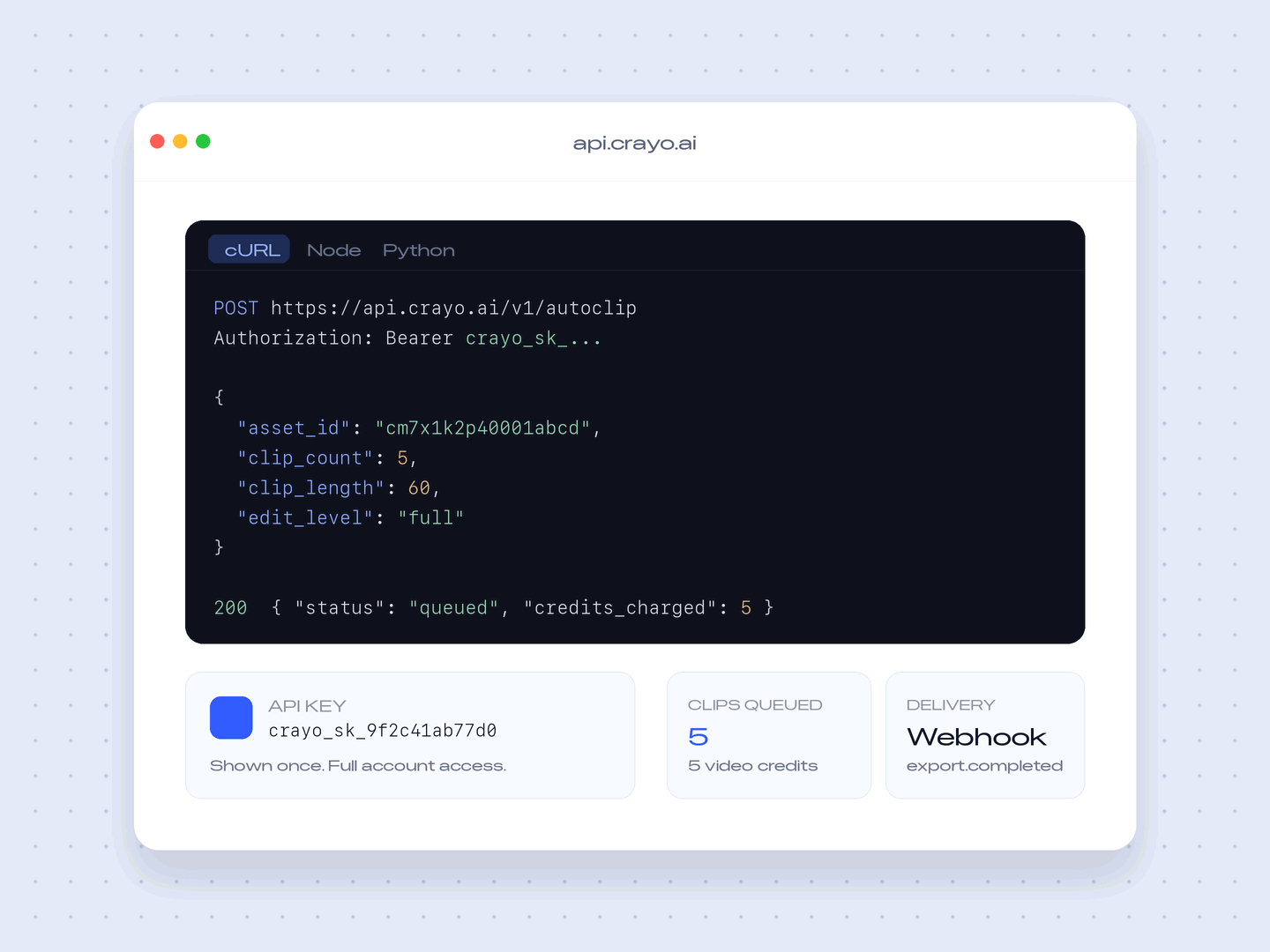
Developer API
Call Crayo from your own product: auto clipping, AI voiceovers, images, and rendered short-form video over one REST API.
Free tools, no account needed
Eight single-job tools that run entirely in your browser. Your file is processed on your own device, so nothing is uploaded, and there is no signup or watermark.
- Audio Balancer
- Video Compressor
- MP3 Converter
- Video Trimmer
- Aspect Ratio Converter
- Video to GIF
- Video Speed Changer
- Volume Booster
- Video Merger
- MP4 Converter
- Video Reverser
- Mute Video
FAQs
Frequently asked questionsFrequent questionsStill have questions?
Contact our 24/7 support team for any concerns or inquiries.