



Trusted by 3.5 million users
Crop videos for TikTok, Reels & Shorts
Turn widescreen footage into a vertical clip. Scale the frame, slide it into place and export for TikTok, Reels and Shorts.
Video Crop turns a horizontal video into a vertical 9:16 clip: you scale the frame and slide it until your subject sits where you want, then export a 1080x1920 MP4. It is for clippers, podcast clippers, streamers, and agencies preparing widescreen footage for TikTok, Reels and Shorts.
Four ways to clip
Let AI do everything, or take over wherever you want.


AutoClip
Fully automated, in one go
Upload one video and AI does the rest in a single pass: finding the moments, framing, captions and titles.
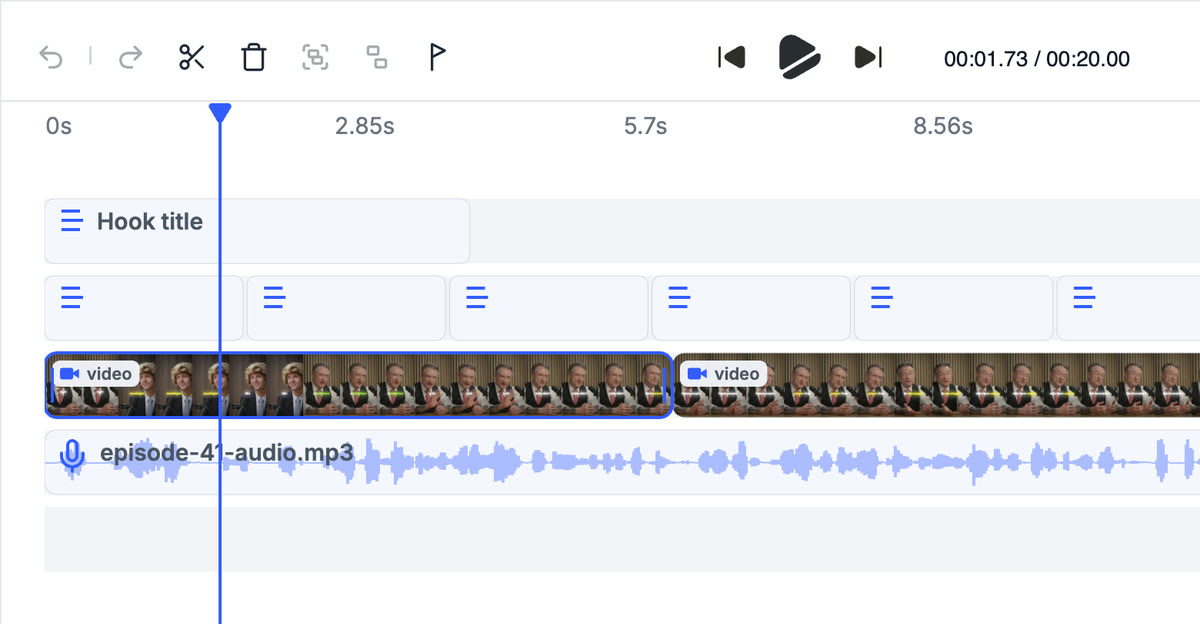
Find Viral Moments + Video Editor
AI finds it, you edit it
AI scores the best moments in your video. Then fine-tune every cut in the full editor.

Find Viral Moments + Edit with AI
AI finds it, AI edits it
The same AI, split into two steps. Review the moments it finds, keep what you like, then let it apply a creator style.
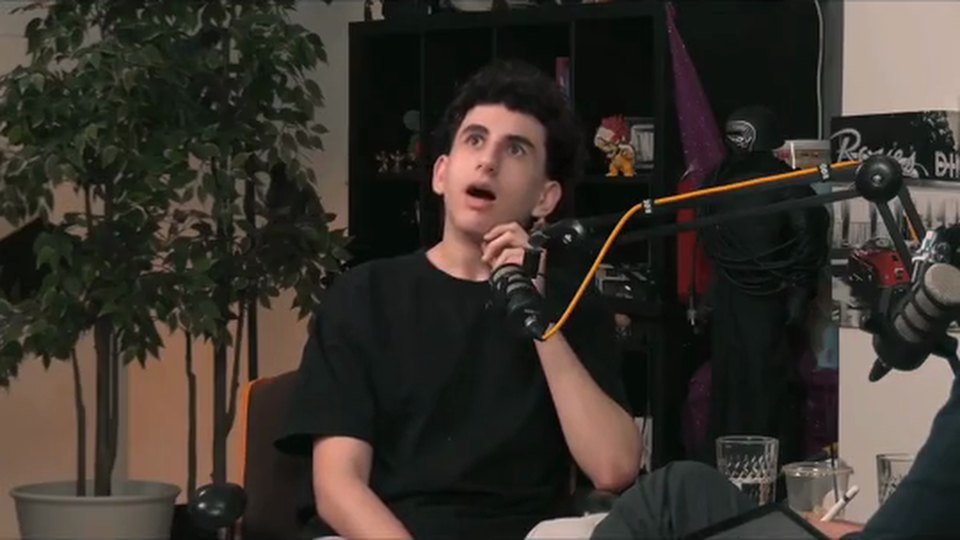
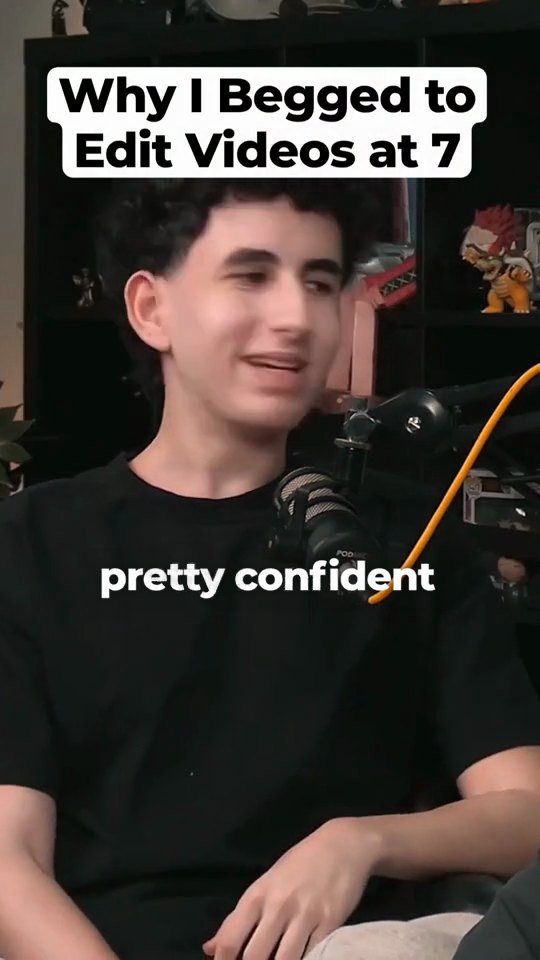
Clip Cutter + Edit with AI
You find it, AI edits it
Cut the moments you want yourself, then let AI handle the captions, framing and style.
A full video editor. Right in your browser.
Most clipping tools stop at the export. Crayo comes with a real multi-track editor and nothing to download.
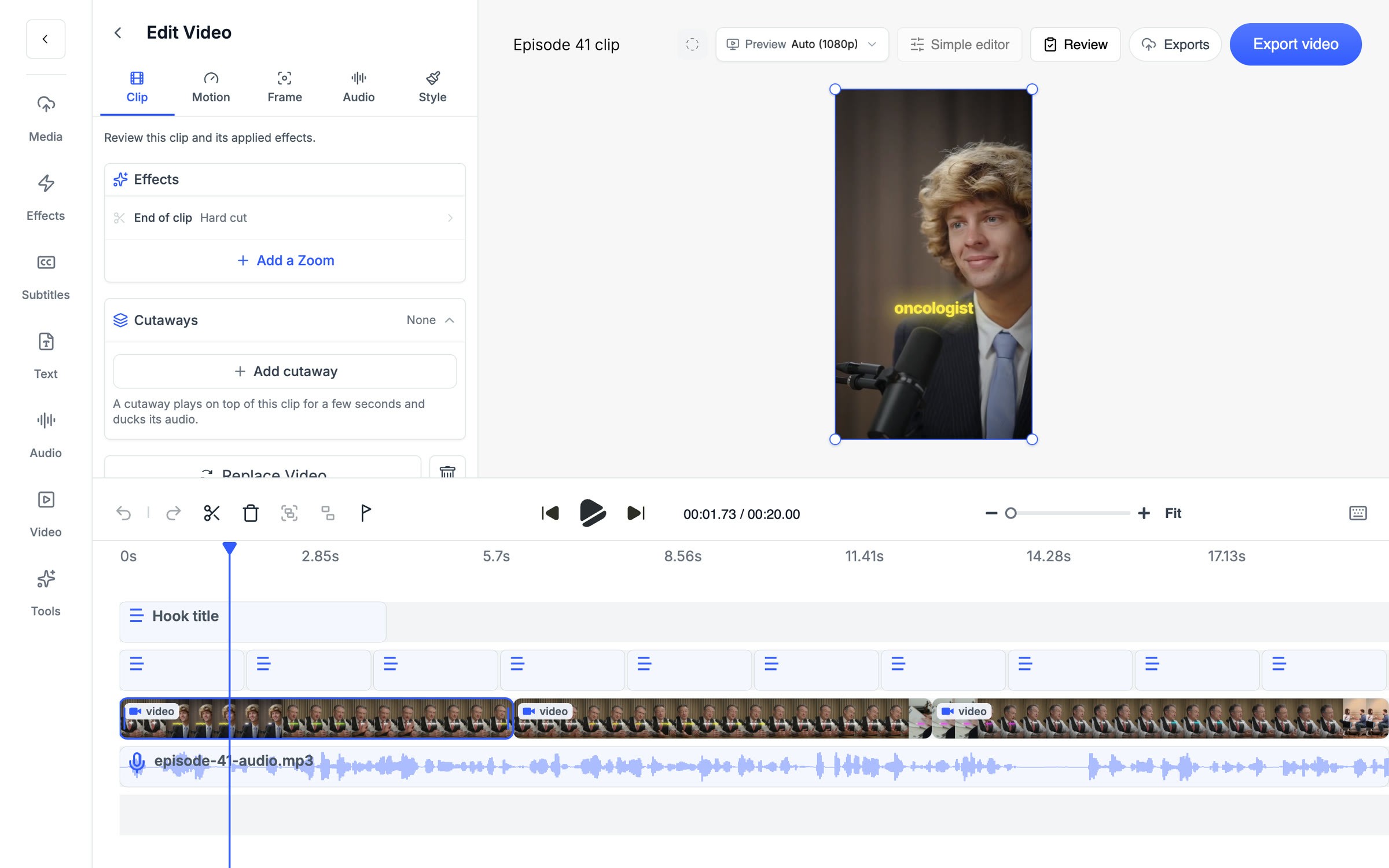
Multi-track timeline
Cut, split and rearrange your clip on a real timeline.
Effects
LUTs, zooms, transitions and reframe, built in.
Captions
AI or manual subtitles, styled the way you want.
Cutaways
Drop b-roll over any clip and its audio ducks on its own.
Crayo Has Generated Billions of Views.
For Millions of Clippers.See What Our Users Are Saying
5 → 400
posts a week
Cutting one podcast episode used to take me about four hours. Now I upload it to AutoClip and have 12 clips ready before lunch. I went from 5 posts a week to 20 without hiring an editor.
Dave1 tab
from the moment to the final cut
Every other clipping tool stopped at the export, so I’d still end up in CapCut fixing things. With Crayo I let AI find the moment, then fix the cut and captions in the same tab. I cancelled CapCut last month.
James2M
views from 30 clips
I started clipping podcast campaigns in September. My first 30 Crayo clips did 2 million views, and one hit 600k on its own. The captions are the first thing people comment on.
JonathanKeep exploring
Aspect Ratio Converter
Pick a ratio, slide the crop to the part of the shot you want to keep, and download an MP4 sized for TikTok, Reels, Shorts or YouTube.
FeatureVideo Cutter
Split at the playhead, drag the edges and keep only the part worth posting. No software to install.
Use caseStreamers
Add a Twitch or Kick channel while it is live and Crayo makes finished vertical clips as the stream runs, with framing, captions and a title. When the stream is over, bring the recording into AutoClip and clip the rest.
FeatureAI Images
Describe a thumbnail, cover or b-roll still and get it back in seconds. The prompt enhancer fills in the detail for you.
FeatureAI Voiceover
Paste a script, pick a voice and get narration back in seconds. Use it for hooks, intros and story videos when you would rather not record.
FeatureSpeech Enhancer
Upload a podcast episode, a stream or any audio or video file, and get it back with less background noise and echo.