

Deliver more client videos with a smaller team
Crayo lets an agency clip, edit, caption, and track client video content from one browser tab, using AI to find and cut the best moments from long-form footage. It is for agencies and freelance editors producing short-form video for multiple clients.
Crayo is a short-form video tool for agencies and social media managers. AutoClip turns each client's long footage into captioned vertical clips, the browser editor handles the final polish, and View Tracker follows views across the accounts you post to, so one team can clip, edit and report for several clients from one place.




How it works
Ingest client content
Pull in podcasts, VODs, webinars, or raw footage. Upload directly or grab it from a YouTube link.
Produce at volume
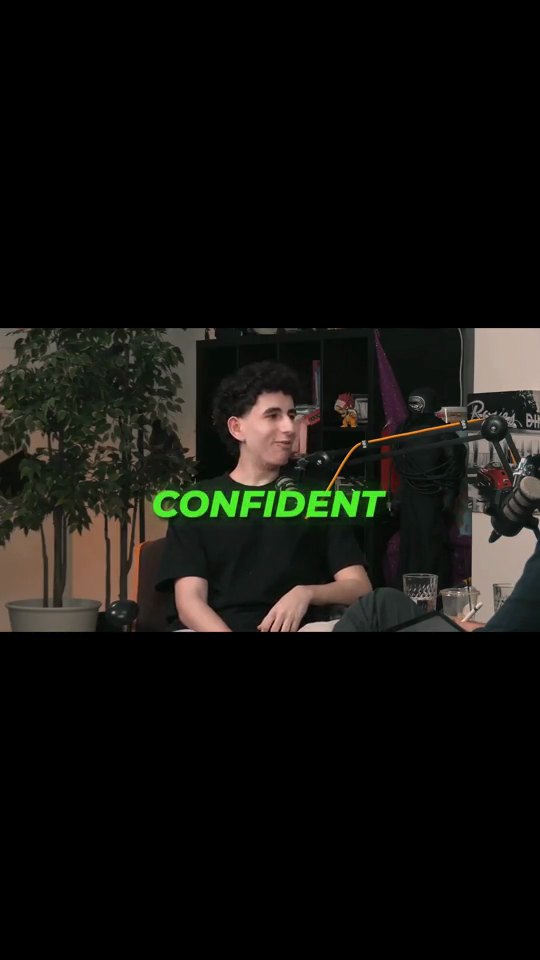
AutoClip turns each client's footage into captioned vertical clips, and the browser editor handles the final polish.
Report without spreadsheets
View Tracker follows performance across the accounts you post to, so client reporting comes from real numbers, not screenshots.
Why agencies run on Crayo
Editing hours are your margin
Every hour an editor spends scrubbing a timeline is profit you're not keeping. AI clipping gives those hours back.
Every client, one workflow
Podcast client, ecom client, personal brand client, all on the same pipeline: ingest, auto-clip, caption, deliver.
Reporting clients believe
Show real view counts across accounts with View Tracker instead of a monthly screenshot collage.
Consistent quality at volume
Use the same AutoClip settings and caption style for each client, so clip #40 looks as sharp as clip #1.
One subscription, not a stack
Clipping, editing, captions, and view tracking in one tool instead of five logins and five invoices.
Scale without hiring
Take on the next client with the team you already have. Throughput comes from the pipeline, not headcount.
The tools behind it
AutoClip
Drop in a podcast, stream or interview. AI finds the strongest moments and cuts each one into a captioned vertical clip, ready to post.
Find Viral Moments
Upload a long video, tell us what is in it, and get a ranked set of moments you can review, trim and keep.
Clip Cutter
Mark the parts you want on one timeline, name them, and save every range as its own clip.
Video Editor
A multi-track timeline with captions, zooms, transitions, LUTs, speed ramps, cutaways and camera keyframes. No install, no watermark on any plan.
View Tracker
Paste a link to any public account or post. We snapshot it on a schedule and chart what changed.
Developer API
Call Crayo from your own product: auto clipping, AI voiceovers, images, and rendered short-form video over one REST API.
Crayo Has Generated Billions of Views.
For Millions of Clippers.See What Our Users Are Saying
5 → 400
posts a week
Cutting one podcast episode used to take me about four hours. Now I upload it to AutoClip and have 12 clips ready before lunch. I went from 5 posts a week to 20 without hiring an editor.
 Dave
1 tab
from the moment to the final cut
Every other clipping tool stopped at the export, so I’d still end up in CapCut fixing things. With Crayo I let AI find the moment, then fix the cut and captions in the same tab. I cancelled CapCut last month.
 James
2M
views from 30 clips
I started clipping podcast campaigns in September. My first 30 Crayo clips did 2 million views, and one hit 600k on its own. The captions are the first thing people comment on.
 Jonathan
Keep exploring
AutoClip
Drop in a podcast, stream or interview. AI finds the strongest moments and cuts each one into a captioned vertical clip, ready to post.
FeatureSubtitle Remover
Erase burned-in captions from any video with AI so you can repurpose clips with clean footage.
Use casePodcast Clips
Drop in an episode, or just a YouTube link, and AutoClip finds the moments worth posting. Each clip comes back vertical, with the speaker in frame and captions on.
CalculatorCreator Money
Estimate how much your views are worth across YouTube, TikTok, and Reels.
Use caseClippers
Paste a YouTube link or upload a long video. AutoClip finds the moments, frames the speaker and adds captions and a title, then View Tracker follows the views on every clip you post.
Use caseStreamers
Add a Twitch or Kick channel while it is live and Crayo makes finished vertical clips as the stream runs, with framing, captions and a title. When the stream is over, bring the recording into AutoClip and clip the rest.