

Convert MOV, WebM & MKV
to MP4 Instantly
Turn iPhone MOVs, screen-recording WebMs, MKVs, AVIs and more into MP4s that play everywhere. Files that are already H.264 convert losslessly in seconds.
No signup required. 100% free!
3 Step WorkflowWorkflows To Go ViralExample: See how to generate a streamer blurred clip
Make an account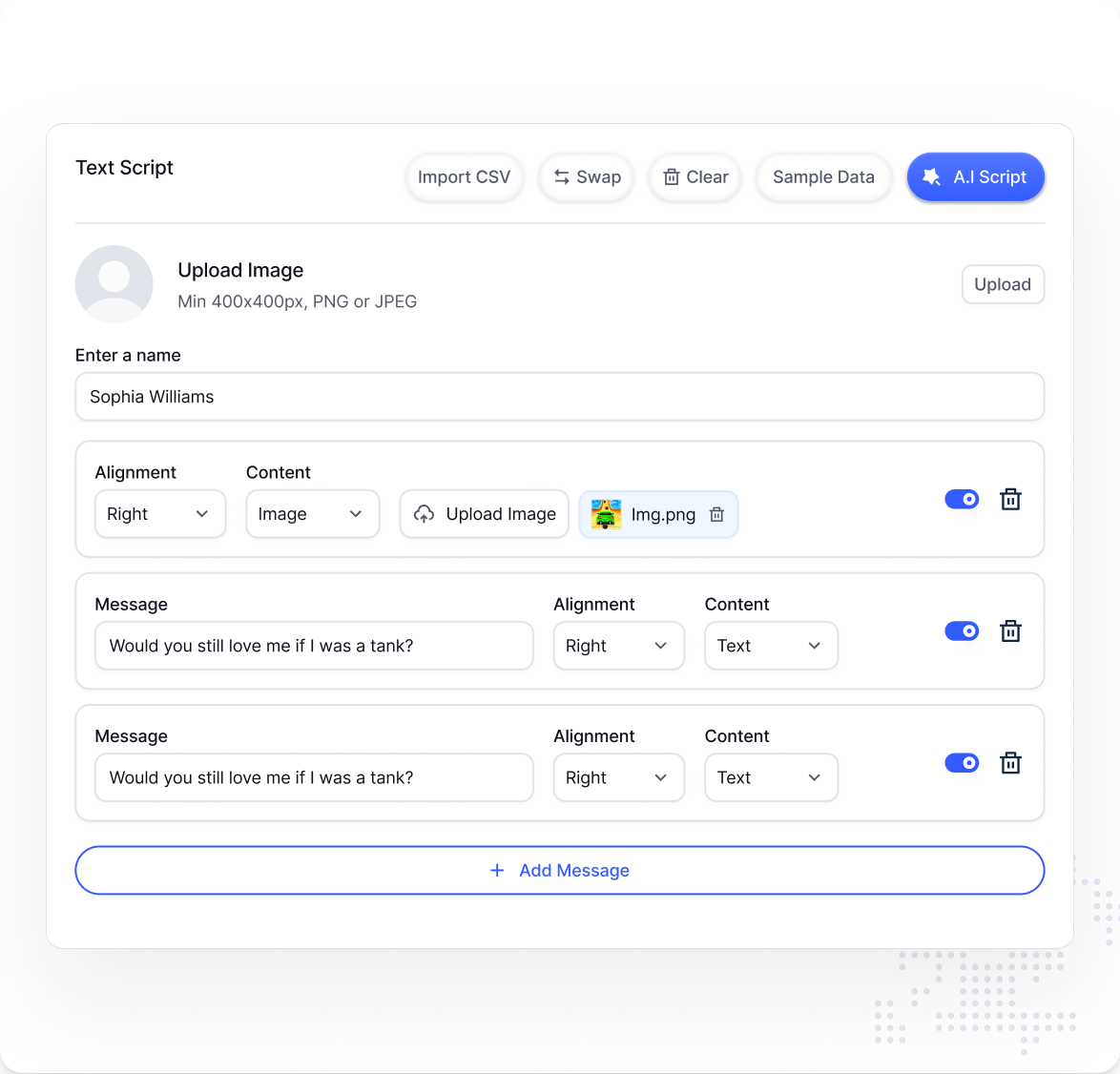
1 Upload your video
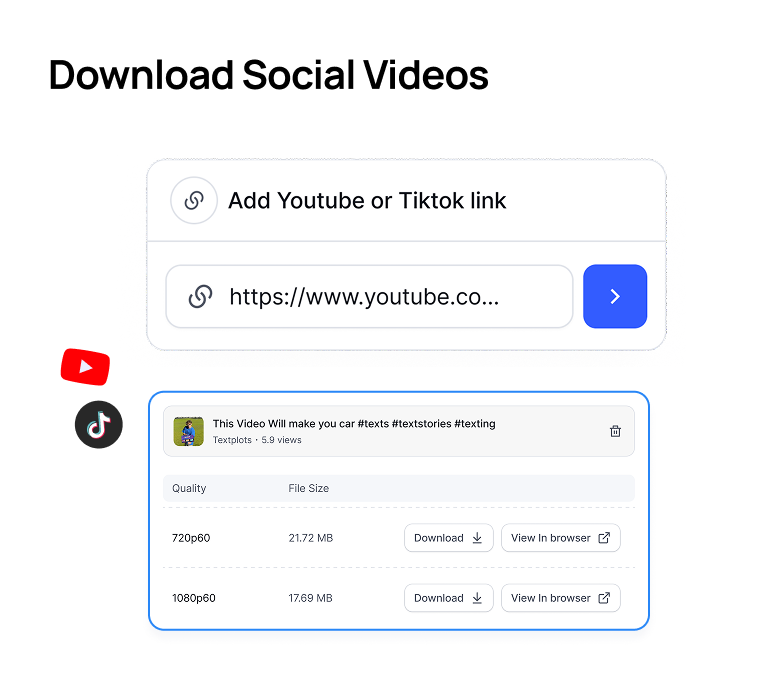
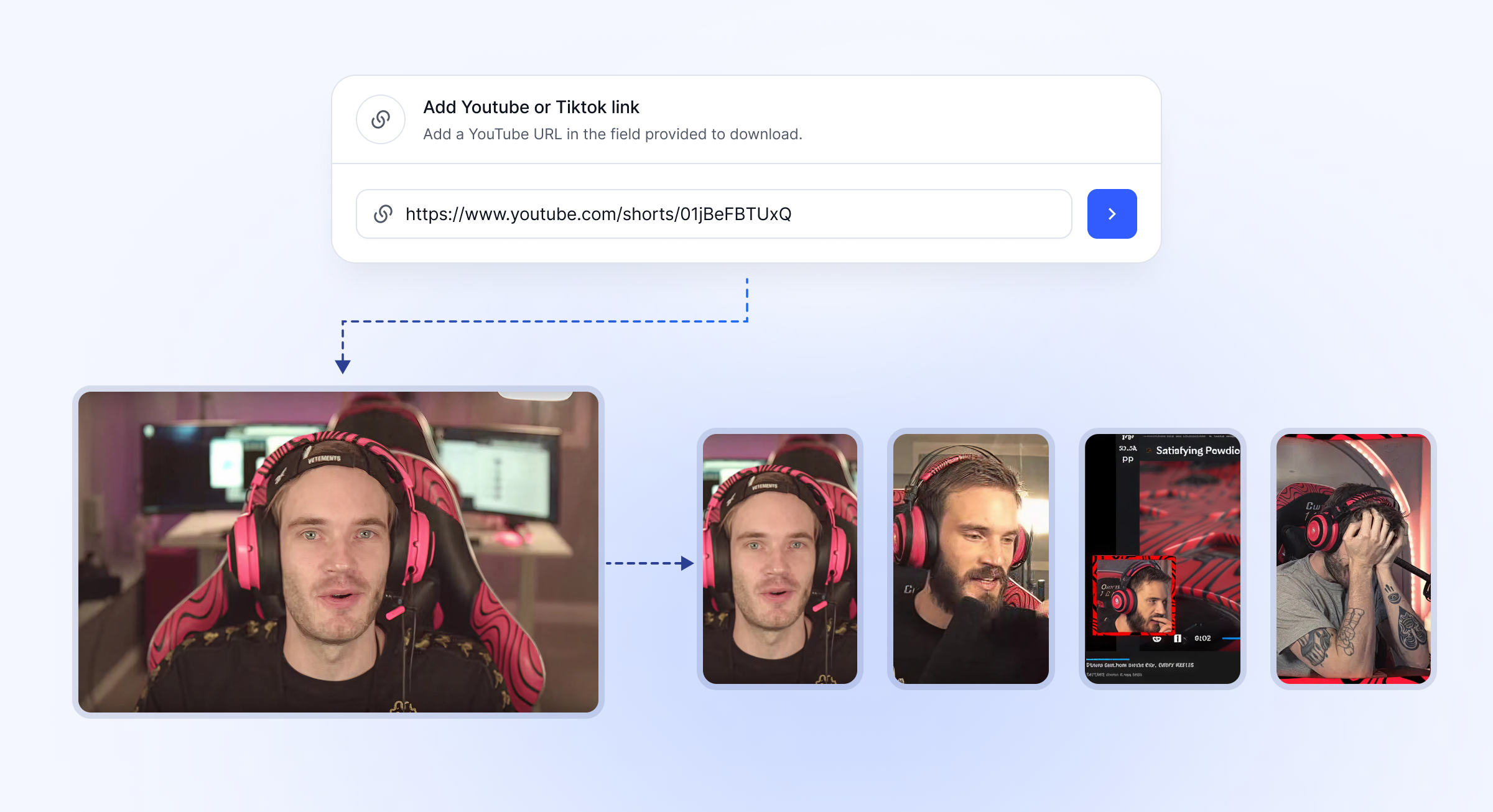
Use any file, or a YouTube/TikTok link.

2 Select Subtitle style
Choose from 15+ viral styles.
3 Generate Video
Watch it generate a video in seconds.
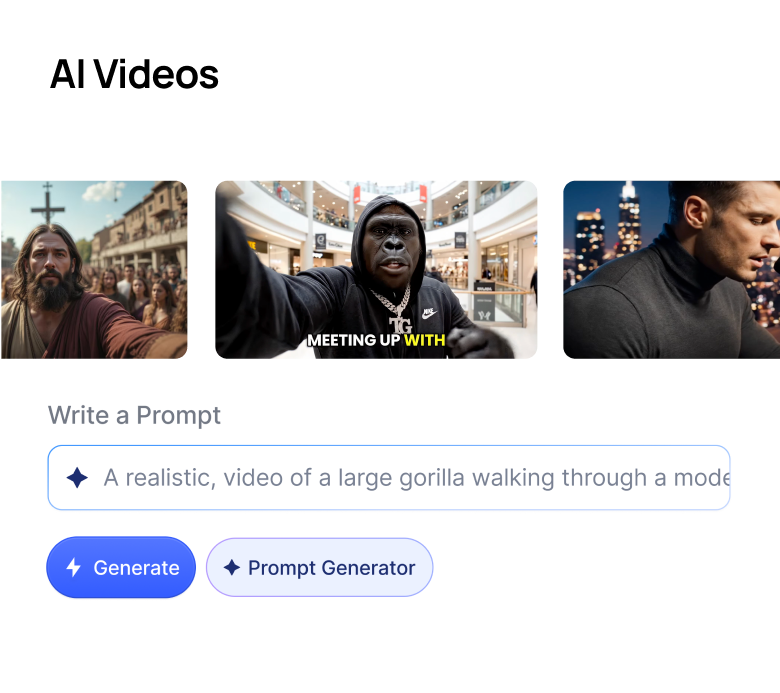
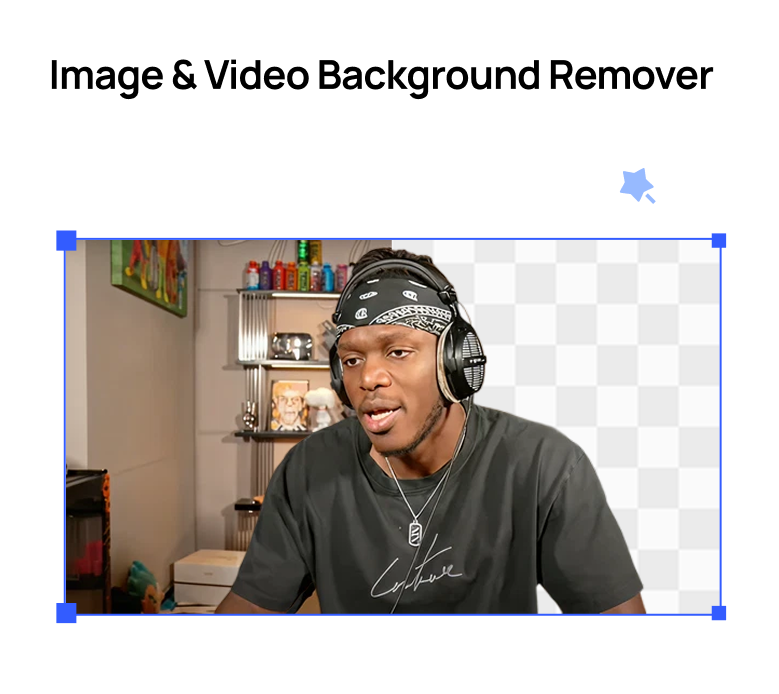
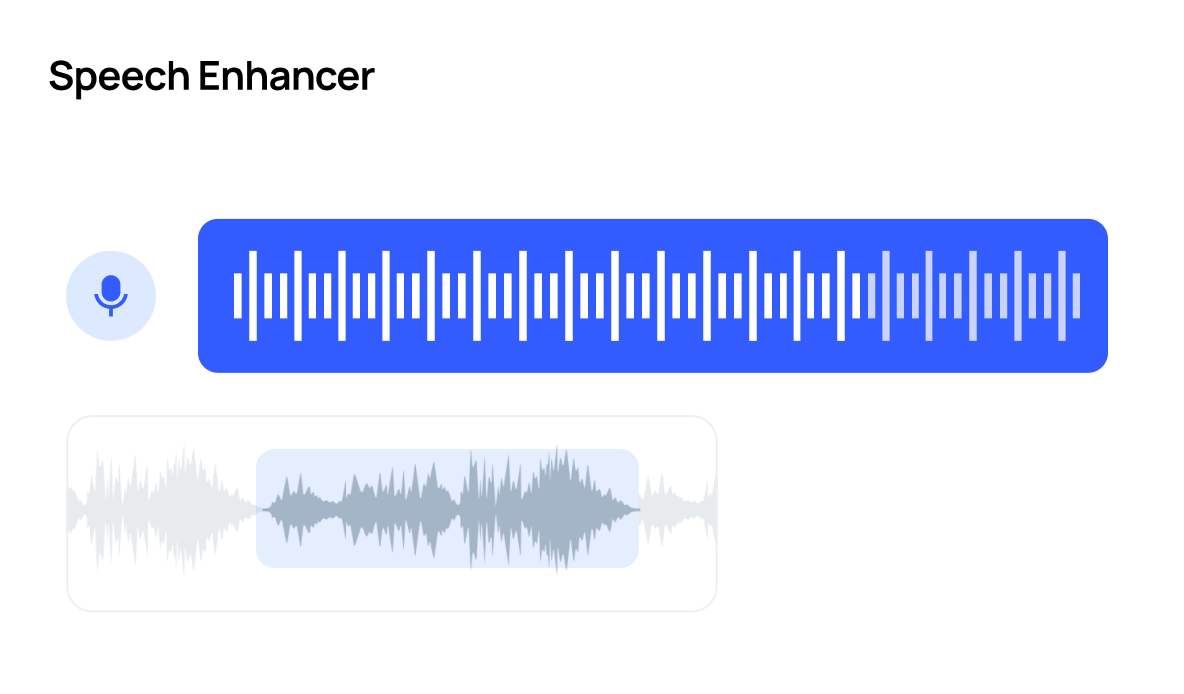
Countless ToolsCrayo has everything you need to go viralFrom cutting-edge speech enhancement to downloading videos, we've got you covered.
Try Crayo Now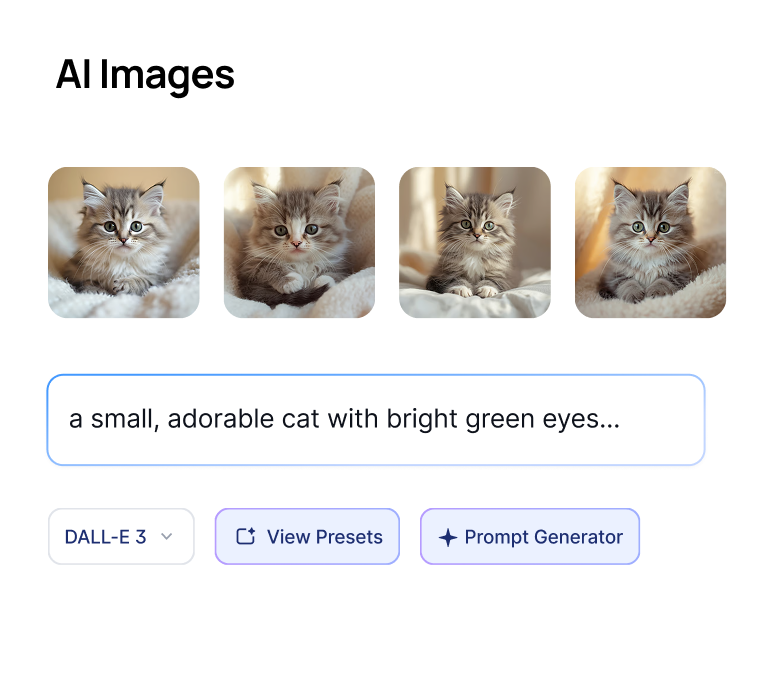
Turn one long video into viral-ready
clips in a fraction of the time.
Crayo Has Generated Billions of Views.
For Millions of Clippers.
See What Our Users Are Saying

Musa
I've clipped for some of the biggest creators on the internet. Crayo is the tool I wish I had when I started.

Jonathan
Crayo is the only tool I've found that can remove backgrounds from videos well. 10/10.

Daniel
After running channels with over 1 million subscribers, I built Crayo to solve my own scaling problems.

Dave
Crayo makes formatting and clipping content so much easier, now I can focus on finding the clips & trends.

Brandon
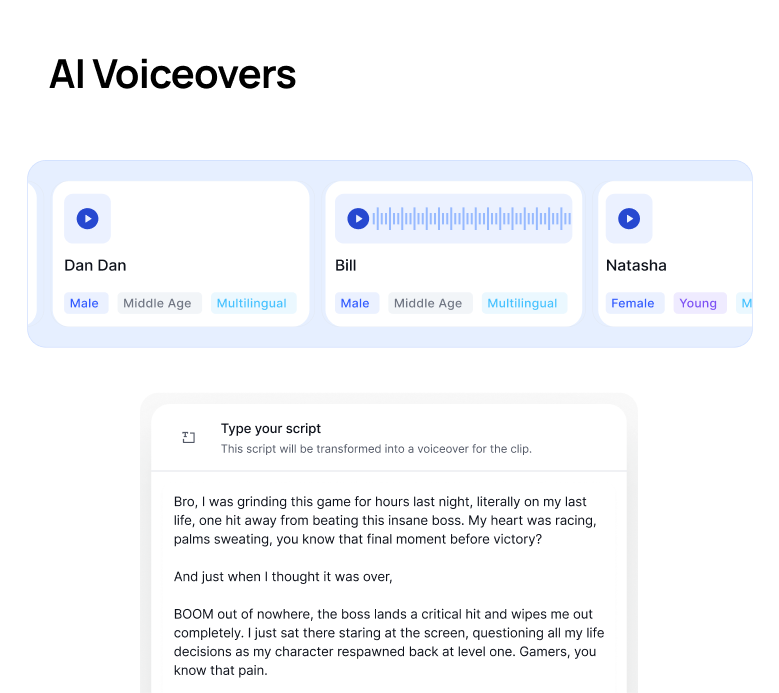
Their image generator is insane. It saves me from needing multiple subscriptions for different AI models.

James
I wish I found this sooner. Reddit story generations are OP for YouTube Shorts. Most worth it subscription I have.







Keep exploring
Video Compressor
Large video files slowing you down? Upload your video and instantly reduce file size while keeping it crisp and clear.
Free toolVideo Merger
Drop in your clips, drag them into order, and get one MP4 back. Different sizes and orientations are fitted together automatically.
Free toolMP3 Converter
Need to convert your video or audio to MP3? Upload your file to instantly convert it to MP3 and retain the quality.
Free toolAudio Balancer
Left-only audio? Missing one channel? Upload your file and instantly balance both channels for a clean, professional sound.
Free toolVideo Trimmer
Cut your video to the exact seconds you need, right in your browser. No watermarks, no software to install.
Free toolAspect Ratio Converter
Change your video's aspect ratio to 9:16, 1:1, or 4:5 with a crop you control. Perfectly framed clips for every platform.
FAQs
Frequently asked questionsFrequent questionsStill have questions?
Contact our 24/7 support team for any concerns or inquiries.