

Everything you need to clip
Upload a long video and get short clips back, or cut them yourself. Find the moments, frame the speaker, add captions and track the views, all in one browser tab.


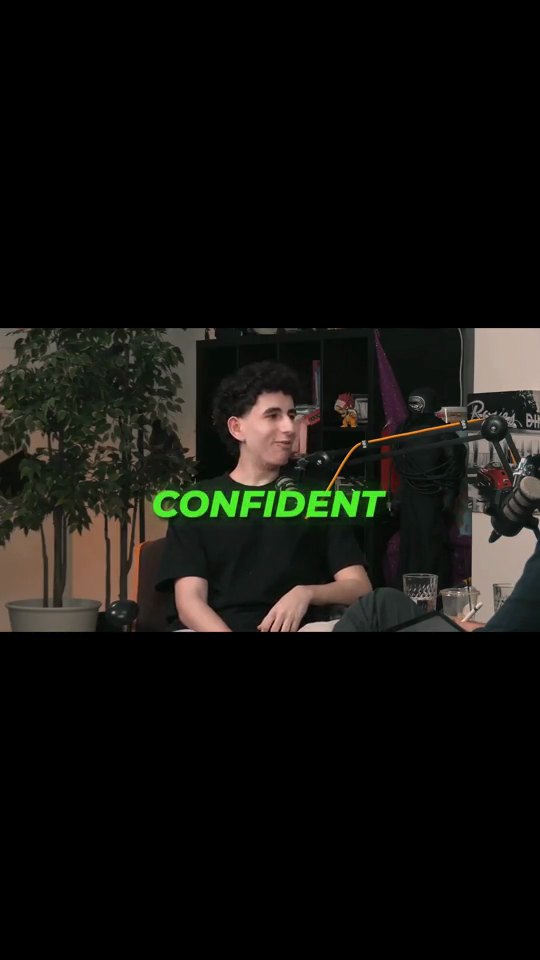
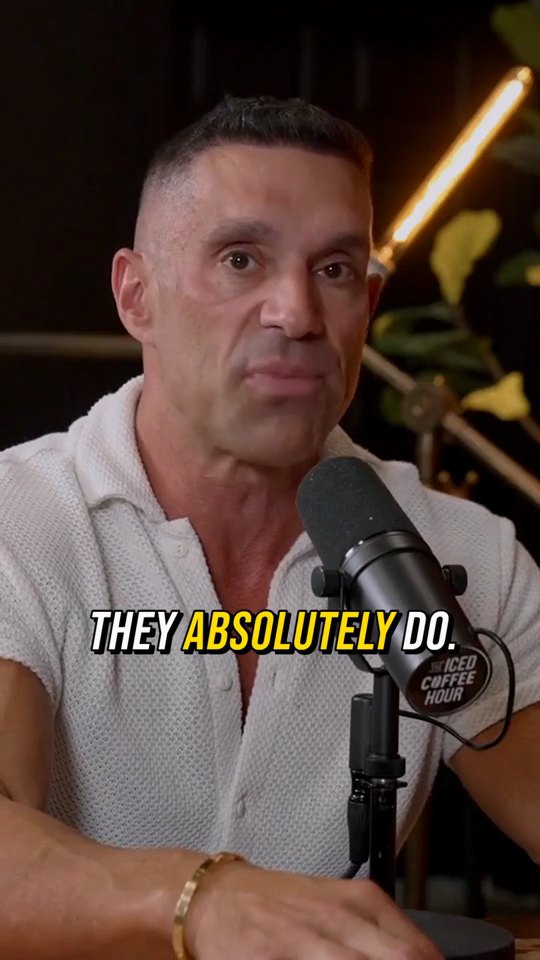

Clip long videos
Turn a podcast, stream or interview into short clips, automatically or by hand.
AutoClip
Drop in a podcast, stream or interview. AI finds the strongest moments and cuts each one into a captioned vertical clip, ready to post.
Find Viral Moments
Upload a long video, tell us what is in it, and get a ranked set of moments you can review, trim and keep.
Clip Cutter
Mark the parts you want on one timeline, name them, and save every range as its own clip.
Video Editor
A multi-track timeline with captions, zooms, transitions, LUTs, speed ramps, cutaways and camera keyframes. No install, no watermark on any plan.
AI Captions
Accurate, animated captions on every clip. Pick a template, highlight keywords, and tweak the style in the editor.
AI Reframe
Face detection and speaker tracking keep the talker centered as the crop moves from widescreen to vertical.
Editing tools
Fix, cut and prepare the footage around your clips.
Video Cutter
Split at the playhead, drag the edges and keep only the part worth posting. No software to install.
Video Crop
Turn widescreen footage into a vertical clip. Scale the frame, slide it into place and export for TikTok, Reels and Shorts.
Subtitle Remover
Erase burned-in captions from any video with AI so you can repurpose clips with clean footage.
Speech Enhancer
Upload a podcast episode, a stream or any audio or video file, and get it back with less background noise and echo.
YouTube Downloader
Paste a YouTube link, pick a quality, and the video is saved to your Crayo assets, ready to clip.
Track and build
Follow how your clips perform, or run Crayo from your own code.
AI extras
Voices, images and story formats for faceless channels.
AI Voiceover
Paste a script, pick a voice and get narration back in seconds. Use it for hooks, intros and story videos when you would rather not record.
Voice Changer
Upload audio or video and swap the voice for an AI voice while keeping your timing and delivery.
AI Images
Describe a thumbnail, cover or b-roll still and get it back in seconds. The prompt enhancer fills in the detail for you.
Fake Text Chat
Write a text conversation or let AI draft one, add a voiceover, and export a vertical video that plays it message by message.
Face Swap
Upload a character image and a target image, and Crayo swaps the face in one click.
Icon Generator
Type the channels you need, like chat, wins and announcements, and get a matching icon set for your clipping community.
Free tools, no account needed
12 single-job tools that run in your browser. Your file is processed on your own device, with no signup and no watermark.
- Audio Balancer
- Video Compressor
- MP3 Converter
- Video Trimmer
- Aspect Ratio Converter
- Video to GIF
- Video Speed Changer
- Volume Booster
- Video Merger
- MP4 Converter
- Video Reverser
- Mute Video