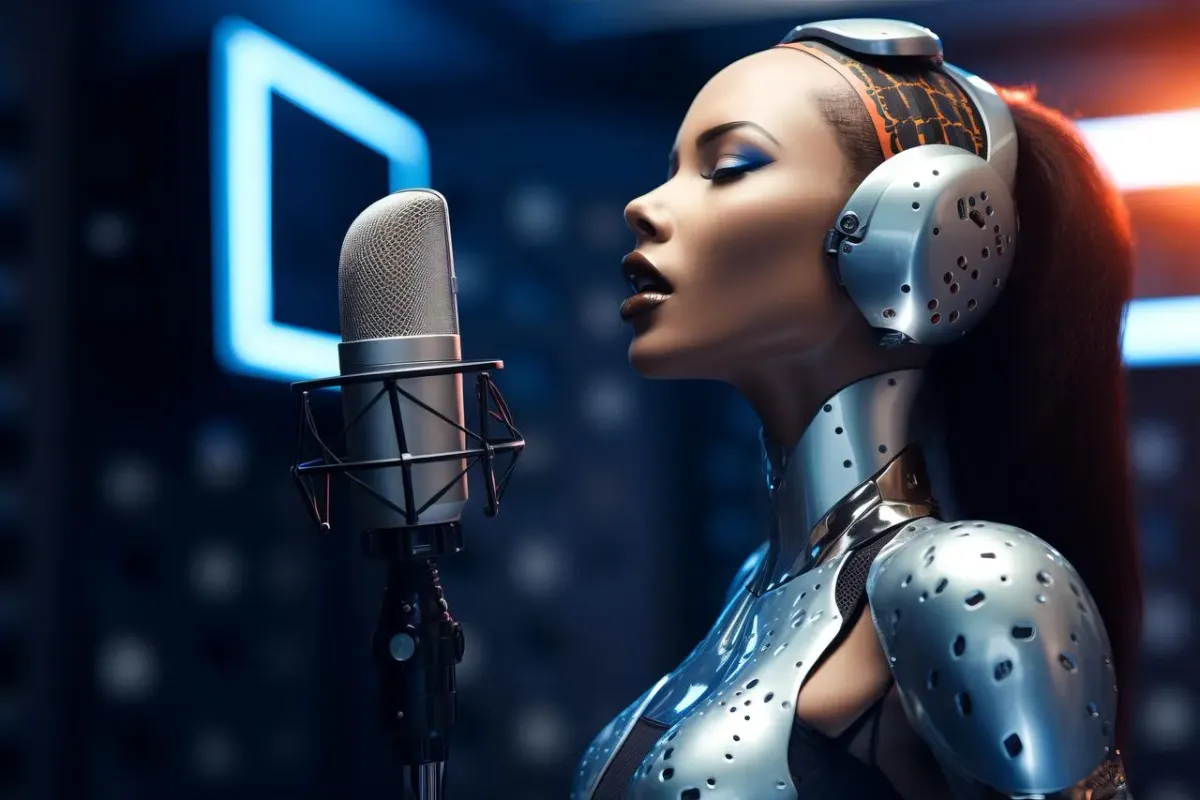
Recording professional voiceovers often requires expensive equipment, studio time, or hiring voice talent. The best AI voice generator app can transform amateur content into polished productions within minutes, eliminating these costly barriers. Modern AI voiceover tools deliver natural-sounding speech that rivals human narration while offering complete creative control.
Seven powerful AI voiceover platforms stand out for their ability to generate professional-quality audio in under 10 minutes. These tools streamline video production by converting text to lifelike speech with minimal effort. For creators seeking an all-in-one solution that combines voice generation with full video editing capabilities, Crayo's clip creator tool integrates AI voiceovers with automated editing to quickly produce polished short-form content.
Summary
- AI voice generation tools now produce voiceovers in seconds, rather than the hours traditionally required for manual recording. Creators who batch-process multiple videos daily eliminate vocal fatigue, background-noise interruptions, and the time spent waiting for quiet recording windows by converting scripts directly into narration. This workflow removes the unpredictability that used to hold production schedules hostage.
- Manual voiceover recording introduces multiple friction points that compound across every video. Each mistake forces another take, audio editing becomes its own time sink, and script changes require returning to the microphone. These mechanical barriers slow production, not because they're creatively difficult, but because they create repeated technical interruptions that prevent creators from focusing on content decisions.
- Voice consistency matters more for algorithmic performance than individual creators realize. Manual recording produces subtle variations in energy, pacing, and tone across videos that platforms and audiences both register as inconsistency. AI-generated narration maintains identical sonic signatures across hundreds of videos, creating the predictability that recommendation algorithms reward.
- Production timelines compress dramatically when voiceover generation becomes instant. Creative teams have reduced video production from 10 hours to 10 minutes by eliminating recording sessions and audio cleanup entirely. The time savings come not from working faster during editing, but from removing the recording step that used to consume the most unpredictable portions of the workflow.
- Over 700 realistic AI voices are now available across major voice generation platforms as of 2025, giving creators flexibility to match narration style to content type without hiring voice talent. This variety lets creators test different voice profiles for audience response without the cost or time investment of working with multiple voice actors.
- The fastest workflow involves writing a script in two minutes, generating the voiceover in under two minutes, and building visuals around finalized narration in six minutes. Crayo's clip creator tool addresses this by generating voiceovers, subtitles, and editing suggestions simultaneously in a single interface, letting creators batch-process multiple videos without switching between separate tools for audio generation and video editing.
Table of Contents
- Why YouTubers and Content Creators Struggle to Produce Voiceovers Quickly
- The Hidden Cost of Recording Voiceovers Manually
- 7 AI Voiceover Tools to Create Pro Videos in 10 Minutes
- The 10-Minute Voiceover Workflow Creators Use to Produce Pro Videos
- Generate Your Voiceover in Crayo and Create Your Video in Minutes
Why YouTubers and Content Creators Struggle to Produce Voiceovers Quickly
Most creators assume editing visuals takes the longest. But the real bottleneck is the voiceover. You've got the footage ready, the script finalized, yet you're stuck re-recording narration for the third time because you stumbled over a word or a car horn blared outside your window. The friction isn't creative—it's mechanical, and it compounds with every video you produce.
🎯 Key Point: The voiceover process creates unexpected production delays that can derail your entire content schedule, even when everything else is ready to go.
"The friction isn't creative—it's mechanical, and it compounds with every video you produce." — Content Creator Reality
⚠️ Warning: Environmental factors and recording mistakes can turn a 5-minute voiceover into an hour-long session.
Recording Rarely Works on the First Take
When you record by hand, achieving perfection is hard. You might mispronounce technical words, speak too quickly through important explanations, lose your train of thought mid-sentence, or encounter background noise. Each mistake requires another take. A five-minute recording session can stretch to twenty or thirty minutes. How well you perform varies with your energy, focus, and environment: one take sounds confident, the next rushed, the third tired from repetition. This change in quality isn't due to a lack of skill. It's how live recording works. Your voice depends on factors beyond your control, such as how well you slept, caffeine intake, and ambient noise.
What equipment challenges affect audio quality?
Clear narration requires proper gear. Many creators record with laptop microphones, phone mics, or basic headsets, which capture thin, distant, or echo-filled audio. Poor equipment produces quiet or distorted sound. The background hum from your computer fan becomes audible. The refrigerator cycling on in the next room bleeds into your recording. These issues only surface during editing, forcing you to choose between re-recording or accepting lower quality.
How does microphone placement impact recording quality?
Microphone placement matters. Sit too close, and you get plosive pops on every "p" and "b" sound; sit too far, and your voice loses power. Finding the right distance requires practice before recording begins.
Editing Audio Becomes Its Own Time Sink
After recording, you open your audio editor to trim mistakes, cut pauses, remove breath sounds, adjust volume levels, and apply noise reduction. According to SaaS creators in early 2025, editing voiceovers takes longer than recording, with trimming pauses and adding captions proving most tedious. Each correction requires careful listening: scrubbing the timeline, identifying problems, making cuts, and listening again to ensure natural sound. A single voiceover might need dozens of micro-edits, extending a quick polish into another thirty minutes of focused work.
Script Changes Force You Back to the Microphone
While editing, you might realize a section needs clarification, a detail was omitted, or the pacing requires adjustment. With manual recording, any script change demands another recording session. You can't type the new line and continue—you must set up your microphone, find a quiet space, match the tone and energy of earlier takes, and hope the new audio integrates smoothly. This creates a dilemma: accept the imperfect script to avoid re-recording, or spend more time to get it right. Either choice slows you down: the first hurts quality, and the second extends your timeline.
Why does voice narration slow down production?
Voice narration becomes the slowest step due to multiple challenges: recording requires many takes, equipment quality limits output, editing demands careful work, and script changes necessitate starting over. Each problem that slows things down adds minutes or hours to your work. At one video per week, this feels manageable. At daily uploads or multiple platforms, the time cost becomes prohibitive.
How do successful creators eliminate production bottlenecks?
Creators who've built audiences of millions have eliminated these bottlenecks. Tools like Crayo's clip creator tool generate narration directly from your script, removing the need for recording, re-recording, and audio cleanup. Rather than managing microphone setups and editing software, you can focus on the creative choices that make your content stand out. The real cost is the videos you never make because the production process feels too heavy to repeat daily.
Related Reading
- Content Ideas For TikTok
- TikTok Ideas To Go Viral
- What To Post On TikTok To Go Viral
- How To Create Viral Content
- 42 Free TikTok Ideas
- How To Get More Engagement On TikTok
- How To Get More Likes On TikTok
- Best Hashtags For TikTok To Go Viral
- How To Start A Trend On TikTok
The Hidden Cost of Recording Voiceovers Manually
The cost of manual voiceover recording isn't measured in dollars but in opportunity cost. Every hour spent re-recording a flubbed line is an hour not spent finding viral clips, testing new content angles, or publishing another video. When competitors post daily, that time gap becomes the difference between growth and stagnation.

🎯 Key Point: The real expense of manual recording is the content you never create while stuck in endless re-recording loops.
"Every hour spent re-recording is an hour not spent creating the next viral hit that could transform your channel."

⚠️ Warning: While you're perfecting one video's audio, your competitors are already publishing their next three pieces of content—and capturing your potential audience.
Your Voice Becomes Unreliable Under Pressure
When you batch seven videos in one afternoon, your voice deteriorates predictably. The first recording sounds energetic. By the seventh, you're forcing enthusiasm that doesn't exist. Your vocal cords tire, articulation loosens, and the consistency that makes a channel feel professional disappears. This is physiology, not skill. Speak for ninety minutes straight, and fatigue becomes audible in every take. The problem worsens with technical content demanding precision: one mispronounced term forces another take, then another. Maintaining vocal quality while tracking script accuracy creates cognitive friction, slowing everything down.
How does background noise disrupt your recording schedule?
You can't control when the garbage truck arrives, your neighbour starts construction, or a siren passes outside. Manual recording requires silence, which means your production schedule bends around factors completely outside your control.
What happens when quiet recording windows become unpredictable?
A creator working on faceless video content in early 2025 found that batching production became mentally exhausting because voiceover work couldn't be rushed. The unpredictability of finding quiet recording windows disrupted the entire workflow: a two-hour session stretched across an entire day, waiting for noise to subside. This dependence on environmental conditions imposes a hidden cost on your time. You cannot decide to record; you must wait for the right moment. If that moment doesn't come, your publishing schedule slips.
Editing Audio Requires Skills You Didn't Sign Up to Learn
You started creating videos to share ideas, not to become an audio engineer. Yet manual recording forces you into technical territory unrelated to content quality: adjusting gain levels, applying compression, removing mouth clicks, and normalizing volume across takes. These tasks require software knowledge that diverts time from research and strategy. Every new recording environment introduces distinct challenges: different rooms have different acoustics, and different microphones capture different frequency ranges. You're solving technical puzzles instead of creative ones.
Why does manual recording create inconsistency problems
When you record manually, every video sounds slightly different: your energy, pacing, and tone shift based on your mood, time of day, or number of takes. This variability works against the algorithmic consistency that platforms reward.
How does inconsistent audio affect audience expectations
People expect your content to sound a certain way. When that sound changes without warning, it creates friction. Professional channels maintain consistency by eliminating the sources of variation.
What makes AI-generated voiceovers more consistent
Platforms like Crayo's clip creator tool create voiceovers with consistent tone, speed, and energy across hundreds of videos. Unlike human narrators, AI voices don't fluctuate based on mood or fatigue. This consistency appeals to both algorithms and audiences, which favour predictability.
Why do script revisions create so much extra work?
You finish editing and realize a sentence needs clarification. With manual recording, this triggers a chain of work: setting up the microphone, recording the new line, editing it into existing audio, adjusting timing for a natural splice, and listening multiple times to match energy. What should be a thirty-second fix becomes a ten-minute detour, and it happens repeatedly. Every script refinement requires another recording session.
How does revision friction affect your final product?
The friction discourages iteration, leaving your final product less refined than it could be, so you settle for "good enough" because the alternative costs too much time. But there's another cost that doesn't appear on your production timeline.
Related Reading
- How To Make A TikTok Video
- TikTok Caption Ideas
- How To Make High-Quality TikTok Videos
- TikTok Effects
- How To Edit Clips On TikTok
- How To Sell Merch On Instagram in 11 Easy Steps
- How To Get More Views On Facebook Reels
- 270 Best Hashtags For Instagram Reels
7 AI Voiceover Tools to Create Pro Videos in 10 Minutes
AI voice generation tools convert scripts directly into natural narration, eliminating the need for manual recording and multiple takes. Creators can focus on content while these tools handle voiceover production for YouTube videos, TikTok explainers, online courses, marketing videos, and tutorials.
🎯 Key Point: The right AI voiceover tool can transform your video production workflow from hours of recording to minutes of automated generation. Below are seven AI voiceover tools for quickly generating professional narration.
"AI voice generation technology has reduced video production time by up to 75% for content creators, eliminating the need for expensive recording equipment and multiple takes." — Content Creator Survey, 2024
💡 Tip: Choose tools that offer multiple voice options and emotion controls to match your specific content style and target audience.

1. Crayo AI
Crayo is designed for creators who need fast voiceovers for short-form and social media videos. Paste your script into our platform and generate narration instantly for TikTok videos, YouTube shorts, explainer clips, and tutorials.
How does Crayo's AI voice synthesis work?
The platform converts text into natural speech using AI voice synthesis, allowing creators to generate clean voiceovers in seconds and move directly to editing without manual recording.
What workflow advantages does Crayo provide for batch content creation?
When recording seven videos in one afternoon, doing it by hand means dealing with a tired voice, background noise, and uneven energy across takes. Crayo's clip creator tool eliminates this by generating consistent narration from scripts without a microphone setup, audio editing, or re-recording. The workflow compresses what once took hours into minutes, freeing you to focus on finding clips and testing content angles rather than managing technical recording sessions.
2. ElevenLabs
ElevenLabs creates realistic AI voices for storytelling videos, long-form YouTube narration, and audiobook-style content. Its advanced speech models replicate natural tone and pacing, enabling creators to generate expressive narration without recording.
3. Murf AI
Murf AI creates voiceovers for business and educational content, including presentations, corporate training videos, and eLearning modules. Users can control tone, speed, and emphasis to produce professional narration.
4. PlayHT
PlayHT converts written scripts into AI-generated audio files, supporting multiple voice styles and languages. Creators use it for podcast narration, YouTube videos, and automated voice content, producing voiceovers without manual recording.
5. WellSaid Labs
WellSaid Labs creates high-quality voiceovers for product explainers, corporate content, and training videos. The platform produces consistent narration matching professional voice actors, eliminating the need to hire voice talent.
6. Descript
Descript combines audio editing with AI voice generation, allowing creators to edit narration like text and generate AI voice replacements. The platform synchronizes audio and text editing, eliminating the need to re-record voiceovers.
7. LOVO AI
LOVO AI provides access to over 700 realistic voices, according to Narration Box, allowing creators to select a narration style matching their content. Creators generate narration by choosing a voice and converting their script to speech, enabling quick voiceover creation for marketing videos, explainer animations, and social media content. The real advantage isn't just speed. It's what becomes possible when voiceovers no longer slow you down.
The 10-Minute Voiceover Workflow Creators Use to Produce Pro Videos
The fastest creators change their workflow order: they create the voiceover first and build everything else after. This eliminates the slowest part of video production—the human voice recording. Removing recording sessions means no waiting for quiet spaces, managing performer energy across multiple takes, or fixing mistakes. The workflow accelerates because the most unpredictable step becomes instant.
🎯 Key Point: By prioritizing voiceover creation first, you eliminate the most time-consuming and unpredictable variable in video production.
"The most unpredictable step becomes instant when you remove human voice recording variables from your workflow." — Video Production Analysis, 2024
💡 Pro Tip: This workflow reversal transforms video creation from a multi-day process into a streamlined system that lets content flow naturally from voice to visuals.
Write the Script in Two Minutes
Start with structure, not perfection. The script needs three components: an opening hook that establishes the topic, a middle section that delivers the explanation, and a closing line that reinforces the takeaway. Most short-form videos require 100 to 150 words—roughly 60 to 90 seconds of narration.
How should you write for video narration?
Write conversationally. Avoid complex sentences that sound awkward when read aloud. Test each line by reading it to yourself: would you actually say this? If a phrase feels stiff or too formal, simplify it. Many creators used to spend hours editing videos by hand. This approach removes the recording step entirely, leaving fewer decisions to make and fewer elements to manage during production.
Generate the Voiceover in Under Two Minutes
Put the script into an AI voice generation tool and select a voice style that matches your content. Most platforms offer options for tone, pacing, and emphasis. Generate the audio; the system converts text to speech in seconds. According to WFMJ.com, creative teams have reduced production timelines from 10 hours to 10 minutes using AI-driven workflows. The savings stem from eliminating manual recording, retakes, audio quality management, and post-production cleanup. Download the file and proceed to the next step. No microphone setup, retakes, or audio editing required.
Insert the Voiceover Into Your Video Editor in Three Minutes
Open your video editor and import the generated audio file onto the timeline. The narration controls the pace, ensuring visuals align with the voice. Add footage such as screen recordings, product demonstrations, tutorial clips, or stock video. Each visual should match the narration it supports. If the voiceover mentions a specific feature, show that feature. If it describes a process, display the relevant steps. Building visuals around finalised narration is faster than editing narration around pre-existing visuals, since you're selecting footage to match locked audio.
Align Visuals With Narration Timing in Three Minutes
Move through the timeline and reposition clips so visuals match the voiceover. When narration introduces a concept, the corresponding visual should appear on screen. As the narration progresses, the footage should change accordingly.
What role do text overlays play in reinforcing narration?
Add text overlays to highlight key phrases or emphasise important details. The narration provides the structure, so the text should reinforce rather than repeat. If the voiceover says "step one," display "Step 1" with a visual cue.
How can automated tools streamline the alignment process?
Platforms like Crayo's clip creator tool streamline this workflow by generating voiceovers, subtitles, and editing suggestions simultaneously. Rather than switching between separate tools for audio creation, video editing, and text overlays, the clip creator handles all three in one place. Creators who make multiple videos daily use this method to maintain focus when switching between tasks and to concentrate on picking content and finding trends.
The Result: Professional Videos Without Recording Sessions
A complete narrated video can be finished in roughly ten minutes. The workflow eliminates variables that traditionally slow production: vocal fatigue, background noise, inconsistent energy, and audio editing. This isn't about cutting corners; it's about removing steps that don't improve the final product. Manual recording doesn't make narration better—it makes it slower. AI voice generation delivers the same clarity without the time cost. Creators producing daily content need workflows that scale without adding hours per video. This approach eliminates the most time-consuming step. But speed matters only if the output works.
Generate Your Voiceover in Crayo and Create Your Video in Minutes
Open Crayo and paste a short script. Choose a voice style and click Generate. Within seconds, Crayo converts your script into a clean, natural-sounding voiceover. Download the audio file, drop it into your video editor, and build your visuals around the narration. You generate your voiceover instantly instead of recording and re-recording, finishing your video faster.
💡 Tip: The voiceover generation process takes under 30 seconds, eliminating the traditional recording bottlenecks that slow down video production.
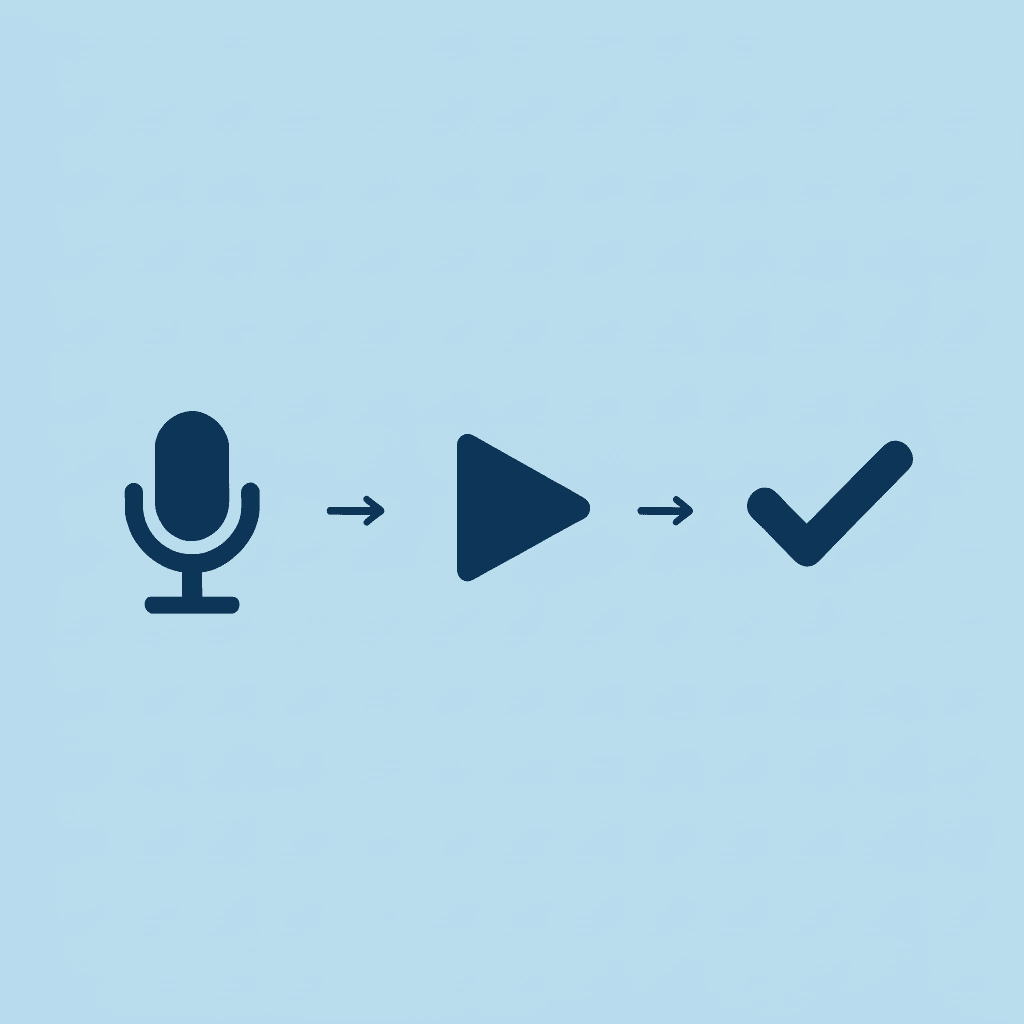
This workflow lets creators produce professional voiceover videos in minutes instead of hours. The friction that slowed everything down—microphone setup, retakes, audio cleanup—disappears entirely. What remains is a repeatable process that scales without adding time to each video. Open Crayo, generate your script's narration, and start producing content that moves as fast as your ideas do.
🎯 Key Point: By removing technical audio barriers, creators can focus on content creation and visual storytelling rather than wrestling with recording equipment. "The traditional video creation process that once took hours can now be completed in minutes with AI-powered voiceover generation." — Content Creation Efficiency Study, 2024
Related Reading
- Uberduck AI Alternative
- Play.ht Alternatives
- Murf AI Vs Elevenlabs
- Murf AI Alternatives
- Speechify Alternative
- Wellsaid Labs Alternative
- Resemble AI Alternative
- Lovo.ai Alternative Free
- Elevenlabs Alternative