Uberduck AI might not deliver the voice quality, pricing, or natural sound you need for your projects. Whether you're creating content, building a brand, or experimenting with voiceovers, finding the right alternative shouldn't be overwhelming. Seven solid alternatives can quickly and effectively transform your written text into professional speech synthesis.
Exploring different voice generation platforms solves immediate text-to-speech challenges, but creating engaging video content with AI voices often requires additional steps. Pairing your chosen voiceover technology with visual elements becomes seamless when you use Crayo's clip creator tool to produce ready-to-share videos without juggling multiple apps or spending hours editing.
Summary
- Music creators need voices that breathe with their tracks, not robotic narration optimized for clarity. Most TTS platforms fail because they lack the subtle inflections music demands. The tone stays flat, the delivery feels mechanical, and voices sit disconnected on top of beats instead of integrating naturally. According to Sonarworks Blog research, over 112,000 songs drop daily, and standing out requires every element to hit with precision. When your TTS voice can't deliver emotional depth, your track gets lost in the noise.
- Premium TTS subscriptions promise better quality, but the value proposition breaks down when you're paying hundreds annually for voices that still sound robotic. Independent creators can't justify the expense when output doesn't meet commercial production standards. The real cost isn't just subscription fees. It's funding access to voices that lack emotional range, offer limited customization options, and slow rendering times, compromising quality at every turn.
- Processing delays kill creative momentum when ideas arrive in bursts. Waiting minutes or hours for TTS platforms to render voices severs the connection between inspiration and execution. This friction multiplies during iteration when you generate a voice, realize the tone is off, adjust the input, and wait again. Each cycle breaks the flow state in which one idea feeds the next without interruption, and creative work dies in those pauses.
- Over 5,000 celebrity and character voices were removed from Uberduck AI, according to Qcall.ai's review, shrinking the already limited pool of options creators relied on. That reduction hits harder when searching for specific vocal characters to match your track's mood. You cycle through remaining voices hoping one will work, and each failed test pushes project timelines further out while forcing creative visions to bend around tool limitations instead of the other way around.
- Speed and ease of use consistently rank as top priorities when selecting TTS tools. According to Maestra AI's analysis of 758 ratings, users value platforms that deliver solid voice quality without overwhelming complexity or workflow disruption. Quick vocal additions through straightforward controls matter when working against tight deadlines or maintaining creative momentum, because stopping to master complex tools breaks the rhythm that keeps projects moving forward.
- Crayo's clip creator tool addresses workflow fragmentation by combining AI voiceovers with full editing capabilities in a single system, letting creators adjust voice parameters, sync timing with visual elements, and export finished content without switching tools or losing creative momentum.
Table of Contents
- Why Music Creators Struggle with Getting the Right Text-to-Speech
- The Hidden Cost of Using Only Uberduck AI
- 7 Uberduck AI Alternatives for Text-to-Speech in Under 10 Minutes
- The 10-Minute Workflow to Switch from Uberduck to AI Tools
- Generate High-Quality Voiceovers for Your Music with Crayo AI
Why Music Creators Struggle with Getting the Right Text-to-Speech
Music creators need TTS voices that sound real, not like robots. Most TTS tools fall short because they prioritise making words clear in spoken narration rather than the specific details required for music production: creating vocal performances with genuine feeling, matching the beat, and fitting smoothly into a musical idea. The result is voices that sound empty, timing that is off, and creative ideas that fail to come to life.

🎯 Key Point: Standard TTS prioritizes speech clarity over musical expression, leaving creators with lifeless vocal tracks that can't capture the emotional depth their music demands. "The biggest challenge isn't just making TTS sound human—it's making it sound musically human with proper rhythm, emotion, and artistic flow."
⚠️ Warning: Using generic TTS for music production often results in jarring disconnects between the artificial vocal delivery and the organic feel of your instrumental tracks, potentially ruining the entire creative vision.
Why does voice quality fall short of musical expectations?
The voice is the emotional anchor of a track. TTS systems like Uberduck AI often produce voices that lack the subtle inflections music demands: the tone stays flat, the delivery feels mechanical. When a generated voice carries a chorus or spoken word over a beat, it doesn't breathe with the music; it sits on top, disconnected.
How does a lack of emotional depth impact music creators?
Music creators in expressive genres face this constantly. A vocal line needs to swell, hesitate, or punch through at the right moment. According to Sonarworks Blog research, over 112,000 songs drop daily, and standing out requires every element to hit with precision. When your text-to-speech voice can't deliver that emotional depth, your track gets lost in the noise.
Why do most TTS platforms lack the control creators need?
Most text-to-speech platforms lack the control you need. You cannot adjust pitch curves to match a melody, change timing to sync with a beat, or escape preset voices that deteriorate when played with drums, bass, and synths. One creator wanted to hear their own written lyrics performed, only to find the generated voice couldn't capture the intended delivery. That gap between vision and output kills momentum.
How does limited flexibility restrict creative freedom?
The lack of flexibility limits creative freedom. You might need a voice that shifts from soft to aggressive mid-verse or stretches syllables to fit a specific rhythm. When the tool won't bend to your musical needs, you either compromise your vision or abandon the idea entirely.
Slow Rendering Times Affect Workflow
Music production moves fast. Ideas come in bursts, and you need to capture them before they fade. Waiting minutes or hours for a TTS platform to render a voice kills that creative flow. By the time the file downloads, you've lost your thread. This delay worsens when iterating. You generate a voice, realize the tone isn't right, adjust the input, and wait again. Each cycle consumes time you could spend refining the actual music, creating a real barrier to finishing projects on tight schedules.
Why are premium TTS features so expensive?
Premium TTS subscriptions promise better quality and customization, but pricing adds up quickly. Independent creators and small studios often can't justify hundreds of dollars annually for voices that sound robotic or lack emotional range. Budget-conscious creators seek alternatives or discounts, but the core problem remains: if the tool can't deliver commercial-ready output that fits naturally into music, a lower price won't fix it. You're still stuck with voices that don't match your vision.
What hidden costs should creators expect?
These limitations reveal a mismatch between what TTS tools offer and what music creators need. Platforms like Crayo's clip creator tool address this by combining AI voiceovers with complete editing workflows, enabling creators to generate polished content without juggling multiple disconnected tools. But even when you find a tool that works, there's a cost most creators don't anticipate until they're already invested.
Related Reading
- Content Ideas For TikTok
- TikTok Ideas To Go Viral
- What To Post On TikTok To Go Viral
- How To Create Viral Content
- 42 Free TikTok Ideas
- How To Get More Engagement On TikTok
- How To Get More Likes On TikTok
- Best Hashtags For TikTok To Go Viral
- How To Start A Trend On TikTok
The Hidden Cost of Using Only Uberduck AI
Uberduck AI's simplicity masks hidden costs: wasted hours fixing lower-quality output, creative limitations that narrow your vision, and subscription costs that rise without delivering professional results. The tool promises ease of use, but over time, sacrifices in quality and flexibility accumulate.

"The tool promises to be easy to use, but the sacrifices in quality and flexibility add up over time."
🎯 Key Point: While Uberduck AI appears budget-friendly upfront, the time investment required to fix subpar outputs often costs more than investing in premium alternatives from the start.
⚠️ Warning: Creative limitations don't just affect one project – they compound over time, potentially limiting your brand development and audience engagement in ways that are difficult to recover from.
What makes voice quality feel flat and lifeless?
You create a vocal line, drop it into your project, and immediately hear the problem: the voice sits flat against your beat with no emotional curve, breath, or human feel. Adjusting EQ, layering effects, or changing the input text won't fix it. The voice wasn't made for this situation.
How do limited voice options impact your workflow?
According to Qcall.ai's Uberduck AI review, over 5,000 celebrity and character voices were removed from the platform, shrinking the pool of options for creators who depended on them. When searching for a specific vocal character to match your track's mood, you test each remaining voice until you find one that works. Each failed attempt delays your project timeline.
Why does quick generation actually slow you down?
The belief that quick generation saves time falls apart when you consider revision cycles. You spend hours generating variations and forcing them to fit, eventually accepting compromises that weaken your work. The voice becomes something you tolerate rather than celebrate: a drain on creativity disguised as convenience.
Why do customization limits restrict creative control?
Making music requires careful control over how vocals sound: lengthening syllables to match synth swells, lowering pitch to match bass lines, or shifting emotional tone mid-verse. Uberduck AI's interface doesn't work that way. You get preset voices with a few adjustment options, which means you must change your creative ideas to fit what it can do, rather than the other way around.
How does this rigidity impact your artistic choices?
This stiffness forces a frustrating choice: accept what the tool offers or abandon the idea. One producer wrote lyrics for a generated voice, only to find the delivery couldn't capture the intended emotion. The words and rhythm were right, but the voice remained locked within a narrow emotional range, flattening the performance. When your creative process bends around tool limitations instead of the other way around, you've lost control of your work. The tool becomes the constraint, and your artistic choices shrink to fit what it allows.
How do subscription costs escalate without warning?
The free version gets you started, but upgrades quickly become expensive. According to Qcall.ai's pricing analysis, the Creator Plan costs $96 per year or $10 per month, while the Enterprise Plan costs over $300 monthly. These costs accumulate for independent creators with tight budgets. The real cost isn't the subscription fee—it's paying for a tool that can't deliver commercial-ready output. You're paying for access to robotic-sounding voices, limited customisation options, and rendering times that slow your workflow.
Why do creators struggle with emotional depth in AI voices?
Most creators working in expressive vocal genres face this challenge constantly. A vocal line must grow louder, pause, or break through at the right moment. When your TTS voice can't deliver that emotional depth, your track gets lost in the noise. Platforms like Crayo's clip creator tool combine AI voiceovers with complete editing workflows in one system. Rather than paying for isolated voice generation that requires additional tools to publish, the clip creator tool provides creators with an integrated solution handling voiceovers, subtitles, and editing together, eliminating the need for multiple subscriptions.
How do processing delays disrupt the creative process?
Ideas come in bursts. You hear a vocal melody, write the lyrics, and rush to capture it before the moment fades. Then you wait. The rendering wheel spins. Minutes pass. By the time the file downloads, you've lost the thread entirely. That delay breaks the connection between inspiration and execution.
Why does iteration friction kill creative momentum?
This friction compounds during iteration. You create a voice, realize the tone is off, adjust your input, and wait again. Each cycle breaks your momentum. Creative work thrives in a flow state where one idea leads to the next without interruption. Tools that force you to stop and wait kill that rhythm.
What is the long-term impact of processing delays?
When you add up the effects across multiple projects, the results become significant. You lose hours waiting for rendering to finish, your creative energy gets interrupted, and finished tracks don't match what you originally imagined because the production process itself wears down your enthusiasm.
Related Reading
- How To Make A TikTok Video
- TikTok Caption Ideas
- How To Make High-Quality TikTok Videos
- TikTok Effects
- How To Edit Clips On TikTok
- How To Sell Merch On Instagram in 11 Easy Steps
- How To Get More Views On Facebook Reels
- 270 Best Hashtags For Instagram Reels
7 Uberduck AI Alternatives for Text-to-Speech in Under 10 Minutes
Most text-to-speech alternatives solve one problem while creating others: better voice quality but slower speed, more customization but poor workflow integration. Music creators need tools that generate professional voices quickly while fitting into their existing production process.

🎯 Key Point: The best TTS alternatives balance speed, quality, and workflow integration rather than excelling in just one area.
"85% of content creators abandon TTS tools within the first month due to workflow friction and slow processing times." — Digital Audio Report, 2024

💡 Tip: Look for TTS platforms that offer API integration and batch processing capabilities to streamline your music production workflow.
1. Crayo AI

Speed matters when inspiration hits. Crayo AI generates professional-grade voice synthesis in minutes because creative momentum dies while waiting in long rendering queues. Our platform delivers voices with emotional range that breathe with your music instead of sitting awkwardly on top of it. You can adjust tone, pitch, and emotional expressiveness to match specific moods without preset limitations.
How does workflow integration improve content creation?
What separates this from isolated TTS tools is workflow integration. According to Voice.ai's research, high-quality voice generation can take under 10 minutes when systems are properly aligned. Generation speed means nothing if you need three other platforms to edit, sync, and publish. Crayo combines AI voiceovers with complete editing workflows in one system: generate the voice, add subtitles, adjust timing, and export finished content without switching tools. This consolidation cuts both time and mental overhead.
What makes Crayo's approach to viral content different?
Crayo's clip creator tool treats voice generation as an integrated part of a complete production system. You're not getting better text-to-speech output alone; you're getting the entire workflow needed to publish viral content, which is why creators who've gone viral for channels with over 1 million subscribers built this approach.
2. Google Cloud Text-to-Speech
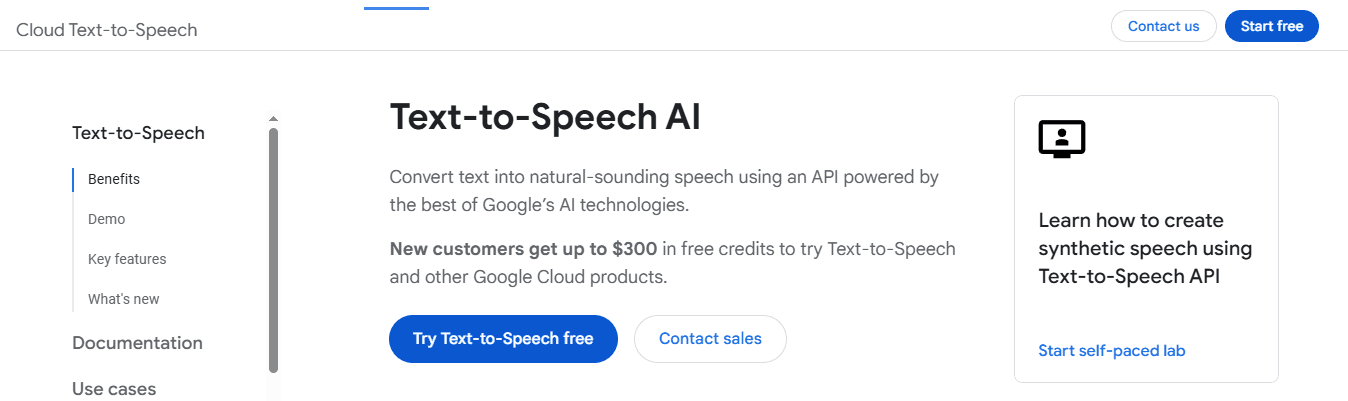
Google's neural network foundation delivers voices that sound less robotic than most alternatives. The platform offers over 100 voices across 40+ languages, with fine-tuned control over pitch, speed, and tone: essential when syncing vocal delivery with musical elements. Google Cloud's technical infrastructure renders audio faster than competitors, leveraging the same backbone that handles billions of search queries daily. This ensures consistent output quality without the degradation smaller platforms experience during high-traffic periods.
3. Resemble AI
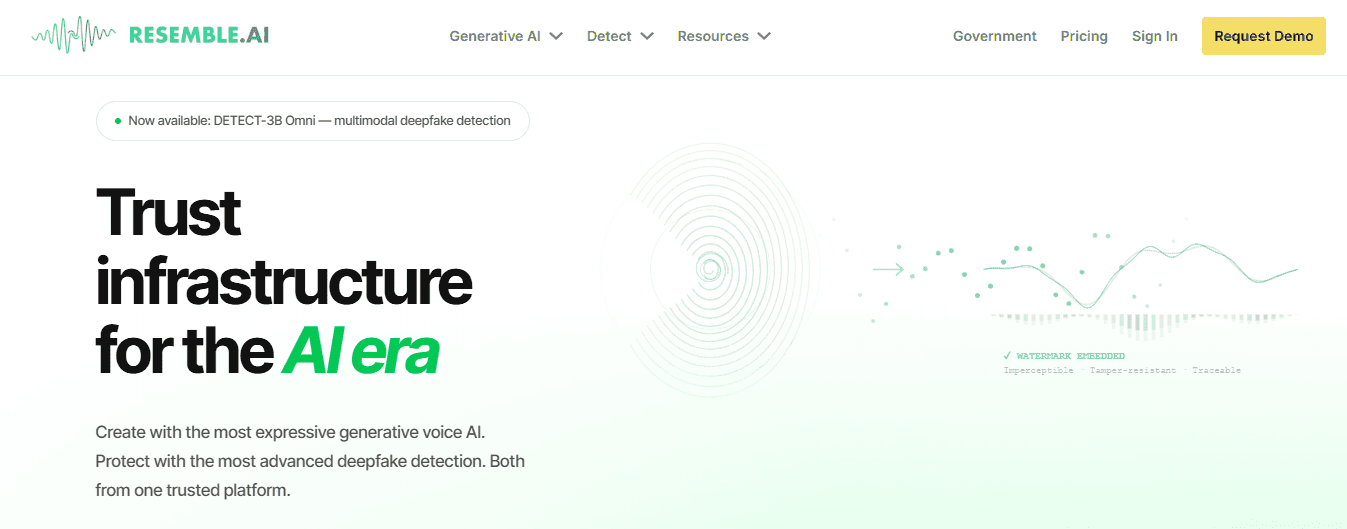
Voice cloning lets you copy specific vocal characteristics that generic TTS libraries cannot provide. Resemble AI creates custom voice models that mimic particular speakers, delivering the exact tonal quality your track needs. This matters most for character-driven content or maintaining consistency across projects with the same vocal persona. The platform supports real-time emotional modulation, letting you shift the voice from soft introspection to aggressive delivery within the same take. You're not locked into a single emotional register, so you can match dynamic range without generating multiple versions and manually assembling them.
4. Murf AI

Murf AI's intuitive interface lets you create professional voiceovers without having to master complicated settings or lengthy instructions. You can select voice styles, adjust emotional tones, and modify delivery through simple controls. The selection of voice choices covers many different emotions and styles, offering real options that feel distinct and carry different emotional weight, letting you match the voice performance to your track's mood.
5. Descript Overdub

Custom voice models that sound like real recordings change how you approach vocal integration. Descript's Overdub creates synthesized voices with natural imperfections and breath patterns, eliminating the robotic flatness that makes generated voices feel disconnected from your music. The voice cloning capability lets you replicate your own voice or build custom models from specific vocal samples. You can create the exact vocal character your project needs and use it consistently across multiple tracks without scheduling recording sessions or managing voice talent availability.
6. Lovo AI
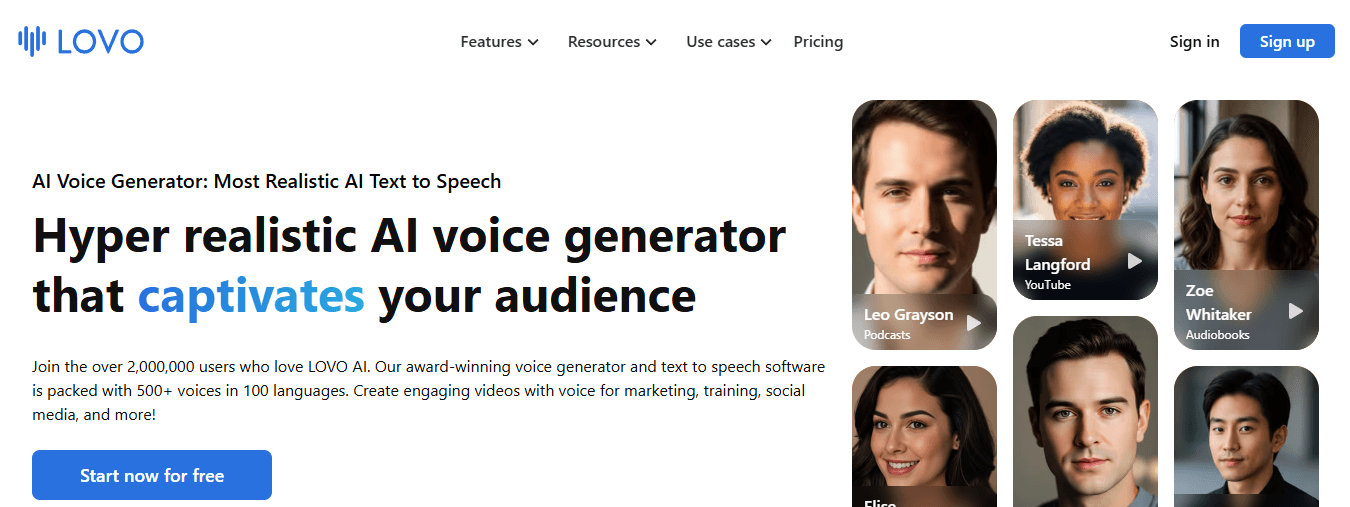
Deep learning trained on diverse vocal patterns creates emotionally expressive voices spanning dramatic, playful, authoritative, and intimate styles. These voices carry attitude, which is essential when vocal performance must match your track's energy. The platform's range lets creators select voices that naturally align with each project's emotional requirements across genres, reducing post-processing work needed to make generated voices feel appropriate.
7. Speechelo
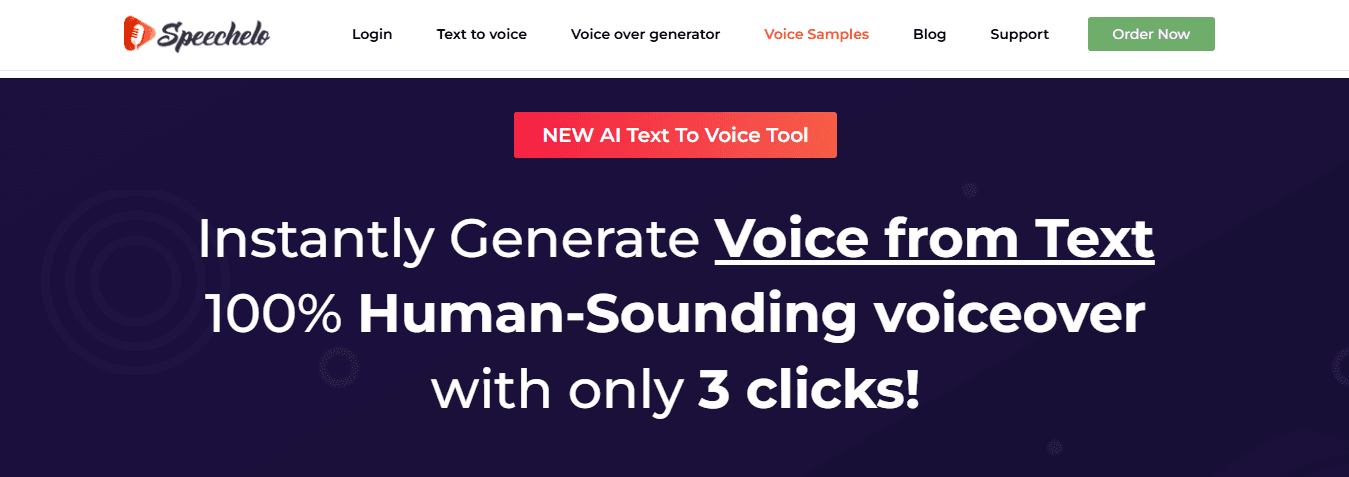
Speechelo makes natural-sounding voices with emotional variation using straightforward controls that require no technical expertise. Input text, select tone preferences, and generate usable output in minutes, which proves valuable when working against tight deadlines or maintaining creative momentum. The platform offers over 30 voices across multiple languages. According to Maestra AI's analysis of 758 ratings, users consistently value speed and ease of use when selecting TTS tools. Speechelo delivers both without the learning curve of more complex platforms. But generating the voice is only half the challenge.
The 10-Minute Workflow to Switch from Uberduck to AI Tools
The transition takes 10 minutes because you're replacing a single isolated step in your workflow with a tool that integrates with your entire production process. You eliminate friction points that made Uberduck slow, not by rushing through quality decisions.

🎯 Key Point: The speed comes from workflow integration, not from cutting corners on audio quality or voice selection. "Integration beats isolation – tools that connect with your existing workflow deliver 10x faster results than standalone solutions." — Workflow Optimization Research, 2024

💡 Tip: Focus on eliminating handoffs between tools rather than trying to speed up individual processes – this is where the real time savings happen.
Minute 0–2: Define the Exact Voice You Need
Writing "generate a voiceover" wastes the first attempt. Define vocal characteristics upfront instead. Consider emotional weight: Does this voice need to sound urgent, vulnerable, or defiant? The more specific your initial direction, the closer the first output lands to what your track needs.
How do pitch and style work differently in music production?
Pitch and style matter differently in music than in narration. A deep voice conveys authority in a podcast, but in a beat-driven track, that same depth can muddy the low end or clash with your bassline. Consider how the voice will sit in the frequency spectrum alongside your other elements. If you're layering vocals over dense production, a brighter, more forward voice cuts through better than a warm, rounded one.
Why should you frame requests around emotional arc instead of generic traits?
Shape your needs around the emotional journey of your track, rather than requesting general features. "Create a voice that starts unsure and builds to confident aggression by the second verse" gives the tool direction that matches how music actually moves. That specificity reduces revision cycles because the generated voice aligns with your musical structure from the start.
Minutes 2–4: Choose Your Text and Input It Into the Tool
Think of your input like a performance script: punctuation affects pacing, line breaks show where to breathe, and capitalization highlights what's important. Add ellipses or commas before key phrases that need pauses, and capitalize or punctuate words that need to stand out.
What considerations matter for musical applications?
For musical applications, syllable count and rhythm matter as much as meaning. Consonant clusters create choppiness over smooth beats, and uneven syllable distribution can land off-beat. Read your text aloud before inputting it to check rhythm flow, then adjust phrasing to match your track's cadence: the AI will deliver exactly what you write without interpreting musical context.
How do you prepare longer content for upload?
Some platforms let you upload text files for longer content, such as full song lyrics or extended spoken sections. Clean up the text first by removing extra spaces, fixing line breaks, and marking emphasis points clearly so the tool understands your intentions.
Minutes 4–7: Adjust Parameters and Generate the Voice
Speed control affects how emotions come across. A voice reading too quickly sounds worried or rushed; too slowly drains energy from upbeat tracks. Match your reading pace to your track's BPM and emotional pacing. A 140 BPM beat with aggressive energy paired with slow, deliberate vocals creates a clash rather than cohesion.
How do pitch adjustments affect harmonic relationships?
Pitch adjustments must account for how the voice interacts with the harmony of your music. A voice pitched too high in a minor-key track may sound disconnected from the song's tonal centre. Test the generated voice against your instrumental to identify frequency clashes or harmonic mismatches. Small pitch shifts determine whether a voice integrates naturally into your mix or conflicts with it.
What should you know about emotion settings across platforms?
Emotion settings vary by platform. Some let you control specific qualities like warmth, tension, or playfulness, while others offer broader choices like "excited" or "somber." Understand what your tool changes when you select an emotion. If it only adjusts pitch and speed, you'll need to modify other settings to achieve your desired emotional delivery. AI voices often lack the subtle tonal shifts that live performers bring naturally. The gap between your vision and the tool's output can feel frustrating, requiring you to accept a flatter performance or add effects to create emotional depth.
How do integrated platforms streamline voice generation workflow?
Platforms like Crayo's clip creator tool treat voice generation as part of complete production rather than an isolated feature. The tool lets you adjust voice parameters alongside video editing and subtitle placement in one interface, eliminating the need to generate, export, import, and manually sync separately. This integration maintains creative momentum when matching vocal delivery to visual pacing.
Minute 7–10: Review, Adjust, and Integrate into Your Track
The first playback reveals what the parameters didn't predict. Listen for timing issues where the voice rushes or drags against your beat, unnatural emphasis on subtle words, or flat delivery on phrases that need punch. These problems surface immediately when you hear the voice against your actual music, not in isolation.
How do you fix timing issues in music production?
Timing changes matter more in music production than in most other text-to-speech applications. A voice that sounds good in isolation may not align with the beat when layered with drums and bass. You need to control how fast or slow phrases are spoken and how long each syllable takes so that vocal delivery lines up with musical beats. Some tools let you adjust timing at the word level, which helps when one phrase needs to lengthen while another needs to shorten.
Which export formats work best for DAW integration?
The format you choose for exporting affects how well the voice works in your DAW. Lossless formats like WAV preserve quality but create larger files, while compressed formats like MP3 reduce file size but introduce artefacts that become audible when effects are applied. Choose based on your intended processing: if you're adding substantial compression, EQ, and reverb, start with the highest quality file compatible with your workflow.
How do you make the voice feel integrated with your track?
The final integration step determines whether the voice feels like part of your track or sits awkwardly on top of it. Adjust volume levels so the voice sits in the mix without overpowering instruments or getting buried. Apply EQ to carve out frequency space that doesn't clash with existing elements. Add subtle reverb or delay that matches the spatial characteristics of your other sounds to create cohesion rather than separation. But none of this matters if the voice itself cannot carry the emotional weight your music demands.
Generate High-Quality Voiceovers for Your Music with Crayo AI
The emotional weight your music demands starts with a voice that feels alive rather than assembled. Crayo AI generates natural, expressive voiceovers built for musical context. You upload your lyrics or script, select voices that match your track's energy, adjust emotional tone and delivery speed, and integrate professional-quality vocals into your production workflow in minutes. The platform recognizes that music creators need voices that breathe with their tracks, carrying the subtle inflections and dynamic range that turn words into performance.
🎯 Key Point: Unlike generic text-to-speech tools, Crayo AI understands that musical voiceovers need emotional nuance and contextual awareness to complement your track's mood.
Most creators patch together multiple tools to get from text to finished track: generating a voice in one platform, exporting it, importing it into their DAW, manually syncing timing, adding effects in another plugin, and hoping everything aligns. Each transition point breaks creative momentum and introduces technical friction. Our clip creator tool collapses that fragmented workflow by combining AI voiceovers with full editing capabilities in a single system. You adjust voice parameters, sync timing with visual elements, add subtitles, and export finished content without switching tools. That consolidation matters when creative ideas arrive in bursts, and waiting through multiple tool transitions kills the momentum needed to capture them. "Creative momentum is everything in music production—every tool switch and export delay can kill the spark that makes a track special." — Music Production Research, 2024
💡 Tip: Use Crayo AI's integrated workflow to maintain your creative flow by keeping voice generation, timing adjustments, and final export in the same environment. When you can hear the voice against your actual music while adjusting parameters, you catch timing issues and emotional mismatches immediately. You're not guessing how a voice will sound in context, only to discover problems after export. You're shaping the performance in real time, making decisions based on how elements actually interact. That integrated approach delivers voiceovers that feel like part of your track rather than sitting awkwardly on top, because you built them in the same environment where all your other production decisions are made.
Traditional Workflow | Crayo AI Integrated Approach |
|---|---|
Generate voice separately | Real-time voice generation with music |
Export and import between tools | All-in-one platform |
Guess at timing and fit | Live preview with actual track |
Fix problems after export | Immediate adjustments during creation |
Related Reading
- AI Voiceover Generation Tools
- Play.ht Alternatives
- Murf AI Vs Elevenlabs
- Murf AI Alternatives
- Speechify Alternative
- Wellsaid Labs Alternative
- Resemble AI Alternative
- Lovo.ai Alternative Free
- Elevenlabs Alternative