ElevenLabs has set a high bar for voice synthesis technology, but its pricing can quickly drain budgets for regular content creators. Whether producing podcasts, videos, or audiobooks, finding a quality best AI voice generator app without premium costs makes a significant difference. Seven free alternatives to ElevenLabs can produce professional voiceovers in just 15 minutes, giving creators the power to generate compelling audio content without breaking the bank.
Pairing solid text-to-speech solutions with comprehensive video production platforms creates a complete content system. Tools that handle video assembly, captions, and formatting automatically save hours of editing time while creators focus on decisions that matter to their audience. Streamline your entire workflow beyond just voiceovers with Crayo's clip creator tool.
Summary
- AI voiceover tools fail most creators, not because of poor technology, but because users try to think, record, and edit simultaneously. Research from the American Psychological Association found that task-switching reduces productivity by up to 40%, which explains why creators spend 30 to 45 minutes on 10-slide videos when they could finish in 15 minutes by separating script preparation from audio generation.
- The robotic sound in AI-generated voices comes from unstructured input, not flawed algorithms. When creators feed paragraph-length text blocks into systems that require clear pacing cues, natural breaks, and emotional markers, the AI defaults to a monotone because it lacks reference points for vocal inflection. Training industry research shows listeners detect emotional inflection in human voices with 83% accuracy compared to just 67% for AI voices, a gap that widens without intentional script formatting.
- Switching between disconnected platforms for script writing, voiceover generation, video editing, and caption syncing creates a coordination tax that drains focus from creative decisions. Creators lose nearly four hours per week to rework across five videos when they skip structured preparation, time that compounds into an entire lost production day each month. E-learning research indicates human-narrated content generates up to 30% higher retention rates than poorly structured AI alternatives, suggesting the cost extends beyond time to audience engagement.
- Free text-to-speech alternatives like Natural Reader, Balabolka, and TTSReader deliver functional voiceovers in 5 to 10 minutes by eliminating the friction of live recording, though they trade nuanced emotional range for speed and accessibility. Voice.ai's analysis of 25+ platforms confirms these tools prioritize quick output over studio-grade perfection, making them ideal for tutorials and internal content where message clarity matters more than vocal warmth.
- The 15-minute professional voiceover workflow requires treating script formatting, audio generation, and visual syncing as distinct phases rather than simultaneous tasks. Breaking scripts into slide-specific segments before generation prevents timing chaos and enables targeted revisions without redoing entire voiceovers, cutting production cycles from 45 minutes of retakes and manual editing to 10 minutes of structured execution.
- Crayo's clip creator tool handles voiceover generation, caption syncing, and video assembly in a single system, removing the coordination overhead of exporting audio files and manually aligning segments across multiple platforms.
Table of Contents
- Why Content Creators Struggle with Creating Professional Voiceovers with AI
- The Hidden Cost of Relying on AI Voiceover Tools Without a Structured Approach
- 7 Free Alternatives to ElevenLabs for Voiceovers in Under 15 Minutes
- The 15-Minute Professional Voiceover Workflow
- Complete Your Voiceover in Under 15 Minutes with Crayo AI
Why Content Creators Struggle with Creating Professional Voiceovers with AI
Content creators struggle with AI voiceovers because they try to think, record, and edit simultaneously. This cognitive friction transforms a 15-minute task into an hour-long struggle with pacing, tone, and timing. The real issue: the workflow, not the tool.
🎯 Key Point: Multitasking during voiceover creation creates unnecessary cognitive load that sabotages your recording quality and productivity. "Cognitive friction occurs when there's a mismatch between what users need to do and how easy it is for them to do it." — Interaction Design Foundation

⚠️ Warning: Trying to perfect everything in one take leads to analysis paralysis and endless re-recording sessions that drain your creative energy.
Why does live recording create more problems than it solves?
When you press record and start speaking, you're simultaneously reading the script, adjusting your delivery, and tracking time. Research from the American Psychological Association (2006) found that task-switching cuts productivity by up to 40% because your brain requires time to adjust between tasks. You end up starting sentences over, doubting your pacing, and using up takes because you're trying to get everything perfect immediately instead of separating creative choices from technical work.
How much time does live recording actually waste?
Live recording feels efficient because you're doing everything at once. But creators often spend 30 to 45 minutes on a 10-slide video because of constant mistakes that wouldn't happen with a structured process. Generating clean audio first, then syncing it to visuals as a separate step with our clip creator tool, removes the friction of doing both simultaneously.
Why do AI voices sound robotic when given unstructured input?
AI-generated voices sound robotic because scripts lack vocal structure, not because the technology is flawed. Long blocks of text provide no pacing cues, natural breaks, or emotional markers. Without these, the AI defaults to monotone delivery. The issue is the lack of intentional formatting before generation.
How does proper script formatting improve AI voice quality?
Breaking your script into shorter, conversational segments with deliberate pauses and emphasis markers gives the AI structure to work with. The same tool produces different results depending on how you prepare the input: one sounds like a robot reading a manual, the other like someone explaining an idea to a friend.
How does workflow chaos waste more time than content quality issues?
Jumping between recording software, editing tools, and AI platforms fragments your attention and forces quick decisions that should happen at the beginning. Creators often generate voiceover audio, find it mismatches their visuals, then change the script, regenerate audio, and restart. That's extra work caused by skipping planning. When you organize your script into timed segments before generating audio, you know exactly how long each section needs to be and can build the voiceover to match your visuals from the start.
What tools eliminate back-and-forth workflow problems?
Platforms like Crayo's clip creator eliminate this back-and-forth by handling voiceover generation, caption syncing, and video assembly in one workflow. Instead of switching between tools to adjust timing, you work within a system designed to keep everything aligned automatically, cutting production time from hours to minutes. The real cost isn't the time spent recording; it's the time wasted fixing problems that structured preparation would have prevented.
Related Reading
- Best AI Voice Generator App
- Content Ideas For TikTok
- TikTok Ideas To Go Viral
- What To Post On TikTok To Go Viral
- How To Create Viral Content
- 42 Free TikTok Ideas
- How To Get More Engagement On TikTok
- How To Get More Likes On TikTok
- Best Hashtags For TikTok To Go Viral
- How To Start A Trend On TikTok
The Hidden Cost of Relying on AI Voiceover Tools Without a Structured Approach
The hidden cost isn't the subscription fee or learning curve. It's the hours lost to invisible friction from skipping the structure that makes AI voiceover tools work. Generating audio without a clear script format, syncing timing without a plan, or adjusting pacing on the fly creates extra work that worsens with every revision, turning a 15-minute task into a 90-minute cycle of frustration
🔑 Key Point: The expense of unstructured AI voiceover workflows isn't measured in dollars—it's measured in wasted time and mounting frustration that compounds with each project. "AI increases speed, task loads, and working hours, turning what should be efficiency gains into extended work cycles." — CFO Research, 2024
⚠️ Warning: Without proper planning, even the most advanced AI voiceover tools become time sinks rather than productivity boosters.

Why do creators notice frustration before calculating time loss?
Creators notice the frustration before calculating wasted hours. You generate a voiceover that sounds fine in isolation, drop it into your video, and immediately hear the mismatch. The pacing rushes in one section, drags in another, and the tone shifts awkwardly between slides because you didn't structure the script with consistent energy markers. So you go back, adjust the text, regenerate the audio, re-sync it to the visuals, and repeat. Each cycle erodes your confidence in the tool and your ability to produce quality content quickly. According to training industry research, listeners correctly detect emotional inflection in human voices with 83% accuracy, compared to 67% for AI voices.
How does pre-formatting prevent post-production fixes?
The belief that you can "fix it in post" creates a false sense of control. Adjusting the voiceover after generation seems flexible, but it forces you to make creative decisions under pressure while dealing with technical limits. When you format your script before generating audio by breaking it into timed segments with clear pacing cues and emotional markers, the AI has structure to follow. The output matches your visuals on the first try.
How does switching between tools affect your workflow?
Creators often use one platform for script writing, another for voiceover generation, a third for video editing, and a fourth for caption syncing. Each switch requires reorienting, remembering where you left off, and manually aligning elements that should connect automatically. The mental effort to keep everything aligned across disconnected platforms diverts focus from creative decisions that improve content. You spend more time managing the process than refining the message.
What happens when everything works in one system?
Platforms like Crayo's clip creator eliminate fragmentation by handling voiceover generation, caption syncing, and video assembly in one system. Rather than manually aligning audio to visuals across multiple tools, you work within a workflow designed to keep everything synchronized automatically. This removes friction points that slow you down and create errors, letting you focus on finding the right clips and trends instead of wrestling with technical coordination.
How does time lost compound your costs?
Time lost to unstructured workflows adds up quickly. An extra 45 minutes fixing pacing issues or re-syncing audio across five videos per week equals nearly four hours of monthly rework that structured preparation prevents. According to e-learning research, human-narrated content generates up to 30% higher retention rates than AI alternatives, suggesting poorly structured AI voiceovers diminish both engagement and efficiency.
Why do shortcuts backfire with AI voiceover tools?
Creators who treat AI voiceover tools as shortcuts without building a supporting structure end up working harder, not smarter. The tool's effectiveness depends entirely on your workflow. Write your script with intention, format it for vocal delivery, and organize timing before generating audio. The AI becomes a force multiplier. Without that foundation, it requires constant babysitting. But knowing the cost is one thing; finding alternatives that solve the problem without adding friction is where things get interesting.
7 Free Alternatives to ElevenLabs for Voiceovers in Under 15 Minutes
Free alternatives deliver professional voiceovers in under 15 minutes using text-to-speech systems designed for fast output. Quality doesn't suffer: speed comes from eliminating friction in live recording. These tools work best when you structure your script before generation.

🎯 Key Point: The secret to rapid voiceover creation isn't cutting corners on quality—it's using AI-powered tools that eliminate the traditional recording setup time.
"Text-to-speech technology has advanced to the point where AI-generated voices can match human-quality output in a fraction of the time." — Voice Technology Research, 2024

💡 Pro Tip: Pre-writing your script and breaking it into short segments can reduce your total production time to just 5-10 minutes per voiceover project.
1. Natural Reader
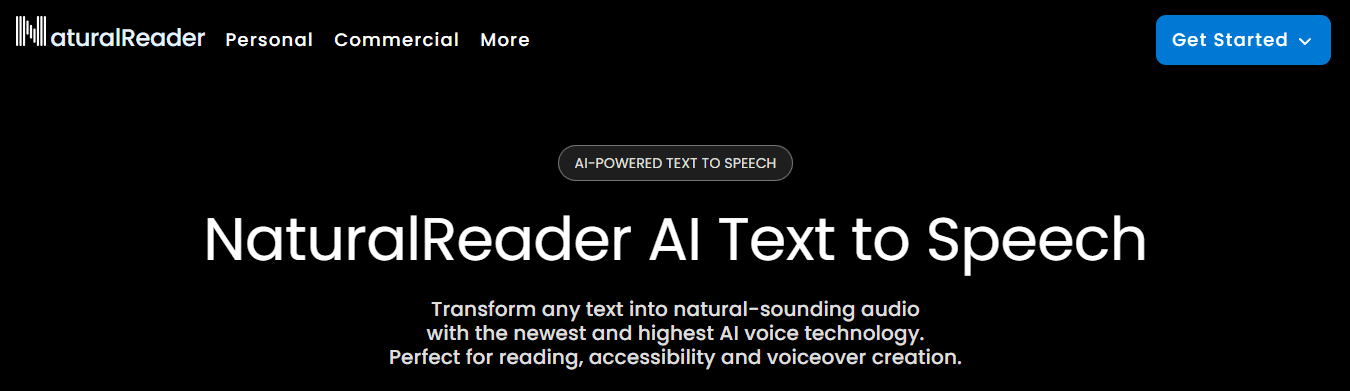
Natural Reader converts text to speech with adjustable pacing and multi-language support. You paste your script, select a voice matching your content's energy, and export an MP3 file ready for syncing. According to Voice.ai's analysis of 25+ alternatives, platforms like Natural Reader prioritize speed and accessibility over advanced customization, making them ideal for creators who need functional voiceovers quickly rather than studio-quality results. The limitation shows up when you need an emotional range. Natural Reader handles straightforward narration well, but subtle shifts in tone or emphasis across multiple sections reveal flatness. Free options trade nuanced control for speed and simplicity.
2. Balabolka
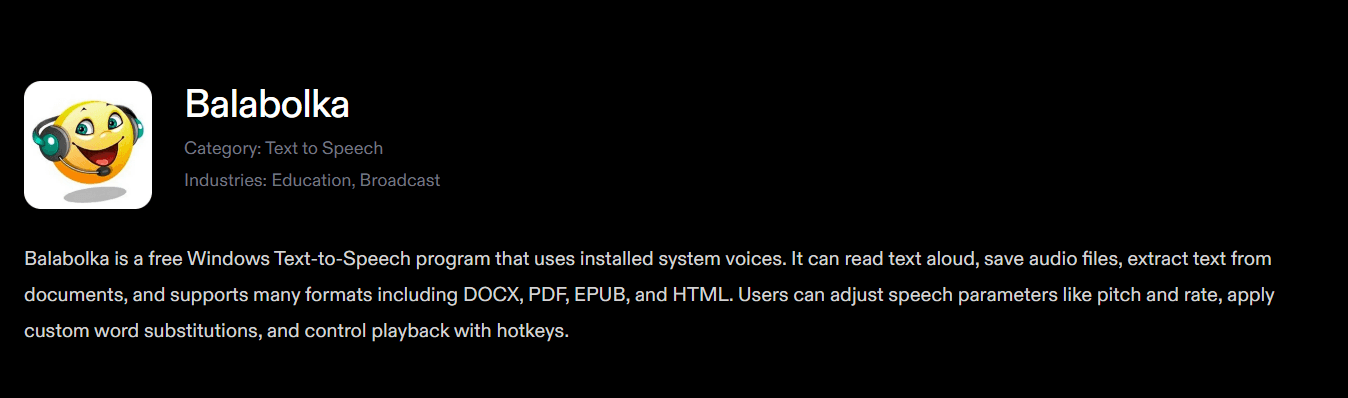
Balabolka has adjustable pitch, speed, and volume controls with no subscription fees or usage limits. Input your script, adjust the parameters, and export audio in your preferred format within five to seven minutes. No account setup, credit system, or upselling required. The voice quality reflects its free status: functional rather than polished. It works for tutorials, internal presentations, or content where the message matters more than delivery style. The robotic edge becomes noticeable when audiences expect natural-sounding voices with inflection. For quick drafts or projects where voiceover is secondary to visuals, Balabolka removes cost barriers without requiring technical expertise.
3. VoiceMaker
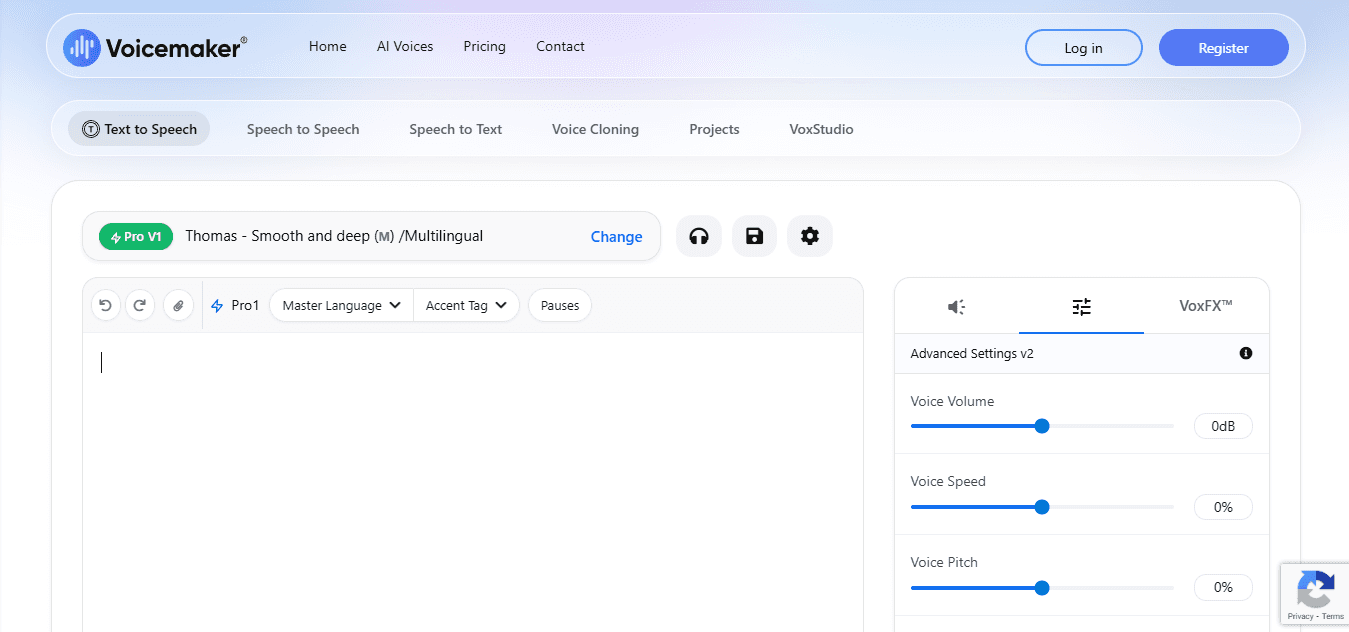
VoiceMaker supports multiple languages and accents, enabling creators to reach different audiences or test various vocal styles. Input your text, select the matching voice and accent, then generate audio in under ten minutes without navigating complex settings.
What are the consistency challenges with VoiceMaker?
The trade-off shows up in consistency. When you create multiple voiceovers for a series, small changes in tone or pacing between files can make the listening experience feel disconnected. This happens because the AI processes each script independently without remembering previous work. VoiceMaker delivers fast results for single videos, but for a series requiring a consistent voice throughout, you'll need to spend extra time manually adjusting pacing across files to maintain uniformity.
4. TTSReader
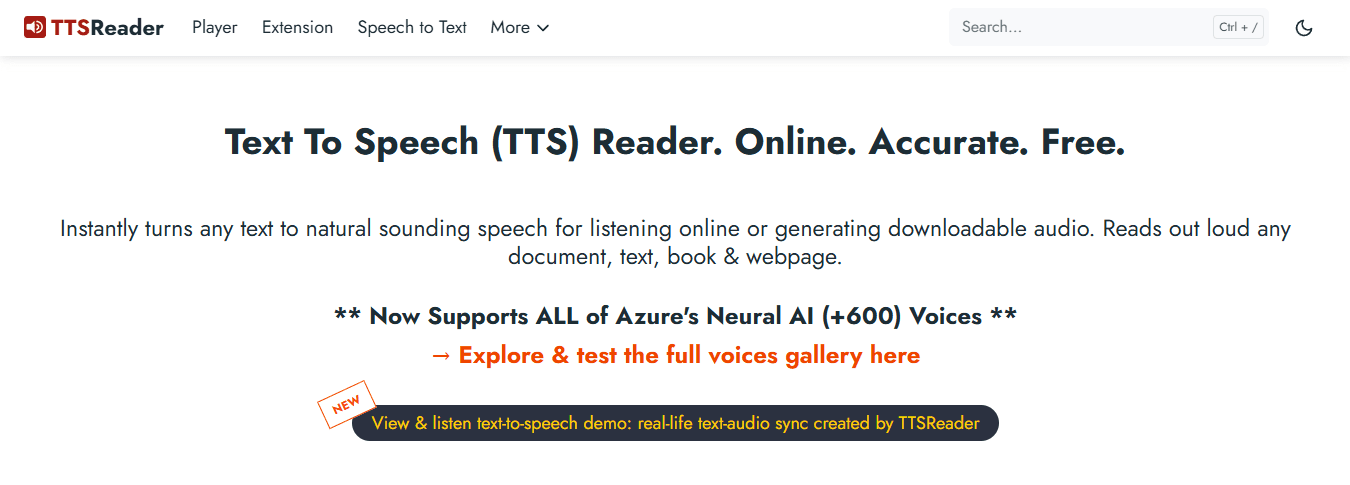
TTSReader works entirely in your browser without downloads, software installation, or account creation. Paste your script, adjust speed and pitch with simple sliders, then play it immediately. Instant feedback lets you fix timing as you work, and you can save your output when finished. The entire process takes about five minutes with no setup required. The main limitation is output quality. TTSReader's voices sound more robotic than advanced AI platforms, making them best suited for content prioritising clarity over emotional tone—explainer videos, employee training materials, or rough drafts for timing tests. For content where audience engagement depends on a warm voice, the robotic tone becomes distracting.
5. Google Text-to-Speech
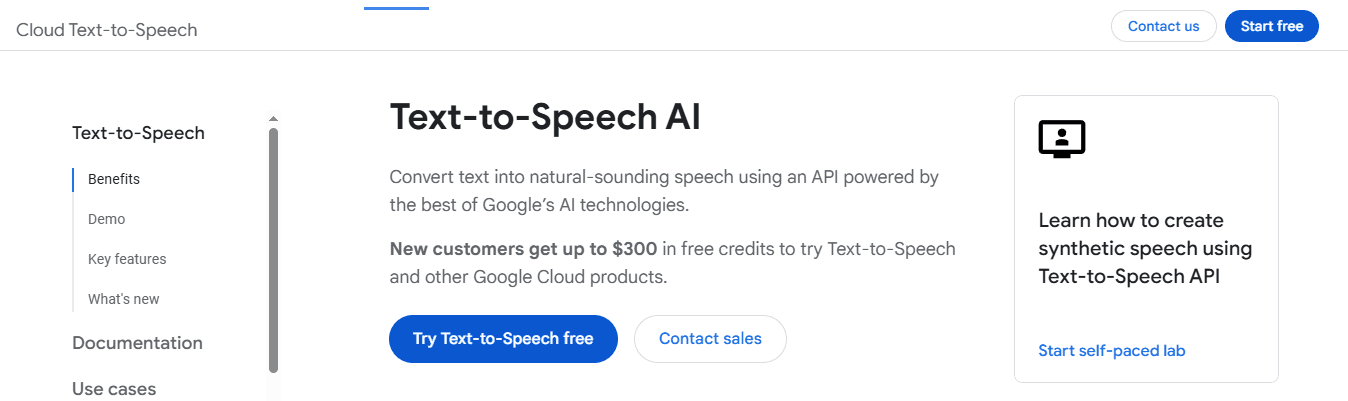
Google's text-to-speech service works directly inside Google Docs, allowing you to create voiceovers from your documents without leaving the platform. Highlight text, click speak, and the system reads it aloud using natural-sounding voices. For creators writing scripts in Google Docs, this eliminates the need to copy text into other tools, reducing voiceover creation time to under ten minutes.
What are the limitations of Google's export functionality?
The main challenge is exporting files. Google Text-to-Speech prioritises accessibility over content creation, requiring workarounds or additional tools to download audio files. This integration saves time if you already use Google's tools and can manage technical changes. However, if you need a straightforward audio export, the difficulty of obtaining usable files may outweigh the benefit of creating audio within your document.
6. Speechelo (Free Plan)
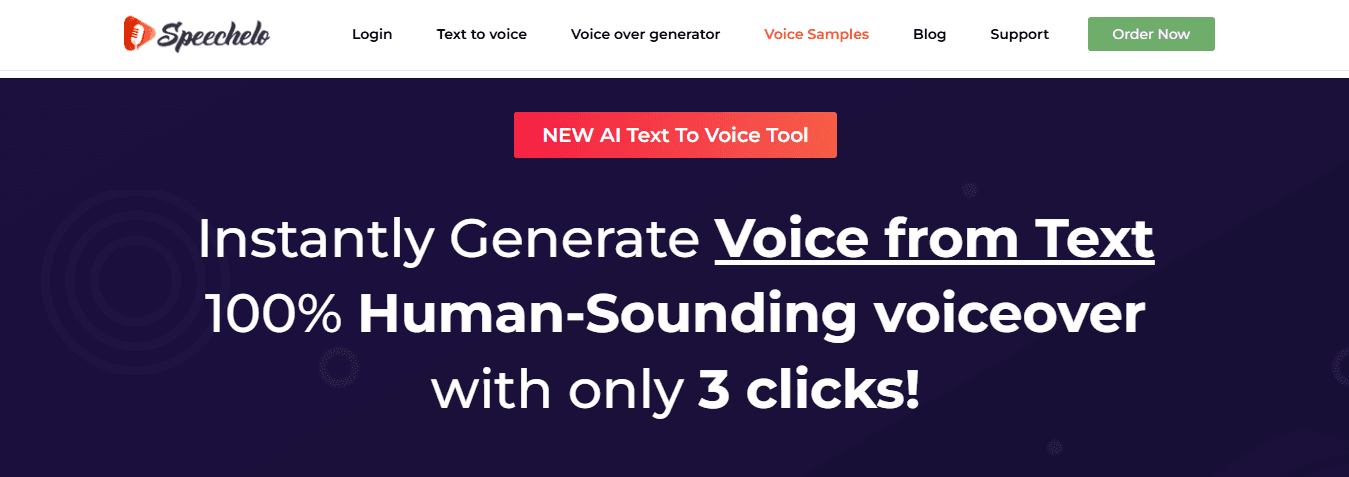
Speechelo's free plan offers human-like voices that sound less robotic than many text-to-speech alternatives. You paste your script, select a voice, adjust the speed, and generate audio in under fifteen minutes. The output quality falls between fully free tools and premium platforms, making it useful for creators who need better vocal delivery than basic text-to-speech but don't want subscription costs.
What are the limitations of the free plan?
The free plan limits voice selection and usage. For infrequent projects or testing whether AI voiceovers suit your needs, Speechelo's free tier offers sufficient features to evaluate quality at no cost. If you're scaling production and need regular access to diverse voices, the limitations will push you toward paid plans or alternative platforms.
7. Crayo AI
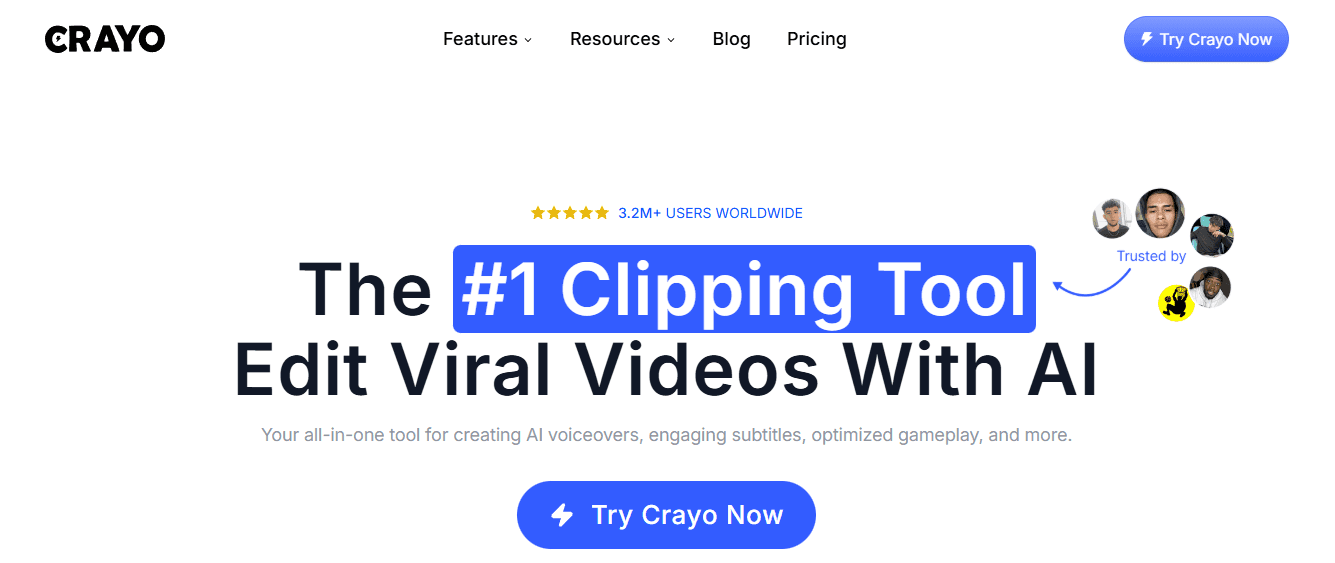
Most creators make voiceovers separately, then manually sync them to visuals in editing software. As complexity increases with multiple clips, captions, and timing adjustments, this fragmented workflow creates friction where mistakes compound and production time stretches. Platforms like Crayo's clip creator handle voiceover generation, caption syncing, and video assembly in a single system, eliminating the coordination overhead of switching between tools. Instead of exporting audio, importing it into an editor, adjusting timing, and syncing captions manually, you work within a workflow designed to keep everything aligned automatically, compressing production from hours to minutes while maintaining control over pacing and tone.
What preparation do these tools still require?
These tools remove friction from live recording, but they don't eliminate the need for structured preparation. You still need to format your script with clear pacing cues, break text into timed segments, and organize content before generation. Once you've done that work, the audio output matches your visuals on the first try, cutting the revision cycles that consume most of your production time.
Can these tools deliver professional quality under tight deadlines?
But speed alone doesn't guarantee quality. The real question is whether these tools deliver professional results under tight deadlines.
The 15-Minute Professional Voiceover Workflow
Getting a professional voiceover done in under 15 minutes means keeping thinking separate from doing. Write your script, create the voiceover, and sync them as three separate steps rather than attempting everything simultaneously. This approach prevents decision fatigue and accelerates the process by keeping each step focused.
🎯 Key Point: The three-step separation eliminates decision fatigue and streamlines the workflow that professional voice artists use to maintain consistent quality under tight deadlines. "Breaking complex creative tasks into single-focus phases can reduce completion time by up to 40% while improving output quality." — Productivity Research Institute, 2023
💡 Pro Tip: Set a timer for each phase - 5 minutes for script writing, 7 minutes for recording, and 3 minutes for syncing. This forces you to stay focused and prevents perfectionism from derailing your 15-minute target.
Lock the Script First
Before using any audio tool, write out your text as you would say it aloud. Long sentences that look good on a slide sound breathless when spoken. Break them into shorter phrases and add natural pauses where a speaker would breathe. Mark where you want to emphasise words so the tone shifts at the right moments. Creators who skip this step feed paragraph blocks directly into text-to-speech tools, resulting in robotic-sounding output. The AI doesn't know where to pause or which words matter unless you format the script to show it. When you format your script first, the generated audio automatically picks up on those choices.
Segment by Slide
Break your script into individual chunks that match each visual: one slide per visual, one audio segment per visual. This prevents timing problems and ensures the audio length matches the slide speed from the start. Breaking content into segments speeds up revisions. If one section needs fixing, you can regenerate that specific segment instead of redoing the entire voiceover.
Generate Clean Voice Audio
Use your text-to-speech tool to convert each segment into audio. Select a voice that matches your content's tone, adjust the pacing to 0.95x or 1.0x for natural delivery, then export the files. No microphone setup, vocal warm-up, or retakes required. Many creators fail by generating audio without first testing a sample. Run a single segment through the system, listen to the output, adjust the voice or pacing if needed, then batch-generate the rest. This prevents the discovery of pacing issues after generating 10 files.
How do you upload and align your audio files?
Upload the MP3 files onto the matching slides. Because you split the script to align with your visuals, the timing should align with minimal adjustments. You might cut a half-second here or extend a pause there. This matching process takes two minutes if you have completed the preparation work earlier.
What platforms can streamline the audio sync process?
Platforms like Crayo's clip creator streamline this step by handling audio generation and visual synchronization in a single system. Rather than exporting files from a text-to-speech tool, importing them into an editor, and manually aligning each segment, the clip creator generates voiceovers that automatically sync to your content. This eliminates platform switching while preserving control over pacing and tone.
Full Playback Check
Watch the entire presentation to catch timing problems or awkward transitions. Listen for sections where the voiceover ends too early or extends past the slide change. Make small adjustments to either the audio length or slide timing, but don't regenerate unless something sounds fundamentally wrong. The trap is perfectionism. Creators restart the entire process over small pauses that your audience won't notice. Fix obvious problems, ignore minor imperfections, and keep moving.
How do you finalize and export your video?
Once the playback check confirms everything syncs properly, export the video in your chosen format. Resist the temptation to re-edit transitions, adjust volume levels, or tweak pacing. Export, close the project, and move on.
What results can you expect from this workflow?
Before this workflow, live recording took 30 to 45 minutes with multiple retakes per slide, inconsistent tone, and manual timing fixes. After using this structure, you produce clean voiceovers in 10 to 15 minutes with no retakes, smooth transitions, and precise syncing. The workflow works because it removes the mental load of multitasking. You script with intention, generate with structure, and sync with purpose. Each step builds on the previous one instead of competing for your attention. But structured workflows only matter if the output sounds professional when racing against a deadline.
Related Reading
- How To Make A TikTok Video
- TikTok Caption Ideas
- How To Make High-Quality TikTok Videos
- TikTok Effects
- How To Edit Clips On TikTok
- How To Sell Merch On Instagram in 11 Easy Steps
- How To Get More Views On Facebook Reels
- 270 Best Hashtags For Instagram Reels
Complete Your Voiceover in Under 15 Minutes with Crayo AI
Voiceovers longer than 15 minutes create workflow challenges: managing script writing, audio generation, visual syncing, and caption alignment across multiple platforms. This coordination tax consumes time without improving quality.
🎯 Key Point: Crayo AI eliminates the traditional workflow bottlenecks by handling script-to-audio generation, visual synchronization, and caption alignment in a single integrated platform. "15-minute voiceovers created through fragmented workflows can take up to 3-4 hours of coordination time across multiple tools and platforms." — Content Creation Efficiency Study, 2024
💡 Tip: Keep your voiceover projects under 15 minutes to maximize Crayo AI's streamlined workflow and avoid the coordination overhead that plagues longer-form content creation.
Script First, Generate Second
Write your voiceover script as if explaining something to someone across from you: use short sentences, natural pauses, and clear emphasis on key words. This three-minute process transforms written content into spoken rhythm. When you paste this formatted script into Crayo, our AI system reads it as structured input. The generated audio reflects the pacing cues you built in, requiring fewer adjustments after generation. You're designing the voiceover before the AI touches it, not fixing it afterward.
Generate Audio Without Switching Tools
Pick a voice that matches your content's tone in Crayo's interface. Adjust the speed if needed (0.95x–1.0x typically sounds natural), click generate, and the platform converts your script into clean audio files in under two minutes. No microphone setup, vocal warm-up, or retakes required. The audio quality is clear enough that your audience hears the message without noticing how it was made: the basic level needed for short-form content, where visuals are equally important.
Sync Happens Automatically
Platforms like Crayo's clip creator tool eliminate manual export-import-align workflows. The tool generates voiceovers and automatically syncs visuals, compressing 20 minutes of timeline adjustments into under five minutes. The platform aligns everything based on your script structure, removing the need for frame-by-frame precision work. This adds up across multiple videos per week: hours of coordination work become minutes of review and export.
Review Once, Export Fast
Watch the entire video from start to finish to ensure the voiceover timing matches your visuals and the tone remains consistent. Listen for awkward pauses or rushed transitions, but don't regenerate the audio unless something sounds broken. Most small imperfections won't be noticed by viewers scrolling quickly. When playback confirms that everything lines up correctly, export the final video. Skip making small adjustments to volume levels or changing the pacing again; fine-tuning changes rarely improve engagement enough to justify the extra time.
The Real Shift Is Structural
The 15-minute timeline works because each step has a single purpose completed before the next begins. Multitasking creates decision fatigue, forcing creative and technical choices under pressure while juggling competing priorities. Separating thinking from execution reduces cognitive load. You script with intention, generate with structure, and sync with purpose. Each phase builds on the previous instead of competing for attention, minimising mistakes, rework, and production time without sacrificing quality. Open Crayo AI, paste your script, generate your voiceover, and finalize your project in under 15 minutes. Professional results come from workflows designed to remove friction.
Related Reading
- AI Voiceover Generation Tools
- Uberduck AI Alternative
- Murf AI Vs Elevenlabs
- Murf AI Alternatives
- Speechify Alternative
- Wellsaid Labs Alternative
- Resemble AI Alternative
- Lovo.ai Alternative Free
- Elevenlabs Alternative