Recording voiceovers often leads to frustration with poor audio quality or the sound of your own voice. While Speechify has dominated the text-to-speech market, several powerful alternatives now offer faster turnaround times, more natural-sounding voices, and better customization options. These tools can transform written content into studio-quality voiceovers in just 10 minutes, helping creators save time and produce content that resonates with audiences.
Short-form video content requires quick voiceover production without sacrificing quality. The best AI voice generator app solutions combine voice generation with streamlined editing features, eliminating the need to juggle multiple software applications or spend hours in post-production. Whether building a social media presence or testing different voice styles for a brand, creators can move from concept to polished content using Crayo's clip creator tool.
Table of Contents
- Why Creators Struggle with Speechify for Pro Voiceovers
- The Hidden Cost of Using Speechify for Video Voiceovers
- 7 Speechify Alternatives to Create Pro Voiceovers in 10 Minutes
- The 10-Minute Workflow to Create a Professional Voiceover
- Create Your Pro Voiceover in 10 Minutes With Crayo
Summary
- Speechify was designed for reading, not video performance, which creates friction when creators need narration that syncs with visuals and meets pacing demands. According to Sounds Profitable's 2025 study, 71% of active creators now incorporate video into their content strategy, requiring voiceovers with intentional pauses, emphasis, and rhythm that reading-focused tools don't prioritize.
- Professional voice actors charge $100 to $500 per finished minute for commercial work, making AI voiceover tools financially attractive. However, the time savings disappear when creators spend hours in regeneration loops fixing pronunciation errors, timing mismatches, and delivery that sounds like reading instead of performing.
- Tool-switching creates hidden productivity costs that compound across multiple videos. The typical workflow involves writing on one platform, generating audio on another, and manually syncing in a third editor, adding 15 to 20 minutes per video just to move files between applications before any actual creative work happens.
- Voice quality alone doesn't drive viewer retention. Multimedia learning research shows conversational pacing and natural delivery improve comprehension and retention more than formal narration, meaning technically clear audio can still cause viewers to drop off if the delivery feels monotone or rushed.
- Script structure determines voiceover quality more than voice settings. Writing conversational scripts with short sentences, clear pauses, and simple phrasing before generation produces natural-sounding results immediately, while essay-style paragraphs force AI voices into stiff, textbook delivery that requires multiple regenerations to fix.
- Crayo's clip creator tool addresses this by combining script writing, voice generation, subtitle creation, and video export into a single workflow, removing the file-management steps that turn 10-minute voiceover tasks into hour-long production cycles.
Why Creators Struggle with Speechify for Pro Voiceovers
Speechify works for listening to articles while commuting or converting PDFs to audio. For video production, however, it falls short. The audio sounds clear but lacks polish: pacing feels off, emphasis lands in awkward places, and syncing to visuals proves difficult.
🎯 Key Point: While Speechify excels at basic text-to-speech tasks, professional video content demands precise control over timing, emphasis, and visual synchronization that the platform simply can't deliver.
"The difference between casual audio consumption and professional voiceover work lies in the nuanced control over pacing, emphasis, and emotional delivery."
⚠️ Warning: Many creators assume that clear audio quality equals professional-ready content, but real video production requires frame-perfect timing and intentional emphasis placement that automated tools often miss.
Speechify Optimizes for Reading, Not Performance
Speechify was built to help people listen to written content, prioritising clarity and consistency over expressiveness. According to Sounds Profitable's 2025 Creators study, 71% of active creators now use video in their content strategy. Video requires different audio: pauses for on-screen text, emphasis on key points, and a rhythm that matches the visual pace. A textbook-reading tone causes viewers to disengage.
Pacing Breaks Down When Visuals Enter the Equation
Your video has transitions, screen recordings, text overlays, and B-roll clips. Each element requires the narration to arrive at a specific moment. If the voiceover rushes through a line that should align with three seconds of on-screen text, you're stuck. You rewrite the script, regenerate the audio, and hope the timing works. When it doesn't, you repeat the process. A five-minute timing fix becomes a 50-minute delay across ten videos, making batch content production inefficient.
Pronunciation Errors Force Repetitive Workarounds
Brand names, technical terms, slang, and abbreviations regularly trip up text-to-speech engines. When Speechify mispronounces a keyword or stresses the wrong syllable, the entire line sounds unnatural. With Crayo, you can edit one word: you don't need to rewrite the sentence, alter the spelling to trick the AI into correct pronunciation, or regenerate the entire segment. One creator described this as "whack-a-mole with your sanity." The voiceover becomes a series of compromises between what you wanted to say and what the tool can pronounce correctly.
Why do scripts written like text sound flat when spoken?
Most creators write scripts like captions or blog posts: structured, informative, and grammatically complete. Spoken narration, however, requires shorter bursts, conversational phrasing, and intentional pauses. When Speechify reads a script in a written style, the result sounds rushed or robotic.
You rewrite the entire script with speech patterns in mind, consuming time you didn't budget for. OutSpoken Voices reports the voice-over industry is projected to grow at a CAGR of 6.5% from 2025 to 2030, driven partly by demand for natural-sounding AI voices. Creators get stuck in the gap between "clear audio" and "performance-ready narration."
How do friction points impact content creation speed?
These small friction points add up to hours of lost time each week when building a content engine that depends on speed.
Related Reading
- Content Ideas For TikTok
- TikTok Ideas To Go Viral
- What To Post On TikTok To Go Viral
- How To Create Viral Content
- 42 Free TikTok Ideas
- How To Get More Engagement On TikTok
- How To Get More Likes On TikTok
- Best Hashtags For TikTok To Go Viral
- How To Start A Trend On TikTok
The Hidden Cost of Using Speechify for Video Voiceovers
The friction shows up in unexpected places. You generate the audio, drop it into your timeline, and realize the narration rushes through the exact moment where your on-screen text needs three seconds to land. So you rewrite the script, regenerate, and try again. That cycle repeats across every project. The hidden cost isn't the subscription price—it's the cumulative time lost across every video you publish and the engagement you leave on the table when the voiceover sounds slightly off.
💡 Tip: Track your revision cycles per project. Most creators underestimate how much time they spend fine-tuning AI-generated voiceovers to match the pacing of their videos.
"The hidden cost isn't the subscription price—it's the cumulative time lost across every video you publish when timing mismatches force constant regeneration cycles."
⚠️ Warning: Timing mismatches between AI voiceovers and visual elements can reduce viewer engagement by forcing you to choose between rushed narration or awkward pacing gaps.
You Spend More Time Fixing Audio Than Creating Content
Creators expect text-to-speech to save time. But video-ready narration requires clean timing, intentional emphasis, natural pauses, and consistent pacing that matches visual rhythm. When Speechify outputs audio that sounds like someone reading aloud instead of performing, you enter a rework loop: generate, listen, rewrite, regenerate. Each cycle adds cognitive load as you switch between writing, listening, and editing modes. Five videos mean five timing puzzles; ten videos mean ten rounds of adjustments. Professional voice actors charge $100 to $500 per finished minute for commercial work, making AI voiceover tools appealing. But when revision time eats the savings, the math stops working.
The Voiceover Sounds Clear, But Retention Drops
You publish the video. The audio is clear. The visuals are strong. But viewers stop watching at the 30-second mark. The narration feels flat, rushed, or too formal. Viewers don't consciously think "this voiceover is bad"—they lose interest. Multimedia learning research shows that conversational pacing and natural delivery improve understanding and memory more than formal, dense narration. When your voice sounds like it's reading to the viewer instead of talking to them, engagement suffers. Lower retention means fewer completions, weaker algorithmic performance, and fewer views on the next video.
Pronunciation Errors Chip Away at Credibility
One mispronounced brand name can make a viewer question your credibility. Speechify regularly stumbles over technical terms, product names, abbreviations, and slang. You have three options: rewrite the sentence to avoid the word, change the spelling to trick the AI into pronouncing it correctly (writing "sequel" as "S-Q-L" or "Nike" as "Ny-kee"), or accept the mispronunciation. Each workaround takes minutes. Across ten videos, that's an hour. Across a hundred, it's a full workday spent wrestling with pronunciation instead of improving your content strategy.
Tool-Hopping Slows Down Every Step
Most creators write scripts in Google Docs, copy them into Speechify, download the audio, import it into their video editor, and then manually adjust timing. Each transition introduces friction: copy, paste, export, import, sync. Task-switching research shows that this tool-hopping increases cognitive load and reduces speed because your brain reorients with each platform switch. Even with acceptable voice quality, the workflow becomes the bottleneck. Creators building a content engine that depends on publishing speed can't afford to lose 20 minutes per video to moving files around.
But those are the visible costs. The real problem emerges when creators seek something built differently.
7 Speechify Alternatives to Create Pro Voiceovers in 10 Minutes
When Speechify's reading-style delivery or regeneration loops slow you down, you need tools built for video narration. The right alternative generates natural-sounding audio, controls pacing and emphasis without script rewrites, and exports files that drop into your timeline without timing adjustments. These seven tools solve the friction creators encounter when turning text into performance-ready voiceovers.
🎯 Key Point: The best Speechify alternatives prioritize video-first features like timeline sync, emphasis control, and export flexibility over basic text-to-speech conversion.
"Performance-ready voiceovers require tools that understand the difference between reading text aloud and creating engaging video narration." — Video Production Standards, 2024

💡 Pro Tip: Look for alternatives that offer one-click export to popular video formats and built-in emphasis markers to avoid the tedious back-and-forth of script adjustments and re-generation cycles.
1. Crayo AI
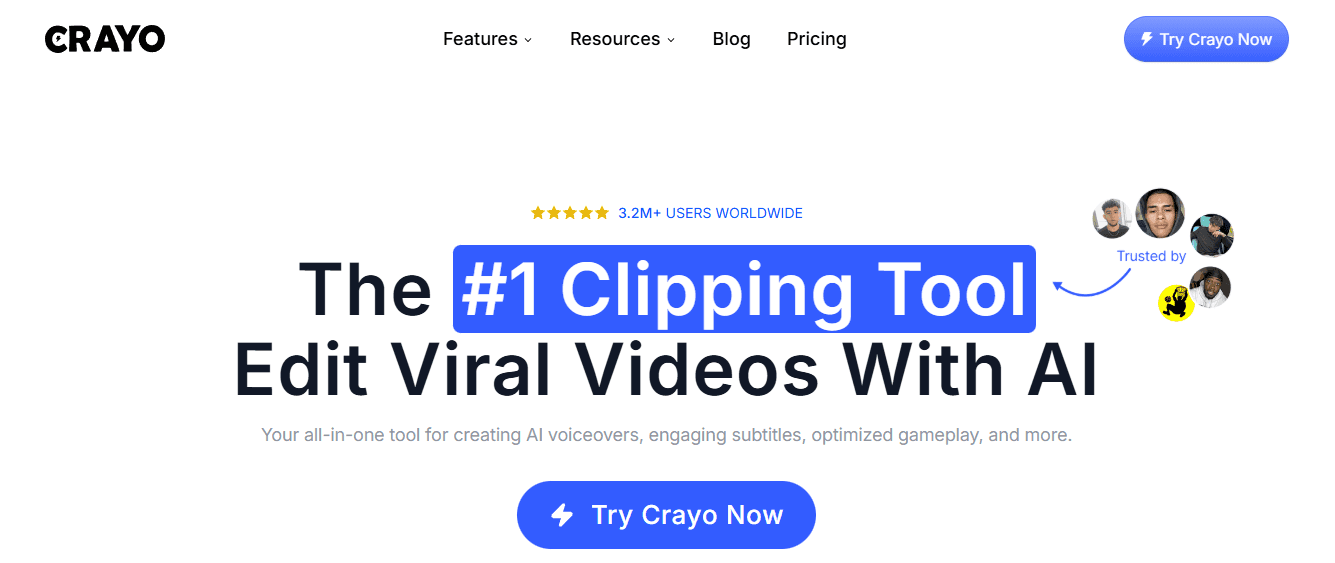
Crayo removes the tool-switching problem entirely. Instead of writing in one app, generating audio in another, and syncing everything manually in your editor, you move from script to voiced video in one workflow. This matters when producing TikToks, YouTube Shorts, or Instagram Reels on a daily basis. Voiceover generation, subtitles, and clip editing happen in the same environment, eliminating the 20 minutes per video lost moving files between platforms. Creators building a content engine that depends on publishing speed use it because the workflow itself becomes faster.
2. ElevenLabs
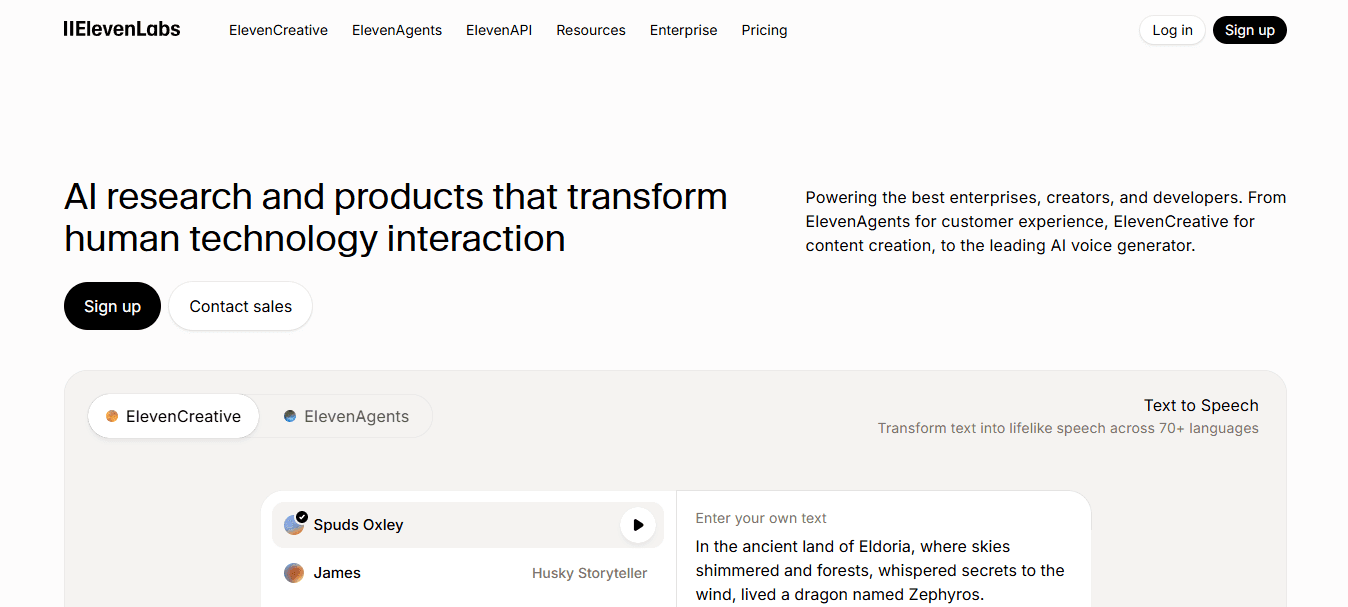
ElevenLabs delivers voice realism that makes viewers forget they're hearing AI. Emphasis lands naturally, pacing feels conversational, and tone shifts match storytelling or long-form YouTube narration. For content requiring emotional delivery or character-like voice work, this tool handles nuance better than most reading-focused alternatives. Manual export and sync are required, but audio quality rarely necessitates regeneration.
3. Murf AI

Murf gives you detailed control over pacing, tone, and emphasis without rewriting entire sentences. Business videos, training content, and explainer narration benefit from this precision: professional delivery requires intentional pauses and stress patterns that reading tools miss. You can adjust individual words or phrases after generation, reducing rework when a line sounds rushed or flat. This makes it useful for creators who need polished narration without hiring voice actors for every project.
4. Play.ht
Play.ht offers a wide voice library and fast generation speed, making it suitable for multilingual content or general narration. According to Voice.ai's 2025 analysis of Speechify alternatives, Play.ht ranks among the most common replacements when creators outgrow reading-focused tools. The interface prioritises quick output over deep customization, making it effective when you need clean audio without extensive adjustments to pronunciation or emphasis.
5. Descript
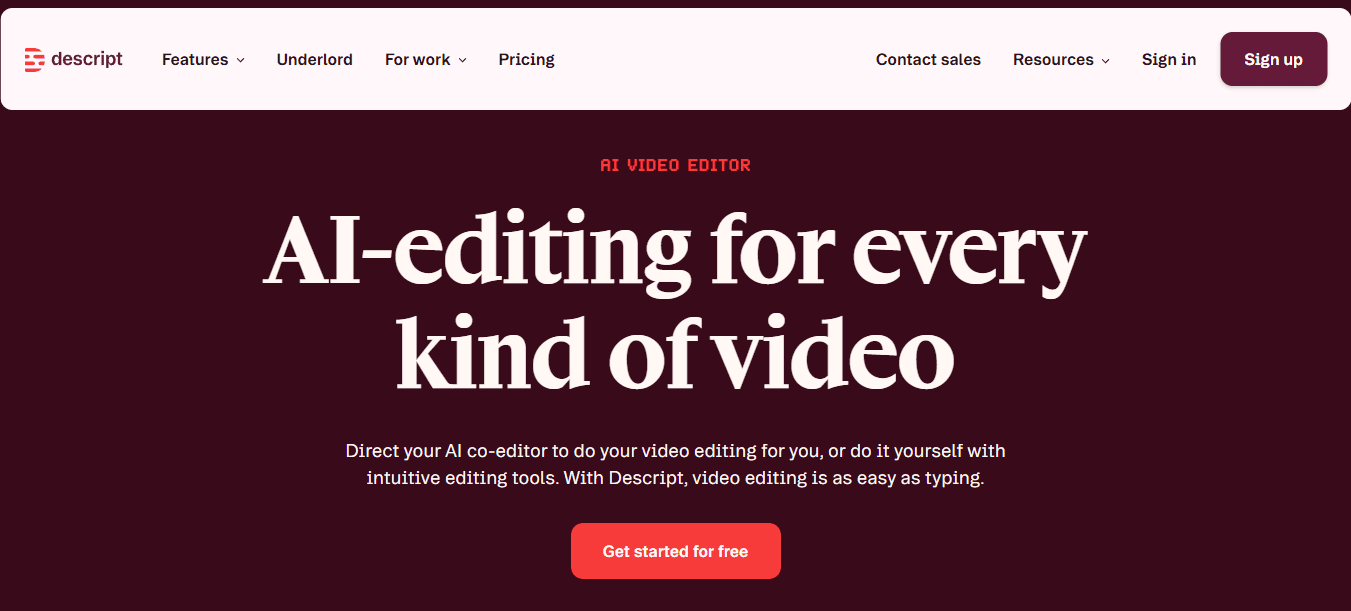
Descript lets you edit audio by editing text, making the revision process faster than traditional timeline editing. Fix a mispronounced word or adjust pacing by rewriting the transcript; the audio updates automatically. This speed advantage compounds across multiple videos with frequent voiceover corrections. The tool combines voice generation with editing, eliminating the export-import-sync cycle for every change.
6. LOVO AI
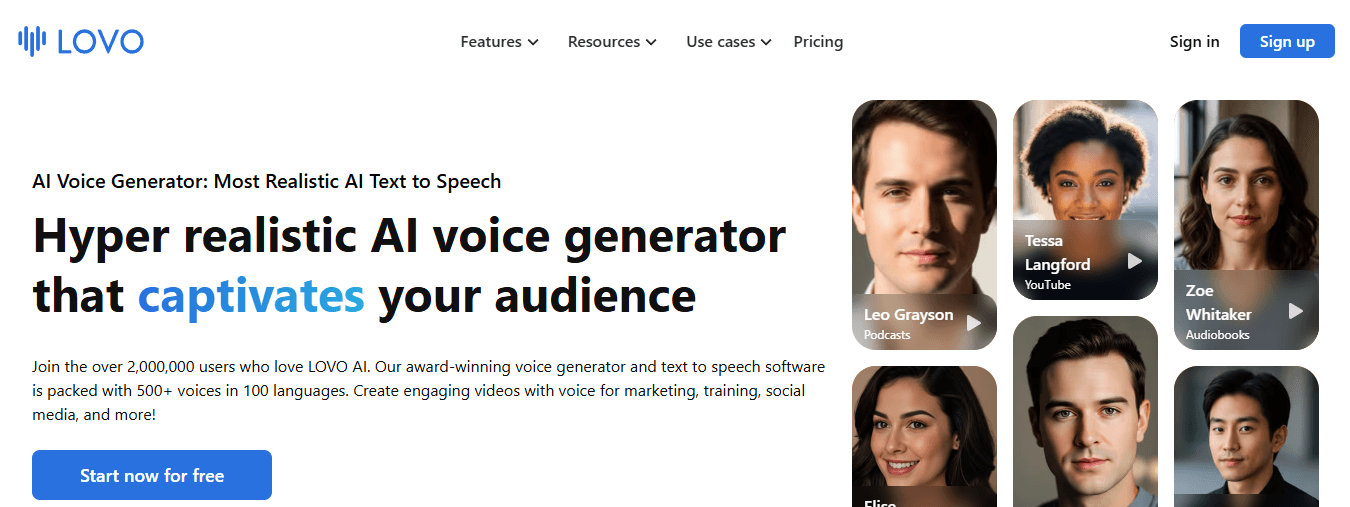
LOVO handles different energy levels better than most alternatives, making it useful for ads, marketing videos, and social content. Voice styles range from conversational to energetic, letting you match tone to format without sounding robotic. Creators use it for promotional content that feels like performance rather than recitation.
7. WellSaid Labs
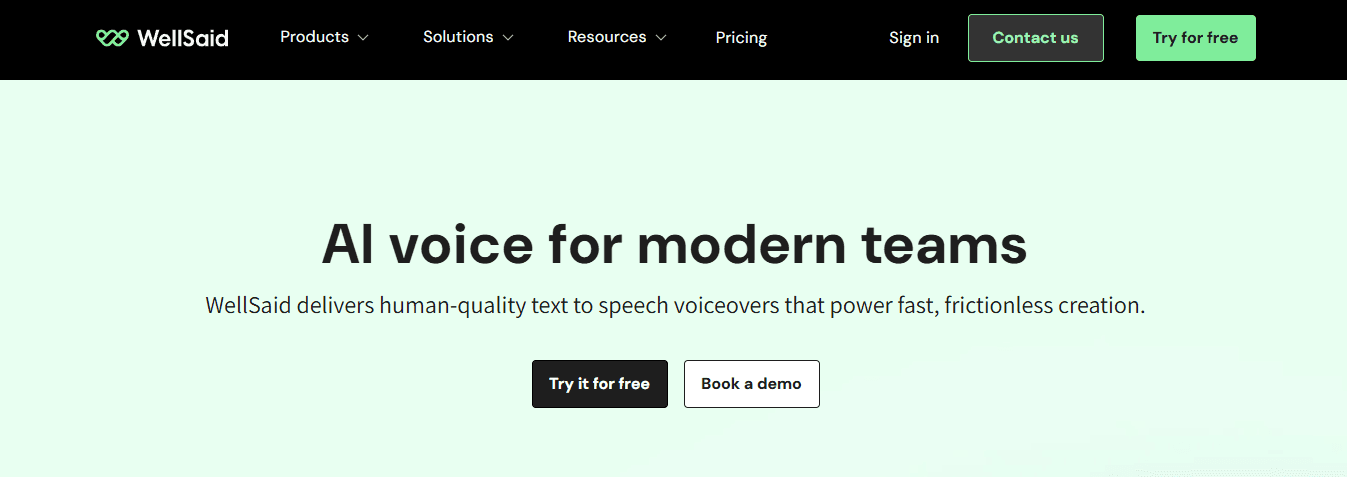
WellSaid Labs provides consistent, polished narration for eLearning, corporate training, and product demos. The voices sound professional without the strange quirks or pronunciation errors that require repeated regeneration. This consistency reduces time spent listening to different voices or fixing delivery problems across multiple videos. It's built for creators who prioritise reliability over experimentation with creative voice.
But speed only matters if the workflow itself doesn't create new bottlenecks.
The 10-Minute Workflow to Create a Professional Voiceover
A repeatable workflow beats tools. Most creators waste time generating audio too early, regenerating to fix pacing, only to discover the voiceover doesn't fit the video. That cycle turns a 10-minute task into an hour. The workflow below fixes this by treating the script as the editing tool rather than the audio file.
🎯 Key Point: Your script is your real editing interface - perfect it before generating any audio to avoid costly regeneration cycles.
"80% of voiceover problems stem from rushing to audio generation before the script is production-ready." — Content Creation Research, 2024
💡 Pro Tip: Always do a cold read of your script out loud before generating audio - this catches pacing issues and awkward transitions that would otherwise require expensive re-generation.
Write a Voice-Friendly Script First
Write as you talk. One idea per line. Short sentences. Clear pauses. Simple words. This structure makes the AI voice sound natural because you're feeding it conversational phrasing instead of essay-style paragraphs. Your script needs a hook, two core points, and a close. When you write "We tested five tools and found three that work" instead of "After conducting extensive testing across multiple platforms, we identified three solutions that demonstrated superior performance," the voiceover sounds like a person instead of a report.
Generate the First Voice Draft Without Overthinking
Paste your script into your chosen tool and select a voice style, speed, and tone. Generate the first version without overthinking settings—the goal is a clean base track you can refine. Trying to perfect settings before hearing the output wastes time because you're guessing at problems that might not exist. Generate once, listen once, then decide what needs adjustment. Most pronunciation issues and pacing problems show up immediately in the first output.
Fix Pacing in Text, Not Audio
Change the pacing in the script, not the audio. Add commas to show pauses, break up long lines, add words for emphasis, and remove filler words. Generate the audio again. This works faster than editing audio by hand because changes are applied immediately to the text.
When a sentence moves too fast through three seconds of text on screen, rewrite it to add two more words or split it into two separate lines. The AI regenerates the audio in seconds, and the timing works correctly. Editing audio by hand turns a five-minute fix into 20 minutes of timeline adjustments.
How do integrated platforms streamline the workflow?
Platforms like Crayo streamline this workflow by handling script-to-voiced-video in one place. Instead of writing in Google Docs, generating in ElevenLabs, and syncing in CapCut, you move from text to finished video without switching tools.
This matters for daily content production: the time saved isn't how fast you can generate, but eliminating export, import, and manual sync steps that take 15 minutes per video.
Quick Quality Check Before Export
Listen once and check how key words sound, how fast the words go, where pauses occur, and what feeling the audio conveys. Fix only what matters. If the brand name sounds wrong, change the spelling and regenerate the audio. If the words go too slowly, shorten and tighten the script. If the tone feels too formal, rewrite one line using simpler words. You're looking for "good enough to publish": the only standard that matters when building a content engine. Testing 10 to 15 creatives per week requires a workflow that produces usable audio in one or two tries, not five.
Export and Drop Into Your Video
Export the audio file into CapCut, Premiere, Final Cut, or Canva. Align visuals to the voice track, add captions, and adjust volume as needed. Before exporting, verify that your script has short lines, pauses sound natural, key terms are pronounced correctly, you've limited regenerations to one or two, and the voice matches the content tone. This prevents discovering after editing that the voiceover doesn't fit the video.
The real question isn't whether you can generate voiceovers in 10 minutes: it's whether your tool lets you do it without switching platforms five times.
Related Reading
- How To Make A TikTok Video
- TikTok Caption Ideas
- How To Make High-Quality TikTok Videos
- TikTok Effects
- How To Edit Clips On TikTok
- How To Sell Merch On Instagram in 11 Easy Steps
- How To Get More Views On Facebook Reels
- 270 Best Hashtags For Instagram Reels
Create Your Pro Voiceover in 10 Minutes With Crayo
The platform brings the entire process together in one place. You write the script, choose the voice, generate the audio, add subtitles, and export the finished video without switching tools. When producing Shorts, TikToks, or Reels daily, the time you save comes from eliminating export, import, and manual sync steps that consume 15 minutes per video.
🎯 Key Point: The real-time saver isn't generation speed—it's eliminating the tedious, manual steps between tools that disrupt your workflow.
Open Crayo and start a new project. Paste a 100 to 150-word script written with short lines and one idea per line. Pick a voice that matches your video tone. Click generate and listen once. If pacing feels rushed, add commas or break long sentences into two lines. Regenerate, and the audio adjusts immediately. Export the finished video with voiceover and subtitles already synced. No timeline gymnastics. No manual alignment. No wondering if narration will land three seconds too early or too late.
💡 Tip: Write scripts with short, punchy lines—one idea per line makes the AI voiceover sound more natural and easier to time perfectly.
The difference shows up when you batch content. Five videos mean five scripts, five voice generations, and five exports—not five rounds of timing fixes or five separate apps. Creators testing 10 to 15 creatives per week need a workflow that produces usable videos in one or two attempts. The voiceover either fits the visuals right away, or you adjust the script and regenerate in seconds.
"Creators testing 10 to 15 creatives per week need a workflow that produces usable videos in one or two attempts." — Rev.com Video Marketing Statistics
Traditional Workflow
- Write script → Record voice → Edit audio → Sync subtitles → Export
- 15+ minutes per video
- Multiple apps required
Crayo Workflow
- Write script → Generate voice → Export
- 2-3 minutes per video
- Single platform
Related Reading
- AI Voiceover Generation Tools
- Uberduck AI Alternative
- Murf AI Alternatives
- Speechify Alternative
- Wellsaid Labs Alternative
- Resemble AI Alternative
- Lovo.ai Alternative Free
- Elevenlabs Alternative