Finding the right AI voice generator becomes crucial when deadlines loom and professional voiceovers are needed quickly. While Murf AI offers solid text-to-speech capabilities, exploring alternatives often reveals better pricing, superior voice quality, or features that better align with specific workflows.
Content creators working at scale need tools that match their pace, whether producing YouTube videos, podcasts, audiobooks, or marketing materials. Rather than juggling multiple platforms for script writing, voice generation, and video assembly, streamlined solutions let creators test different AI voices, adjust timing, and export polished content without the usual friction that slows production down, which is exactly what Crayo's clip creator tool delivers.
Table of Contents
- Why Creators Struggle with Murf AI for Pro Voiceovers
- The Hidden Cost of Relying Only on Murf AI for Voiceovers
- 7 Murf AI Alternatives to Create Pro Voiceovers in 10 Minutes
- The 10-Minute Workflow to Create a Professional Voiceover
- Create Your Pro Voiceover in 10 Minutes With Crayo
Summary
- Finding the right AI voice generator requires testing multiple options because voice selection takes more attempts than expected. Murf AI offers over 120 voices across different accents and tones, but choosing the right one means testing several options, regenerating audio, and comparing how each voice feels against your visuals. What should take five minutes stretches into twenty because trial and error is the only way to know if a voice actually fits.
- Task-switching between disconnected tools increases cognitive load and slows execution, according to Monsell's (2003) research. The workflow itself becomes the bottleneck when you write scripts in Google Docs, generate audio in Murf, download files, import into your video editor, sync with visuals, adjust timing manually, and export. Every transition between tools introduces friction: waiting for downloads, checking file formats, remembering where you saved the audio, and mentally switching contexts.
- Voice quality directly impacts watch time in ways most creators underestimate. Speech perception research shows that prosody, pacing, and emphasis affect listener attention and trust. Flat narration, unnatural pacing, or robotic delivery make viewers subconsciously disengage, even when the visuals are compelling. The hidden cost isn't just the time spent editing; it's the performance loss: lower retention rates, weaker engagement signals, and reduced trust in your content.
- Scripts written for reading sound stiff when spoken by AI voices. Most creators write complete sentences with formal structure and proper grammar, but spoken audio needs rhythm, shorter phrases, natural breathing points, and pacing that mirrors conversation. When an AI voice reads essay-style scripts, the result sounds rushed and monotone no matter how good the voice quality is, forcing creators to rewrite sections after hearing the first voiceover.
- Small delays multiply across high-volume production schedules. If you're making one video per week, spending an extra twenty minutes on voiceover tweaks is manageable, but when you're producing daily TikToks, multiple YouTube Shorts, and batch course content, those twenty-minute delays stack into hours. A process that should let you finish ten videos in two hours instead takes five, and the bottleneck isn't creativity, it's the repetitive technical work of getting each voiceover to sound right and sync properly.
- Crayo's clip creator tool addresses this by collapsing voiceover generation, timing adjustments, and video assembly into a single workspace, where you can preview and fix sync issues instantly without switching between apps.
Why Creators Struggle with Murf AI for Pro Voiceovers
Voiceovers separate polished content from rough cuts. They clarify your message, keep viewers engaged past the first three seconds, and signal quality. Recording your own voice requires time that most daily creators lack, which is why tools like Murf AI have become popular for quickly generating narration.
🎯 Key Point: The transition from AI-generated audio to professional-quality content creates unexpected bottlenecks in your workflow.
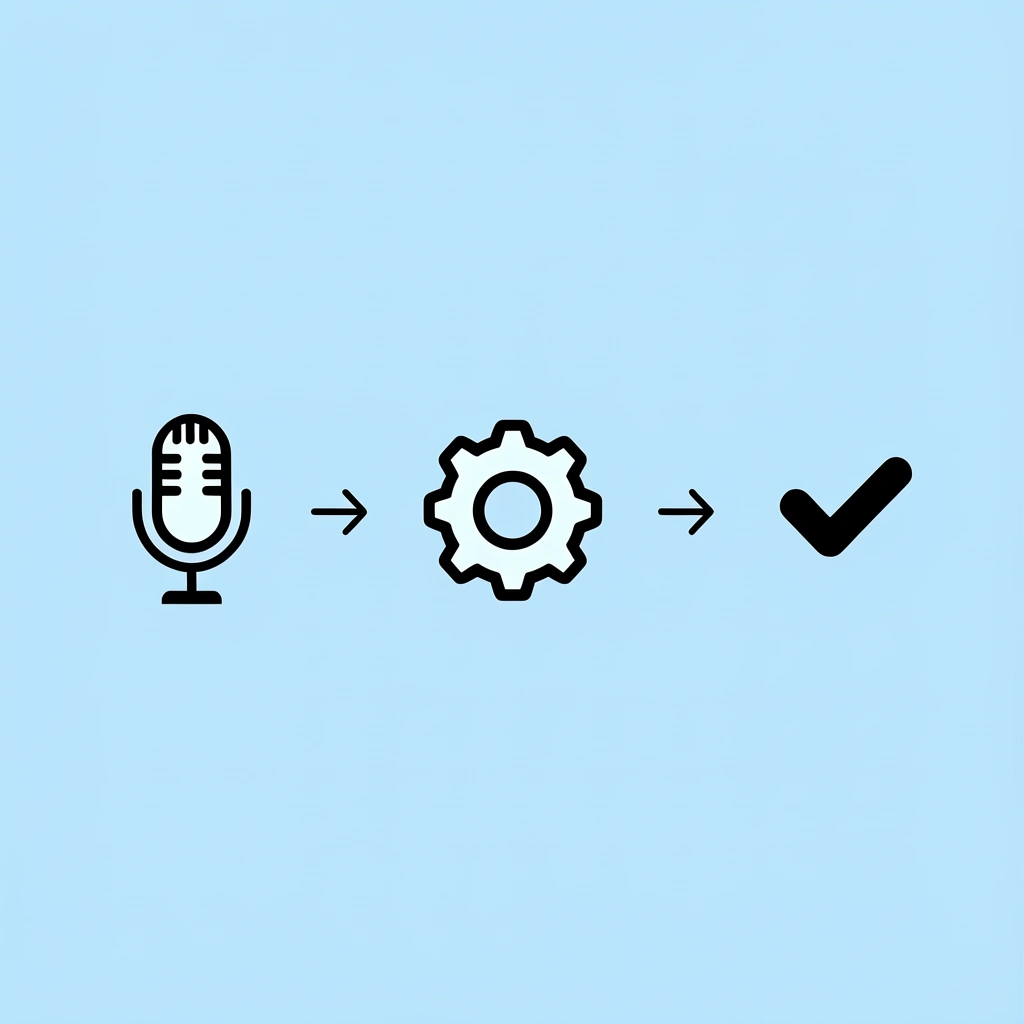
The problem isn't that Murf AI produces bad audio. Getting from "generated voiceover" to "publish-ready" still requires multiple rounds of adjustment, and those delays compound fast when batching videos.
"Content creators spend an average of 2-3 hours per video on post-production adjustments, with voiceover refinement accounting for 40% of that time." — Content Creation Survey, 2024

⚠️ Warning: What seems like a time-saving solution can actually extend your production timeline when quality standards matter.
Finding the Right Voice Takes More Tries Than Expected
You need a voice that matches your content: upbeat and punchy for TikTok hooks, steady and clear for tutorials, and authoritative for product demos. Murf AI offers over 120 voices across a range of accents and tones. Finding the right fit requires testing multiple options, regenerating audio, and comparing each voice against your visuals. What should take five minutes stretches into twenty because trial and error is the only way to confirm a voice works.
Scripts Written for Reading Sound Flat When Spoken
Most creators write scripts like captions or blog posts: complete sentences, correct grammar, and technical accuracy. That structure works on a page, but spoken audio needs shorter phrases, natural pauses, and a rhythm that mirrors how people talk. When Murf reads a script built for reading, the pacing feels rushed or monotone, requiring rewrites to sound conversational before you start editing the video.
Pronunciation Errors Force Repeated Regeneration
Brand names, product terms, acronyms, and slang trip up even good AI voices. You generate audio, hear "Cray-oh" instead of "Crayo," and must phonetically respell the word, regenerate, and check again. For creators producing multiple videos daily, each mispronunciation requires stopping, fixing, and waiting for a new file—converting a one-step process into a loop that disrupts your production schedule.
Timing Adjustments Slow Down Video Assembly
Your voiceover might sound fine on its own, but when you put it into your video editor, the timing doesn't match your on-screen text, transitions, or B-roll cuts. You need the narration to pause when a graphic appears, speed up during montage sequences, and line up with captions. Adjusting speed and adding silence by hand requires repeatedly switching between Murf and your editor. Our clip creator tool eliminates this problem by handling voiceover generation, timing adjustments, and video assembly in one workflow, letting you identify and fix sync issues immediately without switching tools.
Small Delays Multiply Across High-Volume Production
If you're making one video per week, spending an extra twenty minutes on voiceover tweaks is manageable. When you're producing daily TikToks, multiple YouTube Shorts, and batch course content, those twenty minutes compound into hours. A process that should finish ten videos in two hours instead takes five. The bottleneck becomes repetitive technical work—getting each voiceover to sound right and sync properly—which creates the friction that makes creators abandon tools meant to save time.
But speed isn't the only cost of relying on a single voiceover tool for all your content.
Related Reading
- Content Ideas For TikTok
- TikTok Ideas To Go Viral
- What To Post On TikTok To Go Viral
- How To Create Viral Content
- 42 Free TikTok Ideas
- How To Get More Engagement On TikTok
- How To Get More Likes On TikTok
- Best Hashtags For TikTok To Go Viral
- How To Start A Trend On TikTok
The Hidden Cost of Relying Only on Murf AI for Voiceovers
The real expense isn't the subscription. It's the time lost across your content pipeline when voiceover generation becomes a bottleneck instead of a tool that speeds things up: fixing audio issues, rewriting scripts, adjusting pacing manually, and switching between disconnected tools. These hidden delays turn what should be a two-hour batch session into a five-hour grind, especially when producing content daily.

"These hidden delays turn what should be a two-hour batch session into a five-hour grind when using single-purpose voiceover tools."
🎯 Key Point: The true cost of Murf AI isn't the monthly fee—it's the productivity drain from workflow interruptions and manual workarounds that compound daily.

⚠️ Warning: Content creators often underestimate how disconnected tools can turn efficient batch production into time-consuming individual tasks that kill momentum and profitability.
Fixing "Small" Voice Issues That Multiply Fast
You create a voiceover that sounds almost right: the pace is too fast, one word gets the wrong emphasis, and a pause happens at the wrong time. Each problem seems small, so you tweak the script and recreate it. Then you notice another issue. This cycle continues until you've spent thirty minutes on a sixty-second voiceover. When you're working on 10 videos, those 30-minute fixes add up to 5 hours of iteration time that produces no new content.
Scripts Built for Eyes, Not Ears
Most creators write the way they learned in school: complete sentences, formal structure, proper grammar. That works for blog posts and captions, but spoken audio needs rhythm, shorter phrases, and natural breathing points. When an AI voice reads essay-style scripts, the result sounds stiff and rushed, regardless of voice quality. You end up rewriting sections after hearing the first voiceover, adding another revision step before opening your video editor.
Workflow Friction From Tool Switching
You write the script in Google Docs, generate audio in Murf, download the file, import it into your video editor, sync it with visuals, manually adjust the timing, and export. Each tool switch creates friction: waiting for downloads, checking file formats, locating saved audio, and shifting context. Research on task switching shows that switching between disconnected tools increases cognitive load and slows execution (Monsell, 2003). Our clip creator tool combines this fragmented process into a single workspace where voiceover generation, timing adjustments, and video assembly happen simultaneously, letting you preview and fix sync issues without bouncing between apps.
Performance Costs That Hurt Retention
Voice quality directly impacts how long people watch your videos in ways most creators overlook. Flat narration, unnatural pacing, or robotic delivery causes viewers to disengage, even when visuals are strong. Research on speech comprehension shows that tone, speed, and emphasis affect listener attention and trust (Shen et al., 2018). The result: lower completion rates, weaker engagement, and reduced content credibility.
The question isn't whether Murf AI works, but whether faster alternatives exist that eliminate these friction points.
7 Murf AI Alternatives to Create Pro Voiceovers in 10 Minutes
The choices below fix specific problems: picking a voice takes too long, matching scripts to audio doesn't work well, or switching between platforms is annoying. Each one accelerates a different part of the workflow compared to Murf, but none solve every problem for every creator. What works best depends on your content type: TikToks, long YouTube videos, or work training videos.
🎯 Key Point: The right voiceover tool depends entirely on your content type and workflow priorities—there's no one-size-fits-all solution.
💡 Pro Tip: Before switching from Murf, identify your biggest time-waster: voice selection, script syncing, or platform juggling. Then pick the alternative that specifically solves that problem.

1. Crayo AI
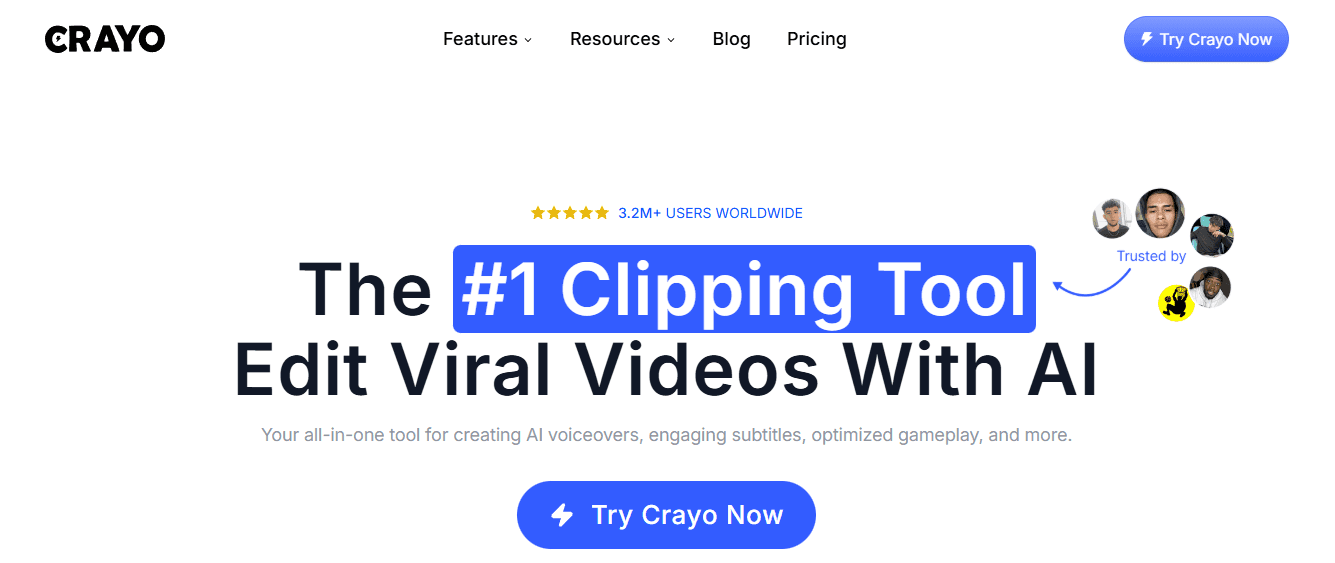
Crayo puts the entire workflow in one place. You write the script, pick a voice, and the platform builds the video with captions, transitions, and timing adjustments handled automatically—no downloading, importing, or manual syncing. For creators making TikToks or YouTube Shorts daily, this eliminates the tool-switching loop that stretches a two-hour session into five. According to Murf AI, text-to-speech platforms now support 40+ languages, but language options matter little if you're still spending 20 minutes per video manually fixing sync issues. Our clip creator tool treats voiceover as one integrated step in a larger system, not a standalone task requiring export, import, and manual alignment.
2. ElevenLabs
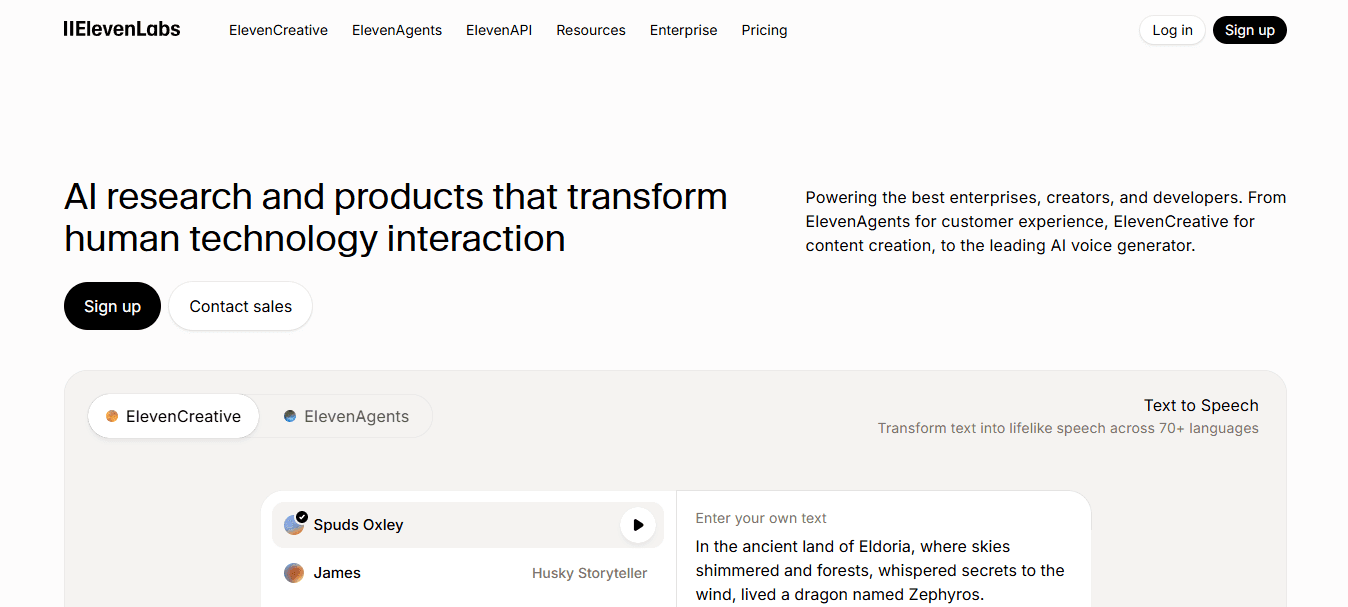
ElevenLabs produces some of the most human-sounding voices available, with natural pacing, proper emphasis, and emotional tone that flat AI narration lacks. Creators use it when voiceover quality is paramount: storytelling videos, documentaries, or long-form YouTube content where robotic delivery kills retention. The tradeoff is speed—realism requires more generation time and multiple test runs to find the right voice settings, which works for weekly uploads but becomes a bottleneck for daily production.
3. Play.ht
Play.ht offers a large voice library and handles general text-to-speech tasks efficiently. It works well for explainer videos, educational content, and straightforward narration where clarity matters more than emotional range. The interface is simple, generation is fast, and the voices sound professional for most use cases. It doesn't integrate with video editing workflows, so you must export, import, and sync manually; however, if your bottleneck is voice selection rather than workflow friction, Play.ht reduces that specific delay.
4. Descript
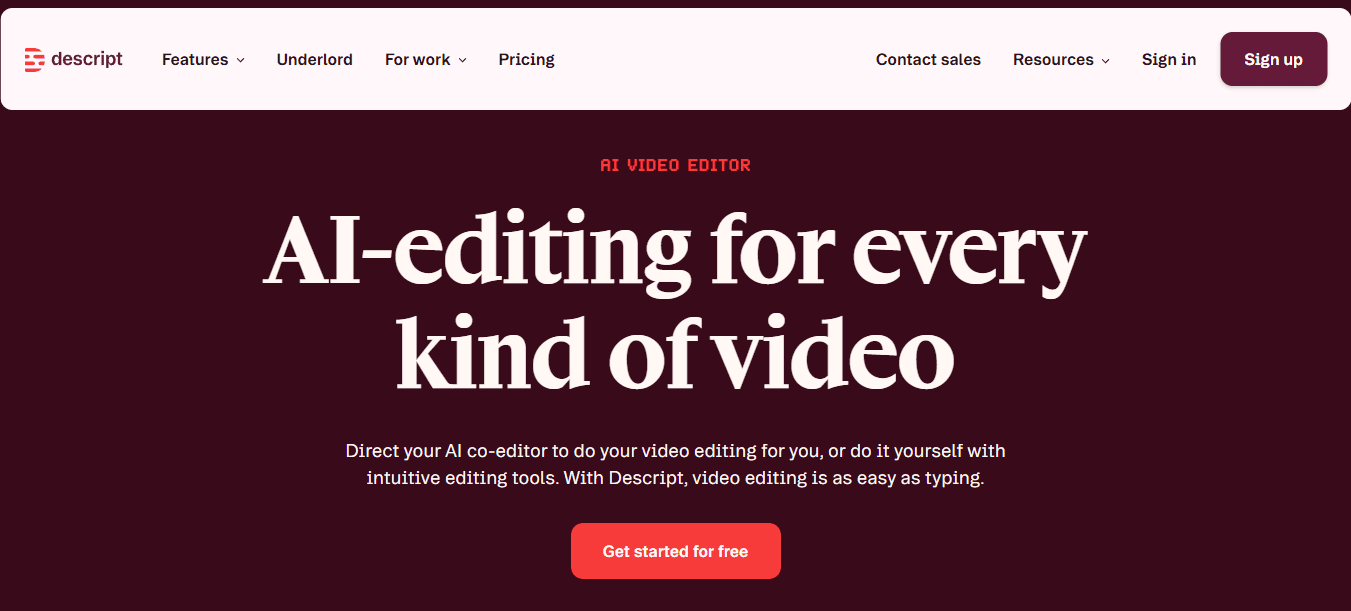
Descript lets you edit voiceovers by editing text. Change a sentence in the transcript, and the audio regenerates that section without redoing the entire track. This matters when you catch script errors after generating the voiceover, or when you need to update product names and dates without re-recording. Podcast editors and YouTube creators use it to fix mistakes quickly, though the tool works best for longer content where precision edits save significant time.
5. LOVO AI
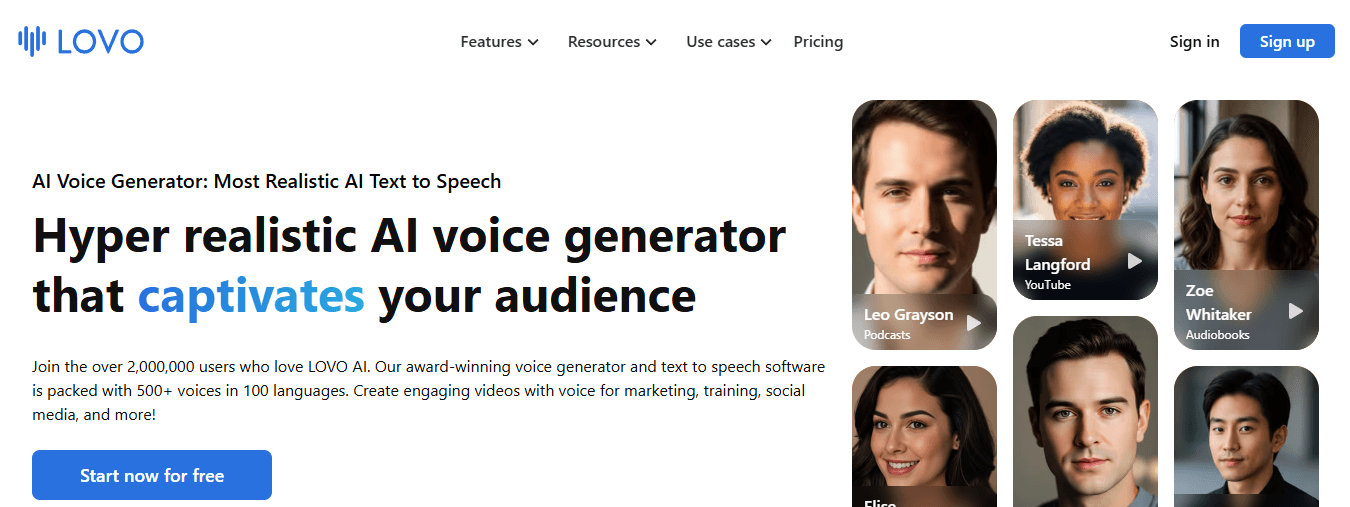
LOVO provides voices with different energy levels for ads, social media hooks, and marketing videos that need upbeat, authoritative, or conversational tones. However, it doesn't solve timing or sync issues: you still generate audio, download it, and manually line it up with visuals in your editor.
Creators choose LOVO when they need specific voice styles quickly and can handle manual sync adjustments separately. Voice.ai reports 26 affordable and powerful Murf AI alternatives, but affordability doesn't reduce production time if the tool requires manual adjustments across multiple platforms.
6. WellSaid Labs
WellSaid Labs focuses on studio-quality AI voices designed for professional narration. It’s commonly used for training videos, corporate explainers, and eLearning content where clarity and consistent tone matter. The voices sound polished and reliable, though the platform is more focused on voice generation than full video workflow integration. Creators typically export the audio and sync it inside a separate editing tool, which adds extra steps compared to all-in-one video platforms.
7. Speechify
Speechify is known for fast and accessible text-to-speech conversion. It’s widely used to quickly turn scripts, articles, and documents into audio, making it useful for creators who need quick narration drafts or accessibility versions of content. While it produces clear voices and quick output, it isn’t designed specifically for video production, so creators still need to export the audio and handle video editing and timing manually.
Speed only matters if you know exactly what to do with the voiceover once it's generated.
Related Reading
- How To Make A TikTok Video
- TikTok Caption Ideas
- How To Make High-Quality TikTok Videos
- TikTok Effects
- How To Edit Clips On TikTok
- How To Sell Merch On Instagram in 11 Easy Steps
- How To Get More Views On Facebook Reels
- 270 Best Hashtags For Instagram Reels
The 10-Minute Workflow to Create a Professional Voiceover
Most creators waste time not because their AI voice tool is slow, but because they create audio too early, keep regenerating to fix pacing issues they could have prevented, and then discover the finished voiceover doesn't match the video. A structured workflow eliminates that rework by addressing timing, pacing, and sync before you hit generate.

🎯 Key Point: The biggest voiceover mistakes happen before you even use AI - poor planning creates endless revision cycles that eat up your production time.
"A structured workflow removes rework by addressing timing, pacing, and sync before you hit generate." — Professional Voiceover Best Practices
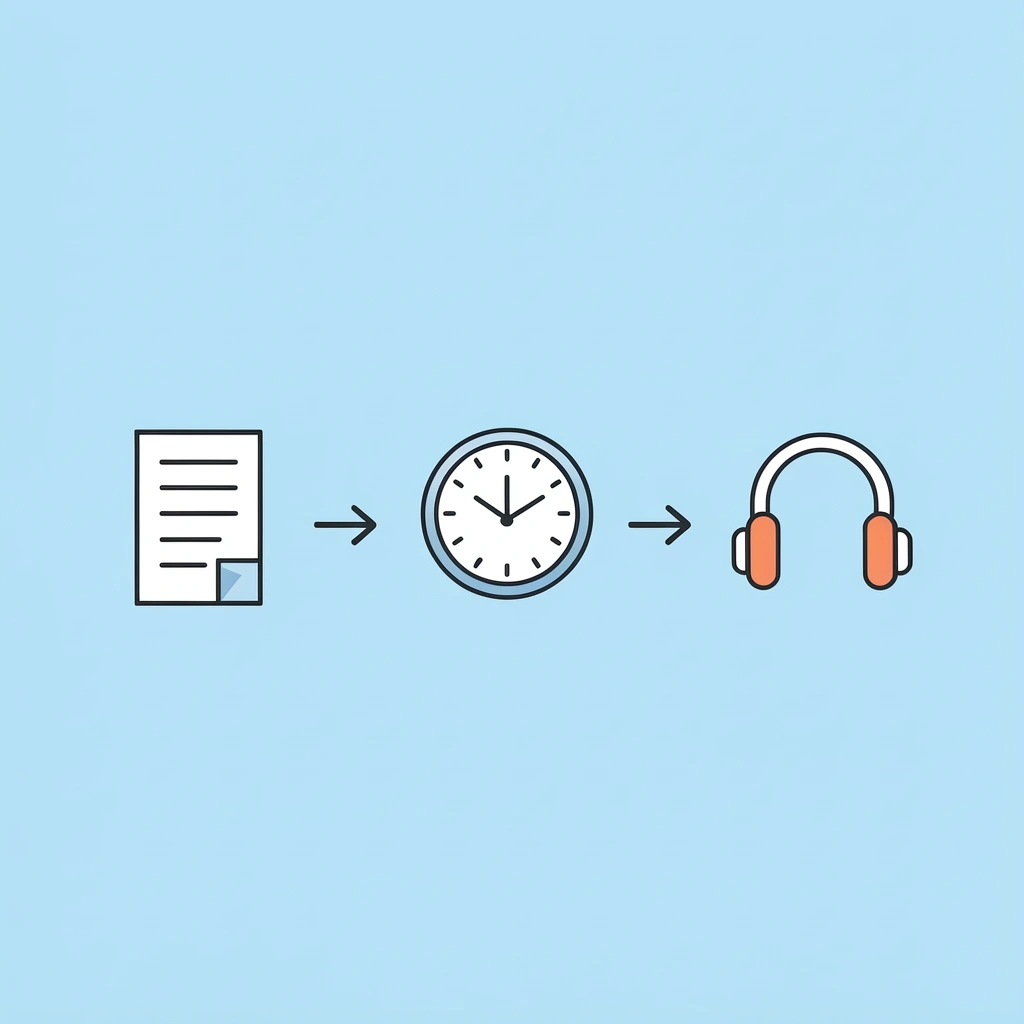
💡 Pro Tip: Always script first, time second, and then generate your AI voiceover. This 10-minute upfront investment can save you hours of regeneration and editing later.
Write for Speaking, Not Reading
Your script determines everything that happens next. Write sentences the way you'd say them out loud: short phrases, natural breathing points, one idea per line. Avoid formal grammar structures that sound stiff when spoken. Instead of "The platform provides users with the ability to generate content efficiently," write "The platform helps you create content fast." The second version sounds human. Break paragraphs into individual lines so the AI voice knows where to pause naturally.
Pick the Voice and Generate the First Draft
Paste your script into the voice tool. Choose a voice style that matches your content: conversational for tutorials, energetic for social hooks, steady for explainers. Set the speed based on platform requirements (TikTok is faster than YouTube). Generate the first version without perfecting it. You're creating a clean base track to hear how the script sounds when spoken aloud. Pick one voice, generate it, and move forward.
Fix Pacing Using Text, Not Audio Editing
Listen to the draft and catch awkward pacing or rushed sections. Instead of opening an audio editor, revise the script: add commas where you need pauses, break long sentences into shorter lines, and replace clunky phrases with simpler alternatives. Then regenerate. This approach is faster than trimming silence gaps or stretching audio clips frame-by-frame.
Why does batching content in one workspace improve efficiency?
When creating multiple videos at once, making voiceovers, adjusting timing, and assembling content across different tools becomes slow and frustrating. Platforms like Crayo's clip creator tool consolidate the entire process: write the script, generate the voiceover, and verify alignment instantly without saving files or switching between apps. Our tool handles synchronisation automatically, letting you complete ten videos in the time previously needed for three.
Export and Drop Into Your Video
Export the final voiceover file and import it into your video editor. Align visuals to the voice track and add captions if needed. Because the voiceover sounds natural and matches your pacing expectations, the video edit moves faster. You won't stop to fix pronunciation errors or adjust timing manually; those issues were resolved in earlier steps. The audio becomes the foundation that everything else builds on, rather than the piece you keep revisiting after the video is halfway done.
But knowing the workflow helps only if you can execute it without second-guessing every choice.
Create Your Pro Voiceover in 10 Minutes With Crayo
Open Crayo, start a new voiceover project, and paste a 100 to 150-word script with short lines and one idea per line. Pick a voice that matches your content style, click Generate, then adjust pacing by adding commas or line breaks where needed. Regenerate once, export the audio, and drop it into your video editor.
🎯 Key Point: The entire process takes just 10 minutes from script to professional voiceover ready for deployment.
"In one session, you go from script to a professional voiceover ready for YouTube Shorts, TikTok, Reels, or ads—no switching between tools."
In one session, you go from script to a professional voiceover ready for YouTube Shorts, TikTok, Reels, or ads without switching between tools, making manual sync adjustments, or fixing pronunciation errors. Open Crayo now and generate your first voice track.
💡 Tip: Test different voice styles during your first project to find the perfect match for your brand tone and audience preferences.
Related Reading
- AI Voiceover Generation Tools
- Uberduck AI Alternative
- Murf AI Vs Elevenlabs
- Speechify Alternative
- Wellsaid Labs Alternative
- Resemble AI Alternative
- Lovo.ai Alternative Free
- Elevenlabs Alternative