If you run a faceless YouTube channel, you already know how much the right voice matters. A flat, robotic narration can push viewers away fast, but a natural, expressive AI-generated voice keeps people watching and builds real trust with your audience. The top faceless YouTube niches, from finance to meditation to true crime, all depend on audio quality to hold attention, and this article breaks down 7 of the best AI voice generators that produce realistic voices so you can find the right fit in under 30 minutes.
Getting there faster is exactly where Crayo's clip creator tool comes in. Instead of testing tools one by one and losing hours in the process, Crayo helps you move from script to finished content quickly by pairing strong AI voice output with a smooth creation workflow, so your channel keeps growing without the guesswork.
Table of Contents
- Why Most Creators Struggle to Choose the Right AI Voice Generator
- The Hidden Cost of Using the Wrong AI Voice Tool
- 7 Best AI Voice Generators for Realistic Voices in 30 Minutes
- The 30-Minute Workflow Creators Use to Choose and Generate AI Voices Faster
- Create AI Voiceovers Faster With Crayo
Summary
- Over 60% of podcast creators cite a lack of trust in AI voice quality as a barrier to adoption, according to MIDiA Research. The deeper issue is that this distrust keeps creators stuck in a testing loop rather than a publishing one. Most audiences would never notice the small quality differences creators spend hours chasing between platforms.
- The real production bottleneck is not voice quality. It is workflow fragmentation. Creators who use separate tools for voice generation, captions, editing, and export create a fragile chain in which any single change can break the entire process. The time lost is not during recording or editing, but in the mental overhead of managing inconsistent output across disconnected platforms.
- Inconsistent voice choices across videos quietly erode audience recognition. Viewers build familiarity through repetition, and a channel that sounds different every few uploads trains no recognizable identity. Beyond perception, switching voices also creates a hidden editing tax, requiring fresh pacing adjustments, new subtitle timing, and recalibrated audio levels for every upload.
- The AI voice generator market is expected to reach $5 billion by 2026, according to WellSaid Labs, which reflects how many creators are now making this production decision. With over 1 million creators already using platforms like ElevenLabs, the barrier to professional-quality AI voiceover has largely collapsed. The competitive advantage no longer comes from access to technology but from using it within a system that supports consistent output.
- Workflow sequencing matters more than tool selection. Creators who separate thinking from doing, locking in voice style, script structure, and content type before opening any software, consistently publish faster than those who make creative and production decisions simultaneously.
Crayo's clip creator tool addresses the assembly problem directly by combining AI voiceovers, subtitles, and video editing inside a single workflow, removing the handoff friction that accumulates when creators stitch together separate tools at each production step.
Why Most Creators Struggle to Choose the Right AI Voice Generator
Choosing the right AI voice generator is not a matter of voice quality. It is a workflow problem. Most creators spend hours comparing text-to-speech tools, testing neural voice options, and evaluating speech synthesis platforms, only to end up with a tool that sounds great in isolation but slows everything down in practice.
The Decision Loop Bottleneck
The pattern surfaces consistently across content types. A creator producing faceless YouTube videos tests five different AI voice generators in a single afternoon:
- Comparing natural-sounding voices
- Adjusting pitch and tone settings
- Previewing voice-cloning demos
No video gets published. Meanwhile, another creator picks a reliable platform, learns its voice-customization workflow, and ships three videos before dinner. The bottleneck was never the voice. It was the decision loop.
The Realism Threshold vs. Audience Perception
According to MIDiA Research, over 60% of podcast creators cite a lack of trust in AI voice quality as a barrier to adoption. That statistic reveals something worth sitting with. When creators distrust their output, they keep testing rather than publishing. They chase a higher realism threshold that, in most cases, their audience would never notice anyway. Realistic voice generation matters, but it is one variable inside a much larger production equation.
Value Lies in Workflow Integration
Most creators handle this by treating AI voice selection as a standalone decision. They evaluate text-to-speech quality, compare voice actor alternatives, and rank platforms by how human the output sounds. What they miss is that voice generation only creates value when it connects to the rest of the workflow:
- Scripting
- Editing
- Subtitle generation
- Publishing
Crayo addresses this directly by combining AI voiceovers with automated subtitles and short-form video editing inside a single system, removing the friction that builds up when creators stitch together separate tools for each production step.
System Consistency Over Tool Optimization
Wondercraft via Digiday reports that 80% of content creators already use AI in their workflows, which means the competitive advantage no longer comes from simply using AI voice technology. It comes from using it inside a system that supports consistent output. Scalable content production requires that every tool, including your AI voice generator, reduce friction rather than add a new decision point to the process.
The creators who build sustainable channels are not the ones who find the most realistic AI-generated voice. They are the ones who stopped optimizing voice settings and started optimizing publishing frequency. Voice quality gets you in the door. Workflow consistency keeps you in the game. But the real cost of choosing the wrong tool goes far beyond a slower publishing schedule.
Related Reading
- Top Faceless YouTube Niches
- Faceless Digital Marketing
- Top Faceless YouTube Niches
- What is Voice Dubbing
- How to Do Affiliate Marketing Without Showing Your Face
- Does YouTube Monetize Ai Videos
- Turn Blog Post Into Video
- How To Create a Faceless YouTube Channel
- How To Make Faceless Content Using Ai
- How to Voice Over a Video
The Hidden Cost of Using the Wrong AI Voice Tool
Choosing the wrong AI voice generator does not just slow you down. It quietly reshapes your entire content operation, compressing your publishing window, fragmenting your brand identity, and pulling your attention away from the decisions that actually drive growth.
Where Production Time Actually Disappears
The failure point is usually invisible until you measure it. Most creators assume they lose time during recording or editing. The real drain happens earlier, during tool selection, platform switching, and the mental overhead of managing inconsistent voice output across projects. A creator who spends forty-five minutes auditioning synthetic voices before writing a single sentence of script has already lost the day's momentum. That is not a voice quality problem. That is a workflow architecture problem.
The Failure of Isolated Tool Adoption
The same pattern surfaces across channels of every size: creators treating their text-to-speech tool as a standalone decision rather than as one component inside a connected production system. When your AI voice generator does not integrate naturally with your subtitle workflow, your footage editing, and your export settings, every video becomes a custom build. Custom builds do not scale. According to LinkedIn Pulse's analysis of AI deployment failures, enterprises lost an average of $1.2 million per AI incident in 2025, largely because tools were adopted in isolation rather than as part of coherent systems. The scale is different for individual creators, but the structural mistake is identical.
Eliminating Fragility with Integrated Systems
Most creators handle this by layering tools:
- One platform for voice generation
- Another for captions
- A third for editing
- A fourth for export
It feels resourceful. What it actually creates is a fragile chain in which a single platform update or pricing change can break the entire process. Crayo addresses this by treating AI voiceover as a single integrated layer within a complete short-form video system, so creators can move from script to finished video without rebuilding their workflow at each step.
Why Inconsistency Costs More Than Quality
Changing voices between videos feels like creative flexibility. It is actually brand erosion at the production level. Audiences build recognition through repetition, and a channel that sounds different every three uploads trains viewers to feel nothing familiar when a new video appears. Beyond audience perception, inconsistent voice output creates a hidden editing tax:
- Every new voice style requires fresh pacing adjustments
- New subtitle timing
- Recalibrated audio levels
That is three additional decision points per video, compounding across every upload. 86% of consumers say they would stop engaging with a brand after a poor AI interaction, which means the stakes of inconsistent, low-quality voice output extend well beyond aesthetics into audience retention itself.
Locking In a Consistent Voice Profile
The creators who build durable channels share one operational habit: they lock in a voice profile early and protect it the way a publication protects its editorial voice. Natural-sounding speech synthesis, consistent neural voice output, and reliable text-to-voice generation are not premium luxuries. They are the baseline requirements for a production system capable of publishing at the speed virality demands. But knowing what the wrong tool costs you is only half the picture. The other half is knowing exactly which tools are worth your time in the first place.
7 Best AI Voice Generators for Realistic Voices in 30 Minutes

The best AI voice generators do more than convert text into speech. They remove a production bottleneck that has historically separated creators with recording setups from those without, and they do it without asking you to compromise on quality, consistency, or speed. Choosing the right one is not about finding the longest feature list. It is about finding the tool that disappears into your workflow so completely that the only thing you are thinking about is the next clip.
1. Crayo
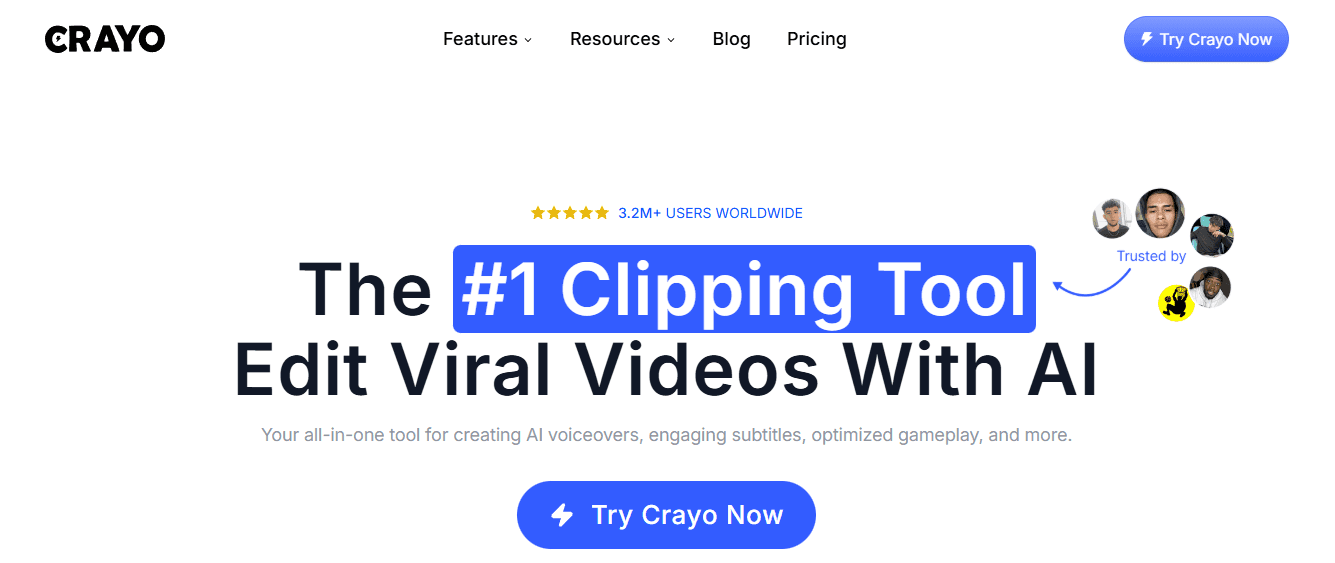
The most common pattern among new creators is building a tool stack one piece at a time: one platform for voice generation, another for captions, another for editing. It feels logical until the production timeline stretches from thirty minutes to three hours and the trend you spotted that morning has already peaked. Crayo was built to collapse that stack into a single workflow, combining AI voiceovers, subtitles, and video editing so creators move from script to published content without switching platforms or rebuilding settings between sessions.
2. ElevenLabs
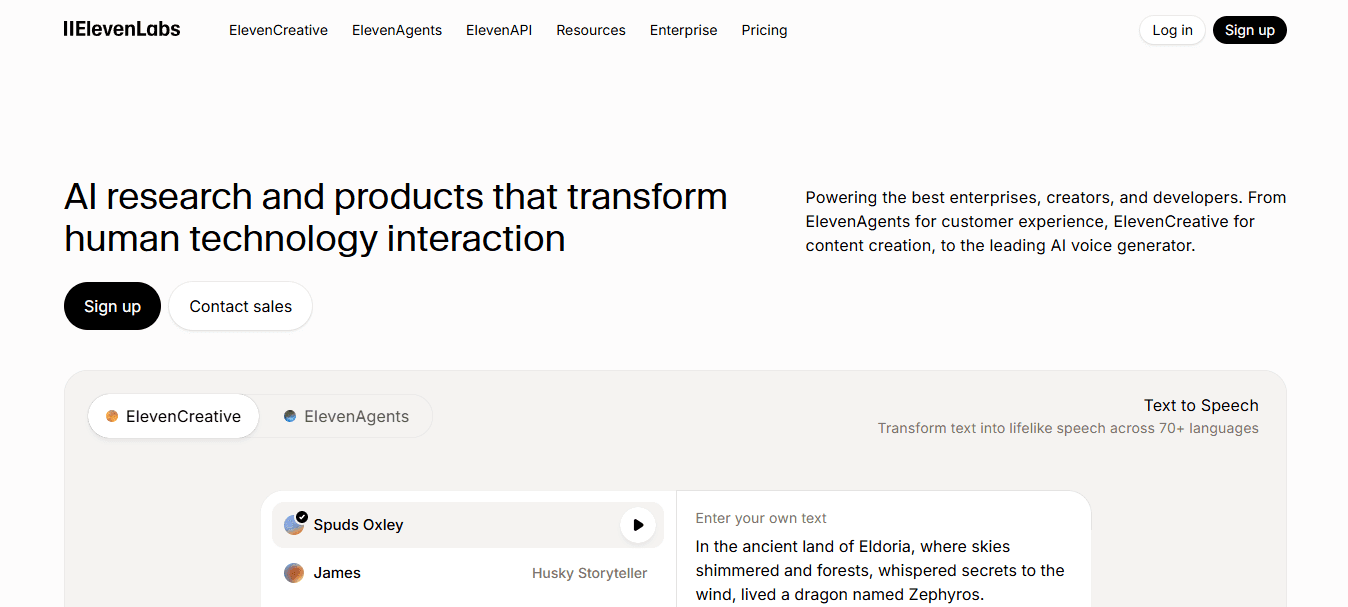
When the goal is narration that sounds like a person rather than a program, ElevenLabs consistently lives up to its reputation. Over 1 million creators now use the platform, which reflects something real: expressive, natural-sounding voice output at a quality level that holds up in long-form YouTube content, where listeners will notice the moment a voice sounds robotic or flat.
3. Murf AI

Murf AI earns its place for creators producing business content, training materials, or marketing videos where the voice needs to sound authoritative without coming across as stiff. The platform includes editing features built around professional narration, which means you can adjust pacing, emphasis, and tone without re-recording entire segments from scratch.
4. PlayHT

The failure point for many creators targeting multilingual audiences is consistency. A voice that sounds natural in English often loses its character when switched to another language. ElevenLabs supports 29 languages for voice generation, and PlayHT takes a similar approach with a wide range of accents and voice styles, making both platforms strong options when your content needs to reach audiences across different regions without sounding like it was translated rather than created.
5. Speechify
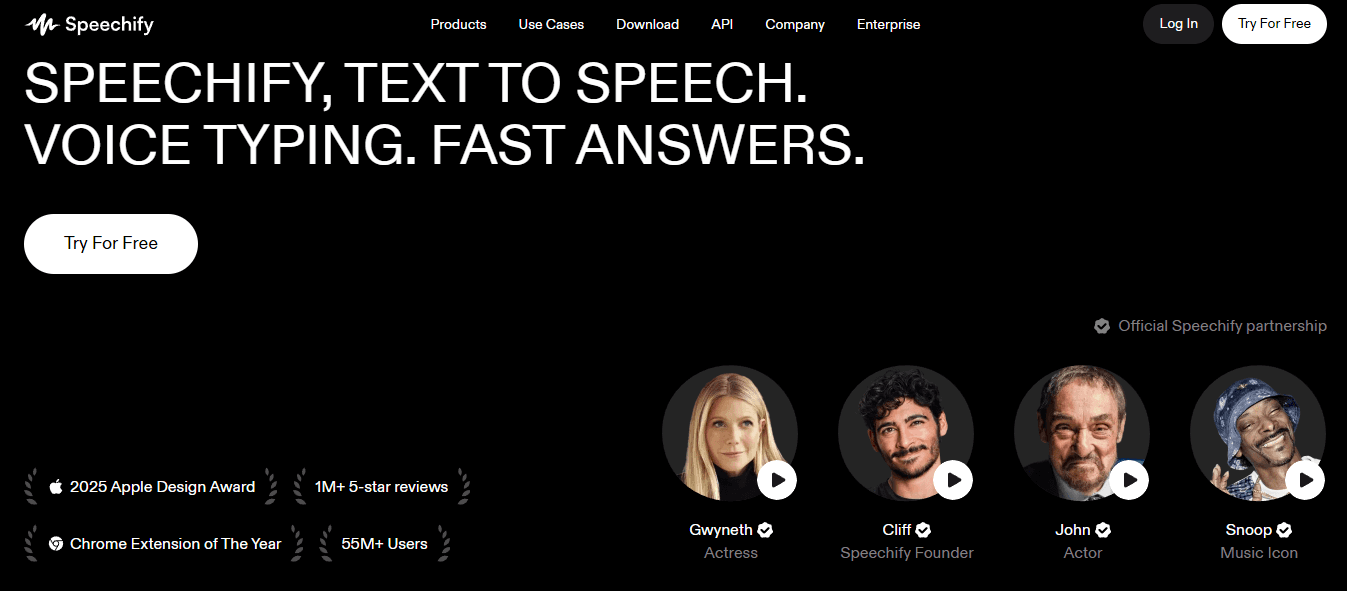
Speechify solves a specific problem that the other tools on this list do not focus on: repurposing written content into audio. If you have a library of blog posts, articles, or scripts that never made it into video format, Speechify converts them into natural audio without requiring you to rebuild each piece from scratch. The outcome is a wider distribution of the content you have already created.
6. WellSaid Labs
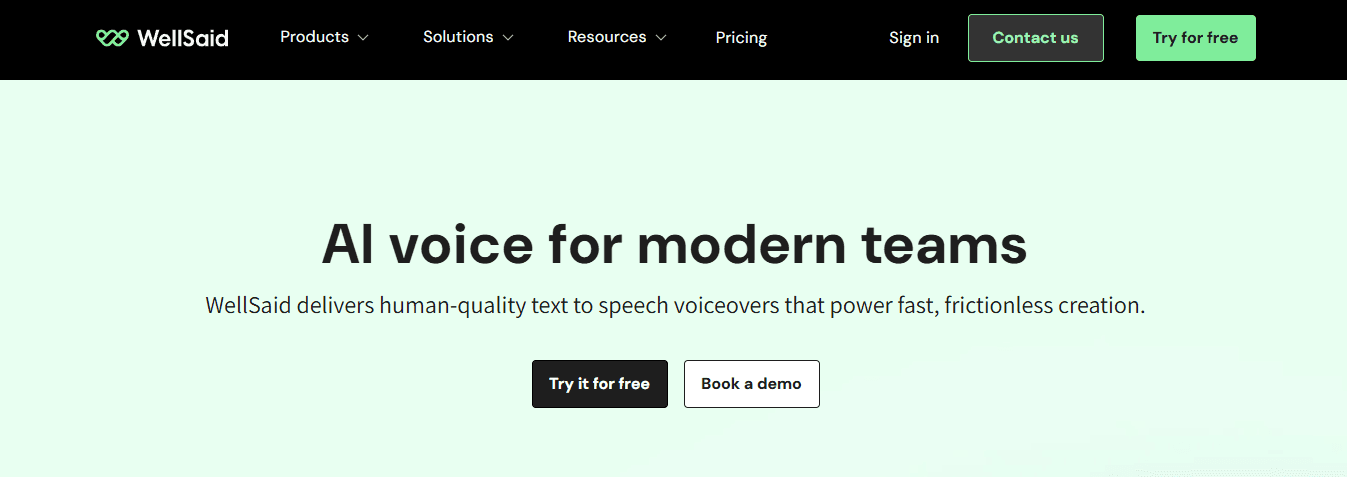
The critical difference with WellSaid Labs is consistency across long projects. Where some AI voice tools introduce subtle variation between sessions, WellSaid Labs prioritizes stable, repeatable narration quality, which matters most for e-learning content, corporate training, and any project where the same voice needs to sound identical across dozens of separate recordings.
7. LOVO AI
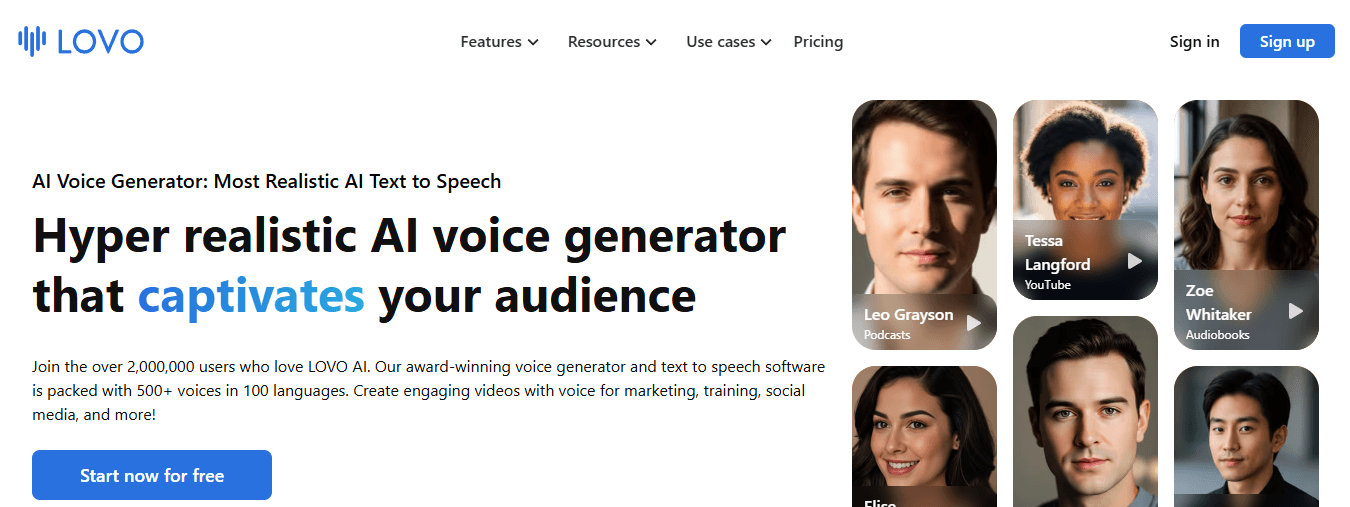
LOVO AI handles something the other tools treat as secondary: emotional range. Most AI voice generators produce clean, neutral delivery by default. LOVO AI includes voice styles built around specific emotional registers, which makes it genuinely useful for animated content, character-driven videos, and advertisements where flat delivery kills engagement before the first ten seconds are up.
What Actually Changes When You Choose the Right Tool
The before-and-after here is not dramatic. It is quiet.
- Before you spend twenty minutes testing voice settings, export a file, realize the tone is wrong, and start over.
- After you choose one tool that fits your content type, generate consistent voiceovers inside a workflow you already know, and publish before the window closes.
That shift does not come from choosing the tool with the most voices or languages. It comes from matching the tool to the specific content you produce and the speed at which you need to produce it. A creator running a storytelling channel has different requirements from someone clipping sports highlights or building educational content around trending topics. The tool that serves one well will slow the other down.
Optimizing for Production Volume Friction
Most creators discover this the hard way, after committing to a platform that felt impressive during the free trial but added friction the moment production volume increased. The right question to ask before committing is not "which tool sounds best in isolation?" It is "which tool keeps me moving when I have four videos to publish and two hours to do it?" And that question, it turns out, has a faster answer than most people expect.
The 30-Minute Workflow Creators Use to Choose and Generate AI Voices Faster
Choosing the right AI voice generator and actually using it are two separate problems. Most creators solve the first one repeatedly and never fully commit to the second. The 30-minute workflow below treats them as distinct stages, which is the only way to stop the overlap from eating your production time.
The Real Bottleneck is Sequencing, Not Selection
The failure point is usually this: creators try to make creative decisions and production decisions at the same time.
- They open a voice generator
- Audition fifteen options
- Rewrite the script mid-session
- Generate three versions
- End up with nothing publishable after an hour
The problem was never the tool. It was the order of operations. Strong AI-generated narration starts before you open any voice software. A clear, conversational script with a defined hook reduces pronunciation errors and cuts the number of regenerations you need. Think of the script as a load-bearing structure. The synthetic voice, however realistic and natural-sounding it may be, can only carry what the writing beneath it supports.
Minute 0 to 5: Lock the Decision Before You Open the Tool
Start by defining four things in writing, not in your head:
- The content type
- The target audience
- The voice style you need
- Professional
- Friendly
- Authoritative
- Conversational
- The platform where the finished video will live
That single constraint removes most of the decision fatigue that causes creators to spend twenty minutes auditioning voices they will never use. The best AI voice generator for your workflow is not necessarily the one with the widest selection of AI voices or the most advanced text-to-speech synthesis. It is the one that removes the fewest steps between the script and published content. Consistency in voice selection also builds something harder to quantify but easy to feel: a recognizable audio identity that audiences associate with your channel before they see your face or read your title.
Minutes 5 to 10: Write the Script As If You Are Speaking It
- Write the hook first
- Then the introduction
- Then the main content
- Then the close
Keep sentences short enough that a voice engine can process them without creating unnatural pauses. Avoid dense noun clusters or technical strings that force the AI voice generator to guess at emphasis. A clear script is not just good practice. It is a production decision. Every sentence you write cleanly is a regeneration you avoid later. The creators who move fastest through voice generation are almost always the ones who spend the most time on the script before touching any audio settings.
Minutes 10 to 15: Generate With Intention, Not Exploration
- Adjust the voice style
- Tone
- Speed
- Pronunciation settings before you hit generate
Most AI voice platforms give you enough control over pacing and emphasis that a single well-configured generation beats three rushed ones. The goal here is not to find the perfect voice. It is to produce a usable, natural-sounding narration that fits the content you already defined in minute one. Over one million creators now use their platform, which signals something worth paying attention to: the barrier to professional-quality AI voiceover has already collapsed. The question is no longer whether AI-generated voice sounds realistic enough. It is whether your workflow is tight enough to take advantage of that quality at volume.
Minutes 15 to 20: Refine Small, Not From Scratch
Listen to the generated audio once with your eyes closed.
- Flag pronunciation errors
- Unnatural pauses
- Pacing issues
Then make targeted adjustments to those specific moments rather than regenerating the entire narration. Restarting from scratch because one sentence sounds slightly off is the production equivalent of reprinting an entire document to fix a typo. This is where most creators lose the time they saved earlier. Small refinements are faster than full regenerations, but only if you trained yourself to resist the urge to start over. Trust the process you built.
- Adjust
- Export
- Move forward
Minutes 20 to 30: Assemble, Not Rebuild
Import the completed voiceover into your video editor and layer it with visuals, captions, and transitions. The AI-generated voice is one component of the finished content, not the finished content itself. A clear narration paired with relevant footage and readable subtitles creates a viewer experience that no isolated voice tool can produce on its own. Most creators handle this final stage by bouncing between separate tools:
- One for voice generation
- Another for captions
- Another for editing
- Another for export
Each handoff adds friction and creates new failure points.
Solving the Tool Fragmentation Problem
The WellSaid Labs Blog reports that the AI voice generator market is expected to reach $5 billion by 2026, which reflects how many creators are now making this production decision. But market size does not solve the assembly problem. Tool fragmentation does. Crayo addresses that specific friction point. Instead of moving a voiceover file across three separate applications, creators can generate AI voiceovers, add subtitles, and produce the finished short-form video inside a single workflow. The outcome is not just speed. It is the removal of the decisions that accumulate between steps and quietly kill momentum.
Why the Workflow Works When the Tools Alone Do Not
The structure above works because it separates thinking from doing.
- Research
- Scripting
- Voice generation
- Audio refinement
- Final assembly
Each occupies its own time window. None of them compete for attention simultaneously. That separation is what removes workflow overload, not a better voice model or a larger library of AI voices. Consistency compounds over time in ways that experimentation cannot. A creator who publishes four videos a week using the same natural-sounding voice profile builds audience recognition faster than one who publishes one video using a different voice style each time. The workflow is not just a productivity tool. It is a brand decision made at the process level.
Related Reading
- How To Make Money On Instagram Without Showing Your Face
- How To Add AI Voice To Tiktok
- How To Make Money On Tiktok Without Showing Your Face
- How To Make Character AI Voice
- Faceless Content Ideas
- Faceless YouTube Channel Content Ideas
Create AI Voiceovers Faster With Crayo
The creators publishing consistently are not spending more time on production. They are spending less time on decisions. When the voice profile is already chosen, the script structure is already defined, and the tool handles ideation through narration in one place, the only thing left is execution. That is where volume becomes possible, and volume is what builds channels.
Clip creator tool handles the early production steps that typically slow creators down, turning a content idea into a ready script and a natural AI voiceover without switching between platforms. For faceless channels where consistent audio quality and publishing pace are the actual competitive advantages, that kind of integrated workflow removes the bottleneck before it forms. The goal was never to find the perfect AI-generated voice. It was always to publish more finished content with a voice that sounds clear, consistent, and human enough to hold attention.
- One tool
- One workflow
- One decision made once
Related Reading
- Faceless Instagram Content Ideas
- AI Tools for YouTube Automation
- Best Faceless Tiktok Niches
- Best AI Tools for Social Media Content Creation
- AI Tools for Instagram Content Creation
- Best AI Dubbing Software
- Dubbing AI
- Voice Over App