Many creators working in top faceless YouTube niches know this feeling: you have great footage, a solid script, and a clear message, but the moment you try to add a voiceover, the whole thing falls flat. Getting your audio narration to match your video content, sound clean, and feel natural is harder than it looks. This article walks you through how to voice over a video and produce professional results in 30 minutes or less, even if you have never recorded a single line before.
That 30-minute goal is realistic when you have the right tool in your corner. Crayo's clip creator tool simplifies the entire process, from syncing your voice recording to your video timeline to adjusting audio levels so your narration sits clearly above background sound. Instead of spending hours editing, you focus on your message and let the tool handle the technical side of matching your spoken words to your visuals.
Summary
- Fragmented voiceover workflows are a primary reason creators quit before finding their rhythm. Assembling scripts, audio tools, and video editors across separate applications creates a cascade of revisions every time one element changes, and that compounding effort burns out creators before results arrive. According to one analysis, 96% of content creators quit before reaching one year of consistent posting.
- Voice quality is one of the last things creators should optimize, yet it receives the most attention. Viewers leave videos because the pacing is slow or the structure is weak, not because the narration sounds slightly imperfect. A polished voiceover layered over a poorly planned script does not rescue the video; it makes the structural problems more noticeable.
- The recording stage consistently breaks down when the script has not been tested aloud before recording begins. A sentence that reads cleanly on screen can collapse entirely when spoken at pace. Reading the full script aloud before opening any recording software catches awkward phrasing, misplaced emphasis, and timing problems that only surface during actual delivery. According to one voiceover professional, a single 30-minute directed session with a finalized script can deliver one complete, ready-to-use file with zero re-recordings.
- Visual alignment is the stage most creators rush, and it is where hours disappear. When narration and visuals are planned separately and synced manually at the end, every script revision triggers updates across multiple files and timelines. Treating each visual as a direct translation of what the narration is saying at that exact moment improves both comprehension and retention, because viewers process audio and visual channels simultaneously.
- The review stage reveals the health of the entire workflow, not just the final video. If reviewing a completed video consistently takes longer than ten minutes, earlier stages are leaking, whether the script was not tested aloud, the recording was rushed, or visual alignment was done by feel rather than by structure. Catching small timing and synchronization issues before publishing is a two-minute fix; missing them signals to viewers that something is off even when they cannot name what it is.
- AI-assisted video workflows are accelerating across the industry, with 41% of professionals now using AI to make videos, up from 18% the previous year, more than doubling in a single year, according to the Wistia 2025 State of Video Report. That shift reflects a broader realization that the bottleneck was never the voice itself. It was the time between deciding to make a video and having a publishable one.
Crayo's clip creator tool addresses this directly by keeping script generation, AI voiceover creation, and video assembly within a single workflow, so a revision in one place does not require reopening separate applications to stay aligned.
Why Most Creators Struggle to Create Professional Video Voiceovers
Most creators struggle with video voiceovers not because their voice is weak, but because their production process is fragmented. The bottleneck is rarely the recording itself. It is everything surrounding it:
- The script that shifts mid-session
- The audio tool that does not talk to the video editor
- The timing that falls apart when one element changes
The pattern surfaces across every niche, from finance explainers to true crime narration. A creator writes a script, records audio in one app, edits the waveform in another, and then imports everything into a video editor, only to discover the pacing is off. So they re-record. Then re-edit. Then re-sync. What should take 30 minutes stretches into an afternoon, and the video still does not feel cohesive. The problem was never the voice. It was the absence of a system connecting each step.
Consolidating the Video Production Stack
According to Alex Lefkowitz on LinkedIn Pulse, 96% of content creators quit before reaching one year of consistent posting. Fragmented workflows are a quiet contributor to that number. When every video requires rebuilding the production process from scratch, the effort compounds faster than the results, and most people leave before they ever find their rhythm.
Most creators handle voiceover production by assembling a stack of separate tools because that is what tutorials recommend.
- Script in one tab
- AI voice generator in another
- The audio editor opens in a third window
It feels thorough. But as the revision count climbs, that stack becomes a liability. A single script change triggers a cascade of updates across every tool. Crayo's clip creator tool addresses this directly by keeping scripting, voice generation, and video editing within a single workflow, so a revision in one place does not unravel everything downstream.
Protecting Creative Momentum Over Logistics
The deeper issue is what this fragmentation does to creative momentum. A voiceover is not just narration layered over footage. It carries pacing cues, emotional tone, and audience direction all at once. When a creator spends their energy managing software handoffs instead of sharpening the narration itself, the final audio reflects that distraction. It sounds technically acceptable but emotionally flat because the focus went to logistics, not storytelling.
According to a Wondercraft study via Digiday, 80% of content creators are now using AI in their workflow, and the ones gaining ground are using it to remove exactly this kind of friction, not to replace creativity, but to protect it.
What nobody warns beginners about is that the cost of a broken voiceover workflow does not show up in the audio file. It shows up in the publishing calendar.
Related Reading
- Top Faceless YouTube Niches
- Faceless Digital Marketing
- Top Faceless YouTube Niches
- What is Voice Dubbing
- How to Do Affiliate Marketing Without Showing Your Face
- Does YouTube Monetize Ai Videos
- Turn Blog Post Into Video
- How To Create a Faceless YouTube Channel
- How To Make Faceless Content Using Ai
The Hidden Cost of Creating Video Voiceovers Without a Workflow
Recording a voiceover before you have a locked script, a clear visual structure, and a defined pacing rhythm is not a shortcut. It is a guarantee of revision. Every element of a video narration, from audio sync to narration tone to script timing, depends on decisions that should already be made before the record button is pressed.
Why Voice Quality is the Wrong Thing to Optimize First
The failure point is usually misplaced attention. Creators spend hours testing AI voice styles, adjusting EQ settings, and comparing narration tools, convinced that cleaner audio will carry the video. But viewers do not stay for crisp narration. They stay because the story moves, the pacing holds, and the information lands. A polished voiceover layered onto a weak structure does not rescue the video. It just makes the structural problem louder.
The Fiction of the Tool-Switching Loop
A common pattern surfaces across creators at every experience level: the tool-switching loop.
- Script in one app
- Voice generation in another
- Audio cleanup in a third
- Captions in a fourth
Each handoff creates a new opportunity for timing errors, mismatched files, and duplicated work. According to a LinkedIn post by Athanasia Lykoudi, attempt #47 may not be better than attempt #3, meaning more iterations across more tools do not compound into better output. It compounds into wasted hours.
Standardizing Workflow Across the Calendar
Most creators handle this by treating each new video as a fresh production problem, rebuilding narration settings, re-testing voice styles, and re-adjusting timing from scratch. That approach works once. It breaks down across a publishing calendar. Crayo addresses this directly by keeping voiceover generation, subtitle creation, and video editing within a single workflow, so the decisions made on video one carry over to video ten without rebuilding anything.
What Actually Breaks the Workflow
The real cost is not a bad take or a robotic voice. It is the absence of a repeatable system that connects scripting, narration, and editing in a fixed sequence. For the vast majority of businesses, AI video is competing against stock footage or stretched freelancers, not top-tier studios. That context matters. The bar for professional-quality narration is achievable, but only if the production system is stable enough to reach it consistently, not just once.
Every video requires a voiceover. Not every video requires a rebuilt process. The creators who publish consistently are not the ones with the best microphones or the most advanced AI voices. They are the ones who stopped treating narration as the starting point and started treating it as the final step in a planned sequence.
The gap between knowing that and actually closing it is smaller than most people expect.
How to Create Professional Video Voiceovers in 30 Minutes
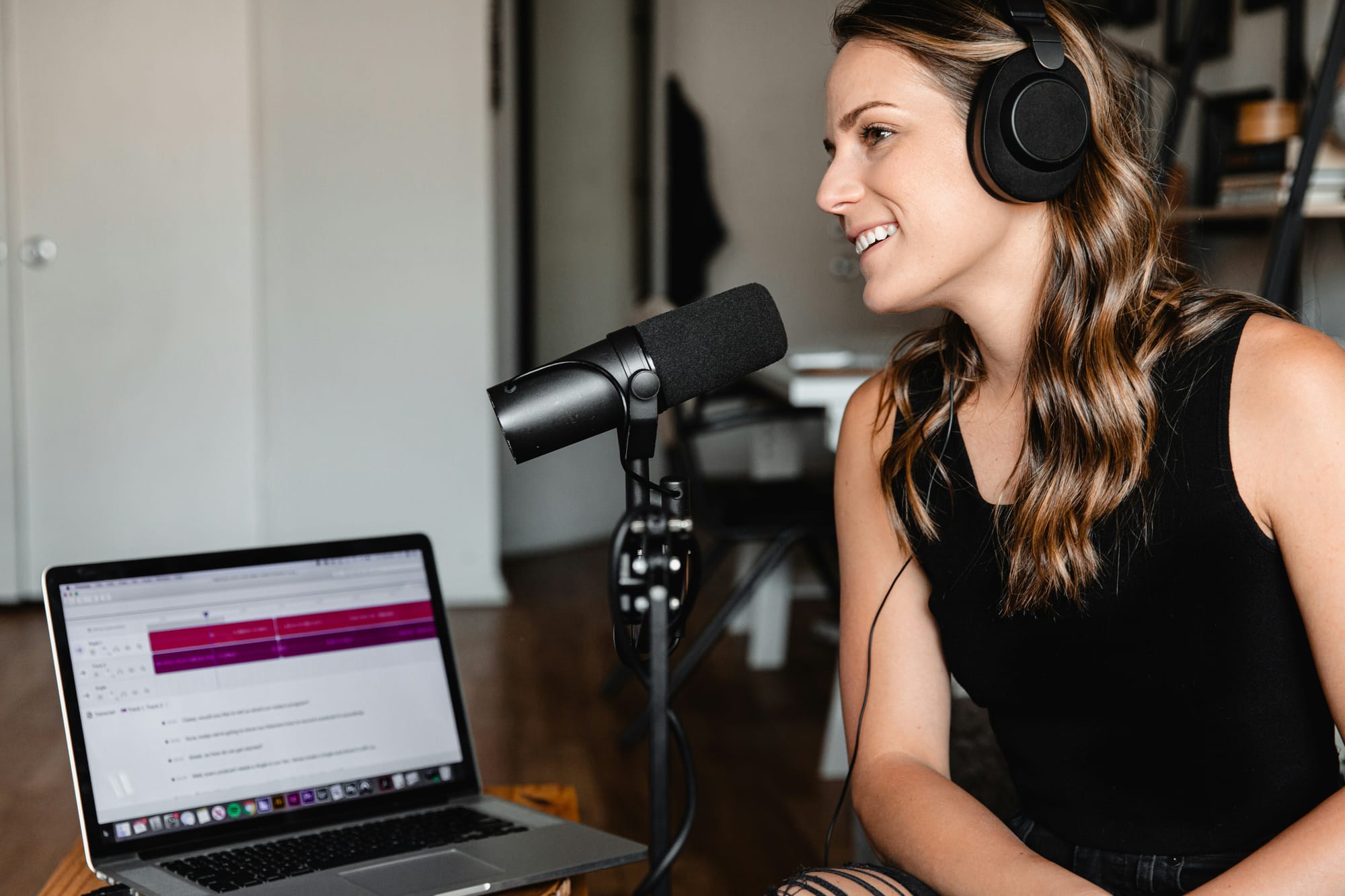
The fastest creators treat narration as an output, not a starting point. They build a sequence first, then let the voiceover slot into place. That sequence is what makes 30 minutes feel achievable instead of optimistic.
Plan the Message Before Touching a Microphone
The failure point is almost always upstream. Creators who struggle with voiceover pacing, awkward transitions, or repeated re-records rarely have a voice problem. They have a structural problem. When you sit down to record without having defined your purpose, your audience, and your single core message, you end up narrating a draft instead of a finished script.
A tutorial covering one specific problem will always produce a tighter voiceover than one that tries to cover three loosely related ideas. The narrower the focus before recording, the fewer the revisions after. This is not a creative constraint; it is a production advantage.
Write For the Ear, Not the Page
Conversational scripts sound obvious in theory and get ignored in practice. Most creators default to writing the way they were taught in school:
- Complete sentences
- Formal structure
- Logical progression
That works for essays. It creates stiff, unnatural narration.
Short sentences breathe. Simple words land faster. Reading your script aloud before recording is not a rehearsal step; it is a quality check that catches every phrase your mouth stumbles over before your microphone picks it up. The awkward pause you feel while reading aloud is exactly the pause your audience will feel while watching.
Generate or Record With Clarity as the Only Target
The common trap is chasing perfection when the real goal is comprehension. Whether you record your own voice or use an AI voice generator, the audio quality is not broadcast-quality.
- It is the clarity of the message
- Consistent pacing
- Clean pronunciation
A slightly imperfect human delivery that sounds natural will outperform a technically flawless read that sounds mechanical.
According to Brandon Miller, Voiceover Artist, a single 30-minute directed session can deliver a complete, ready-to-use file with no re-recordings required. That outcome is not luck. It is what happens when the script is finalized before the session begins.
Match Narration to Visuals Before Editing Begins
The editing and stitching stage is where many creators lose hours they expected to save. When the voiceover and visuals are planned separately, they collide during editing. The narration describes something the screen has not shown yet. The B-roll runs two seconds longer than the sentence it supports. Every mismatch costs a revision cycle.
The fix is not technical. It is sequential. Decide which visual supports which line of narration before either is finalized.
- Screen recordings
- Animations
- Stock footage
- Captions
It should all be mapped to specific moments in the script, not dropped in afterward and adjusted to fit. When narration and visuals are planned together, the editing stage becomes confirmation rather than correction.
Eliminating the Revision Cascade
Most creators handle this by keeping their script, visuals, and audio files in separate tools and syncing them manually at the end. That approach works until a single revision cascades across every file. Crayo addresses this by keeping the voiceover, subtitles, and visual elements within a single workflow, so a change in narration does not require reopening three separate applications to stay aligned.
Review Once, Fix Small, Publish
The review stage has one rule: watch the completed video from start to finish before touching anything.
- Not in pieces.
- Not while editing.
- All the way through, as a viewer would experience it.
The Discipline of the Final Pass
Small issues surface immediately when you watch with fresh eyes.
- A single poorly timed sentence
- A subtitle that lingers half a second too long
- A visual that cuts before the narration finishes
These are two-minute fixes. Catching them before publishing is the difference between a polished final product and one that quietly signals to viewers that something is slightly off, even if they cannot name what it is.
Jim Grootes estimates that a complete AI-assisted voiceover workflow walkthrough takes around seven minutes to absorb and apply. The process itself is not complicated. The discipline is in following the sequence every time, not just when you feel like it.
What Actually Changes When the Workflow Holds
Before a structured workflow, the pattern looks familiar: record something, realize the script needs work, rewrite, re-record, try to match visuals, discover the timing is off, start again. The frustration is not about skill. It is about sequence. Every step is happening in the wrong order.
After the workflow holds, the sequence inverts. The script is finished before recording starts. The visuals are mapped before editing begins. The review catches small problems before they become expensive ones. The result is not a better voice. It is a faster, more consistent production cycle that compounds over time.
The difference between publishing one video a month and publishing four is rarely talent or equipment. It is whether the workflow can be repeated without rebuilding it from scratch each time. What most creators do not realize is that the 30-minute target is not the hard part.
Related Reading
- How To Make Money On Instagram Without Showing Your Face
- How To Add AI Voice To Tiktok
- How To Make Money On Tiktok Without Showing Your Face
- How To Make Character AI Voice
- Faceless Content Ideas
- Faceless YouTube Channel Content Ideas
The 30-Minute Workflow Creators Use to Produce Professional Video Voiceovers
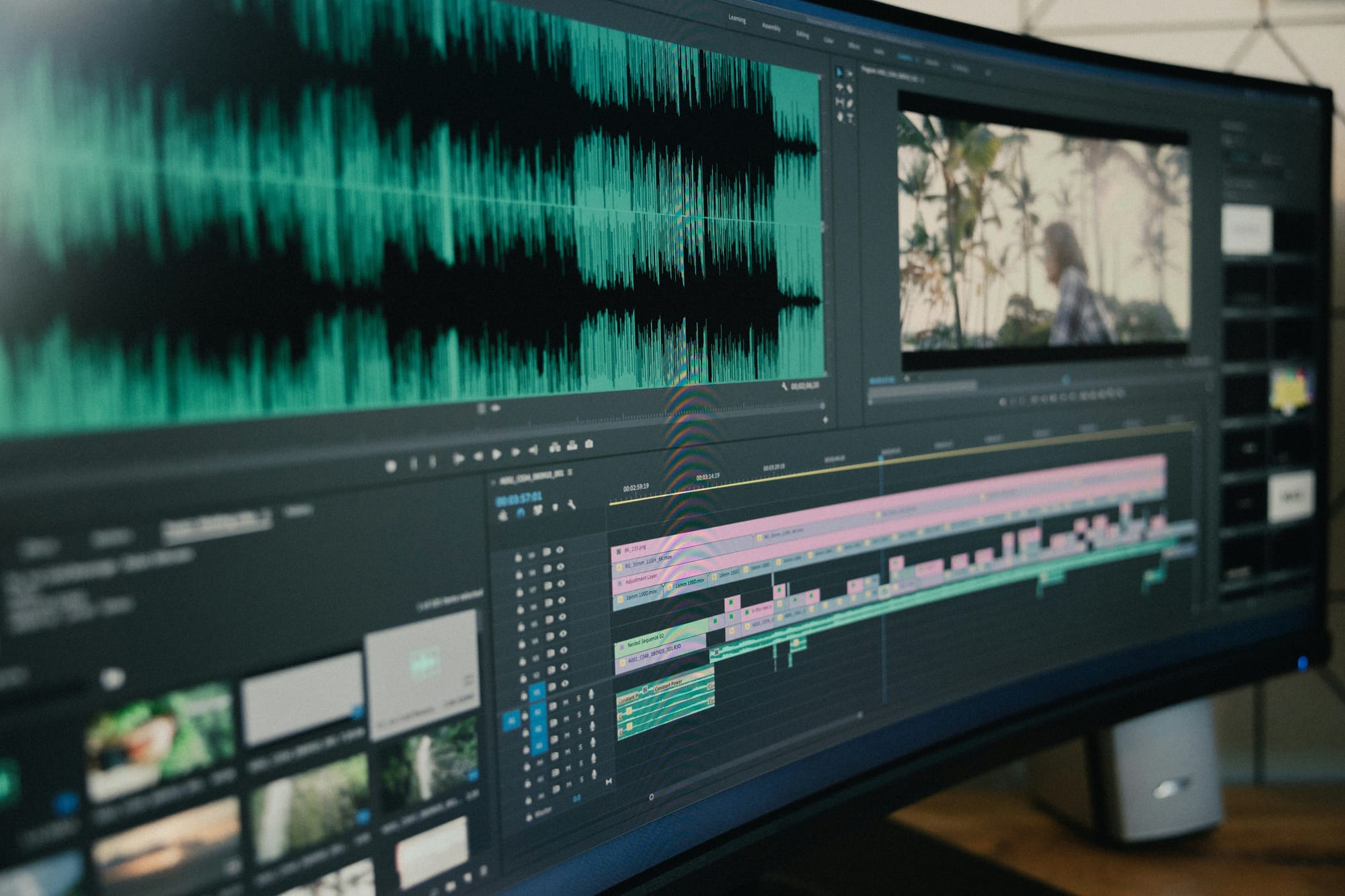
The hard part is not the 30 minutes. The hard part is trusting that a structured sequence will produce something better than the chaotic, all-at-once approach most creators default to under pressure.
Separating production into five independent stages, as covered earlier, removes the rebuilding loop. But there is a second layer to this workflow that most breakdowns overlook: the cognitive cost of context switching. When you move from planning to scripting to recording inside the same uninterrupted block, each transition requires your brain to reload a different operating mode. That reload time is invisible, but it accumulates. Thirty minutes of focused, single-stage work outperforms ninety minutes of fragmented multitasking every time.
What Actually Slows Down the Recording Stage
The failure point is usually not the voice. It is the script that was never stress-tested before recording began. Reading a script silently and reading it aloud are completely different experiences. A sentence that looks clean on screen can collapse the moment you try to speak it at pace. Awkward phrasing, misplaced emphasis, and sentences that run three beats too long only reveal themselves when your mouth has to execute them.
The fix is simple but rarely done: read the full script aloud before you open any recording software. Time yourself. If a 60-second video script takes you 75 seconds to read comfortably, it's too long. Trim before you record, not after.
Why Pacing Matters More Than Voice Quality
A common pattern surfaces across creators who obsess over microphone quality and vocal tone while ignoring delivery rhythm: their videos feel slow. Viewers do not abandon content because the voice sounds slightly imperfect. They leave because the narration is not moving fast enough to hold their attention.
Pacing is a structural decision, not a recording one. It is set when you write the script, not when you press record. Short sentences create momentum. Long sentences, especially ones with multiple clauses nested inside each other, create drag. The script stage is where you control pacing, which means the recording stage should feel like execution, not problem-solving.
The Visual Alignment Stage: Most Creators Rush
When you move into matching voice to visuals, the instinct is to drop in B-roll wherever the screen feels empty. That instinct produces videos where the visuals decorate rather than reinforce. The stronger approach is to treat each visual as a direct translation of what the narration is saying at that exact moment.
- If the voice explains a process, the screen should show that process.
- If the voice introduces a concept, the visual should name or illustrate it.
Streamlining Audio-Visual Alignment
This alignment is not about aesthetics. It is about comprehension. Viewers process audio and visual information simultaneously, and when those two channels convey the same message, retention increases. When they carry different messages, the viewer has to choose which one to follow, and attention fractures.
Most creators handle this alignment manually, scrubbing through timelines to match cuts to narration beats, then adjusting when the sync drifts. A clip creator tool like Crayo removes that manual layer entirely. The platform generates AI voiceovers and syncs visuals within the same workflow, so the gap between narration recorded and video ready to export compresses from hours to minutes.
The Review Stage is Not a Safety Net
The review stage is not where you fix everything you should have caught earlier. It is where you confirm that the decisions made in the previous four stages held up.
- Checking narration quality
- Timing
- Pronunciation
- Synchronization
At this stage, it should take minutes, not another full production session.
Collapsing the Production Bottleneck
If the review consistently takes longer than ten minutes, the earlier stages are leaking. Either the script was not tested aloud, the recording was rushed, or the visual alignment was done by feel rather than by structure. The review stage exposes the health of your entire workflow, not just the final video.
According to the Wistia 2025 State of Video Report, 41% of professionals now use AI to make videos, up from 18% the previous year, more than doubling in a single year. That shift is not happening because AI voices suddenly got better. It is happening because creators realized that the bottleneck was never the voice itself. It was the time between deciding to make a video and having a publishable one. AI-assisted workflows collapse that gap.
Why the Workflow Compounds Over Time
The first time you run this five-stage sequence, it will feel slower than your old approach. That is expected. Any structured system feels inefficient before it becomes habitual. The second time is faster. The fifth time, you stop thinking about the stages and focus only on the content.
That compounding is the real return on this workflow. Not a single 30-minute video, but a production rhythm that makes the next video easier to start, faster to finish, and more consistent in quality. Creators who publish four videos a month are not working four times harder than those who publish one. They are running a system that does not require rebuilding from scratch each time.
But knowing the workflow is only part of the equation, and what happens when you put the right tool behind it might change how you think about the whole process.
Create Professional Video Voiceovers Faster With Crayo
The right system does not just save time. It removes the friction that stops most creators from publishing consistently. Juggling separate tools for scripting, narration, and editing means rebuilding the same production chain for every video, and that repetition is where momentum dies. Crayo handles script generation, AI voiceover creation, and video assembly in one place, so the gap between idea and finished video shrinks from hours to minutes.
Try it with one video today. Generate your script, create the voiceover, and move straight into editing without switching between apps or starting from scratch.
Related Reading
- Faceless Instagram Content Ideas
- Best AI Generated Voice
- Best Faceless Tiktok Niches
- Best AI Tools for Social Media Content Creation
- AI Tools for Instagram Content Creation
- Best AI Dubbing Software
- Dubbing AI
- Voice Over App