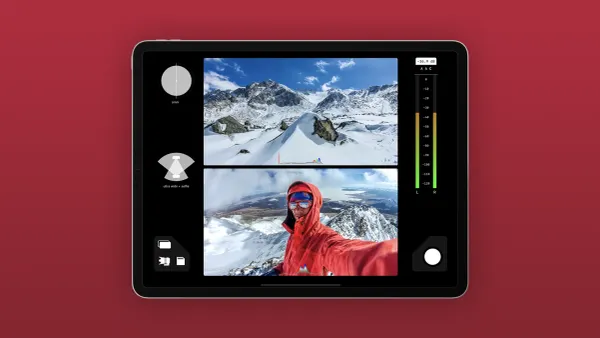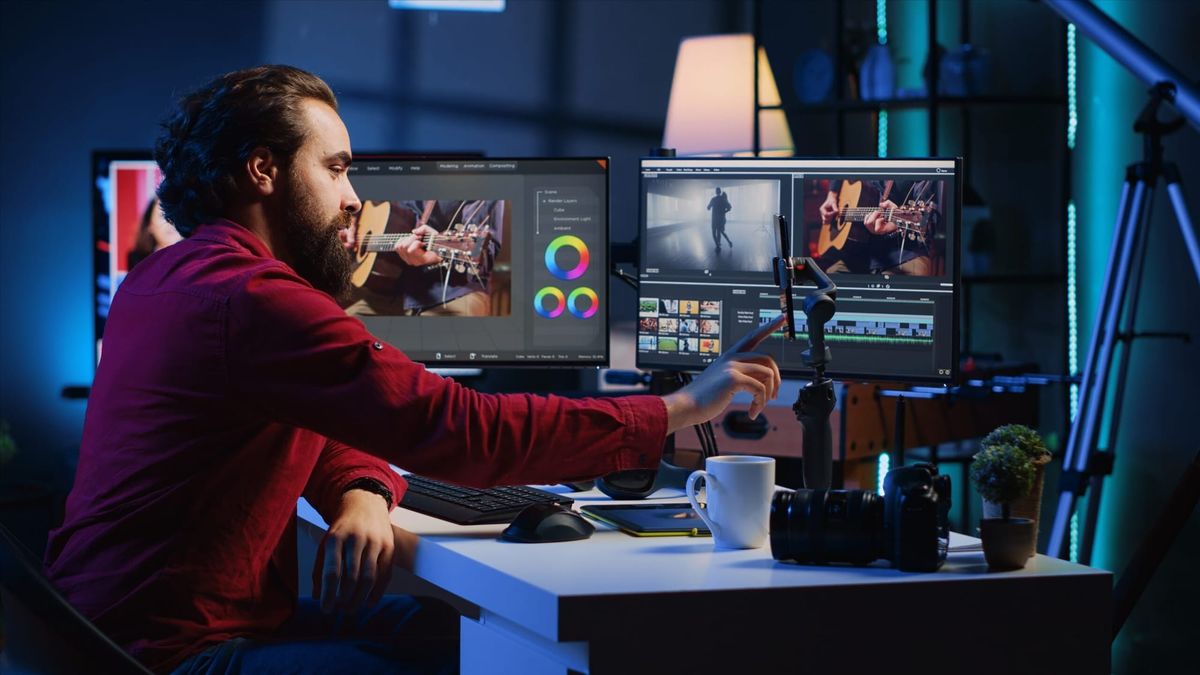
Capturing noteworthy moments is only the beginning; editing transforms them into engaging stories. The choices between montage, jump cuts, color grading, and audio mixing determine whether a clip captivates or fades away. Types of Video Editing influence rhythm and style, making every decision crucial to audience impact. Careful editing pairs creative inspiration with technique, tailoring content to resonate across platforms such as viral reels and TikToks.
Mastering pacing, transitions, match cuts, slow motion, time lapse, captions, and B-roll brings balance and flow to dynamic social videos. Smart editing boosts storytelling and optimizes visual impact. Efficient tools ease the process and allow creators to focus on narrative, while Crayo’s clip creator tool streamlines assembling, editing, and refining vertical clips.
Summary
- Effective editing drives retention: video retains 95% of a message, compared with 10% for text. Pacing, clarity, and sound design are nonnegotiable for comprehension.
- Video editing must be distribution-aware, as video is projected to account for 82% of all internet traffic by 2025, requiring support for multiple aspect ratios, caption timing, and SEO-friendly cuts to ensure discoverability.
- Choosing an editing style is strategic, not decorative. Because 92% of marketers say video is an important part of their strategy, edits should align with the single metric you need to move.
- When autoplay and thumbnails dominate consumption, edits must hook viewers in the first 3 to 7 seconds, which is why social-first timing and caption-first design outperform cinematic indulgence.
- Analytics-driven iteration matters: 88% of video marketers report satisfaction with social ROI, so comparing retention curves and frame-by-frame hooks turns opinion into repeatable gains.
- Feedback fragmentation scales poorly, as approval timelines often stretch from hours to days or even a week, multiplying rework and eroding creative momentum.
- This is where Crayo's clip creator tool fits in: it centralizes versioning, attaches comments to exact frames, automates captions and export presets, so teams can compress review cycles from days to hours and produce platform-ready vertical clips more efficiently.
Importance of Video Editing in Content Creation

Video editing is important because it transforms raw footage into a clear, compelling message that audiences will watch and remember. When done well, editing controls pacing, emphasis, and clarity. This ensures your main idea stands out through distractions and reaches the audience you want. To enhance your video content, our clip creator tool simplifies editing.
1. Refining raw footage.
A camera captures moments, not meaning. Editing refines every cut by trimming distractions, tightening timing, and aligning shots so that the idea flows as a single, deliberate thread. By smoothing jump cuts, correcting continuity, and balancing exposure, editors prevent the audience from being jolted out of the story and allow emotion to build up naturally.This transformation is where footage changes into a polished piece that respects both the viewer’s attention and the creator’s intent.
2. Emphasizing the important parts
Emphasizing the key parts helps make them stand out in a ten-minute clip. You can do this with editorial emphasis techniques such as selective cuts, audio cues, motion graphics, and color pops to grab attention.These methods highlight key messages while reducing distractions, enabling viewers to focus on the main idea. When editors identify and refine key moments effectively, the message is less likely to get lost in extra content and instead connects with purpose.
3. Holding viewer attention
Holding viewer attention is won in the edit, not on set. Editors have control over rhythm, visual arrival, and payoff; these choices determine whether viewers drop off or continue watching. Research shows that 95% of a message is retained in video compared to only 10% in text.
Therefore, pacing and clarity are critical, and every cut must aid understanding. In practice, this means focusing on clear on-screen story points, making scenes shorter when they tend to drag, and using sound design to maintain attention.
4. Optimizing for discoverability and distribution
Optimizing for discoverability and distribution is very important. Editing is how content becomes findable. Thoughtful title cards, chaptering, keyword-timed captions, and metadata-friendly cuts all improve how platforms index and recommend your work. With Apex Pro Media projecting that video will account for 82% of all internet traffic by 2025, editors must consider distribution mechanics as part of their craft. This includes adjusting aspect ratios, creating multiple subclips, and writing SEO-optimized descriptions during editing. These efforts ensure the content is widely seen in 2025 and beyond.
5. Lifting production value
Lifting production value involves techniques such as color grading, audio repair, and compositing to transform amateur footage into a believable, professional product. High production quality demonstrates care and trustworthiness; it also makes viewing easier and enhances a sense of expertise. The editor has an important role in fixing poor lighting through grading, removing distracting hums with spectral tools, and adding clean graphics. This ensures viewers never doubt the message due to a messy presentation.
6. Sculpting visual narrative
Sculpting a visual story is more than putting together clips; it also involves narrative design. This means picking which shots to place next to each other to create meaning, show character, or change how information is presented. It's not about fancy transitions; it's about organizing moments so the audience can feel a logical, emotional arc.One pattern I often see in agency campaigns and among solo creators is that teams overwhelmed by gathering footage often think more clips lead to better stories. Without careful editing choices, the message they want to share can get lost. This mistake is common, and the solution is to focus on a deliberate structure rather than simply collecting more clips.
How can teams improve review and iteration?
Most teams manage reviews and updates with scattered notes and long email threads. This method feels comfortable and doesn’t need new processes. However, as projects grow, this approach can fragment feedback, slow approvals, and obscure context in attachments.Solutions like Crayo bring together versioning, connect comments to specific frames, and automate approval routing. This helps teams shorten review cycles while preserving editorial intent across all changes. Utilizing the clip creator tool can further streamline your process and enhance communication in reviews.
What happens when editorial work is done right?
When editorial work is done right, the effects are clear. The careful choice of frames, the thoughtful use of audio space, and the silence between lines all create a smooth experience. On the other hand, when editorial work is poor, the audience loses interest, and the message becomes unclear. This problem affects both people and money; this is where a deliberate edit pays for itself.
Is there more to explore in video editing?
This may seem like the end of the list, but there is a deeper consideration. The next piece reveals a division that can significantly impact how editors are assigned and how workflows are structured.
10 Different Types of Video Editing
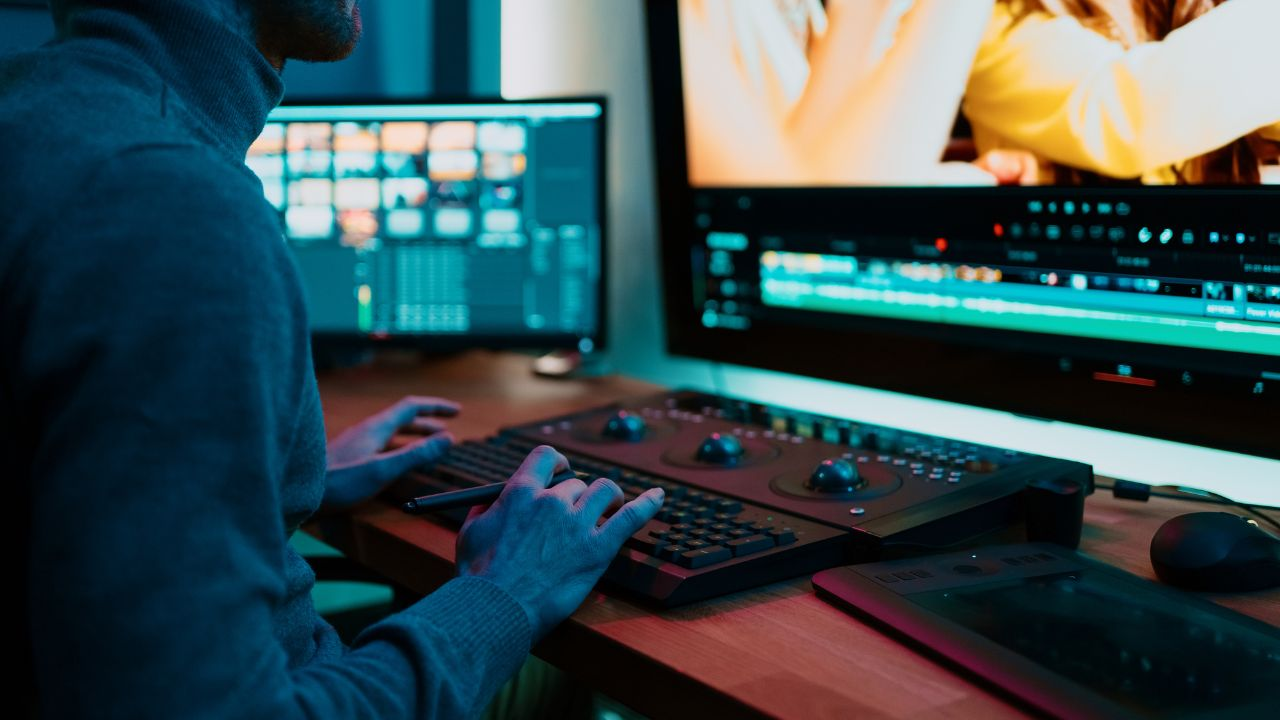
There are several ways to cut and assemble footage, each designed for different goals, formats, and team constraints. Below are the common types of video editing you can choose from.This includes practical differences, typical workflows, potential issues, and guidance on when each option works best. If you're looking to streamline your editing process, consider our clip creator tool to efficiently assemble videos.
1. Basic editing, practical and fast
This simple process includes cutting and organizing clips, balancing audio, and adding basic text or transitions to make clear, short outputs. It works as the daily production method, marked by quick turnarounds, template exports, and easy captioning for platform-ready reels. This method is effective when speed and clarity are important; however, it struggles when attempting to include complex storytelling or heavy effects in a workflow designed for quick publishing.
2. Montage editing, rhythmic sequencing
Montage editing involves rhythmic sequencing, in which many short moments are combined into a single emotional or informational story. This technique uses tempo, match cuts, and audio-driven timing to build excitement. Editors pay more attention to rhythm than to continuity, matching visuals to music or a growing idea so the sequence feels like one smooth flow. A common mistake is putting too many shots together for show instead of creating a clear beat, which weakens the intended emotional impact.
3. Narrative editing, structured storytelling
This method organizes scenes to show cause and effect, reveal character, or create a plot twist. It employs techniques such as parallel cutting, time jumps, and thoughtful shot selection. Editors using this style focus on narrative arc rather than speed; they sequence scenes to manage revelations and maintain logical consistency across edits.This method works best when the viewer needs to follow a growing idea or argument. It often fails when rushed or when the story lacks a strong backbone to organize the footage.
4. Documentary-style editing, truth-first assembly
Documentary-style editing, or truth-first assembly, organizes interviews, observational footage, and supporting B-roll into a credible and persuasive account. The skill lies in choosing images that support the story, using archival material effectively, and making the narrator’s voice sound real. This process requires careful sorting and labeling of source material to ensure the evidence aligns with the claims. Without this careful work, documentaries can seem loose or unconvincing.
5. Special effects and compositing, illusion, and extension
Special effects and compositing include techniques like green-screen keying, motion tracking, rotoscoping, and layer compositing. These techniques help add elements that were never filmed into a scene. This process needs careful masking, clean plates, and a sharp focus on perspective and lighting. This way, the added elements appear to belong in the original composition.A common mistake is spending too much time on visual details that don’t improve the message. Good visual effects should solve a story problem, not make things more difficult.
6. Color grading, mood, and continuity
Color grading, as defined by Color Grading, involves changing hue, contrast, and exposure to set tone and unify different shots. Good grading does more than just make visuals look better; it adds emotional cues and helps hide shooting mistakes. The technical components include using scopes, LUTs, and secondary corrections to ensure skin tones look natural while the overall image conveys its intended message.
Grading becomes ineffective when it is seen as an afterthought or used just as a stylistic fix for poor footage.
7. Motion graphics, information, and identity
Motion graphics include animated text, infographics, animated logos, and dynamic lower thirds. They help communicate data or brand elements without stopping the visual flow. In this area, timing, typography, and hierarchy are critical; every graphic must resolve quickly for the viewer.The workflows for motion graphics mix editorial timelines with compositing software. This lets assets stay editable as the cut changes. If motion graphics are poorly designed, they can compete with the footage and confuse viewers.
8. Virtual reality and 360 editing, immersive orientation
Editing 360 or VR video requires thinking in degrees instead of frames. This process includes using spatial cuts, adjusting the viewer's perspective, and creating interactive hotspots. Editors must manage stitch lines, keep the horizon stable, and handle metadata for headset playback.Additionally, considering the user interface (UI) is critical when placing captions or overlays in the spherical space. This work is highly specialized, and even minor errors can disrupt immersion and cause discomfort.
9. Social media editing, format-first optimization
Social media editing involves format-first optimization that considers the platform as a constraint. This means considering factors such as vertical aspect ratios, thumbnail-first openings, caption-first consumption, and tight hook windows. Editors create many versions, timing cuts to match autoplay behavior, and design visuals that convey meaning even without sound.One common mistake is reusing a single horizontal master across platforms, which can reduce impact. Social-first editing views each channel as a distinct product.
10. Collaborative and remote editing, scalable workflows
When many people work on the same project, editing focuses on managing files effectively, implementing proxy workflows, maintaining version control, and using a clear commenting system. Teams often use naming conventions, locked sequences, and shared asset libraries to stop contributors from overwriting each other's work. A common issue is informal coordination, and in such situations, feedback can be shared via email and chat, leading to additional rework.
How does feedback management work?
Most teams manage feedback through email and scattered notes because this approach feels familiar and does not require new tools. Though this approach works at first, as the number of stakeholders and rounds of feedback grows, comments become spread out, context gets lost, and approval times can stretch from hours to days. Platforms like the clip creator tool integrate versioning, link comments to specific frames, and automate the review process. This method shortens review cycles while keeping editorial traceability.
How does pattern recognition guide video editing?
Pattern recognition of how short-form content performs influences content-type decisions. This pattern is clear in creator and brand campaigns: editing style and timing, not the complexity of the filming, decide how often people watch and engage.Simple, quick cuts with clear captions and a strong hook usually perform better than fancier styles, especially when the goal is to reach more people and achieve a strong return on investment. This reality changes how you spend both time and money.
How can analogies help clarify choices?
Using an analogy can help clarify choices. You can pick an editing type just like a mechanic picks a tool: a wrench tightens a bolt, while a diagnostic scanner finds a problem.For example, using a VFX-heavy workflow when you need a quick, social-ready video is like using a diagnostic scanner to change a flat tire; it wastes time and slows down velocity.
What do people miss in editing styles?
One major oversight is understanding how to align a specific editing style with the required measurable outcomes. People often focus on the technical aspects of editing, but they may overlook how those choices impact the overall results. Using tools like our clip creator tool can significantly enhance this alignment.
Related Reading
- Long Does It Take to Edit a YouTube Video
- How Long Does It Take to Edit a Music Video
- What Is an Overlay in Video Editing
- Is CPU or GPU More Important for Video Editing
- Can I Edit a YouTube Video After Posting
- Is Video Editing a Good Career
- Can You Edit Video in Photoshop
- Beginner’s Guide to Video Editing
- Video Editing Basics
How to Choose a Type of Video Editing
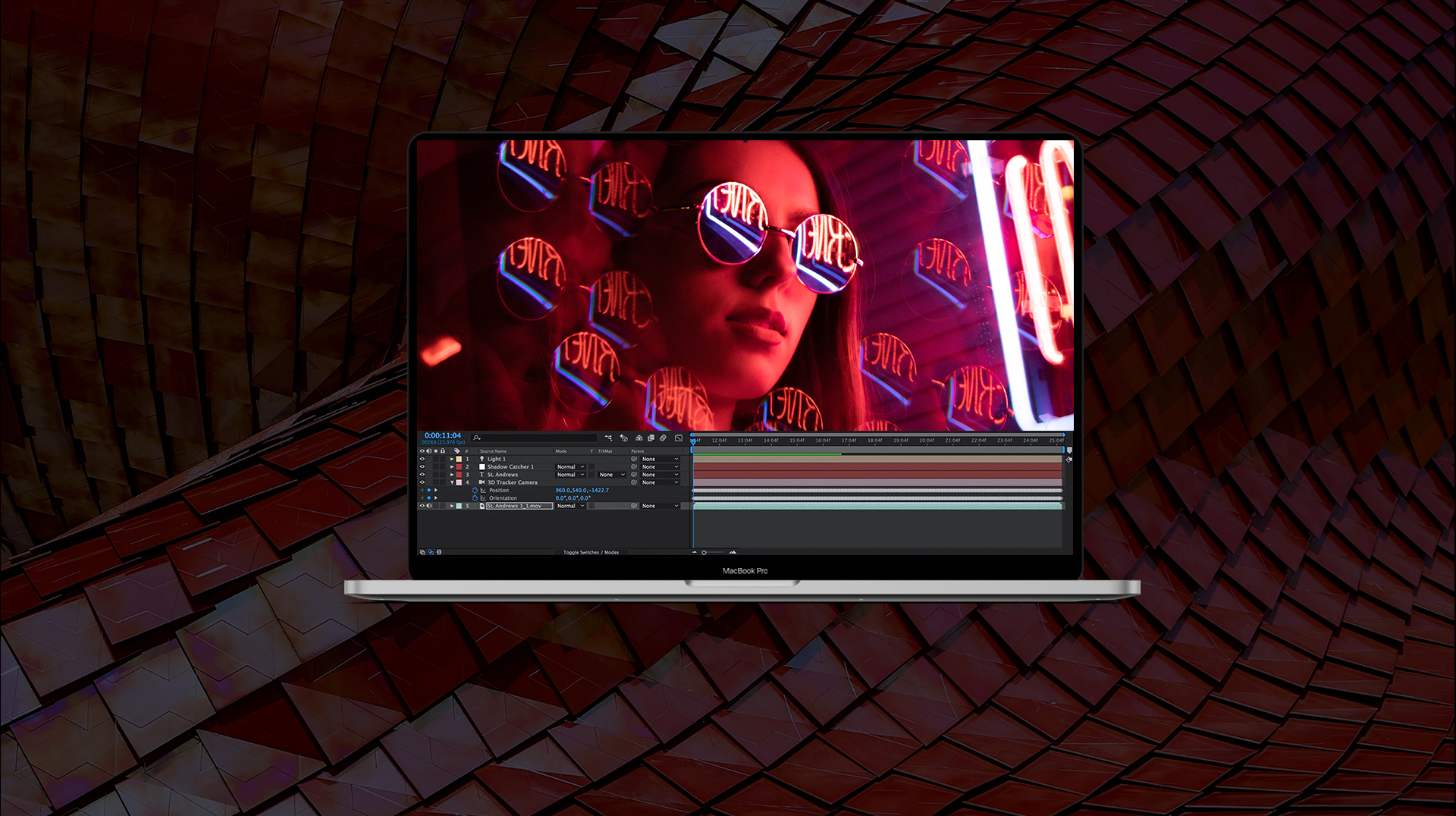
Match the editing method to the outcome you need, not the tools you like. List the constraints, the audience behavior, and the single metric that will show your edit worked. Then pick the style that optimizes those three.With Rev, 2025: "92% of marketers say video is an important part of their marketing strategy." That alignment becomes the most valuable editorial decision you make.
1. Audit goals and constraints first
Begin by asking what this video must accomplish, how long it can be, and what footage and budget are available. This triage is practical: if you need repeatable social clips across formats, opt for a format-first workflow.If your goal is persuasion and retention, choose a storytelling approach that allows longer turnaround times. Think of this choice like picking a lens; some lenses provide a wide context but less detail, while others isolate a subject at the expense of scope. So, select the lens that best frames the metric you care about.
2. Inventory audience behavior, then design for consumption
To effectively understand audience behavior, it is important to look at their preferences and design content for consumption. Consider factors such as the platforms they use, how long they usually stay in a session, and whether they typically watch with sound.When autoplay and thumbnails are very important, edits should be strong within 3 to 7 seconds. On the other hand, with closer scrutiny, there is a chance to focus on depth over punch. This pattern is clear in all campaigns: editing that misses where viewers connect with content will lose reach, even if it looks good on a big screen.
3. Prioritize technical fit over stylistic impulse
Ensure the technical requirements align with your team's capabilities, such as file management, color grading, and the complexity of compositing. If your editors lack reliable proxies and fast storage, it's better to avoid VFX-heavy timelines that can slow exports. This constraint-based judgment keeps projects on track and prevents a small team from choosing a workflow that would double delivery time without any real benefit.
4. Balance inspiration with authorship
Creators should use other artists as study material, but resist copying beats wholesale. When teams mimic a creator exactly, their work competes on imitation rather than identity.
The tradeoff is clear: copying may buy short-term engagement, but it prevents long-term brand recognition. This tension often arises with editors who report frustration in maintaining a unique voice while chasing trends.Such a pattern can cost clients and undermine creative confidence, unless it is deliberately managed. Using a clip creator tool can streamline the process, ensuring original content is consistently produced.
5. What are the hidden costs of current practices?
Most teams manage reviews via email and scattered links because it is familiar and requires no new tools. However, this method can make feedback confusing as more stakeholders get involved. Buried context can lead to additional work, and obtaining approvals can take days to a week or longer.Tools like the clip creator tool bring versioning together, link comments to specific frames, and automate routing. This makes review cycles easier while keeping the edit thread clear and traceable.
6. Adopt iterative experiments, not one-off bets
Adopt iterative experiments, not one-time efforts. Set aside a small part of your schedule for test edits: redo a popular edit one week, then try a different pace the next.This way, you avoid getting stuck and make failures cheap and educational rather than expensive and messy. By trying new editing styles in brief, measurable bursts, you build a repertoire of techniques you can use reliably without disrupting client schedules.
7. Learn the capture story to improve editorial choices
Learning the capture story helps improve editorial choices. Knowing why a shot was lit or framed a certain way gives us insight into what can be fixed in post-production and which problems are permanent.
This knowledge demonstrates our expertise under constraints: for example, if a shoot used a narrow depth of field, compositing will be more time-consuming, and if the lighting was inconsistent, grading will take more time. Understanding these trade-offs stops us from promising a final product that the original material just can't deliver.
8. Keep tools in your toolkit, but choose them for the job
Keep tools in your toolkit, but choose them for the job. Rotate among NLEs, compositors, and color tools to find the quickest way to achieve your goal. Relying on a single program narrows your options and can make some edits more difficult than necessary. The important lesson is this: learn enough tools to move your work across different workflows, so you never push a project into the wrong pipeline.
9. Treat practice as product development, not punishment
Set clear practice goals, such as learning a new transition or mastering a grading technique within four weeks. Then, check your progress by making a real client-style clip. This method turns vague improvement into concrete capability and reduces the fatigue that often comes from endless tinkering without seeing real results.
10. Systematize post-mortems to learn from mistakes
Systematize post-mortems to learn from mistakes. After each project, note what went wrong with specifics: how many render retries happened, which assets caused sync issues, and which notes led to last-minute changes. These specifics serve as the curriculum for process improvement; without them, teams might repeat the same mistakes while believing they are learning by doing.
What simple guardrails can improve editing practices?
When teams feel stuck between emulation and originality, the primary reason is often a lack of structure, not a lack of taste. Setting up simple guardrails can really improve editing practices.Consider creating a one-page style brief, spending 30 minutes each week on related content, and setting aside a small budget for testing new edits. These steps support ongoing learning while ensuring experiments don’t consume billable time.
Why is the choice of editing type strategic?
According to Rev, 2025, "85% of businesses use video as a marketing tool." This common use means that picking the right editing type is important, not just for looks.This choice can have a big effect on whether people notice and remember your content.
How can platforms improve feedback and approval processes?
That simple rule is often lost amid daily pressures. When feedback spreads across inboxes, the real cost is not just annoyance, but also time and creative momentum. Tools like the clip creator help reduce friction by consolidating comments, preserving context, and expediting approvals. This gives teams time to try new edits instead of struggling with old ones.
What is the curiosity loop?
The curiosity loop appears to be a strategy, but the choices made at this stage often reveal a key blind spot that many editors overlook.
7 Tips for Content Creation Video Editing
Start by treating editing as a set of habits you can practice and improve, rather than as a creative task. Try different ideas, use tools to help you repeat your best techniques, and identify what really keeps viewers engaged. Here are seven practical tips, rephrased and expanded, to start using right away. For instance, our clip creator tool can help streamline the editing process, giving you more time to focus on creative aspects.
1. Try short, focused experiments
When you commit to planned experiments, you reduce risk and speed up learning. Run two-week editing sprints where you change only one thing, like pacing, jump-cut density, or caption style.This limit clarifies the situation: you’ll see which small change helps keep viewers engaged and which confuses them. The pattern I see among solo creators and small teams is clear: they find reliable formats much faster when they use short cycles rather than relying on a single 'perfect' idea.
2. Choose tools that amplify speed and consistency
If polished results are important to your schedule, use specialized editing apps and capture tools instead of quick fixes in the app. Try different NLEs and mobile editors to find the one that best fits your workflow and export needs.According to Wyzowl (2023), 85% of businesses use video as a marketing tool. Investing in the right tool is worth it; it leads to quicker turnaround, consistent captions, and fewer last-minute changes. Crayo AI is worth trying if you need fast, repeatable short clips. It converts prompts into captioned clips with music and reduces manual work that consumes your creative time.
3. Be candid on camera, not polished without personality
Be honest on camera; avoid an overly polished, personality-free delivery. Sincere moments often connect better than perfect scripts when the goal is to connect. Embrace the small quirks that make you recognizably you, and then edit to highlight them rather than hide them.When creators stop trying to sound like others and focus on editing to emphasize a unique personal trait, their videos become unforgettable. That honesty is what encourages viewers to follow, not another perfect dozen-second clip.
4. Pick music for support, not dominance
Use music to improve mood and rhythm, but mix it so the spoken words remain clear. Check the audio at two volumes: one for desktop and one for phone earbuds. If your video includes both commentary and music, lower the music track when someone is speaking and use brief ducking to ensure the message is not overshadowed.Always watch the finished edit at least once with captions on. This helps detect level imbalances and ensures the meaning remains clear in noisy listening environments.
5. Start with an immediate promise or problem
Make sure the viewer knows what they will gain in the first three seconds. Think of the opening as an offer: what will the viewer gain by watching until the end?Organize your cuts so that each shot supports the promise, and remove anything that distracts from it. This focus on promise-to-payoff is why shorter edits often outperform longer cinematic ones for social growth.
6. Invite specific responses, not generic requests
Instead of saying “comment below,” ask a clear question that can be answered or give two choices for viewers to pick from.Tie the request to the content: after a quick demonstration, ask which step was the hardest or which color option they like best. By encouraging specific responses, you make it easier for people to engage, which ultimately helps share the content more widely.
7. Use analytics to test edits, not to justify them
Look past raw views and study retention curves, drop-off points, and repeat-view counts across groups. A useful method is to select the two highest-performing videos from the last month and compare their first 10 seconds frame by frame to identify what beats they share. When creators adopt this comparison habit, they stop guessing and start using proven mechanisms.Furthermore, social ROI trends positively for creators who optimize distribution. Remember that, according to Animoto (2023), 88% of video marketers are satisfied with the ROI of their social media video marketing efforts, so treat analytics as the tool that converts effort into measurable returns.
What common editing mistakes should to avoid?
Most teams manage edits through scattered links and chat because this is familiar and does not need new tools. However, as more people get involved, context gets buried, and edits slow down. This common approach works at the beginning, but eventually causes problems: conflicting notes, duplicate files, and delayed approvals.Platforms like Crayo centralize versioning, attach comments to exact frames, and automate draft creation from prompts. This functionality enables teams to reduce review cycles from days to hours while preserving creative intent.
What is a quick technical tip?
A quick technical tip is to export multiple masters for platforms from a single timeline with locked keyframes, using separate export presets. This approach ensures color and pacing remain consistent across aspect ratios without requiring creative adjustments. Think of the edit as a scalable recipe, rather than a single plated meal.
How to think about the editing process?
A practical analogy for editing is tuning a radio. First, remove static; then fine-tune the frequency until the voice comes through clearly.This practice of removing noise followed by refinement keeps the message intact and easy to repeat.
What challenges lie ahead in video editing?
The tougher choices lie ahead, especially those about whether to copy a trend or build a stable system that can handle the next algorithmic shift.
Related Reading
- Video Editing Workflow Checklist
- PC Specs for Video Editing
- How To Start Editing Videos
- How To Practice Video Editing
- Mac Vs Pc For Video Editing
- How To Make A Video Editing Portfolio
- Video Editing Tips And Tricks
- How To Make Money Video Editing
- Best Free Video Editing Apps For Android
- How To Organize Video Files For Editing
- How To Edit Video In Google Drive
- Creative Video Editing Techniques
Struggling to Choose the Right Video Editing Style? Crayo Simplifies It for You
Juggling jump cuts, color grading, motion graphics, and different aspect ratios can take a lot of time that could be used for making improvements. Teams can move from disorganized post-production workflows to making polished short clips in just minutes when platforms like Crayo automate captions, smart trims, effects, and music selection. This automation allows creators to focus on storytelling rather than the technical details of exporting.
Our clip creator tool is designed to streamline your video editing experience.
Related Reading
- Best Drone Video Editing Software
- Best Video Editing Software For Music Videos
- Best Video Editing Software For Sports Highlights
- Best Video Editing Software For Content Creators
- Best Video Editing App For Pc
- Best Paid Video Editing Software
- Best App for Video Editing on iPad
- Best Songs For Video Editing
- Best Video Editing Software For Vlogging
- Autopod Alternative