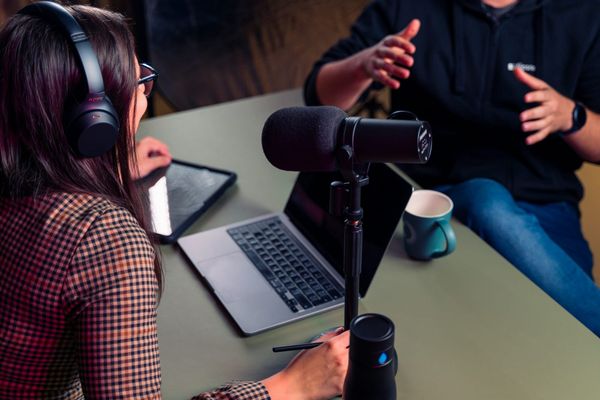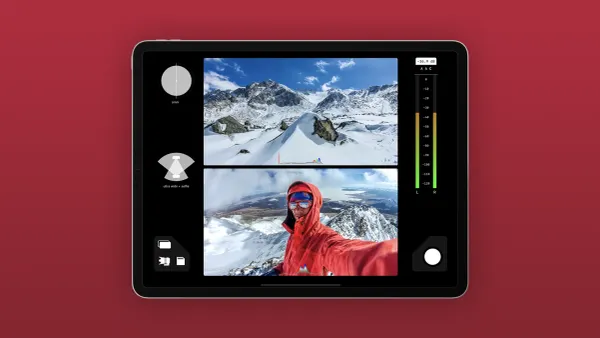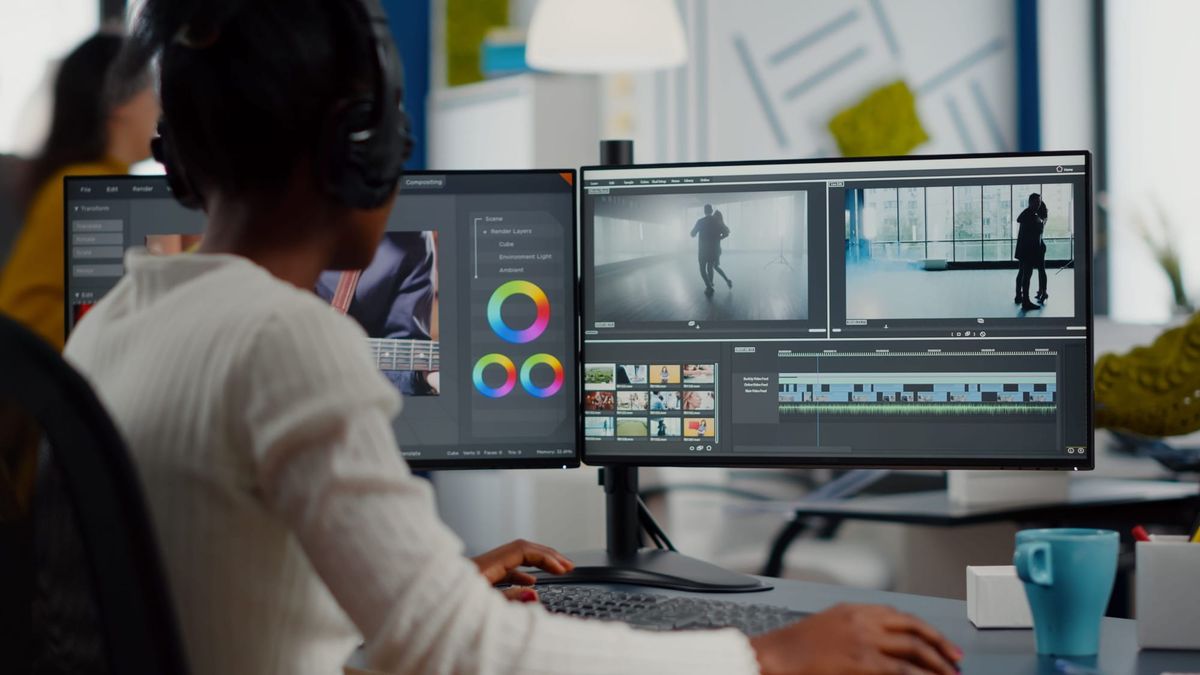
Transforming raw footage into engaging content starts with selecting the right editing approach. Recognizing the range of video editing—from simple cuts and transitions to advanced color grading and motion effects—ensures that software matches both creative vision and skill level. This clarity benefits projects from online vlogs to professional presentations.
Traditional editing tools require a steep learning curve, but innovative solutions offer a more efficient route to quality production. Embracing user-friendly methods not only jumpstarts creativity but also streamlines the workflow. Crayo's clip creator tool simplifies editing by automatically handling complex adjustments, allowing creators to build practical skills while producing shareable videos.
Summary
- Professional video editing growth is 2-3 times faster with structured learning paths than with random tutorials, according to Adobe's Future of Creativity Study (2023). Beginners who follow weekly skill plans reach consistent quality in weeks, while those relying on scattered YouTube videos often spend months without visible improvement. The delay isn't natural talent; it's unfocused learning that wastes effort on advanced techniques before mastering basic pacing and audio balance.
- Over 65% of new creators experience low engagement in their first 3 months, primarily due to weak editing structure and storytelling, rather than a lack of creativity, according to YouTube's Creator Academy data (2024). Most quit before their skills mature because they judge their beginning against someone else's middle. The real barrier isn't software complexity; it's the absence of a clear system showing what to learn first, second, and third.
- Fiverr's creator reports show that over 40% of entry-level video editors secure their first paid job using basic setups, provided their videos look clean and professional. Quality matters more than gear or expensive software. Two editors using the same laptop will see completely different client responses; the difference comes down to understanding the fundamentals of pacing, color, and audio that make work look intentional rather than experimental.
- Guided practice reduces mental fatigue by 35 to 45% compared to trial-and-error learning, according to MIT research on digital skill acquisition. Structure saves energy while chaos drains it. When beginners learn through trial and error, they develop habits such as overusing transitions, adding too many effects, and poor audio balance that are harder to unlearn than learning properly from the start.
- Professional video editors save an average of 5 hours per week using AI-powered editing tools, based on a Creator Productivity Study. That time savings compounds when structured workflows are combined with automation for repetitive tasks such as captioning and audio cleanup. Over 90% of video content is consumed on mobile devices, where attention spans are shorter, and pacing matters more, making tight editing the difference between viewers staying and dropping off.
- Crayo's clip creator tool addresses this by generating hooks, scripts, captions, and hashtags in seconds, so creators can start editing with direction rather than staring at blank timelines and wondering what comes next.
Why Most Beginners Struggle to Edit Professional Videos on PC
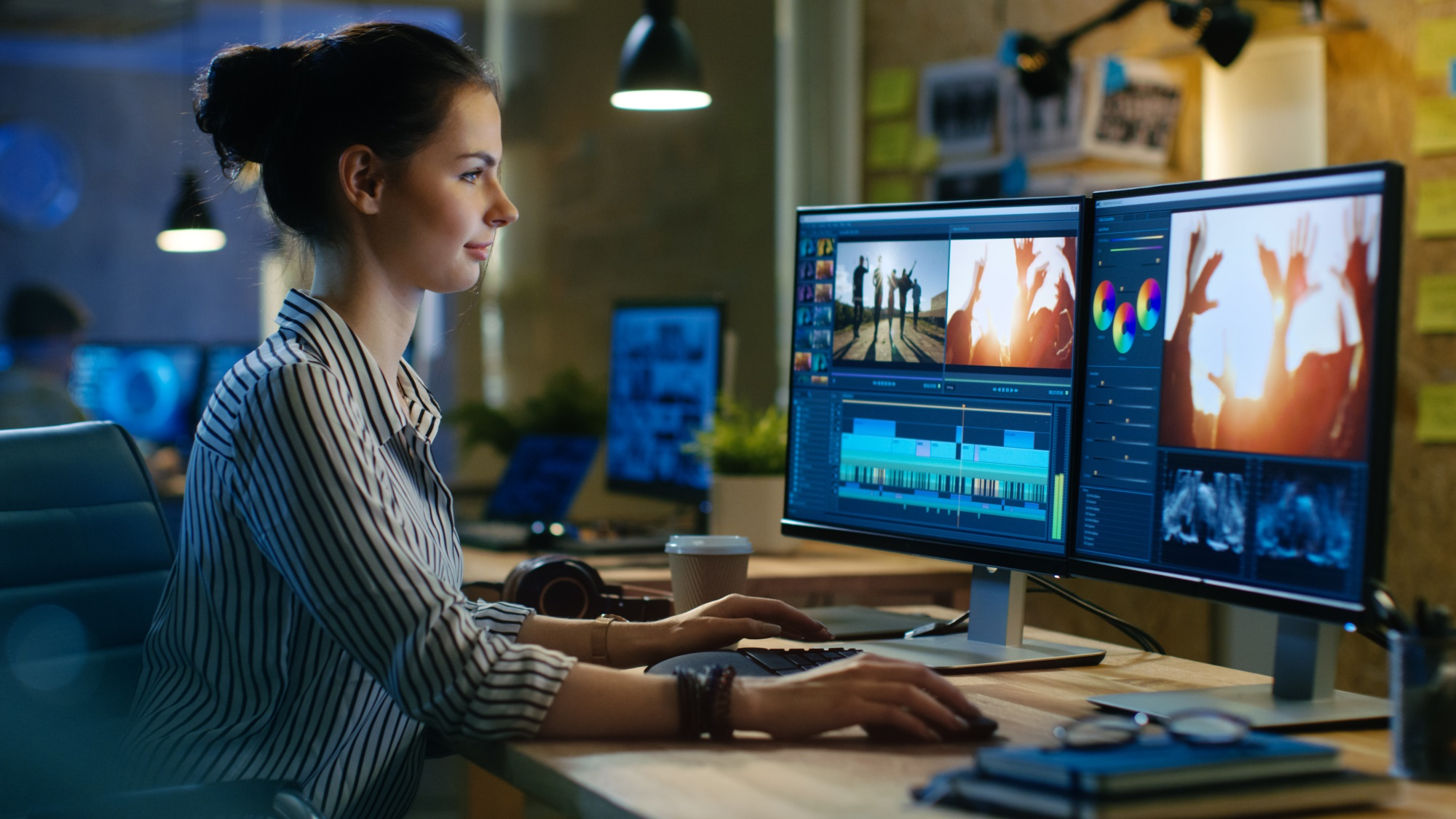
The struggle isn't about being creative or smart; it's about your approach. Most beginners start using professional editing software without understanding how video editing works. They see hundreds of buttons, timelines, color panels, and effect libraries all at once, with no guide or starting point. This overwhelming choice can quickly lead to paralysis.
When you open DaVinci Resolve or Premiere Pro for the first time, all the tools are visible. The interface assumes that users already know which parts are important and which are not.
You notice:
- Multiple timeline tracks
- Audio mixers with confusing controls.
- Color grading wheels you've never used.
- Effect panels with thousands of presets
- Export settings with confusing acronyms.
According to Electro IQ, the video editing AI market is growing at 17.2% annually and is expected to reach $4.4 billion by 2033.Even with this growth, the complexity barrier is why many newcomers stop using traditional editing software within the first month.
What do beginners not understand?
This isn't because the software is poorly designed; rather, professional editors use a range of tools. Beginners, however, often don't know which 10% of features are important for their first projects.They usually click randomly, trying effects and transitions, only to repeatedly undo their changes. After an hour, the timeline remains empty, leading to frustration and thoughts such as "Maybe this isn't for me."
Most people learn to edit using YouTube tutorials. One video may show how to add text, while another explains color correction. A third video demonstrates transitions. Each piece makes sense on its own, yet...
No one shows the sequence. The actual workflow that professionals use is rarely explained. Understanding how these parts fit together into a clear editing process is important for building confidence and skill.
Why do videos feel amateur?
You end up knowing techniques without understanding the process. You can trim clips, add music, and insert titles, yet your videos still feel amateurish. Something is missing, but you can't quite figure out what it is.
It's like learning individual words without understanding grammar. You have the vocabulary, but you can't create sentences that flow naturally.
Beginners watch established creators and see polished results: smooth motion, perfect color, clean audio, and smooth pacing.
How does comparison affect beginners?
Beginners often assume, "I should be able to do this already."
When their first three projects look simple, discouragement sets in quickly. They forget that the creator they're watching spent two years making bad videos before finding their style.That professional look came from hundreds of failed experiments, not just natural talent. You can see this in examples of failed projects that ultimately succeeded.
Such a comparison kills momentum before skills have time to grow. Comparing one's beginning to someone else's middle can make you feel behind in your journey.
Why do beginners feel lost in editing?
Many beginners treat editing like guessing. They try random effects, transitions, and export settings. Sometimes it works; other times it doesn't, leaving them unsure why.
One video might look okay while another looks worse, even if more work went into it. Progress feels random because there isn't a clear system to understand what makes visuals stand out versus what makes them messy.
In contrast, professionals don’t guess. They see patterns and principles, like cutting on action to build excitement, using contrast to grab attention, and making audio clear so viewers stay engaged even if the visuals aren’t perfect.These principles aren’t secrets; they just aren’t taught as a simple system to beginners.
What is the impact of random practice?
Most people "practice" by editing whatever content they have at hand. They might create a vlog one day, a montage the next week, and compile random clips whenever inspiration strikes.
This approach lacks structure, progression, and focused skill development.
Professional growth requires deliberate practice. This means focusing on specific skills, getting feedback, and making changes based on what works. While random editing sessions may feel productive, they rarely build transferable skills.You might be busy without making real progress. Our clip creator tool can help you refine your skills and focus on what truly matters.
What strategies do successful creators use?
Teams running successful content channels understand this well. Platforms like Crayo's clip creator tool were developed by creators who grew their channels to over 1M subscribers by focusing on repeatable processes rather than random trials. They simplify technical challenges, such as subtitles, voice-overs, and background removal. This helps creators focus on the strategic choices that determine whether content goes viral, such as clip selection, pacing, and hook strength.
Beginners don’t fail because they lack talent; they fail because they lack structure. Without a clear learning path, effort gets wasted on the wrong things. For example, you might spend hours learning advanced color grading when you haven't yet mastered basic pacing. You could also rely on plugins and presets instead of learning fundamental composition principles.
What is the root of the problem?
The software isn't very advanced, and the tutorials are easy to follow. The real issue is simple: nobody showed you what to learn first, second, and third. No one gave you a system to turn unrelated knowledge into real skill.
This scattered approach creates problems that go beyond frustration. It silently costs you opportunities you may not even realize you're missing.
Related Reading
- Types of Video Editing
- Long Does It Take to Edit a YouTube Video
- How Long Does It Take to Edit a Music Video
- What Is an Overlay in Video Editing
- Is CPU or GPU More Important for Video Editing
- Can I Edit a YouTube Video After Posting
- Is Video Editing a Good Career
- Beginner’s Guide to Video Editing
- Video Editing Basics
The Hidden Cost of Learning Video Editing the Wrong Way
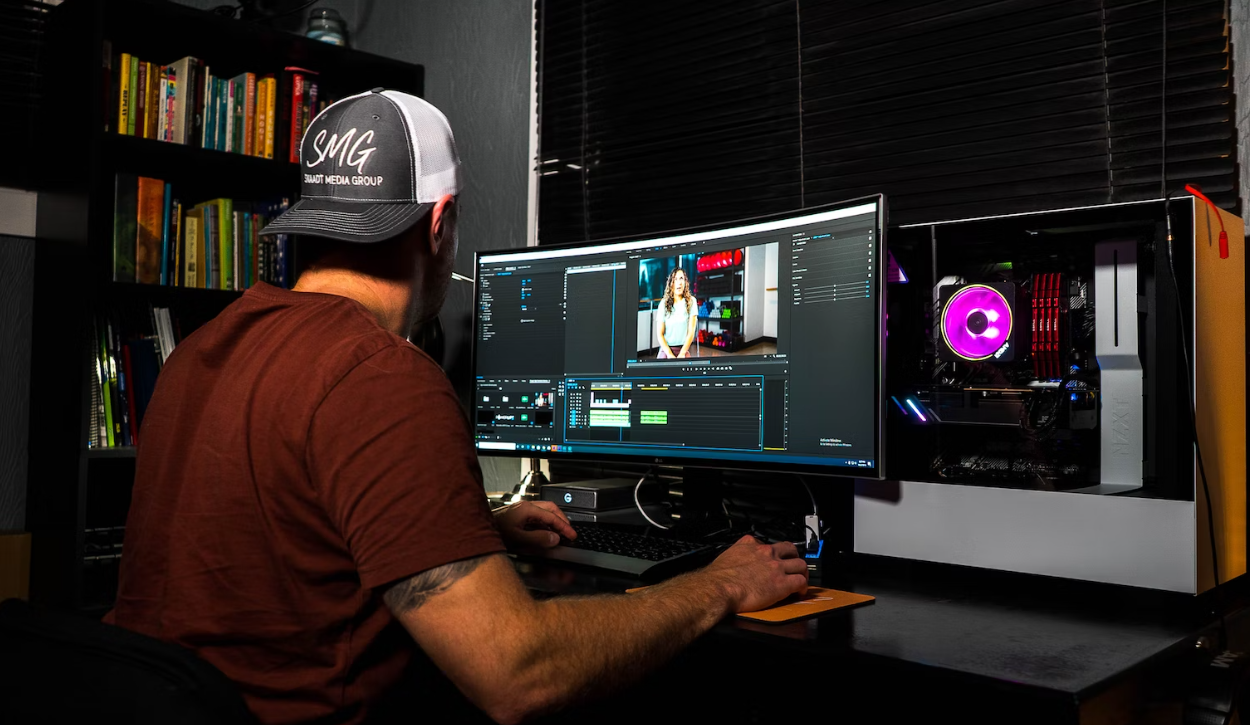
Learning video editing without a clear system can lead to problems that build up over time. The issues don't show up all at once; they happen quietly.You might still be "trying," "learning," and opening the software, which makes it seem like you're making progress. However, underneath, you're losing time, confidence, and real opportunities without even knowing it.
Many beginners spend several months editing on their PCs, but their videos stay basic. They cut clips, add music, apply effects, and export. Then they repeat this cycle.
Over time, they start to think, "Editing probably takes a long time to really learn." This idea often seems understandable. After all, professional editors often talk about their years of experience. So, slow progress can feel completely normal.
How does structured learning impact video editing?
A report from Adobe's future of creativity study (2023) shows that creators who follow structured learning paths improve 2 to 3 times faster than those who rely on random tutorials. This delay in progress isn't natural; it's caused by unfocused learning.
Think about two beginners who start at the same time. One follows a weekly skill plan, while the other watches random videos. After 2 months, only one can produce consistent, polished content. The difference isn't about how hard they worked, but about the learning system.
What happens when videos don't perform well?
When videos underperform, it begins to affect self-perception. You upload content, wait for feedback, and receive only 20 views, 3 likes, and no comments.
After repeatedly experiencing this situation, thoughts like "Maybe I'm not good at this" start to surface. This reasoning seems logical, as social media often measures success by numbers.Low engagement feels like failure. Using our clip creator tool can enhance your content, boost engagement, and help you overcome these challenges.
Do most new creators face low engagement?
According to YouTube's Creator Academy data (2024), over 65% of new creators experience low engagement in their first three months. This low engagement is primarily due to weak editing and storytelling, not a lack of creativity. Sadly, many creators quit before their skills have a chance to improve.
For example, a beginner might post 15 videos that are poorly paced and then give up. On the other hand, another creator works on fixing pacing and audio first. As a result, his next five videos perform better, while only one of the original creators continues to produce.
Why do people learn PC editing?
Many people learn PC editing to earn income through freelance work, such as YouTube income, brand deals, and social media clients.
However, when their work looks unprofessional, clients often do not reply. They might apply for jobs, send samples, and show portfolios, but get only silence in return. This is where our clip creator tool can make a difference, enhancing the quality of their projects.
Do beginners think they need expensive tools?
Over time, beginners may start to think, "You probably need expensive software or fancy equipment to get clients." This idea makes sense, after all, pros use powerful tools. Beginners often believe that tool quality is the main issue.
But Fiverr's creator reports show that over 40% of entry-level video editors secure their first paid job with simple setups, provided their videos look clean and professional.In this case, quality matters more than gear. Our clip creator tool simplifies the process and helps beginners produce quality content with minimal investment.
How does understanding pacing impact job opportunities?
Two editors use the same laptop with no internet access. One understands pacing and color and uses our clip creator tool effectively to enhance their skills. One does not. Only one gets hired.
Why does editing feel exhausting without guidance?
Without guidance, editing becomes a process of guesswork. You try different presets, effects, transitions, and export settings. Sometimes it works, but often it doesn't.Then you try again. Fortunately, our clip creator tool streamlines this process and provides the guidance you need.
This constant experimentation takes away your mental energy. Over time, editing feels tiring instead of exciting. You might think, Maybe this is just stressful. This feeling is understandable; after all, guessing is exhausting.
How does guided practice affect mental fatigue?
Research from MIT on digital skill learning shows that guided practice reduces mental fatigue by 35-45% compared with trial-and-error learning. This organized way of learning saves energy, while trying to figure things out without help wastes it. Our clip creator tool can streamline your learning process, making it easier to master new skills while minimizing fatigue.
How can automation improve creators' workflows?
Platforms like Crayo's clip creator tool have emerged from creators who grew their channels to over 1 million subscribers by focusing on proven methods rather than random trials. They handle complex tasks, such as subtitles, voice-overs, and background removal.This allows creators to focus on the strategic decisions that determine whether content becomes popular, such as selecting clips, timing, and the strength of the opening. Utilizing our clip creator tool can significantly streamline your workflow, allowing you to concentrate on creating engaging content.
What habits do beginners develop when learning alone?
When beginners learn on their own, they often develop habits such as overusing transitions, adding too many effects, poor audio balance, inconsistent color usage, and messy timelines. At first, they may not see these problems, but over time, these habits become automatic.Unlearning them is often harder than learning the right techniques from the beginning. To streamline your process, using tools like our clip creator tool can help establish effective habits from the start.
Many people think, "I'll fix it later." However, studies on skill acquisition show early habits strongly shape long-term performance. As a result, early patterns tend to persist.
How do lowered standards affect progress?
When progress feels slow, many beginners lower their standards. They stop aiming for professional quality, growth, clients, or recognition and instead focus on "Let me just post something." Our clip creator tool can help regain focus and enhance content quality. Survival replaces excellence, which carries the greatest cost, as it limits future opportunities.
What differentiates successful video editors?
One editor keeps getting better, while another stays comfortable. After one year, their opportunities look very different. These challenges don’t happen because beginners are lazy. Instead, they happen because beginners are learning without a clear plan, practicing without guidance, copying random tips, working without feedback, and using tools without a clear workflow.To enhance your editing skills, consider utilizing our clip creator tool, which streamlines the process and offers intuitive features that guide you through video projects.
Is PC video editing naturally slow?
Just trying hard doesn't always mean you get better at something, and being good at something doesn't always mean you will get what you want.
PC video editing isn't inherently slow. It feels slow only when editors are not focused, don't stick to a plan, or don't use their tools well. When these things improve, progress accelerates.
Why is knowing the tools crucial for growth?
Understanding what went wrong is important, but it does not indicate which tools are effective for fixing the problems. That's why using our clip creator tool can significantly enhance your problem-solving strategies.
10 Best Video Editing Apps for PC (And How to Use Them Like a Pro
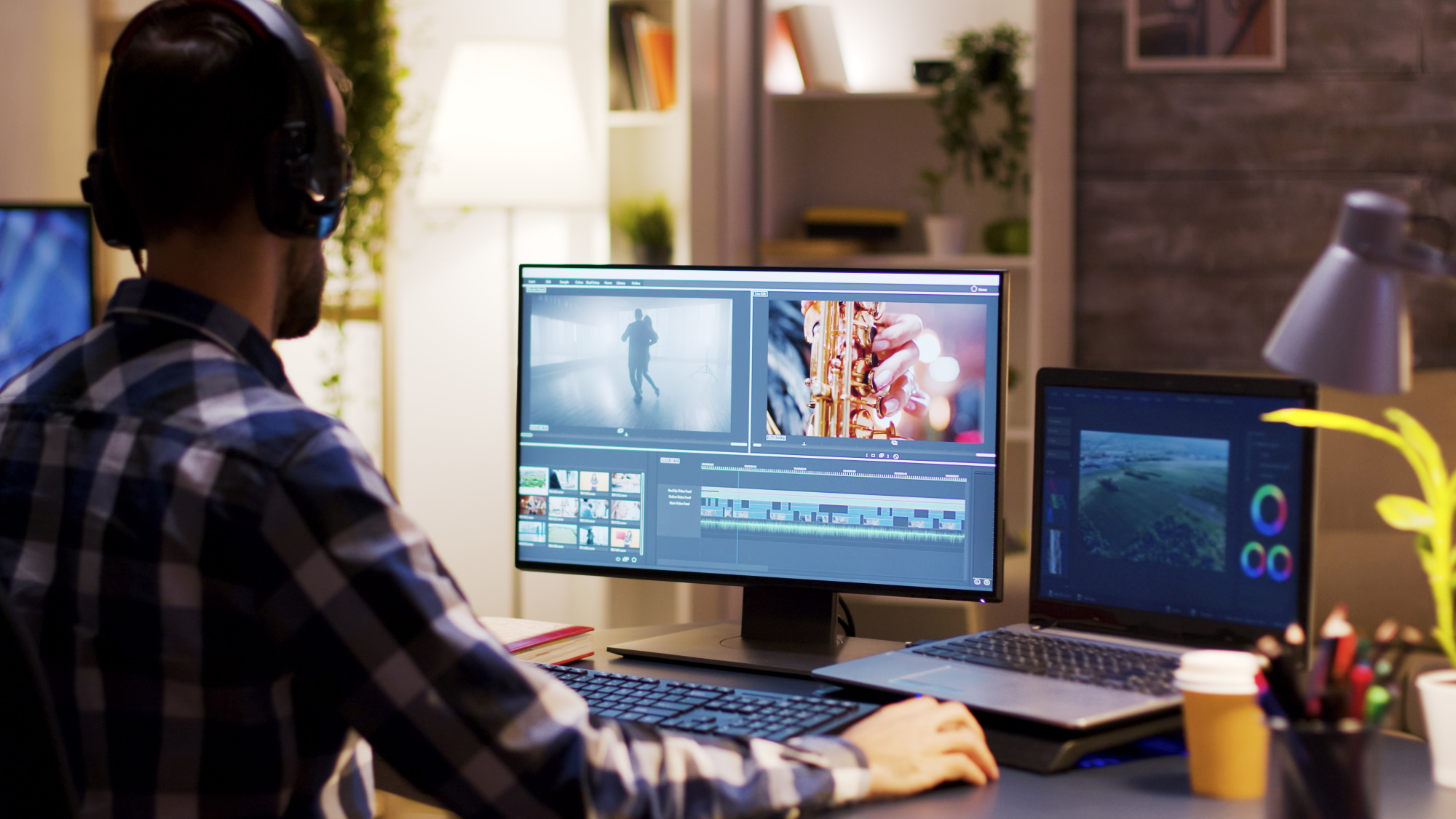
Choosing the right editor matters less than picking the right approach. The quickest way to edit like a pro in 14 days isn't just by downloading the most popular software. Instead, it's about finding the right editor for your videos, considering your laptop's capabilities, and deciding how quickly you want to see results. Below are ten PC editors often recommended by reliable sources, along with the specific practices that help turn features into finished work.
1. DaVinci Resolve
This is the free editor that shouldn't be free. It offers Hollywood-level color grading, professional timeline tools, and no watermark.
It's strong enough for feature films, but it can feel overwhelming if you open every panel at once.
The smart approach is to ignore most of it at first. Spend your first two days learning only the Cut page. Trim clips and use ripple delete to quickly close gaps. Focus on the timeline flow only.On day three, balance your audio so that the voice stays clear while the music is low. On day four, apply one simple color correction instead of heavy grading; just fix exposure and white balance.
After four days of this focused practice, your videos will look a lot cleaner. Expect smoother pacing and better color: the kind of polish that makes people think you used expensive software, even though you didn't pay anything.To further streamline your video editing, consider using Crayo's clip creator tool to enhance your workflow.
2. Adobe Premiere Pro
Premiere is the industry standard for freelancers, agencies, and YouTube teams. Learning Premiere can build immediate credibility for client work.However, it comes with a subscription fee that can add up if you're not yet earning revenue.
One common mistake beginners make is trying to learn every feature Premiere offers, hundreds of effects, dozens of panels, and endless tutorials. This approach often takes months and leads to frustration.
Instead, focus on three important shortcuts: cut (C), ripple delete (Shift + Delete), and playback (spacebar). Build one repeatable workflow: import, cut, audio balance, captions, export. Our clip creator tool helps streamline the editing process.Practice this exact sequence daily for a week to speed up your edits. This method helps create muscle memory rather than relying on random tricks.
According to a Creator Productivity Study, professional video editors save an average of 5 hours per week using AI-powered editing tools. This time savings increases when you use organized workflows alongside automation for repetitive tasks, such as adding captions and cleaning audio. Our clip creator tool enhances these workflows, making video editing even more efficient.
3. CapCut Desktop
CapCut isn't just a mobile app anymore; the desktop version enhances short-form editing by optimizing for TikTok, Reels, and Shorts.It avoids unnecessary features and panels, offering only the essential tools for vertical video.
Use CapCut to practice one video per day. Focus on four steps only: hook, fast cuts, captions, and export. That's all.Don't add effects just because they are available, and avoid experimenting with transitions for fun. Keeping it tight and fast is the key.
After a week, you'll see that you are posting faster. More importantly, your retention gets better as your pacing sharpens.Viewers typically stay longer when cuts are intentional rather than random. Using our clip creator tool can further enhance your editing experience and streamline your video production.
Before opening CapCut, platforms like Crayo help address the biggest problem for beginners: figuring out what to edit. Users can create up to five hooks for one idea, receive a 30- to 45-second script, and have captions and hashtags ready.This way, they can edit with a clear plan rather than staring at a blank timeline and not knowing what to do next. Plus, our clip creator tool further simplifies the process, enabling intuitive editing.
4. Clipchamp
Microsoft built this directly into Windows 11, so it’s already available on recently updated PCs. The video editor is made for speed, not complexity. It includes templates, drag-and-drop editing, and fast exports with a low learning curve.
Users can start with a template and change everything with their own clips. Focus on clean text placement and simple transitions. There’s no need for fancy effects or distractions; the goal is to create clear, professional-looking content.
This approach works well for business videos, quick social media posts, or simple client jobs where turnaround time is more important than advanced effects. While you may not win awards, you'll finish projects while others are still watching tutorials. Our clip creator tool makes it easy to put your unique spin on each project.
5. CyberLink PowerDirector
This editor is praised for its approachability while still offering intermediate-level tools.It bridges the gap between beginner-friendly and professional-grade editors, helping users who have outgrown basic editing software but aren't yet ready for the complexity of Premiere.
First, master trimming and audio skills. Get comfortable with these two elements before you add effects. When you decide to add effects, make sure they support the story; most effects do not have a purpose. Instead, they often make videos look busy rather than intentional.
Once you practice this restraint, your edits will become more deliberate. Viewers may not notice what you left out, but they will feel that the video flows naturally.
6. Filmora
Filmora appeals to beginners who want polished effects without steep learning curves. It offers pre-made titles, transitions, and overlays that look great right out of the box. The risk is in overusing these elements, as they are easy to apply.
The key discipline that makes Filmora effective is choosing one style and sticking with it. Select one font, one color theme, and one visual approach. By creating a reusable intro and outro once, users can reuse them repeatedly.
This consistency fosters recognizable branding. Your videos start to look unified, belonging to the same channel, creator, and vision. Also, editing becomes faster since there's no need to redesign everything from scratch each time.
7. Shotcut
Shotcut is open-source, lightweight, and runs well on lower-end PCs. There are no subscriptions, no watermarks, and no performance issues, even on less powerful laptops. While it may not look the best, it is definitely functional.
To get started, practice three skills: cutting, adding text, and leveling audio. Export daily; don't wait until the edit feels perfect. Finish it, post it, and then move to the next one. Our clip creator tool helps streamline the editing process, making it easier to focus on improving your skills.
Improvement happens through repetition, not perfection. Every export teaches you something new that the last one didn't. After two weeks of daily practice, you'll edit faster than those who spent the same amount of time watching advanced tutorials but never finished anything.
8. Kdenlive
Another solid open-source option, Kdenlive, offers multi-track timelines that help users adopt a professional workflow. You learn to layer B-roll over A-roll, add music under dialogue, and stack text over video. These basic skills will help you with any video editor you use in the future.
Start by learning multi-track layering. Get comfortable placing clips on different tracks and understanding how they interact. Once that feels natural, add simple keyframes to create basic motion or fade effects.
Once you master this structure, your videos will feel more dynamic. They will no longer look like just one long clip; instead, they will look like intentionally crafted stories.
9. OpenShot
OpenShot is often recommended for absolute beginners who want basic editing without complexity. It may not impress professionals, but it also won't overwhelm newcomers. With a simple timeline, clear tools, and minimal confusion, beginners can easily navigate the platform.
Use OpenShot to master pacing by removing pauses between sentences and tightening dialogue.Focus on eliminating filler words and use only one transition type, using it sparingly for effect.
Tighter pacing keeps viewers watching longer. According to diyvideoeditor.com, over 90% of video content is consumed on mobile devices, where attention spans are shorter, and pacing matters even more. When your videos feel tight, drop-off rates decrease. People stay because the content moves.
10. Lightworks
Lightworks appears on most lists of the best free editors, but some advanced features are available only in the paid version. It is known for teaching professional-style editing discipline because its interface helps users focus on story structure rather than effects.
Instead of focusing on effect editing, practice story editing. Cut for meaning by removing anything that does not move the narrative forward.Try to make one 60 to 90-second story video every week. Skip effects and transitions and focus on clear storytelling through intentional cuts.
After a month of this practice, your edits feel professional even without fancy visuals.Viewers connect with the story instead of the polish. This difference sets apart beginners from those who know what really grabs attention.
The Simple Rule That Makes These Editors Work
Pick one editor and use it for 14 days straight. Avoid switching tools, comparing options, or wondering if another tool might be better. Just practice daily with the one you chose.
Next, address the biggest problem beginners face: What should I edit today? What should the video say? How do I write captions that sound natural? These questions can stop progress before you even start.Tools like Crayo generate hooks, scripts, captions, and hashtags in seconds. This helps you begin editing with clear direction rather than worrying. You can focus on cutting, pacing, and storytelling because the content strategy is already figured out.
Remember, structure beats software every time. The choice of editor is less important than the system you use to get better.
Choosing the right editor is just the first step. Also, knowing how to use it doesn't automatically turn practice into paid work.
Related Reading
- Video Editing Workflow Checklist
- PC Specs for Video Editing
- How To Start Editing Videos
- How To Practice Video Editing
- Mac Vs Pc For Video Editing
- How To Make A Video Editing Portfolio
- Video Editing Tips And Tricks
- How To Make Money Video Editing
- Best Free Video Editing Apps For Android
- How To Organize Video Files For Editing
- How To Edit Video In Google Drive
- Creative Video Editing Techniques
The 14-Day Action Plan to Edit Like a Pro and Start Getting Paid
Most people who want to edit professionally spend months getting ready, but never feel prepared. They watch tutorials, gather presets, and wait for confidence that never comes. The change occurs when you stop preparing and start delivering results with a deadline.Fourteen days is enough time to build visible skill if you focus on creating rather than just learning. By the end, you'll have completed videos, a clear style, and proof that you can deliver work, not just talk about learning. If you're looking for an easy way to boost your editing process, consider using our clip creator tool to enhance your projects.
Days 1Through 3: Build Your Foundation Fast
Open one editor and install it. Then learn four simple actions: cut, trim, adjust audio volume, and export. Nothing else is important right now.Ignore color grading panels, skip advanced effects, and don’t touch motion graphics. Your only goal is to complete a single edit and export it successfully.
Most beginners waste their first week exploring features they won't use for a while. They click through effect libraries, try random transitions, and watch tutorials on techniques they don't need yet. After three days, they still haven't exported a single finished video. That isn't the right path.
Instead, edit one 30 to 45-second video on day one. It doesn't need to be perfect, just finished. On day two, edit another. By day three, complete one more.By the end of this phase, you've finished three full projects while others are still watching beginner's guide videos. To enhance your editing process, consider using our clip creator tool, which simplifies trimming and adjustments.
Days 4 Through 6 Speed and Control Through Repetition
You now edit one short video per day, each 30 to 60 seconds long.Focus on eliminating pauses between sentences, speeding up the pace so nothing feels slow, ensuring the audio is balanced for clear voices, and including simple captions that match what you say.
Don't aim for perfection; aim for getting it done. Export every single day, even if the edit seems rough. Sarah used this exact method with basic desktop software.Her first edit took almost three hours, but by day six, she finished similar videos in under 45 minutes. That's measurable skill growth, not just vague improvement.
The speed increase happens because you're building muscle memory.Your hands learn where the tools are.Your brain goes from thinking about 'how do I cut this clip?' to 'what should I cut next?'This change from focusing on mechanics to thinking strategically is what sets beginners apart from those who look professional.
Days 7 Through 9 Create Work That Looks Client-Ready
Stop practicing randomly and focus on the portfolio you'll show clients. Create a YouTube-style video between two and four minutes long. Then make two Shorts or Reels. Finally, create one promotional video that effectively sells a product or service.
Use a single font across all your videos. Choose a single color style and stick with it. Make one simple intro and one outro, then reuse them.This consistency makes your work look planned rather than just trying things out. Clients notice when your samples appear cohesive, suggesting you have a clear creative vision rather than merely experimenting with different ideas.
Before you start editing these portfolio pieces, many beginners often struggle with delays in deciding what to create. You might find yourself looking at a blank timeline, unsure of what the video should say, how to put it together, or what captions will sound natural. Tools like Crayo can completely remove this confusion.You can get five hooks for a single idea, receive an entire script structure, and create captions and hashtags before you even open your editor. So, instead of spending two hours planning and one hour editing, you can spend just ten minutes planning and one hour editing with a clear direction.
Days 10 Through 12: Master the Delivery Process Clients Actually Pay For
Knowing how to edit is meaningless if you can't deliver on time and maintain proper file organization. Most beginners can cut clips and add music, but they often struggle to meet deadlines reliably or export in the correct formats.This lack of reliability often results in not being hired.
Practice naming files clearly so clients understand what they are receiving. Organize project folders to make it easy to access assets when revisions come in. Learn which export settings match different platforms.Then, simulate real client pressure: "Three shorts needed in 48 hours." Do it. Actually, complete the task within that timeframe.
James practiced this workflow discipline for three days. When his first real client requested a fast turnaround, he delivered early with properly labeled files and correct aspect ratios. The client hired him for monthly retainer work because reliability mattered more than fancy effects. That’s what this phase builds.Incorporating a clip creator tool can streamline your editing process and improve your efficiency.
Days 13 and 14: Enter the Market With Proof
Create a simple portfolio folder using Google Drive or Notion. Upload your best four to five videos from the previous days. Then write a short pitch that explains what you edit, who you help, and what results you deliver. Keep it direct and avoid using fluff like "passion for storytelling." Focus on providing clear value.
Apply everywhere: Twitter, Instagram DMs, Fiverr, Upwork, and Facebook groups for small businesses. Send at least fifteen pitches over two days. Most people won't reply, but a few might.One may hire you. That's how it starts.
James sent exactly this volume of outreach and secured a ₦45,000 monthly retainer within three weeks. He had no design degree and no expensive equipment; he simply showed finished work that proved he could deliver. The market doesn't care about your learning journey; it cares about whether you can solve problems on time.
After fourteen days with this system, you'll know how to edit. You will have a portfolio, a repeatable workflow, and confidence from finishing real projects. You will also have client-ready skills that effectively turn effort into income. This change marks the difference between endlessly watching tutorials and actually becoming someone who gets paid to edit, not someday, but now.
Related Reading
- Best Drone Video Editing Software
- Best Video Editing Software For Music Videos
- Best Video Editing Software For Sports Highlights
- Best Video Editing Software For Content Creators
- Best Video Editing App For Pc
- Best Paid Video Editing Software
- Best App for Video Editing on iPad
- Best Songs For Video Editing
- Best Video Editing Software For Vlogging
- Autopod Alternative