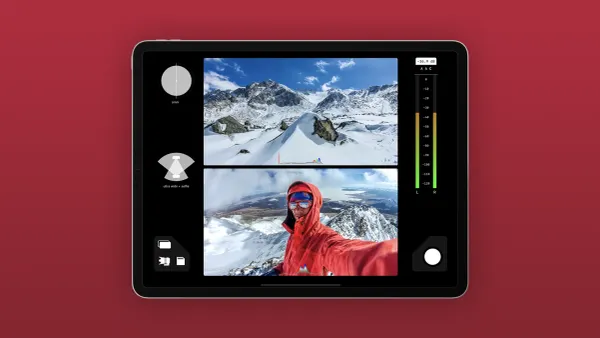
Editing time hinges on the project’s style and requirements. Different video types, whether quick talking head segments, detailed tutorials, or cinematic shorts, demand unique approaches such as precise cuts, color grading, and sound mixing. How long does it take to edit a YouTube video? Variables such as footage length, render time, and overall complexity significantly shape the workflow.
Advances in artificial intelligence and streamlined processes have reshaped editing techniques. Creative projects now benefit from tools that reduce manual tasks and enhance efficiency. Crayo’s clip creator tool helps automate highlight selection, captioning, and formatting to quickly produce engaging content across platforms.
Summary
- Intentional editing is a primary driver of retention and engagement; 90% of top-performing YouTube videos are edited to enhance viewer engagement.
- Professional finishing increases credibility and reach; videos with professional editing receive 30% more views on average.
- Editing is time-intensive for most creators; the average YouTube video takes about 7 hours to edit, and beginners commonly spend 5 to 10 hours on a short video.
- AI and automation scale output: over 500,000 YouTube creators use AI tools, and studies show editing time can be reduced by up to 70%.
- Small process changes pay off, for example, using templates can decrease editing time by 30%, and advanced editors often complete organization in under 20 minutes and primary assembly in about 30 minutes.
- The clip creator tool addresses this by using AI to select highlights, add captions, and resize clips for reels and TikToks, so teams can compress review cycles and batch-generate short-form assets.
Importance of Editing YouTube Videos

Editing is the difference between raw footage and a focused message that connects, persuades, and gets watched. It sets the rhythm, removes friction, and makes your ideas impossible to ignore.To streamline this process, consider using our clip creator tool for smoother edits that enhance your storytelling.
1. Polishing the footage
Refining the raw shots turns rough moments into a clear sequence that conveys a single argument. When you trim extra frames, fix color drift, and tighten timing, the story feels planned rather than thrown together. Think of this as sculpting: you remove material until the underlying shape is clear, making the final piece feel effortless, even if the process was careful.
2. Emphasizing the core moments
Good editing is essential for highlighting key moments. It brings attention to the parts that people need to remember by using sound design, motion, and graphics to enhance meaning. Instead of letting important lines fade into a long scene, key moments are marked visually and with sound to ensure viewers notice them. This method keeps the main message from getting lost in background footage and makes actions like clicking a link or subscribing feel like a natural next step.
3. Holding attention across the runtime
Retention is not accidental; it is created through pacing and sensory variety. The predictable pattern is clear: channels that leave dead air and have inconsistent lighting quickly lose viewers' attention. On the other hand, those that pace cuts and add visual cues keep viewers engaged.Editing shapes this flow by smoothing audio, tightening transitions, and layering small visual interest. This approach ensures viewers stay engaged from the first beat to the last. According to Teleprompter.com, 90% of top-performing YouTube videos are edited to improve viewer engagement, underscoring the importance of effective pacing.
4. Improving discoverability and search performance
Editing isn’t just about what you see on the screen; it also impacts how people find your video. Clear, well-organized videos naturally incorporate keywords into voiceovers and captions.This method helps generate accurate timestamps and produces thumbnails and short clips that match user search queries. When creators organize content with clear hooks and well-defined sections, platforms can index it more effectively and surface it for relevant searches.
5. Raising production value so your content competes
Raising production value to help your content compete. Professional finishing, such as balanced sound and consistent color grading, demonstrates skill and quickly builds trust. When you polish a video, viewers see the information as more credible. That quality improvement is measurable: Teleprompter.com reports that videos with professional editing receive 30% more views on average (Teleprompter, 2026).In competitive categories, small technical wins add up to a perceptual advantage.
6. Crafting the narrative flow
The choice and order of clips create meaning, not just movement. The footage is organized to clearly show cause and effect, and emotion is built where needed; every scene serves its purpose. This is where editing becomes strategic: a sequence that begins with a tight visual, goes to human detail, and then ends with an actionable insight will perform better than a set of unrelated moments.
How can editing processes be optimized?
Most teams edit by stitching clips together linearly, which feels familiar and easy to follow. This method works well until the team grows, input increases, and feedback becomes more scattered. As a result, review cycles take longer, and quality can decline.Tools like the clip creator tool help organize assets and keep feedback in one place. This organization reduces back-and-forth communication and shortens review cycles from days to hours while maintaining version history and approvals.
Why is editing compared to tailoring?
A short analogy can clarify this concept: raw footage resembles uncut fabric; it is useful but messy. Editing is the process of tailoring it into something wearable. The quality of the fit ultimately determines whether viewers notice the stitch or the overall outfit.
What if editing time is underestimated?
Curiosity loop: What if the time spent on editing is only half the story? The other half is important for determining whether people actually watch a video to the end.
Related Reading
- Types of Video Editing
- How Long Does It Take to Edit a Music Video
- What Is an Overlay in Video Editing
- Is CPU or GPU More Important for Video Editing
- Can I Edit a YouTube Video After Posting
- Is Video Editing a Good Career
- Can You Edit Video in Photoshop
- Beginner’s Guide to Video Editing
- Video Editing Basics
How Long Does It Take to Edit a YouTube Video
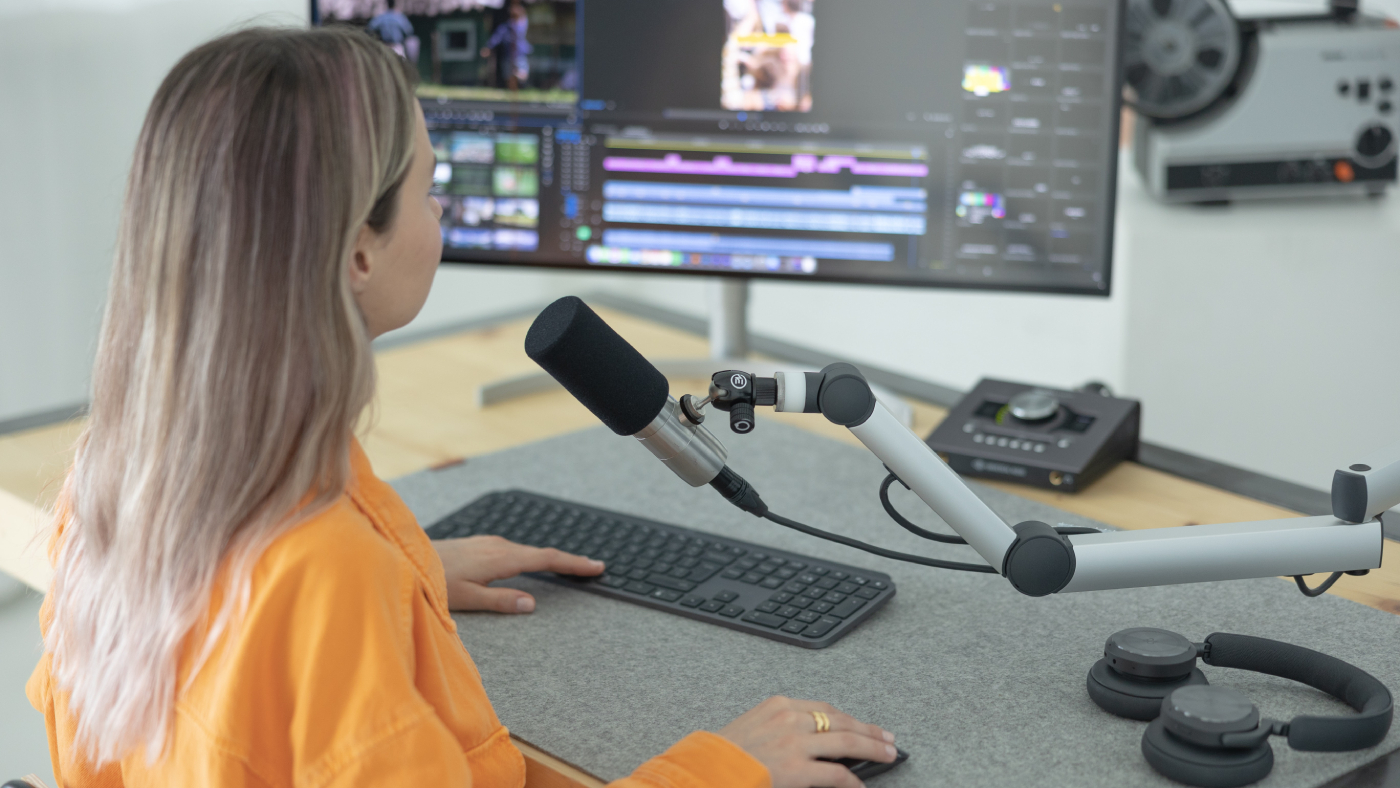
Editing time can vary based on experience, scope of work, and tools used. Most creators estimate it takes anywhere from a few hours to a full workday to produce each video. The main factors affecting this time are the amount of raw footage, the number of creative layers added, and the extent to which repetitive tasks are automated.For context, the Gling AI Blog: "The average YouTube video takes about 7 hours to edit." This baseline is a helpful reference for assessing whether your editing process is efficient orneeds adjustments. Additionally, utilizing a powerful clip creator tool can significantly streamline your workflow and reduce editing time.
1. Beginner editors, step-by-step times, and experience
- Typical cadence: organizing footage, rough cuts, then finishing touches. Organization can take an hour or more as you label your takes and search for usable clips. Trimming and arranging clips typically takes about two hours because you are learning what fits and what slows the pace. Adding transitions, effects, and basic audio fixes usually adds another hour.
- What that feels like: After working with new creators, the pattern became clear. They often spend 5 to 10 hours on a short video and feel tired by the end, which is why many consider hiring an editor to ensure consistency.
- When to accept slowness: If you are learning the craft and building a library of templates, this time is an investment. If you are feeling burnt out, consider outsourcing or simplifying.
2. Intermediate editors, typical timing and choices
- Typical cadence: structured folders, scripted cuts, and selective finishing. Organization usually takes about 30 minutes because clips are already more consistent, and metadata helps. Trimming and basic assembly usually take about one hour, while integrating music and syncing sound adds roughly 45 minutes.
- What changes here: you trade frantic discovery for a repeatable workflow, which compresses the mechanical work and frees time for creative decisions. You still spend time on story choices, but you spend fewer minutes on routine tasks.
3. Advanced and professional editors, what speed looks like
- Advanced and professional editors work at a much faster pace. Their usual process includes fast triage, decisive cuts, and efficient polish. They can often finish organizing in under 20 minutes. Trimming and initial assembly usually take half an hour, while effects and audio balancing typically take less than an hour.
- Why do they work so quickly? They use templates, keyboard shortcuts, and mental filters to eliminate what does not advance the story in the immediate moment. This speed helps them maintain high quality by focusing their time on what truly matters, rather than on repetitive micromanagement. Moreover, using a clip creator tool enhances their workflow by streamlining editing.
4. Length of raw footage, and how it scales effort
- The length of raw footage greatly affects editing time. Shorter recordings perform better, but longer recordings do not. When you begin with hours of footage per session, review can slow things down because each additional hour of source material increases the time required to select clips.
- In reality, trimming a two-hour shoot is not just twice as hard as a one-hour shoot; it also increases the need for review, synchronization, and continuity checks. To streamline this process, consider how our clip creator tool can help you efficiently manage your footage.
5. Complexity of content and style
- The complexity of content and style significantly affects editing time. Simple vlogs usually take less time, while tutorials with multiple cameras and motion-heavy explainers need more time.
- Every camera angle, graphic, or animated overlay adds extra time because it's important to match timing, color, and intent. Problems arise when complexity is treated as decorative rather than as a means to tell a story effectively, as this can lengthen the schedule without adding real impact.
6. Skill level of the editor as a multiplier, not a switch
- The editor's skill level acts as a multiplier, not a switch. It makes certain steps easier by streamlining organization, reducing edits, and improving FX choices.
- You can see this pattern in solo creators and small studios. For example, improving a skill, such as audio cleanup, reduces later work and shortens overall time.
7. Availability of software, hardware, and templates
- Availability of software, hardware, and templates: slow computers, missing proxies, or a lack of reusable project templates can waste significant time, adding minutes that turn into hours over a week.
- The solution is practical: spend money where time is often wasted, like upgrading your machine or building a collection of useful assets. This can help reduce cumulative edit hours each month.
8. Manual work versus automation and AI
- Manual work versus automation and AI. There is a clear efficiency gain when automating repetitive steps. According to the Gling AI Blog: "Editing time can be reduced by 30% using AI tools." Tasks such as silence removal, rough cuts, and caption drafts can be automated.
- This allows editors to focus more on narrative and craft. The right hybrid workflow keeps creative judgment while saving hours that might otherwise lead to fatigue.
9. When hiring a video editor makes sense
- Hiring a video editor makes sense when the time you spend editing your own work is more than the cost of getting help. A regular editor can help you finish your work faster and improve quality by making repetitive tasks more efficient.
- This sets up a trade-off between the level of control you want and how quickly you can get things done. If getting your work out quickly matters, professional help can often save you time and reduce stress. Additionally, using our clip creator tool can further streamline your editing process.
10. A practical metaphor to keep decisions honest
- A practical metaphor for keeping decisions honest is to think of editing as pruning a garden. It involves removing excess elements that block light, tidying edges that distract, and caring for the few plants that will bloom. Pruning takes time; however, the right cuts make the whole bed thrive. Unnecessary trimming only wastes effort.
How does editing impact creator mental health?
The emotional cost of editing greatly impacts creators. Many feel frustrated and burned out when regular editing takes away their creative time. This pressure often leads to decisions such as hiring additional staff or exploring automation. The challenge is picking the right tools and strategies for each channel, ensuring that the time spent yields better work rather than just more busyness.Tools like our clip creator tool can significantly streamline the editing process, allowing creators to focus more on their creativity.
What is the challenge in reducing editing hours?
That sounds promising, but the hardest part is reducing editing hours without compromising the quality of the craft. This challenge is exactly what comes next.
How to Speed Up the Process of Editing YouTube Videos

You can save hours on every YouTube edit by making decisions early and using repeatable methods. To do this well, plan the structure, organize your materials, group tasks into focused sessions, and automate repetitive steps. By using these four strategies, your editing time, review cycles, and re-renders will not keep growing to fill your schedule.
1. Plan the edit before opening your editor.
Start by breaking the video into a simple sequence map: hook, three pillars, evidence clips, optional B-roll spots, and a call to action. Sketch this out as blocks on a single page, timing each block accordingly. When the timeline is open, the goal becomes placing clips to fulfill an intention rather than hunting for structure. This small habit eliminates needless trim-and-reshuffle loops. For a smooth experience, consider how our clip creator tool can help you efficiently organize your content.
2. Organize assets like a system, not a folder dump
Organize assets like a system, not just a messy folder. Use consistent naming, a short metadata tag, and a central index file that lists usable takes and timestamps. Create bins for raw footage, selects, B-roll, SFX, music, and deliverables. Also, keep a favorites bin for easy access.When reviews need to be quick, using proxies and a single naming convention lets you find the right clip in seconds rather than minutes. For an efficient solution, consider how our clip creator tool can streamline your workflow.
3. Master keyboard shortcuts and customize them
Mastering keyboard shortcuts and customizing them can greatly improve your efficiency. Spend three focused sessions practicing the ten commands you use the most, then make those shortcuts permanent.
For example, you could replace a slow task, such as a four-click trim, with a single custom shortcut. The first week might feel strange, but by the third week, you will save minutes per cut, resulting in significant time savings across longer projects.
4. Edit in passes instead of perfecting everything at once
Edit in passes instead of trying to make everything perfect at once. Set a time limit for a rough cut pass to get rid of mistakes and pauses. Then, do a pacing pass to create a good rhythm, and finish with a polish pass for sound and color corrections.Use a checklist for each pass to ensure you don't revisit decisions unnecessarily. Consider polishing optional; changes that don’t alter the story can be deferred or made into templates.
5. Record with editing in mind
Doing three small things while filming can really help your workflow go more smoothly: leave two seconds of silence at the end of each take, clap or use a slate for sync points, and mark good takes in the camera or with a note app.These habits create visible anchors in your footage. This makes it faster to identify usable moments when importing, since they are already marked.
6. Use playback speed and active triage to cut review time
Scan raw footage at 1.5x or 2x speed, marking anything usable with a 'use' marker as it appears. Don’t pause to place a perfect point.This method converts passive review to active triage, breaking rewatch loops. If a session is longer than about an hour of raw video, triage is essential, as selecting it with our clip creator tool can otherwise take too much time.
7. Turn repeatable moves into templates and presets
Turn repeatable moves into templates and presets. Convert title sequences, lower thirds, color LUTs, and mix presets into reusable templates so you never have to rebuild the same element. According to Storyy (2025), "Using templates can decrease editing time by 30%." This practice changes routine work into one-click steps. As a result, you can focus on story decisions that matter.
8. Automate repetitive tasks with macros and smart tools
Automate repetitive tasks with macros and smart tools. First, find the five edits you always make to each video. Then write a script or create macros to automate those edits.Using batch processing, automatic audio normalization, caption generation, and sequence templates can significantly reduce time-to-completion. For creators who are increasing their output, automation is not just helpful; it is an essential tool that keeps quality and speed in balance.
9. Take strategic breaks, so focus stays sharp
Take strategic breaks to keep focus sharp. Work in focused 45- to 90-minute sprints, then step away for 10- to 20-minute breaks. Mental fatigue can lead to sloppy edits and unnecessary revisions.Taking short, deliberate breaks reduces the number of revision cycles and preserves creative judgment. This ultimately saves time by allowing for rest.
10. Review while exporting or uploading and use AI for short-form speed
Run a final playback during export, checking a tight error checklist that includes audio sync, captions, thumbnail frame, and end-card links.
For short clips, consider using AI to assemble cuts, generate captions, and apply basic grading so you can move from idea to publish quickly. According to Storyy (2025), "Automated tools can cut down editing time by 40%." Automation is most effective in areas where the craft adds little incremental value.
What issues arise with manual editing processes?
Status quo disruption occurs when most creators rely on manual, repetitive tasks to make edits because they feel comfortable and provide full control. While this approach works at low volume, doing more results in broken review threads.Templates need to be created repeatedly, and minor errors require additional renders and re-uploads. Platforms like Crayo offer a new way: teams find that automating tasks such as captioning, creating short videos, and applying styles helps them focus on their creative choices while reducing routine steps that often take up their nights and weekends.
What fails in editing processes?
A quick note on what actually fails: complexity without rules. Adding movement, extra angles, or custom overlays without a set plan can greatly increase time in predictable ways.So, make complexity a deliberate choice, not just a habit.
What is the curiosity loop in video editing?
The curiosity loop is the satisfying feeling of getting better at editing. But things change when you see which parts of editing machines can actually do better than human editors. Understanding this difference is key because it underscores the importance of integrating technology into the editing process.
6 Best AI Tools to Edit YouTube Videos
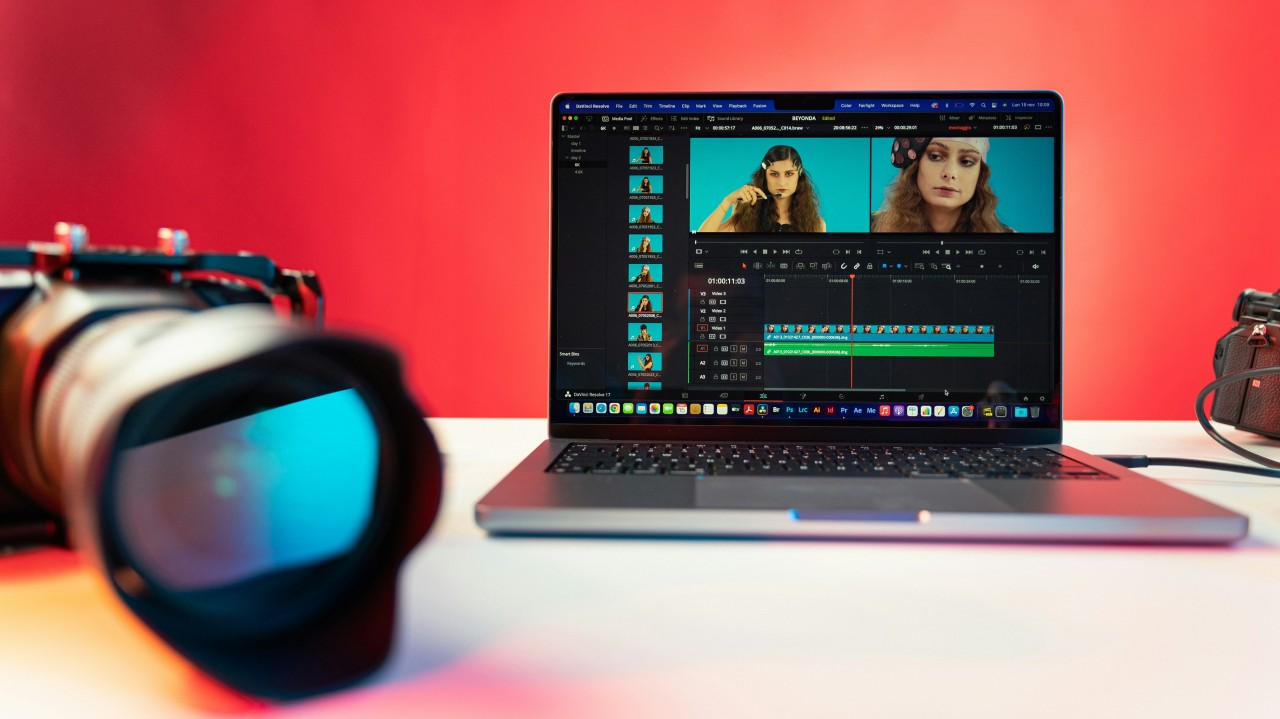
These six tools cover the main editing needs you'll face: mass-producing short clips, assistant-style rough cuts, generative VFX, transcript-driven editing, intelligent Premiere cleanup, and multicam podcast workflows. Pick based on the problem you need solved.Also note that over 500,000 YouTube creators use AI tools for video editing, so these options are battle-tested in the wild.
- Crayo: automated short-form repurposing
- Eddie AI: assistant editor and rough-cut builder
- Electric Sheep: generative-video plus VFX toolkit
- Descript: transcript-first editor with agentic features
- Spingle: Premiere-integrated footage cleanup and search
- Autopod: podcast and multi-camera cut automation
1. Crayo
Crayo converts long uploads into multiple short videos, ready for different platforms. It uses prompts and templates to help with this. This means you can create many short videos without manually cutting them.Users just need to type a short outline, pick a style, a voice, and music from the built-in templates. Crayo then handles captions, effects, and exports for you. It works well for quickly converting long recordings into multiple bite-sized clips.
Pricing and specific limits may change, so it is a good idea to test things with a batch and compare the results before deciding on a regular schedule.
2. Eddie AI
Eddie AI is a powerful tool for editing. When tested during a three-hour interview, it imported and transcribed everything in about 15 minutes on an M4 Max laptop. It then created a draft with multiple sections in about 20 minutes of interaction. Eddie’s strength is in full support: logging footage, adding metadata, and assembling a rough cut from a transcript.Users can expect a solid first draft, but it still needs human sorting and finishing touches. The app picks out moments based on text, not just visual flow. As a quick first-pass tool, it can significantly boost productivity. The free tier supports limited exports, while the Plus plan provides more projects for about $25 per month.
3. Electric Sheep
Electric Sheep combines generative video and AI-driven VFX. It includes tools for rotoscoping and inpainting that let users create or modify footage using prompts. The trade-off is a learning curve: you need to be good at prompting, correcting errors, and regenerating content to use the platform effectively.Electric Sheep allows short HD uploads and starts with a low monthly fee, with additional charges based on the number of credits used for generation. A free trial includes 150 AI credits, allowing users to test their creative workflows before committing to additional spend.
4. Descript
Descript treats the transcript as the main way to interact with the tool. Its features let users request high-level changes, such as a five-minute summary, removing silence, or making things clearer. Since the system can read the transcript and analyze both audio and video, it provides more context than tools that only analyze text.The new chatbot-style agent is still developing; users should be ready for some strange suggestions and should keep a human involved. Descript offers a free trial and paid plans starting at a reasonable monthly rate for more frequent use.
5. Spingle
Spingle offers big advantages for video editing. During tests with documentary rushes, it took about 20 minutes to analyze 30 minutes of footage. The tool then needed only 30 seconds to cull unusable material, quickly finding shaky or out-of-focus clips while showing usable b-roll.Spingle integrates seamlessly with Adobe Premiere Pro, allowing editors to keep their usual interface while leveraging cloud-based analysis, searchable metadata, and the option to use custom templates trained on past projects.
Right now, it is in beta and requires early sign-up for access. However, the workflow benefits are mostly noticeable for teams that already use Premiere proxies and have a fast upload pipeline.
6. Autopod
Autopod automates cut selection for video podcasts and multi-camera interviews. It picks camera angles, removes dead air, and extracts clips ready for social media. This saves hours on the initial cut when there are separate audio tracks for each speaker. However, it won’t help if your session doesn’t have distinct speaker channels.Autopod works smoothly with Premiere Pro. Pricing begins at a reasonable monthly fee, and a trial month is available, making it a practical choice for creators who regularly publish multi-camera shows.
How should you choose between these tools?
Choosing between these tools requires understanding your specific needs. If you need volume and repeatable short-form output, prioritize tools that support templating and batch exports.
For creative VFX or content generation, be prepared for iterative prompt work and extra credit costs. When the bottleneck is rough assembly and metadata, assistant editors like Eddie can significantly speed up the first pass; however, you should plan to refine the narrative manually.
For footage hygiene and searchable rushes, Spingle’s automated cull acts as a time-saving multiplier, provided you can supply proxies and maintain a steady upload window.
What are the common habits in video editing?
Most teams start by using familiar manual workflows. These habits appear safe and require no new approvals. But as volume grows, the time it takes for reviews gets longer, and routine tasks pile up; this dependence starts to break down.Platforms like Crayo offer a new approach by centralizing short-form creation, automating captions and styling, and allowing creators to retain control over key decisions. This method eliminates repetitive tasks, shortens review times, and increases output without requiring editors to change their processes.
How can AI tools enhance video editing efficiency?
Adopting the right mix pays off. Across different situations, AI tools can reduce video editing time by up to 70%, so the question becomes which tasks to keep and which to automate.
Testing combinations is essential. Measure the quality difference across a few releases, and consider these tools accelerants for specific steps rather than full replacements for editorial judgment.
Related Reading
- Video Editing Workflow Checklist
- PC Specs for Video Editing
- How To Start Editing Videos
- How To Practice Video Editing
- Mac Vs Pc For Video Editing
- How To Make A Video Editing Portfolio
- Video Editing Tips And Tricks
- How To Make Money Video Editing
- Best Free Video Editing Apps For Android
- How To Organize Video Files For Editing
- How To Edit Video In Google Drive
- Creative Video Editing Techniques
Stop Spending Hours Editing YouTube Videos - Turn Long Edits Into Shorts in Minutes With Crayo
Spending hours cutting clips, syncing music, and typing captions can delay publishing and slow down channel growth. Solutions like Crayo automate captions, effects, background visuals, and music. This lets users create YouTube Shorts in batches from a simple prompt or outline. This process enables exports in minutes rather than hours, increasing posting frequency.It also lets you focus on ideas instead of timelines. Use the clip creator tool for a streamlined experience.
Related Reading
- Best Drone Video Editing Software
- Best Video Editing Software For Music Videos
- Best Video Editing Software For Sports Highlights
- Best Video Editing Software For Content Creators
- Best Video Editing App For Pc
- Best Paid Video Editing Software
- Best App for Video Editing on iPad
- Best Songs For Video Editing
- Best Video Editing Software For Vlogging
- Autopod Alternative