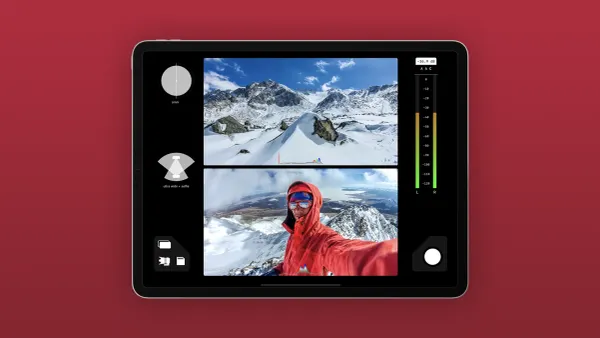
A phone full of captivating footage and a head full of ideas brings the challenge of transforming raw clips into engaging videos. Understanding the different types of video editing is a crucial first step in this process, as it helps shape content into a format that resonates with viewers. Strategic editing not only refines the narrative but also creates opportunities for both creative fulfillment and revenue.
Expensive software and complex timelines are not prerequisites for success. Affordable, user-friendly solutions can shift the focus from technical hurdles to storytelling. Embracing a streamlined editing method empowers creators to enhance pacing, structure, and overall impact, and Crayo's clip creator tool makes it easier to deliver content that truly connects.
Summary
- Beginners abandon video editing not because of skill gaps but because they wait for permission to start. HubSpot found that 80% of beginner content creators quit early due to intimidation from technical aspects of editing software, but the real barrier isn't complexity. It's the belief that you need to master every feature before you're allowed to create anything worth publishing. Professional editors rely on cuts, basic transitions, audio levels, and pacing for most projects, not on advanced features that fill tutorial videos and leave newcomers feeling far behind.
- Portfolio visibility matters more than editing ability when landing first clients. Analysis of the entry-level job market shows professionals with 3,066 followers and active networking consistently outperform equally skilled candidates who remain invisible online. Skill without visibility doesn't generate opportunities. Clients hire proof, not potential, which means publicly showcased finished projects always beat private practice files. Three completed videos demonstrating pacing, clean cuts, and delivery capability outweigh months of perfectionism spent on work no one can see.
- Tight pacing retains viewers more than visual effects or color grading. Wistia's research found that videos that maintain tight pacing and avoid unnecessary pauses retain 60% more viewers through the first minute than videos with slow, drawn-out cuts. Beginners overuse effects thinking visual flair signals professionalism, but viewers leave because pacing drags and boredom sets in, not because color grading lacks cinematic quality. The timing of cuts shapes a video's feel more than any transition or effect.
- Specificity in service offerings attracts clients faster than general positioning. Saying "I edit podcast clips into vertical videos for Instagram and TikTok" tells potential clients exactly whether you solve their problem, while "I edit videos" forces them to guess what you actually do. A narrow focus makes it easier to find people who need exactly that service and creates momentum through clients who instantly recognize a fit. You can expand offerings later, but early traction comes from clarity, not breadth.
- Charging small amounts for filters for serious clients is better than offering free work. Free edits attract people who request endless revisions, miss deadlines, and disappear when asked for testimonials because they never valued the work in the first place. Even a $25 or $50 test project signals you're building a business, not seeking validation, and clients respect that positioning more than they respect free labor. Payment, regardless of amount, establishes professional boundaries from the start.
- Crayo's clip creator tool handles subtitle timing, voiceover syncing, and export formatting, so editors can deliver finished clips faster rather than troubleshooting technical specs that delay project completion.
Why Starting Video Editing Feels Overwhelming to Beginners
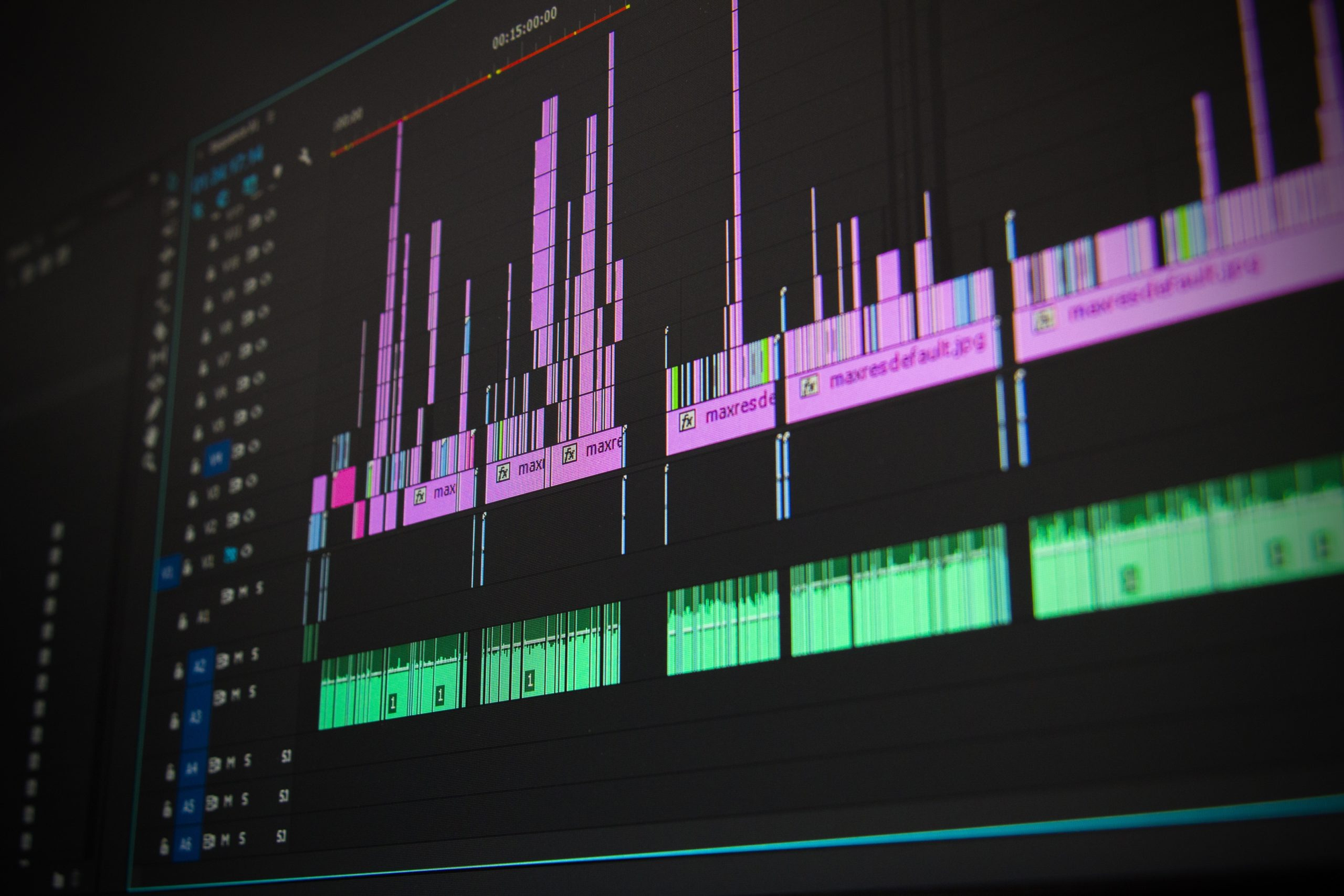
You don't need to master every transition, effect, and export setting before you create something worth watching. Video editing can feel overwhelming because beginners often think they need to learn the whole software before making their first cut.That's not true; you learn by editing, not by studying menus. The confusion begins with choice. Options such as Adobe Premiere Pro, DaVinci Resolve, Final Cut Pro, CapCut, and iMovie all deliver professional results, but they work in different ways.Premiere Pro throws you into a timeline full of nested sequences and adjustment layers. DaVinci Resolve welcomes you with color-grading panels that resemble a spaceship cockpit. You download one, open it, stare at the interface for twenty minutes, and then close it, feeling less capable than when you started.
The number of features adds to the problem. You click through menus and find options like keyframes, motion graphics, audio ducking, LUTs, masking tools, and render queues: terms that sound technical because they are. However, most people miss a key point: professional editors don't use 90% of those features on most projects.They rely on basic cuts, simple transitions, audio levels, and pacing. The rest is specialized work that becomes important later, when you actually need it. Using our clip creator tool can simplify your editing process and help you focus on what really matters.
Why is starting a project so risky?
Starting a project feels risky when you're not sure what you're doing. You import your footage, make a few cuts, and then you realize you don't know how to fix the audio. Suddenly, you're three hours deep with nothing to show for it.The fear isn't just about wasting time. It's about proving what you already suspect: that you're not cut out for this. Using our clip creator tool can help ease some of these worries by providing user-friendly options to get started.
How does fear prevent completion?
Fear holds many people back from finishing their projects. They often over-edit the first thirty seconds, constantly changing transitions and color grades until the project feels too precious to risk damaging. Others might give up on their work entirely, thinking that one mistake or a bad cut shows they should have picked an easier path.In reality, every editor's early projects usually look rough. The main difference between successful editors and those who quit is the ability to finish bad work and start anew. Our clip creator tool simplifies this process, helping you to focus on completing your projects effortlessly.
Is video editing just a technical skill?
Video editing often seems like a technical skill that needs a background in film school or graphic design. Terms like frame rates, bitrates, codecs, and rendering settings can make beginners feel they need to be technical experts to tell a story. However, creativity and pacing are more important than knowing the difference between H.264 and ProRes.You can learn export settings in just ten minutes when needed, but you can't learn storytelling from a codec menu. With tools like Crayo's clip creator tool, you can focus more on your creativity rather than the technicalities.
What does research say about beginners?
According to a HubSpot study, 80% of beginner content creators abandon their video projects early due to intimidation by the technical aspects of editing software. This happens not because the tools are super hard to use, but because people think they have to learn everything complicated before they can start creating. Software companies often exacerbate this problem by showcasing advanced features in tutorials.By focusing on what professionals can do, they accidentally make beginners feel like they are starting miles behind the starting line. To ease this transition, our clip creator tool offers intuitive options that help beginners get started with confidence.
What is the right question to ask beginners?
Beginners often ask which software is best; however, that's not the right question. The right question is: which tool will help me finish my first project without getting stuck in settings I don't understand yet? Starting with advanced software just because it's what professionals use is like learning to drive in a Formula 1 car. You'll spend more time trying to figure out the dashboard than actually making progress. Instead, consider our clip creator tool, designed to help you navigate the editing process with ease.
How do simple tools help beginners?
Simple tools teach the fundamentals of editing: how to organize a sequence, when to cut, and how to keep a story moving. Once you understand these ideas, moving to more powerful software is simple. Instead of learning to edit all over again, you are just getting used to a new interface.The mistake is in thinking that knowing software makes you an editor. Software is just a tool, but editing is the actual skill. Our clip creator tool makes it easier to apply these fundamentals effectively.
How does Crayo's tool assist video creation?
Platforms like Crayo's clip creator tool handle the technical setup, letting you focus on pacing and storytelling from the start. Instead of struggling with timelines and export settings, you can think about what to cut and where to emphasize. This is where editing really happens: in the choices you make about rhythm and attention, not in the software menus you use.
What keeps beginners stuck in tutorials?
Many beginners hesitate to start because they think editing is only for people with special training. They often watch polished YouTube videos or TikToks and assume the creators have spent years learning advanced techniques. In reality, most of these videos use basic cuts, simple text overlays, and clean pacing. The polish comes from doing it many times instead of discovering secret features in costly software.
This perceived learning curve keeps people stuck in tutorial loops. They spend hours watching 'beginner' videos that explain every feature in great detail, believing they need to learn everything before they start.However, editing is not learned by watching alone; it is learned through hands-on practice. Making cuts that feel wrong and adjusting them until they feel right creates an important feedback loop that only starts when one actually edits.
What are the common mistakes beginners make?
Knowing where to start does not guarantee beginners will avoid the mistakes that often prevent them from securing their first paid project. Using a reliable tool can make a significant difference; for instance, our clip creator tool streamlines the editing process, allowing you to focus more on your creativity.
Related Reading
- Types of Video Editing
- Long Does It Take to Edit a YouTube Video
- How Long Does It Take to Edit a Music Video
- What Is an Overlay in Video Editing
- Is CPU or GPU More Important for Video Editing
- Can I Edit a YouTube Video After Posting
- Is Video Editing a Good Career
- Beginner’s Guide to Video Editing
- Video Editing Basics
The Mistakes That Keep Beginners from Landing Their First Project
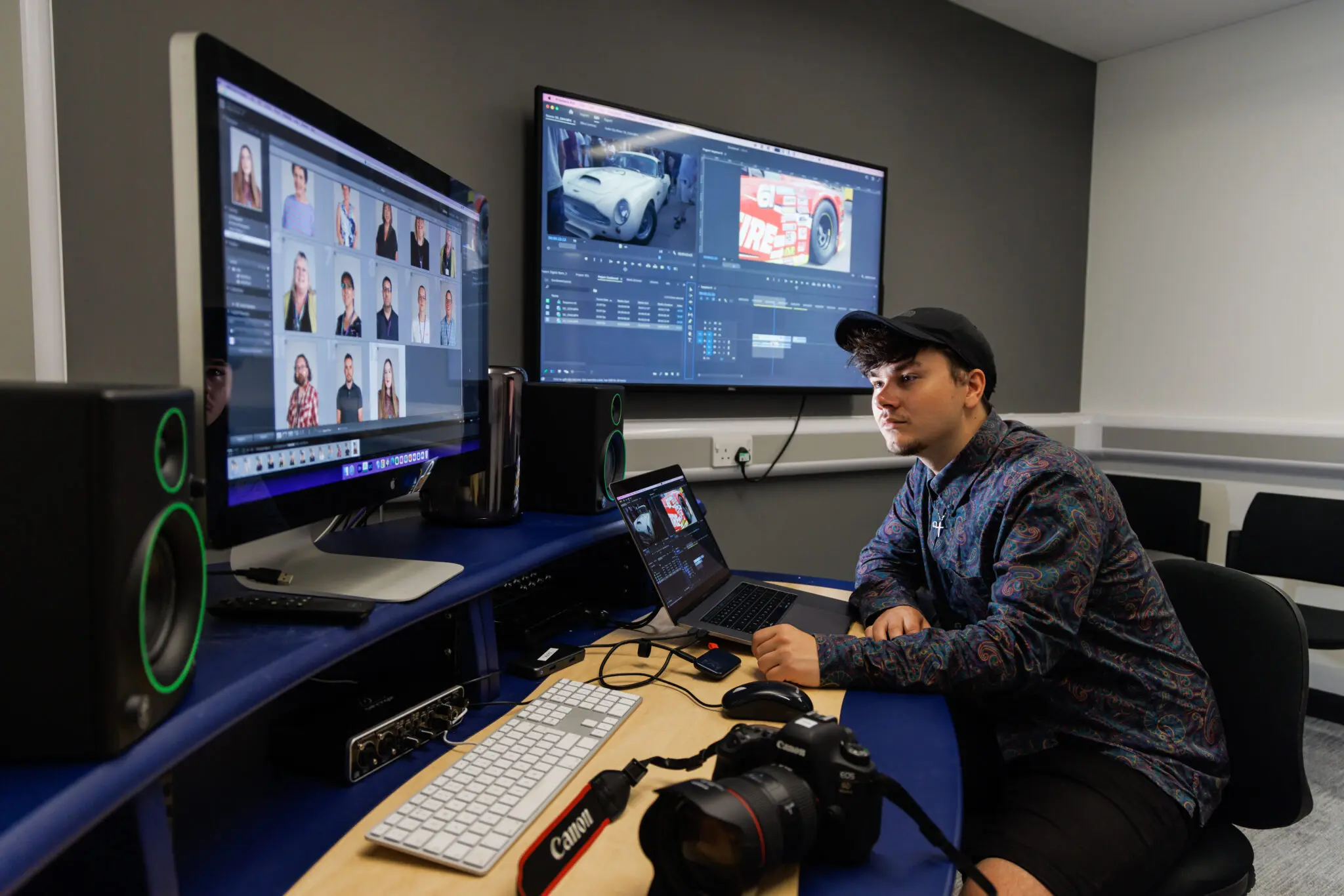
Beginners don't miss out on projects because they lack editing skills. They struggle because they can't demonstrate those skills.The gap between knowing how to edit and convincing someone to pay for it is where many aspiring editors get stuck. This gap isn't about talent; it's about visibility, positioning, and understanding that clients hire proof, not potential.
You can't get hired for work that no one can see. Many beginners edit practice videos, test transitions, and spend hours perfecting clips that remain on their hard drives. These are often viewed as learning exercises rather than portfolio pieces.This is a common mistake. Every completed edit, no matter how simple, shows someone's ability to make decisions about pacing, cuts, and storytelling. Without a public showcase, those decisions stay hidden.
The chicken-and-egg problem feels real; you need clients to build experience, but clients won't hire you without visible work. This can trap people in waiting mode, thinking they need permission to call themselves editors. Thankfully, portfolio work doesn't need clients; it needs finished projects.You can edit a friend's vacation footage or cut together clips from royalty-free libraries. Alternatively, you could recut a trailer for a movie you love. In these cases, the content matters less than showing that you can structure a narrative, keep rhythm, and deliver a polished final product.To support your projects, our clip creator tool offers intuitive features to enhance your editing capabilities.
How do you showcase your editing style?
When showcasing even basic projects, potential clients observe your editing style, attention to pacing, and technical execution. This visibility changes the question from "Can you edit?" to "Will your style work for my project?" You are no longer proving your ability; instead, you are showing that you fit well.
Why is visibility important for beginners?
Skill without visibility doesn't create opportunities. Beginners often focus solely on improving their editing skills while overlooking the fact that no one knows they are there. They believe high-quality work will attract clients, assuming clients will find their talent simply because it is good.This is not how freelancing works. Marketing yourself is important; it's the difference between having skills and successfully running a business.
According to Mirna Daouk's analysis of the entry-level job market, professionals with 3,066 followers and active networking consistently outperform equally skilled candidates who stay hidden online. Visibility creates opportunity; without it, you're relying on luck rather than a sound plan.
Platforms like LinkedIn, Instagram, and niche communities related to your editing focus are effective ways to showcase your work and connect with potential clients. Share before-and-after clips, and post about what you've learned from tough edits. Comment on other creators' work. These actions help you gain recognition in communities where clients seek editors.Staying quiet ensures that you'll be ignored, no matter how great your work is.
Should beginners refuse small projects?
Many beginners avoid small projects because they feel undervalued or believe these tasks are beneath their skill level. They see low-paying gigs as a waste of time and believe they should wait for larger opportunities.This mindset can delay progress. Small projects aren't distractions from a real career; they are the very foundation of it. Working on lower-paying jobs helps you build your reputation. It teaches you how to manage client expectations and provides testimonials that help higher-paying clients feel more comfortable hiring you.
Every completed project, regardless of budget, demonstrates your ability to deliver on time and handle feedback professionally. These qualities matter more to clients than how well you can create complex motion graphics.Trust is built through consistency, not by waiting for the perfect opportunity.
If you decline smaller gigs, you might miss opportunities to build visibility in specific niches. A $50 project for a local business could generate referrals worth 10 times that amount. A quick edit for a content creator might turn into ongoing work as their channel grows. Starting small isn't settling; it's about positioning yourself to grow.Additionally, our clip creator tool can help streamline your editing process and enhance your portfolio with small projects.
How does perfectionism affect beginners?
Perfectionism kills momentum. Beginners often get stuck, spending hours tweaking the same thirty-second sequence. They adjust colors, refine transitions, and second-guess every cut.They convince themselves that the project isn't ready and think one more pass will make it perfect. Unfortunately, that extra pass turns into five more, and the project never gets finished.
Clients value reliability more than perfection. A good edit delivered on time builds trust, while a perfect edit delivered late damages reputation. This hesitation can make clients hesitant to work with you again.Deadlines exist because projects have timelines, budgets, and dependencies. Missing deadlines shows that you can't manage professional expectations, no matter how beautiful the final cut looks.
The urge to perfect every frame stops you from finishing enough projects to improve. You learn more from completing ten decent edits than from endlessly refining one. Each finished project teaches you something new about pacing, client communication, or technical problem-solving. Ultimately, perfectionism doesn't enhance your skills; repetition does.
How can tools help with editing?
Platforms like Crayo's clip creator tool help beginners focus on delivery by automating technical decisions such as subtitle timing and voice-over syncing. Instead of getting confused by settings and adjustments, users can concentrate on making creative choices about what to cut and how to pace the story. This change from focusing on technical details to making creative decisions is where real editing skill develops.
Does charging too little hurt your business?
Charging too little doesn't make a business more attractive to clients; instead, it signals inexperience and devalues your time. Beginners often set low prices because they lack confidence or believe cheaper rates will help them secure more projects.However, clients who focus on price instead of quality are usually not the ones you want to work with; they often ask for endless revisions, miss deadlines, and treat your work as if it doesn’t matter.
Setting reasonable rates from the start shows your value and attracts clients who respect your time. While you don't need to charge top rates right away, working for amounts that make each project feel like a loss isn’t advisable. Price yourself based on the time required, the complexity of the work, and the value you deliver to the client.For example, if a project takes five hours and you charge $20, you’re earning only $4 an hour. That’s not sustainable and signals to clients that they can expect that low rate in the future.
Underpricing also makes it harder to raise your rates later. Clients who first hired you at $50 per project might not want to pay $200 later, even if you have improved your skills. Starting with fair pricing allows you to grow without alienating early clients or getting stuck with rates that don’t work. Consider how our clip creator tool can help you showcase your work more effectively and justify your pricing as you grow.
What should beginners do instead?
Understanding these mistakes is important, but knowing what to do instead is essential to improving. Our clip creator tool can support your journey by simplifying video editing.
10 Ways to Start Editing Videos
The fastest way to start editing videos is to stop thinking of it as a skill you must perfect before beginning. You learn editing by actually doing it, not just by getting ready to edit. The steps below focus on building momentum, not just gathering knowledge you may never use.
1. Start with One-Minute Projects
Long projects can be intimidating for beginners, leading them to quit before finishing. A one-minute video prompts you to make quick decisions without getting caught up in perfectionism. You will learn more from finishing five one-minute edits than from stopping halfway through a single ten-minute project.
Start with footage you already have. This could be a short clip from your phone, a screen recording, or any other material you have. Import it, make three cuts, add one transition, and export it.That’s your first edit. It probably won’t be good, but that’s not the goal. The aim is to demonstrate to yourself that you can turn raw footage into a cohesive piece with a beginning, middle, and end.
Shorter projects also help you better understand pacing than longer ones. With only sixty seconds to work with, every frame matters. You can't hide poor cuts behind extra footage. You'll quickly figure out what to take out because there’s no space for filler.
2. Choose Software That Matches Your Actual Needs
Beginners often download professional software, thinking it will improve their skills. However, this belief can be misleading. Complex tools may slow them down as they are still learning basic concepts such as cutting on action or matching audio levels.It is better to start with software that reduces complexity rather than increases it. That's where our clip creator tool comes in: it simplifies the process and lets beginners focus on honing their essential skills.
For Mac users, iMovie teaches the basics without confusing beginners with advanced features. If you want more control without the complexity of Premiere Pro, DaVinci Resolve offers professional tools that are easier to learn.For editing on mobile and creating short videos, CapCut works really well, especially for platforms like TikTok or Instagram. If you're considering expanding your editing capabilities, our clip creator tool can also streamline your workflow.
The software *doesn't matter as much as finishing projects. You can always change it later. What you learn about pacing, rhythm, and storytelling can be used on any platform. Even though the interface might change, the principles* stay the same.
3. Focus on Cuts Before Effects
New editors often overuse effects, believing that visual flair makes their editing look more professional. But it really doesn’t. What makes a piece look professional is clean cuts and smooth pacing. Using too many effects can pull attention away from weak storytelling, and importantly, they don’t fix it.
Spend your first ten projects focusing entirely on when to cut. Cut when the subject finishes a sentence, when the camera angle changes, or when removing dead space where nothing happens. These choices affect how your video feels more than any transition or color grading will.
According to a Wistia study, videos with tight pacing and fewer unnecessary pauses retain 60% more viewers in the first minute than those with slow, long cuts. Viewers don’t leave because your color grading isn’t cinematic; they leave because the pacing is slow and boring. To enhance your editing process, consider how our clip creator tool streamlines cutting and pacing for optimal viewer engagement.
4. Edit to Music, Not Silence
Audio is more important for pacing than visuals. When editing in silence, you might lose the rhythm that helps cuts feel natural.Music provides a structure to follow, beats to cut to, and an energy that keeps viewers engaged with the video. Our clip creator tool helps with finding the perfect audio tracks to enhance your videos.
Select a song with a clear beat and import it into your timeline. Make your cuts match the beat. This method helps you focus on timing and rhythm rather than simply cutting out unwanted parts.Even when editing dialogue or tutorials, background music helps you determine when to cut, preventing moments that seem too early or too late. Our clip creator tool can help streamline this process, ensuring your edits feel seamless.
You don't need royalty-free music libraries at this stage; you can use any music for practice. Once you are ready to publish, you can replace it with licensed tracks.The goal right now is to learn how audio shapes the emotional flow of your edit. Additionally, consider how our clip creator tool can enhance your editing process and help you effortlessly integrate the right music for your projects.
5. Learn Keyboard Shortcuts for Your Three Most-Used Actions
Clicking through menus kills momentum. Each time you stop to look for the cut tool or the playback button, you lose focus. Keyboard shortcuts help you maintain your flow while editing, rather than navigating through the software. To further enhance your editing efficiency, consider using a clip creator tool that streamlines the process.
Start with three essential shortcuts: cut, play/pause, and undo. These three actions make up 80% of what you do in the timeline, so learn them first. Once they become automatic, add shortcuts for zooming in on the timeline, moving clips, and adjusting audio levels.
Speed matters less than rhythm. When a person can cut without thinking about how to do it, they start making creative decisions rather than just technical ones.This change turns editing from a chore into an opportunity for shaping a story. With tools like Crayo's clip creator, you can enhance your workflow and make those creative decisions easier.
6. Trim More Than You Think You Should
First-time editors often leave too much footage in their timelines, thinking that every moment adds context or detail. In reality, much of it adds drag to the narrative.The difference between an okay edit and a great one is often just removing another ten seconds. To simplify this process, consider using our clip creator tool to help streamline your edits and enhance storytelling.
Review your edit and ask yourself: Does this moment advance the story or elicit an emotional response? If the answer is no, it's best to cut it. If you're not sure, remove it and watch again.You'll often find the video performs better without it. Consider using our clip creator tool to streamline this process and make informed editing decisions.
Beginners often feel nervous about cutting too much, fearing they might lose important context. However, viewers don’t need as much setup as one might believe. They are really good at filling in gaps. What viewers can’t stand is boredom. Tight edits show that you respect their time, while loose edits usually lead to wasted attention.
7. Add Text Only When It Clarifies or Emphasizes
Text overlays can improve a video's polished appearance. However, too much text can make the screen look cluttered and draw attention away from the visuals.Use text when it provides information the viewer can't get from the visuals alone, or when it highlights a key moment. Our clip creator tool streamlines adding the perfect text overlays to enhance your videos.
If someone says "subscribe to the channel," repeating "subscribe" is unnecessary and redundant. However, when a website URL or a specific statistic is mentioned, text can help the viewer remember it.
Using a quick text overlay is a good way to highlight a punchline or key insight, making that moment stick even more. For those looking to enhance their videos, our clip creator tool can help add impactful overlays seamlessly.
For text overlays, keep the content simple. Using one or two words in a readable font with high contrast against the background is essential. Anything more complex can divert attention from the video itself.
8. Export and Watch on the Platform You're Targeting
Your video appears different on YouTube than in your editing software. Colors may shift, and audio levels can change unexpectedly.Also, text that seemed clear on your desktop monitor often becomes unreadable on a phone screen. To ensure it looks good, export your video and preview it in the viewer where your audience will see it using our clip creator tool.
When creating content for Instagram, make sure to watch it on the platform. If it's for YouTube, upload it as unlisted and view it there. You might notice issues that you missed in the editing software.For example, the audio may be too quiet, cuts may be too fast, and text may be too small. These problems only become clear when you see the video in its final context.
This step also helps you complete projects rather than endlessly revising them. Once you export and watch, you either publish it or make one last round of fixes. Either way, you are moving forward instead of staying stuck in revision mode.Using our clip creator tool can significantly streamline this process, ensuring that your final product is polished and ready for your audience.
What tools simplify video export?
Platforms like Crayo's clip creator tool automatically handle export settings. It formats your video for the platform you're targeting without you having to know about bitrates or resolution settings. This allows you to focus on whether the pacing is effective and whether the story connects with viewers.This shift from fixing technical issues to examining creative elements is where true growth in editing occurs. Our clip creator tool simplifies the entire export process, allowing creators to focus on what really matters.
9. Study Edits You Admire, Then Recreate Them
You learn faster by copying than by creating your own ideas. Identify a video you consider well-edited and watch it several times. Pay attention to when they make cuts, how long each shot lasts, and how they use music to set the pace. Then, try to recreate that style using your own footage.
This isn't about plagiarism; it's about understanding why some choices work. When you try to match someone else's pacing, you start to see decisions that you might not have made on your own. Watching how silence is used, how tension builds in longer shots, or how the rhythm accelerates during action scenes provides useful insights. Our clip creator tool can help you implement these techniques effectively.
After recreating a few styles, individuals begin to create their own unique approach. They take techniques from different editors and mix them in ways that feel natural. This change happens only after spending time learning how others solve editing problems. Our clip creator tool makes it easy for users to experiment with different styles and develop their personal editing voice.
10. Finish and Publish, Even If It's Not Perfect
The difference between your first edit and your tenth is huge. But the difference between your tenth and your twentieth is smaller.The only way to reduce that gap is to finish projects and begin new ones. Each edit teaches you something new, but you only gain this knowledge by completing them.If you're looking to enhance your workflow, our clip creator tool can help you streamline your editing process.
Publishing feels vulnerable; you are sharing work that may not be your best. But keeping it to yourself does not help you improve. Getting feedback, including your own thoughts after reviewing the content, helps identify areas for improvement in future projects.
Most creators look back at their early work and cringe. This reaction is not a sign of failure; rather, it’s proof of growth and improvement. The only way to make work one can be proud of is to first finish work that may not meet those standards.
Learning these techniques only gets you halfway to your ultimate goal. To truly excel in editing, exploring tools like Crayo's clip creator can make a significant difference.
Related Reading
- Video Editing Workflow Checklist
- PC Specs for Video Editing
- How To Start Editing Videos
- How To Practice Video Editing
- Mac Vs Pc For Video Editing
- Video Editing Tips And Tricks
- How To Make Money Video Editing
- Best Free Video Editing Apps For Android
- How To Organize Video Files For Editing
- How To Edit Video In Google Drive
- Creative Video Editing Techniques
How to Land Your First Video Editing Client in 7 Days

Landing your first client isn't just about becoming a better editor. It's about making it easier for potential clients to say yes rather than scrolling past you.This means you need to show clear proof of your skills and present it to those who need editing work done. Seven days is enough time to achieve this if you focus on positioning yourself rather than just preparing.
Build a Three-Video Portfolio Today
You don't need ten polished samples; you need three finished projects that demonstrate your ability to handle the type of work clients actually hire you to do. Focus on formats that match real demand: 60-second product explainer, social media clip with text overlays and music, and talking-head video with clean cuts and audio.
If you don't have client work yet, think about using stock footage. The goal isn't to show off your creative vision; it's to demonstrate that you understand pacing, can work within constraints, and deliver files that don't need fixing.
Host these on a simple portfolio page. Options such as Behance, a free WordPress site, or a Google Drive folder with thumbnails can work well. Clients care more about seeing finished work quickly than about navigating a beautifully designed website.Include one sentence for each video explaining what you did, such as: "Edited a 60-second product demo using stock footage, added animated text overlays, and synced cuts to background music." That context helps clients picture you doing similar work for them. Consider using our clip creator tool to streamline the process.
Offer a Specific Service, Not General Editing
Saying "I edit videos" makes clients wonder what you actually do. In contrast, saying "I edit podcast clips into vertical videos for Instagram and TikTok" clearly shows how you can help them with their specific problem. Being specific attracts better clients faster because they can quickly see if you fit their needs.
Choose one format that you can do well, like YouTube intro sequences, real estate property tours, testimonial videos for service businesses, or fitness tutorial clips. The more focused you are, the easier it is to find people who need that specific service. You can grow later, but right now, you need momentum, and momentum comes from clients who can easily see that you are the right choice.
Use Freelance Platforms to Get in Front of Active Buyers
Platforms like Upwork, Fiverr, and Freelancer connect you directly with people looking for editors. Even though these platforms may not seem very exciting, they work well because clients come ready to hire. It's important to keep your profile clear, set reasonable rates for beginners, and tailor your proposals to each job posting.
When applying for projects, avoid generic cover letters that mention your love of storytelling. Instead, focus on the specific project they’ve advertised. For example, if they want a 90-second explainer video, explain how you would organize it: start with a hook in the first five seconds, introduce the problem and solution in the middle, and end with a strong call to action.This shows that you've carefully considered their project instead of just sending the same application to every listing. Clients prefer to hire people who seem to understand the task rather than those with the longest resumes.
Traditional freelance platforms need you to write proposals, manage revisions, and handle technical details all by yourself. Tools like Crayo's clip creator tool make this process easier by automating subtitle placement, voice-over syncing, and export formatting.This helps you spend less time fixing problems like uploading videos to Instagram and more time delivering completed clips quickly, so you can take on more projects each week.
Post Work Publicly Every Day
Visibility compounds. Every time you share an edit, a process video, or a before-and-after comparison, you increase the chance that someone will see your work and reach out. Platforms like LinkedIn, Instagram, and Twitter reward consistency more than perfection. A simple 15-second screen recording of you cutting a sequence together can get more engagement than waiting two weeks to post your best work.
Tag your posts with relevant terms: video editing, content creation, and short-form video, or whatever fits the work you want to attract. Engage by commenting on other creators' posts. Also, join Facebook groups or Discord servers where small business owners and content creators need editing help. These spaces are filled with people who need editors but don't know where to find them.By showing up regularly, you become the obvious choice when they decide to hire. Our clip creator tool simplifies editing, making it easier to share your work.
Reach Out to Ten Potential Clients Directly
Waiting for clients to find you takes longer than actively looking for them. Identify ten people or businesses that could use your editing services.
This can include local real estate agents, fitness coaches with YouTube channels, small e-commerce brands posting product videos, and podcasters who don't clip their episodes for social media. Send each one a short and specific message.
Avoid pitching your services in a generic way. Instead, point out something specific they are doing and explain how you could improve it. For example, "I noticed your Instagram posts get good engagement, but you're not posting Reels.
I could edit your existing YouTube videos into 30-second Reels that highlight your best tips." This approach demonstrates that you have paid attention and truly understand their content, rather than just showing that you need work.
Most won't respond, which is expected. However, two or three might, and one of those could become your first paying client. Cold outreach works best when it is personalized and low-pressure. You're offering to solve a problem they already have, not asking them to take a chance on you.
Start With Paid Test Projects, Not Free Work
Offering free edits to build a portfolio may sound logical, but it often attracts clients who do not value your time. These clients may ask for endless revisions, miss deadlines, and disappear when you ask for a testimonial.Charging even a small amount, such as $25 or $50, for a simple project helps you identify individuals who take the work seriously.
Frame it as a test project: "I'm building my client base and offering discounted rates for the next two weeks. I'll edit a 60-second video for $50. If you're happy with it, we can discuss ongoing work at my standard rate."This approach demonstrates that you are establishing a business rather than seeking experience. Clients usually value this professionalism more than free labor.
Ask for Testimonials Immediately After Delivery
When a client says they are happy with your work, ask for a testimonial immediately. Don't wait; their excitement fades, their inbox fills up, and they often forget to do it later.Keep it simple by writing a short testimonial based on their existing feedback. Then, check whether they are okay with posting it or allowing you to use it in your portfolio.
Testimonials change the question from 'Can this person edit?' to 'Other people have hired this person and been happy.' This social proof is more important than your technical skills when clients decide whether to trust you with their project.Just three good testimonials can make you seem experienced, even if you only started last week. Our clip creator tool makes it easy to showcase these testimonials effectively.
Related Reading
- Best Drone Video Editing Software
- Best Video Editing Software For Music Videos
- Best Video Editing Software For Sports Highlights
- Best Video Editing Software For Content Creators
- Best Video Editing App For Pc
- Best Paid Video Editing Software
- Best App for Video Editing on iPad
- Best Songs For Video Editing
- Best Video Editing Software For Vlogging
- Autopod Alternative