Transforming live set footage into a compelling music video involves more than just quick cuts. Creators must determine how long it takes to edit a music video, considering factors such as footage volume, pacing, color grading, sound mixing, and motion graphics integration. Effective video editing requires thoughtful choices to blend creativity with technical precision.
Balancing complex editing tasks with the need to maintain audience engagement is essential for a polished final product. Streamlining elements such as sync, render time, and clip selection can accelerate production without compromising quality. Crayo’s clip creator tool leverages AI to trim clips, match beats, and add captions, helping professionals focus on crafting content that truly connects.
Summary
- Deliberate editing is critical to a music video’s success: 80% of marketers say editing is crucial because tight edits increase watch time, shares, and memorability, rather than leaving visuals feeling like noise.
- Use the one to two hours per finished minute rule of thumb as a practical baseline, while recognizing professional editors can spend up to 20 hours on a single polished short, so plan schedules around that range.
- Automation materially changes the math: one analysis shows a 30% reduction in editing time with AI tools, and others report reductions of up to 50%, making hybrid workflows a common efficiency strategy.
- Unstructured feedback multiplies work, as review cycles often stretch from days to weeks as stakeholder and version counts increase, whereas frame-accurate, versioned review workflows can compress them to hours.
- Small investments in process pay back big. For example, templates can reduce editing time by up to 50%. Over 70% of editors say keyboard shortcuts speed their work, and spending 30 to 60 minutes up front to build a project skeleton compounds across every cut.
- Match tooling to constraints, since over 70% of professional editors still rely on full-featured NLEs for precision, and typical timelines vary widely: simple performance edits can take 1 to 2 days plus polish, short-form polished deliverables often require 30+ hours, and complex VFX or narrative projects can take weeks to months.
- This is where Crayo's clip creator tool fits in: it helps teams automate beat syncing, captions, and batch exports to reduce repetitive timeline work and shorten turnaround.
Importance of Editing Music Videos
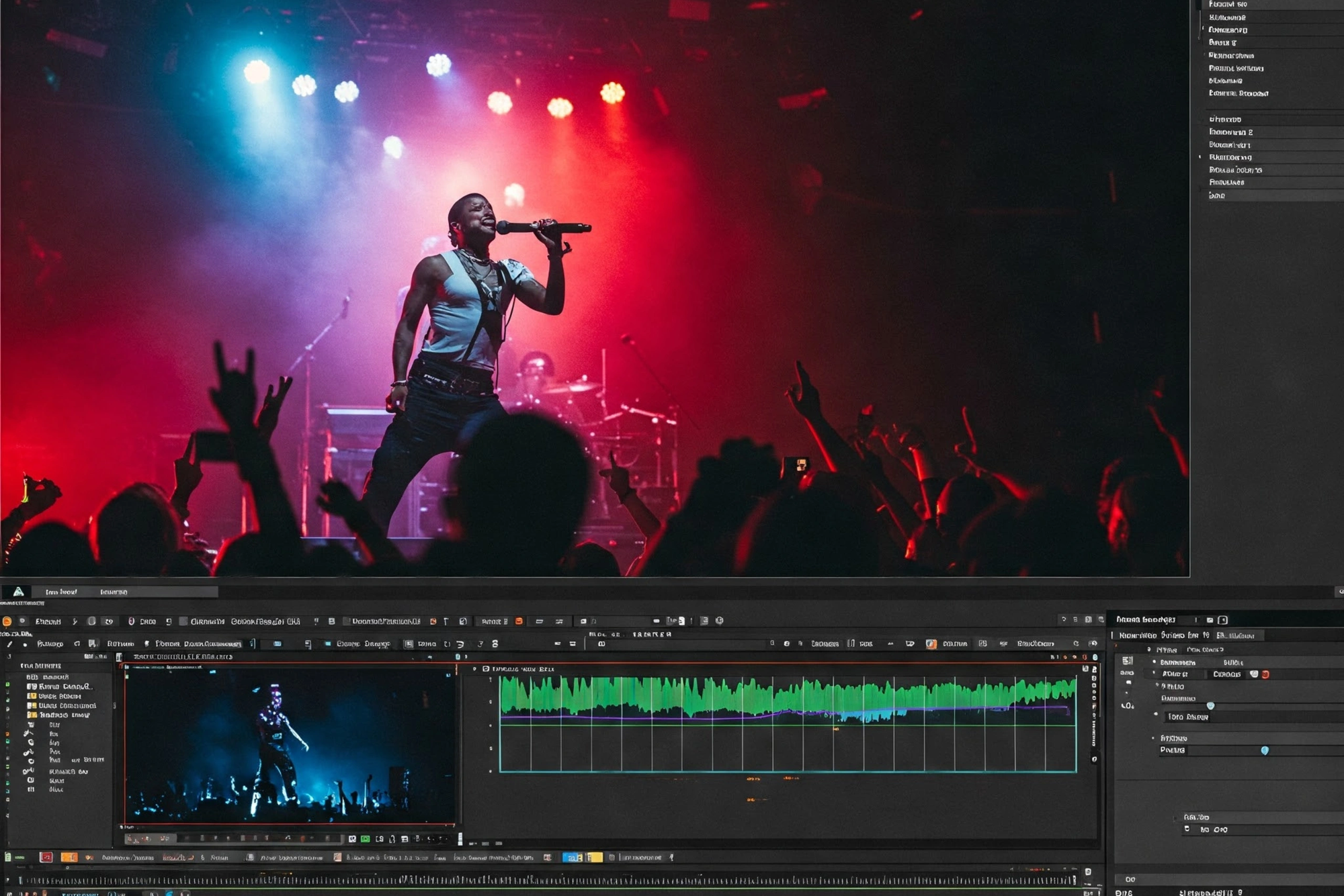
Editing is vital to a music video because it creates a cohesive experience in which sound and image work together. When the editing is careful, viewers usually stay longer, share more, and remember the song. However, if it is messy, the visuals feel like noise instead of meaningful content.According to the SundaySky Blog, 80% of marketers say that editing is important for the success of their YouTube videos. This focus affects how teams spend their time and money, and using a clip creator tool can significantly enhance the editing process.
1. Make cuts move with the song’s pulse
How each cut is timed affects whether the audience feels the music or just watches it. When cuts are even slightly late, the movement feels off, and attention wanes. On the other hand, when edits hit the beats and strong moments, the visuals start to feel like an instrument. This is evident in both low-budget indie films and professional studio projects.Editors place markers on the peaks of sound waves, create a tempo map, and lock in major beats before fine-tuning smaller cuts. When working with a fast song, it’s important to shorten shot lengths and prefer quick matches. For slow or cinematic songs, giving shots space and using tempo-aware ramping helps motion appear more intentional.
2. Use color as emotional scoring
A colour grade does more than make footage look good; it also changes how viewers feel about the song. Consistent colour choices and carefully selected brightness and contrast help listeners understand whether a moment is happy, sad, or creepy.To be effective, it's important to set a colour scheme early on, use LUTs to maintain a consistent look across different setups, and apply film-like effects or targeted colour enhancements to highlight singing moments or lyric changes. Editors who see grading as part of the overall arrangement, rather than a quick fix at the end, can avoid sudden changes that take viewers out of the story.
Also, because production quality influences viewer behavior, the fact that videos with professional editing receive 30% more engagement on YouTube, as reported in the SundaySky Blog, shows that grading and consistency are important not just for aesthetics; they significantly affect watch time and sharing.
3. Add effects where they serve the music
Practical visual effects, tracking, keying, and compositing are tools, not the main focus. Most shoots use VFX for a few key moments; however, the risk is that flashy effects can detract from the rhythm and story. A common mistake is using too much CGI that competes with the performance, or rushing green-screen work that disrupts the viewer's experience.When working with tight budgets or deadlines, focus on cleanup, motion-tracked inserts, and smooth rotoscoping instead of large, attention-seeking effects. This approach keeps the attention on the track while still allowing for some creative lift. With our clip creator tool, you can easily integrate visual effects that enhance storytelling without overwhelming the audience.
What are the challenges of managing video assets?
Most teams manage assets and feedback with ad hoc folders and email threads because it feels familiar, and that approach works at first.However, as more versions are created and more stakeholders become involved, review cycles are fragmented, context is lost, and editors spend hours untangling conflicting notes.
Solutions like Crayo put everything in one place, track version history, allow frame-accurate comments linked to timeline markers, and automate approval routing. This reduces review cycles from days to hours while preserving the creative intent.
4. Shape a narrative with cut, pace, and continuity
Editing shapes a story through cutting, pacing, and continuity, which is important even for abstract stories. Pacing choices give emotional contour: short, rhythmic montages increase energy, while long, held shots let tension build. A major mistake occurs when performance footage is treated as an edit log rather than a plot device. This method produces videos that appear random rather than focused.This issue often occurs with artists who try to do everything by themselves. They cling to creative control but can get stuck when it’s time to polish, losing momentum and sometimes leaving projects unfinished. Teaching the artist why a cut is made can reduce revisions and keep the project moving toward a finished piece that people will actually watch.
How Long Does It Take to Edit a Music Video
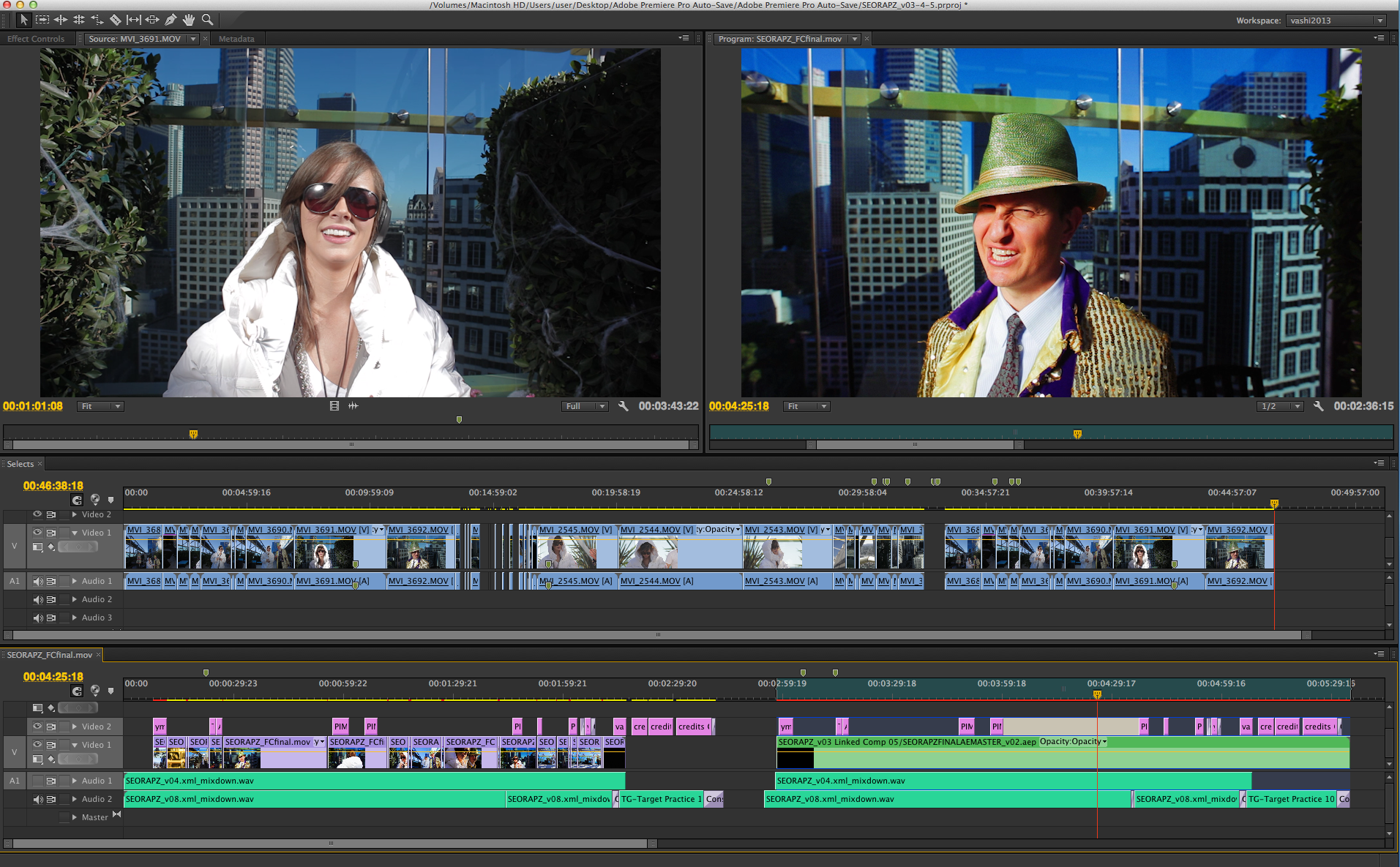
Expect a wide range: simple performance videos can be done in a few days, while story-driven or VFX-heavy music videos often take several weeks.As a rough guideline, use one to two hours of editing per finished minute, increasing that estimate for effects, complex selections, or long approval cycles. Utilising our clip creator tool can streamline your editing process and make it more efficient.
1. Rule of thumb and practical baseline
One to two hours per minute of final runtime gives a sensible starting point. However, this should be seen as a minimum, not a guarantee. Any project that involves detailed compositing, working with multiple cameras, or ensuring the story flows will require significantly more editing time.
2. Complexity and creative style
This pattern is clear in both low- and high-budget shoots: performance-focused edits get done faster, while narrative or conceptual shoots take much longer. When scenes need to match eyelines, address continuity issues, perform multiple pickups, or execute choreographed cuts, editors might spend days working on story points and continuity problems. This work often detracts from simply lining up performance shots.
3. Raw footage volume and quality
When productions deliver 10 or more hours of footage, the selects and logging stage becomes the biggest time-waster. Choosing usable shots is like putting together a puzzle with pieces that keep coming in. Low-quality takes or inconsistent exposure, add extra cleanup work. This pushes hours into additional colour and noise-reduction tasks.
4. Visual effects, motion graphics, and grading
Visual effects, motion graphics, and grading each have their own workflows. For example, tracking and compositing need several passes and client approvals. Motion graphics need design and changes, while colour grading often requires adjustments for each scene.Complex compositing can significantly lengthen timelines, adding days or even weeks to the process due to the step-by-step nature of rendering, client reviews, and required fixes.
5. Editor skill, tooling, and workflow efficiency
Editor skill, tooling, and workflow efficiency. Professional editors can spend up to 20 hours editing a single video, according to Gling AI Blog. This time reflects the upper limit for polished short videos that include cleaning up and multiple reviews. Experienced editors can shorten this time by using structured selects, proxies, templates, and faster review methods.On the other hand, less experienced editors often take longer because they redo basic tasks. Consider how our clip creator tool can optimize your editing process and improve your efficiency.
6. Feedback loops and approvals
Most teams handle notes with ad hoc messages and time-stamped comments because it seems simple at first. However, as more people get involved, this method breaks up the context. Response times can go from days to weeks, and editors often end up sorting through conflicting notes instead of improving the cut.
Platforms like Crayo offer frame-accurate comments, version history, and automated routing; these features shorten review cycles from days to hours while keeping a clear audit trail of decisions.
7. Typical timeline bands you can expect
For a simple, performance-focused music video, expect one to two days for an offline edit, plus an extra one to two days for polishing and grading.
- A typical short-form music video for online release takes 30 or more hours to produce a polished final product, including beat syncing, effects, and colour grading.
- For complex, narrative, or VFX-heavy productions, timelines can range from weeks to months, especially when working with external VFX companies, involving reshoots, or facinglong approval processes.
- Creators making videos under 10 minutes should expect a wide range of time, often requiring 10 to 30+ hours, depending on how polished and feature-rich they want the video to be.
8. How modern tools change the math
Editing time can be reduced by 30% with AI tools, according to ISG research and insights from the Gling AI Blog. Automation effectively handles repetitive tasks such as rough cutting, beat detection, and captioning.
Currently, teams adopt a hybrid approach that allows automation to lay the groundwork while humans concentrate on creative decisions. This strategy often halves hands-on editing time while maintaining the same level of visual quality.
9. Common misconceptions and their real costs
A common misconception is that high-quality music videos must be edited entirely by hand, which leads people to believe the process takes a long time. This misunderstanding creates unnecessary bottlenecks, erodes team morale, and delays scheduling. By automating repetitive tasks and freeing human effort for creative decisions, teams can regain weeks of capacity without sacrificing artistic quality.
10. Decision guide for planners and artists
If a project requires tight VFX, allocate additional weeks and create separate VFX timelines. When you have limited footage and a clear performance, you can shorten the schedule to a few days. You can do this by locking the music, using proxies, and limiting feedback rounds to one or two passes.For projects with many stakeholders, it is important to add structured review windows into the schedule. This method helps keep edits from getting lost in unclear email threads.
What tension arises in editing music videos?
It's frustrating to cut days from a schedule, only to see reviews and rework erode that win. This situation underscores the importance of effective communication and collaborationin the editing process.It's essential to tackle these challenges.
Related Reading
- Types of Video Editing
- Long Does It Take to Edit a YouTube Video
- What Is an Overlay in Video Editing
- Is CPU or GPU More Important for Video Editing
- Can I Edit a YouTube Video After Posting
- Is Video Editing a Good Career
- Can You Edit Video in Photoshop
- Beginner’s Guide to Video Editing
- Video Editing Basics
How to Edit Music Videos Fast in 11 Steps
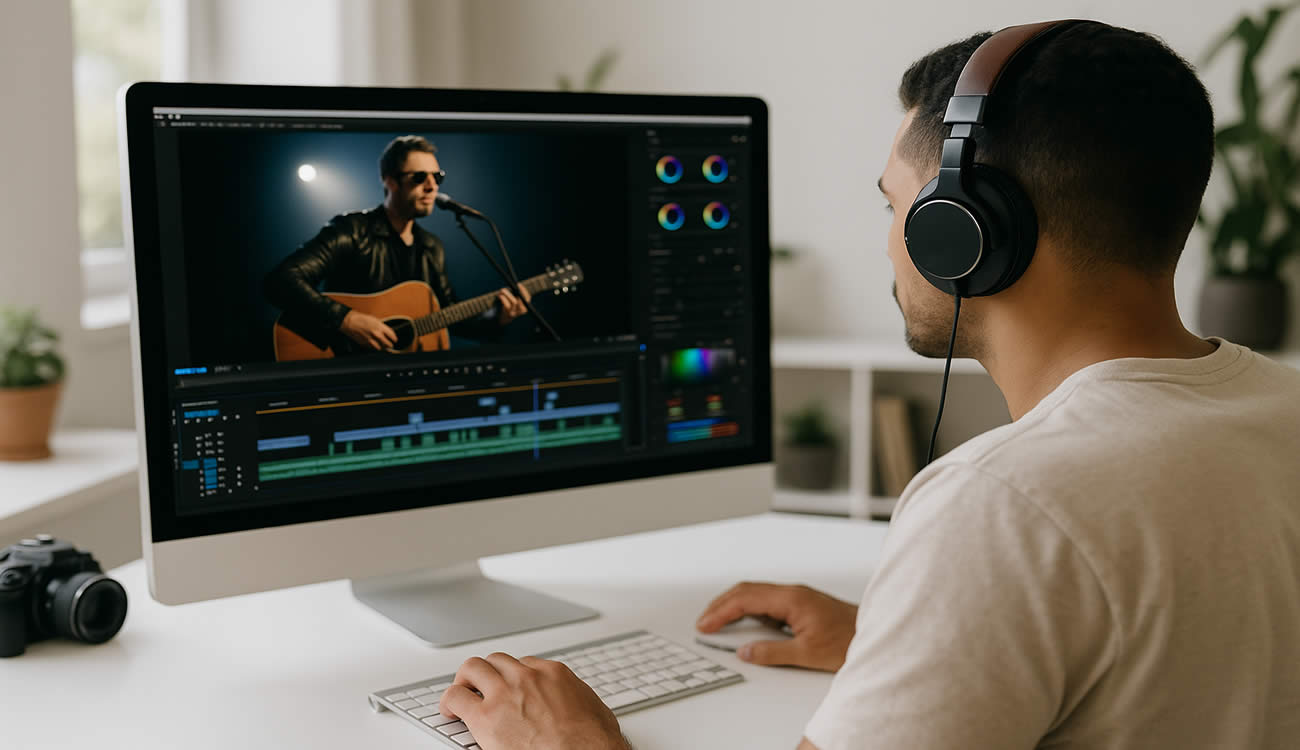
Fast music-video edits require a solid plan: start by setting the rhythm and structure, use templates and shortcuts to reduce repetitive work, and ensure clear review periods so creative time stays focused. By doing this, a rough cut that usually takes a day can be completed in just a few hours, allowing for the important creative revisions that really make a difference. Tools like our clip creator tool streamline the process further, helping you focus on the creative aspects of editing.
1. Plan the structure before you touch the timeline
Create a one-page shot list or a step-by-step timeline and stick to it. Treat that page like a contract: label which moments need to be performed, where inserts should go, and where changes in pace require visual shifts. If a scene might go beyond its intended scope, go back to the plan and decide whether to reshoot, simplify, or move the idea to a future edit.
2. Lock performance footage to the tempo first
Instead of moving single clips to match transients, create a tempo map and put your main performance takes on it; treat everything else as extras.Use timewarp or conform tools to keep phrasing when small adjustments are needed. Mark tempo-change frames, making sure that colour and motion work can be applied consistently across edits. Consider how our clip creator tool can enhance this process, making it easier to match your footage to the desired tempo.
3. Use automated beat markers and snapping tools, but verify
Use automated beat markers and snapping tools, but always check them. Turn on beat detection or import a tempo map, then snap your major cuts to those markers. Accept the machine’s rough alignment, but make a quick review for musical accents and lyrical emphasis.While automation saves time, human judgment ultimately determines whether a cut feels right or merely follows the metronome. Additionally, make use of our clip creator tool to streamline your editing process.
4. Prepare and tag B-roll before you start cutting
Create folders sorted by mood, motion, and focal length. Then, add three tags to each clip: usable in 2 seconds, 4 seconds, or for longer holds.This small metadata step helps avoid unnecessary searching during assembly. It also makes it easy to create alternative montages by filtering tags rather than reviewing raw footage.
5. Favor movement when you need energy
When pacing must be clear and fast, focus on camera moves, walk-and-talk frames, and actions that hide jump cuts. Treat still frames as accent shots instead of main shots. If you need contrast, use static frames for lyrical or vocal moments, placing them carefully to give some breathing room.
6. Share early, iterate quickly with targeted asks
Share early and make quick changes with targeted requests. Send time-stamped cuts with three clear questions: What must change? What must stay? Which choice do you prefer? This focused approach prompts stakeholders to act and prevents a flood of unclear notes that can take hours to sort out.
7. Use effects with purpose and a rollback plan
Use effects with purpose and a rollback plan. Choose one effect style to use throughout the video, rather than switching styles midstream. Keep a copy of the sequence without effects so you can quickly test how changes look.Also, write down the render cost of each effect to help you decide what to keep when time is running short. Our clip creator tool streamlines the process, making it easier to manage your effects and sequences.
8. Keep the project tidy and automatable
To keep a project organized, standardize naming conventions, use a single media folder, and document the exact steps in a short project README. Using proxy workflows on slower computers can improve efficiency, while setting up batch renders and watch folders for deliverables streamlines the process. These steps let you hand off repetitive tasks to background processes, allowing you to focus more on creative decisions.
9. Reuse templates and presets whenever possible
Reuse templates and presets whenever possible. Build and reuse motion templates, caption styles, and grade presets to avoid reinventing the same wheel. According to Efficient Video Editing Techniques, using templates can reduce editing time by up to 50%.These significant time savings underscore the importance of creating a starter kit for every artist you work with and continually improving it with each project.
10. Block your work into focused runs and protect those windows
Block your work into focused runs and protect those windows. Work in 60 to 90-minute editing sprints, each with a single goal: select, assemble, fine-tune, colour, or export.Between sprints, switch tasks with a one-minute checklist to stay focused. This rhythm helps keep mistakes low and quality high when time is short. Consider incorporating our clip creator tool to streamline your editing process.
11. Use modern automation and practical AI to shave dead time
Use modern automation and practical AI to reduce dead time. Apply AI for beat detection, captioning, rough cuts, and smart selects. Treat the results as a first draft that you can refine.Set rules for what you will accept from AI and what you will always edit by hand. This way, automation does the heavy lifting while you can focus on emotional beats and narrative choices.
What are the challenges in managing feedback?
When teams rely on email threads and scattered notes to manage feedback, it can feel familiar and quick at first. However, as more people get involved, this habit breaks up the context, leads to duplicate work, and makes simple clarifications into long, time-consuming tasks.Platforms like Crayo centralize frame-accurate comments, preserve version history, and automate routing. This helps teams to compress review cycles from days to hours while keeping a clear record of decisions.
What practical habits can improve efficiency?
A practical habit to adopt now is to invest 30 to 60 minutes upfront to build a project skeleton, hotkey set, and template pack.That small investment compounds across every cut made.Over time, those micro-optimizations matter more than one fancy plugin; they also protect creative energy when deadlines tighten.
This is important because bottlenecks often cause most editors to lose both time and morale in tight projects. In fact, the value of keyboard efficiency is evident in the field. According to a Video Editing Insights report, over 70% of video editors report that keyboard shortcuts speed up their workflow.
This finding clearly indicates the need to incorporate hotkeys into your baseline workflow.
How to prevent exhaustion during tight deadlines?
This pattern of frustration often happens with independent artists and small agencies. Tools that seem good enough can let you down when a hard deadline comes, leaving teams exhausted and having to redo work instead of finishing it.This problem can be solved by using a clear structure, automated helpers, and a centralised review process. This way, the team can focus on making decisions rather than retrieving lost information.
What tools can make these practices faster?
This might seem like the end, but the next section reveals surprising tools that canmake these practices faster.
Related Reading
- Video Editing Workflow Checklist
- PC Specs for Video Editing
- How To Start Editing Videos
- How To Practice Video Editing
- Mac Vs Pc For Video Editing
- How To Make A Video Editing Portfolio
- Video Editing Tips And Tricks
- How To Make Money Video Editing
- Best Free Video Editing Apps For Android
- How To Organize Video Files For Editing
- How To Edit Video In Google Drive
- Creative Video Editing Techniques
8 Best Tools to Edit Music Videos
For music videos, the best tool is the one that fits your needs: speed and scale, creative control, or tight branding consistency. If you need many short clips quickly, think about using an automation-first platform like our clip creator tool.However, if you need precise grading or advanced VFX, choose a professional NLE or a generative model that gives you detailed control. Below, I list eight options, explain what each is for, and outline the clear trade-offs, so you can easily match the tool to your goal.
1. Crayo
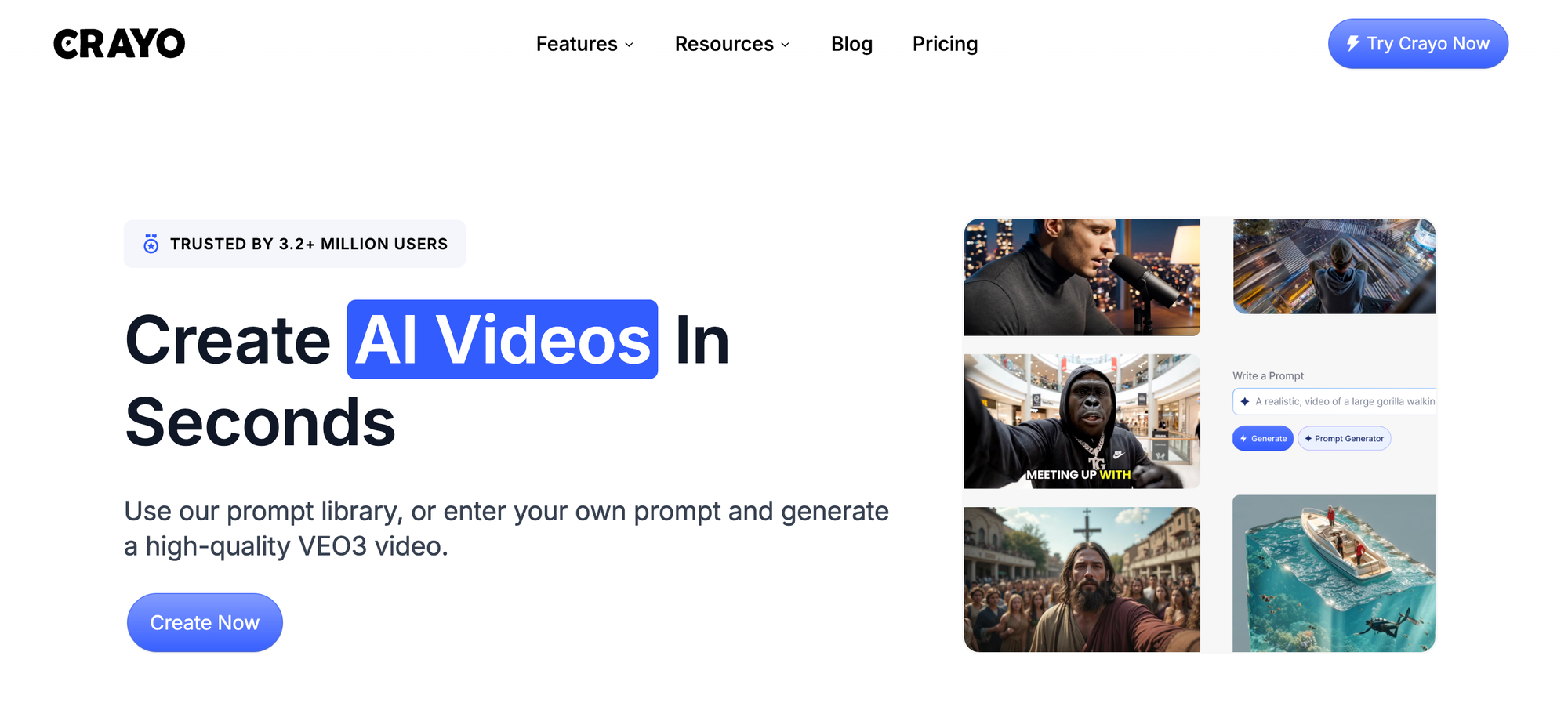
Crayo is an AI-driven editor that turns long-form sessions into multiple optimized short music videos without manual shoehorning. You provide a brief outline and a style template; Crayo then applies captions, effects, music, and voice options, and exports multiple ready-to-post clips in bulk.
Pros
- Batch generation scales repurposing, so a single shoot becomes many platform-specific cuts.
- Templates enforce a consistent visual identity across clips.
- Minimal hands-on timeline work, which speeds iteration.
2. Runway
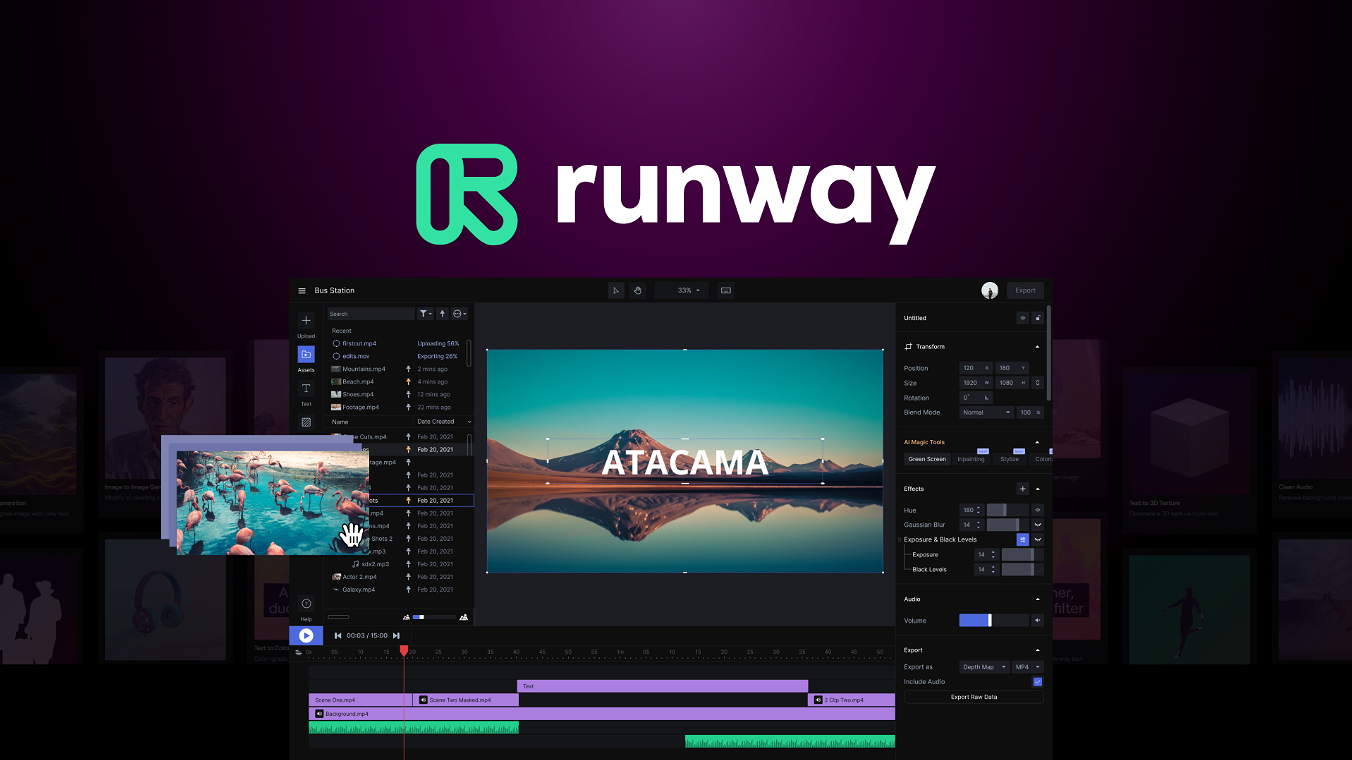
Runway is an experimental creative suite that blends generative models with timeline tools, enabling you to rewrite shots with text prompts, reconstruct camera angles, or alter lighting and objects within a scene.
Pros
- Enables radical creative options, such as changing the viewpoint or replacing elements without reshoots.
- Fast experimentation is good for directors who want to iterate on visual concepts quickly.
- Strong learning materials to master prompt techniques.
Cons
- High learning curve to get predictable outputs; prompt engineering matters.
- Less deterministic than a conventional NLE, which can frustrate editors who need repeatability.
- May produce artifacts that require additional cleanup in another editor.
3. Sora

Sora pairs text-driven scene building with a storyboard workflow that preserves visual coherence across sequential shots. It is designed for people who want to generate or remix entire video sequences from prompts or existing images.
Pros
- Simple scene-by-scene generation, with easy remixing of community creations.
- Good balance between control and automation, making it accessible to creators without deep editing experience.
- Useful for producing longer sequence flows while keeping a consistent style.
Cons
- Entry-level plans may include watermarks.
- The feature release cadence has slowed, so cutting-edge capabilities may be rolled out gradually.
- Not optimized for heavy timeline-based finishing work like complex color grading.
4. Filmora (Wondershare)
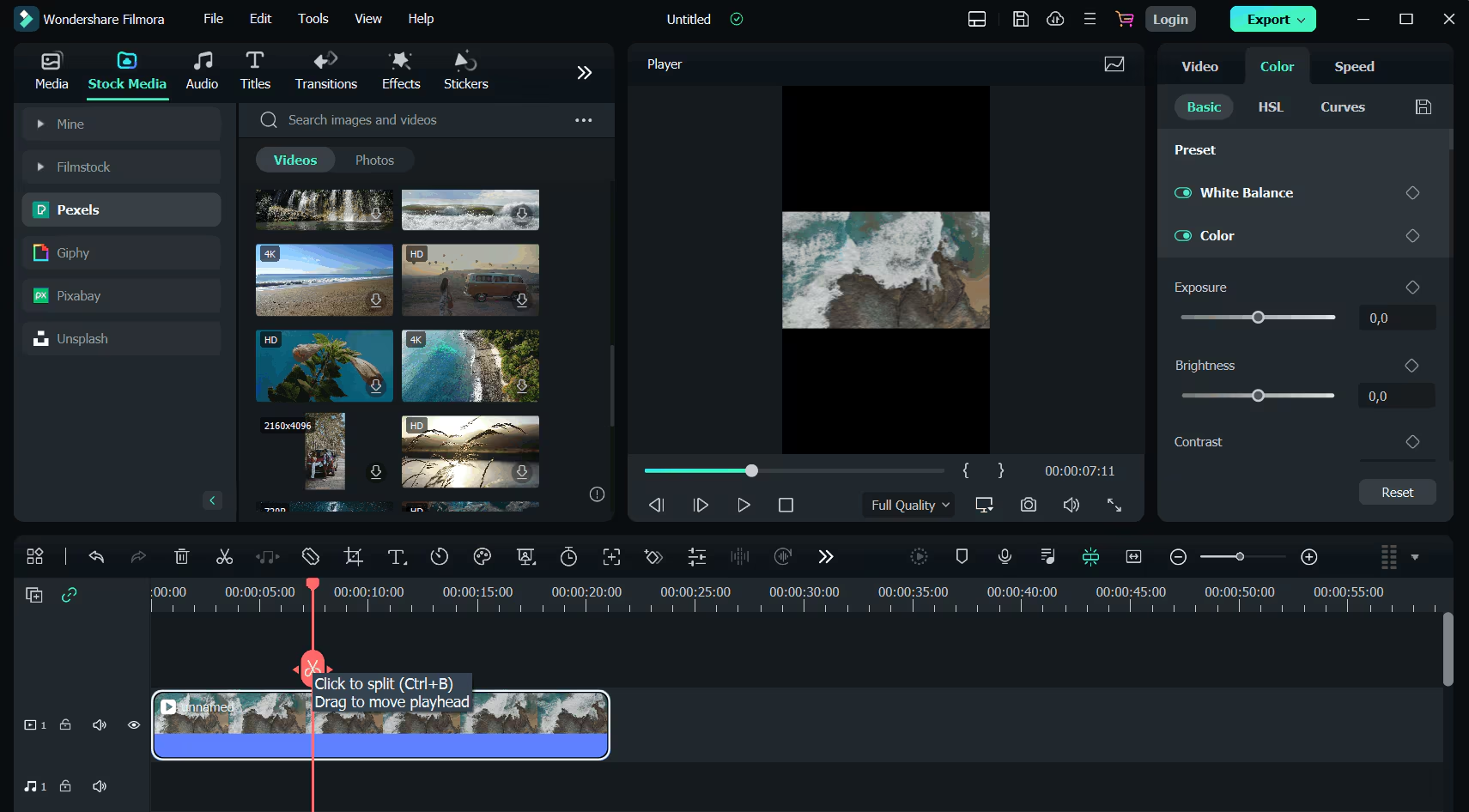
Filmora is a traditional editor that has been expanded with approachable AI features, targeting creators who want familiar timelines plus AI helpers for cleanup and effects.
Pros
- Accessible interface with AI tools for background removal, audio denoise, motion tracking, and beat-aware audio stretching.
- Large library of templates and learning resources for quick onboarding.
- Good choice for creators on moderate budgets who still want manual control.
Cons
- Performance can lag on older or low-spec machines.
- Advanced pipelines and high-end color work are better handled in Pro Tools.
- Templates can encourage uniformity when used exclusively.
5. Descript
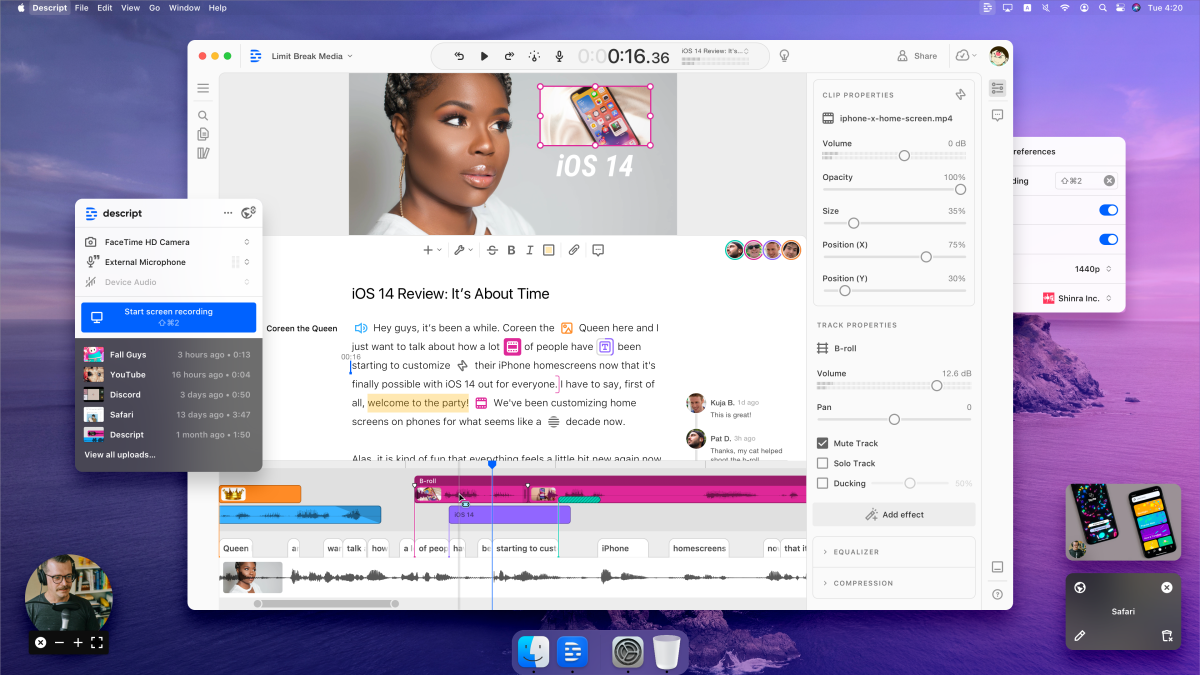
Descript flips editing to text first, producing a transcript and letting you remove or rearrange words to trim the video, then apply finishing touches from that transcript-driven timeline.
Pros
- Extremely fast for spoken-word and interview-heavy music content with voiceover or lyric tracks.
- Built-in audio repair and multicam alignment speed the path to a clean vocal mix.
- Low barrier for creators who prefer editing in a document-like environment.
Cons
- Automatic transcriptions can misfire on noisy recordings or dense lyrics.
- Not designed for detailed visual compositing or high-end motion work.
- Heavy reliance on transcript accuracy means you still need manual checks for nuance.
6. Capsule
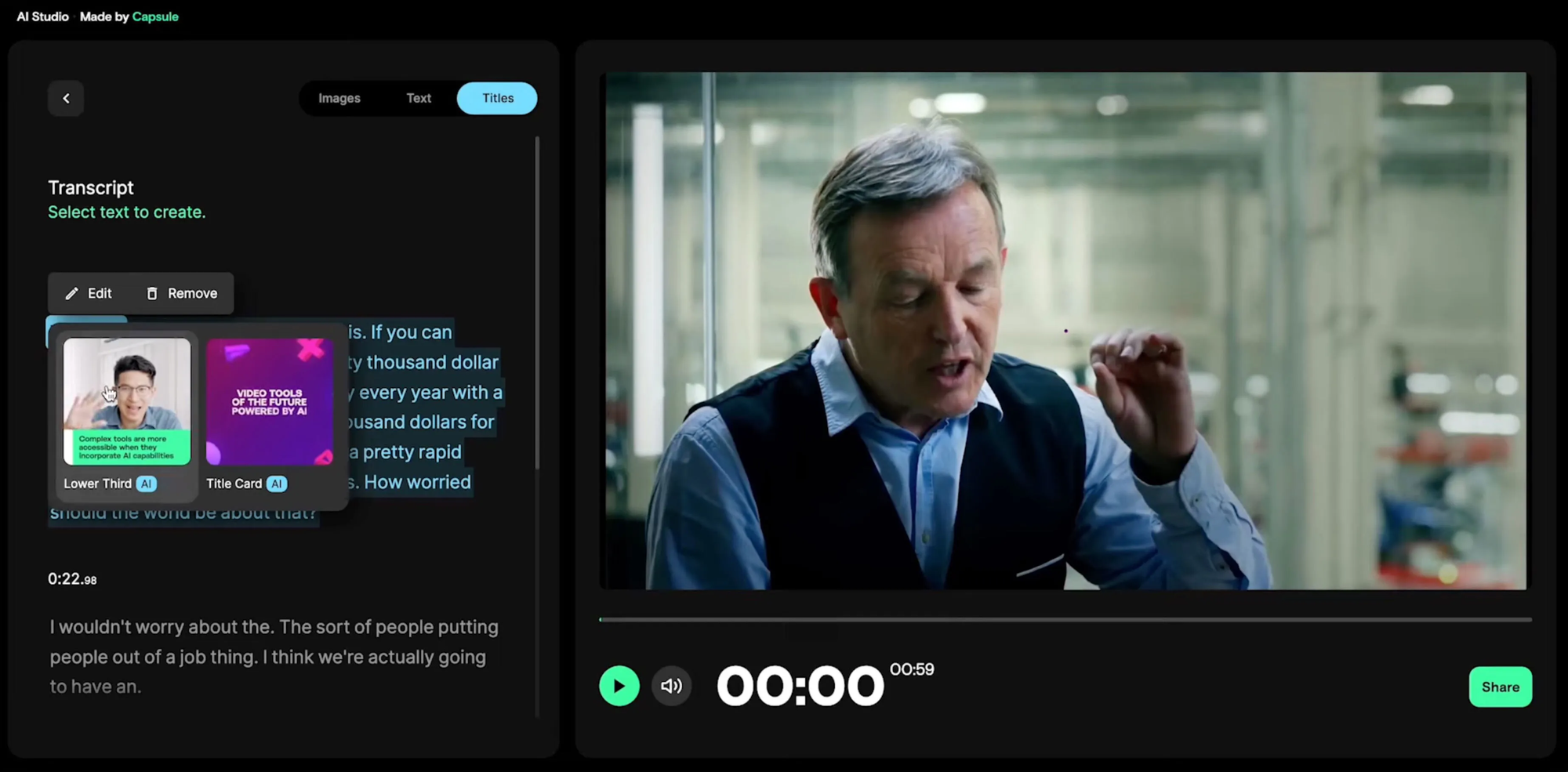
Capsule is a brand-first editor focused on templates and animated design systems, enabling teams to quickly apply consistent on-screen elements and dynamic captions across many videos.
Pros
- Strong design system tools, so captions, speaker IDs, and calls to action stay consistent.
- Good for teams that must maintain brand fidelity across frequent releases.
- CoProducer features can suggest music and auto-cut pacing to fit platform specs.
Cons
- Exports sometimes require platform-specific tweaks, which can require manual adjustments.
- Learning the design system takes time before it truly speeds production.
- Less suited to heavy VFX or bespoke creative experiments.
7. Peech
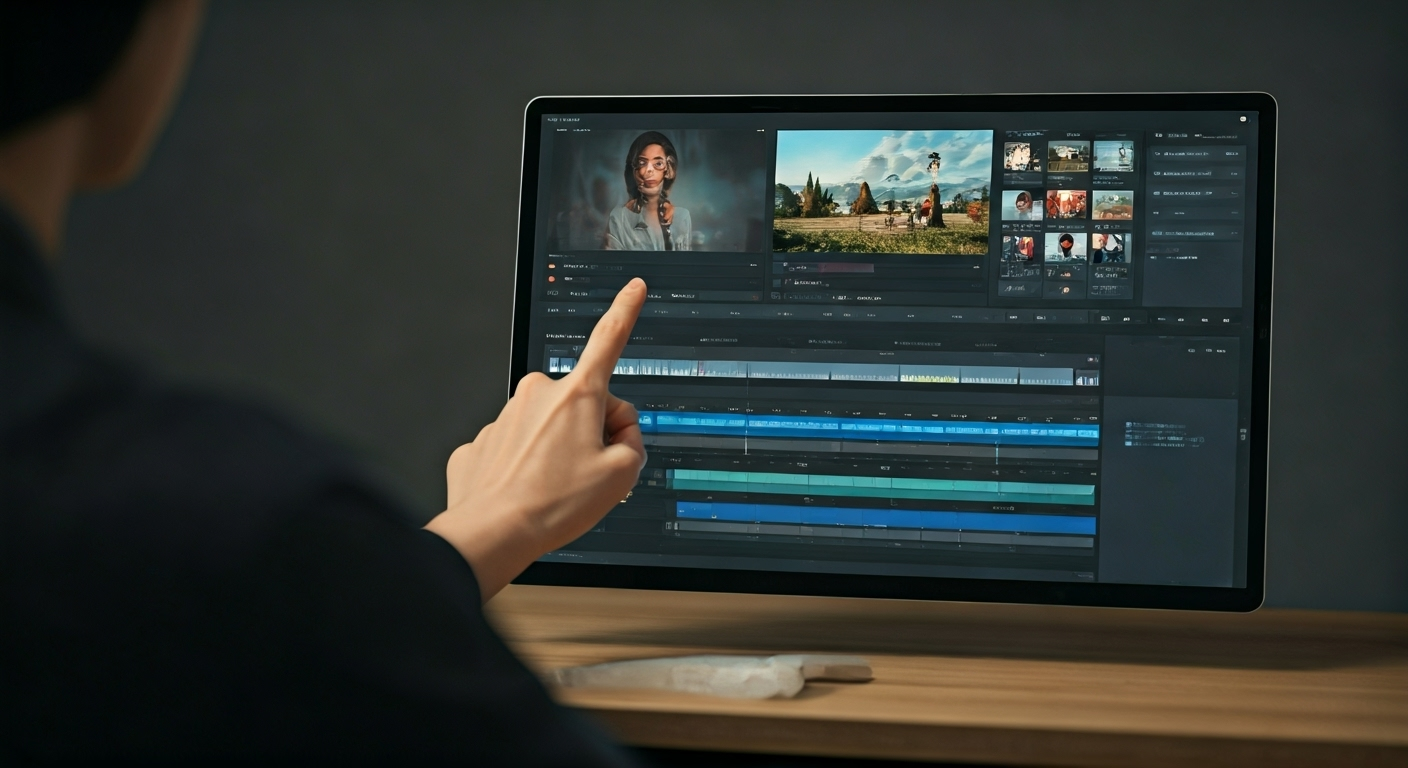
Peech automates repurposing at scale, applying your brand kit, detecting faces, and producing subtitle-first drafts that you can tweak before export.
Pros
- Brand kit integration reduces repetitive setup across many clips.
- Fast first drafts that often require only light polish to publish.
- Good tooling for bulk content creation and templated intros/outros.
Cons
- Pricing is steeper for high-volume needs.
- The out-of-the-box style can feel generic unless you invest time customizing templates.
- Complex edits still require moving to a timeline editor for precision.
8. inVideo
inVideo uses prompts to turn a single idea into a finished video by drafting a script, matching stock clips, generating voiceover, and assembling a first-pass edit you can refine.
Pros
- Fast script-to-video flow, useful when you want a complete draft from a concept.
- Prompt-based commands inside the editor make iterative tweaks efficient.
- Good stock library integration for quick B-roll fills.
Cons
- The interface can feel cluttered until you learn its flows.
- Generated edits often require manual timing adjustments to feel fully synced to the music.
- Creative control is limited compared with timeline-first NLEs.
How to choose the right tool?
Choosing the right tool means matching it to the specific constraint that matters most. If making many short videos quickly is important, focus on batch automation and brand enforcement. For tight colour grading and compositing, choose a traditional NLE or a generative tool that provides precise control. This trend is evident among independent artists and small agencies: teams that prioritize speed typically choose automation-first tools, while narrative directors prefer precise control through manual finishing.
What is the impact of industry expectations?
Context on industry expectations and speed: Most editors still prefer a complete NLE for accuracy. This is evidenced by the fact that over 70% of professional video editors use Adobe Premiere Pro to edit music videos, according to the Slate Teams Blog. This trend underscores why learning an NLE remains a valuable skill in the job market.At the same time, automation is changing how work is done. Recent studies indicate that AI tools can reduce editing time by up to 50%, according to PloPdo. As a result, you can expect different tool mixes depending on whether you prioritize craft or throughput.
How to avoid common disruptions in teams?
Status quo disruption presents a three-step reality for teams. Most teams coordinate edits with familiar tools and ad hoc folders because this approach feels low-friction and immediate. However, over time, the costs accumulate: inconsistent branding, duplicated effort, and slow handoffs diminish creative hours.
Teams find that platforms that enforce templates, enable batch exports, and generate first-pass edits can significantly reduce friction. This allows human editors to focus on final creative decisions.
What checklist can help in selection?
- Repeatable, branded shorts: Choose Capsule or Peech for design systems.
- Radical visual experiments or angle changes: Pick Runway.
- Dialogue- or lyric-driven pieces: Descript accelerates the transcription-to-cut loop.
- Prompt-driven script-to-video workflow: inVideo gives you the fastest first draft.
- AI automation for multiple shorts from long-form footage: Crayo handles bulk generation.
- Familiar timeline with easy-to-use AI helpers: Filmora offers a good mix of control and simplicity.
How to visualize the selection process?
A quick and clear analogy for decision-making is to treat tools like kitchen equipment. Crayo, Peech, and Capsule operate like batch ovens, converting a single large roast into multiple plated servings quickly. On the other hand, Runway and professional NLEs are like precision knives and a stovetop: they are essential for how things look, and fine control affects the final result. Choose the tool that fits both the number of servings you need to make and the level of precision needed for each dish.
What is the workflow for batching quality music clips?
That pattern is not just an idea; it affects real schedules and stress levels.The next section outlines the workflow that enables repeatable high-quality music clip batching.
What common pitfalls should one be aware of?
The next step shows a surprising gap that most teams miss.This mistake greatly affects how tasks are shared between people and machines.
Turn raw footage into beat-perfect music videos and social clips in minutes with Crayo AI.
When edits pile up and deadlines approach, creative energy is often diverted to repetitive tasks rather than to performance and storytelling. Crayo helps teams by handling routine tasks like a dependable assistant, restoring reliable turnaround times. This gives you back the hours needed to make tighter, more expressive cuts.
Related Reading
- Best Drone Video Editing Software
- Best Video Editing Software For Music Videos
- Best Video Editing Software For Sports Highlights
- Best Video Editing Software For Content Creators
- Best Video Editing App For Pc
- Best Paid Video Editing Software
- Best App for Video Editing on iPad
- Best Songs For Video Editing
- Best Video Editing Software For Vlogging
- Autopod Alternative