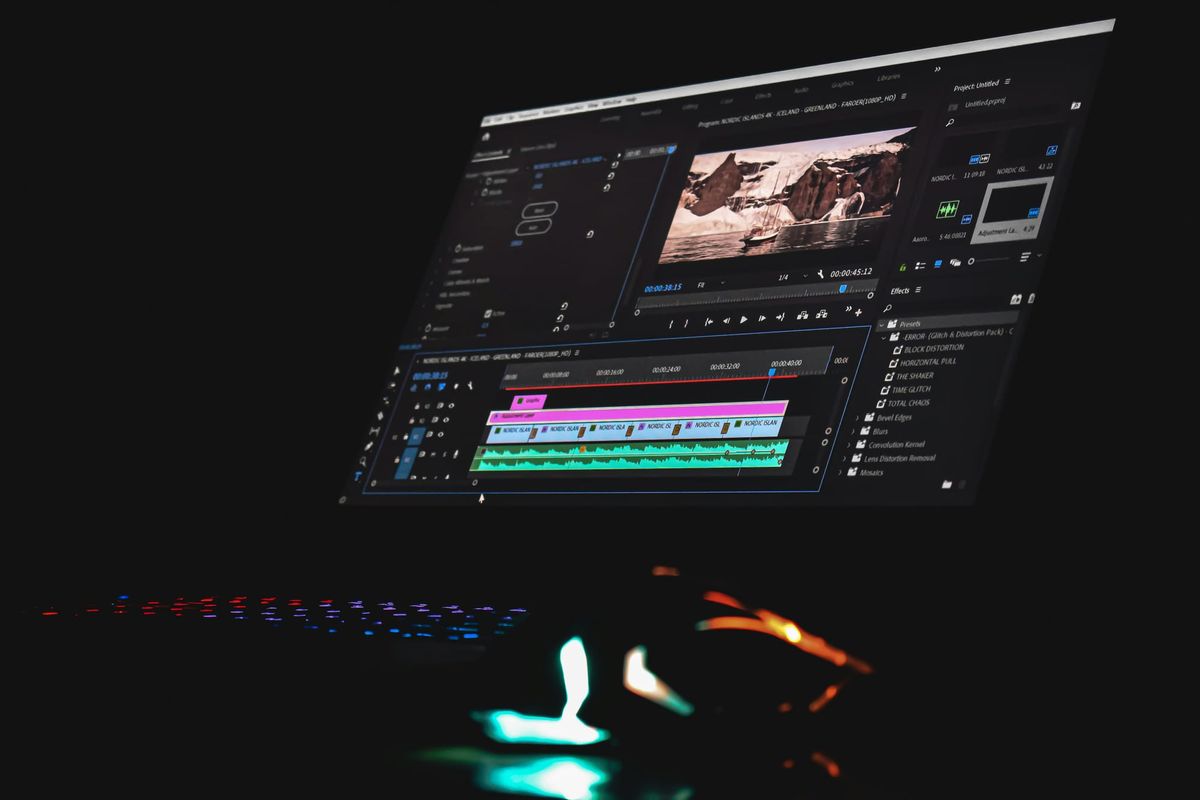
Converting raw footage into compelling narratives requires both technical understanding and deliberate practice. Mastery begins by familiarizing oneself with the types of video editing—ranging from precise cuts and smooth transitions to effective color grading and engaging motion graphics—but true progress comes from hands-on experience. Regular practice on real projects helps develop the storytelling and technical skills that set an editor apart.
Progress in video editing involves refining visual style and pacing to build a strong portfolio and attract clients. Practical projects offer invaluable insight into balancing creativity with technical demands. Tools like Crayo's clip creator tool streamline repetitive tasks, enabling a sharper focus on advanced techniques and client engagement.
Summary
- Beginners who spend months watching tutorials without touching their editing software mistake passive learning for skill development. Educational research shows that passive observation activates different neural pathways than active practice, which explains why someone can watch 100 videos on cutting to music and still produce clunky timelines on their first attempt. The gap between recognizing a technique and executing it closes only through repeated hands-on work.
- Structured practice focused on one specific skill produces measurable improvement three times faster than scattered experimentation. Adobe's Creative Trends Report found that creators who follow deliberate practice systems advance significantly faster than those who learn casually. Editing five different videos while focusing exclusively on dialogue clarity (ignoring color, effects, and transitions) builds pattern recognition and speed that random daily experimentation never develops.
- Over 65% of freelance video editing clients reject beginners primarily because of weak or missing portfolios, not insufficient technical skill. Clients hire proof, not potential. Three strong portfolio samples demonstrating the ability to handle real footage under constraints open more opportunities than six months of private practice with no finished work to show. The emotional safety of delaying portfolio building while "getting better first" comes at a real cost: lost income and market positions.
- Professional editors report that most beginners spend years unlearning bad habits formed during unsupervised early practice. Repeated mistakes without feedback (such as adjusting audio by ear without checking meters or overusing effects instead of focusing on story flow) become automatic patterns that undermine correct technique later. Learning good habits from the start through immediate feedback is easier than breaking ingrained errors after months of reinforcement.
- Editors with clear portfolios earn two to four times as much as those without one, even at beginner skill levels, because proof enables confident pricing. Without finished samples that demonstrate capability, beginners accept low-paying gigs and "exposure" work while training clients to expect cheap rates. This reputation follows them and creates a cycle where undercharging prevents the time and resources needed to build a stronger portfolio that would justify higher rates.
- Specialists who focus on one content type (business ads, gaming highlights, product demos) are hired faster than generalists who claim they "do it all," because clients want editors who understand their specific pacing, tone, and audience expectations. After editing ten projects in the same niche, patterns become instinctive, and portfolios demonstrate depth rather than scattered attempts across unrelated formats.
- Crayo's clip creator tool handles repetitive technical tasks like subtitle syncing and voiceover timing, letting you focus practice time on the strategic editing decisions (pacing judgment, story structure, emotional timing) that clients actually pay for and that separate working professionals from perpetual beginners.
Why Most Beginners Practice Video Editing the Wrong Way
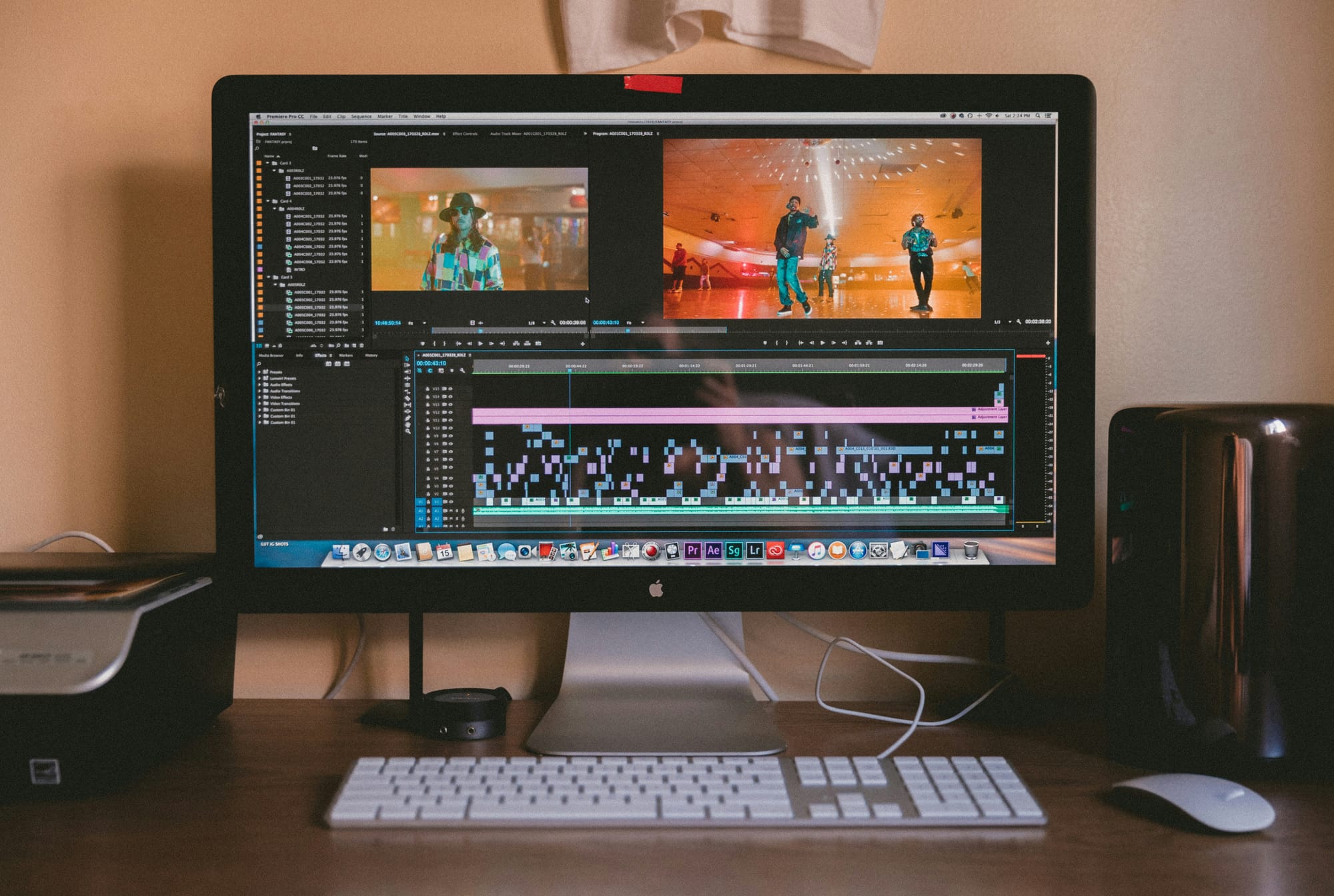
Most beginners don't have trouble with video editing because they lack talent. They struggle because they mix up consumption with creation. Watching someone make a smooth cut doesn't help your hands find the rhythm. Reading about pacing doesn't train your eyes to spot empty spaces in a timeline. Real skill comes from practicing repeatedly within limits, not just from absorbing information.
The gap between knowing and doing is where many people get stuck. They learn techniques without building the muscle memory to use them. While studying effects, they often overlook basic concepts such as story structure. They avoid the messy, uncomfortable job of editing real footage because it feels safer to stay in tutorial mode. But being safe doesn't help build portfolios, and portfolios lead to job chances.
You can watch a hundred videos on how to cut to music. While you'll recognize the technique when you see it and know the theory behind matching visual beats to audio peaks, the first time you try it out yourself, your timeline might feel awkward. Your cuts may be a frame too early or too late. The flow you watched in the tutorial won't show up in your work.
That's why watching creates familiarity, not skill. Your brain sees patterns, but your hands haven't learned the needed movements yet. Your eyes haven't been trained to identify the precise frame in which energy shifts occur. Educational research on motor skill acquisition shows that watching activates different brain pathways than actively practicing. Both ways are important, but beginners often confuse the first with the second.
The comfort of tutorials can be misleading. They are easy to find and can give a false sense of accomplishment. You finish a video and think, "I learned something today." However, if you close your laptop without opening your editing software, you didn't practice; you just studied. This difference matters, and it adds up over time.
Why is practicing with real footage important?
One creator spent three months watching "edit like MrBeast" breakdowns every night. He could explain the pacing theory, retention hooks, and sound design choices. However, when he finally opened Premiere Pro to edit his own video, he froze. He knew what good editing looked like but had no idea how to create it.His first project took eleven hours to finish a two-minute video, and he disliked the result. Opening random footage and experimenting can feel creative. It seems like the kind of exploratory learning that leads to breakthroughs. Yet, without focus, skills are not built; you're merely wandering.
In practice, you might focus on transitions today, try color grading tomorrow, and add subtitles next week. Each session touches a different area, preventing you from mastering any single skill. Progress becomes accidental; you only improve when you accidentally repeat the same task enough times to notice patterns, which can take a long time. Our clip creator tool lets you practice with a variety of footage, making skill-building more structured and effective.
What is structured practice?
Structured practice means focusing on one specific skill at a time. For example, you might work on cutting dialogue to improve clarity by editing five videos that focus solely on that technique. During this process, you ignore color and effects and simply cut the content. By the fifth video, your decision-making gets faster.You start to recognize patterns in speech rhythm, noticing where people naturally pause and where they trip up. That's when the skill starts to stick. Beginners often resist this approach to practice because it can feel limiting. Many want to learn everything at once. Unfortunately, trying to work on ten skills at once leads to slow progress; often, none of the skills improve quickly.As a result, people might find themselves stuck for months, wondering why they're not getting better even though they are practicing every day. To facilitate structured practice, our clip creator tool simplifies editing, allowing you to focus solely on refining specific skills.
How does working with real footage differ from practice?
Stock clips are clean. Screen recordings are predictable. Old phone videos from your camera roll are safe. None of them prepares you for what real client work looks like. In contrast, real footage presents various challenges. The audio often includes background noise, lighting shifts mid-scene, and speakers frequently say "um" multiple times in a couple of minutes.The raw file may be forty minutes long, while the client requests a one-minute cut by tomorrow. If you have only practiced with polished content, you may panic when faced with these conditions. This avoidance makes sense emotionally. Real footage can feel risky because it shows what you don't yet know. It's easier to tell yourself, "I'll practice more first," than to deal with messy material that doesn't cooperate.But that delay costs you. Every week you spend editing perfect footage is a week you're not learning how to fix imperfect footage, which is what clients actually pay you to handle.
What is the right approach to get feedback?
The solution isn't to wait until you feel ready; it's to find real footage now. Download raw interview clips from Creative Commons sources. Ask a friend to record a messy vlog for you to edit. Join a creator community and offer to edit someone's rough footage for free. The discomfort you feel while working with this material shows the real process of learning.
While flashy transitions grab attention on social media, it's important to remember that zoom effects may look exciting, and glitch presets can seem modern. Beginners often think that mastering these techniques is the key to doing professional work.
However, clients do not hire editors for flashy effects. They want editors who can make their message clear, ensure smooth pacing, and create engaging content. A video can have no fancy transitions and still perform well if the story flows and the cuts are smooth. On the other hand, a video filled with trendy effects can fail badly if viewers do not understand the point or lose interest halfway through.
What common mistakes do beginners make?
The mistake is understandable. The effects of good editing are clear and impressive, whereas the impact of storytelling is harder to see and measure. When watching a well-edited video, viewers do not notice the cuts; they just feel engaged. This invisible quality makes editing valuable, but beginners often overlook it.
Learning to cut for clarity, pace for retention, and structure for emotional impact takes longer than just mastering a transition pack. This process may not feel rewarding right away, but it ultimately helps editors keep clients coming back instead of being ignored after just one project. Additionally, using our clip creator tool can streamline editing and help you enhance your storytelling.
How can technology assist in your learning?
While building these storytelling fundamentals, tools like Crayo's clip creator tool can handle the repetitive technical work. Instead of spending three hours manually syncing subtitles or testing voiceover timing, you can quickly generate polished short-form content. This lets you focus your practice time on creative decisions that are really important: where to cut for impact, how to structure a hook, and when to let a moment breathe. Faster technical work gives you more opportunities to engage in the strategic thinking clients value.
Why is feedback essential for improvement?
It's hard to notice your own blind spots. You know what you wanted to say, so your brain may overlook things that the audience misses. You might think a cut is smooth because you're used to the context, while someone seeing it for the first time might notice a sudden jump.
Getting feedback can be tough. Sharing work that isn't finished can make you feel exposed, and hearing that something isn't working can hurt, even if the feedback is meant to help.As a result, many beginners might avoid feedback altogether; they edit on their own, don't share anything, and wonder why they're not improving quickly. Our clip creator tool helps streamline feedback by enabling you to easily share your work and receive constructive insights.
How can you actively seek feedback?
Professional editors improve through constructive critique. They share rough cuts with colleagues and ask specific questions, such as "Does this section drag?" or "Is the transition at 0:34 distracting?" They treat feedback as valuable data, not as a judgment. This approach helps them view their work from the audience's perspective.
You don't need a formal mentor for effective feedback. You can post a rough edit in a creator's Discord channel to request honest feedback. Or, send a draft to a friend who isn't an editor and ask where they felt confused.Recording yourself watching your own edit after a day away can also be helpful; note every time you feel the urge to skip ahead. These moments often show areas where pacing needs improvement. Additionally, using a clip creator tool can streamline your editing process and help you identify these issues more easily.
Why is speed in editing important?
Taking five hours to edit a one-minute video makes sense when you're learning. Each decision is new, and every tool feels unfamiliar. However, if editing still takes five hours after a month of practice, there is a problem. Efficiency is critical in paid work. Our clip creator tool streamlines editing, enabling faster turnarounds.
Clients don’t pay for learning time; they pay for results delivered on schedule. A slow editor might lose jobs to a faster editor who has the same skills. While speed isn't the only factor, it is significant.
What habits can you adopt to work faster?
Beginners often put off speed work, thinking, "I'll get faster naturally once I know what I'm doing." While this can sometimes be true, it's often not the case. Bad habits solidify, leading to a continued reliance on slow methods because one never pushes to find faster ways.
Timing yourself creates pressure that shows where you can improve. Set a timer for thirty minutes and see how much you can achieve. You'll notice which tasks take time, such as searching for the right clip, manually adjusting audio levels, or redoing the same edit because you forgot to save.Once you identify where time is lost, you can improve your workflow. You can learn keyboard shortcuts, organize your project files more effectively, and use templates for tasks you do a lot with our clip creator tool.
What real-life examples show the impact of practice?
One editor I know started timing every project after realizing he was spending two hours just organizing footage before he even began cutting. He created a folder structure template and a file-naming system that cut his prep time down to fifteen minutes. That single change freed up hours each week for actual editing practice.
Tunde spent three months watching tutorials every day. He learned many effects and understood color theory. He could explain how a J-cut works, but he didn’t have a portfolio, samples, or clients. He knew how editing worked, but he couldn't do it quickly or confidently enough to take on real projects.
Aisha took a different path. She found raw interview footage online and edited it with one specific goal: to make the speaker's point clear in under sixty seconds. She shared her attempts in a feedback group.People noted that the pacing was slow, so she re-cut it. They mentioned the audio was unclear, and she fixed it. After two weeks, she had five samples demonstrating she could handle real footage in real conditions. She applied for jobs and got her first client.
Both spent the same amount of time, yet the methods varied dramatically. One builds knowledge, while the other builds ability. Knowing the right way to practice is only half the equation. What most people don't realize is how much time they waste by practicing incorrectly. To streamline your editing and enhance your skills, consider using our clip creator tool, which simplifies the editing process.
Related Reading
- Types of Video Editing
- Long Does It Take to Edit a YouTube Video
- How Long Does It Take to Edit a Music Video
- What Is an Overlay in Video Editing
- Is CPU or GPU More Important for Video Editing
- Can I Edit a YouTube Video After Posting
- Is Video Editing a Good Career
- Beginner’s Guide to Video Editing
- Video Editing Basics
The Hidden Cost of Practicing Video Editing the Wrong Way
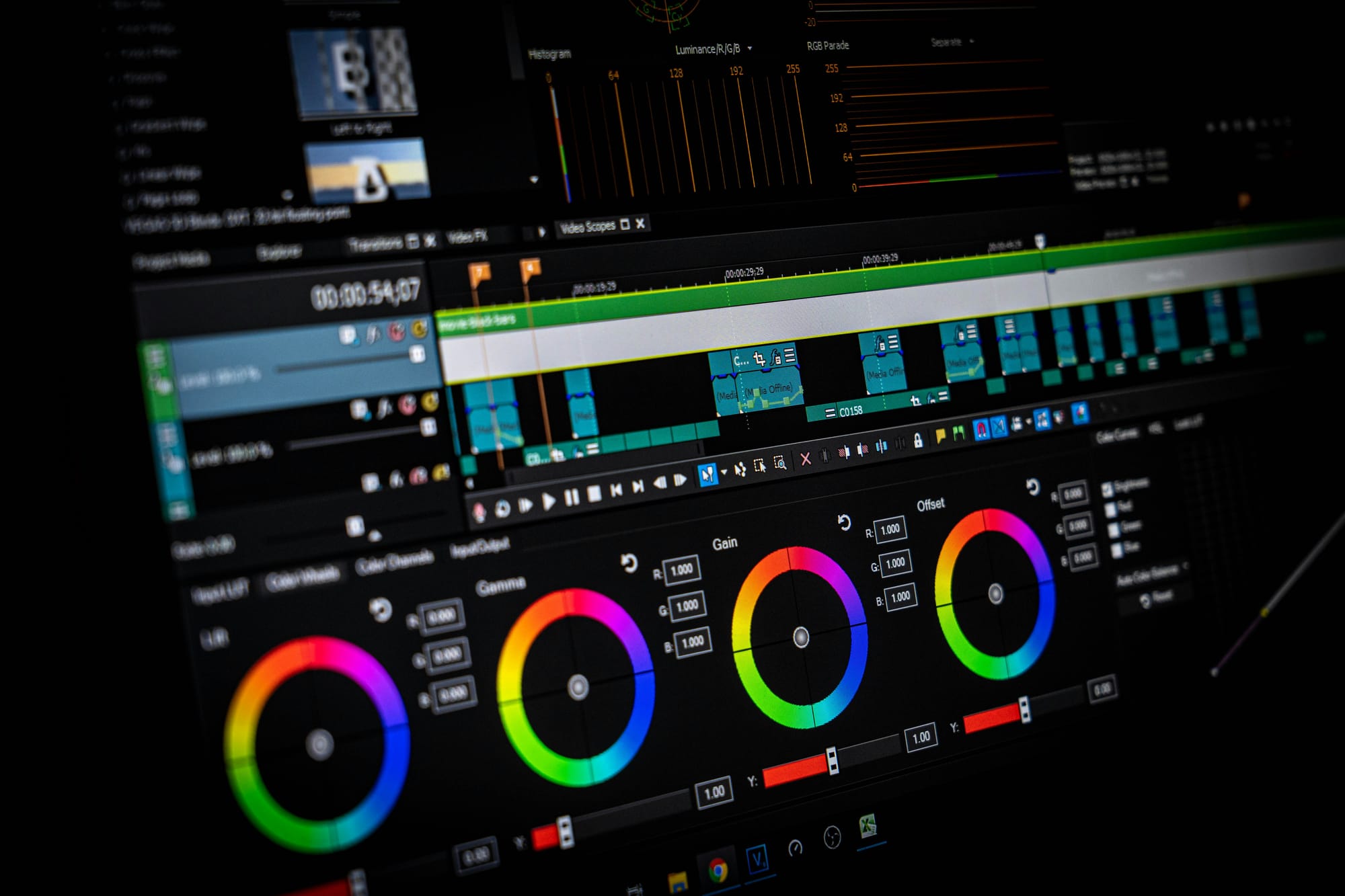
Practicing video editing the wrong way doesn't just slow you down; it quietly stops you from getting opportunities, making money, and feeling confident.While you think you're still learning, others with less talent but better systems are already attracting clients, building portfolios, and earning revenue. The cost may not be clear at first, but over time, it adds up.
When you practice without making real samples, you have nothing solid to show. So, when clients ask, “Can I see your work?” you feel unsure. You might end up sending weak edits that don't demonstrate your ability under real-world constraints.
Many beginners think, “I'll get clients after I'm perfect.” As a result, they put off building a portfolio. Even though it seems responsible, this approach is risky. Surveys from platforms like Upwork and Fiverr show that over 65% of freelance video editing clients reject beginners, mostly due to weak or missing portfolios, not a lack of skill.
Why Do Clients Reject Beginners?
Clients don't hire potential; they hire proof. Even if you have skills, you might still be invisible in the market. Others who know less than you but have more samples are the ones getting the jobs. You edit every week, but your work looks the same. There's no major improvement, no boost in confidence, and no new chances coming from what you're doing.
Does time equal growth in video editing skills?
Most beginners believe, "Growth takes time. I'm patient." This belief comes from the idea that learning creative skills often takes a long time, which makes it seem normal to feel stuck. However, waiting alone doesn't improve your skills; focused practice is what matters. Utilizing a clip creator tool like Crayo can make your practice more effective.
How does the practice method affect improvement?
A study shared by Adobe's Creative Trends Report shows that creators who follow structured practice systems improve up to 3× faster than those who learn casually. The difference does not come from talent but from how they practice. Without measuring progress, like figuring out how fast you can cut a two-minute video or how clean your audio mix is on the first try, it's hard to tell what is really getting better. You end up hoping for improvement instead of actually seeing it.
Investing time without measurable results gives little return. After six months, you might find you are still editing at the same speed, making the same mistakes, and avoiding the same challenges. Using our clip creator tool can help track your progress and ensure you are continuously improving.
What habits can hinder your progress?
Poor practice can lead to habits such as poor audio mixing, inconsistent pacing, overuse of effects, and weak storytelling. These issues can become automatic responses. When you practice alone without feedback, mistakes may start to feel normal. This can lead to repeating those mistakes, but utilizing tools like our clip creator can help streamline your process and enhance your output.
What challenges arise from bad habits?
Professional editors interviewed by platforms like No Film School say that most beginners spend many years unlearning bad habits formed early. Fixing these bad habits is tougher than learning good habits right from the start. Your muscle memory works against you. Your instincts can misguide you.Every project turns into a struggle against your own training. Consider using tools like Crayo’s clip creator tool to help streamline your workflow and avoid common pitfalls.
How does misinformation affect freelancers?
Because they are unsure about their skills, freelancers often take low-paying gigs, work with exploitative clients, and do exposure work just to gain experience. They might think, "I'm still learning; I can't charge much." While this way of thinking may seem modest, it ultimately holds them back.
Freelance market reports show that editors with clear portfolios earn 2 to 4 times as much as those without one, even if they are just starting out. The difference isn’t about skill; it’s a mix of confidence and proof.When freelancers can show three strong samples that highlight their ability to work with real footage effectively, they can defend charging real rates. Our clip creator tool helps freelancers easily build and showcase their portfolios.
What are the consequences of undercharging?
Without proper proof of your value, you risk undercharging. This leads you to take on projects that drain your time for minimal pay. Moreover, you inadvertently train clients to expect inexpensive work.Consequently, you build a reputation as the "affordable option" rather than the "reliable option." That reputation can follow you, so consider how our clip creator tool can help boost your brand and convey your true value.
How does a lack of progress affect motivation?
After months of effort with no reward, individuals may begin to think, "Maybe I'm not good enough. Maybe this isn't for me." As a result, motivation declines significantly. People need visible progress to sustain their motivation. When results are missing, passion often fades.
What research shows about quitting creative careers?
Research on the creator economy shows that not achieving early success is a major reason beginners leave creative roles. It's not because they lack talent; rather, they haven't organized their practice to deliver clear results. Many never created samples good enough to share and didn't receive feedback on what was working.
How does the emotional cost manifest?
The emotional cost is real. Many start avoiding editing software because even opening it reminds them of their lack of progress. Watching other creators succeed can make them feel inadequate, believing those creators have an advantage they lack. The truth is simpler: they practiced in a way that showed results, and that proof creates momentum.
Why does comparing yourself to others hurt?
Seeing others who started after you gain clients, post success stories, and grow quickly can be discouraging. It often feels like they have practiced smarter, not harder. They have likely followed proven systems, used effective tools such as our clip creator tool, and actively sought feedback to improve.
What are the differences in practice approaches?
One creator spent six months practicing editing without a clear system, portfolio, or clients. In contrast, another creator practiced for just two weeks, using structured projects and tools such as Crayo's clip creator tool to streamline repetitive tasks, including subtitle syncing and voiceover timing. She built five samples, applied for jobs, and got her first client. While both had the same passion, their approaches were very different.
What is the true gap in video editing?
The gap isn't talent; it's method. While one person is perfecting a third tutorial remake, another is editing live content, gathering honest feedback, and getting real work done.
Is the gap between ineffective and effective practice wide?
Many overlook a crucial point: the gap between ineffective practice and effective practice isn't as wide as it seems.
10 Smart Ways to Practice Video Editing That Build Real Skills
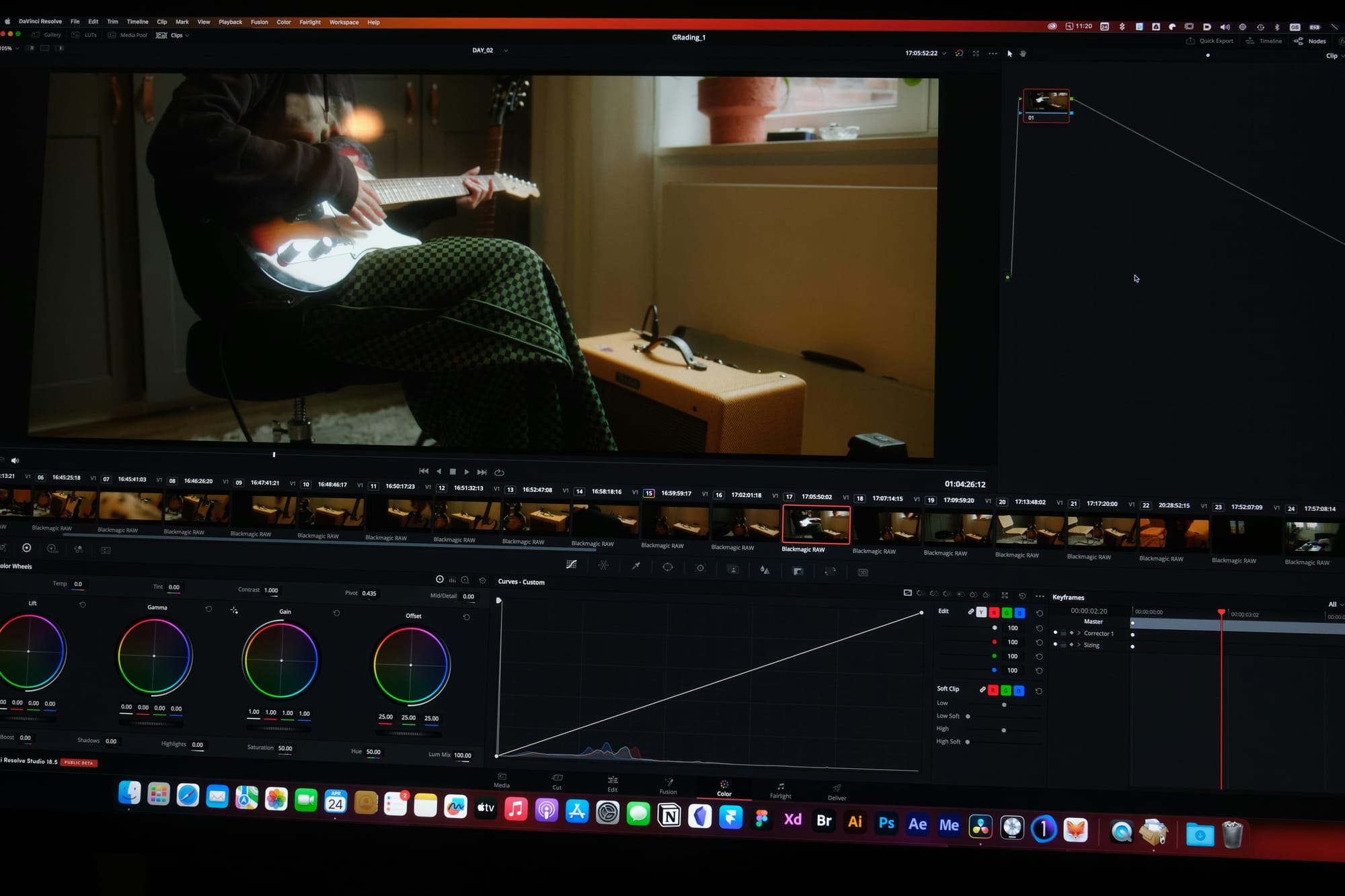
To attract clients within 14 days, you need to practice like a professional, not a hobbyist. Professionals don’t just edit for fun; they practice with a goal, set deadlines, ask for feedback, and follow real-world standards.These 10 methods are designed to turn your practice into a money-making skill.
1. Recreate Viral Videos Frame by Frame
Pick a viral video in your area, whether it’s on TikTok, YouTube Shorts, or Reels, and remake it exactly. Download the video and watch it slowly. Notice the transitions, cuts, text, and pacing. Then, recreate it from the beginning.
This method works well because it shows you how professional editing is done, rather than relying on guesswork. You’ll learn where cuts happen, how long each shot lasts, the timing of text, and how sound matches with movement. Your hands will pick up the rhythm that helps create a smooth watching experience.
By starting your editing journey at the market level, you learn proven patterns that connect with viewers. After recreating three viral videos, you will notice that your original edits begin to follow a similar pace. Your instincts will grow from guessing like an amateur to having professional intuition. Our clip creator tool makes it even easier to transform your vision into compelling edits.
2. Edit Raw Footage Every Day
Practice with unedited, messy footage. Use free stock sites, practice packs, or creator raw clips. Aim to edit one short video daily. Clients never give perfect clips. They send shaky phone footage, bad lighting, background noise, and rambling dialogue. If you only practice with polished content, you'll panic when real projects arrive.According to the Post Production Institute, 82% of businesses use video as a marketing tool. This means demand for editors who can handle imperfect footage is high. Our clip creator tool can help you refine your skills with real-world examples.
Engaging in daily practice with raw material builds confidence. You learn to fix audio issues quickly and develop an eye for salvaging unusable shots. Over time, the fear of tackling messy projects diminishes as you become used to handling many challenging scenarios.
3. Build One Mini Project Every 48 Hours
Create small projects such as ad videos, YouTube intros, podcast clips, or Instagram Reels. Set a 2-day deadline and finish them. Deadlines train professionalism. Without time pressure, you'll keep changing small details that don’t really matter. A deadline helps you prioritize; you work faster and make decisions rather than overthink.
Our clip creator tool can streamline the process, enabling you to quickly craft engaging videos. This method helps you build a fast-growing portfolio. After two weeks, you will have seven finished samples, enough to show your skills and variety. Most beginners take months to complete even one piece for their portfolio because they don’t set deadlines for themselves.
4. Copy Professional Editors (Legally)
Study top editors and copy their style. Review breakdowns, review cuts, and recreate layouts. Practice instead of just reposting; doing it repeatedly helps improve your skill.
By doing this, you learn proven methods. Professional editors have already figured out the problems you’re dealing with. They know where to cut dialogue for maximum clarity and how long to hold a shot before it drags. By copying their choices, you understand their thought process.
Your quality gets better quickly because you’re learning from people who’ve edited thousands of videos. One editor I know spent a month copying cuts from a popular YouTube channel. By the end, his pacing had changed significantly. His work looked professional because he trained his eyes to notice effective timing.
5. Join Editing Challenges and Communities
Joining online editing contests and groups can help you a lot. Join communities on Discord, Reddit, and Facebook groups to share your edits each week and receive feedback.
Competition helps you grow. When editors watch how others edit the same footage, they notice techniques they might have missed. This comparison shows them where they can do better, like with slower cuts, less clear audio, or awkward text placement, which motivates them to get better.
Editors usually improve faster because they practice with others. Seeing what others can do sparks their creativity. They can learn from their peers, pushing themselves to achieve the same level of quality.
6. Get Weekly Feedback (No Matter How Painful)
Sharing your work with other editors, mentors, or potential clients is important. Ask them, "What's wrong here?" You can post in groups or send direct messages to get more insights.
This method helps find blind spots. Your brain often fills in gaps that viewers might notice. You might think a transition is smooth because you know the context, but a new viewer may see a sudden jump. Feedback shows you what you might not see on your own.
Also, you will avoid making the same mistakes. Without feedback, you might keep making the same error in every project. With helpful feedback, you can make changes once and move on. This is how professionals improve, while hobbyists often stay stuck.
7. Practice in One Niche Only
Pick one niche, such as business ads, gaming, education, or real estate. Focus only on that area and edit related content for at least a week.
Specialists get hired faster. When a client needs a real estate video, they prefer to work with someone who knows the subject matter. They want an expert who understands real estate pacing, can showcase properties, and can provide samples that demonstrate their skills.
You become the go-to editor when your portfolio shows depth instead of random attempts. After editing ten business ads, you understand corporate tone and what works. Clients can feel that level of expertise right away.
8. Time Every Edit Session
Tracking how long you edit is essential. Use a timer and aim to reduce your editing time each week. Clients care about speed; a project that takes eight hours should ideally take four hours next month. If you never measure your time, you can never improve. By timing your work, you can identify areas where you may be slow.
You become job-ready when you can deliver quality work quickly. One creator began timing his edits and realized he spent 90 minutes just organizing files. He built a template system that reduced this time to 15 minutes. That one change freed up hours every week for actual editing. With tools like Crayo's clip creator tool, you can enhance efficiency and streamline your editing process.
How can templates improve efficiency?
Platforms like Crayo handle repetitive technical tasks such as syncing subtitles, timing voiceovers, and creating templates. This helps you spend your practice time on creative decisions. Instead of using two hours to manually add captions, you can create them instantly and practice the strategic cuts that clients really pay for.
9. Build Reusable Templates
Consider creating templates for captions, subtitles, transitions, and layouts. Save presets directly in your software to streamline your workflow. Our clip creator tool streamlines this process even further.
When you use templates, you avoid repeating work. Every project shouldn't start from scratch. For example, if you often edit YouTube intros, make an intro template. If you frequently add lower-thirds, save a preset.This method increases efficiency over time.
10. Simulate Real Client Jobs
Create fake client briefs to mimic real-world tasks. For example, you might say, "Edit a 30-second ad for a bakery." Write detailed requirements and stick to them closely.
This process helps you learn about client communication. Real clients often send unclear instructions, change their minds, and ask for revisions. By simulating this situation, you get ready for those tough conversations.
You will feel prepared for paid work because you've practiced the entire workflow, not just the editing part. You've written project briefs, made decisions within limits, and delivered completed work that meets specifications. This comprehensive preparation is what distinguishes practice from professional capability.
The Importance of Consistency in Practice
Knowing these methods is important, but their effectiveness depends on consistent use. Many people find this part difficult, which can slow down their progress.
Related Reading
- Video Editing Workflow Checklist
- PC Specs for Video Editing
- How To Start Editing Videos
- Mac Vs Pc For Video Editing
- How To Make A Video Editing Portfolio
- Video Editing Tips And Tricks
- How To Make Money Video Editing
- Best Free Video Editing Apps For Android
- How To Organize Video Files For Editing
- How To Edit Video In Google Drive
- Creative Video Editing Techniques
Your 14-Day Plan to Get Your First Video Editing Client
If you stick to a structured system for two weeks, you can build the portfolio, confidence, and outreach momentum needed to land your first paying client. The difference between someone who gets hired and someone who stays stuck isn't about talent. It's about following a daily plan that combines skill with visibility. You need both proof that you can do the work and the willingness to show that proof to people who can pay you.
This plan takes what most beginners stretch over months and compresses it into 14 focused days. Each day has a specific goal. You're not just wandering through tutorials or waiting until you feel ready; instead, you're building samples, getting faster, and reaching out to potential clients before doubt convinces you to hold back. To streamline the process, consider using our clip creator tool, which simplifies the production of high-quality video samples.
Days 1 Through 3: Choose Your Lane and Gather Materials
The first three days are critical for resolving any confusion. Pick one type of content to focus on, like business explainer videos, product demos, YouTube commentary edits, fitness content, or gaming highlights. Don't try to learn everything at once; clients prefer specialists over generalists who claim to "do it all."
Once you've chosen your niche, download six to nine raw video files in that field. Use free stock footage websites, Creative Commons libraries, or ask creators in your niche if you can practice with their unused footage. It's important to have material that shows real projects, not perfect stock clips that hide the tough choices real editing involves.
Next, set up your software and workspace. Create folder templates for your projects and adjust your timeline settings. Create or download one intro template, one subtitle style, and three transition presets you'll use frequently.While this might not seem like creative work, it is essential groundwork. By doing this, you're making things easier so that when you start editing tomorrow, you can dive right in instead of searching for what you need. To enhance your editing process, consider using our clip creator tool to streamline your workflow.
Days 4 Through 6: Create Three Portfolio Samples
Now you create proof. Each day, finish one complete mini project. Think of these like real client deliverables. Write a brief for each one, like: "Create a 45-second product demo that hooks in the first three seconds and ends with a clear call to action." Then edit to meet that specification.
Your first project will take longer than you expect, and that's normal. By the third project, your hands will move faster. You'll stop second-guessing cuts and spot pacing problems before they become mistakes. This improvement comes from repeated practice.
Export each project professionally to ensure consistent quality. Use proper file naming and keep clean audio levels. Store them in a portfolio folder you can share immediately when someone wants to review your work. These three samples are your ticket to paid opportunities, and our clip creator tool simplifies editing, helping you create stunning projects efficiently.
Days 7 Through 9: Improve Your Editing Speed
Take your best project from the last three days and edit it again from the beginning. Your goal is to cut your editing time by at least 30%. Time yourself and see where you slow down. Is it because you're unsure about which clip to use, having trouble with keyboard shortcuts, or redoing the same changes many times because you forgot to save a preset?
Speed is important because clients partly judge value by turnaround time. If you take three days to deliver what another editor completes in six hours, you might lose the job. Fast editors who produce high-quality work will always be preferred over slow perfectionists who miss deadlines.
Repetitive tasks, such as syncing subtitles or adjusting voiceover timing, can take hours when done manually. Tools like Crayo's clip creator tool can automate this technical work, enabling polished short-form content to be created in seconds. This lets you focus your practice time on the important decisions that clients really care about. By doing this, you’re not avoiding skill development; you’re focusing on essential skills that separate professionals from hobbyists: pacing judgment, story structure, and emotional timing.
Days 10 Through 11: Build Your Online Presence
You need to be findable. Create a simple portfolio page; you don't need a custom website for this. A Google Drive folder with view-only access works well. An Instagram or Twitter account featuring your three best samples, pinned, can also be effective, much like a basic Fiverr or Upwork profile.
Upload your portfolio samples and write a short bio that explains your niche and what you provide. For example, "I edit 30 to 60 second product demo videos for e-commerce brands. Fast turnaround, clear messaging, mobile-optimized." That gives enough information; you are not writing a novel.You are answering the important question every potential client has: Can this person do what I need? Add contact information that works. Use an email you check every day and a messaging platform where you reply within hours. Clients move quickly; if they message you and get no response for three days, they have likely already hired someone else.
Days 12 Through 14 Start Outreach
This is where most beginners get stuck. They have samples and a profile, but they wait for clients to find them magically. That rarely happens; you have to reach out first. Each day, find ten creators or small businesses in your niche whose content could use better editing. Watch their recent videos and look for specific issues: unclear pacing, missing captions, weak hooks, or inconsistent branding.Then, send a personalized message. Your pitch should be clear. "I noticed your recent video about [specific topic] had great content, but the pacing slowed down in the middle. I'm a video editor who works in [your niche], and I’d be happy to edit one video for free as a demo, so you can see how professional editing makes a difference." Don't forget to attach your portfolio link.
Most won't reply; some will say no, and a few will say yes. That's just how it is. If you message 30 people over three days, you will likely have two to five conversations, with one or two possibly turning into paid work in the next week. The discomfort you feel when sending these messages is part of building a real business. Every professional editor you look up to did this at some point: they reached out, offered value, and showed their ability before asking for payment. You're not bothering people; you're solving a problem they already have.
By day 14, you will have finished projects, clear proof of your work, and conversations with potential clients. Some beginners get their first paid job during these two weeks, while others find chances in weeks three or four. But everyone who follows this system sets themselves up for income faster than those who keep practicing alone, waiting to feel ready.
Related Reading
- Best Drone Video Editing Software
- Best Video Editing Software For Music Videos
- Best Video Editing Software For Sports Highlights
- Best Video Editing Software For Content Creators
- Best Video Editing App For Pc
- Best Paid Video Editing Software
- Best App for Video Editing on iPad
- Best Songs For Video Editing
- Best Video Editing Software For Vlogging
- Autopod Alternative