

 TRUSTED BY 3.2+ MILLION USERS
Opus Clip alternatives: 7 tools compared
As of October 25, 2026, Crayo is the Opus Clip alternative to pick if you upload long sources and keep a few clips, Klap if you want per-clip pricing with a scheduler, and Vizard if you want to keep a free tier and get 4K. We compared seven tools on metering, free tier, scheduling, editor and what the entry plan buys, with every figure read from the vendor's page.
7 tools judged on what you pay for, free tier, scheduling, editor, what the entry plan buys.
Updated
Crayo publishes this page and sells one of the products compared. Every competitor fact links to its source and carries the date we checked it. Spotted an error? Email support@crayo.ai and we correct it within 48 hours.
The rankingPeople leave Opus Clip for three reasons on its own pricing page, checked Oct 8, 2026: it meters 1 credit per uploaded minute, so a 60-minute source costs 60 credits however many clips you keep; the $15 Starter plan is monthly only with no rollover; and the free tier watermarks exports, allows no editing, and stops clips being exportable after 3 days. Crayo is listed first and publishes this page, so the criteria are stated and you can disagree with the order.
Clip a video now- 1
Crayo
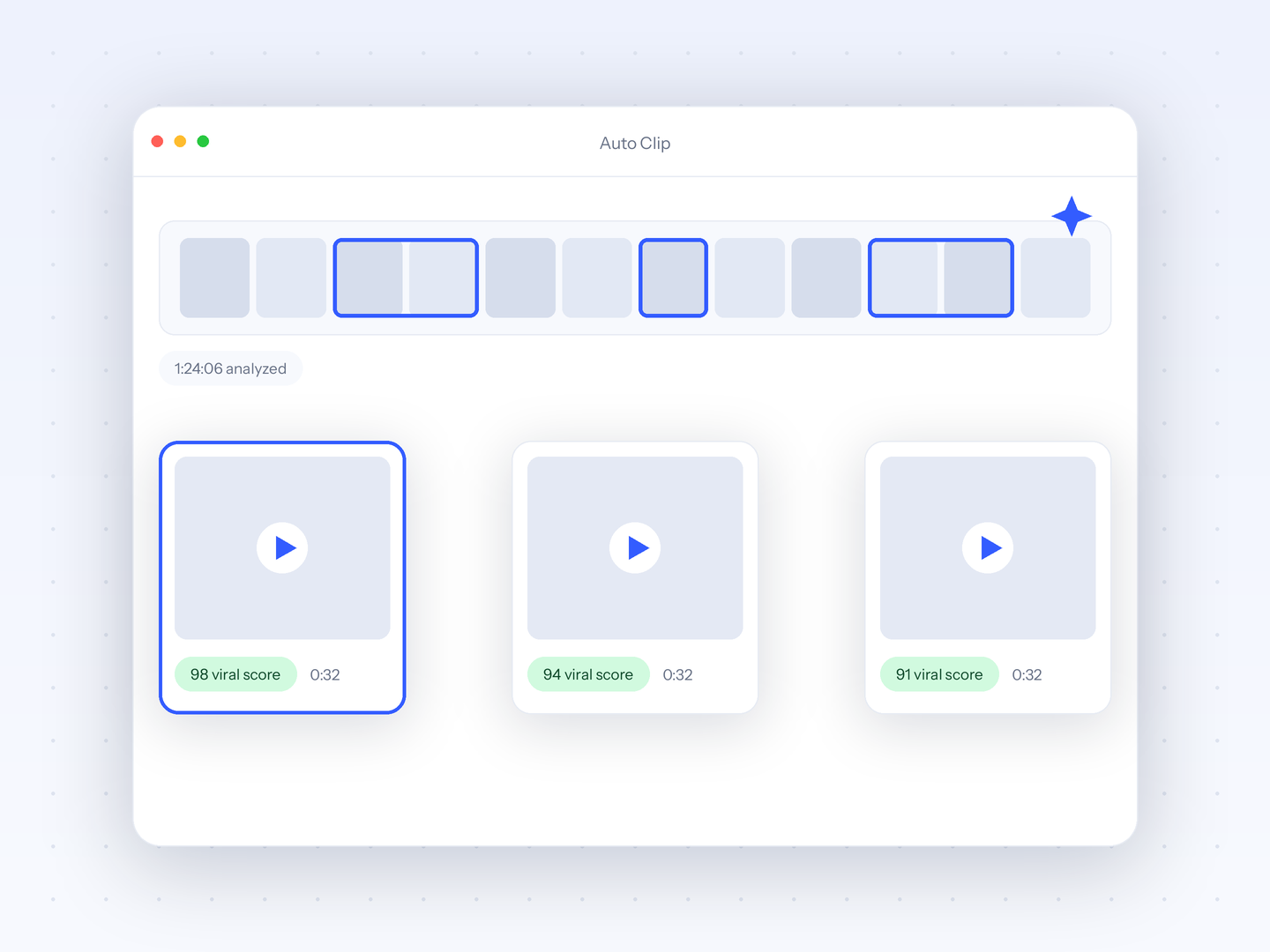
Best for leaving per-minute credits behindCrayo publishes this page and sells one of the products listed. The reason Crayo sits first on an Opus Clip alternatives page is the meter: one workflow credit is one finished clip, so a 3-hour source that yields eight keepers costs eight credits, not 180, per crayo.ai/pricing. Hobby is $29 a month or $199 a year for 250 credits and 2 hours of export, and the annual option exists on every plan. AutoClip ranks the moments and follows the speaker with a face-aware camera, and the timeline editor, 56 spoken languages and the API are on every plan with no watermark anywhere. Best for clippers who upload long podcasts and streams and keep a few clips. The honest limitation: there is no free tier or trial, no scheduler, no team seats, and exports stop at 1080p.
Entry price: Hobby $29/mo, $19/mo billed quarterly, or $199/yr (checked Oct 25, 2026)crayo.ai - 2
Vizard
Best for keeping a free tier and adding 4KVizard keeps Opus Clip's per-minute meter but fixes two of the three complaints: its pricing page, read in a browser on Oct 9, 2026, lists Creator at $29 a month or $14.50 a month billed yearly as $174 for 600 credits, four times Opus Clip Starter's 150 for about the same annual money, with an annual option, 4K export, uploads up to 600 minutes and a scheduler to six accounts. Its free plan gives 60 credits a month with the full editor and API, though at 720p with a watermark, 10-minute exports and 3-day storage, per the same page. Best for creators leaving Opus Clip who want a free tier that still edits and a cheap annual plan. The limitation: it is still 1 credit per uploaded minute, and no virality ranking appears on its pages.
Entry price: Creator $29/mo or $14.50/mo billed yearly as $174 (checked Oct 25, 2026)vizard.aiRead Crayo vs Vizard - 3
Klap
Best for per-clip pricing with posting built inKlap is the other clipper that charges for output rather than input. Its pricing page, read in a browser on Oct 9, 2026, lists Basic at $29 a month or $14 a month billed yearly for 100 clips from 10 videos of up to 45 minutes each, with HD downloads, unlimited social accounts for TikTok, Instagram and LinkedIn, analytics and API access, and Pro at $79 or $39 yearly for 300 clips from 30 videos of up to 2 hours with 4K. Klap publishes 52 caption languages. Best for Opus Clip users who want per-clip pricing and a scheduler in the same plan. The limitation is the video cap: 10 sources a month on Basic and a 45-minute limit per source, so a weekly 2-hour podcast needs Pro, and the free plan is 1 video.
- 4
Quso.ai
Best for doubling credits on annual billingQuso.ai, formerly Vidyo.ai, meters the same way Opus Clip does, 1 credit per processed minute rounded up, but its pricing page, checked Oct 8, 2026, doubles the allowance on annual billing: Lite is $29 a month or $19 a month billed yearly for 100 credits, or 200 a month on annual, with 1080p clips and 10 GB storage, and Essential at $39 adds scheduling to 7 platforms. The free plan gives 75 credits at 720p with a watermark and 7-day retention, more than Opus Clip's 60, per the same page and Quso.ai's own Opus Clip comparison. Best for creators who want an annual plan that pays back in credits. The limitation: 1080p is the ceiling on every plan, and the FAQ says monthly and annual plans are non-refundable.
Entry price: Lite $29/mo or $19/mo billed yearly (checked Oct 8, 2026)quso.aiRead Crayo vs Quso.ai (formerly Vidyo.ai) - 5
Submagic
Best for captions first, clips secondSubmagic is a caption tool with a clipper attached: Magic Clips makes 20+ clips from one upload, per submagic.co/features/magic-clips, and the homepage lists 123 caption languages against Opus Clip's 20+. Its pricing page, checked Oct 8, 2026, lists Starter at $19 a month or $12 a month billed yearly for 45 credits, counted as 15 videos of up to 2 minutes each at 1080p, and Pro at $39 or $23 for 40 videos of up to 5 minutes, with a social media scheduler included. The free account is 3 videos. Best for creators whose main job is captioning short clips and who occasionally need a long one split. The limitation: a 2-minute cap per video on Starter rules out the podcast sources Opus Clip users upload, and Submagic's own page says it is browser-only.
Entry price: Starter $19/mo or $12/mo billed yearly (checked Oct 8, 2026)www.submagic.coRead Crayo vs Submagic - 6
Captions
Best for clipping on iOS and AndroidCaptions is the alternative if the complaint about Opus Clip is that it lives in a browser. Its iOS and Android apps include Create Clips, which makes 30+ clips from one upload of up to 3 hours, with face tracking and 100+ caption styles, per captions.ai. Its pricing page, checked Oct 8, 2026, lists Max at $24.99 a month for 500 credits and states the prices are iOS plans with one platform per subscription and no annual figure published. The help docs describe a $9.99 Basic plan with watermarked AI exports and 60 to 200 lifetime free credits. Best for creators who clip and post from a phone. The limitation: credits are deducted per AI action whether or not you export, the credit cost of a clip is not published, and there is no scheduler.
Entry price: Max $24.99/mo, listed as an iOS plan, one platform per subscription (checked Oct 8, 2026)www.captions.aiRead Crayo vs Captions - 7
Descript
Best for editing the full episode plus clipsDescript replaces Opus Clip for podcasters who also edit the full episode: it is a text-based editor with a timeline, and its Underlord assistant can Create Clips from the transcript. The pricing page, checked Oct 8, 2026, lists Hobbyist at $24 a month or $16 a month billed yearly, per person, for 10 media hours and 400 AI credits with 1080p export and no watermark, and Creator at $35 or $24 for 30 hours, 800 credits and 4K. The free plan gives 1 media hour a month and 100 one-time credits at 720p with a watermark. Descript publishes 61 caption languages. Best for shows that want one project for the episode and its clips. The limitation: reframing is a manual crop, there is no ranked moment list, and refunds are granted only within 48 hours of the invoice.
Entry price: Hobbyist $24/mo or $16/mo billed yearly, per person (checked Oct 8, 2026)www.descript.comRead Crayo vs Descript
Try it on your own video
Paste a YouTube or TikTok link or upload a file. AutoClip, the editor and the API are on every plan.
Every tool in one tableText values from each vendor's own pages. No review scores.
| Tool | Entry price | What you pay for | Free tier | Scheduling | Editor | What the entry plan buys |
|---|---|---|---|---|---|---|
| 1Crayo | Hobby $29/mo, $19/mo billed quarterly, or $199/yr (checked Oct 25, 2026) | 1 credit per finished clip | None. Twelve free browser tools at crayo.ai/features/free need no account | None. Download and post yourself | Full timeline editor on every plan | Hobby $29/mo: 250 finished clips, 2 hours of export, 25GB storage, editor and API included |
| 2Vizard | Creator $29/mo or $14.50/mo billed yearly as $174 (checked Oct 25, 2026) | 1 credit per source minute uploaded | 60 credits a month, 720p, watermark, 3-day storage, full editor | 6 accounts on Creator, 20 on Business | Full editor, including on Free | Creator $29/mo: 600 source minutes, 4K export, 600-minute uploads, 100 GB storage |
| 3Klap | Basic $29/mo or $14/mo billed yearly (checked Oct 25, 2026) | 1 clip per clip generated, plus a videos-per-month cap | 1 video, no credit card; watermark per a third-party review | TikTok, YouTube, Instagram, LinkedIn | Full editor on every plan, per Klap | Basic $29/mo: 100 clips from 10 videos up to 45 minutes, HD downloads, API |
| 4Quso.ai | Lite $29/mo or $19/mo billed yearly (checked Oct 8, 2026) | 1 credit per processed minute, rounded up; doubled on annual | 75 credits a month, 720p, watermark, 7-day retention | 7 platforms on Essential and up | Doc-style editing; advanced editor on Lite and up | Lite $29/mo: 100 processed minutes (200 on annual), 1080p clips, 10 GB storage |
| 5Submagic | Starter $19/mo or $12/mo billed yearly (checked Oct 8, 2026) | 3 credits per video, plus a video count and a per-video minute cap | 3 videos, no credit card; watermark reported by third parties | Social media scheduler included | Text-based cut and trim, auto-edit | Starter $19/mo: 15 videos of up to 2 minutes, 1080p at 30fps, 1 seat |
| 6Captions | Max $24.99/mo, listed as an iOS plan, one platform per subscription (checked Oct 8, 2026) | Credits per AI action, charged without export | 60 to 200 lifetime credits, per the help docs | None | Chat-based editor plus a simple editor | Max $24.99/mo: 500 credits a month, one platform, no watermark |
| 7Descript | Hobbyist $24/mo or $16/mo billed yearly, per person (checked Oct 8, 2026) | Media hours uploaded plus AI credits | 1 media hour a month, 100 one-time credits, 720p, watermark | None; publish pages only | Text editor plus timeline, on Free too | Hobbyist $24/mo per person: 10 media hours, 400 AI credits, 1080p, 100 GB storage |
Web-Based Editor.Full control with our web editor.Feels like magic.
Try Crayo Now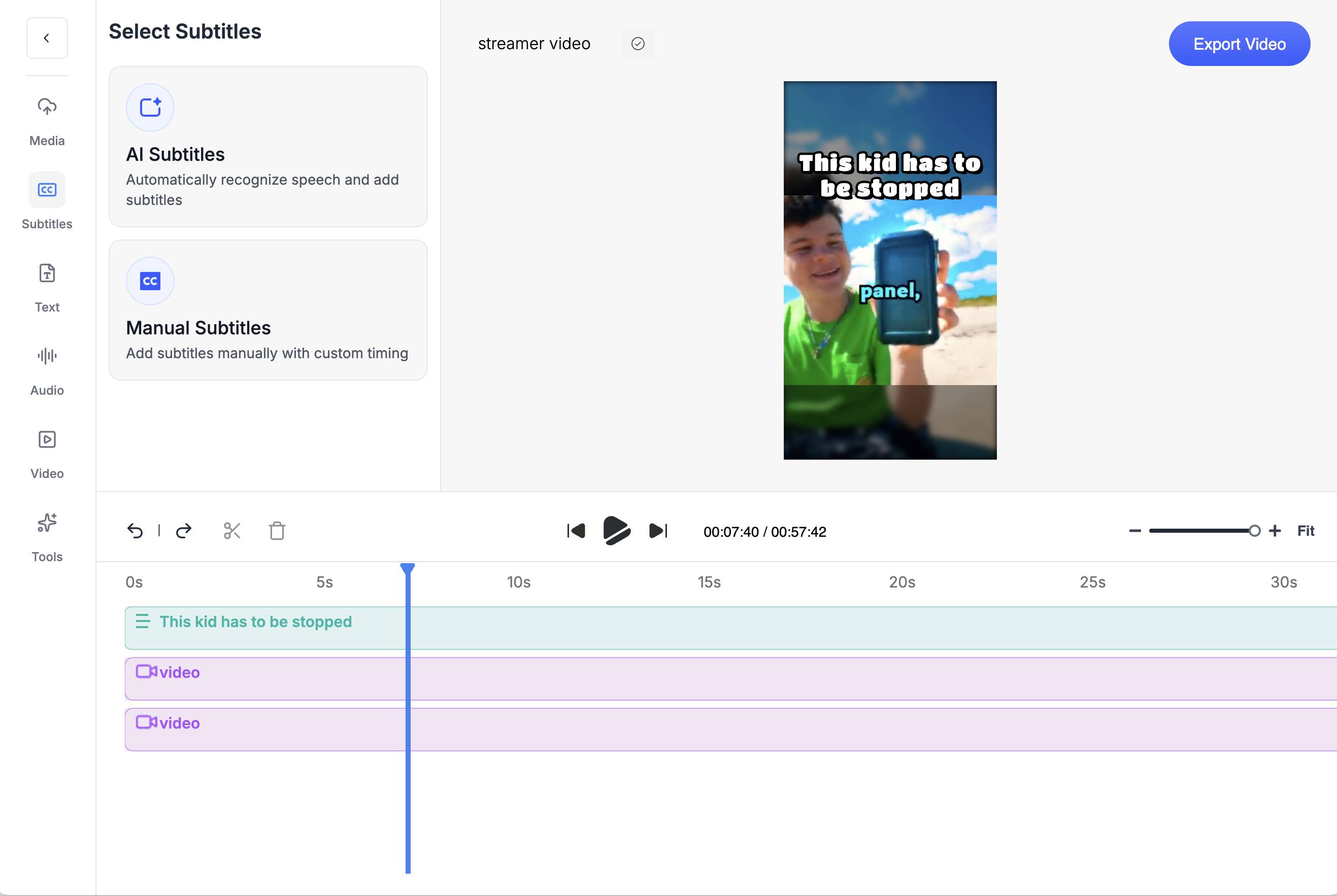
About this pageWhat changed and when.
- First published. Prices checked Oct 8 to 9, 2026: Opus Clip Starter $15/mo monthly only and Pro $29/mo or $174/yr, Crayo Hobby at its pre-launch price, Vizard Creator $29/mo or $174/yr, Klap Basic $29/mo or $14/mo yearly, Quso.ai Lite $29/mo, Submagic Starter $19/mo, Captions Max $24.99/mo, Descript Hobbyist $24/mo.
- Crayo prices updated to the October 25, 2026 ladder: Hobby is $29 a month, $57 every 3 months ($19 a month) or $199 a year (about $16.58 a month), with quarterly the default term at checkout. Crayo entries and price FAQs re-checked at the new prices; competitor prices unchanged from the October 8 to 9 check.
Keep exploring
Crayo vs Opus Clip
Crayo vs Opus Clip, with dated prices. Opus Clip charges 1 credit per minute uploaded. Crayo charges 1 credit per finished clip, ranks moments before you cut and puts a timeline editor on every plan.
ComparisonCrayo vs Vizard
Crayo vs Vizard with dated prices. Vizard meters per uploaded minute and has a free tier. Crayo ranks moments before you cut, charges per finished clip and puts a timeline editor on every plan.
ComparisonCrayo vs Quso.ai (formerly Vidyo.ai)
Crayo vs Quso.ai, formerly Vidyo.ai, with dated prices. Quso charges 1 credit per processed minute and has no API. Crayo charges 1 credit per finished clip and puts an API and a timeline editor on every plan.
ComparisonCrayo vs CapCut
Crayo vs CapCut, with dated prices. CapCut has no pricing page; Pro is about $19.99/mo per third-party guides. Crayo publishes every plan and ranks clips.
ComparisonCrayo vs Submagic
Crayo vs Submagic, with dated prices. Submagic caps credits, video count and minutes per video. Crayo charges 1 credit per finished clip, no per-video cap.
ComparisonCrayo vs Captions
Crayo vs Captions with dated prices. Captions burns credits without an export and sells one plan per platform. Crayo is one browser plan, 1 credit per finished clip.
FAQs
Frequently asked questionsFrequent questionsStill have questions?
Contact our 24/7 support team for any concerns or inquiries.