

Green Keyword caption style
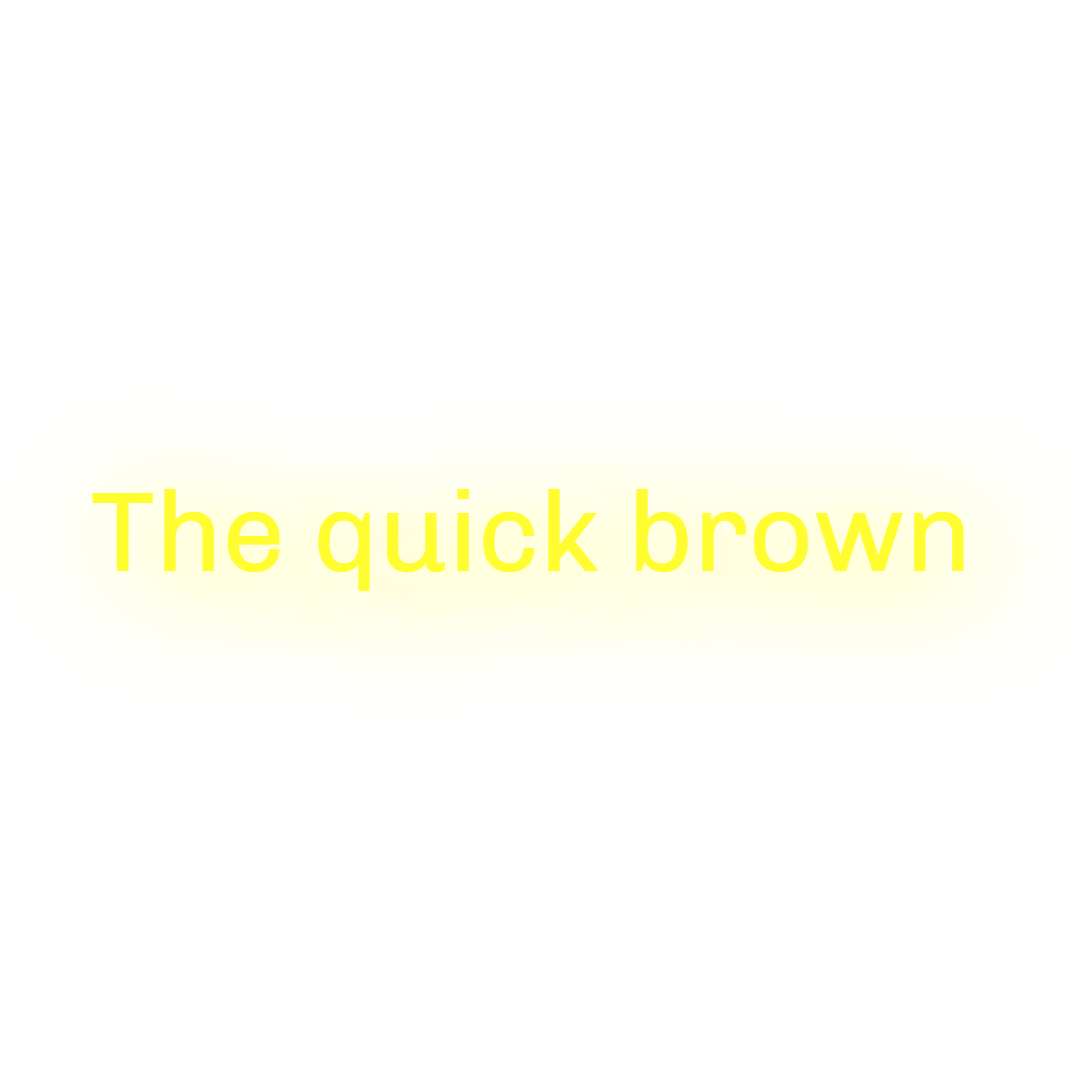
Green Keyword shows one Gabarito word at a time in white with a 1.5px black stroke and a soft white glow, flipping keywords to bright green and fading each word out as the next arrives. It suits educational and how-to clips where a highlighted term per sentence helps viewers follow along.
- Font
- Gabarito
- Case
- Sentence case
- Highlight
- Keywords in bright green, one word shown at a time
- Animation
- Each word fades out
- Background
- 1.5px black stroke with a soft white glow
- Best for
- Tutorials, explainers and finance clips
Green Keyword uses Gabarito, a rounded geometric sans, in sentence case. A thin 1.5px black stroke and a white glow offset 3px downward give the word a soft halo that reads on both bright and dark footage.
Words are shown one at a time and each one fades out over the last 40 percent of its time on screen, so the transition between words feels like a dissolve rather than a cut. When keyword highlighting is on, the important words switch from white to a vivid green.
Pick it for tutorials, product explainers and finance clips where a highlighted word reinforces the point. For the same keyword idea on a full line, see Blue Keyword.
Keep exploring
Video Editor
A multi-track timeline with captions, zooms, transitions, LUTs, speed ramps, cutaways and camera keyframes. No install, no watermark on any plan.
FeatureAI Captions
Accurate, animated captions on every clip. Pick a template, highlight keywords, and tweak the style in the editor.
FeatureAuto Clip
Upload a long-form video and let AI find the best moments, then cut them into ready-to-post clips.
FeatureVideo Cutter
Trim and cut any video down to the exact moment you need, right in your browser with no watermark.
Caption styleClassic
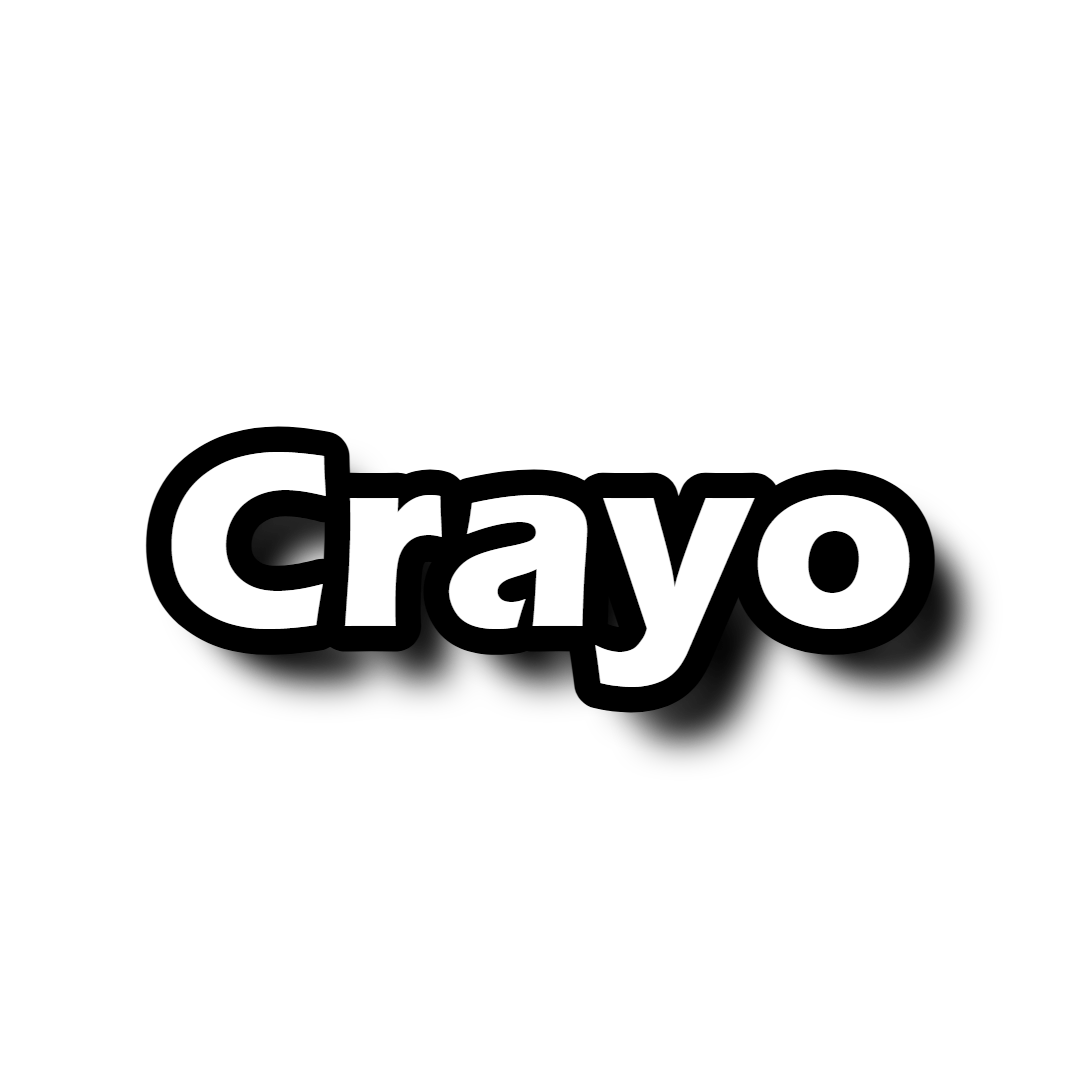
Classic is the default Crayo caption: white SF Pro Display, a soft black shadow and a gentle fade, shown one line at a time. Clean enough for any clip.
Caption styleClean Word
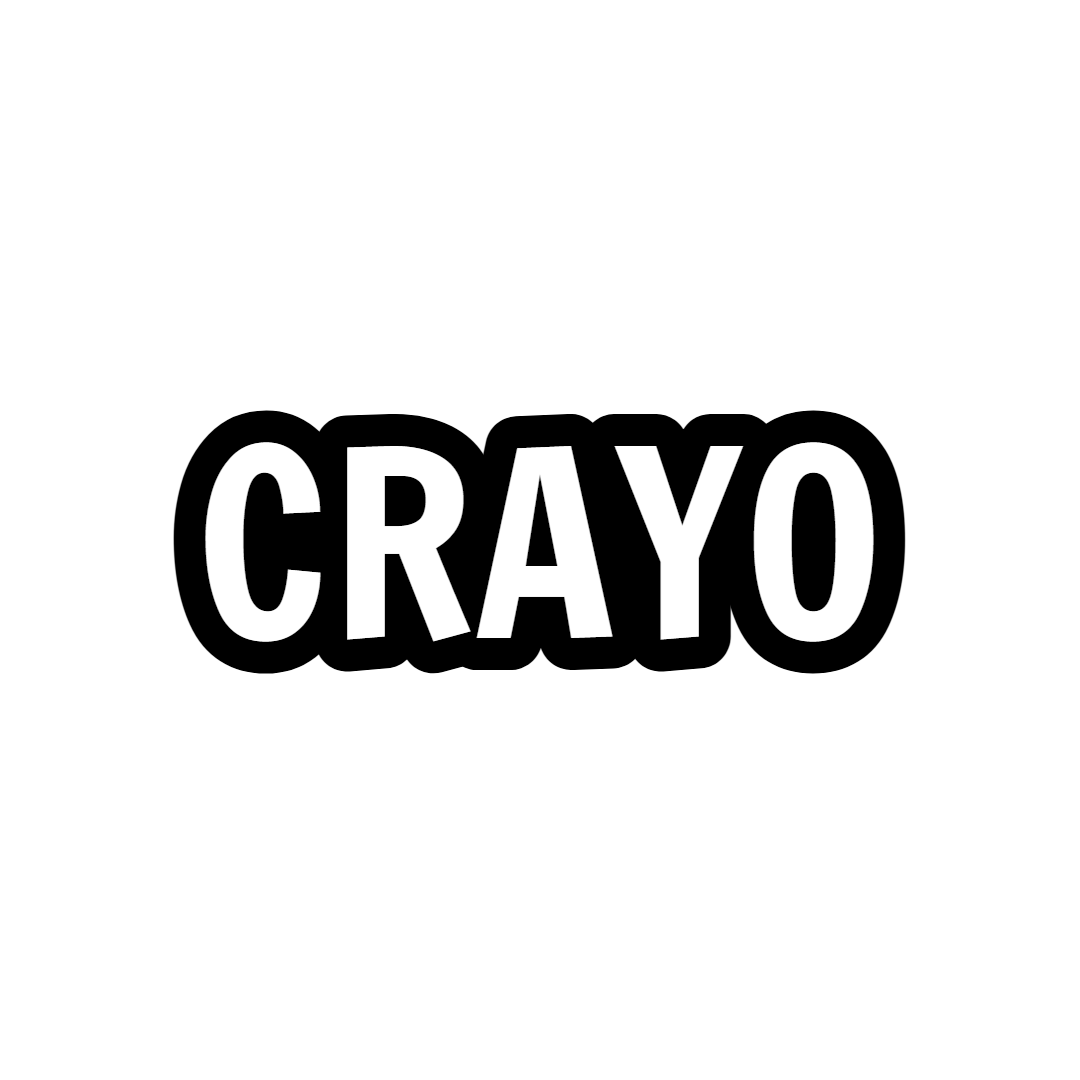
Clean Word shows one white SF Pro Display word at a time with a soft black shadow and no animation. A minimal word-by-word caption for fast talkers.
FAQs
Frequently asked questionsFrequent questionsStill have questions?
Contact our 24/7 support team for any concerns or inquiries.