

Light Box caption style
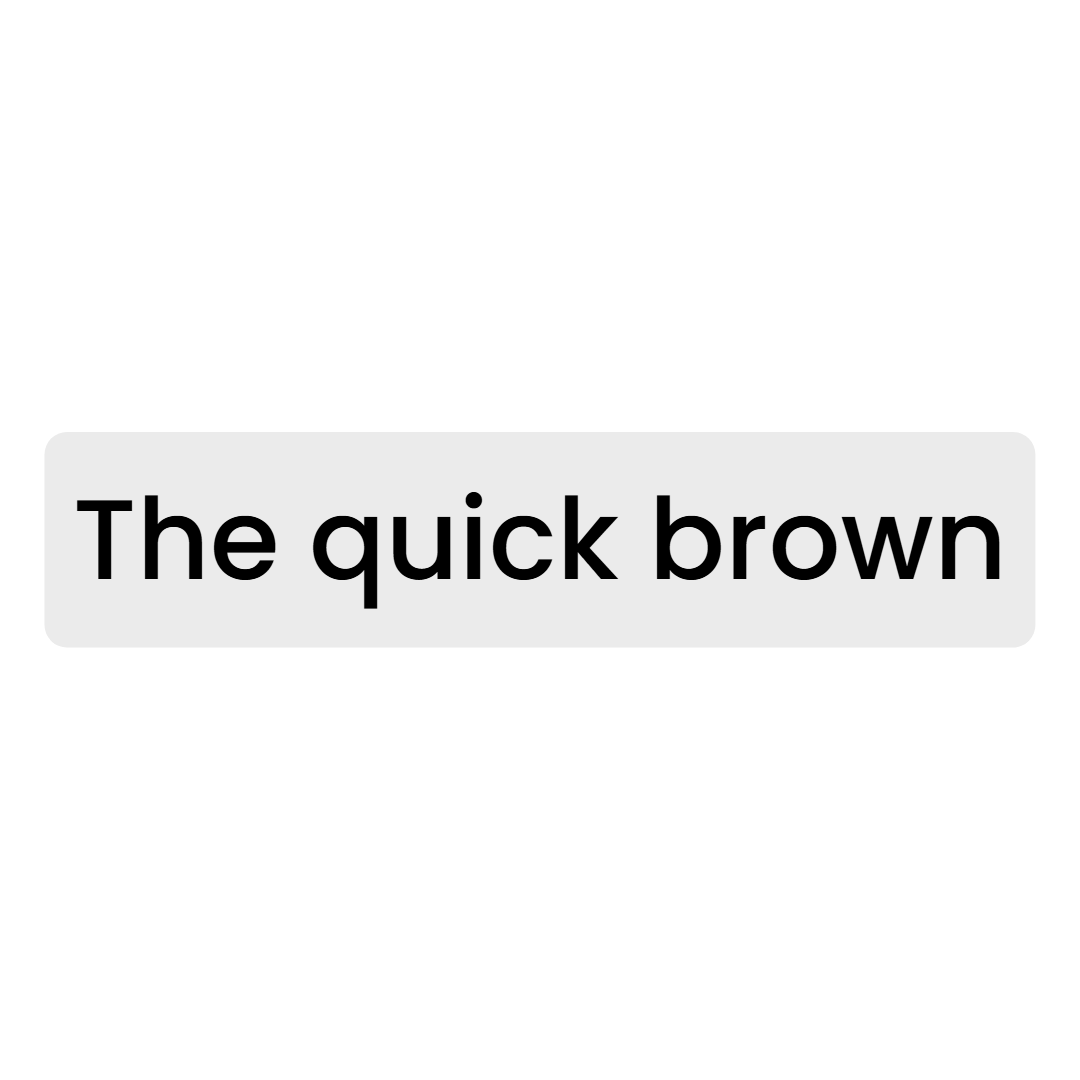
Light Box sets each line of Poppins Medium inside a rounded light grey box, with upcoming words in grey that turn black as they are spoken. It suits interviews, corporate clips and educational content that should look like subtitles rather than effects.
- Font
- Poppins Medium
- Case
- Sentence case
- Highlight
- Words turn from grey to black as spoken
- Animation
- None
- Background
- Light grey rounded box
- Best for
- Corporate interviews, founder stories and professional clips
Light Box is the quietest style in the gallery and the only one on a light plate. Poppins Medium in sentence case sits inside a light grey box with 4px rounded corners and 5px of padding, so it reads like a caption card from a broadcast interview.
The karaoke effect is subtle: words that have not been spoken yet are a mid grey, and each word turns black the moment it is said. There is no stroke, no shadow and no entrance animation.
It is the right pick for corporate interviews, founder stories, LinkedIn-style clips and any talking head where the brand wants a clean, professional subtitle. For a dark version of the same idea see Black Box.
Keep exploring
Auto Clip
Upload a long-form video and let AI find the best moments, then cut them into ready-to-post clips.
FeatureAI Captions
Accurate, animated captions on every clip. Pick a template, highlight keywords, and tweak the style in the editor.
Use casePodcast Clips
Drop in an episode, or just a YouTube link, and let AI find the moments worth posting. Captions, vertical crop, and clean audio included.
Caption styleClassic
Classic is the default Crayo caption: white SF Pro Display, a soft black shadow and a gentle fade, shown one line at a time. Clean enough for any clip.
Caption styleClean Word
Clean Word shows one white SF Pro Display word at a time with a soft black shadow and no animation. A minimal word-by-word caption for fast talkers.
Caption styleCyan Pop
Cyan Pop is a word-by-word caption in bright cyan Francois One with a 3px black stroke. Each word squashes in and springs to size for high-energy clips.
FAQs
Frequently asked questionsFrequent questionsStill have questions?
Contact our 24/7 support team for any concerns or inquiries.