

Classic caption style
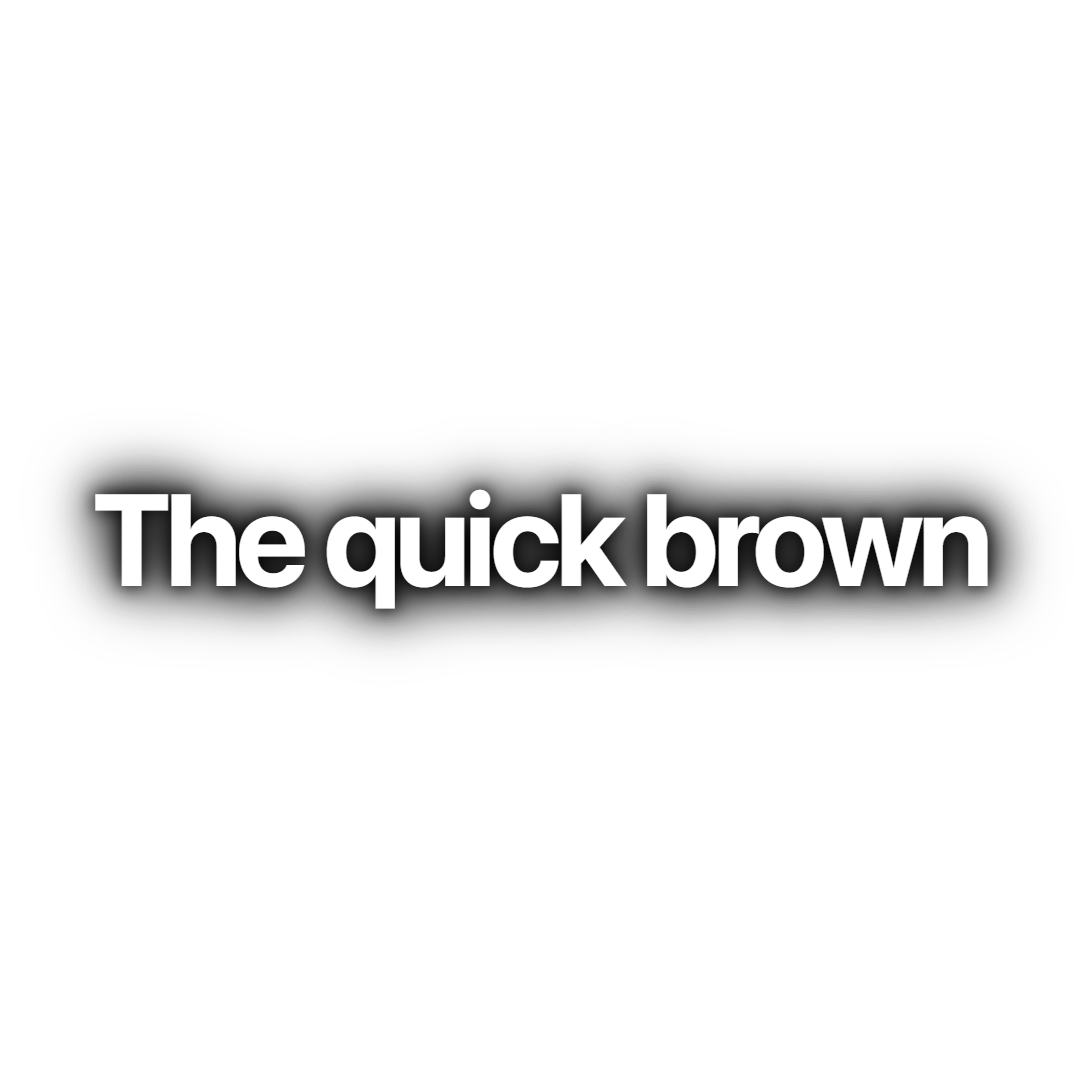
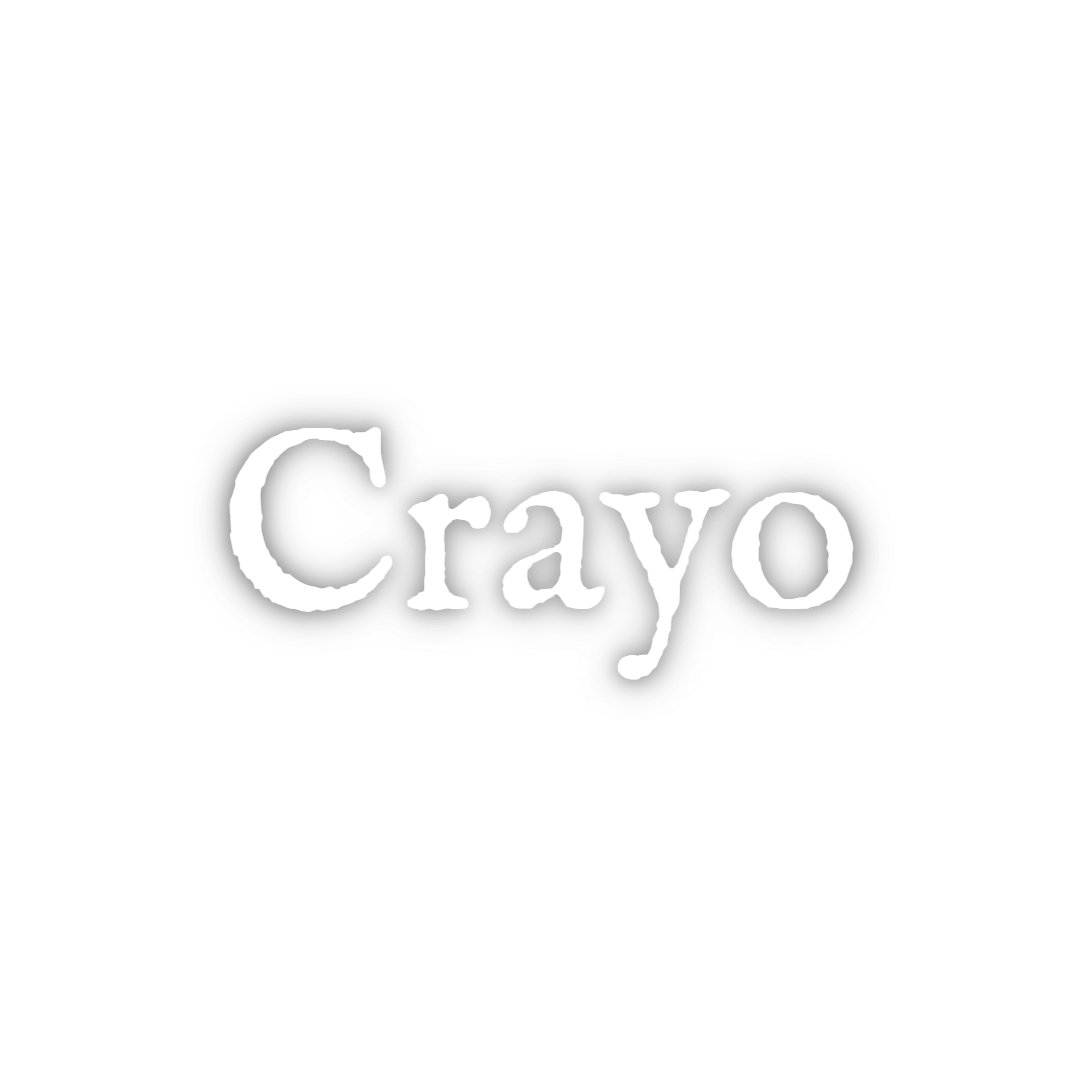
Classic is the default Crayo caption: white SF Pro Display Bold in sentence case, carried by a layered black shadow instead of a stroke, with each line fading in. It suits talking-head podcast clips and interviews where the captions should read cleanly without pulling attention from the speaker.
- Font
- SF Pro Display Bold
- Case
- Sentence case
- Highlight
- None, every word stays white
- Animation
- Line fades in
- Background
- Layered black blur shadow, no stroke or box
- Best for
- Podcast clips, interviews and educational talking heads
Classic is the style every Crayo project starts with. The lettering is SF Pro Display Bold in white with tight letter spacing, and five stacked black blur shadows give it enough contrast to sit on bright footage or a face without a hard outline. Nothing is uppercase, so long sentences still look like sentences.
The only motion is a fade over the first 40 percent of each line's time on screen, and the spoken word is not recoloured. That restraint is the point: use it on podcast cuts, founder interviews and educational clips where the words matter more than the effect.
If you want the same look with more punch, the Glow Line and Clean Word styles share the font and shadow but add a glow or switch to one word at a time.
Keep exploring
AI Captions
Accurate, animated captions on every clip. Pick a template, highlight keywords, and tweak the style in the editor.
FeatureAuto Clip
Upload a long-form video and let AI find the best moments, then cut them into ready-to-post clips.
FeatureVideo Editor
A multi-track timeline with captions, zooms, transitions, LUTs, speed ramps, cutaways and camera keyframes. No install, no watermark on any plan.
Caption styleClean Word
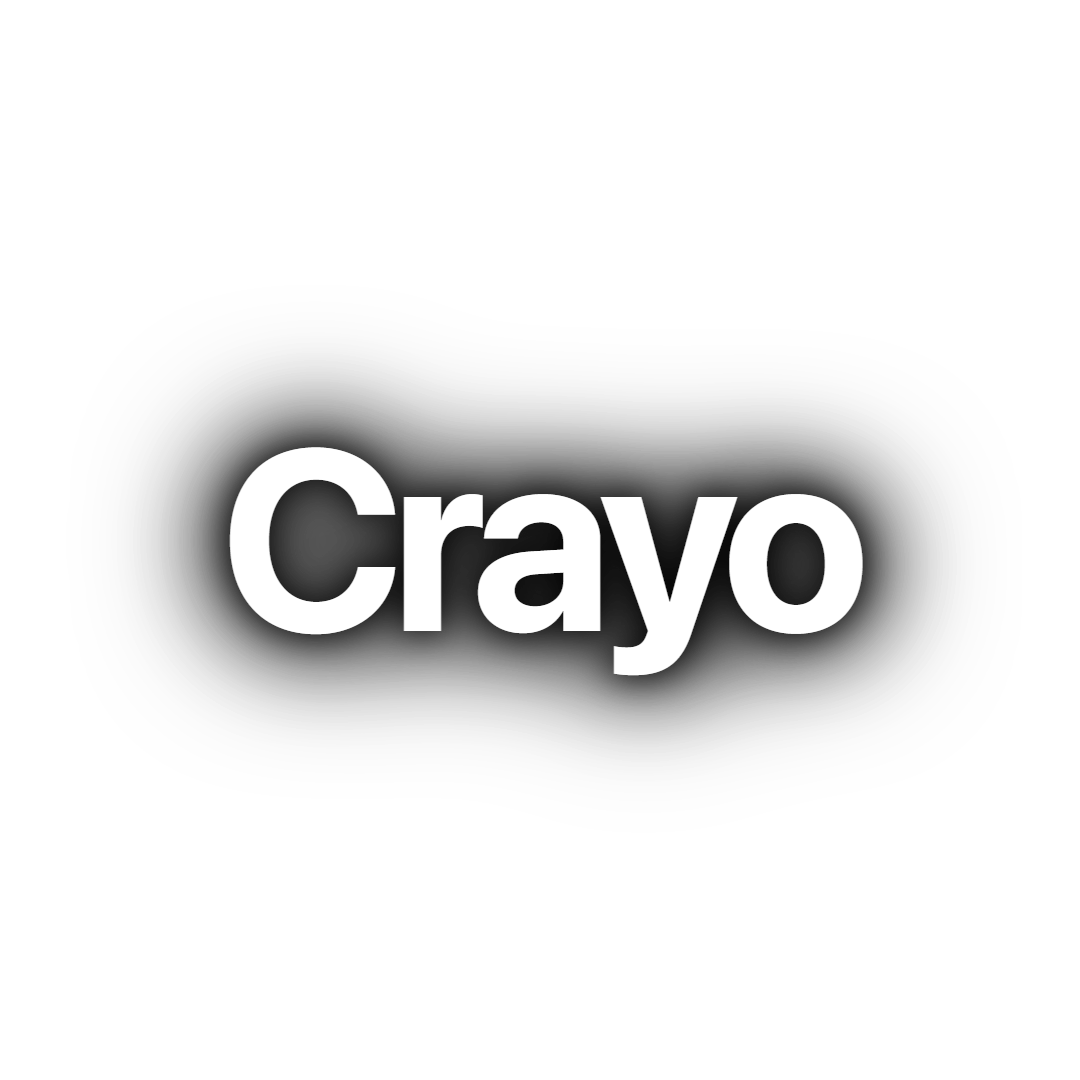
Clean Word shows one white SF Pro Display word at a time with a soft black shadow and no animation. A minimal word-by-word caption for fast talkers.
Caption styleCyan Pop
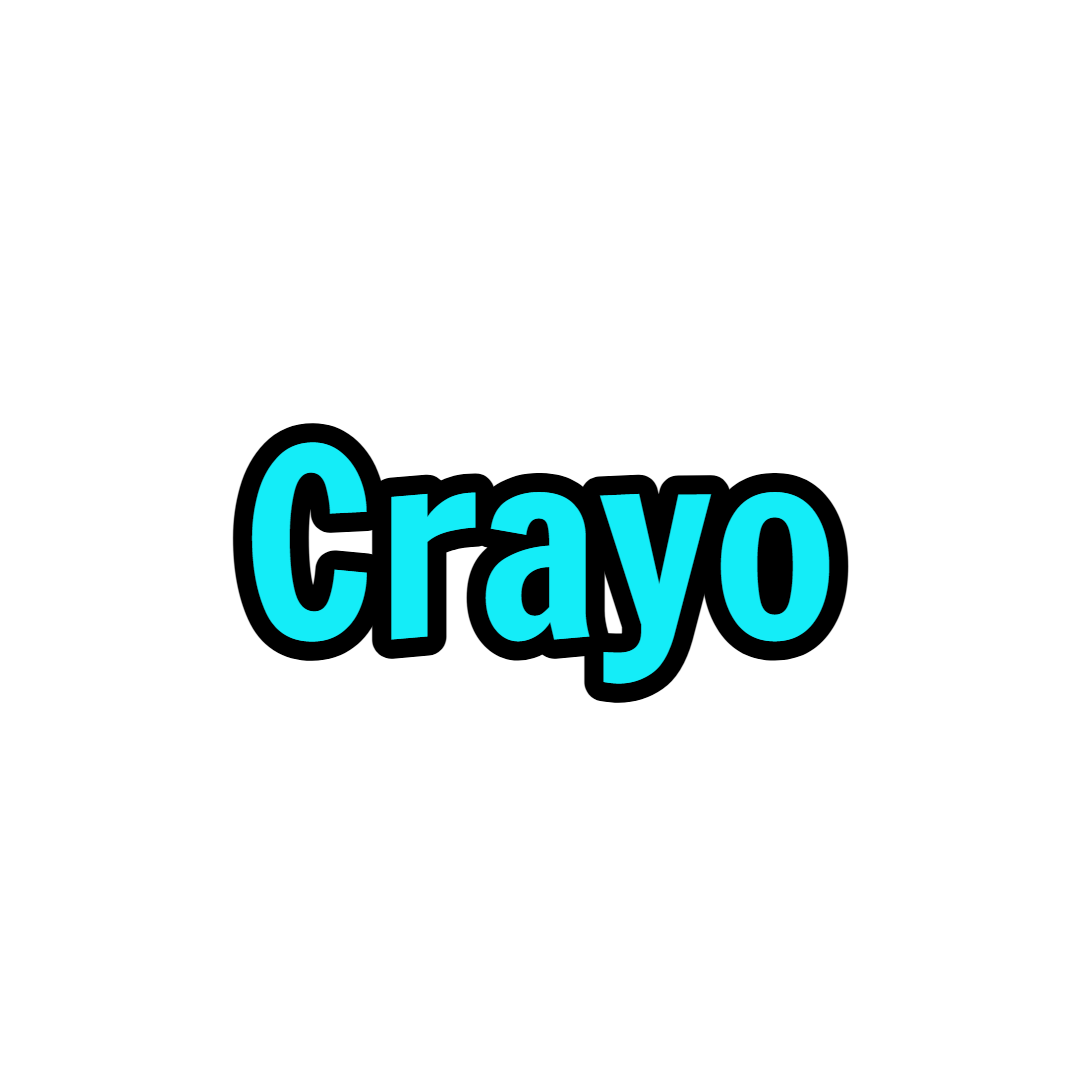
Cyan Pop is a word-by-word caption in bright cyan Francois One with a 3px black stroke. Each word squashes in and springs to size for high-energy clips.
Caption styleGlow Line
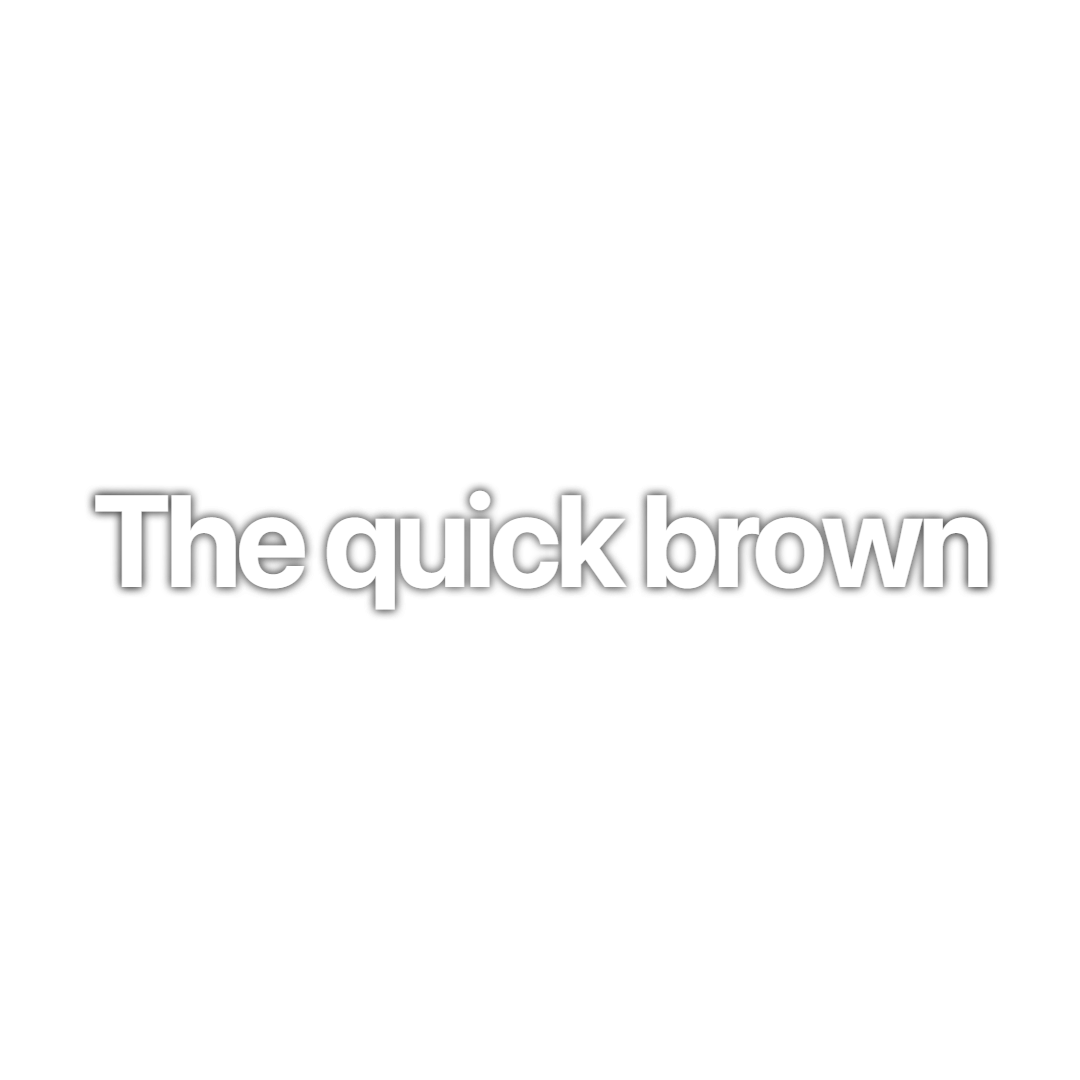
Glow Line pairs white SF Pro Display with a soft white glow and a thin black edge. Lines stretch in, drift subtly and fade out, ideal for cinematic clips.
FAQs
Frequently asked questionsFrequent questionsStill have questions?
Contact our 24/7 support team for any concerns or inquiries.