

Clean Word caption style
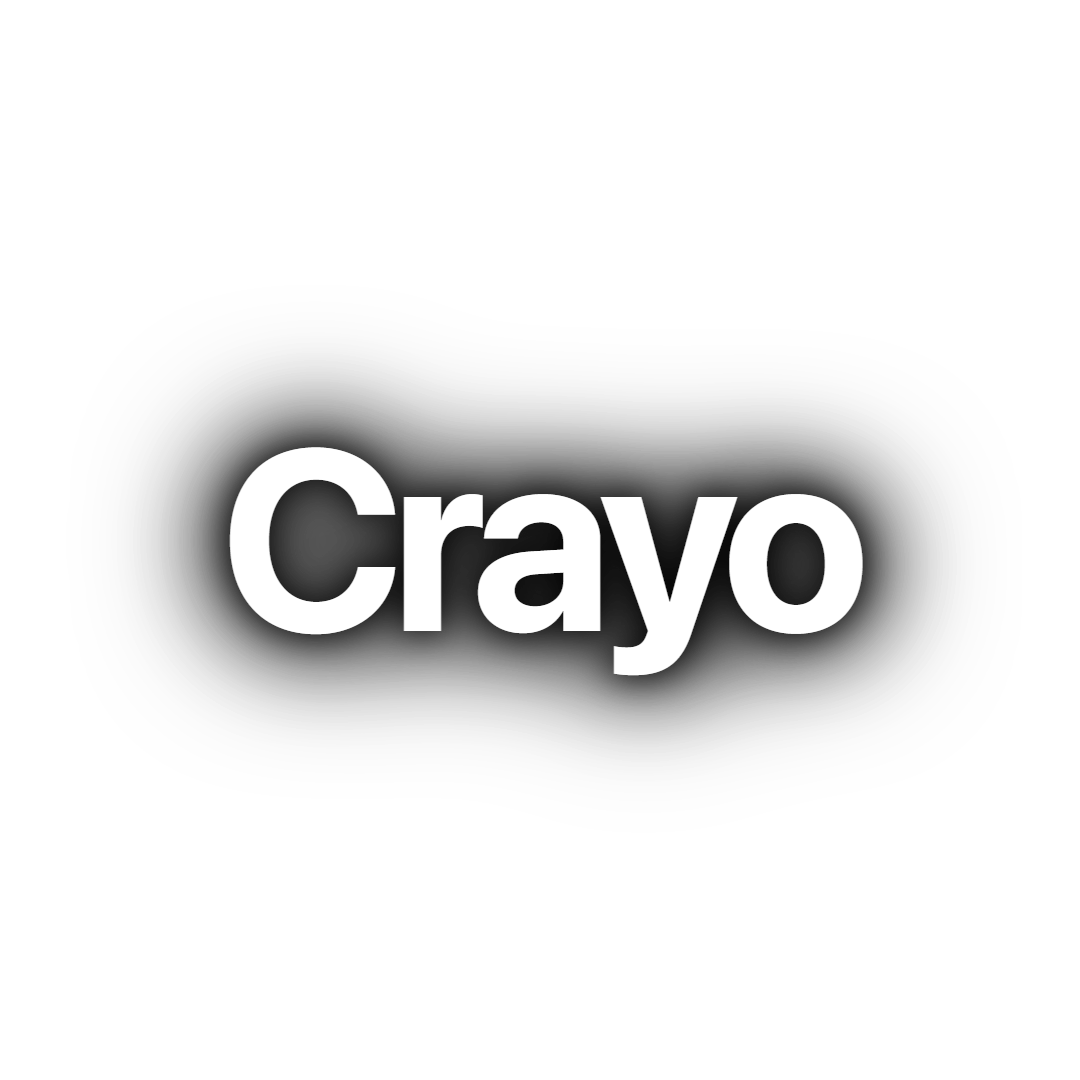
Clean Word shows a single white SF Pro Display Bold word at a time, lifted off the footage by the same layered black shadow as Classic, with no entrance animation. It suits fast-paced talking-head clips and stream highlights where the viewer should read exactly one word per beat.
- Font
- SF Pro Display Bold
- Case
- Sentence case
- Highlight
- None, each word is shown alone in white
- Animation
- None, words cut in on the transcript timing
- Background
- Layered black blur shadow, no stroke or box
- Best for
- Fast commentary, stream highlights and quick explainers
Clean Word keeps the Classic typography, white SF Pro Display Bold in sentence case with tight spacing, and changes how it is grouped: each spoken word appears on its own instead of as part of a line. Five black blur shadows handle legibility, so there is no stroke and no box.
There is no entrance or exit animation. Words simply cut in and out on the transcript timing, which keeps the rhythm of fast speech intact and avoids the bouncing that can tire viewers over a long clip.
Reach for it on rapid stream commentary, rants and quick explainer clips. For a line-based version of the same look use Classic; for a glowing version use Glow Line.
Keep exploring
Video Editor
A multi-track timeline with captions, zooms, transitions, LUTs, speed ramps, cutaways and camera keyframes. No install, no watermark on any plan.
FeatureAI Captions
Accurate, animated captions on every clip. Pick a template, highlight keywords, and tweak the style in the editor.
FeatureAuto Clip
Upload a long-form video and let AI find the best moments, then cut them into ready-to-post clips.
FeatureVideo Cutter
Trim and cut any video down to the exact moment you need, right in your browser with no watermark.
Caption styleClassic
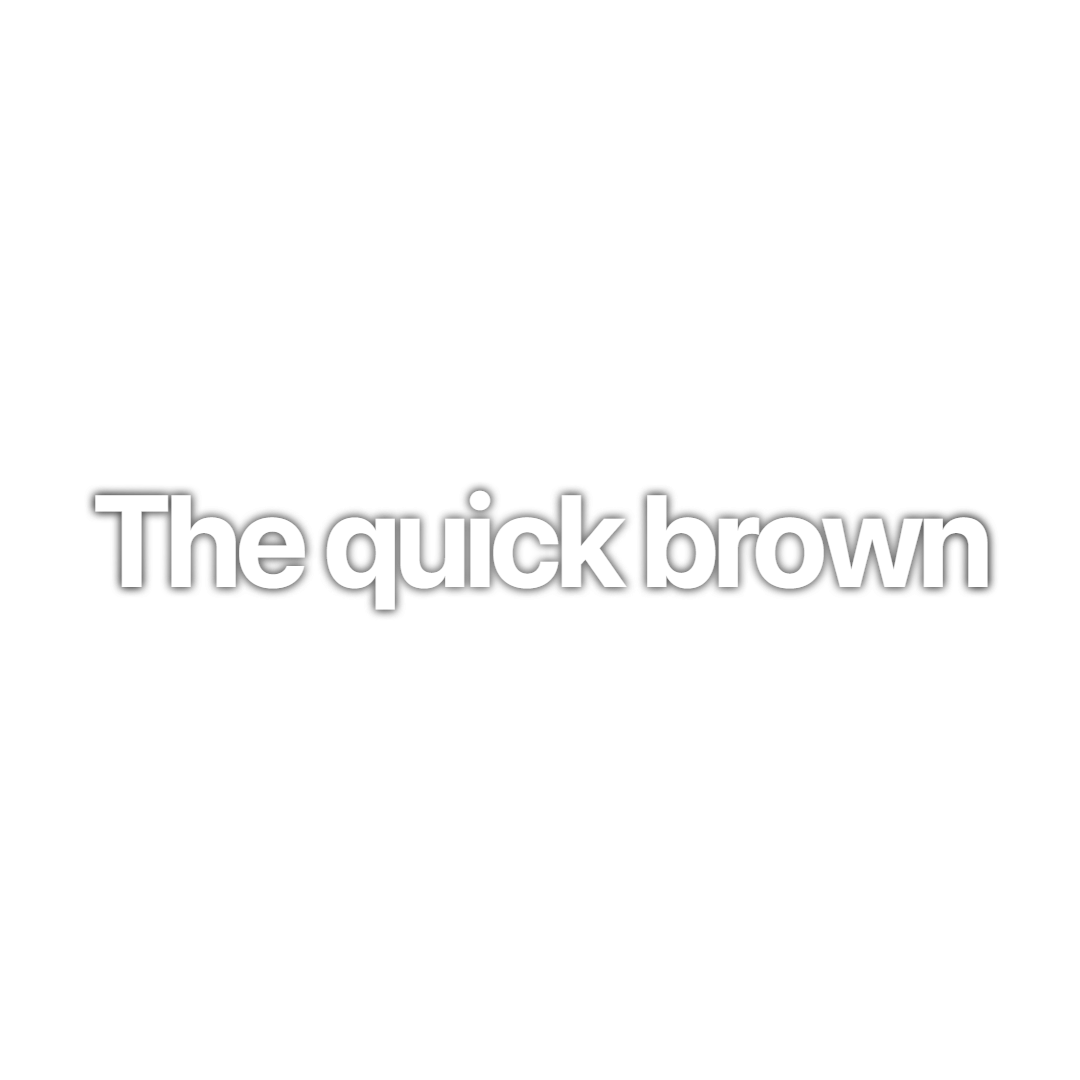
Classic is the default Crayo caption: white SF Pro Display, a soft black shadow and a gentle fade, shown one line at a time. Clean enough for any clip.
Caption styleCyan Pop
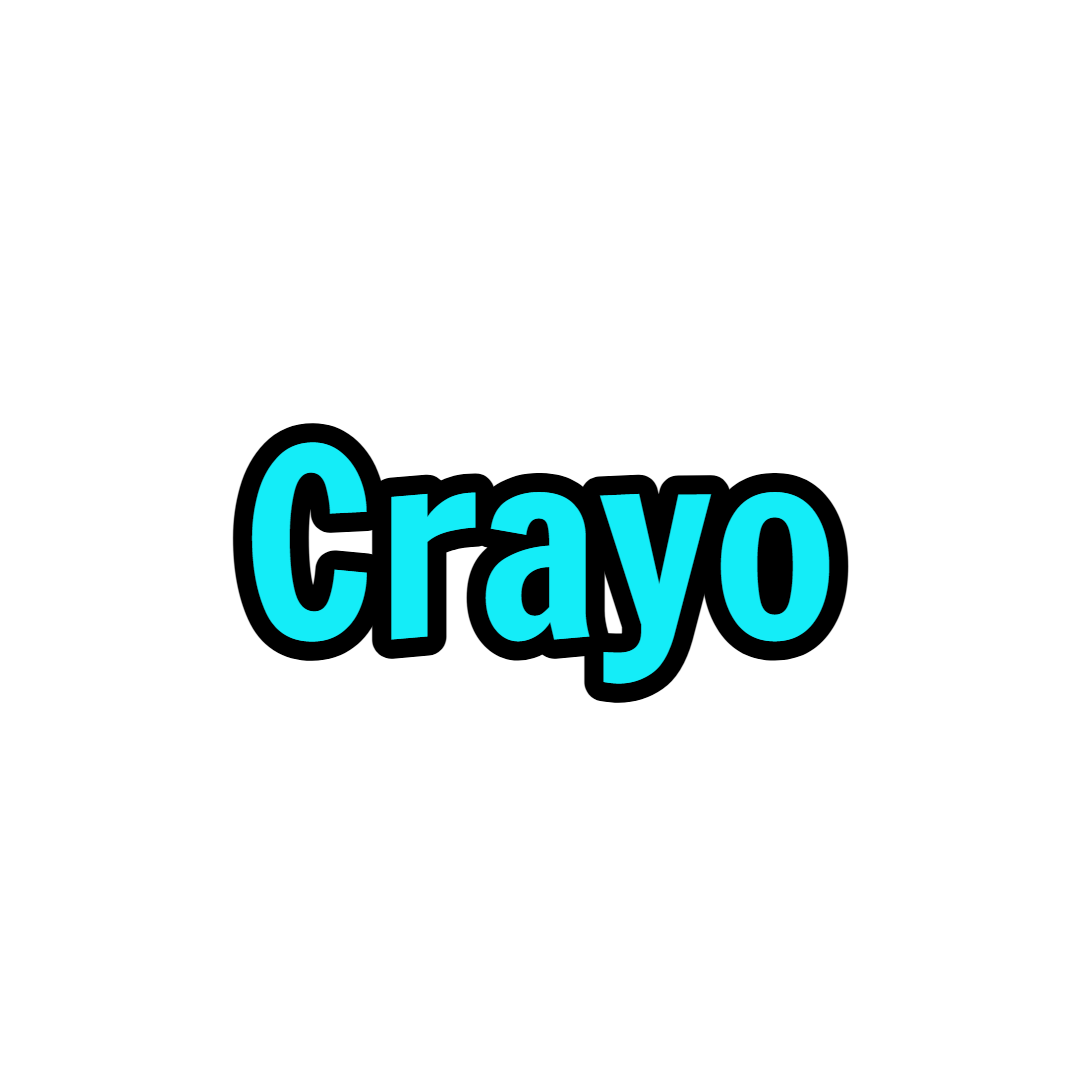
Cyan Pop is a word-by-word caption in bright cyan Francois One with a 3px black stroke. Each word squashes in and springs to size for high-energy clips.
FAQs
Frequently asked questionsFrequent questionsStill have questions?
Contact our 24/7 support team for any concerns or inquiries.