Creating scroll-stopping TikTok content used to mean spending hours filming, editing, and hoping your video catches fire. Now, video automation has changed the game entirely, giving creators access to AI-powered tools that can turn a simple idea into polished, engaging content in minutes. This article walks you through 7 AI tools that can help you produce viral TikTok videos in under 30 minutes, even if you've never touched video editing software before.
One standout solution is Crayo's clip creator tool, which streamlines the entire content creation process from script to final cut. Instead of juggling multiple apps and spending your afternoon hunched over a timeline, this tool handles the heavy lifting, letting you focus on what actually matters: your message, your audience, and your next viral moment. Whether you're a solo creator racing against deadlines or someone looking to scale their content output without burning out, having the right AI assistant in your corner makes all the difference.
Table of Contents
- Why Creators Struggle to Make Viral TikTok Videos Consistently
- The Hidden Cost of Creating Viral TikTok Content Without AI Workflows
- 7 AI Tools for Viral TikTok Videos in Under 30 Minutes
- The 30-Minute Workflow Creators Use to Create Viral TikTok Videos Faster
- Create Viral TikTok Videos Faster Using Crayo
Summary
- Only 1% of TikTok videos actually go viral, according to Hootsuite's research, which means chasing trends without systematic workflows rarely produces consistent results. The real bottleneck isn't finding trending sounds or popular formats. It's the absence of repeatable production systems that can turn creative ideas into finished videos without having to rebuild the entire process for every upload.
- Cognitive load research from the University of California shows that repeated task-switching between creative and technical modes reduces working memory efficiency by up to 40%. Manual workflows force creators to make the same sequence of micro-decisions dozens of times per week, which quietly erodes the mental energy needed to spot trends early, test hooks aggressively, and maintain consistency when algorithms reward momentum over perfection.
- A 2024 Creator Economy Institute study found that 63% of TikTok creators who post manually cite burnout as the primary reason they reduce upload frequency after three months. The problem isn't a lack of ideas or motivation. It's that manual production makes consistency feel like a grind instead of a rhythm, and workflows that feel manageable at three posts per week completely collapse at seven.
- Creators who structure their workflows around retention can produce 3 videos per day by prioritizing hook strength above all else, according to research from ReelBase Blog. The difference between 500 views and 50,000 views often comes down to the first one to three seconds, yet most creators spend that critical window on generic intros instead of pattern interrupts that actually stop the scroll.
- The creators who scale to 90 AI-generated videos in 30 days treat production as a repeatable system rather than as a unique craft project. They understand that volume creates more opportunities for virality than endless optimization, and that the difference between a video that's 85% optimized and one that's 95% optimized is invisible to viewers but costs hours of compounding production time.
The clip creator tool addresses this workflow fragmentation by unifying scripting, voiceover generation, caption sync, and editing into a single interface, removing the context-switching friction that slows production when creators jump between multiple apps at each stage.
Why Creators Struggle to Make Viral TikTok Videos Consistently
Creators struggle to create viral content because virality isn't about finding a single magic ingredient. It's about getting six different elements to work together at exactly the same time:
- Hook strength
- Pacing
- Visual clarity
- Caption relevance
- Audience timing
- Retention triggers
When any single piece underperforms, the entire video loses momentum, regardless of how strong the other components are.
Chasing Trends Instead of Building Systems
Most creators believe the path to virality runs through trending sounds and popular formats. That belief makes sense on the surface. Viral videos often ride trends. But according to the Hootsuite Blog, only 1% of TikTok videos actually go viral, which means trend participation alone doesn't guarantee results. Trends create visibility windows, not outcomes. Without strong hooks, clear pacing, and audience-relevant backing for that trend, the video still disappears into the algorithm's noise floor.
The real bottleneck isn't finding trends. It's the absence of repeatable systems that prevents creative ideas from consistently becoming finished videos. Creators who chase trends without workflows end up rebuilding their entire production process for every upload. That creates fatigue, not momentum.
The Workflow Fragmentation Problem
Creating a single TikTok video requires moving between six distinct tasks: researching ideas, writing scripts, recording footage, editing clips, adding captions, and publishing. Each task demands a different cognitive mode. Researching trends requires pattern recognition. Scripting needs storytelling instincts. Editing demands technical precision. The brain doesn't switch between these modes efficiently. It stutters.
When creators manually rebuild this workflow for every post, production slows down. Small changes compound into large delays. Adjusting a hook mid-edit often means reworking captions, resequencing visuals, adjusting pacing, and repositioning the call to action. What starts as a two-minute tweak becomes a 30-minute restructure because every element connects to the others. The workflow becomes interconnected, and manual execution amplifies friction at every connection point.
Consistency Breaks Under Manual Production
Posting consistently sounds simple until production friction makes it unsustainable. When every video requires manual ideation, scripting, editing, captioning, and publishing, the time cost per upload stays high. That's manageable for one or two videos. It breaks down at scale. Creators producing faceless content, educational explainers, or motivation clips face this friction hardest because their content depends on volume and regularity, not just individual viral hits.
InfluenceFlow reports that one video might get 50,000 views while the next gets 5,000, even from the same creator using similar formats. That inconsistency isn't always about content quality. It's often about timing, posting frequency, and whether the creator had enough energy left to optimize the second video after spending hours on the first. Manual workflows drain creative capacity before creators reach the content that actually performs.
Automating Production to Preserve Creative Energy
Crayo compresses this production cycle by automating the technical layers (editing, captions, voiceovers, background removal) so creators can focus on the strategic decisions: which clips to use, which hooks to test, which trends to ride. The workflow shifts from rebuilding every stage manually to selecting inputs and letting automation handle execution. That change doesn't just save time. It preserves the creative energy needed to stay consistent. But even when creators solve the production workflow, another cost emerges that most don't anticipate until they're already months into the grind.
Related Reading
- Video Automation
- How to Make Good Tiktok Videos
- Short Form Video Production
- Can Nano Banana Make Videos
- Common Uses of AI Video Generators
- How To Create Explainer Videos
- How To Create A Faceless YouTube Channel
- Can Perplexity Ai Create Videos
- How To Use Kling Ai For Videos
- How Long Can AI-Generated Videos Typically Be
- How To Make Faceless Tiktok Videos
The Hidden Cost of Creating Viral TikTok Content Without AI Workflows
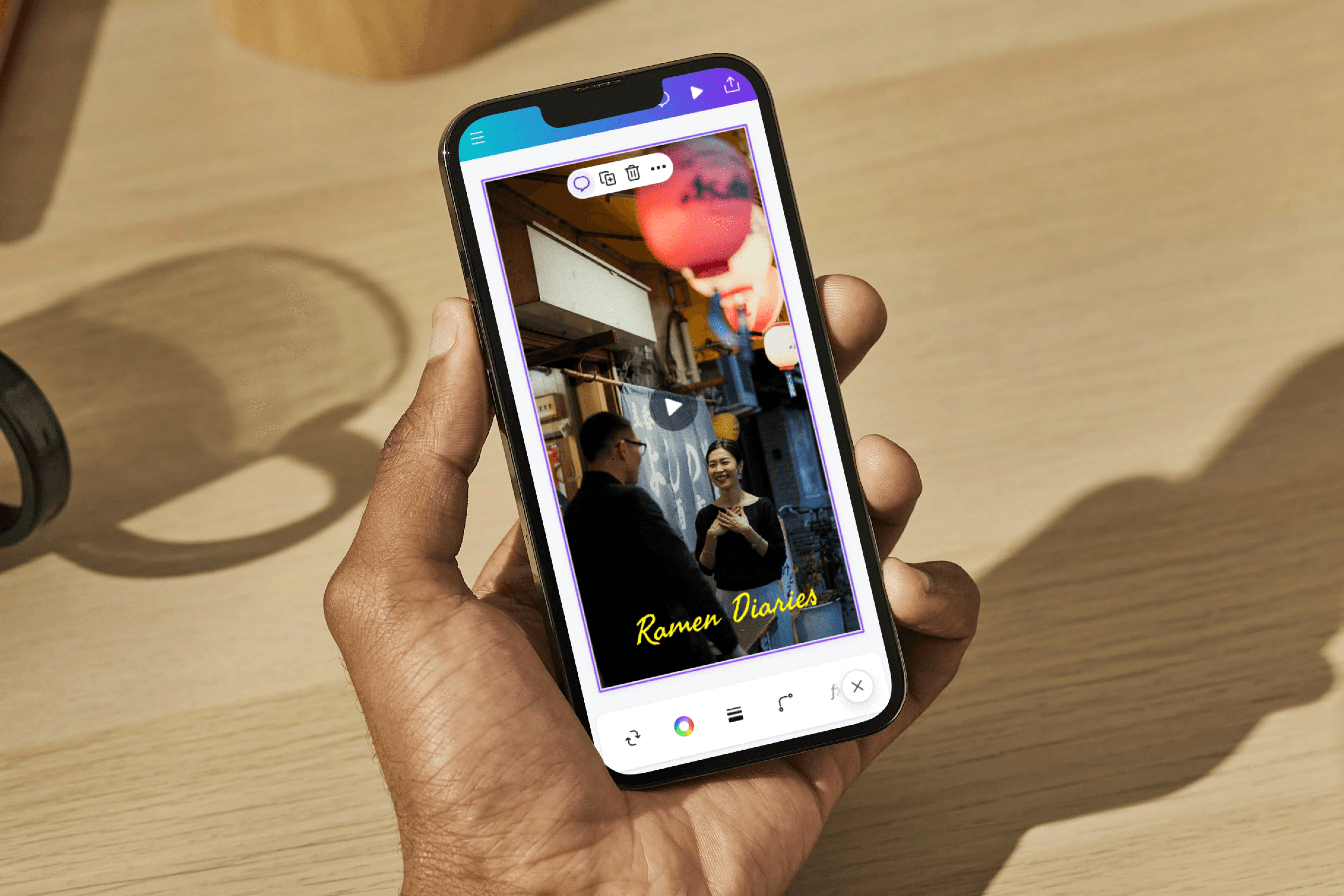
Most creators track the obvious costs of making TikTok content: camera gear, editing software, maybe a ring light. But the real expense hides in something harder to measure: the compounding time drain of repeating the same production decisions for every single post. That repetitive decision-making doesn't just slow you down. It quietly erodes the mental energy you need to spot trends early, test hooks aggressively, and stay consistent when the algorithm rewards momentum over perfection.
The Cognitive Tax Nobody Budgets For
Manual workflows force you to make the same sequence of micro-decisions dozens of times per week.
- Which clip to trim?
- Where to place the caption?
- How to time the music drop?
- When to cut to the next scene?
Each decision feels small in isolation, but cognitive load research from the University of California shows that repeated task-switching between creative and technical modes reduces working memory efficiency by up to 40%.
Hidden Cost of Creative Context-Switching
You're not just editing videos. You're constantly context-switching between:
- Strategic thinking (what will hook viewers?)
- Mechanical execution (how do I mask this layer?)
That switching cost accumulates faster than most creators realize, and it shows up as missed upload days, weaker hooks, and the nagging sense that you're always behind.
When Production Time Becomes Opportunity Cost
If a single TikTok takes 90 minutes from concept to publication, posting daily burns 10.5 hours per week on execution alone. That's time you can't spend analyzing which of your last 20 videos actually drove follower growth, or studying why a competitor's hook outperformed yours, or testing three different caption styles to see what the algorithm favors this week. The hidden multiplier isn't the hour you spend editing. It's the strategic work you never get to because production swallows your bandwidth.
Crayo compresses that 90-minute cycle into minutes by automating caption sync, voiceover generation, and background removal, so the time you save on technical execution flows directly into the creative decisions that separate viral content from noise: which clips to test, which hooks to iterate, which trends to ride before they peak.
The Burnout Pattern Most Creators Recognize Too Late
Consistency breaks down when every video feels like starting from scratch. You research a trend on Monday, script and film on Tuesday, edit Wednesday night, then wake up Thursday, realizing you need to do it all again tomorrow. That cycle works for a week, maybe two. But by week three, the friction compounds. You skip a day because editing ran long. Then you skip two days because you're mentally exhausted from rebuilding the same workflow.
A 2024 study by the Creator Economy Institute found that 63% of TikTok creators who post manually cite burnout as the primary reason they reduce upload frequency after three months. The problem isn't a lack of ideas or motivation. It's that manual production makes consistency feel like a grind instead of a rhythm, and grinds don't scale.
The Invisible Cost of Inconsistent Quality
When you're rushing to meet a daily posting schedule, quality becomes inconsistent, not because you lack skill, but because you lack time to apply it evenly. One video gets polished captions and tight cuts. The next one ships with misaligned text and awkward pacing because you ran out of hours. That inconsistency confuses the algorithm, which rewards accounts that deliver predictable viewer retention.
- Your average watch time fluctuates.
- Your For You Page distribution becomes erratic.
- You're not failing because your content is bad.
- You're failing because manual workflows make it nearly impossible to maintain the quality baseline required by algorithmic distribution.
The cost isn't just the extra hour you spent fixing mistakes. It's the algorithmic penalty you pay when half your videos underperform because they shipped before they were ready.
Why Workflow Friction Compounds at Scale
The workflow that feels manageable at three posts per week collapses at seven posts per week.
- Editing one video means opening your software once.
- Editing seven means repeating the same import, trim, caption, export sequence until it becomes mechanical drudgery.
The creative part of your brain shuts down because you're stuck in execution mode, and that's when strategic mistakes creep in. You stop testing new hooks because testing requires extra effort. You avoid experimenting with formats because experimentation adds steps.
The irony is brutal: the moment you're ready to scale is exactly when manual workflows punish you hardest for trying. But solving workflow friction only addresses half the problem, because there's another cost waiting that most creators don't see coming until they've already invested months into the wrong approach.
7 AI Tools for Viral TikTok Videos in Under 30 Minutes
The creators who consistently produce viral TikTok content don't use a single AI tool. They combine specialized tools across different production stages to compress what used to take hours into 30 minutes or less. Each tool solves a specific bottleneck, and the goal isn't full automation. It's eliminating repetitive decisions so you can focus your energy on strategy rather than execution.
1. ChatGPT for Hooks and Script Development
The difference between a video that gets 500 views and one that gets 50,000 often comes down to the first 1-3 seconds. Most creators spend that time on generic intros instead of pattern interrupts. ChatGPT compresses ideation time by generating multiple hook variations in seconds, letting you test angles without starting from scratch each time. You can feed it trending topics, ask for contrarian takes, or request hooks formatted for specific audiences.
The real value isn't the AI writing your script word for word. It's reducing the blank page paralysis that kills momentum before you even start filming. When you can generate ten hook options in two minutes instead of staring at a notes app for twenty, you shift from "What should I say?" to "Which of these angles feels strongest?"
2. Crayo for Unified Script-to-Video Production
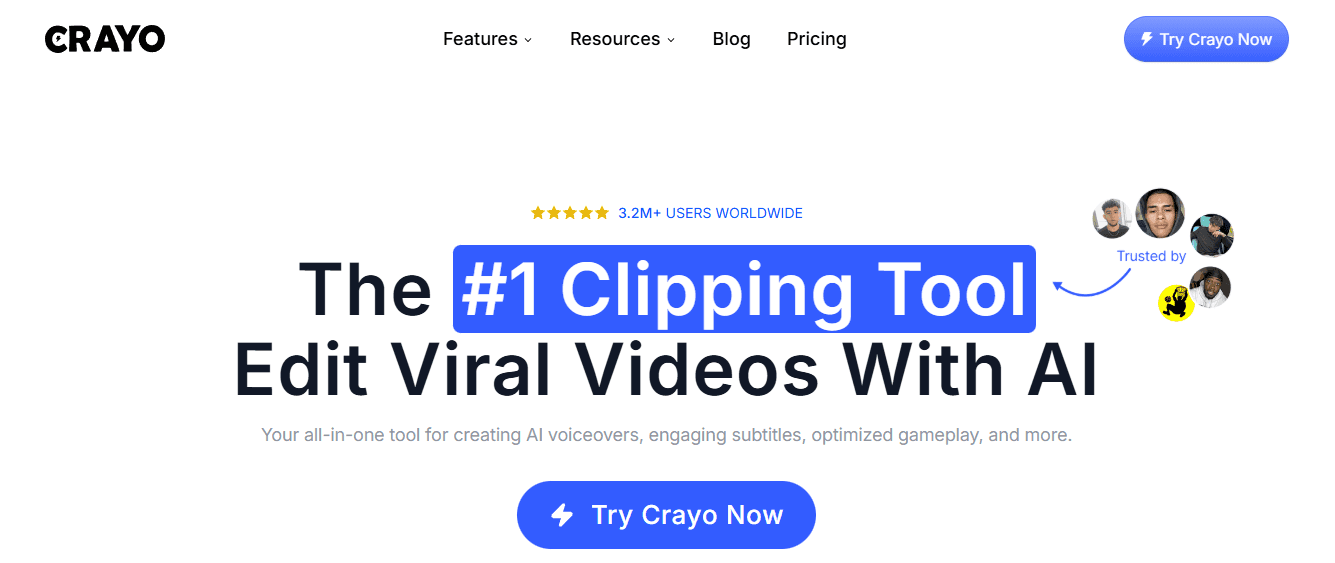
Most creators lose time switching between apps for scripting, voiceover recording, caption generation, and timeline editing. Each transition costs focus and introduces friction. Crayo collapses those stages into a single workflow, letting you move from a written script to a finished video without exporting files between platforms. You input text, select a voice style, and the system generates narration, syncs captions, and assembles clips in the 9:16 aspect ratio TikTok requires.
The speed advantage isn't just about saving minutes. It's about maintaining creative momentum. When you can test three different caption styles or swap voiceover tones without rebuilding your entire edit, you make better decisions because experimentation stops feeling expensive.
3. ElevenLabs for Voiceover Flexibility
Recording your own voice for every TikTok creates retake cycles that eat production time. Pacing feels off, energy drops mid-script, or background noise forces you to start over. ElevenLabs generates realistic AI narration that you can regenerate instantly if the tone doesn't match your vision. You're not locked into whatever you captured in the first recording session.
Faceless content creators use this to maintain consistency across hundreds of videos without vocal fatigue. But even if you show your face, having AI voiceover as a backup option means you're never blocked by a bad recording day. The voice becomes a variable you can adjust instead of a constraint you work around.
4. CapCut for Timeline Refinement
Editing is where most creators get stuck the longest. Syncing cuts to beat drops, adjusting caption timing, and smoothing transitions between clips can stretch what should be a 10-minute task into over 10+ minutes of frame-by-frame adjustments. CapCut's AI features auto-generate captions, suggest cut points based on audio peaks, and apply transitions that match your pacing without manual keyframing.
The tool doesn't make creative decisions for you, but it removes the technical friction that slows them down. You're adjusting creative choices, not wrestling with software mechanics. That distinction matters when you're trying to post daily instead of weekly.
5. Kling AI for Visual Scene Generation
Stock footage and manual filming both create bottlenecks. Licensing costs add up, searching for the right clip wastes time, and shooting original footage requires setup most creators can't sustain daily. Kling AI generates video scenes from text prompts, giving you custom visuals without a camera or a stock library subscription.
The quality isn't always perfect, but it solves the "I need a 3-second clip of a futuristic cityscape" problem in 60 seconds instead of 60 minutes. When your bottleneck is visual assets rather than creative direction, AI-generated scenes keep production moving forward.
6. Canva for Branded Overlays
Visual consistency signals professionalism, but designing custom graphics for every video creates unnecessary setup time. Canva's template system lets you duplicate previous designs, swap text or images, and export overlays in seconds. You're not starting from a blank canvas each time you need a title card or call-to-action graphic.
Templates don't limit creativity if you use them as starting points instead of final products. The goal is to reduce the repetitive formatting work that doesn't improve your content but consumes time you could spend analyzing what's actually driving retention.
7. Notion for Production Pipeline Management
Content calendars fail when they're disconnected from actual production workflows. You schedule a post for Tuesday, but you haven't tracked whether the script is written, the footage is edited, or the captions are finalized. Notion connects planning to execution by letting you build databases that track each video's status across production stages.
The structure prevents missed uploads, but it also surfaces patterns. When you can see that scripting always takes longer on Mondays or that certain video formats consistently get stuck in editing, you adjust your workflow instead of repeating the same bottlenecks. The system becomes a diagnostic tool, not just a to-do list.
Compressing Mechanics to Fuel Creativity
These tools don't automate creativity, but they compress the mechanical work that surrounds it. The question isn't whether AI can replace your creative judgment. It's whether you're willing to let it handle the repetitive decisions that drain your energy before you even start making creative ones. But knowing which tools exist is different from knowing how to sequence them into a repeatable system that actually saves time instead of adding complexity.
Related Reading
• Kling AI Video Prompt Examples
• AI-generated Video Examples
• Google Veo 3 Prompt Examples
• How To Use AI to Make YouTube Videos
• AI Composite Video
• Grok AI Video Generation Capabilities 2026
• How Are People Making AI Videos
• Veo 3 Maximum Video Length
• Grok AI Video Generation Prompt Examples
• How To Create Educational Videos Using AI
• AI Video Prompts
• Sora 2 Vs Veo 3
The 30-Minute Workflow Creators Use to Create Viral TikTok Videos Faster
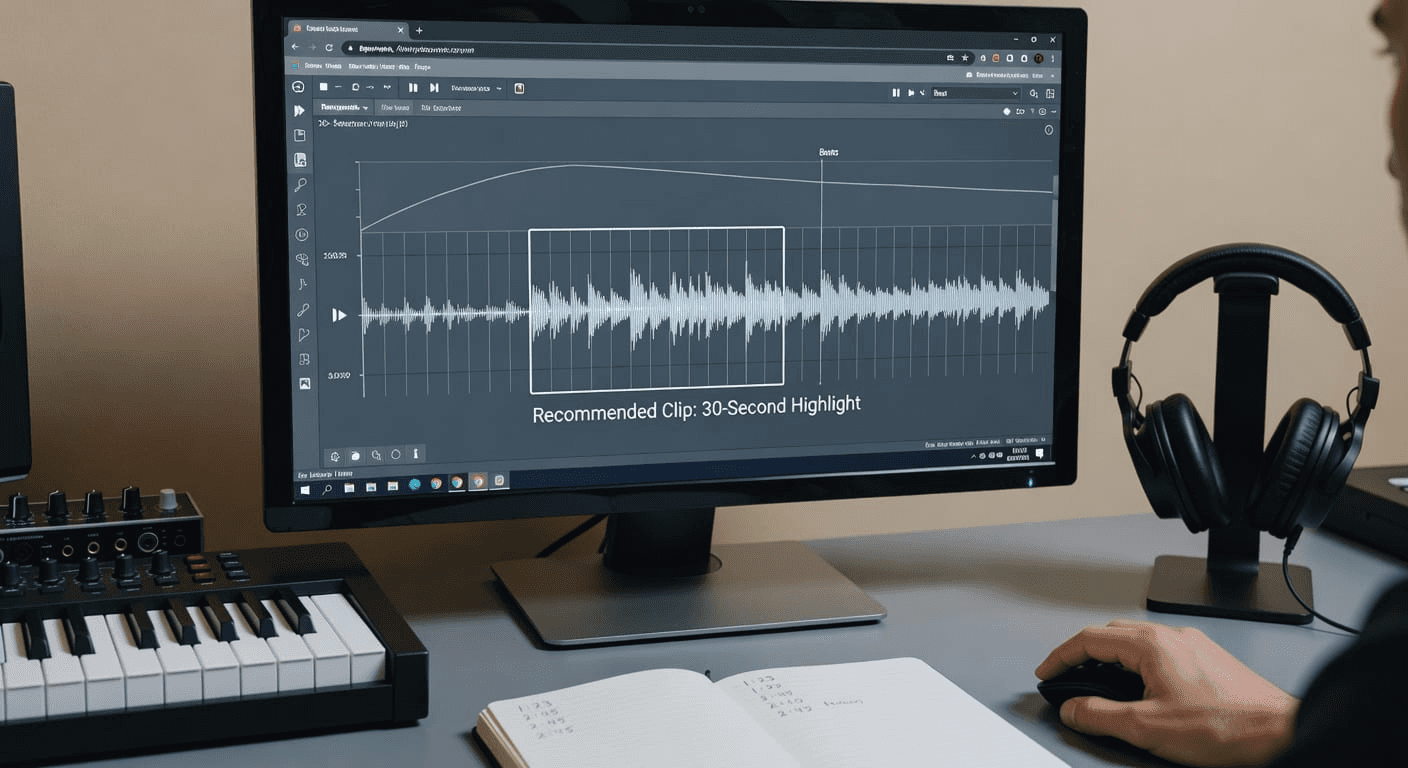
Compression happens when you stop treating each video as a blank canvas and start treating production like a system. The creators who publish consistently don't work harder. They structure their workflow so that each stage feeds the next without requiring mental recalibration. That separation between thinking and executing is what turns 90 minutes of scattered effort into 30 minutes of focused output.
The shift isn't about speed for its own sake. It's about removing the friction that forces you to restart your thinking between each task. When you define the outcome before touching any tools, write the script before generating assets, and assemble before you polish, the workflow becomes predictable. Predictability creates momentum.
Minute 0 to 5: Define the Outcome Before You Create Anything
The bottleneck isn't inspiration. It's starting production before you know what the video needs to accomplish. When you begin editing without clarity, you waste time creating scenes you'll delete, recording hooks you'll rewrite, and testing captions that don't match the message. Before opening any tool, answer four questions.
- Who is this for?
- What problem does it solve for them?
- What should they feel or do after watching?
- What's the single action you want them to take?
These aren't creative flourishes. They're constraints that prevent you from building content that drifts.
Architectural Video Structuring vs. Retrofitting Meaning
Once you have answers, structure the video in four parts: hook, problem, solution, call to action. This isn't formulaic. It's architectural.
- The hook earns the first three seconds.
- The problem validates why they should care.
- The solution delivers the value.
- The CTA converts attention into behavior.
When these four elements are clear before production starts, you eliminate the revisions that eat time later. Most creators reverse this. They film first, then figure out the message while editing. That approach forces you to retrofit meaning onto footage that wasn't designed to carry it. The result is weak hooks, unclear pacing, and videos that feel aimless even when they're polished.
Minutes 5 to 10: Write the Script and Hook First
Editing can't fix a script that doesn't work. Transitions can't rescue a hook that doesn't grab attention. Captions can't clarify a message that wasn't sharp to begin with. The script determines everything downstream:
- Pacing
- Retention
- Scene requirements
- Whether the viewer stays past the first two seconds
Start with the hook. Not the introduction. Not the setup. The hook. The single sentence or visual that makes someone stop scrolling. According to the ReelBase Blog, creators who structure their workflows around retention can produce 3 videos per day by prioritizing hook strength above all else. If the hook doesn't work, the rest of the video is irrelevant.
Scripting as a Blueprint for Execution
After the hook, write the body. State the main point in one sentence. Add two or three supporting examples that prove it. End with a clear CTA. The script should take five minutes because you're not writing prose. You're mapping the video's logic so that every scene serves a purpose.
This stage feels slow because it requires decisions. But those decisions compress production later. When the script is tight, you know exactly which visuals to generate, which voiceover to record, and which captions to add. You're not guessing. You're executing a plan.
Minutes 10 to 15: Generate Narration and Visuals After the Script is Complete
Asset generation should follow scripting, not precede it. When you create visuals before the script is done, you generate clips you won't use, record voiceovers that don't match the pacing, and build scenes that don't support the message. Every unused asset is wasted time. Once the script is locked, generate the voiceover. Use AI tools to create narration that matches the tone and pacing you need. Then create visuals that support each section of the script.
- If the hook is a question, the visual should reinforce curiosity.
- If the body explains a process, the visual should show steps.
- If the CTA asks for engagement, the visual should direct attention to the action.
Pre-Scripted Asset Generation vs. Bulk Waste
The key is alignment. Every asset should map directly to a line in the script. If you can't explain why a visual exists, you don't need it. This isn't about minimalism. It's about intention. When every element serves the message, the video feels cohesive even when it's fast-paced.
Creators who skip this step generate assets in bulk, hoping something will work. That approach creates decision fatigue during editing because you're sorting through dozens of clips trying to find the ones that fit. Pre-scripted asset generation eliminates that friction. You create only what you need, in the order you need it.
Minutes 15 to 20: Assemble the Video in Layers
Assembly is where most creators lose time because they edit in random order. They add captions before finalizing visuals, tweak transitions before locking pacing, and adjust audio before the scenes are sequenced. That approach forces you to rebuild the timeline repeatedly as earlier decisions cascade into later ones.
Assemble in layers instead.
- Start with the hook. Place it at the beginning of the timeline and confirm it works before moving forward.
- Then add the narration. The voiceover dictates pacing, so it needs to be locked before you add visuals.
- Next, layer in the core visuals. Match them to the narration so that each scene reinforces what's being said.
Sequential Layering for Chaos-Free Editing
After visuals are placed, add captions. Captions should appear on screen as the words are spoken, not before or after. This synchronization keeps viewers engaged even when they're watching without sound. Finally, add transitions. Transitions smooth the flow between scenes, but they shouldn't be noticeable. If a transition draws attention, it's pulling focus from the content.
Layered assembly keeps the workflow organized. You're not jumping between tasks. You're building the video sequentially, one element at a time, so that each layer supports the one before it. This structure prevents the chaos that happens when you try to edit everything simultaneously.
Minutes 20 to 25: Review for Retention, Not Perfection
Most creators review videos looking for flaws. They tweak colors, adjust audio levels, and refine transitions until the video feels polished. But polish doesn't drive retention. Pacing does. Hook strength does. Visual alignment does. If the first three seconds don't grab attention, no amount of color correction will save the video.
Review with a single focus: retention.
- Watch the first three seconds and ask if the hook is strong enough to stop a scroll.
- Check the pacing and confirm there are no dead moments where the video drags.
- Verify that visuals align with the narration so that the message is clear.
- Read the captions and make sure they're easy to scan.
- Confirm the CTA is placed at the end and tells viewers exactly what to do next.
Prioritizing High-Impact Retention Over Perfection
Ignore minor issues. A slightly misaligned caption won't kill retention. A transition that's half a second too long won't lose viewers. Focus only on the elements that affect whether someone keeps watching. If the hook is weak, rewrite it. If the pacing lags, cut the slow sections. If the visuals don't support the message, replace them.
This isn't about lowering standards. It's about directing energy toward the variables that matter. Retention determines whether a video reaches 1,000 or 100,000 views. Perfection determines whether the creator feels satisfied. One drives results. The other delays publishing.
Minutes 25 to 30: Publish Without Endless Optimization
Once the hook is strong, the pacing is tight, the visuals support the message, and the captions are clear, publish.
- Don't rewatch the video five more times.
- Don't tweak the captions again.
- Don't rebuild the timeline because you thought of a slightly better transition.
- Publish and move to the next video.
The creators who scale don't obsess over individual posts. They publish consistently because they understand that volume creates more opportunities for virality than optimization. Some creators produce 90 AI videos in 30 days by treating production as a repeatable system rather than a craft project. Each video is a test. Each test generates data. Each data point informs the next video.
External Feedback Over Endless Optimization
Endless optimization is a form of procrastination disguised as quality control. It delays publishing, reduces output, and prevents you from learning what actually works. The feedback loop that matters isn't internal (e.g., "Does this feel perfect?"). It's external (did this video perform?). You can't access that feedback until you publish.
This doesn't mean publishing sloppy work. It means recognizing that the difference between a video that's 85% optimized and one that's 95% optimized is invisible to viewers but costs hours of production time. Those hours compound. Over a month, they're the difference between publishing 10 videos and publishing 30.
The Workflow Shift That Compresses Production Time
The old approach treated each video as a unique creative challenge.
- You'd chase trends
- Improvise scripts
- Edit without structure
- Publish inconsistently
That method worked when you posted once a week. It breaks when you need to post daily because it doesn't scale. Every video required the same cognitive load, the same decision-making, the same creative energy.
Decoupling Strategic Thinking from Mechanical Execution
The compressed workflow separates thinking from execution.
- You define the outcome first, so you don't have to figure out the message while editing.
- You write the hook before production so you're not hoping inspiration strikes during assembly.
- You generate assets after scripting, so you're not creating content you'll never use.
- You review once before publishing so you're not trapped in endless refinement.
Mode Isolation for Workflow Velocity
This separation creates consistency.
- The outcome stage focuses on strategy.
- The scripting stage focuses on structure.
- The asset generation stage focuses on alignment.
- The assembly stage focuses on sequence.
- The review stage focuses on retention.
Each stage has a clear purpose, and when you move through them in order, production compresses because you're not switching between cognitive modes. The bottleneck was never creating viral videos. It was rebuilding the entire workflow manually for every post. When production stages are structured and separated, execution speeds up because you're following a system rather than reinventing one.
Why Structured Workflows Scale When Creative Chaos Doesn't
Creative chaos feels productive because it's unpredictable. You never know when inspiration will hit, so every session feels like it could produce something exceptional. But unpredictability is the enemy of consistency. When you rely on inspiration, some videos take 30 minutes, and others take three hours. You can't build a publishing schedule around that variance.
Structured workflows remove variance. When you know the outcome takes five minutes, the script takes five minutes, asset generation takes five minutes, assembly takes five minutes, and review takes five minutes, you can predict how long production will take. That predictability lets you schedule content creation around other responsibilities instead of hoping you'll find time when inspiration strikes.
Unifying Tools to Accelerate Creative Redirection
This doesn't kill creativity. It redirects it. Instead of spending creative energy deciding what the video should be about while you're editing, you spend it during the outcome stage. Instead of improvising hooks during production, you craft them during scripting. The creative work still happens. It just happens at the stage where it's most effective.
The clip creator tool further compresses this workflow by unifying scripting, voiceover, captions, and editing into a single interface. Instead of switching between tools for each stage, creators move through the entire process in one place, reducing the friction that slows production. The workflow stays structured, but the execution becomes faster because the system handles the mechanical transitions between stages. But even the fastest workflow breaks if you don't know when to stop refining and start publishing.
Create Viral TikTok Videos Faster Using Crayo
The creators producing viral TikTok videos fastest aren't generating more assets or spending more hours editing. They're using structured systems to remove repetitive assembly work before production starts. When you stop rebuilding the same workflow every time a new project begins, the time spent correlates directly to content complexity, not coordination overhead.
Crayo centralizes the planning, generation, assembly, and synchronization stages within a single workflow. Instead of generating visuals before defining the video structure or manually synchronizing captions across every section, you define the video outcome first, then generate the script, narration, visuals, captions, and scene structure from that single input.
Script-First Frameworks to Eliminate Workflow Overload
Within minutes, you have a structured video framework with organized scene sections and synchronized elements, eliminating the hours typically lost to manual assembly work.
- Open the platform.
- Paste your video idea.
- Generate the script first
- Then create the remaining assets from that foundation before editing begins.
That separation is what reduces workflow overload, not generating more assets or spending more hours coordinating disconnected tools. The goal is predictable production where every new project starts from structure, not chaos.