Ever wondered why some YouTube channels rack up millions of views without ever showing a face? The rise of faceless content has opened doors for creators who value privacy, lack confidence on camera, or simply want to build multiple channels without being tied to their personal brand. Video automation has transformed this space entirely, making it possible to launch engaging channels featuring stock footage, animations, voiceovers, and screen recordings that captivate audiences just as effectively as traditional vlogs. This guide breaks down seven straightforward steps that will have your faceless YouTube channel up and running in just 10 minutes, whether you're interested in educational content, commentary videos, meditation channels, or compilation-style videos.
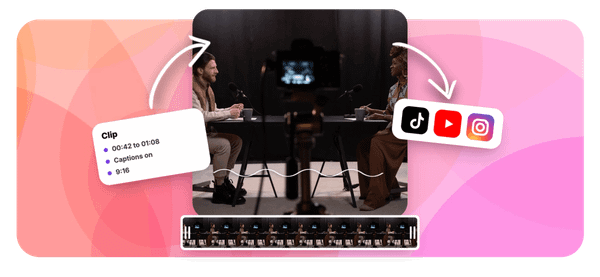
Getting started doesn't require expensive equipment or advanced editing skills anymore. Crayo's clip creator tool streamlines the entire process by helping you generate short-form videos quickly, letting you focus on building your channel strategy and growing your audience instead of getting stuck in production.
Table of Contents
- Why Beginners Struggle to Start a Faceless YouTube Channel Consistently
- The Hidden Cost of Building a Faceless YouTube Channel Manually
- 7 Steps to Create a Faceless YouTube Channel in 10 Minutes
- The 10-Minute Workflow to Launch Faceless YouTube Videos Faster
- Create Faceless YouTube Videos Faster Using Crayo
Summary
- Faceless YouTube channels fail at a 99% rate, not because creators lack ideas, but because they rebuild their entire production system from scratch for every video. Without reusable templates, presets, or workflows, creators spend hours deciding structure, tone, and visual style on tasks that should have been solved once and automated forever.
- Manual production creates hidden revenue gaps that most creators never calculate. Channels using automated workflows can publish 15 to 20 videos monthly compared to just four with manual methods, which means automated channels learn what resonates five times faster and reach the $2,800/month revenue threshold while manual producers are still perfecting their third upload.
- Inconsistent publishing schedules trigger algorithmic penalties that compound over time. YouTube's recommendation system rewards predictable upload patterns, and when manual production delays cause missed weeks, viewer retention drops, and channels lose months of algorithmic favor that takes multiple consistent weeks to rebuild.
- Structured workflows that adopt repeatable templates reduce production time from five hours to under 25 minutes per video, according to workflow optimization studies. The difference isn't editing speed or creative talent; it's eliminating the need to make the same formatting, layout, and animation decisions for every single upload.
- Pre-written scripts before editing begins remove the temptation to fix problems in post-production, which almost always takes longer than scripting correctly upfront. Creators who think while editing create rambling content and restart loops that silently double production time on sections that shouldn't have been recorded in the first place.
Crayo's clip tool addresses this by automating voiceovers, captions, and formatting in a single workflow, removing the friction points where manual processes stall and letting creators publish on predictable schedules that keep algorithms engaged.
Why Beginners Struggle to Start a Faceless YouTube Channel Consistently

The setup phase kills momentum before most beginners publish their third video. Faceless YouTube channels don't fail because creators lack ideas or talent. They stall because every upload requires rebuilding the entire production system from scratch: researching topics, writing scripts, generating voiceovers, syncing captions, editing pacing, and formatting exports. When each video demands this full cycle, production time expands faster than motivation can sustain it.
The Reusable System Problem
Starting every video with a blank slate guarantees exhaustion. Most beginners open their editor, stare at empty timelines, and manually decide:
- What topic?
- What structure?
- What voice tone?
- What visual style?
According to InVideo For Content Creators, 99% of faceless YouTube channels fail, and the pattern is consistent. Without templates, presets, or workflows that carry forward, creators repeat setup decisions that should have been solved once and reused forever. The problem isn't creativity. It's operational friction disguised as creative work.
Research That Never Becomes Production
Preparation feels productive until it replaces execution. Beginners spend hours watching competitor videos, collecting reference clips, and researching trending topics before they write a single line of script. That research creates the illusion of progress while delaying the only activity that matters: publishing. Excessive preparation doesn't improve quality. It creates unfinished drafts, postponed uploads, and content inconsistency. The mechanism is simple: when research expands to fill available time, production contracts are contracted to fit whatever time remains.
Manual Workflows That Multiply Bottlenecks
Every production step handled separately becomes a decision point, slowing everything down.
- Scripting requires choosing structure and tone.
- Voiceovers demand recording, reviewing, and re-recording until pacing feels right.
- Editing involves trimming clips, syncing audio, adding captions, adjusting timing, and exporting formats.
When these tasks remain manual, a small problem (a voiceover mismatch, a caption sync error) cascades through every other step. Tools like Crayo's clip creator streamline this workflow by automating voiceovers, captions, and formatting in a single pass, allowing creators to focus on content decisions rather than technical execution. The delay isn't creative. It's operational.
Divided Attention Across Too Many Tools
- Learning scripting
- Editing software
- Thumbnail design
- SEO optimization
- Publishing systems simultaneously fracture focus
Beginners try to master every tool at once because they believe proficiency in all areas is required before launching. That belief is wrong. Divided attention slows execution because the brain continuously switches contexts, relearning interfaces and workflows instead of building production momentum. Competence in one area (scripting) matters more than shallow familiarity across five. Sequential learning beats parallel learning when speed determines whether a channel survives its first month.
When Simple Videos Quietly Expand Into Hours
A ten-minute faceless video hides its true production cost until you're already committed. What begins as a simple concept expands into:
- Two hours of scripting
- Ninety minutes of recording and correcting voiceovers
- Three hours of editing visuals and pacing
- Forty minutes of syncing captions
- Thirty minutes of troubleshooting export settings
One workflow problem repeated across multiple steps becomes a production bottleneck, stretching a "quick video" into a full day's work. The hidden expansion effect explains why beginners publish three videos, see minimal views, and quit before discovering what actually works. But production time isn't the only cost beginners underestimate.
Related Reading
- Video Automation
- Can Perplexity Ai Create Videos
- How To Make Faceless Tiktok Videos
- How To Use Kling Ai For Videos
- Can Nano Banana Make Videos
- Common Uses of AI Video Generators
- How To Create Explainer Videos
- How To Create A Faceless YouTube Channel
- How Long Can AI-Generated Videos Typically Be
- Short Form Video Production
The Hidden Cost of Building a Faceless YouTube Channel Manually
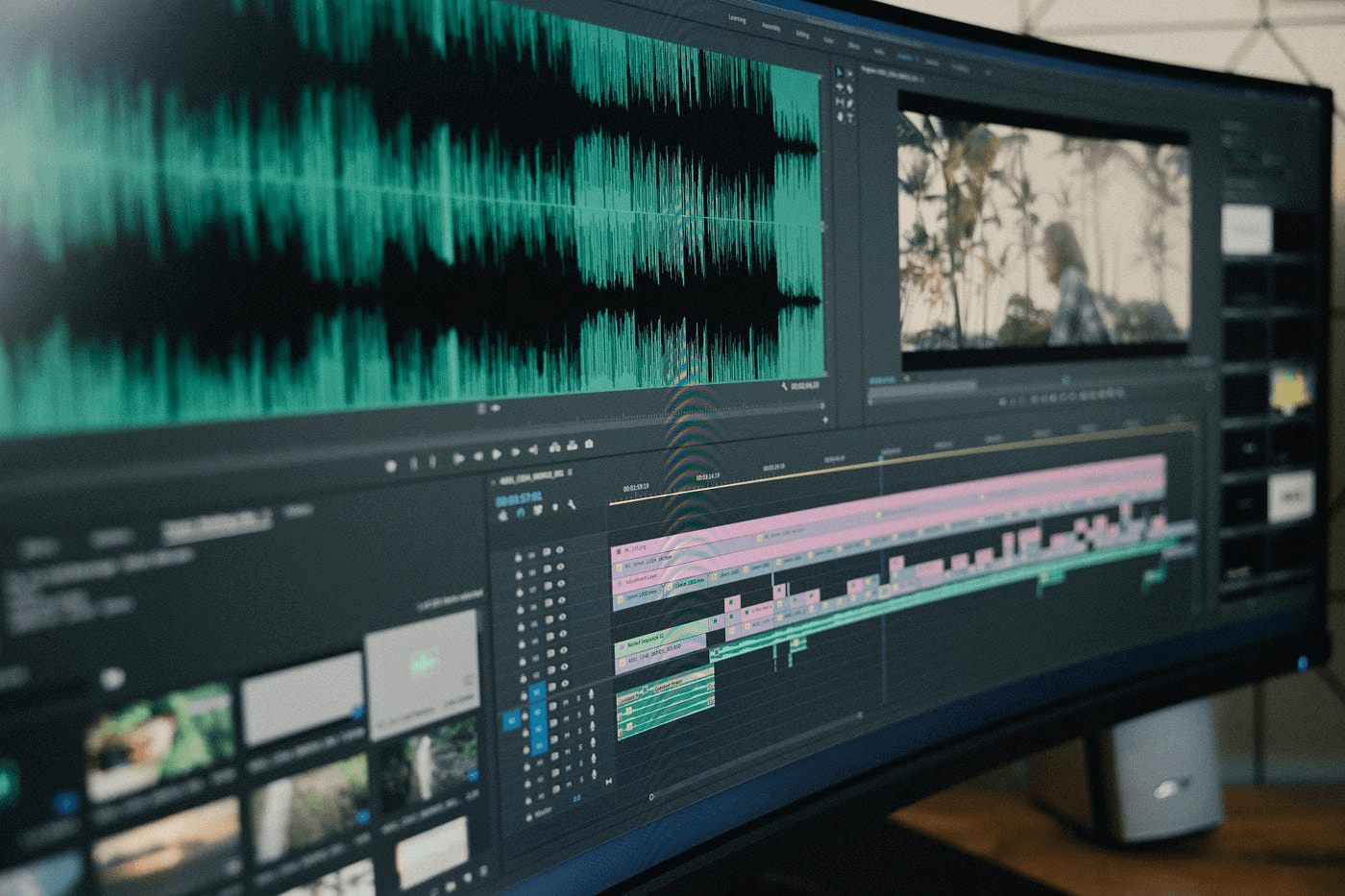
Production time is one thing. The financial reality of manual workflows is another. What most creators miss isn't the hours spent editing; it's the opportunity cost stacking up while they're stuck in production loops instead of publishing content that could already be earning views. Every week spent perfecting one video is a week competitors are uploading three, testing what works, and building momentum you'll never recover.
The Revenue Gap Nobody Calculates
When creators manually produce faceless videos, they focus on what they're spending: software subscriptions, stock footage licenses, and voiceover tools. But the real cost is what they're not earning during those extended production cycles. Reddit creators report that their channels hit $2,800/month once they automate production and scale upload frequency. That revenue doesn't come from better editing. It comes from volume and consistency, two things manual workflows actively prevent.
The math is straightforward. If manual production limits you to one video per week, you're publishing four videos monthly. Automated workflows can push that to 15 or 20 videos in the same timeframe. More uploads mean more testing, faster feedback loops, and compounding visibility. The channel publishing 20 videos learns what resonates five times faster than the one publishing four. That knowledge gap translates directly into revenue lost to slower iteration.
Why Manual Costs Multiply Silently
Manual faceless production doesn't just take longer. It creates hidden financial drains that beginners rarely track until months later.
- Hiring freelance voiceover artists for every script
- Purchasing new stock footage for each video
- Paying for editing software you're underutilizing because production is too slow to justify the subscription
These aren't one-time expenses. They repeat with every upload, and when uploads are inconsistent, the cost per published video skyrockets.
Opportunity Cost and Production Labor Value
Creators often spend 40 to 60 hours monthly on production tasks that could be automated:
- Writing scripts from scratch
- Manually syncing captions
- Searching for copyright-free music
- Adjusting audio levels across multiple takes
At even a modest $25/hour opportunity cost, that's $1,000 to $1,500 in labor value every month. For channels earning nothing in their first six months, that's $6,000 to $9,000 in unrecovered time investment before the first dollar of ad revenue arrives.
The Consistency Tax
Inconsistent uploads don't just slow growth; they also undermine it. They actively cost you algorithmic favor. YouTube's recommendation system rewards channels that publish predictably. When you miss a week because manual production ran long, the algorithm treats your channel as less reliable. Viewer retention drops because your audience forgets you exist between uploads. Recovery takes multiple consistent weeks to rebuild what one gap erased. Manual workflows make those gaps inevitable, turning every production delay into a compounding penalty that automated systems simply don't trigger.
Workflow Automation and Publishing Consistency
Platforms like Crayo compress the entire production cycle into minutes by automating scripting, voiceovers, captions, and visual sequencing in a single workflow. That removes the friction points where manual processes stall:
- Waiting for voiceover files
- Hunting for stock footage
- Re-editing captions that don't sync
The result isn't just faster uploads. It's predictable publishing schedules that keep the algorithm engaged and audiences returning, which directly impacts how quickly a channel moves from zero revenue to sustainable income. But speed and cost aren't the only variables that determine whether a faceless channel survives its first 90 days.
Related Reading
- How To Use AI To Make YouTube Videos
- Grok Ai Video Generation Capabilities 2026
- Kling AI Video Prompt Examples
- AI Composite Video
- Veo 3 Maximum Video Length
- AI-Generated Video Examples
- Grok AI Video Generation Prompt Examples
- Sora 2 Vs Veo 3
- Google Veo 3 Prompt Examples
- AI Video Prompts
- How To Create Educational Videos Using AI
- How Are People Making AI Videos
7 Steps to Create a Faceless YouTube Channel in 10 Minutes
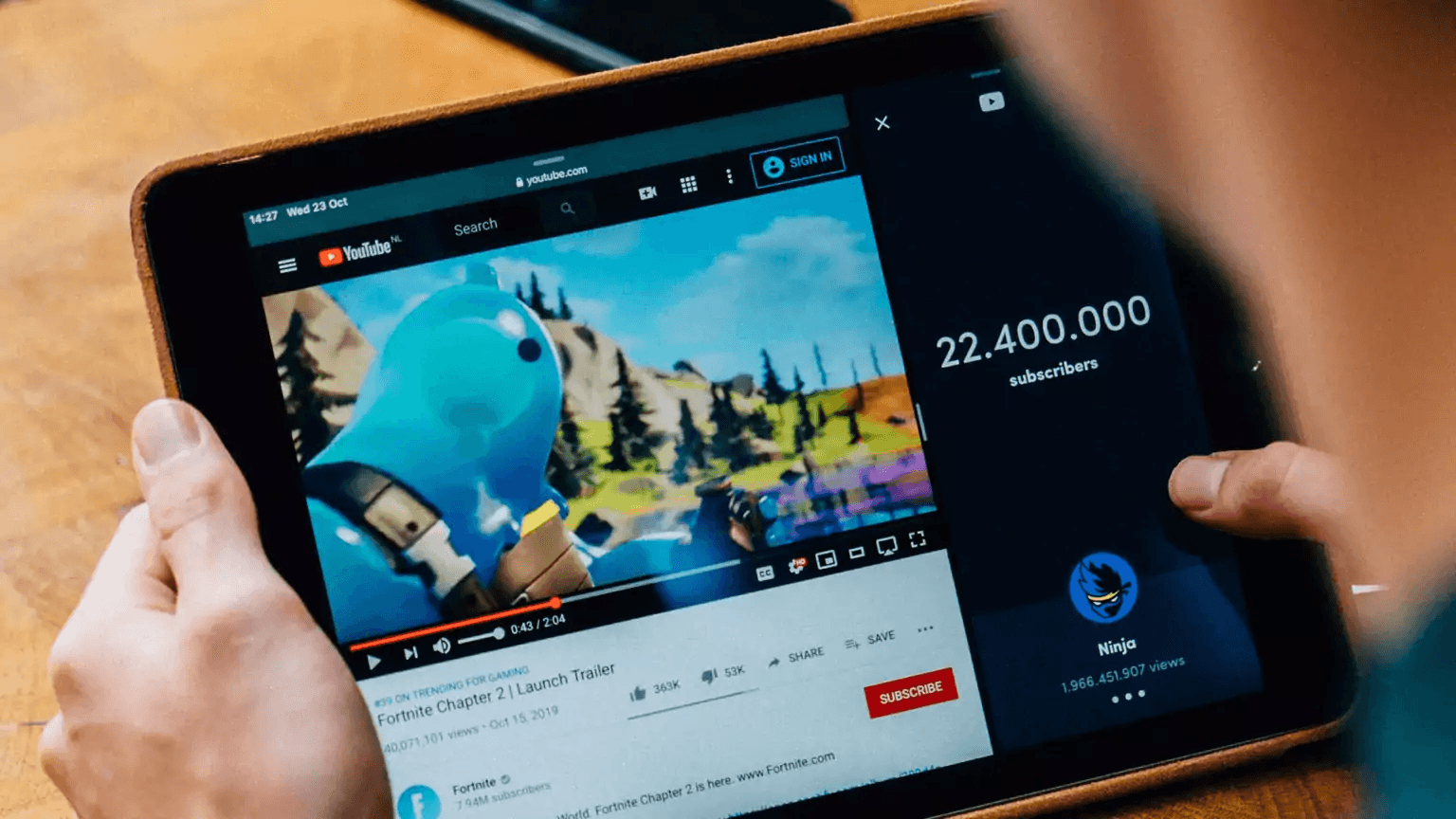
Successful faceless YouTube channels emerge from structured production systems, not improvised editing sessions. When you separate scripting, voice generation, visuals, editing, and publishing into distinct, repeatable workflows, you eliminate the decision fatigue that stalls most creators before their third upload. The difference between channels that publish twice a month and those that upload three times a week isn't due to talent or budget. It's workflow architecture.
Most beginners rebuild their entire production process for every video. They decide the topic while writing the script, adjust pacing during recording, hunt for visuals mid-edit, and wonder why each upload feels like starting from scratch. That cognitive load compounds until publishing feels exhausting rather than energizing.
1. Choose One Clear Content Category
Random topics destroy workflow repeatability. When you switch between finance tips, tech reviews, and motivational content, you can't reuse templates, visual libraries, or even scripting patterns. Each video demands a fresh production approach, so you're always learning rather than executing.
Focused channels compress production time because the workflow becomes muscle memory. After your fifth video explaining personal finance concepts using the same structure, you stop thinking about how to explain compound interest and start refining which hook grabs attention faster. That shift from creation to optimization is where growth accelerates.
2. Build a Repeatable Video Structure
Rebuilding structure for every upload creates scripting fatigue and editing delays that most creators don't recognize until they've wasted three weekends trying to "find their style." The style isn't the problem. The lack of reusable architecture is.
Create one format that works:
- A hook that states one sharp claim viewers want to avoid
- An explanation that breaks the concept into three digestible points
- Examples that prove the framework, and a closing call to action
When that structure becomes automatic, you stop improvising and start producing.
3. Generate Scripts Before Editing Starts
Thinking while editing creates rambling, restart loops, and unclear pacing that silently doubles production time. I've watched creators spend forty minutes trimming a section that shouldn't have been recorded in the first place because the script lacked clarity before the voiceover began. Prepare the script flow, narration order, and transition lines before opening your editing software. This removes the temptation to "fix it in post," which is almost always slower than scripting it correctly up front. The editing phase should execute a plan, not invent one.
4. Automate Voice Generation
Manual voice recording introduces:
- Vocal fatigue
- Inconsistent delivery
- Timing corrections
This can extend what should be a ten-minute task into an hour-long session. Recording multiple takes to fix pronunciation or adjust tone feels productive until you realize AI voice systems eliminate that entire loop. Platforms like Crayo generate consistent voiceovers in seconds, removing the repetitive recording cycles that prevent creators from publishing at the frequency algorithms reward. When voiceover stops being a bottleneck, you can test three different hooks in the time it used to take to record one acceptable take.
5. Use Reusable Visual Systems
Most editing time isn't due to creativity. It comes from rebuilding layouts, animations, and transitions for every upload because you haven't built a template library. That's not perfectionism. That's inefficiency disguised as customization. Templates and prebuilt visual structures let you focus energy on hooks and thumbnail promises instead of adjusting font sizes for the eighth time this month. When your visual system is reusable, you stop asking "how should this look" and start asking "does this support the script."
6. Automate Captions and Editing Tasks
Manually syncing captions, trimming pauses, and adjusting timing repeatedly creates micro-adjustments that silently expand production time from two hours to five. Those small corrections feel necessary in the moment, but they're solving problems that automation handles faster and more consistently.
Automated editing systems remove repetitive correction work so you can publish the same day you write the script. Retention edits every three to six seconds matter more than perfectly polished transitions, and automation lets you prioritize pattern breaks over pixel-perfect alignment.
7. Publish Consistently Before Optimizing Perfectly
Beginners delay uploads, trying to perfect edits, transitions, and visuals, getting stuck in loops where good enough never feels sufficient. But YouTube's algorithm rewards frequency and consistency, not flawless production. The channel publishing decent videos weekly will outpace the one releasing polished content monthly because momentum compounds faster than perfection.
Growth comes from repetition and workflow efficiency, not from agonizing over whether the B-roll matches the exact emotional tone of sentence four. Ship the video, review the retention graph, and adjust the next one. That cycle builds both your channel and your instincts faster than any amount of pre-upload polishing.
Systems Integration and Scalable Output
These seven steps remove workflow overlap, repetitive setup work, and production bottlenecks that prevent most creators from reaching their tenth upload. Structured systems let you publish faster, more consistent videos, which is what transforms faceless channels from side projects into scalable content engines. The creators, who publish three times a week, aren't working any harder. They've just automated the parts that used to require manual decision-making at every step. But knowing the steps and actually executing them in ten minutes are two very different challenges.
The 10-Minute Workflow to Launch Faceless YouTube Videos Faster
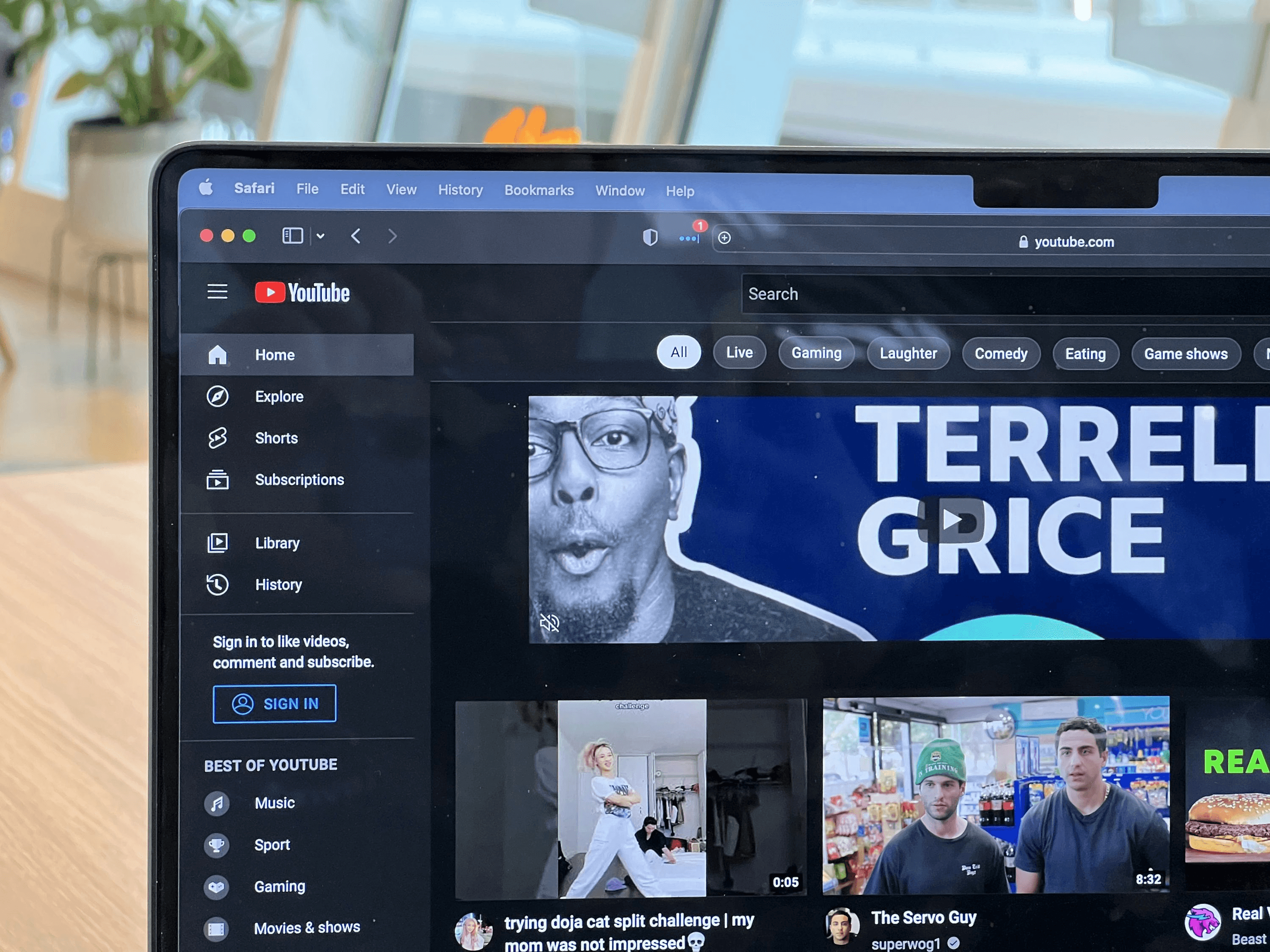
Fast, faceless YouTube production doesn't come from editing faster. It comes from removing repetitive manual steps before production starts. The goal is speed through workflow compression, not speed through pressure.
Minute 0–2: Lock the Video Structure
- Before opening the editor, define one topic, one viewer outcome, and one content flow.
- Then outline the hook, explanation, example, and call to action.
Most beginners lose time improvising during production. When you rebuild structure decisions for every video, hesitation compounds into restart loops. Structure removes the need to think while executing. According to FluxNote, creators who adopt structured workflows reduce production time from 5 hours to under 25 minutes per video. The difference isn't talent or experience. It's deciding the framework once instead of recreating it twenty times.
Minutes 2–4: Generate the Script and Voice Flow
Instead of writing while editing or recording while thinking, prepare clean narration, transition lines, and voice pacing before production begins. Pre-structured narration reduces awkward pacing, repeated corrections, and voice inconsistencies. Written structure compresses recording time because you're executing a plan, not discovering one. When the script exists as a completed document, voice generation becomes a mechanical task instead of a creative bottleneck.
Minutes 4–6: Build the Video Using Templates
Use reusable layouts, preset transitions, and reusable visual systems instead of rebuilding every video manually. Most editing time is spent on:
- Resizing
- Formatting
- Animation adjustments
- Repeated setup work
Templates eliminate reconstruction loops. When your layout, font hierarchy, and motion graphics already exist as presets, you're assembling components instead of designing from scratch. This is where production speed multiplies without sacrificing quality.
Minutes 6–8: Automate Captions and Micro-Edits
Instead of manually syncing captions, trimming every pause, and repeatedly adjusting timing, use automated captioning and editing systems. Micro-adjustments create silent production expansion because each small fix feels justified, yet collectively they consume hours.
Automation removes repetitive correction work. The pattern many creators experience when attempting to produce content at scale is that great video generators without integrated publishing processes still bottleneck overall production volume. The gap between content generation and publishing limits how many videos you can realistically finish each week.
Platforms like Crayo compress these micro-editing tasks by automating captions, background removal, and formatting adjustments in seconds, letting creators focus on finding great content and trends instead of manually syncing text to voiceover for the fifteenth time this week.
Minutes 8–10: Export and Publish Immediately
Once pacing works, visuals align, and captions are clean, publish. Do not endlessly re-edit, restart production loops, or delay uploads for perfection. Delayed publishing breaks workflow momentum. Consistency grows through execution frequency, not perfection. The creators publishing three times a week aren't producing flawless videos. They're shipping good videos faster than others ship great ones.
Before vs After Workflow
Before structured systems:
- Creators researched endlessly
- Scripted while editing
- Manually voiced videos
- Rebuilt layouts every upload
This creates multi-hour production cycles, inconsistent uploads, and creator fatigue.
After implementing reusable systems:
- Creator structure first
- Automate repetitive tasks
- Use templates
- Publish immediately
The result is compressed workflows, faster production, and scalable faceless content. The bottleneck is not faceless YouTube creation. The bottleneck is the need to rebuild repetitive production steps manually every time. When repetitive workflow tasks are automated, execution naturally compresses. But automation only works when you choose the right tools for your specific production goals.
Create Faceless YouTube Videos Faster Using Crayo
If faceless YouTube videos are taking hours to produce, the problem is not YouTube. The problem is rebuilding the production workflow manually for every upload.
- You are scripting from scratch
- Recording multiple voice takes
- Searching for structure while editing
- Rebuilding captions manually
- Repeating the same setup process in every video
Streamlined Cycle and Direct Export
Instead of cycling through those repetitive steps, paste your video idea into Crayo.
- Generate a structured YouTube script instantly. Choose a natural AI voice.
- Generate clean narration automatically. Add visuals and captions, then export your video.
That is the entire production cycle.
Automated Production and Rapid Deployment
- No manual voice recording.
- No repeated scripting loops.
- No rebuilding the workflow from zero.
In under 10 minutes, you will have a structured, faceless YouTube script, clean AI narration, faster editing flow, and a video ready to publish consistently.
Workflow Architecture and Immediate Accessibility
Fast, faceless YouTube creation is not about working harder. It is about removing repetitive production steps from the workflow. Crayo gives you that workflow, built by someone who has already run channels with over 1 million subscribers. The platform was designed to make viral content accessible to anyone, not just experienced creators who already understand production architecture. Open Crayo now, paste your first YouTube idea, and generate your video structure. Then publish without manually rebuilding the entire production system.
Related Reading
- AI Product Content Creation For Ecommerce
- AI Filmmaking Tools
- Best AI for Animation
- Best AI Video Upscalers
- Best AI Video Extender
- Best AI Tools For Faceless YouTube Videos
- AI Image To Video Generator No Restrictions
- Best AI Tools For Viral Tiktok Content
- Best AI Video Enhancer For Beauty Content