Picture this: you have a brilliant story idea, but the thought of spending weeks in editing software makes you want to give up before you start. Video automation has changed everything about filmmaking, turning what used to be a marathon into a sprint. This article reveals 7 AI filmmaking tools that can help you create complete films in under 30 minutes, transforming your creative vision into reality faster than you ever thought possible.
One standout solution worth exploring is Crayo's clip creator tool, which simplifies the entire production process from script to screen. Instead of juggling multiple platforms and learning complicated software, you get an intuitive system that handles video generation, editing, and post-production in one place. This means you can focus on your story while the tool takes care of the technical heavy lifting, making professional-quality content creation accessible whether you're producing social media clips or short films.
Table of Contents
- Why Creators Struggle to Produce Films Efficiently With AI
- The Hidden Cost of Building AI Films Without Structured Production Systems
- 7 AI Filmmaking Tools to Create Films in Under 30 Minutes
- The 30-Minute Workflow Creators Use to Produce AI Films Faster
- Create AI Films Faster Using Crayo
Summary
- Video automation shifts the complexity of filmmaking rather than eliminating it. The real bottleneck isn't generating assets; it's coordinating scripting, visual generation, narration, editing, and publishing into a coherent workflow in which each stage depends on the previous one. Research from the University of California, Irvine found it takes an average of 23 minutes to fully regain focus after a task interruption.
- Production systems cost 3 to 5 times as much as MVP implementation, according to Dan Cumberland Labs. The work isn't generation; it's the invisible labor of translating outputs between platforms, rebuilding context each time you switch tools, and manually enforcing consistency that no single tool remembers. Research shows that 85% of organizations misestimate AI project costs by more than 10%, not due to technical failure but to the invisible weight of manual production management.
- The coordination tax scales exponentially with project scope. Ten films mean ten separate script structures, hundreds of visual prompts to regenerate if style requirements shift, and dozens of narration files to realign if pacing changes. Without structured systems that automatically propagate changes, creators repeatedly rebuild the same workflows. Small story adjustments cascade across multiple production stages, turning what started as a two-minute fix into an hour of revisions across multiple tools.
- Creators now have access to 16 image models and 8 video models for visual generation according to Melies AI. That variety means matching the right tool to specific aesthetic needs rather than forcing a single platform to handle everything. The fastest creators use specialized AI platforms at different stages of production to eliminate repetitive work, focusing on creative decisions rather than technical execution.
- Structured workflows enable creators to produce 30 videos per week, according to Lovera Digital, by shifting the focus from perfection to completion. The fastest creators ship films that work rather than refining films that never publish. When production stages become structured and separated, execution compresses. When production stages remain chaotic and overlapping, execution expands.
The clip creator tool addresses this by structuring the workflow from script to final edit, reducing production time from hours to minutes while maintaining narrative clarity at every stage.
Why Creators Struggle to Produce Films Efficiently With AI
AI filmmaking tools don't eliminate production complexity. They shift it. The real bottleneck isn't generating assets; it's coordinating scripting, visual generation, narration, editing, and publishing into a coherent workflow in which each stage depends on the previous one. When creators manually rebuild this chain for every project, efficiency collapses.
The Misconception About AI-Generated Content
You've probably heard someone say, "AI makes filmmaking easy now." That's half true. AI can generate a scene in minutes. It can produce voiceovers, animations, and visual effects faster than any traditional pipeline. But filmmaking isn't asset generation. It's storytelling, pacing, continuity, and editorial judgment. AI hands you the raw materials. You still build the structure, and that's where most creators get stuck.
Why Filmmaking Requires Interdependent Systems
An AI film isn't a single task. It's a sequence of decisions where each choice ripples forward. You write a script, generate visuals, record narration, then realize the pacing feels off. Now you're rewriting dialogue, regenerating scenes, adjusting timing, and restructuring the timeline. One creative tweak cascades into multiple production stages. The workflow becomes a web of dependencies, and without a system to manage those connections, progress slows to a crawl.
The Cost of Workflow Overlap
While creating AI films, you're constantly switching between writing, prompting AI models, editing footage, and publishing. That's workflow overlap. Your brain toggles between creative decisions and technical execution, and every switch drains focus. According to research from the University of California, Irvine, it takes an average of 23 minutes to fully regain focus after a task interruption. When you're jumping between five different production stages, that cognitive cost compounds quickly. The result isn't just slower output. It's correction fatigue, unfinished projects, and inconsistent quality.
Unified Workflows Minimize Cognitive Friction
Crayo's clip creator tool compresses this overlap by handling video generation, editing, and post-production within a single continuous workflow. Instead of context-switching between scripting tools, AI generators, and editing software, creators work within a single system in which each stage flows into the next. That removes the cognitive friction of rebuilding your workflow every time you need to adjust a scene or revise narration.
How Small Changes Create Large Delays
A simple story adjustment sounds harmless. You change one line of dialogue. But that line affects the visual prompt, which changes the generated scene, which shifts the narration timing, which forces you to rebuild transitions and adjust pacing. What started as a two-minute fix becomes an hour of revisions across multiple tools. The delay isn't the AI. It's the manual reconstruction of connected production stages every time you iterate. When filmmaking workflows stay disconnected, creative flexibility becomes expensive. But that's not even the hardest part to sustain over time.
Related Reading
- Video Automation
- How to Make Good Tiktok Videos
- Short Form Video Production
- Can Nano Banana Make Videos
- Common Uses of AI Video Generators
- How To Create Explainer Videos
- How To Create A Faceless YouTube Channel
- Can Perplexity Ai Create Videos
- How To Use Kling Ai For Videos
- How Long Can AI-Generated Videos Typically Be
- How To Make Faceless Tiktok Videos
The Hidden Cost of Building AI Films Without Structured Production Systems
The hidden cost of unstructured AI filmmaking isn't software subscriptions or render time. It's the compounding tax of manual coordination. Every time you jump between script adjustments, visual regeneration, narration alignment, and editing without a unified system, you're not just slowing down production. You're multiplying the effort required to maintain quality and consistency across every creative decision.
According to Dan Cumberland Labs, production systems cost 3 to 5 times as much as MVP implementation. That multiplier exists because creators underestimate how much time is lost to connecting disconnected tools. The work isn't generation. It's the invisible labor of translating outputs between platforms, rebuilding context each time you switch tools, and manually enforcing consistency that no single tool remembers for you.
The Coordination Tax Scales Exponentially
When you're producing one short film, manual coordination feels manageable. You track three scenes, adjust two voiceover segments, regenerate a handful of visuals. The friction exists, but it's tolerable because the scope is small. That tolerance evaporates when you scale. Ten films mean ten separate script structures, hundreds of visual prompts to regenerate if style requirements shift, and dozens of narration files to realign if pacing changes. The coordination tax doesn't grow linearly. It compounds because every creative decision now affects multiple projects simultaneously. Without structured systems that automatically propagate changes, you're manually rebuilding the same workflows over and over.
Why Most Creators Abandon Ambitious Projects
Most creators start AI filmmaking with ambitious plans. Multi-part series. Consistent visual worlds. Character continuity across episodes. Then reality hits. The first episode takes three times longer than expected because maintaining visual consistency across 20 scenes requires regenerating half of them when one style element shifts. The second episode stalls because you can't remember which prompts produced the look you want to replicate.
85% of organizations misestimate AI project costs by more than 10%. That gap isn't a technical failure. It's the invisible weight of manual production management that only becomes obvious after you've committed to the work. Creators don't quit because AI tools fail. They quit because sustaining quality without production systems becomes exhausting.
What Structured Systems Actually Solve
Crayo compresses the coordination tax by automating the connective tissue between production stages. Instead of manually exporting voiceovers, matching them to visuals, timing subtitles, and assembling edits across separate tools, structured systems handle propagation automatically. Change narration pacing and subtitle timing adjustments. Shift visual style parameters, and the system regenerates affected scenes while maintaining continuity markers you've already defined. The reduction isn't marginal. Workflows that previously required hours of manual coordination collapse to minutes because the system remembers context you'd otherwise have to rebuild manually every time.
The Compounding Return
The value of structured production systems isn't just speed. It's creative flexibility without penalty. When iteration is expensive, you take fewer creative risks. You settle for "good enough" because testing a better idea means hours of rework. When systems automate coordination, experimentation becomes cheap. You can test three narrative approaches, compare visual styles, or refine pacing without manually reconstructing your entire workflow each time.
That flexibility changes what's possible to create. The difference between creators who ship consistently and those who abandon projects often isn't talent or ideas. It's whether their production systems make iteration sustainable or punishing. But even with the right systems in place, knowing which tools actually deliver on that promise isn't obvious.
Related Reading
• How To Create Educational Videos Using AI
• AI Video Prompts
• Grok AI Video Generation Capabilities 2026
• Veo 3 Maximum Video Length
• How To Use AI to Make YouTube Videos
• How Are People Making Ai Videos
• Grok AI Video Generation Prompt Examples
• AI-generated Video Examples
• AI Composite Video
• Kling AI Video Prompt Examples
• Google Veo 3 Prompt Examples
• Sora 2 Vs Veo 3
7 AI Filmmaking Tools to Create Films in Under 30 Minutes
The fastest creators don't rely on one tool to build an entire film. They use specialized AI platforms for different production stages, from scripting through editing, to eliminate repetitive work. That's what compresses production time from days to minutes. The goal isn't full automation. It's reducing the manual effort that creates bottlenecks: rewriting scripts, regenerating visuals, re-recording narration, and manually syncing timelines. When you remove those friction points, you can focus on creative decisions instead of technical execution.
1. ChatGPT for Story Development and Script Writing
Most films succeed or fail before production begins. A structured script reduces creative blocks, planning delays, and rewrite cycles. ChatGPT helps creators generate film ideas, story structures, character concepts, scene outlines, and complete scripts without staring at blank pages. The value isn't just speed. It's having a starting point you can refine, rather than building from nothing. Strong films begin with strong story structures, and AI-assisted scripting gives you that foundation in minutes instead of hours.
2. Kling AI for Cinematic Scene Generation
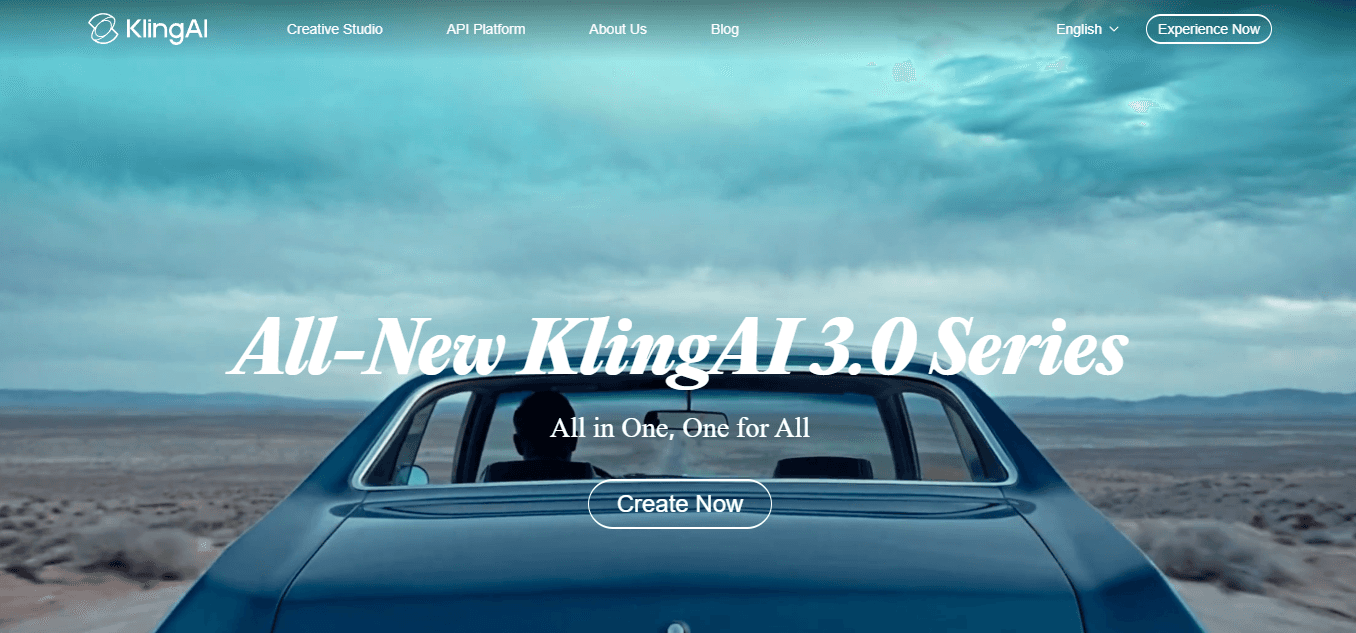
Instead of filming scenes manually, creators can generate visual sequences directly from prompts. Kling AI produces cinematic footage, motion-based content, and storytelling sequences without production setup, filming requirements, or extensive visual creation time. This matters when you need specific scenes that would be expensive or impractical to film. A sunset over mountains, a futuristic cityscape, a character walking through rain. Generating these visuals removes location constraints and equipment dependencies.
3. Veo 3 for Advanced AI Video Creation
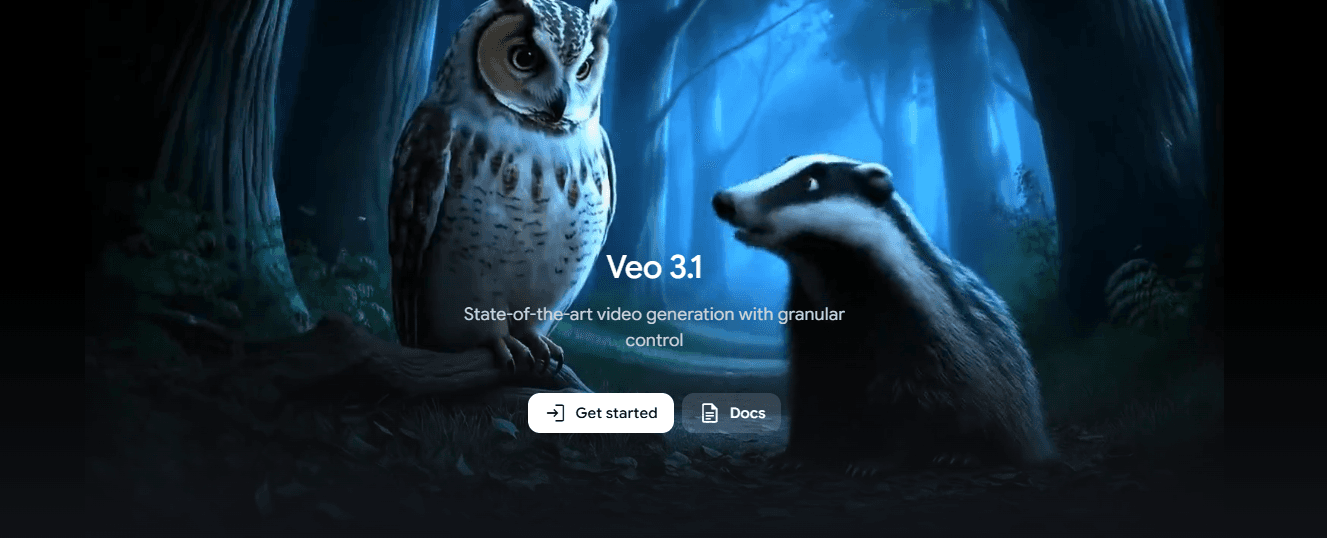
When you need realistic motion, cinematic visuals, and complex scene generation, Veo 3 handles what simpler tools can't. Filmmakers generate high-quality scenes without expensive equipment, actors, or production crews. That accelerates visual production for projects that demand higher fidelity. The difference between basic and advanced video models shows up in motion quality and scene coherence. If your film requires smooth camera movements or detailed environmental interactions, that's where specialized tools become necessary.
4. ElevenLabs for Character Voiceovers
Recording multiple voice tracks manually creates retakes, scheduling delays, and production bottlenecks. ElevenLabs generates narration, character voices, dialogue, and consistent voice performance without coordinating recording sessions. AI voice generation compresses narration workflows from hours to minutes. Voice consistency matters more than most creators realize. When you need the same character voice across multiple scenes or projects, re-recording introduces variation. Generated voices maintain perfect consistency across every line.
5. Midjourney for Storyboards and Concept Art
Most filmmakers spend significant time visualizing scenes before production. Midjourney generates concept designs, visual references, storyboards, and environment ideas that speed up pre-production planning. Instead of sketching or searching stock libraries, you create custom visuals that match your exact vision. According to Melies AI, creators now have access to 16 image models and 8 video models for visual generation. That variety means you can match the right tool to your specific aesthetic needs rather than forcing a single platform to handle everything.
6. CapCut for Editing and Assembly

Editing often becomes the longest stage in filmmaking. CapCut uses AI-assisted editing to reduce manual corrections, synchronization work, and timeline complexity. Timeline editing, captions, transitions, and scene assembly happen faster when the software handles repetitive tasks automatically. The real time-saver is automated captioning and transition suggestions. What used to require frame-by-frame adjustments now happens with single clicks, letting you focus on pacing and storytelling instead of technical precision.
7. Crayo for Script-to-Video Production
Most creators still jump between separate tools for scripting, narration, captions, and video assembly. That fragmentation creates coordination overhead. Crayo moves from idea to script to narration to captions through a single structured workflow, eliminating the need to manually rebuild across multiple production stages. Creators who've generated billions of views use it because it compresses what used to take hours into seconds. The difference is workflow integration. Instead of exporting files, switching platforms, and manually syncing elements, everything happens in sequence within one system. That reduces fragmentation and keeps creative momentum intact.
Why These Tools Matter
These platforms don't simply help create films faster. They reduce workflow overlap, repeated setup work, correction fatigue, and production fragmentation. That's why filmmakers use specialized AI tools at different stages of production rather than manually reconstructing the entire filmmaking workflow for every project.
The shift isn't about replacing creativity with automation. It's about removing the technical friction that slows down creative execution. When you can generate a scene, adjust the script, regenerate visuals, and update narration without restarting your entire workflow, production becomes sustainable instead of exhausting. But knowing which tools exist doesn't tell you how to actually use them together without creating new bottlenecks.
The 30-Minute Workflow Creators Use to Produce AI Films Faster
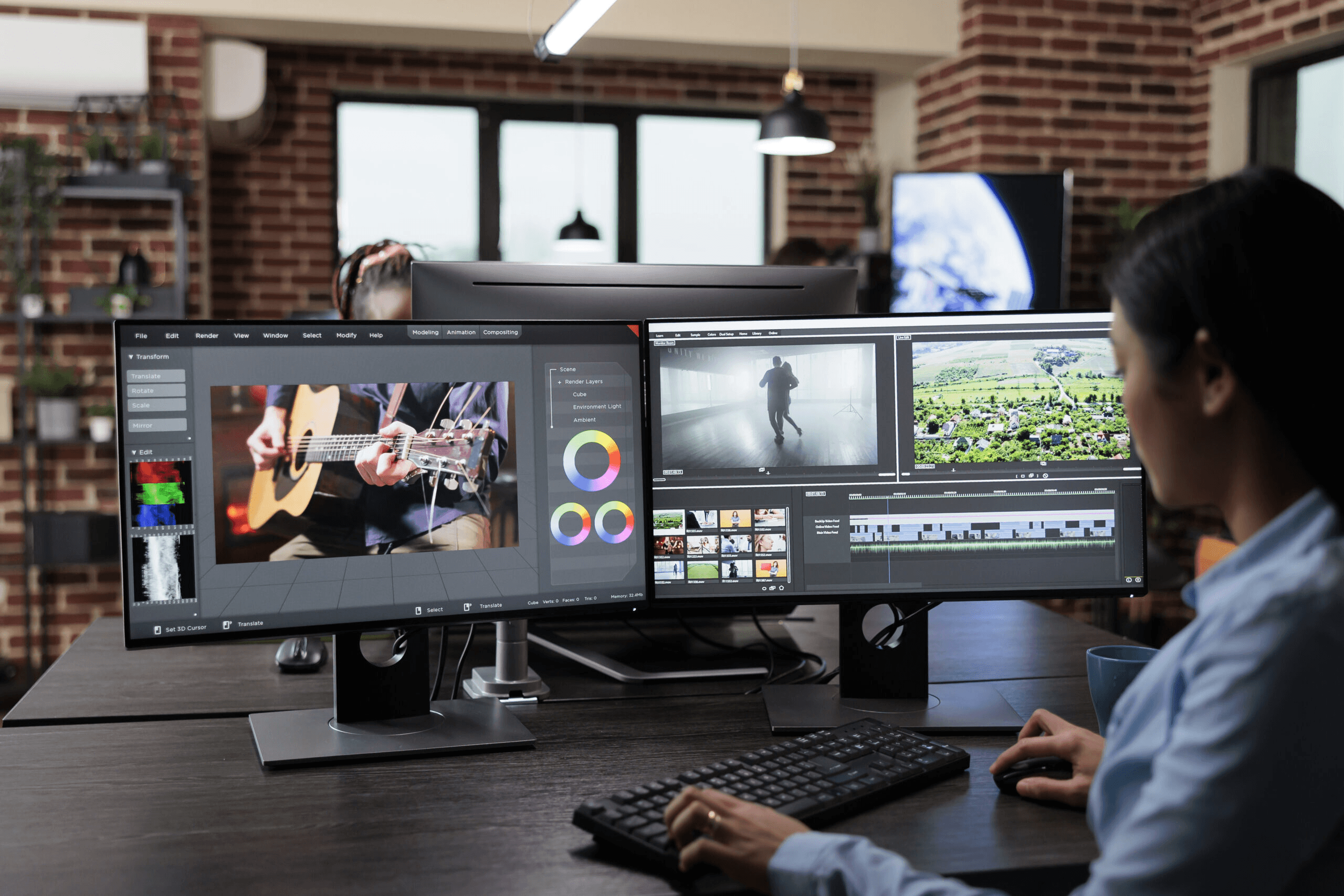
Fast AI filmmaking does not come from generating more scenes. It comes from reducing repetitive workflow friction before production begins. The fastest creators separate story development, scripting, visual generation, narration, and assembly into structured workflow stages. That separation is what compresses production time.
Define the Film Outcome First
Before generating anything, define the audience, the story objective, the emotional outcome, and the ending. Then structure the:
- Opening
- Conflict
- Resolution
- Call to action
Most creators waste time generating scenes before deciding what story they are telling. Clear outcomes reduce unnecessary scenes, script rewrites, and pacing problems. When you know where the film ends, every scene serves that destination.
Build the Script and Scene Outline
Do not start with visuals, animations, or editing. Start with:
- Story structure
- Scene sequence
- Narration flow
- Key moments
The script determines visual requirements, narration needs, and scene timing. Strong structure reduces production confusion later. According to Facebook Groups discussing Claude AI and ChatGPT workflows, a structured approach can help produce a 30-minute video with minimal rework because the foundation eliminates guesswork during assembly. When the script is complete, you know exactly what to generate. When the script is incomplete, you generate assets hoping they fit somewhere. That difference compounds at every stage of production.
Generate Visuals and Narration
Once the script is complete:
- Generate scenes
- Create voiceovers
- Build supporting visuals
- Generate cinematic sequences
Every generated asset serves a purpose. Generating assets after the script prevents creators from producing visuals they never use. Random generation creates waste. Targeted generation creates efficiency. The script becomes the filter that determines what gets made and what gets ignored.
Assemble the Film in Layers
Build the film in this order:
- Narration
- Core scenes
- Supporting visuals
- Music
- Transitions
Most creators constantly rebuild timelines because they assemble assets randomly.
Layered Assembly vs. Random Workflow
Layered assembly keeps the workflow organized.
- Narration establishes timing.
- Core scenes fill the narrative beats.
- Supporting visuals reinforce emotional moments.
- Music adds texture.
- Transitions smooth the flow.
When you build in layers, each stage completes before the next begins. When you build randomly, every stage interferes with every other stage. That interference is where hours disappear
Verify Story Flow and Pacing
Review scene order, pacing, narration timing, visual consistency, and emotional progression. Focus only on:
- Major issues
- Continuity problems
- Pacing gaps
Small corrections can consume more time than creating the film itself. Targeted verification prevents workflow overload. The question is not whether the film is perfect. The question is whether the story works and the pacing feels natural. If the answer is yes, move forward. If the answer is no, identify the specific moment where the story breaks and fix that moment. Do not rebuild everything because one scene feels off.
Export and Publish
Once the story is clear, visuals support the narrative, pacing feels natural, and scenes connect properly, export.
- Do not endlessly regenerate scenes
- Repeatedly adjust transitions
- Restart the workflow
Perfection slows production. Consistent publishing scales faster than endless revisions. Lovera Digital reports that structured workflows enable creators to produce 30 videos per week by shifting the focus from perfection to completion. The fastest creators ship films that work. The slowest creators refine films that are never published. That difference determines who builds an audience and who burns out.
Before and After Workflow
Before structured workflows: Creators generate random scenes, build stories afterward, constantly revise visuals, and edit without structure. The result is multi-hour production cycles, creator fatigue, and inconsistent film quality.
After structured workflows: Creators define the story outcome first, script before generating assets, assemble in layers, and verify once before publishing. The result is compressed workflows, faster film production, and consistent storytelling quality. The shift is not about working harder. The shift is about eliminating the friction that makes every production feel like starting from scratch.
The Core Reframe
The bottleneck is not AI filmmaking. The bottleneck is the manual rebuilding of story development, visual generation, narration, editing, and publishing workflows for every film. When production stages become structured and separated, execution compresses. When production stages remain chaotic and overlapping, execution expands. The difference is not talent or tools. The difference is workflow design. Most creators treat every film as a unique creative challenge. The fastest creators treat every film as a repeatable production system. That mindset shift is what transforms 30-minute workflows from aspirational to achievable.
Script-First Structure vs. Visual-First Confusion
The familiar approach is to generate scenes first and figure out the story later, because it feels faster to start creating immediately. As projects multiply, this approach creates mounting confusion. Scenes pile up without clear purpose, scripts get rewritten to fit random visuals, and timelines become impossible to navigate without constant reorganization.
Crayo compresses this friction by structuring the workflow from script to final edit, reducing production time from hours to minutes while maintaining narrative clarity across every stage. When the workflow becomes repeatable, speed becomes sustainable. But knowing the workflow stages does not tell you how to execute them without rebuilding your entire creative process.
Create AI Films Faster Using Crayo
If AI filmmaking takes hours or days, the problem is not your creative ability. The problem is that you have to rebuild the entire production system every time you start a new project. You are rewriting scripts, regenerating visuals, realigning narration, and reorganizing timelines from scratch because no structured framework exists to carry them forward.
The creators producing AI films in under 30 minutes are not working harder. They are following a repeatable system that eliminates manual reassembly. Define the film outcome first; build the script and scene outline second; generate visuals and narration third; assemble in layers fourth; verify pacing and publish last. That separation is what removes workflow overload, not generating more scenes or spending more hours editing.
Automating the Script-to-Film Workflow
Open Crayo. Paste your film idea. Generate the script first, then create the narration, visuals, captions, and scene structure from that single workflow before editing begins. Within minutes, you will have a structured film framework, organized scene sequences, faster script-to-film production, more consistent storytelling, and less manual editing and assembly work. The goal is to stop rebuilding the same filmmaking system every time you create a new project. Crayo helps you build that system so you can focus on the story, not the mechanics of coordinating disconnected tools. The faster you produce films, the more you learn what resonates, and the more you create work that matters.