Picture this: you need a compelling explainer video to showcase your product, but the thought of spending hours scripting, recording, and editing makes you want to close your laptop. Video automation has changed the game entirely, turning what used to be a week-long project into something you can finish during your lunch break. This article walks you through 7 simple steps to create explainer videos in just 10 minutes, no prior experience required.
That's where Crayo's clip creator tool becomes your secret weapon. Instead of juggling multiple software programs and drowning in tutorials, you get a streamlined process that handles the heavy lifting while you focus on your message. Whether you're explaining a new feature, teaching a concept, or promoting your service, this tool helps you produce professional-looking videos without the usual headaches or learning curve.
Table of Contents
- Why Content Creators and Educators Struggle to Create Explainer Videos Consistently
- The Hidden Cost of Creating Explainer Videos Without a Structured Workflow
- 7 Steps to Create Explainer Videos in 10 Minutes
- The 10-Minute Workflow to Produce Explainer Videos Faster
- Create Explainer Videos Faster Using Crayo
Summary
- Most content creators lose hours on explainer videos because they try to write, structure, narrate, and edit simultaneously. The Content Marketing Institute found that 70% of creators cite time constraints as their biggest barrier, but the real constraint isn't time itself. It's the cognitive load of making creative and technical decisions simultaneously, which creates rambling videos and restart loops that turn 10-minute projects into two-hour ordeals.
- AI video production costs 85% less than traditional video production, according to Genra AI's 2026 cost analysis. That gap exists because traditional workflows bundle every decision into a single chaotic session, where your brain constantly switches contexts, forcing you to restart sections you thought were finished.
- Wyzowl's research shows 96% of people have watched an explainer video to learn more about a product or service, but that trust evaporates when videos try to teach everything at once. The weakest explainer videos cover background context, core concepts, advanced variations, and edge cases in four minutes.
- Manual caption syncing and micro-edits waste astonishing amounts of time. Across a four-minute video, manually placing captions and adjusting the timing, frame by frame, takes forty minutes of corrections. Ten videos at forty minutes of manual micro-edits each equals nearly seven hours that automation reclaims for higher-impact work like refining explanations or testing new content angles.
- Fast explainer video production comes from reducing friction in the repetitive workflow before production begins, not from editing faster. When you separate scripting from narration and narration from editing, each stage completes faster because cognitive load stays focused on one task type.
Crayo's clip creator tool addresses this by automating script generation, narration rendering, and visual formatting through reusable templates, compressing what used to take hours into minutes without manual caption syncing or layout reconstruction.
Why Content Creators and Educators Struggle to Create Explainer Videos Consistently
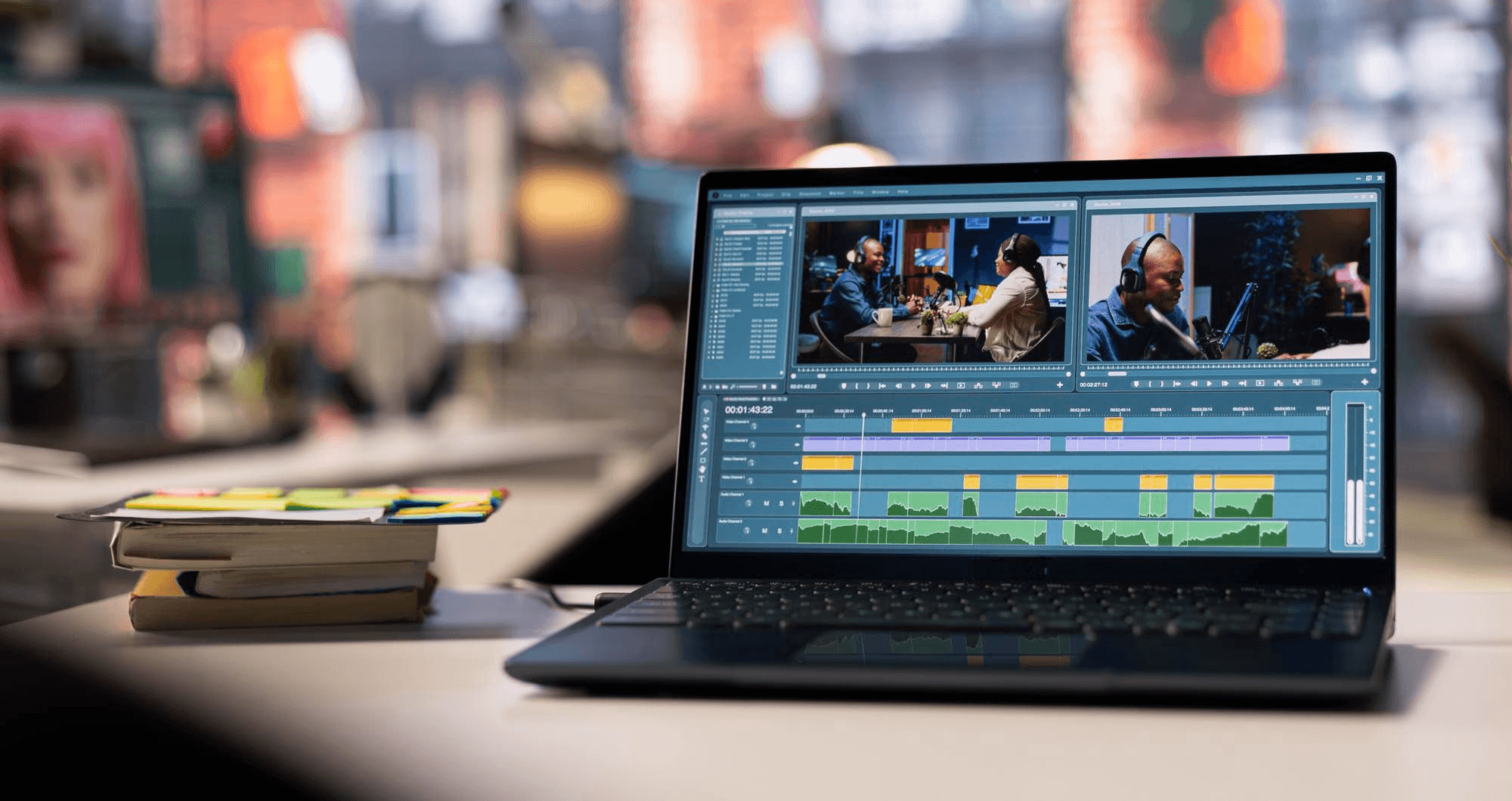
Most content creators and educators struggle with explainer videos because they attempt to write, structure, narrate, and edit simultaneously. That overlap creates production friction. The problem isn't explaining ideas. It's managing too many production tasks at once while trying to maintain quality and consistency.
Trying to Teach While Building the Structure
When creators open their editor and start recording immediately, they structure their explanation in real time rather than beforehand. This results in videos that ramble, repeat key points, or lose their pacing halfway through.
According to the Content Marketing Institute, 70% of creators cite time constraints as their biggest barrier. The real constraint isn't time itself, but the cognitive load of making creative and technical decisions simultaneously. When you script your explanation flow before touching the editor, you separate thinking from execution.
Expert Knowledge Doesn't Equal Structured Communication
Educators often assume deep subject knowledge automatically translates into clear video explanations. It doesn't. Speaking directly from expertise without a structured presentation creates overloaded videos in which information dumps replace a teaching progression.
The mechanism: knowing a topic intimately makes it harder to remember what beginners don't understand yet. That mismatch produces rambling explanations with weak pacing, where the educator answers questions the audience hasn't asked while skipping foundational concepts they desperately need.
Manual Workflows Create Cognitive Overload
While producing explainer videos manually, creators juggle scripting, narration, visual timing, transitions, and editing in overlapping cycles. Small corrections, like rewriting an explanation or syncing visuals to voiceover, feel minor on their own. But repeated across every video, they add up to hours of extra production time. One creator described the relief of switching workflows: "Oh my god it is so much faster and more comfortable."
That emotional shift happens when you stop managing every micro-decision and start following a repeatable process. Crayo's clip creator tool handles visual syncing and caption timing automatically, letting you focus on the quality of your explanations rather than on technical coordination.
Why Consistency Breaks Down at Scale
When every explainer video requires rebuilding the workflow from scratch, production becomes energy-dependent rather than process-dependent. You publish when you feel motivated, not when your schedule demands it. That creates:
- Delayed uploads
- Unfinished drafts
- Creator fatigue
The workflow isn't sustainable because it lacks separation between creative decisions (what to explain, how to structure it) and execution tasks (editing, rendering, formatting). Friction reduction makes fast, high-quality explainer videos feel realistic, not heroic. But eliminating friction only solves half the problem, because hidden costs accumulate in places most creators never measure.
Related Reading
- Video Automation
- Can Perplexity Ai Create Videos
- How To Make Faceless Tiktok Videos
- How To Use Kling Ai For Videos
- Can Nano Banana Make Videos
- Common Uses of AI Video Generators
- How To Create Explainer Videos
- How To Create A Faceless YouTube Channel
- How Long Can AI-Generated Videos Typically Be
- Short Form Video Production
The Hidden Cost of Creating Explainer Videos Without a Structured Workflow

Unstructured workflows don't just slow down production. They create compounding costs that most creators never track:
- Wasted hours on re-edits
- Viewer drop-off due to inconsistent pacing
- The mental toll of restarting the same video multiple times
The real expense isn't the time you spend creating. It's the time you lose to friction between tasks that should never overlap.
The Financial Reality of Manual Production
According to Genra AI's 2026 cost analysis, AI video production costs 85% less than traditional video production. That gap exists because traditional workflows bundle all decisions into a single chaotic session. When you write, narrate, edit, and structure visuals simultaneously, each task interrupts the others. Your brain switches contexts constantly. Working memory resets. Quality degrades with each reset, forcing you to restart sections you thought were finished.
The pattern repeats across platforms. A creator starts recording an explanation, realizes mid-sentence the structure feels wrong, stops to rethink the approach, then restarts narration with a different angle. That single interruption adds 15 minutes. Multiply that across three or four restarts per video, and a 10-minute explainer becomes a two-hour project. The hidden multiplier isn't complexity. Its correction loops are triggered by overlapping workflow stages.
Why Viewers Leave Weak Explainer Videos
Disorganized production creates disorganized viewing experiences. When creators juggle explanation and editing in the same workflow, transitions feel abrupt. Information density fluctuates unpredictably. Pacing shifts without reason. On YouTube and TikTok, viewers interpret these signals as low effort, even when the creator spent hours on the video. They leave within 30 seconds because the explanation is harder to follow than it should be.
The damage compounds. Lower retention signals to platform algorithms that the content underperforms. Reach drops. The creator invests more time into the next video, trying to compensate with better visuals or longer explanations. But without separating workflow stages, the same pacing problems reappear. The cycle continues because the diagnosis misses the root cause: structural friction, not creative weakness.
How Workflow Separation Changes Production Speed
Creators who separate scripting from narration, and narration from editing, eliminate most correction loops. Structure gets finalized before recording starts. Narration happens without pauses to rethink the flow of the explanation. Editing focuses purely on visual sync and pacing, not rewriting content. Each stage completes faster because cognitive load remains focused on a single task type.
Cost Efficiency and Workflow Compression
Percify's 2025 production cost analysis found that structured workflows achieve 30-50% cost reduction compared to traditional methods. That reduction comes from eliminating repetitive manual tasks. Tools like Crayo automate visual syncing and editing stages entirely, compressing what used to take hours into minutes. The workflow becomes:
- Structure your explanation
- Generate the video
- Adjust if needed
No restart loops. No context switching between creative and technical decisions.
The Momentum Cost Nobody Measures
Every time you stop mid-production to fix a structural problem, you lose momentum. The creative flow that made the first three minutes feel natural disappears. When you restart, the tone shifts slightly. Energy drops. What should feel like one cohesive explanation becomes a stitched-together sequence of separate attempts. Viewers sense that fragmentation, even if they can't articulate why the video feels off. Sustained momentum requires workflow predictability. When you know scripting happens first, narration happens second, and editing happens last, each stage feels manageable. You're not wondering whether you should pause recording to restructure. You're executing a defined process. That predictability reduces decision fatigue and keeps production speed consistent across multiple videos.
7 Steps to Create Explainer Videos in 10 Minutes
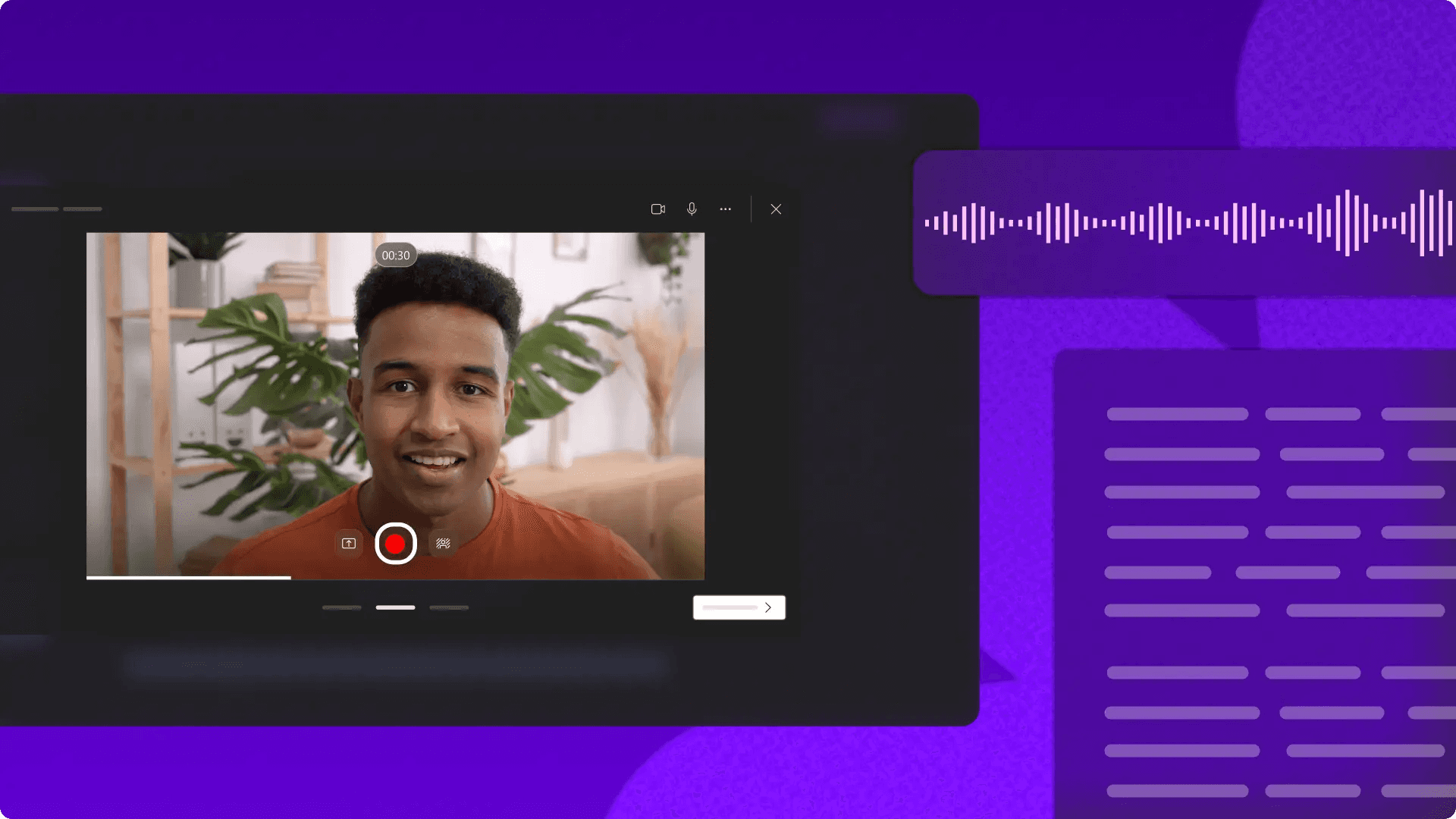
Most explainer videos take hours because creators treat production like improvisation.
- They record as they figure out what to say.
- Edit as you discover what they meant.
- Restart when the structure collapses.
The fastest path isn't better editing skills. It's separating decisions from execution. When you finalize the explanation before opening your editor, production becomes assembly. You're not inventing structure while juggling timeline adjustments. You're following a sequence you already validated. That shift alone cuts production time by more than half.
1. Start With One Viewer Outcome
The weakest explainer videos try to teach everything. They explain background context, core concepts, advanced variations, and edge cases in four minutes. Viewers leave confused about what mattered most. According to Wyzowl, 96% of people have watched an explainer video to learn more about a product or service. That trust evaporates when the lesson lacks focus.
Pick one outcome. Not three related ideas. One transformation the viewer should experience after watching. If your video explains project management, don't cover task assignment, deadline tracking, and team communication. Teach how to structure a task list that prevents bottlenecks. That specificity creates retention. Broad explanations feel comprehensive but teach nothing actionable. Narrow focus feels limiting but delivers clarity. The viewer who learns one concept well will return for the next video. The viewer who absorbs seven concepts poorly won't remember any of them.
2. Write the Explanation Before Recording Anything
Most creators open their editor, hoping the explanation will emerge during production. They record a take, realize the logic doesn't flow, and restart. Three attempts later, they're rebuilding the entire structure while staring at a timeline. That's not production. That's expensive brainstorming.
Write the full explanation first. Not bullet points. Full sentences that articulate the teaching flow from hook to conclusion. If the explanation doesn't make sense on paper, it won't make sense on camera. This step feels slow until you realize it eliminates every restart loop that would have added thirty minutes to your edit.
Scripting before recording also reveals pacing problems early. You'll notice when a concept needs an example, when a transition feels abrupt, or when you're explaining something twice. Fixing those issues in a document takes two minutes. Fixing them during narration or editing takes twenty.
3. Break the Video Into Teaching Segments
Continuous explanation creates cognitive overload. Viewers can't distinguish between your hook, your main concept, your supporting example, and your conclusion when everything blurs together. Segment the video into distinct teaching blocks. Each block should advance one idea, then pause to let it settle.
Segmented Structure and Error Containment
A simple structure:
- Hook (10 seconds)
- Concept introduction (30 seconds)
- Example (40 seconds)
- Application (30 seconds)
- Conclusion (10 seconds)
That's two minutes of clear progression in teaching. You're not inventing this structure while editing. You're designing it before production starts. Segmented structure also isolates mistakes. If your example explanation stumbles, you re-record forty seconds. Not the entire video. One weak segment doesn't contaminate the rest of your work. That containment keeps production moving instead of spiraling into full restarts.
4. Record Narration Before Editing Visuals
Editing visuals to match improvised narration creates endless timing corrections. You trim a pause, realize the visual now ends too early, adjust the clip, discover the next transition broke, and spend twelve minutes fixing a three-second moment. That loop repeats across every segment.
Audio-Centric Foundations and Assembly Efficiency
- Record clean narration first.
- Finalize pacing, eliminate filler words, and lock timing.
- Then build visuals around that fixed audio foundation.
You're not adjusting visuals because narration changed. You're placing visuals into predetermined slots. The workflow becomes predictable instead of reactive. Narration-first workflows also prevent over-editing. When audio timing is locked, you stop tweaking visual placement to compensate for verbal stumbles that no longer exist. You're assembling, not iterating. That distinction saves hours across multiple videos.
5. Use Reusable Visual Templates
Every explainer video shouldn't require rebuilding layouts from scratch. Text formatting, animation timing, and visual spacing are elements that stay consistent across your content. Yet most creators manually reconstruct them for every new video, burning time on setup work instead of explanation quality.
Build reusable templates.
- Lock your intro format
- Your text overlay style
- Your transition animations
When you start a new video, you're importing preset structures, not designing them fresh. That's not laziness. That's eliminating repetitive decisions that don't improve viewer understanding.
Automated Formatting and Visual Consistency
Platforms like Crayo automate this entirely. Instead of manually formatting captions, syncing animations, and adjusting visual timing across every video, you're working within preset templates that handle layout decisions automatically. What used to require twenty minutes of formatting now happens in seconds, letting you focus on explanation clarity instead of visual mechanics.
Templates also enforce consistency. Your viewers recognize your visual style immediately because every video follows the same structural rhythm. That recognition builds trust faster than constantly reinvented layouts.
6. Automate Captions and Micro-Edits
Manual caption syncing wastes astonishing amounts of time. You scrub through the timeline, place each caption, adjust timing by a few frames, realize it's still misaligned, and repeat. Across a four-minute video, that's forty minutes of frame-by-frame corrections. The same pattern applies to trimming pauses, cutting filler words, and smoothing transitions.
Automated editing systems handle those micro-adjustments instantly. Research from HubSpot shows 73% of consumers prefer to learn about a product or service through short videos. Those viewers expect tight pacing and readable captions. Automation delivers both without manual correction loops.
The time you save on caption syncing and pause trimming compounds across every video. Ten videos, each with forty minutes of manual micro-edits, equals nearly seven hours. Automation reclaims that time for higher-impact work, like refining explanations or testing new content angles.
7. Publish Before Perfecting Every Detail
Most explainer videos don't fail because they contain a single awkward transition or slightly misaligned caption. They fail because creators delay publishing while chasing flawless execution. That delay kills momentum. You're not building an audience while perfecting video seven. You're losing the compounding effect of consistent uploads.
Reliability Over Perfectionism
- Clear explanations
- Published consistently
- Outperform perfect explanations
- Published sporadically
Viewers forgive minor production imperfections when the teaching delivers value. They don't forgive inconsistent upload schedules or long gaps between videos. Consistency signals reliability. Perfectionism signals uncertainty. Set a quality threshold that's good enough, then publish. If the explanation is clear, the pacing works, and the visuals support understanding, the video is ready. Additional polish might improve it by five percent. Delaying publication costs you the entire week's potential reach. That's not a favorable trade.
Related Reading
- How To Use AI To Make YouTube Videos
- Grok Ai Video Generation Capabilities 2026
- Kling AI Video Prompt Examples
- AI Composite Video
- Veo 3 Maximum Video Length
- AI-Generated Video Examples
- Grok AI Video Generation Prompt Examples
- Sora 2 Vs Veo 3
- Google Veo 3 Prompt Examples
- AI Video Prompts
- How To Create Educational Videos Using AI
- How Are People Making AI Videos
The 10-Minute Workflow to Produce Explainer Videos Faster
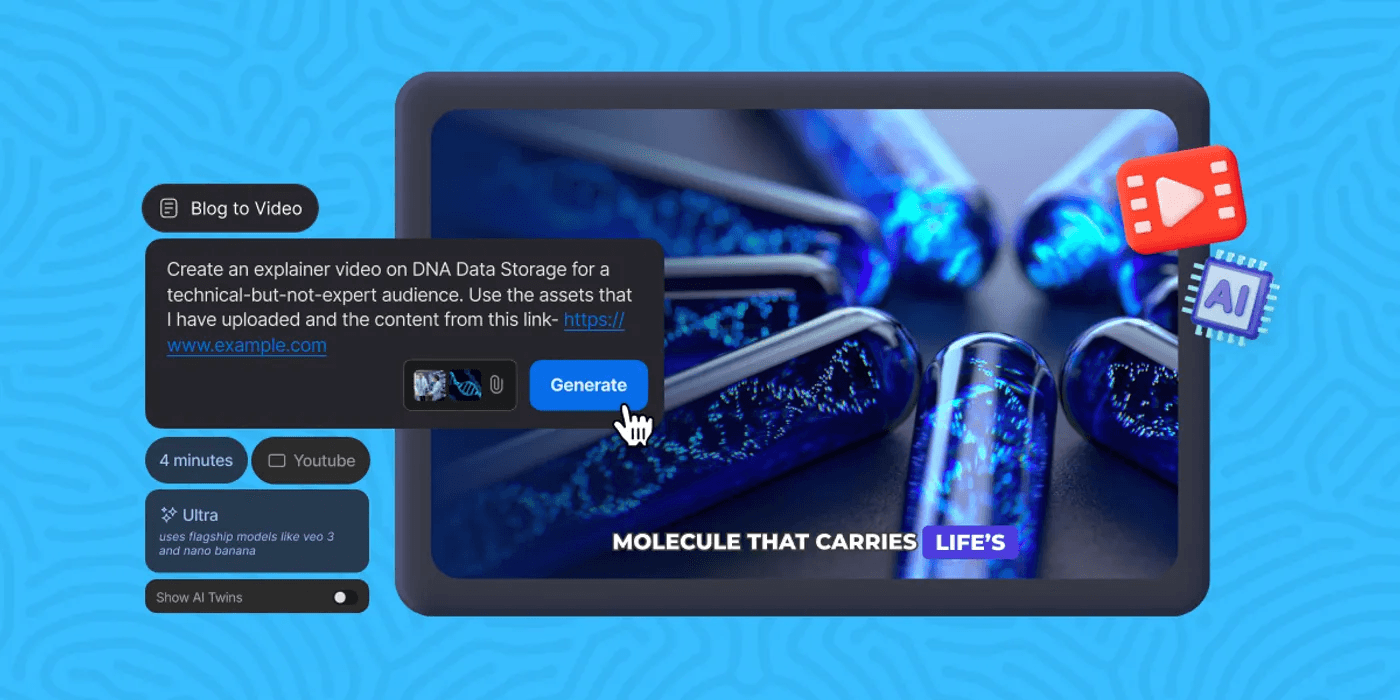
Fast explainer video production doesn't come from editing faster. It comes from reducing friction in repetitive workflows before production begins. Speed through structured execution, not pressure.
Lock the Explanation Structure Before Opening the Editor
Most creators lose time improvising explanations during production. Before recording a single frame, define:
- One topic
- One viewer outcome
- One teaching flow
Then structure:
- Hook
- Explanation
- Example
- Call to action
Pre-Production Structure and Explanatory Clarity
This matters because structure removes rambling, pacing confusion, and restart loops. When you know exactly what you're teaching and how the explanation progresses, production becomes execution, not discovery. The decision about what to say has already been made. 96% of marketers say video has helped increase user understanding of their product or service. But that clarity comes from pre-production structure, not editing magic. You can't fix unclear thinking with better transitions.
Generate Narration and Script Flow Separately
Instead of explaining while editing or narrating while thinking, prepare clean narration, short explanation blocks, and transition lines before production starts. Pre-structured narration reduces awkward pacing, repeated corrections, and narration fatigue. When narration is written first, you hear whether the explanation actually makes sense. Reading it aloud reveals where logic breaks down or pacing drags. Fixing those issues takes 30 seconds in a script. Fixing them during production takes 15 minutes of re-recording and re-editing. Clear explanation flow compresses editing time because you're not discovering problems mid-production. You're executing against a plan that already works.
Build Visuals Using Reusable Systems
Use templates, reusable layouts, and preset animation systems instead of rebuilding visuals manually every upload. Most editing time comes from formatting, resizing, spacing, and visual reconstruction, not creative decisions. Reusable systems eliminate repeated setup work. When your lower third template is already built, your text animation presets are saved, and your transition timing is standardized, you won't have to make those decisions again. You're applying what already works.
Batch Processing and Rapid Testing
This is where creators hit walls when testing at volume. Manual configuration for every video script, image, and avatar configuration creates friction in rapid testing workflows. Tools requiring individual video configuration are painful when testing 15+ hooks per week. Setup time kills velocity. Platforms like Crayo address this by allowing creators to queue multiple videos at once through batch processing and template-based systems. Instead of rebuilding layouts for each upload, you define the structure once, then feed it variations. Production becomes assembly, not reconstruction.
Automate Captions and Micro-Adjustments
Instead of manually syncing captions, trimming pauses, and adjusting transitions repeatedly, use automated captioning and editing systems. Micro-adjustments create silent workflow expansion. What feels like "just cleaning up a few things" compounds into 20 minutes of tweaking.
Automation removes repetitive correction loops. The system handles:
- Caption timing
- Pause trimming
- Transition consistency
You handle whether the explanation actually teaches what you intended. This separation matters because manual adjustments feel productive but rarely improve viewer understanding. Perfectly timed captions don't make unclear explanations clearer. Smooth transitions don't compensate for weak structure.
Export and Publish Immediately
Once pacing works, visuals align, and narration sounds clear, publish. Do not endlessly re-edit, repeatedly restart production, or delay uploads for perfection. Research from Wyzowl shows that 84% of people say they've been convinced to buy a product or service by watching a brand's video. But that only happens if the video gets published. Delayed publishing breaks workflow momentum. Consistency grows through execution frequency, not perfection loops.
Functional Quality and Publication Velocity
The quality threshold is:
- Does the explanation make sense?
- Is the pacing watchable?
- Do the visuals support understanding?
If yes, the video is ready. Additional polish might improve it by five percent. Delaying publication costs you the entire week's potential reach.
The Before and After Workflow
Before
- Explain while editing
- Manually structure visuals
- Repeatedly correct narration
- Rebuild layouts every upload
Result
- Multi-hour production cycles
- Inconsistent uploads
- Creator fatigue
After
- Structure first
- Separate narration
- Automate repetitive tasks
- Use reusable systems
Result
- Compressed production workflows
- Faster execution
- Scalable explainer video production
The shift isn't about working faster. It's about removing the work that shouldn't exist in the first place.
The Core Reframe
The bottleneck is not explainer video creation. The bottleneck is the manual rebuilding of repetitive production steps for every upload. When repetitive production tasks become structured and automated, execution compresses.
- You're not making the same decisions repeatedly.
- You're not correcting the same mistakes.
- You're not rebuilding the same visual elements.
You're teaching. The system handles the rest. But knowing these steps and actually executing them at speed requires one more shift.
Create Explainer Videos Faster Using Crayo
That shift is simple. Stop rebuilding the workflow. Start reusing it. Paste your explainer topic into Crayo AI. The platform generates a structured script instantly, no manual outlining required. Choose a natural AI voice, and narration renders automatically without recording takes or correcting pacing errors. Add visuals and captions, then export. You've compressed what used to take two hours into under ten minutes. The difference is not speed for its own sake. It's removing the repetitive production steps that slow execution without improving the explanation. You're not writing from scratch every time. You're not rebuilding captions manually. You're not restarting narration because the structure broke halfway through recording.
Standardized Workflows and Production Decoupling
Most creators treat explainer video production like a custom build for every upload. They repeatedly write, structure, record, edit, and troubleshoot the same workflow decisions. That approach works when you're producing one video. It collapses when you need consistent output across weeks or months. Platforms like Crayo separate content creation from production mechanics. You focus on the explanation. The system handles script structure, narration quality, and visual formatting through reusable templates. What used to require manual rebuilding becomes a structured flow you execute once, then repeat without rework. Open Crayo now. Paste your first explainer topic. Generate the production flow, then publish without manually rebuilding the entire workflow again. Fast explainer video production is not about working faster. It's about removing repetitive production steps from the workflow entirely.
Related Reading
- AI Product Content Creation For Ecommerce
- AI Filmmaking Tools
- Best AI for Animation
- Best AI Video Upscalers
- Best AI Video Extender
- Best AI Tools For Faceless YouTube Videos
- AI Image To Video Generator No Restrictions
- Best AI Tools For Viral Tiktok Content
- Best AI Video Enhancer For Beauty Content