



35 लाख users का भरोसा
Video को 16:9 से 9:16 में face tracking के साथ reframe करें
Face detection और speaker tracking बोलने वाले को center में रखते हैं, जबकि crop widescreen से vertical में बदलता है।
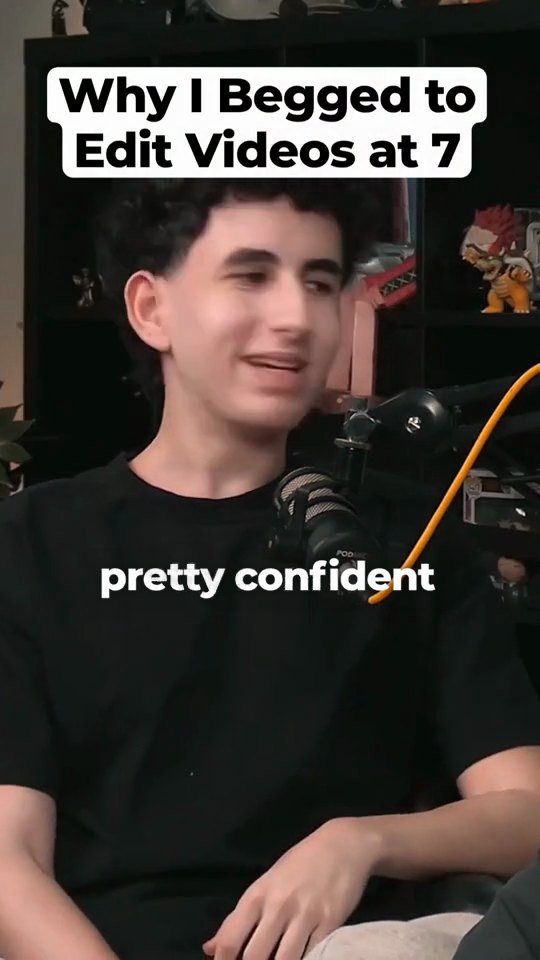
AI Reframe 16:9 recording को 9:16 clip में बदलता है: चेहरे detect करता है, जो बोल रहा है उसे follow करता है, और crop को झटकेदार tracking की जगह smooth, टिके हुए camera moves से हिलाता है। यह उन clippers, podcasters और streamers के लिए है जिन्हें ऐसे vertical clips चाहिए जहाँ speaker हमेशा frame में रहे।
Clip करने के चार तरीके
सब कुछ AI पर छोड़ें, या जहां चाहें खुद संभालें।

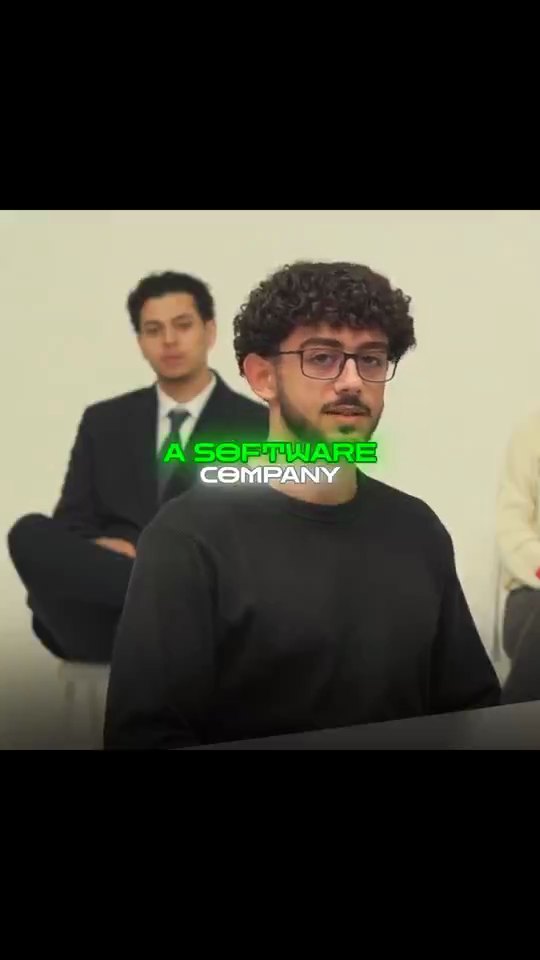
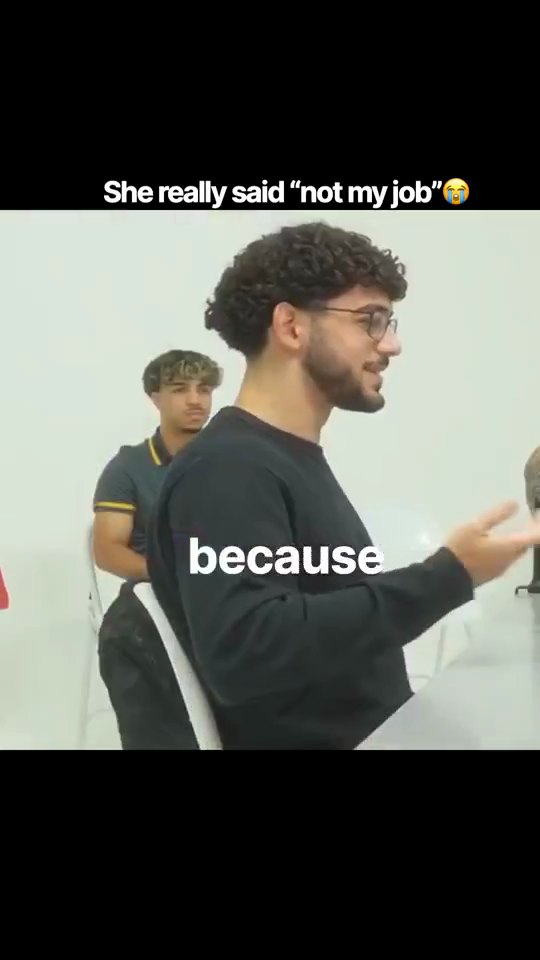
AutoClip
पूरी तरह automated, एक ही बार में
एक video upload करें और बाकी सब AI एक ही बार में कर देता है: moments ढूंढना, framing, captions और titles।
Find Viral Moments + Video Editor
AI ढूंढे, आप edit करें
AI आपके video के सबसे अच्छे moments को score करता है। फिर पूरे editor में हर cut को ठीक करें।
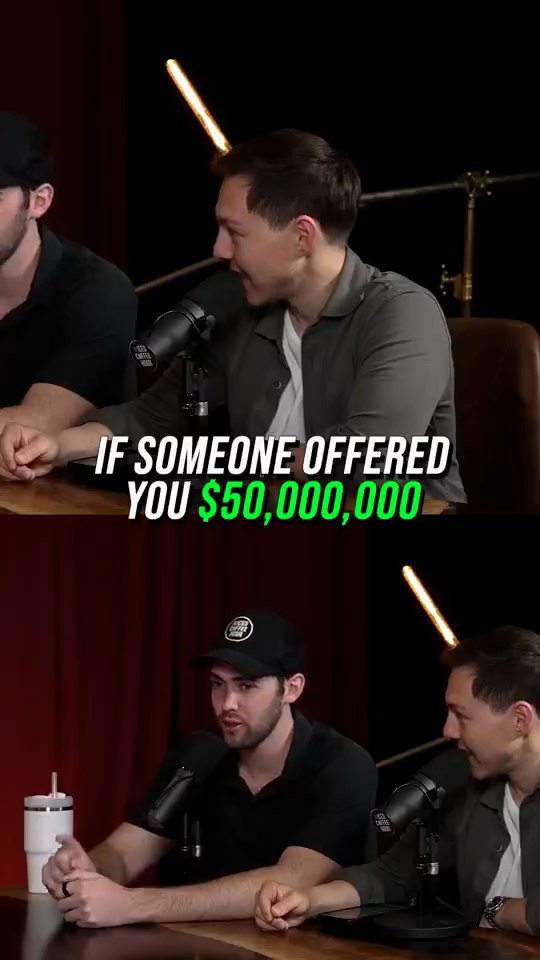
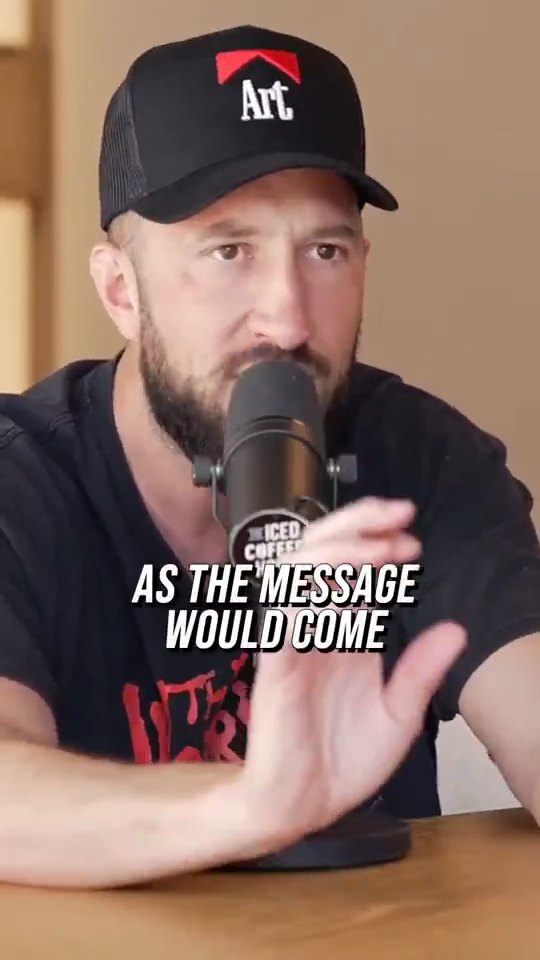
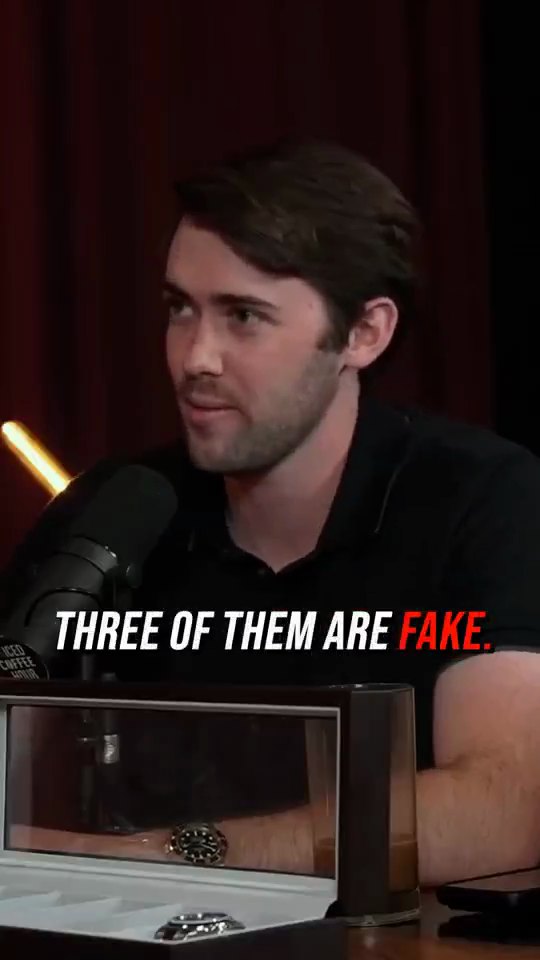
Find Viral Moments + Edit with AI
AI ढूंढे, AI edit करे
वही AI, दो steps में। AI के ढूंढे moments देखें, जो पसंद हों उन्हें रखें, फिर creator style लगाएं।
Clip Cutter + Edit with AI
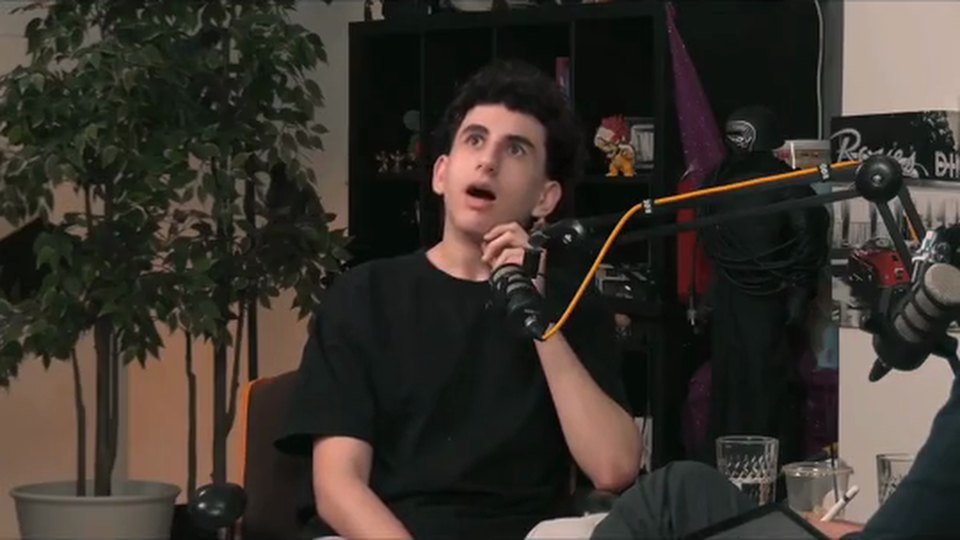
आप ढूंढें, AI edit करे
अपने मनचाहे moments खुद cut करें, फिर captions, framing और style AI पर छोड़ दें।
पूरा video editor। सीधे आपके browser में।
ज्यादातर clipping tools export पर रुक जाते हैं। Crayo में असली multi-track editor है, और कुछ download नहीं करना।
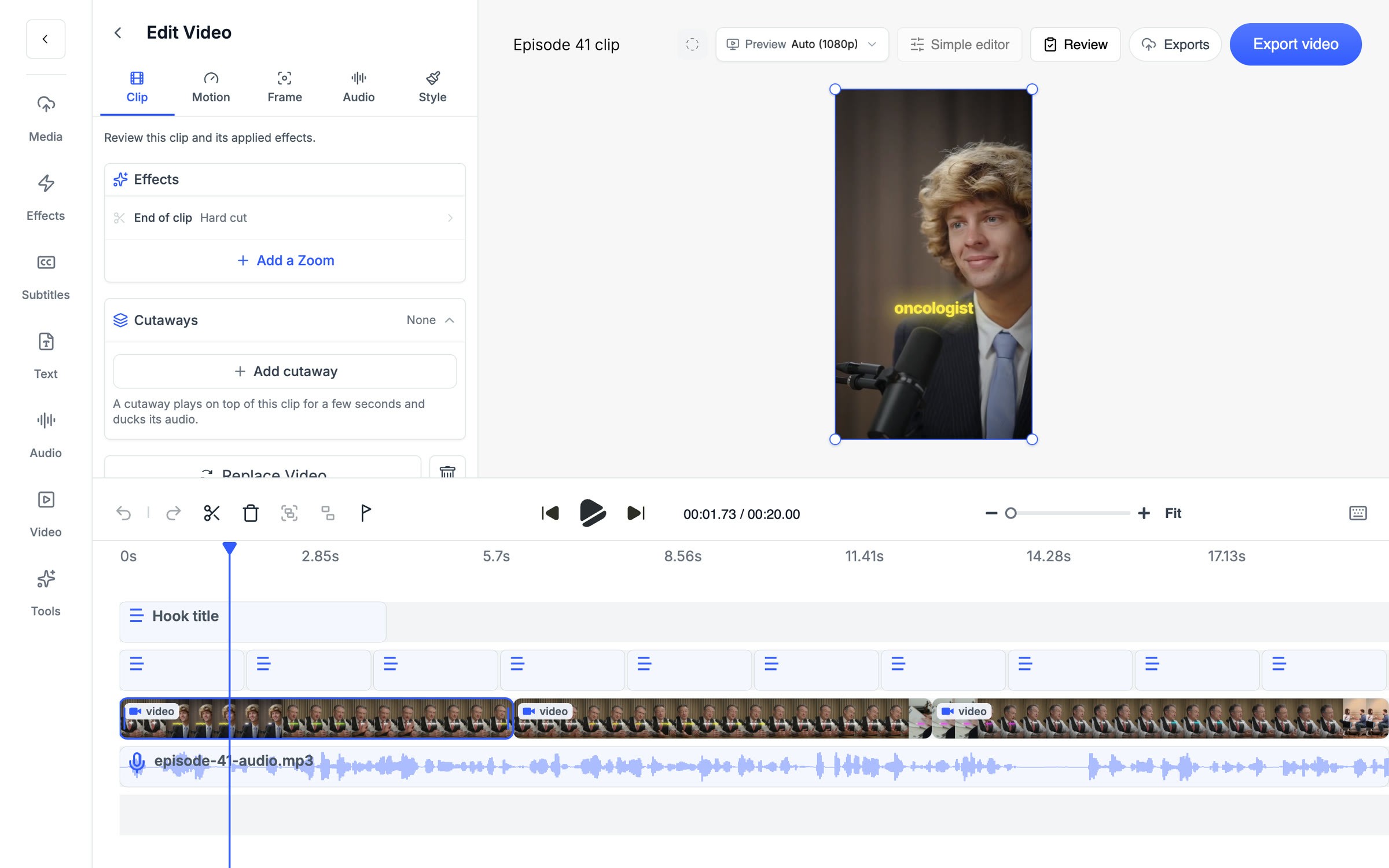
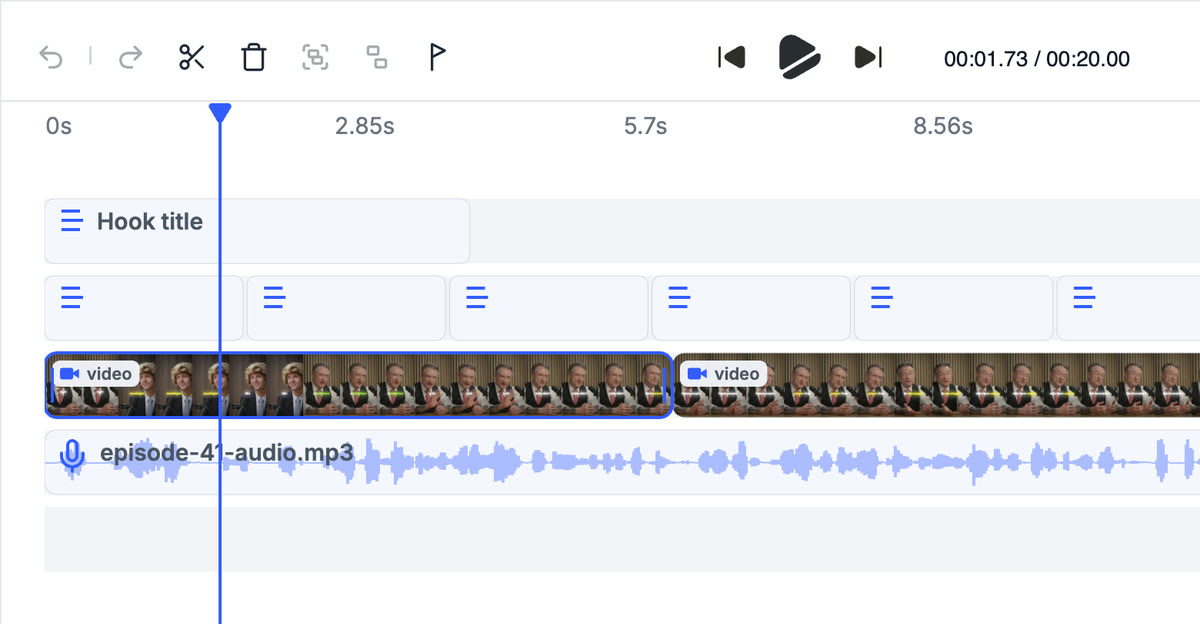
Multi-track timeline
असली timeline पर अपनी clip को cut, split और rearrange करें।
Effects
LUTs, zooms, transitions और reframe पहले से शामिल।
Captions
AI या manual subtitles, आपके पसंदीदा style में।
Cutaways
किसी भी clip पर b-roll डालें और उसका audio अपने आप कम हो जाता है।
Crayo ने अरबों views generate किए हैं।
लाखों clippers के लिए।देखें हमारे users क्या कहते हैं
5 → 20
हफ्ते के posts
एक podcast episode काटने में मुझे करीब चार घंटे लगते थे। अब मैं उसे AutoClip पर upload करता हूं और lunch से पहले 12 clips तैयार मिलते हैं। बिना editor रखे मैं हफ्ते के 5 posts से 20 पर पहुंच गया।
Dave1 tab
moment से final cut तक
बाकी clipping tools export पर रुक जाते थे, इसलिए मुझे CapCut में चीज़ें ठीक करनी पड़ती थीं। Crayo में AI moment ढूंढता है, फिर मैं उसी tab में cut और captions ठीक कर लेता हूं। पिछले महीने मैंने CapCut cancel कर दिया।
James2M
30 clips पर views
मैंने September में podcast campaigns clip करना शुरू किया। Crayo से मेरे पहले 30 clips पर 2 million views आए, और एक clip अकेले 600k तक पहुंचा। लोग सबसे पहले captions पर ही comment करते हैं।
Jonathanऔर देखें
AutoClip
Podcast, stream या interview डालें। AI सबसे दमदार moments ढूंढता है और हर एक को captions वाली vertical clip में काटता है, post करने के लिए तैयार।
FeatureVideo Editor
Captions, zooms, transitions, LUTs, speed ramps, cutaways और camera keyframes वाली multi-track timeline। कोई install नहीं, किसी भी plan पर watermark नहीं।
Use casePodcast Clips
Episode डालें, या बस एक YouTube link, और AutoClip post करने लायक moments ढूंढता है। हर clip vertical आता है, speaker frame में और captions के साथ।
अक्सर पूछे जाने वाले सवाल
अभी भी कोई सवाल है?
किसी भी सवाल या परेशानी के लिए हमारी 24/7 support team से संपर्क करें।
संपर्क करें