

 32 लाख+ USERS का भरोसा
लंबे videos को viral clips में automatically बदलें
Auto Clip आपके upload किए गए लंबे video, जैसे podcast, stream या webinar, को लेता है और AI से उसके सबसे दमदार moments ढूंढकर captions वाले छोटे clips में काट देता है। यह उन clippers, podcasters, streamers और agencies के लिए है जो लंबी recordings को बड़ी मात्रा में short-form video में बदलते हैं।
लंबा video upload करें और AI को best moments ढूंढने दें, फिर उन्हें post-ready clips में कटवाएं।
अभी video clip करें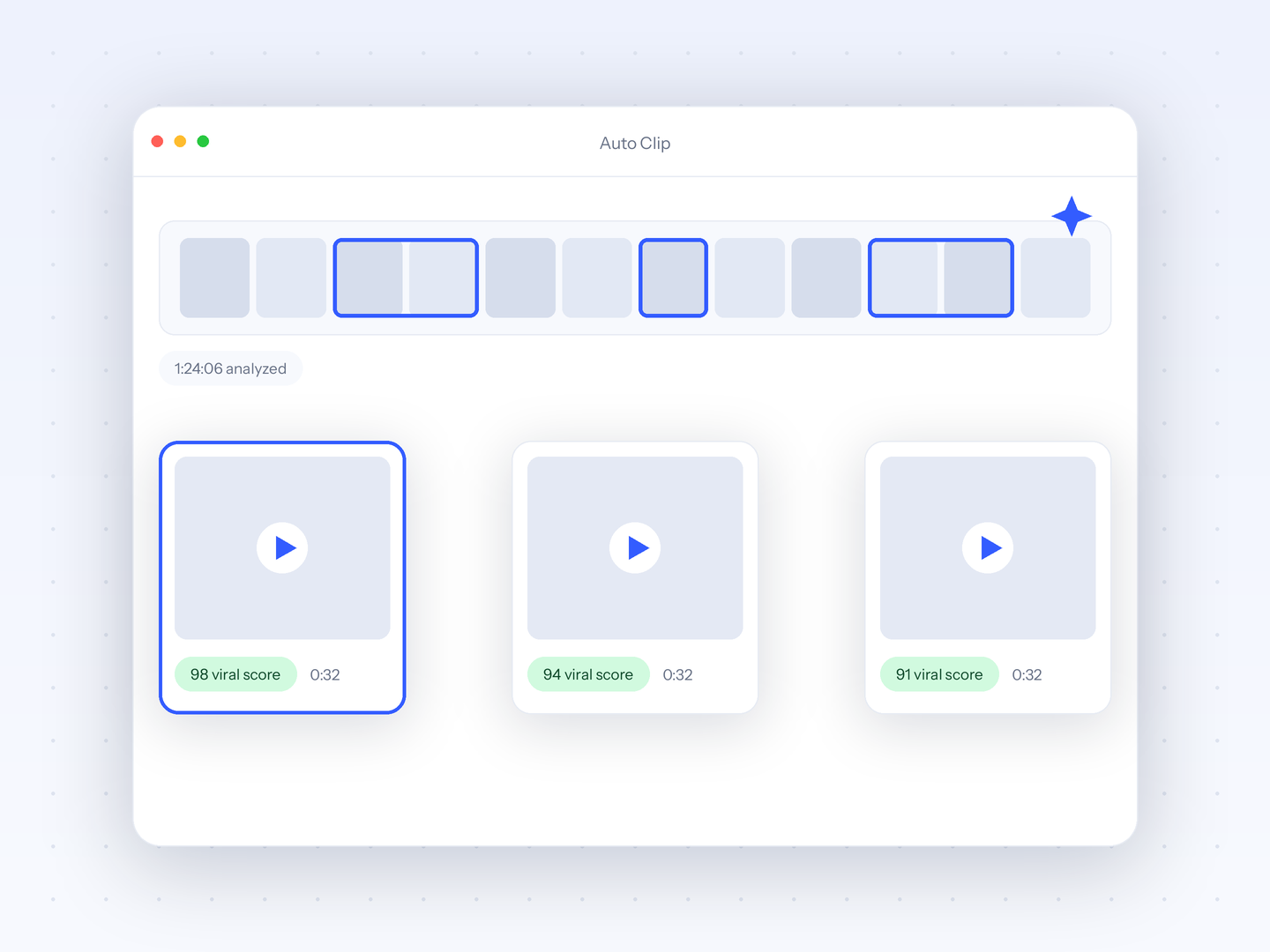
Web-based editor।हमारे web editor से पूरा control।जादू जैसा लगता है।
Crayo अभी try करें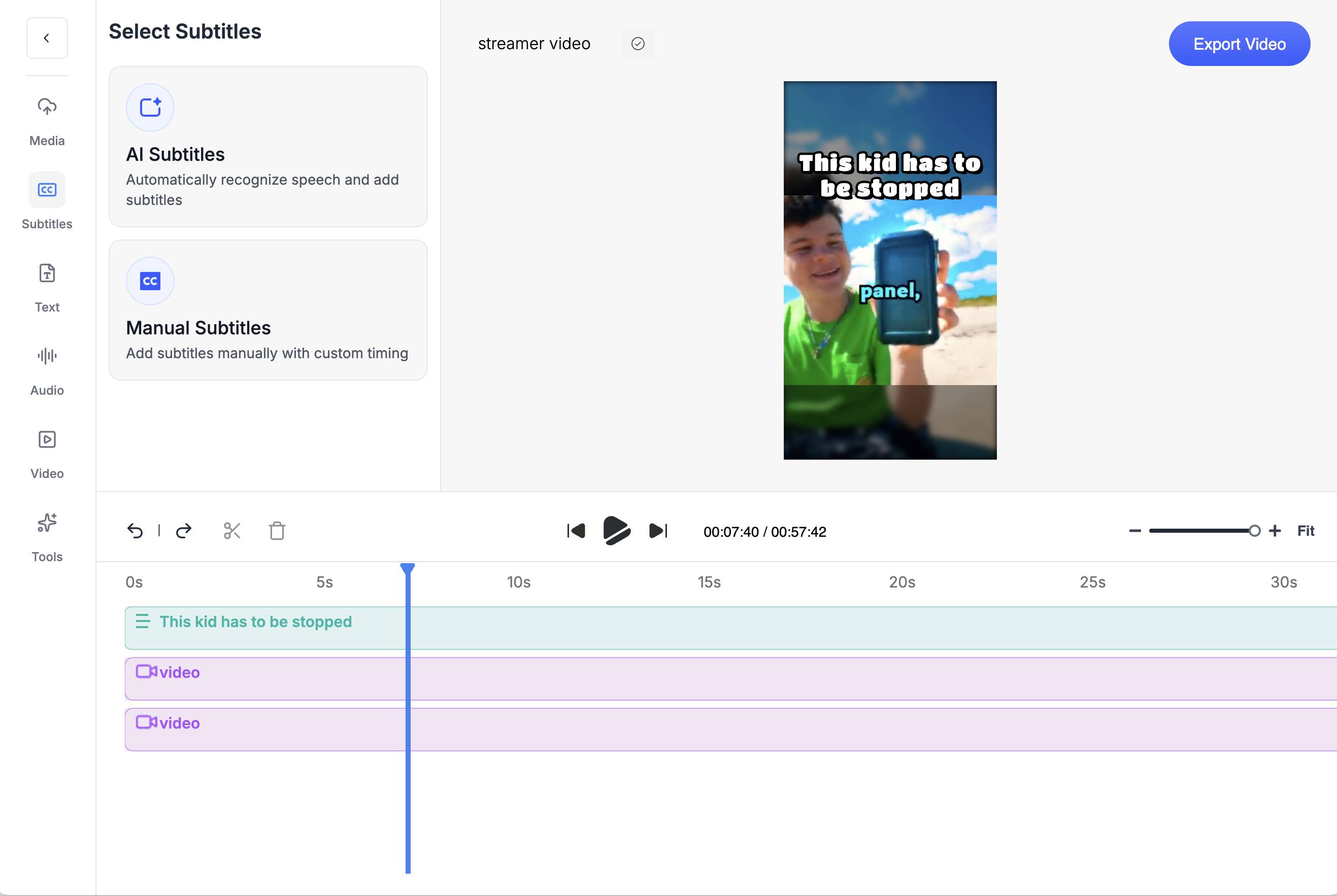
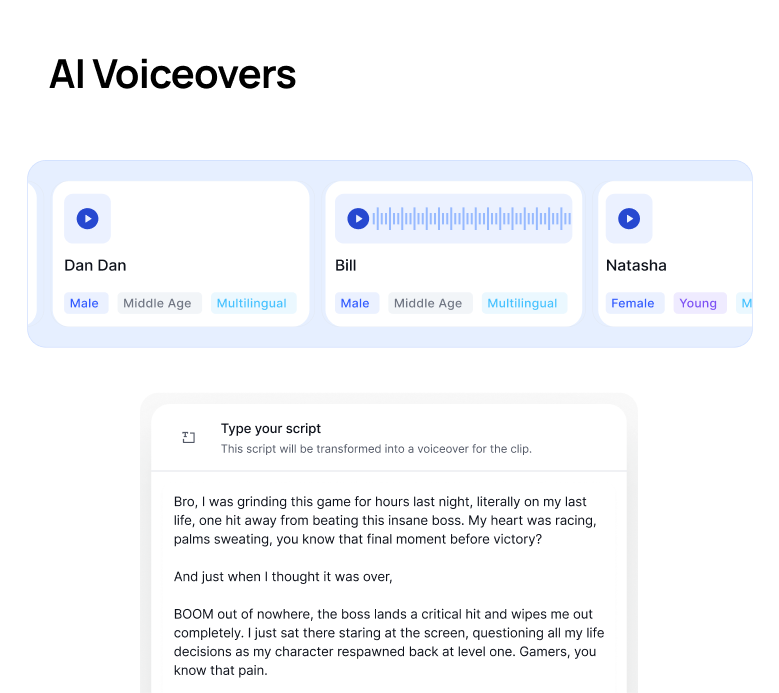
ढेरों toolsViral होने के लिए जो चाहिए, सब Crayo में हैCutting-edge speech enhancement से लेकर videos download करने तक, सब कुछ यहीं है।
Crayo अभी try करें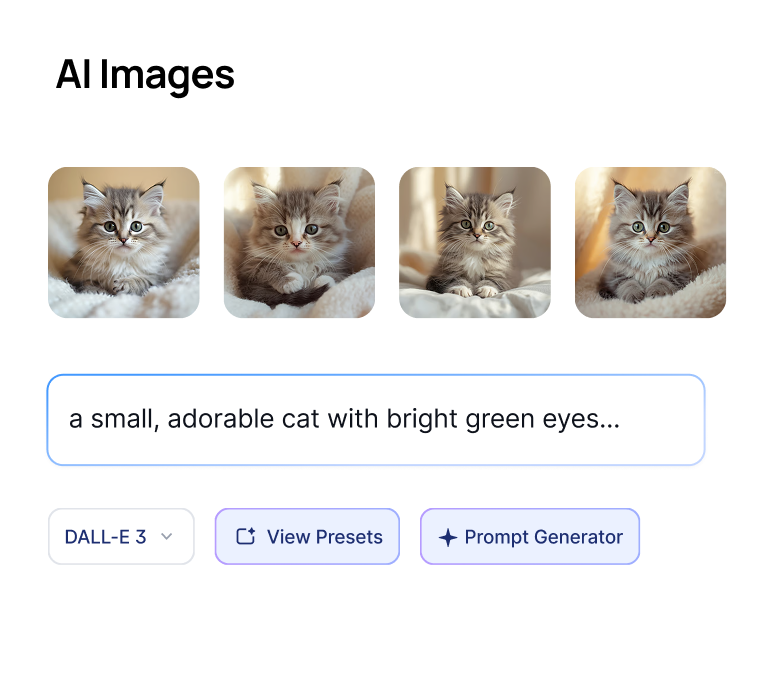
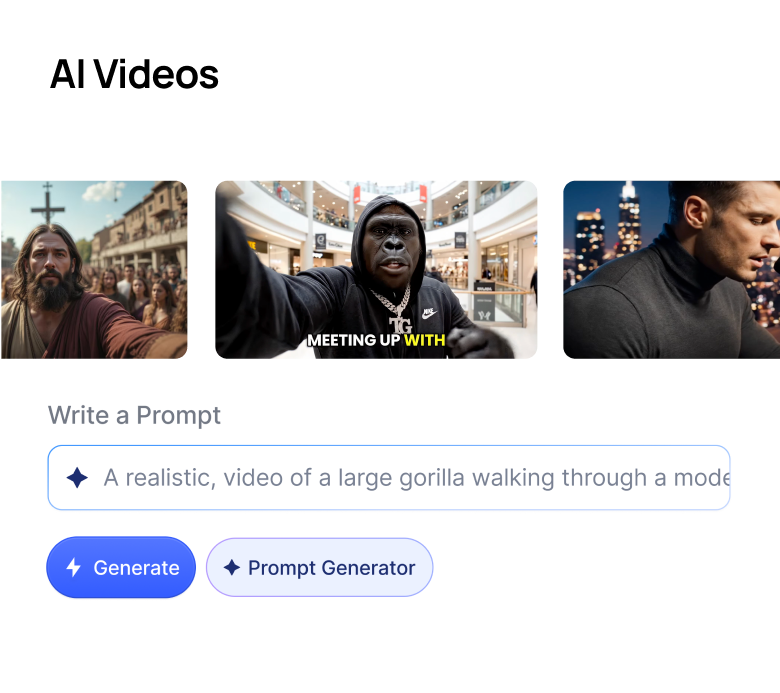

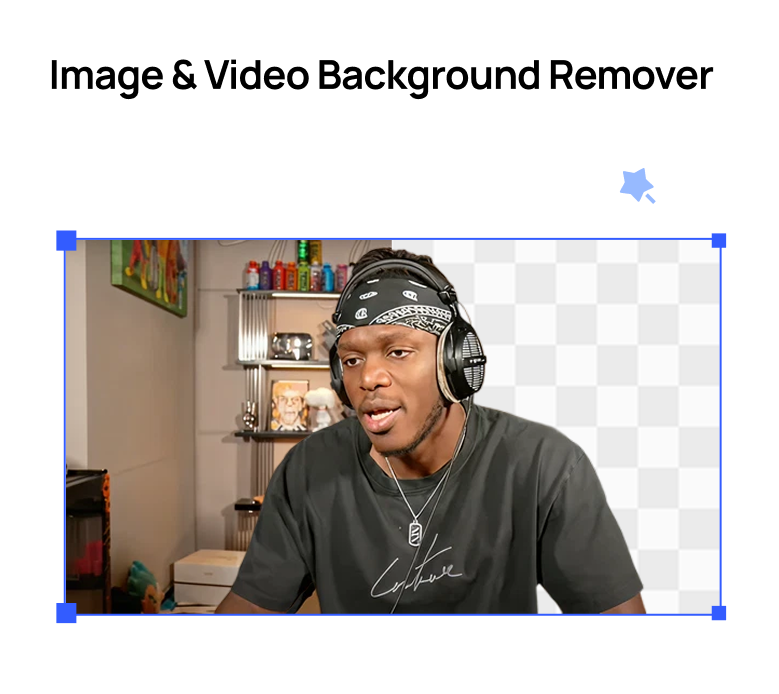

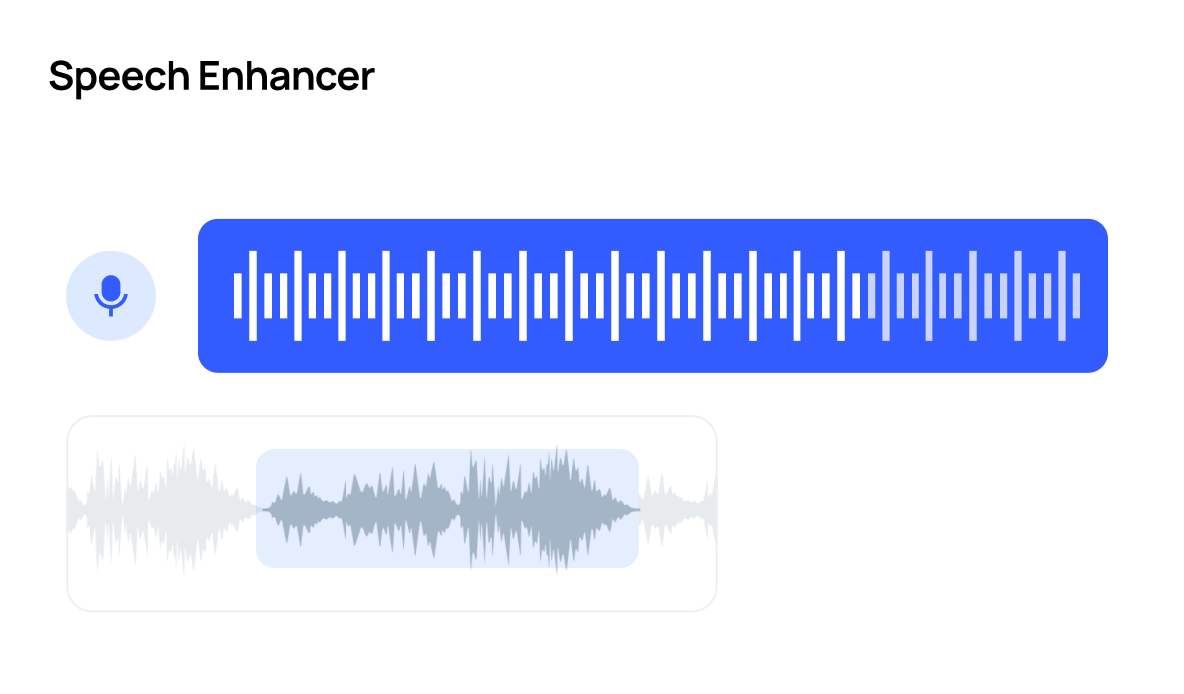
Crayo ने अरबों views generate किए हैं।
लाखों clippers के लिए।
देखें हमारे users क्या कहते हैं

Musa
I've clipped for some of the biggest creators on the internet. Crayo is the tool I wish I had when I started.

Jonathan
Crayo is the only tool I've found that can remove backgrounds from videos well. 10/10.

Daniel
After running channels with over 1 million subscribers, I built Crayo to solve my own scaling problems.

Dave
Crayo makes formatting and clipping content so much easier, now I can focus on finding the clips & trends.

Brandon
Their image generator is insane. It saves me from needing multiple subscriptions for different AI models.

James
I wish I found this sooner. Reddit story generations are OP for YouTube Shorts. Most worth it subscription I have.
और देखें
Clippers
Browse live clipping campaigns in Crayo's Content Library, cut clips in minutes with AI, and track every view. Find the work and do the work in one app.
Use casePodcast Clips
Drop in an episode, or just a YouTube link, and let AI find the moments worth posting. Captions, vertical crop, and clean audio included.
CalculatorClips From One Video
See how many short clips, and how many views, you can squeeze out of one long video.
ComparisonCrayo vs Opus Clip
Crayo vs Opus Clip, with dated prices. Opus Clip charges 1 credit per minute uploaded. Crayo charges 1 credit per finished clip, ranks moments before you cut and puts a timeline editor on every plan.
ComparisonCrayo vs Vizard
Crayo vs Vizard with dated prices. Vizard meters per uploaded minute and has a free tier. Crayo ranks moments before you cut, charges per finished clip and puts a timeline editor on every plan.
ComparisonCrayo vs Klap
Crayo vs Klap with dated prices. Both meter per clip. Klap adds 4K, dubbing and scheduling. Crayo takes 3-hour sources on the entry plan, ranks moments to approve first and puts a timeline editor on every plan.
FAQs
अक्सर पूछे जाने वाले सवालआम सवालअभी भी कोई सवाल है?
किसी भी सवाल या परेशानी के लिए हमारी 24/7 support team से संपर्क करें।