Managing your social media presence shouldn't feel like a full-time job, yet here you are, staring at Sprout Social's price tag and wondering if there's a better way. Whether you're a small business owner juggling TikTok content creation alongside everything else or a social media manager looking for more budget-friendly tools, finding the right Sprout Social alternative can transform how you work. This article walks you through five powerful alternatives to Sprout Social that you can start using in just ten minutes, each offering unique features for scheduling, analytics, and content management without the hefty investment.
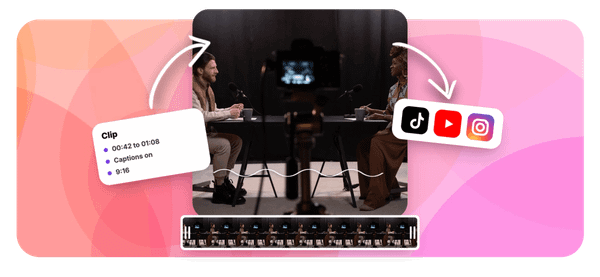
Speaking of quick solutions, if creating engaging TikTok content is part of your social media strategy, Crayo's clip creator tool fits right into this conversation. While you're exploring social media management platforms and alternatives, you'll also need a way to produce scroll-stopping videos fast. Crayo helps you generate professional-looking clips without spending hours on editing, letting you focus on strategy while the tool handles the heavy lifting of content creation.
Table of Contents
- Why Creators Look for Alternatives to Sprout Social
- The Hidden Cost of Using Expensive or Complex Social Media Tools
- 5 Sprout Social Alternatives You Can Use in 10 Minutes
- The 10-Minute Workflow to Manage Social Media Using Alternatives
- Manage Social Media Faster With Crayo AI
Summary
- Creators abandon expensive social media management platforms when they realize they're paying for enterprise features they never use. Most solo creators use only about 20% of what they're charged for, subscribing to tools with team collaboration dashboards, sentiment analysis, and competitive benchmarking while only using the calendar and publish button.
- Complex platforms add friction that kills posting consistency. When your workflow requires navigating feature update notifications, dismissing dashboard modules, and clicking through nested menus just to schedule a TikTok, what should take five minutes stretches to fifteen.
- Buffer's pricing model shows the dramatic cost difference between creator-focused and enterprise tools. According to Meltwater, Buffer charges $5-$10 per user per month for basic scheduling capabilities, while platforms like Agorapulse charge $79-$149 per user monthly. When you're posting from a bedroom studio instead of managing client portfolios, paying enterprise rates for personal-scale needs wastes budget that could fund actual content production.
- Batch workflows compress social media management into contained sessions, rather than letting it bleed throughout your day. Creators who finish editing multiple videos before opening any scheduling tool, then upload and schedule everything in one focused session, avoid the momentum-killing context switches between creative work and administrative tasks.
- Visual planning tools match how creators actually think about content strategy. Platforms like Later, which display your posting calendar as a grid of images instead of text-based timestamps, help you catch repetition and spot gaps in content variety before publishing. Seeing how posts will appear together in someone's feed provides visibility that list-based scheduling interfaces miss entirely.
Crayo's clip creator tool addresses the upstream bottleneck that scheduling platforms ignore by generating finished videos with automated captions, voiceovers, and effects in seconds, so your scheduling tool only handles distribution rather than waiting for production delays.
Why Creators Look for Alternatives to Sprout Social
Creators abandon Sprout Social when the math stops working. You're paying for enterprise-level reporting dashboards, multi-team collaboration workflows, and sentiment analysis tools, while all you actually need is a calendar, basic metrics, and a publish button. The gap between what you use and what you're charged for becomes impossible to ignore.
The Feature Bloat Problem
Sprout Social was built for marketing teams managing brand reputation across dozens of accounts. When you log in as a solo creator, you're greeted with advanced listening tools, approval hierarchies, and competitive benchmarking modules. You click past 80% of the interface just to schedule a TikTok. The platform doesn't adapt to your workflow; it demands you adapt to its complexity, turning a five-minute task into a navigation exercise through features designed for problems you don't have.
Pricing That Assumes You're a Team
According to Meltwater, Agorapulse charges $79-$149 per user per month, while Buffer offers similar scheduling capabilities at $5-$10 per user per month. Sprout Social sits at the higher end of this spectrum, pricing itself alongside tools built for agencies managing client portfolios. When you're posting from your bedroom studio, not a conference room, that monthly charge feels like paying for a commercial kitchen when all you need is a stovetop.
Speed Becomes the Real Currency
You don't need another platform that makes you think harder about posting. You need to create, schedule, and move on. Every extra click, every nested menu, every "are you sure?" confirmation dialog between you and the process of publishing your content is friction you can't afford. Teams posting daily to Instagram, TikTok, and YouTube need tools that disappear into the background, not ones that demand attention and training time.
When Simplicity Beats Sophistication
The pattern recurs: creators start with robust platforms, then migrate to lighter tools that do less but do it faster. They trade comprehensive analytics for speed. They sacrifice team collaboration features they never used for interfaces that load in seconds. The realization hits when you spend more time inside the scheduling tool than actually creating content worth scheduling. If your workflow involves exporting videos from your editing software and immediately posting them, you don't need social listening or brand monitoring. You need velocity.
Creation Velocity and Content Engine Primacy
That's exactly where content-creation velocity becomes the bottleneck that most platforms ignore. While Sprout Social helps you manage what you've already made, tools like Crayo's clip creator solve the earlier problem: generating the actual content fast enough to keep your posting calendar full. When you can produce professional short-form videos in seconds rather than hours, the scheduling platform you choose matters less than the creation engine feeding it.
Related Reading
- TikTok Content Ideas for Business
- What Does Content Under Review Mean on TikTok
- YouTube Shorts Ideas Without Showing Face
- Viral YouTube Shorts Ideas
- Why Is My Content Under Review on TikTok
- Creative Instagram Reels Ideas
- YouTube Shorts Content Ideas
- YouTube Shorts Ideas For Beginners
- How Long Can A Reel Be On Instagram
- Instagram Reels Ideas For Business
- What Does Promotional Content Mean on TikTok
- Instagram Reels Ideas For Beginners
- How Much Do Content Creators Make on TikTok
The Hidden Cost of Using Expensive or Complex Social Media Tools
The real expense isn't the subscription price. It's the output you lose while navigating features you'll never touch.
- When your workflow requires three clicks to do what should take one.
- When dashboards load slowly because they're rendering analytics modules, you don't need to.
- When you delay posting because the interface feels heavy, you're paying with something more valuable than money.
You're paying with momentum.
Subscription Waste: Paying for Capacity You Ignore
Most creators use roughly 20% of what they're charged for. You subscribe to platforms offering team collaboration dashboards, approval workflows, sentiment analysis, and competitive benchmarking. Then you log in, ignore the navigation sidebar, and use only the calendar and publish button. The rest sits there, inflating your monthly cost while adding zero value to your workflow.
Analytical Overkill and Cost Misalignment
According to Social Media Marketing Statistics, 36% of marketers consider visual content the most important type for their business, yet many pay for text-focused analytics they scroll past to reach video scheduling. The disconnect becomes obvious when you audit what you actually click. If your workflow is create, upload, schedule, publish, you don't need listening tools to monitor brand mentions across platforms. You don't need multi-user permission hierarchies. You're paying enterprise rates for personal-scale needs, and the platform won't refund you for unused features.
Workflow Friction: When Tools Slow You Down
Complex platforms add steps between intention and execution. You open the tool planning to schedule three TikToks. Instead, you're greeted with onboarding prompts, feature update notifications, and dashboard modules that you need to dismiss before you reach the upload screen. What should take five minutes stretches to fifteen because the interface prioritizes showcasing capabilities over facilitating speed.
Creators posting daily can't afford this friction. When you're producing content in batches, trying to maintain consistency across Instagram, TikTok, and YouTube, every extra navigation layer compounds the problem. The tool that promised to simplify your workflow becomes the bottleneck. You start avoiding it by posting natively on each platform instead, which defeats the entire purpose of having a scheduling tool.
The Consistency Collapse
Heavy tools get used less often. When a platform feels like work to open, you delay scheduling. You tell yourself you'll batch-upload later, then "later" becomes tomorrow, and your posting calendar starts to develop gaps. The creators who maintain daily output aren't using sophisticated systems. They're using tools that disappear, that let them dump content and move on without demanding attention or decision-making energy.
Operational Simplicity and Creation Velocity
This pattern surfaces everywhere. Teams migrate from robust platforms toward lighter alternatives not because they lack features, but because simplicity drives consistency. When posting feels effortless, you post more. When it requires navigating complexity, you post less, and your audience notices the irregular cadence before you do. That's where platforms focused on creation velocity rather than management complexity change the equation.
Tools like Crayo's clip creator solve the problem upstream by generating finished videos in seconds, so your scheduling tool only handles distribution, not production delays. When content creation is no longer the bottleneck, the complexity of your scheduling platform matters far less than its speed.
5 Sprout Social Alternatives You Can Use in 10 Minutes

You don't need a platform that does everything. You need one that does what matters without making you think about it. The best alternatives to Sprout Social strip away enterprise features you'll never touch and focus on the actions you repeat daily:
- Scheduling content
- Tracking basic performance
- Staying consistent
These tools get you from upload to publish in minutes, not hours.
The difference between a tool you'll actually use and one you'll abandon comes down to friction. When opening your scheduling platform feels like logging into a control panel designed for NASA, you delay posting. When it feels like dropping files into a folder, you post more. The tools below prioritize speed over sophistication, which is exactly what creators posting daily across multiple platforms actually need.
1. Buffer: The Minimalist's Scheduling Tool
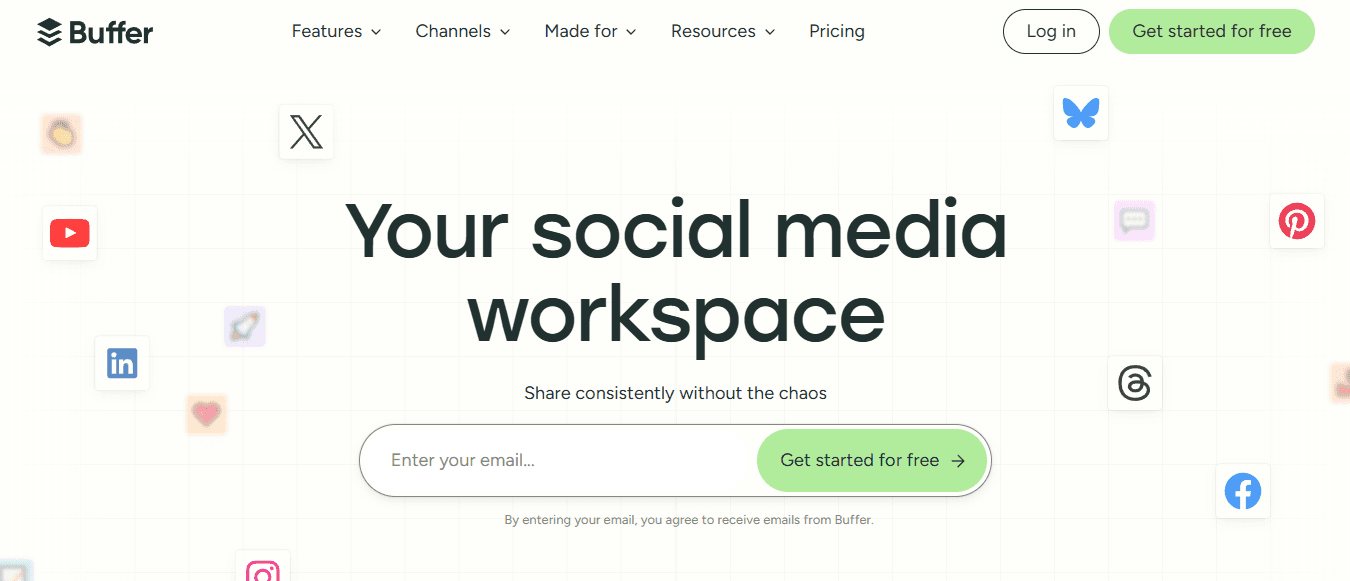
Buffer removes everything between you and the publish button. You upload content, pick a time slot, and you're done.
- No nested menus
- No feature discovery tours
- No dashboard modules loading analytics you didn't request
Buffer charges $5-$10 per user per month, making it one of the most affordable options for solo creators who just need a calendar and a queue.
Intuitive Navigation and Frictionless Batching
The interface assumes you know what you're doing. You're not guided through workflows or prompted to explore features. You log in, see your posting schedule, and either add content or leave. This simplicity becomes valuable when you're batching content at midnight after finishing edits. You don't want to navigate complexity. You want to dump your videos into the queue and go to bed.
2. Hootsuite: Multi-Platform Control Without the Weight
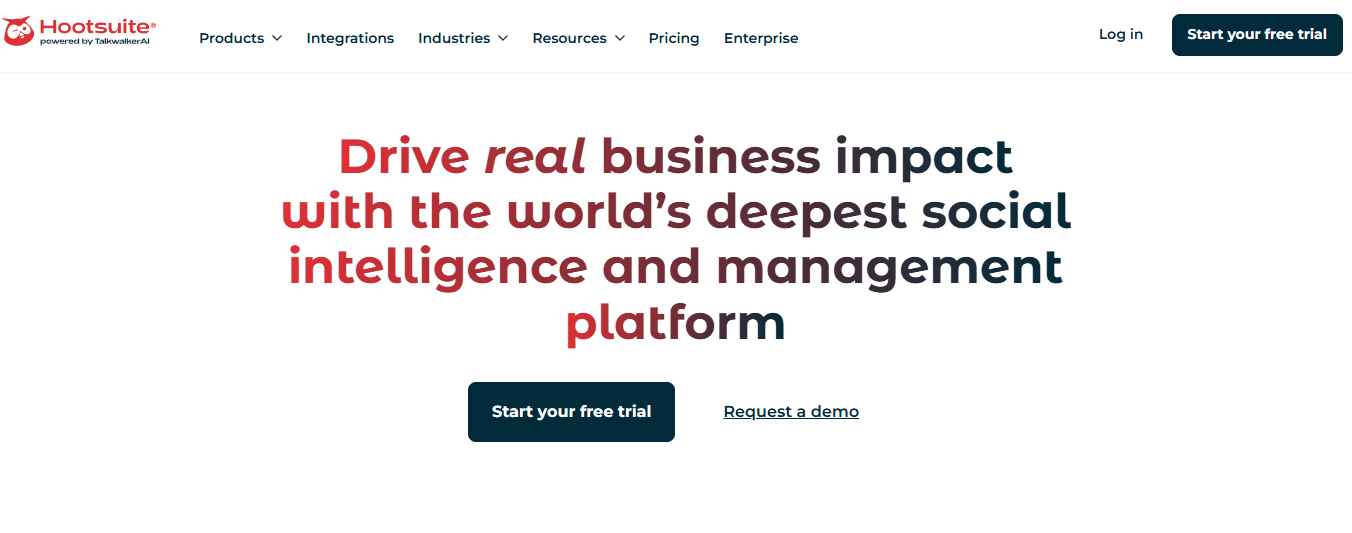
Hootsuite consolidates accounts into a single dashboard without demanding you become a social media analyst. You can:
- Schedule posts across Instagram, TikTok, YouTube, and Twitter from one screen
- Monitor comments in unified streams
- Check basic metrics without opening each platform separately
The setup takes less than ten minutes because it doesn't force you through onboarding modules, teaching you features you already understand.
Centralized Management and Cognitive Consolidation
The real value comes to light when you're managing content across 4 or 5 platforms simultaneously. Instead of logging into each one, remembering different interfaces, and tracking where you've already posted, you see everything in one place. This centralization doesn't add features you don't need. It just reduces the number of tabs you keep open and the mental overhead of remembering which platform still needs today's post.
3. Later: Visual Planning That Matches How You Think

Later lets you see your content calendar as a grid of images, not a list of timestamps.
- You drag thumbnails into slots
- Rearrange them when the visual flow feels wrong
- Schedule everything without switching to a text-based interface
This matters more than it sounds. When you're planning a week of Instagram posts, seeing how they'll look together in someone's feed helps you catch repetition or spot gaps in content variety before you publish.
Targeted Functionality and Visual-First Architecture
The tool doesn't try to be comprehensive. It focuses on visual content scheduling and does that one thing well. You're not paying for social listening, sentiment analysis, or team collaboration features. You're paying for a calendar that understands your content is visual first, and scheduling should reflect that reality.
4. Canva: Creation and Scheduling in One Place
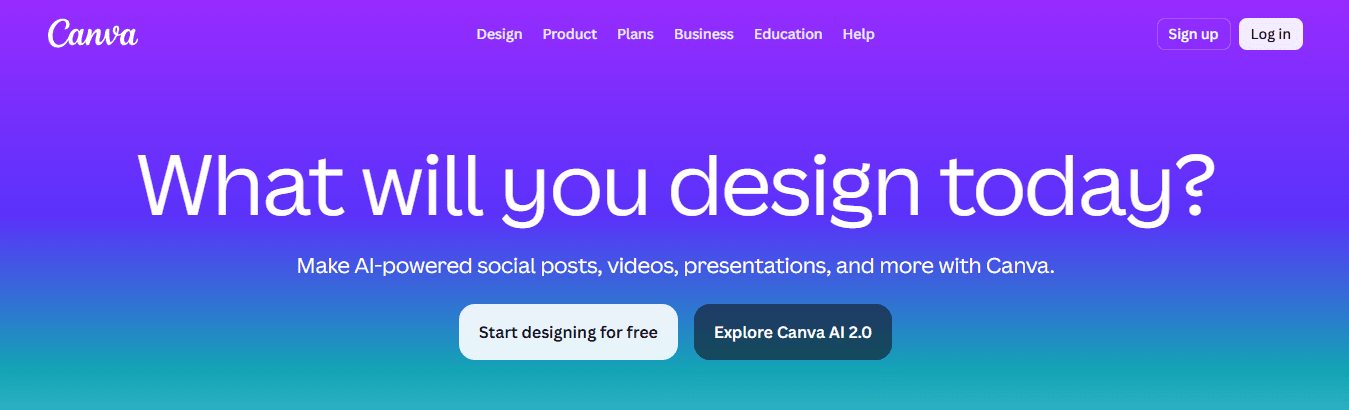
Canva added scheduling features because creators were designing posts, exporting them, then opening a separate tool to schedule them. That workflow wastes time.
- You design a TikTok thumbnail
- Write the caption
- Schedule it without leaving the platform
The templates are already there, the editor is familiar, and the scheduling interface doesn't require learning new navigation patterns.
Contextual Continuity and Compounded Efficiency
This integration eliminates the friction of switching contexts. You're not moving files between tools, remembering which version you exported, or re-uploading content you just finished editing. You finish the design, click schedule, and move to the next piece. When your workflow involves creating multiple posts in a single session, this continuity saves minutes per post, which compounds across a week of daily uploads.
5. Zoho Social: Affordable Functionality Without Feature Bloat
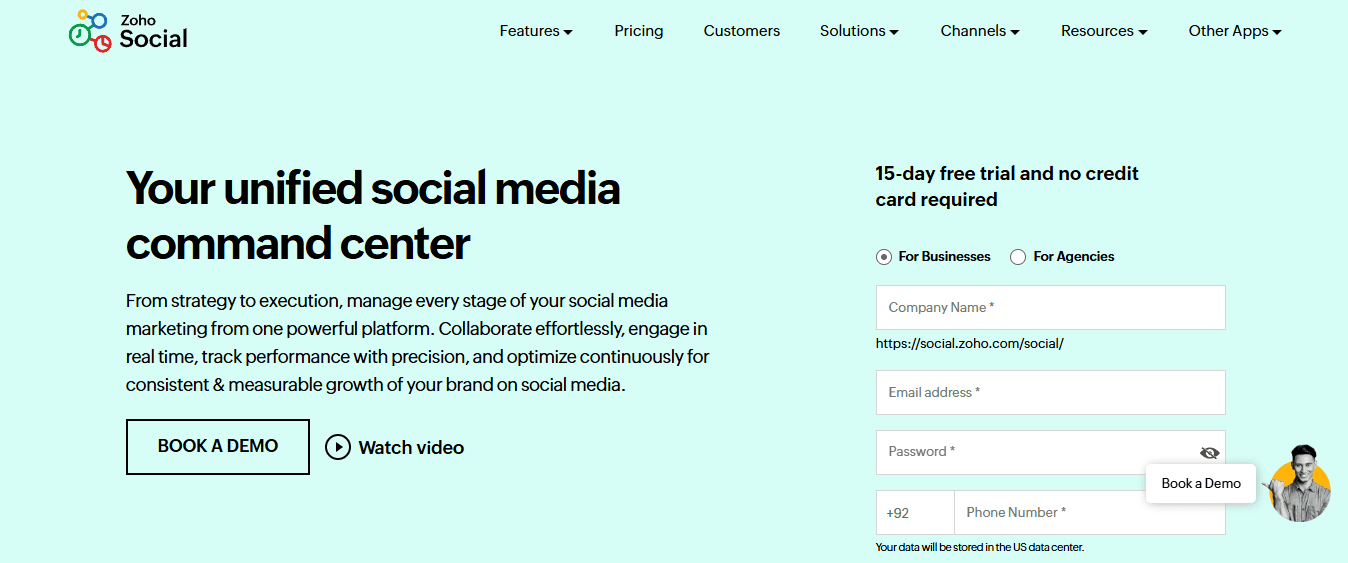
Zoho Social sits between Buffer's minimalism and Hootsuite's multi-platform control.
- You get scheduling
- Basic analytics
- Team collaboration features (if you ever need them) without paying for enterprise-level reporting dashboards
The pricing stays accessible for solo creators, and the interface doesn't overwhelm you with options you'll scroll past to reach the publish button.
Utility-Driven Design and Operational Speed
The platform works because it assumes you're competent but busy. It doesn't hide features behind complex navigation, but it also doesn't force you to engage with tools you don't need. You can schedule a week of posts in under ten minutes because the interface prioritizes speed over showcasing capabilities.
Why Speed Beats Sophistication
These alternatives succeed because they remove the need for decisions. You're not choosing between seventeen analytics views or configuring approval workflows. You're uploading content and scheduling it. The platforms that win in this category are those that disappear into your workflow rather than demanding attention.
Creators posting daily across multiple platforms can't afford tools that require thinking. When you've just finished editing three TikToks and need to schedule them before your next project, you need a platform that loads fast, accepts your files, and publishes them without asking unnecessary questions. That's the real metric: how many clicks it takes from opening the tool to confirming your post is scheduled.
Workflow Compression and Distribution Efficiency
The familiar approach involves editing content in one tool, exporting it, uploading it to a scheduling platform, and finally publishing it. As your output increases and you're managing content across Instagram, TikTok, and YouTube simultaneously, this workflow fragments. You're switching between three different tools, tracking which files you've already uploaded, and remembering which platform still needs today's post.
Tools like Crayo's clip creator compress this process by generating finished, platform-optimized videos in seconds with automated subtitles, voiceovers, and background removal, so your scheduling tool only handles the final step: distribution. When content creation no longer takes hours, the complexity of your scheduling platform becomes irrelevant compared to its speed.
Related Reading
- Instagram Reel Hook Ideas
- How To Create A Reel On Instagram
- Instagram Reel Caption Ideas
- Tiktok Content Ideas For Beginners
- Best Time To Post A Reel On Instagram
- Best Content For Tiktok
- How To Schedule A Reel On Instagram
- Best Content Strategy Tiktok
- How To Make Looping Content For Tiktok
- Ai Tools for TikTok Content Creation
The 10-Minute Workflow to Manage Social Media Using Alternatives

Managing social media in ten minutes requires eliminating decisions, not adding tools. You batch content creation, schedule everything in one session, and let automation handle distribution while you move to the next project. The workflow works because it removes the need for thinking about repetitive tasks.
Prepare Content Before You Open Any Tool
Finishing your edits before touching a scheduling platform changes everything. When you sit down to schedule, your videos are exported, captions are written, and hashtags are chosen. You're not making creative decisions while staring at an upload screen. You're executing a plan you already finalized. This separation matters because context switching kills momentum. Editing requires one mindset. Scheduling requires another. When you blur them together, trying to tweak a caption while also picking a time slot, simple tasks expand to fill whatever time you give them.
Decision Isolation and Administrative Flow
According to InfluenceFlow, content creators spend 8 to 15 hours weekly on social media management when workflows blend creation and distribution. The time disappears into small decisions that compound across multiple posts. Teams posting daily across platforms learn this fast. You don't open your scheduling tool until everything is ready to upload. No last-minute caption rewrites. No debating whether to use a different thumbnail. Those decisions happened earlier, during creation. Now you're just moving files from one place to another.
Choose Tools That Load Fast and Stay Out of Your Way
The best scheduling platform is the one you'll actually open every day. That means it needs to load in seconds, not require navigating dashboards you don't use, and let you schedule posts without encountering feature-discovery prompts or onboarding tours. Buffer and Later succeed here because their interfaces assume you already know what you're doing.
When you log in, you see your calendar and an upload button. Nothing else demands attention. You're not dismissing notifications about new features or closing pop-ups explaining analytics modules. The tool exists to accept your content and publish it at the times you specify. That simplicity becomes valuable when you're scheduling five posts in a row. Each extra click multiplies across your workflow, turning a ten-minute task into twenty.
Upload and Schedule in Batches, Not One at a Time
Scheduling individual posts as you finish them fragments your workflow. You edit a TikTok, schedule it, then return to editing the next one. This back-and-forth between creative work and administrative tasks keeps you from building momentum in either direction. Batching compresses scheduling into a single focused session.
You finish editing three videos, then schedule all three at once. You're not switching contexts repeatedly. You enter scheduling mode, process everything waiting in your export folder, and exit. This containment prevents scheduling from bleeding into the rest of your day. When posting feels like a quick administrative task rather than an ongoing interruption, you maintain consistency without it feeling like work.
Process Compression and Realistic Execution
The familiar approach involves editing content, exporting it, opening a scheduling tool, uploading files, writing captions, and finally publishing. When you're producing multiple videos daily, this workflow fragments. You're tracking which files you've already uploaded, remembering which platform still needs content, and switching between editing software and scheduling dashboards.
Tools like Crayo's clip creator compress this process by generating finished videos in seconds with automated captions, voiceovers, and effects, so your scheduling tool only handles distribution. When content creation no longer takes hours, the ten-minute scheduling window becomes realistic rather than aspirational.
Organize Weekly Content in One Planning Session
Posting daily without a plan creates the "what do I post today?" problem. You open your scheduling tool with nothing prepared, then spend twenty minutes scrolling through old content trying to find something to repost. That reactive approach guarantees inconsistency. Planning a week ahead eliminates this decision fatigue.
You dedicate one session, usually Sunday evening or Monday morning, to mapping out your entire week. You look at your content library, decide what goes where, and schedule everything in advance. The rest of the week, you're not thinking about posting. You're creating new content or doing something else entirely. Your scheduling tool publishes automatically while you focus on work that actually requires your attention.
Predictive Visibility and Gap Mitigation
This structure also surfaces gaps before they become problems. When you see your calendar for the week, you notice that Tuesday has three posts but Thursday has none. You adjust before the gap appears in your feed. Reactive posting never gives you this visibility. You only realize you forgot to post after your audience has already noticed the silence.
Monitor Performance Without Living in Analytics Dashboards
Checking metrics shouldn't require opening five different tabs or interpreting complex reports. You need to know if a post performed unusually well or unusually poorly, then move on. Most scheduling tools show basic engagement numbers next to each post in your calendar. That's enough.
Actionable Awareness and Analytical Constraints
The creators who post consistently don't spend hours analyzing why one TikTok got 10% more views than another. They glance at performance, note patterns over time, and adjust their content strategy in broad strokes. Deep analytics matter for agencies managing client accounts. For solo creators, they're often just procrastination disguised as productivity. Set a time limit. Five minutes to scan your recent posts, identify your top performer from the past week, and consider what made it work. Then close the analytics tab and return to creating. The goal is awareness, not obsession. You're looking for patterns that inform future content, not explanations for every fluctuation in engagement.
Reply to Comments Without Switching Platforms
Engagement happens in the comments, but logging into each platform separately to respond fragments your workflow. Tools like Hootsuite and Zoho Social consolidate comments from multiple accounts into a single stream. You see everything in one place and reply without opening Instagram, TikTok, and YouTube in separate tabs. This centralization matters when you're managing three or four active accounts. Instead of checking each platform individually, wondering if you missed anything, you scan one feed. You reply to everyone, mark everything as read, and you're done. The mental overhead of remembering which platform you've already checked disappears.
Engagement, Momentum, and Response Centralization
Response speed affects how your content performs. Platforms prioritize posts with active comment sections. When you reply quickly, you signal that your content is generating conversation, which pushes it to more feeds. Delayed responses kill that momentum. Consolidating comments into a single interface makes fast replies realistic rather than aspirational.
Build Templates for Repetitive Tasks
You're probably writing similar captions repeatedly without realizing it.
- Product announcements follow a pattern.
- Behind-the-scenes posts use the same structure.
- Tutorial captions start with the same hook.
Instead of rewriting these from scratch every time, save templates with placeholders for the details that change. Most scheduling tools let you store caption templates. You select one, fill in the specific details for today's post, and schedule it. This isn't about sounding robotic. It's about not reinventing basic structures when you've already figured out what works. Your creativity goes into the content itself, not into rephrasing "New tutorial dropping today" seventeen different ways.
Template Utilization and Momentum Preservation
Templates also prevent the blank-caption paralysis that stretches five-minute tasks into twenty. When you're staring at an empty text box trying to think of something clever, you waste time. When you select a template and customize it, you maintain momentum. The post gets scheduled, and you move to the next one. But the real test isn't whether you can manage social media in ten minutes. It's whether you'll actually do it when the workflow depends on it.
Manage Social Media Faster With Crayo AI
If managing social media still feels slow even with scheduling tools, the problem isn't posting. It's the time it takes to create content before you even schedule it. Scheduling platforms help you distribute what you've already made, but they don't solve the bottleneck that happens earlier: turning an idea into a finished video ready to upload.
Workflow Fragmentation and Resource Misalignment
The familiar approach involves:
- Scripting your video
- Recording or sourcing footage
- Editing it in separate software
- Adding captions manually
- Exporting the file
- Finally uploading it to your scheduling tool
When you're trying to post daily across Instagram, TikTok, and YouTube, this workflow fragments. You're switching between three or four different tools, tracking which files you've already exported, and spending hours preparing content that takes seconds to consume.
Create Finished Videos Faster
Tools like Crayo AI compress this process by generating finished videos in seconds. You input your idea, and it automatically generates your hook, script, captions, and visual effects. What used to require editing software, caption tools, and voiceover recording now happens in one place. You batch multiple pieces of content in a single session, then move everything to your scheduling platform, ready to publish.
Turn Production Speed Into Posting Consistency
This velocity changes what's possible. Instead of spending your afternoon editing one video, you create five in the same time.
- Your scheduling tool stays full because content creation is no longer the constraint.
- You're not delaying posts because you haven't finished editing.
- You're scheduling ahead because production finally matches your posting ambitions.
Close the Gap Between Idea and Publishing
The creators who maintain daily output across multiple platforms aren't working longer hours. They've removed the gap between idea and execution. When you can turn a concept into a publishable video in under ten minutes, consistency stops feeling like a grind. Open Crayo AI, input your idea, and turn it into content you can manage and post immediately. Social media growth isn't about posting more. It's about removing the time between intention and publication.
Related Reading
- Later Alternative
- Buffer Alternative
- ContentStudio Alternatives
- Ai Tools For Social Media Content Creation
- How To Become A Content Creator On Tiktok
- Hootsuite Alternative
- Tiktok Content Ideas Without Showing Face
- Tiktok Content Creation Tips
- Best Social Media Content Creation Tools