You've spent hours creating TikTok content ideas for business, and now you're ready to repurpose that winning content for Instagram Reels. But posting manually every day drains your time and breaks your creative flow. The solution? Learning how to schedule Instagram Reels in advance, so you can plan your content calendar, maintain consistency, and focus on what actually matters: growing your business. This article walks you through 5 simple steps to schedule Instagram Reels in under 10 minutes, transforming your social media strategy from reactive to strategic.
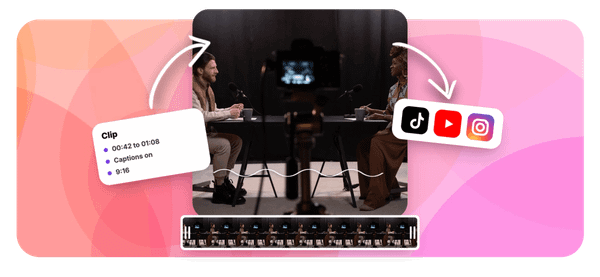
That's where Crayo's clip creator tool comes in. Instead of juggling multiple apps and complicated scheduling platforms, you get a straightforward way to prepare and queue your reels ahead of time. Whether you're batching content on Sunday afternoon or planning your month in one sitting, this tool helps you automate your posting schedule while keeping your feed fresh and your audience engaged.
Summary
- Instagram's native scheduling tools lack the flexibility needed for strategic content planning, often failing to publish at exact set times and requiring creators to stay within the app ecosystem. The platform was designed for in-the-moment sharing rather than systematic batching, offering no desktop bulk upload, queue management, or visual calendar view for the 4-6 weekly posts that actually drive reach growth.
- Timing directly affects visibility because early engagement signals matter to Instagram's algorithm. With over 2 billion users engaging with reels monthly, posting when your specific audience is active determines whether content reaches hundreds or hundreds of thousands of people.
- Manual posting creates hidden costs beyond upload time. According to workflow studies, creators spend an average of 30 minutes per day on posting tasks, which creates a context-switching pattern that fragments creative focus and reduces efficiency. The cumulative time loss includes the disrupted concentration before and after each manual post, not just the two minutes spent uploading.
- Inconsistent posting patterns teach Instagram's algorithm to deprioritize accounts. The platform tracks posting rhythms and audience response timing, so when content appears unpredictably, follower engagement drops, and the recommendation system deems the account less relevant.
- Batching content preparation as a separate step from scheduling eliminates workflow friction. Finishing multiple reels in full (editing, captions, hashtags, cover images) before opening a scheduler prevents creative decision-making that turns simple uploads into extended projects.
Crayo's clip creator tool addresses this workflow gap by integrating scheduling into the editing process, letting creators generate reels with automated captions and queue them for optimal posting times without switching between platforms.
Why Creators Struggle to Schedule Instagram Reels Consistently

Creators struggle to schedule Instagram Reels consistently because the platform's native tools lack the flexibility and reliability needed for strategic content planning. Instagram's built-in scheduler often fails to publish at the exact time you set, doesn't support all reel features, and requires you to stay inside the app ecosystem.
When you're trying to maintain the posting frequency that actually drives growth, these limitations turn what should be a simple workflow into a daily frustration.
The Platform Wasn't Built for Batching
Instagram designed its interface for in-the-moment sharing, not systematic content production. When you open the app to schedule a reel, you're forced into a mobile-first experience that assumes you're creating and posting in real time.
There's no desktop bulk upload. No queue management. No way to see your entire week's content laid out visually. You're scheduling one piece at a time, which works fine if you post occasionally, but breaks down completely when you're trying to maintain the 4-6 posts per week that actually move the needle on reach.
Context Switching and Creative Fragmentation
The belief that "I'll just schedule them as I create them" underestimates how much mental overhead this creates. Each time you finish editing a reel, you context-switch from creator mode to scheduler mode. You rewrite captions. You pick cover frames. You set posting times. These small decisions feel insignificant on their own, but they fragment your creative flow and turn content production into an all-day task rather than a focused work session.
Missing Your Window Costs More Than You Think
Timing affects visibility in ways most creators underestimate. According to Teleprompter.com, over 2 billion users engage with Instagram Reels monthly, but your content only reaches a fraction of them if you post when your specific audience isn't active. Early engagement signals matter.
When a reel gets immediate views and interactions, the algorithm interprets that as quality content worth showing to more people. Post three hours late because you forgot or got busy, and you've already lost that initial momentum.
Algorithmic Consistency and Audience Reliability
Manual posting makes consistency harder to maintain, and the algorithm notices. Creators often report engagement drops after irregular posting patterns because Instagram's recommendation system rewards accounts that show up predictably.
Your audience develops expectations around when to see your content. Break that rhythm, and you're not just missing one post. You're teaching the algorithm that your account isn't reliable enough to prioritize in feeds and Explore pages.
The Workflow Doesn't Scale
When you're posting manually, each reel becomes a separate task, interrupting whatever else you're doing that day.
- You stop work to upload content.
- You rewrite captions because you didn't save them anywhere.
- You switch between apps to grab footage or text.
This task-switching pattern reduces efficiency more than most creators realize. The cumulative time cost isn't just the two minutes it takes to post. It's the twenty minutes of disrupted focus before and after.
Integrated Scheduling and Workflow Batching
Platforms like Crayo's clip creator tool approach this differently by treating scheduling as part of the creation workflow rather than a separate task. Instead of bouncing between editing, exporting, and manually uploading, you can queue multiple reels in one session while the creative context is still fresh.
This batching approach transforms posting from a daily interruption into a weekly planning session, freeing you to focus on what actually drives views: finding trends and creating content that resonates. But even with better tools, most creators hit a wall they don't see coming until it's already costing them growth.
Related Reading
- TikTok Content Ideas for Business
- What Does Content Under Review Mean on TikTok
- YouTube Shorts Ideas Without Showing Face
- Viral YouTube Shorts Ideas
- Why Is My Content Under Review on TikTok
- Creative Instagram Reels Ideas
- YouTube Shorts Content Ideas
- YouTube Shorts Ideas For Beginners
- How Long Can A Reel Be On Instagram
- Instagram Reels Ideas For Business
- What Does Promotional Content Mean on TikTok
- Instagram Reels Ideas For Beginners
- How Much Do Content Creators Make on TikTok
The Hidden Cost of Posting Reels Manually Without Scheduling
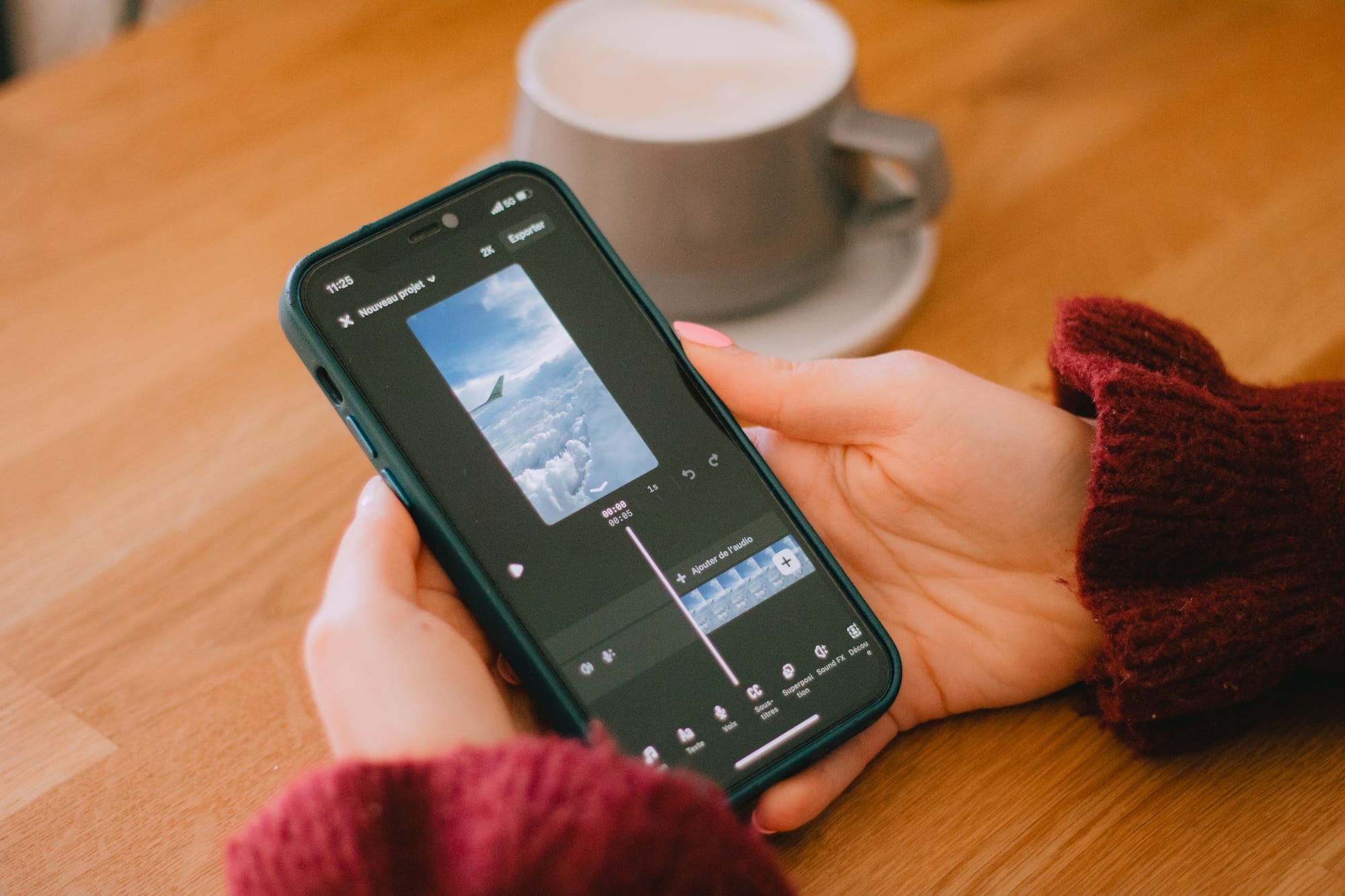
Manual posting doesn't feel expensive until you calculate the actual cost.
- You lose reach because you miss optimal windows.
- You break momentum because posting becomes inconsistent.
- You waste hours context-switching instead of creating.
The real expense isn't the act of uploading. It's the compounding loss of visibility, audience trust, and creative capacity that occurs when posting becomes reactive rather than strategic.
The Timing Window You Can't Afford to Miss
Peak engagement windows last about 90 minutes. Post outside that frame, and your reel enters the algorithm when fewer of your followers are active. Early velocity matters more than total views because Instagram's recommendation system interprets immediate engagement as a quality signal. When a reel gets saved, shared, and completed within the first hour, the platform shows it to progressively wider audiences. Miss your window by three hours, and you've already lost the momentum that determines whether your content reaches hundreds or hundreds of thousands.
According to SocialCal, creators spend an average of 30 minutes per day on manual posting tasks. That's not just upload time. It's remembering to post, finding the file, rewriting captions, selecting covers, and interrupting whatever else you were doing. When you're trying to maintain 4-6 posts weekly, those interruptions fragment entire days. You never get into deep creative work because you're always half-thinking about when to post next.
Inconsistency Teaches the Algorithm to Ignore You
Posting when you remember trains Instagram to deprioritize your account. The algorithm tracks posting patterns and the timing of audience responses. When your content appears unpredictably, your followers stop checking for it, engagement drops, and the platform interprets your account as less relevant. Creators often notice a sudden decline after a week of irregular posting, but the damage began earlier. Each missed day weakens the pattern Instagram uses to decide who sees your next reel.
The belief that "I'll post when I have good content" sounds quality-focused, but it misunderstands how distribution works. Consistency doesn't mean posting mediocre reels daily. It means batching strong content during focused creation sessions, then releasing it strategically so the algorithm learns your account is reliable. When posting happens manually, that rhythm breaks. You skip days because you're busy. You double-post to catch up. The pattern becomes noise instead of a signal.
The Workflow Tax Compounds Daily
Every manual post is a task switch that costs more than the two minutes it takes to upload. You stop mid-project to handle posting. You lose the creative context you were holding. You spend fifteen minutes regaining focus. Multiply that by five posts per week, and you've lost over an hour just to context-switching friction. That's time you could have spent finding trends, analyzing what's working, or creating the next batch of content.
Platforms like Crayo's clip creator tool treat scheduling as part of the editing flow rather than a separate chore. You generate reels with AI-powered features like automated captions and voiceovers, then queue them for optimal posting times in the same session. This batching approach lets you finish content work in focused blocks instead of spreading it across the entire week. The difference isn't just efficiency. It's the ability to think strategically about your content calendar instead of reactively about today's upload.
5 Steps to Schedule Instagram Reels in Under 10 Minutes
1. Prepare Everything Before You Schedule
- Finish your video completely.
- Write your caption.
- Choose your hashtags.
- Select your cover image.
The moment you open a scheduling tool with half-finished content, you've already added friction. You'll switch between apps to grab text you saved elsewhere, rewrite captions because the tone feels off, or hunt for that cover frame you meant to export.
Process Bifurcation and Execution Efficiency
Teams often report spending six hours per week on social media tasks, according to Post Planner, because they treat preparation and scheduling as the same activity. They're not. Preparation requires creative focus. Scheduling requires administrative execution. Mixing them creates the kind of context-switching that turns a simple upload into an all-afternoon project.
Batch your preparation work. Spend one focused session editing multiple reels, writing all captions in a single document, and exporting cover images into a labeled folder. When you sit down to schedule, you're executing a checklist, not making creative decisions under time pressure.
2. Open Your Scheduling Platform
Use Instagram's native scheduler if you're posting one reel at a time and staying mobile. Use a third-party tool if you're batching multiple posts or managing content across platforms. The choice matters less than understanding what each option actually does. Instagram's built-in scheduler keeps you inside the app ecosystem but limits bulk management. Third-party platforms add queue visibility and cross-posting but require export steps.
Workflow Integration and Automated Distribution
The belief that scheduling tools are complicated misunderstands what they actually do. You're not learning software. You're replacing the manual act of opening Instagram at 3 PM every Tuesday with a system that does it automatically.
The interface changes, but the underlying task remains the same:
- Upload a video
- Add metadata
- Set the time
Platforms like Crayo's clip creator tool integrate scheduling into the editing workflow, treating it as the final step of content creation rather than a separate task. You generate reels with automated captions and AI voiceovers, then queue them for optimal posting times without leaving the platform. This approach removes the friction of exporting, switching apps, and re-uploading content you just finished editing.
3. Upload and Configure Your Reel
Upload your video file exactly as you would for a manual post.
- Add your caption.
- Paste your hashtags.
- Choose your cover image.
- Tag locations or collaborators if relevant.
This step mirrors the standard posting flow because that's precisely what it is. You're building the post now so the platform can publish it later.
Configuration Precision and Quality Control
The configuration step fails when creators rush it.
- They uploaded the wrong video version.
- They forget to add alt text.
- They pasted yesterday's caption because they're working too fast.
Treat this like you're posting live, because from the audience's perspective, you are. The only difference is timing.
4. Select Your Posting Time
Choose the date and time when your audience is most active. If you don't know when that is, start with mid-morning or early evening and track performance for two weeks. The algorithm rewards early engagement, so posting when your followers are actually scrolling matters more than hitting some theoretical "best time" that doesn't align with your specific audience's behavior.
Don't schedule posts more than two weeks out unless you're working with evergreen content. Trends shift. News breaks. What feels relevant today might look tone-deaf in ten days. Schedule far enough ahead to maintain consistency, but close enough to adjust if context changes.
5. Confirm and Save
- Review your reel one final time.
- Check the caption for typos.
- Verify the posting time matches your intent.
- Confirm the cover image displays correctly.
- Then save it.
This confirmation step catches mistakes before they go live. You're not being a perfectionist. You're preventing the kind of error that requires deleting and reposting, which resets all your engagement metrics to zero.
Automated Execution and Focus Preservation
Your reel now publishes automatically without requiring your attention. You've converted a daily interruption into a completed task. The time you saved isn't just the two minutes of uploading. It's the twenty minutes of disrupted focus you would have lost stopping mid-project to post manually.
Most creators stop here, believing the workflow is complete. But scheduling only works if you know what to schedule and when.
The 10-Minute Workflow to Schedule Reels and Stay Consistent
Batching content and scheduling it in a single focused session removes the daily pressure to post while maintaining the consistency that algorithms reward. This workflow compresses what most creators spread across an entire week into a single 10-minute block. You prepare multiple reels at once, assign them to optimal time slots, and automate distribution so posting happens without your involvement.
Batch Your Content in One Session
Finish 2-3 reels completely before you touch the scheduler.
- Edit the videos.
- Write every caption.
- Select cover images.
- Choose hashtags.
- Export everything into a labeled folder.
When you sit down to schedule, you're executing a checklist, not making creative decisions under time pressure.
Batch Completion and Momentum Preservation
The moment you start scheduling with half-finished content, you've already added friction.
- You'll switch apps to grab captions you saved elsewhere.
- You'll rewrite text because the tone feels off when you reread it.
- You'll hunt for that cover frame you meant to export but didn't.
These small gaps turn a 10-minute workflow into a 40-minute project.
Batching saves time by eliminating context switching. Your brain stays in one mode (creation or administration) instead of bouncing between them. When you batch three reels in a single editing session, you're not just saving minutes. You're preserving the creative momentum that makes your next piece easier to get started on.
Choose Your Posting Times Based on Real Data
Pick 2-3 time slots when your specific audience is most active. If you don't know when that is yet, start with mid-morning (9-11 AM) and early evening (6-8 PM), then track performance for two weeks. The goal isn't finding some universal "best time." It's identifying when your followers actually scroll.
Decide which reel goes live on which day. Spread your content across the week instead of clustering posts on Monday and Wednesday while leaving Thursday through Sunday empty. Consistent rhythm matters more to the algorithm than total volume. Four posts evenly distributed across seven days outperform four posts crammed into three days.
Don't schedule more than two weeks ahead unless you're working with evergreen content. Trends shift. Audio clips go viral, then fade. What feels relevant today might look tone-deaf in ten days. Schedule far enough out to maintain consistency, but close enough to adjust if context changes.
Upload and Schedule All Reels at Once
Open your scheduling platform and upload the first reel.
- Add the caption.
- Paste hashtags.
- Choose the cover image.
- Set the date and time.
- Confirm.
- Then repeat for the next piece.
You're building each post exactly as you would for manual publishing, but the platform handles the actual distribution.
This step fails when creators rush it. They uploaded the wrong video version. They forget alt text. They pasted yesterday's caption because they're working too fast. Treat this like you're posting live, because from the audience's perspective, you are. The only difference is timing.
Native Scheduling and Workflow Compression
Platforms like Crayo's clip creator tool integrate scheduling into the editing workflow, treating it as the final step of content creation rather than a separate task. You generate reels with AI-powered captions and voiceovers, then queue them for optimal posting times without exporting, switching apps, and re-uploading content you just finished editing. This batching approach compresses what used to take an hour into a single focused session.
Review Your Content Calendar Before You Close
- Check that all posts are scheduled.
- Verify dates and times match your intent.
- Confirm cover images display correctly.
- Scan captions for typos.
This confirmation step catches mistakes before they go live, preventing the kind of error that requires deleting and reposting (which resets all engagement metrics to zero).
Strategic Cadence and Schedule Harmonization
Look at your calendar as a whole. Does your content spread evenly across the week, or do you have three posts on Tuesday and nothing until Saturday? Uneven distribution confuses the algorithm and trains your audience not to expect regular content. Adjust posting times now, while everything is still queued, rather than manually rescheduling later.
The relief creators feel after completing this step isn't just about finishing a task. It's about reclaiming control over a process that used to interrupt their entire week. You've converted seven separate posting moments into one completed session.
Shift Your Focus From Posting to Engagement
Your reels now publish automatically. The time you saved isn't the two minutes of uploading. It's the twenty minutes of disrupted focus you would have lost stopping mid-project to post manually.
That recovered time shifts to activities that actually drive growth:
- Responding to comments when reels go live
- Engaging with your audience while the momentum is fresh
- Tracking performance to identify what's working
Strategic Pivot and Effortless Consistency
When posting becomes automated, you stop thinking about whether you remembered to upload today. You start thinking about why yesterday's reel got 40% more saves than usual, or which hook in your last three videos drove the highest completion rate. Your attention moves from task completion to strategic improvement.
Most creators believe consistency means showing up to post every day. Real consistency means your audience sees new content on a predictable schedule without you having to remember, interrupt your work, or sacrifice the creative sessions that produce your best material. The workflow fixes the gap between knowing you should post regularly and actually having a system that makes it effortless.
Related Reading
- Instagram Reel Hook Ideas
- How To Create A Reel On Instagram
- Instagram Reel Caption Ideas
- Tiktok Content Ideas For Beginners
- Best Time To Post A Reel On Instagram
- Best Content For Tiktok
- How To Analyze Tiktok Video Content
- Instagram Story Vs Reel
- Best Content Strategy Tiktok
- How To Make Looping Content For Tiktok
- Ai Tools for TikTok Content Creation
Schedule Instagram Reels Faster With Crayo AI
If scheduling Instagram Reels still feels slow or inconsistent, the problem isn't the scheduling feature. It's the time spent preparing content before you even schedule it. You're editing one reel at a time, writing captions separately, and delaying scheduling because the content isn't ready. That preparation gap is where the real friction lives.
Automated Generation and Systemized Consistency
Drop your idea into Crayo AI and let it generate a complete reel with hook, script, and caption already written. You can create multiple reels in one session, batch them, and schedule them instantly.
Set your posting times once and automate everything.
- No more last-minute posting.
- No more inconsistent uploads.
- No more wasting time preparing content daily.
In under 10 minutes, you'll have multiple ready-to-post reels, captions already written, and a full schedule set in advance. Open Crayo AI, input your idea, and create content you can schedule immediately. Consistency is not about manually posting every day. It's about building a system that posts for you, and Crayo AI helps you build that system faster.
Related Reading
- Tiktok Content Ideas Without Showing Face
- Tiktok Content Creation Tips
- How to Become a Content Creator on TikTok
- Best Social Media Content Creation Tools
- Later Alternative
- Sprout Social Alternative
- Buffer Alternative
- Ai Tools For Social Media Content Creation
- Hootsuite Alternative
- ContentStudio Alternatives