Managing your social media scheduling can feel like juggling flaming torches while riding a unicycle. If you're exploring TikTok content ideas for business and need a reliable way to plan and publish content across multiple platforms, you've probably hit Buffer's limits or simply want to see what else is out there. This article cuts through the noise to show you seven powerful Buffer alternatives that can help you schedule content efficiently across the next 15 days and beyond.
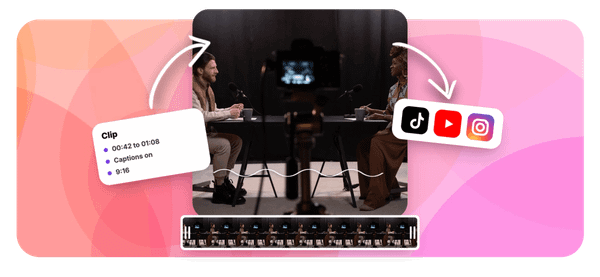
When you're testing different social media management tools and creating short-form videos for platforms like TikTok, having a clip creator tool that streamlines your workflow becomes essential. That's where Crayo comes in, offering a straightforward way to generate engaging clips without getting bogged down in complicated editing software, so you can focus on what actually matters: getting your content calendar filled and your posts scheduled across all your channels.
Summary
- Over 12,000 Twitter creators have actively searched for Buffer alternatives, signaling that basic scheduling no longer meets the needs of multi-platform content creation. The gap between simple posting and advanced content management has widened as creators need deeper analytics, visual planning systems, and platform-specific customization that goes beyond what foundational tools were built to deliver.
- A 2024 Sprout Social study found that 63% of creators manually adjust posts for at least two platforms because their primary scheduler doesn't support platform-specific formats. What feels like organized workflow becomes three separate systems (one for scheduling, one for adjusting captions, one for tracking performance) pretending to be unified.
- Social media scheduling tools can save up to 6 hours per week when creators consolidate content creation into focused batching sessions rather than fragmenting work across days. The efficiency gain comes from separating planning from execution, creating multiple pieces in single sessions, and scheduling immediately after production instead of treating distribution as a separate task that gets postponed.
- Posts scheduled during optimal times receive 30% more engagement according to Sprout Social research, but optimal timing isn't universal. Your audience's specific behavior defines when to post, which requires tracking views, engagement rates, and completion percentages to identify patterns rather than following generic best practice charts that don't account for your content format or platform mix.
- A 2024 HubSpot survey revealed that 38% of content creators have avoided specific content formats due to scheduling tool limitations. Strategy adapts to the tool's restrictions instead of the tool supporting strategic goals, which means the content that never gets created (because the workflow creates too much friction) becomes the most expensive hidden cost of relying on infrastructure that can't scale.
Crayo's clip creator tool addresses the real bottleneck by generating hooks, scripts, and captions in under 10 minutes, turning the slowest part of the content workflow (manual creation before scheduling even begins) into a quick refinement step that keeps calendars full without the manual grind.
Why Creators Look for Alternatives to Buffer

Creators outgrow Buffer when their workflows demand more than basic scheduling can deliver. The tool handles simple posting well, but as content strategies expand across platforms like TikTok, Instagram, and YouTube Shorts, creators need:
- Deeper analytics
- Visual planning systems
- Automation that adapts to their pace
It's not a failure of the tool. It's a mismatch between what Buffer was built for and what multi-platform content creation now requires.
When Simple Scheduling Stops Being Enough
Buffer works until you need to see patterns in your content performance, not just post it. Creators managing multiple accounts want:
- Analytics that show what's working across platforms
- Drag-and-drop calendars that visualize their posting rhythm
- Preview tools that let them see their feed before it goes live
According to TweetPeekAI, over 12,000 Twitter creators have actively searched for alternatives, signaling that the gap between basic scheduling and advanced content management has widened significantly. When your strategy evolves from posting consistently to optimizing for engagement, you start looking for tools that match that ambition.
The Workflow Friction That Slows You Down
The real cost shows up in the small inefficiencies that compound daily. Switching between Buffer for scheduling, a separate tool for analytics, and another for content planning creates friction that eats time you could spend creating. Creators often describe the 3am nightmare of manually posting across platforms because their schedulers don't support the formats they need or the timing they want.
When a tool adds steps instead of removing them, when it forces workarounds instead of enabling flow, efficiency drops and frustration builds. The problem isn't complexity. It's that the tool no longer fits the work.
What Happens When You Need More Than One Platform Can Give
Multi-platform creators face a specific challenge:
- Each platform has its own format
- Audience behavior
- Optimal posting strategy
Buffer's strength is simplicity, but that becomes a limitation when you need platform-specific customization for TikTok's algorithm, Instagram's Reels format, or YouTube's Shorts timing.
Tools like Crayo address this by automating the editing workflow itself, turning what used to take hours of manual cutting, captioning, and formatting into a three-step process that generates platform-optimized clips in seconds. When your content strategy requires speed and flexibility in formats, relying on a single scheduling tool starts to feel like trying to build a house with only a hammer.
The Time Cost Nobody Talks About
Outgrowing a tool doesn't just slow you down. It forces you to choose between consistency and quality, between posting on time and posting what actually works. Creators spend hours working around limitations, adjusting workflows to fit the tool instead of the other way around.
That time doesn't show up on a timesheet, but it shows up in missed trends, delayed posts, and the quiet burnout that comes from managing content manually when automation should handle it. The efficiency you lose isn't just about minutes saved. It's about whether you have the energy left to create something worth posting.
Related Reading
- TikTok Content Ideas for Business
- What Does Content Under Review Mean on TikTok
- YouTube Shorts Ideas Without Showing Face
- Viral YouTube Shorts Ideas
- Why Is My Content Under Review on TikTok
- Creative Instagram Reels Ideas
- YouTube Shorts Content Ideas
- YouTube Shorts Ideas For Beginners
- How Long Can A Reel Be On Instagram
- Instagram Reels Ideas For Business
- What Does Promotional Content Mean on TikTok
- Instagram Reels Ideas For Beginners
- How Much Do Content Creators Make on TikTok
The Hidden Cost of Relying on One Scheduling Tool for Content
The real cost isn't the tool you're using. It's what happens when you rely on a single scheduling platform while your content system quietly outgrows it. You lose flexibility across platforms, waste time on manual workarounds, and eventually hit a ceiling where growth means rebuilding your entire workflow instead of just expanding it.
Limited Flexibility Across Platforms
One scheduling tool feels organized until you need to post a vertical video to TikTok, a carousel to Instagram, and a text thread to Twitter, all with different captions and hashtags. The tool that handles your Twitter feed perfectly might strip your Instagram caption formatting or refuse to schedule TikTok posts at all.
Manual Platform Adjustments
According to a 2024 Sprout Social study, 63% of creators manually adjust posts for at least two platforms because their primary scheduler doesn't support platform-specific formats. You start preparing content in one app, adjusting captions in another, and tracking performance in a third. The simplicity you thought you had becomes three separate workflows pretending to be one.
Platform-Specific Content Needs
Different platforms don't just need different formats. They need different posting rhythms, caption styles, and content strategies. What works as a LinkedIn thought leadership post dies as a TikTok caption. A scheduling tool built for text-based platforms won't understand that your Instagram Reels need trending audio metadata or that your YouTube Shorts require specific thumbnail ratios. You're not managing content anymore. You're translating it, manually, every single time.
Workarounds That Compound Into Workflow Debt
Small fixes feel harmless at first.
- You manually upload one video because the scheduler compresses it incorrectly.
- You track analytics in a spreadsheet because the built-in dashboard doesn't show engagement by post type.
- You copy-paste captions into a notes app because the character counter doesn't account for link shortening.
Each workaround takes two minutes, maybe three. But two minutes repeated across five posts daily becomes an hour weekly, four hours monthly. That's not efficiency. That's workflow debt accumulating interest.
The pattern surfaces everywhere:
- Creators prepare thumbnails in Canva
- Schedule posts in one tool
- Track performance in another
- Manage comments in the native apps
They're not using a system. They're managing the gaps between systems. What started as "I can just handle this myself" becomes a daily routine of tab-switching and manual data entry, making scheduling feel heavier rather than lighter.
Growth That Outpaces Your System
A tool that works for posting three times a week to two platforms doesn't scale when you need daily posts across five platforms, with A/B testing and performance tracking. As your content needs expand, you need better analytics to understand what's working, stronger planning tools to batch content efficiently, and faster workflows to keep up with posting volume. The familiar tool that got you here doesn't have those capabilities.
Analytics Tool Limitations
According to Buffer's own 2023 State of Social report, 47% of marketers cite limited analytics as their primary frustration with basic scheduling tools. You're not outgrowing your strategy. You're outgrowing the infrastructure supporting it.
Growth Limited by Tools
Creators often assume what worked before will continue to work, but simple posting tools aren't designed for advanced content systems.
- They handle distribution, not optimization.
- They schedule posts, not workflows.
When you hit that ceiling, you face a choice: simplify your content strategy to fit the tool, or rebuild your entire system around a more capable tool. Most people choose the former because switching feels harder than staying. That's how tools start limiting growth instead of enabling it.
When Tools Restrict Strategy Instead of Supporting It
The most expensive cost is invisible: the content you don't create because your tool doesn't support it.
- You avoid video because the scheduler can't handle large files.
- You skip carousel posts because the preview doesn't work.
- You post less often because the workflow creates too much friction.
Your strategy adapts to the tool's limitations instead of the tool adapting to your strategy. According to a 2024 HubSpot survey, 38% of content creators have avoided specific content formats due to scheduling tool limitations. That's not optimization. That's restriction disguised as simplicity.
Familiar Tools Become Bottlenecks
Switching tools feels like extra work, so creators stay with what's familiar even when it's holding them back. They build loyalty to a platform that can't scale with them, then wonder why their content performance plateaus while competitors who invested in better infrastructure keep growing. The tool should disappear into the background while handling distribution, so you can focus on creation. When it becomes the bottleneck, it's no longer serving you. It's just familiar.
7 Buffer Alternatives to Schedule Content in 15 Days
When Buffer no longer fits your content system, you need tools that match how you actually create, not how scheduling worked five years ago. The right alternative depends on whether you need visual planning, deeper analytics, design integration, or cost efficiency. Each tool solves a different bottleneck in your workflow.
1. Later (Visual Planning)
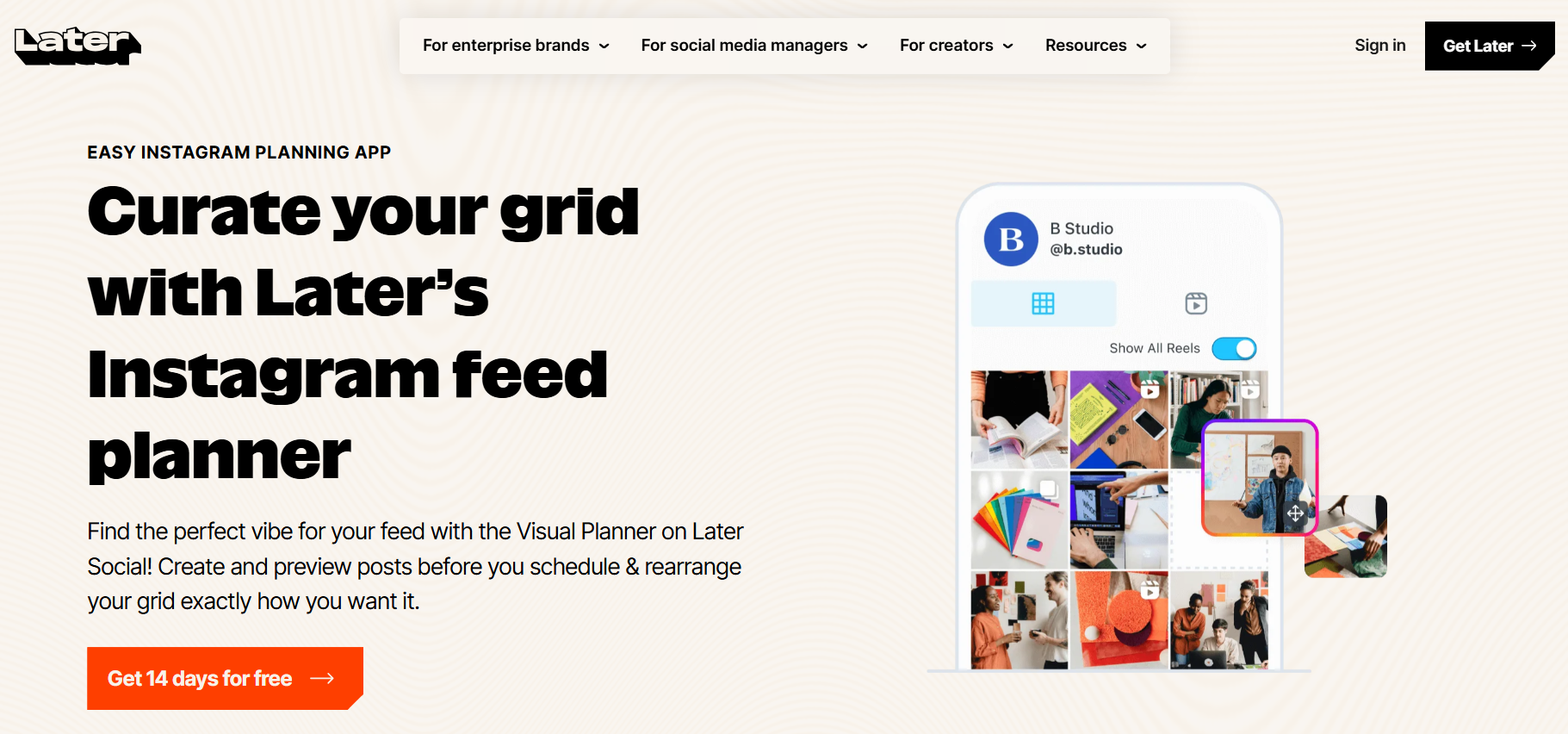
Later turns scheduling into a visual exercise. You see your content grid before it goes live, dragging posts into place until the layout feels right. Instagram creators use this to maintain aesthetic consistency across their feed, ensuring color balance and theme progression don't break when new posts publish.
The drag-and-drop calendar removes guesswork. You're not imagining how three posts will look together. You're seeing it, adjusting it, and approving it before scheduling. That visual confirmation matters when brand perception depends on grid cohesion, not just individual post quality.
2. Hootsuite (All-in-One Management)
Hootsuite consolidates multiple platforms into a single dashboard. You're not logging into Twitter, then Instagram, then LinkedIn to check performance. Everything lives in one interface, which sounds basic until you're managing six accounts across four platforms and losing an hour daily to context switching.
The centralized approach works when your content system spans multiple brands or clients. You schedule, monitor mentions, and track engagement without the cognitive load of remembering which tab holds which account. It's less about features and more about reducing the mental overhead of fragmented tools.
3. Sprout Social (Advanced Analytics)
Sprout Social prioritizes performance data over scheduling convenience. The analytics go deeper than likes and shares, showing you audience demographics, optimal posting times based on actual engagement patterns, and content performance trends across weeks or months.
This matters when you're past the consistently posting phase and into the strategically posting phase. You're not guessing what works. You're seeing which content formats drive saves versus shares, which posting times generate comments versus passive scrolling. That specificity changes how you create, not just when you publish.
4. Canva (Create + Schedule)
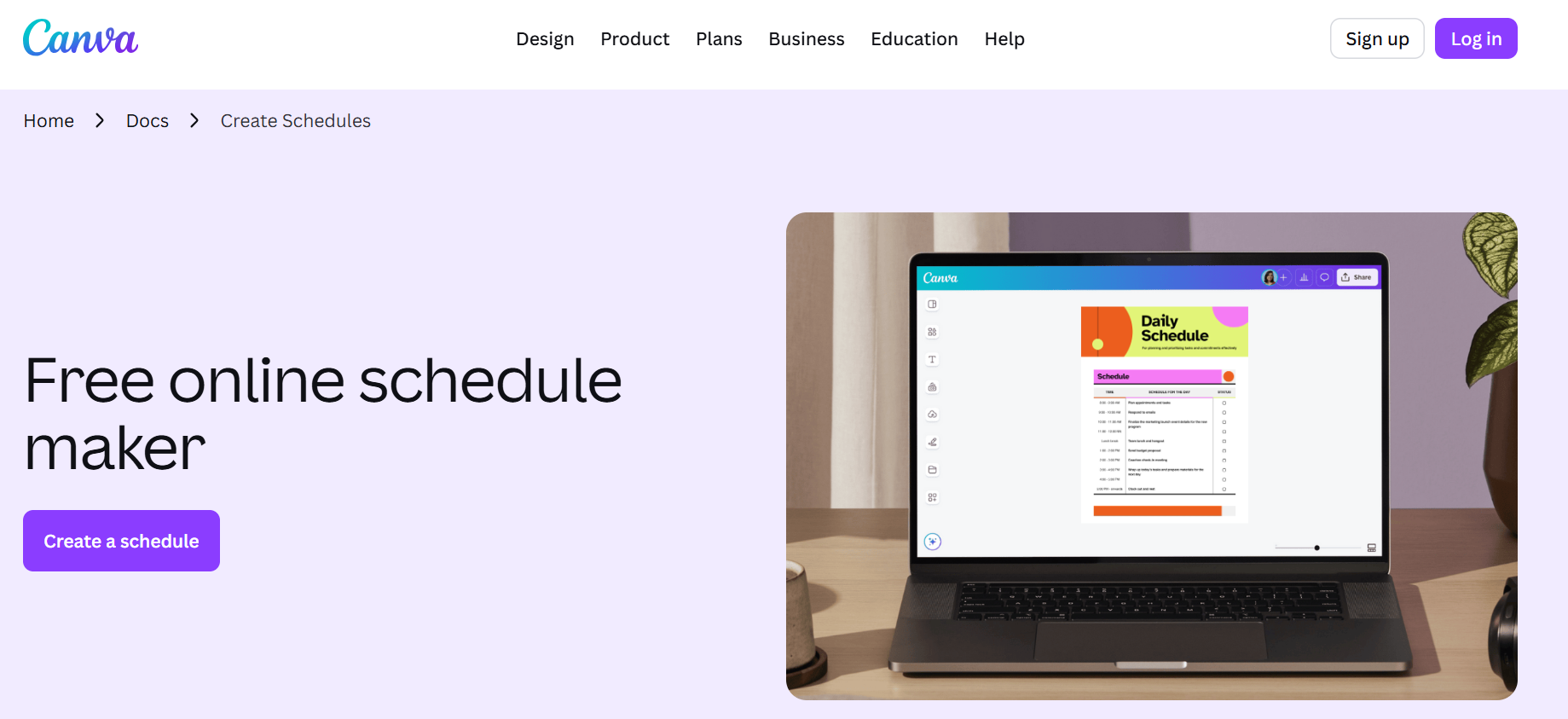
Canva merges design and distribution into one workflow. You create a carousel in their editor, adjust the copy, and schedule it without exporting files or switching tools. PostEverywhere reports that 10 accounts cost $50-100/mo across most scheduling platforms, but Canva's bundled approach can reduce that stack if you're already paying for design software separately.
The efficiency gain shows up in iteration speed. You spot a typo in your scheduled post, click edit, fix it in the same interface where it was designed, and republish. No downloading, re-uploading, or version control confusion. Creation and scheduling become one fluid action instead of two disconnected tasks.
5. Zoho Social (Affordable Option)
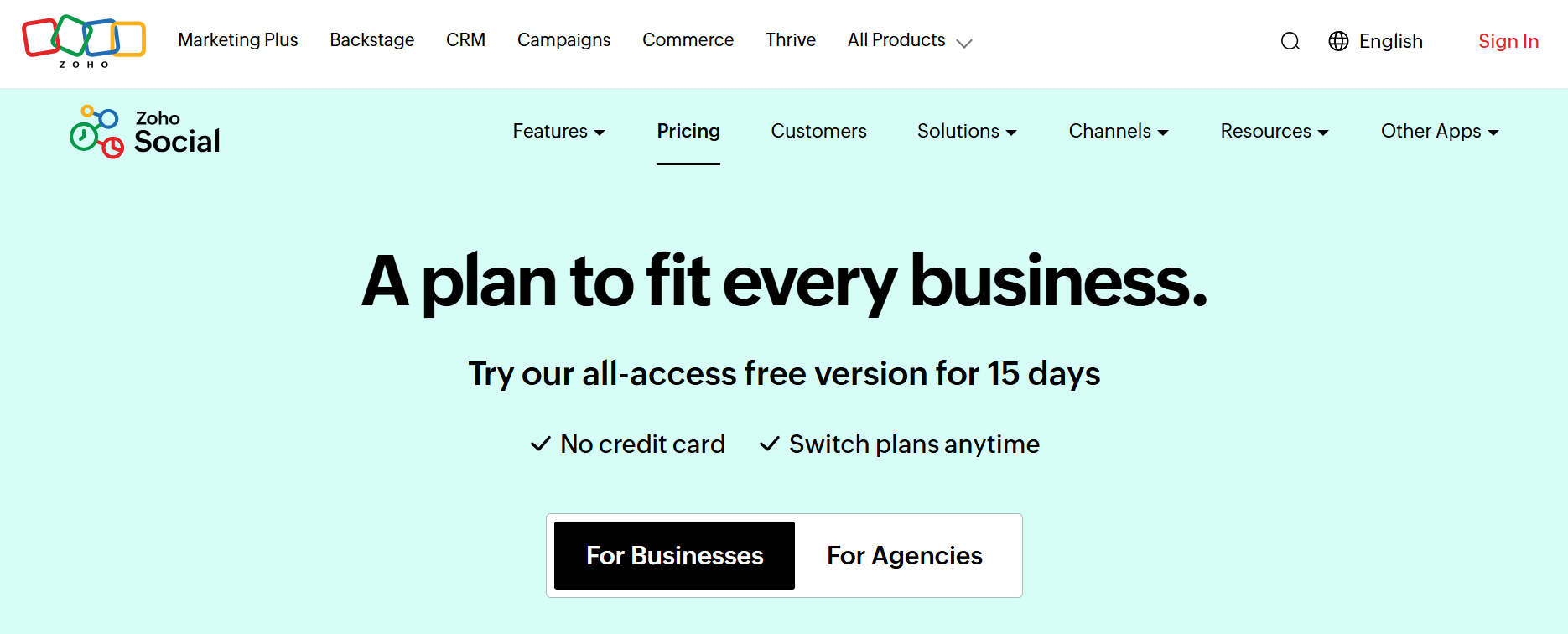
Zoho Social delivers core scheduling and analytics at no premium. The interface stays simple, focusing on essential features rather than enterprise complexity. Small teams or solo creators who need reliable posting and basic performance tracking find this sufficient.
The tradeoff is feature depth. You won't get Sprout's granular analytics or Hootsuite's breadth of monitoring. But if your content system doesn't require those layers yet, paying for capabilities you won't use just inflates costs without improving output. Zoho fits when budget constraints matter more than feature abundance.
6. Metricool (Performance Tracking)
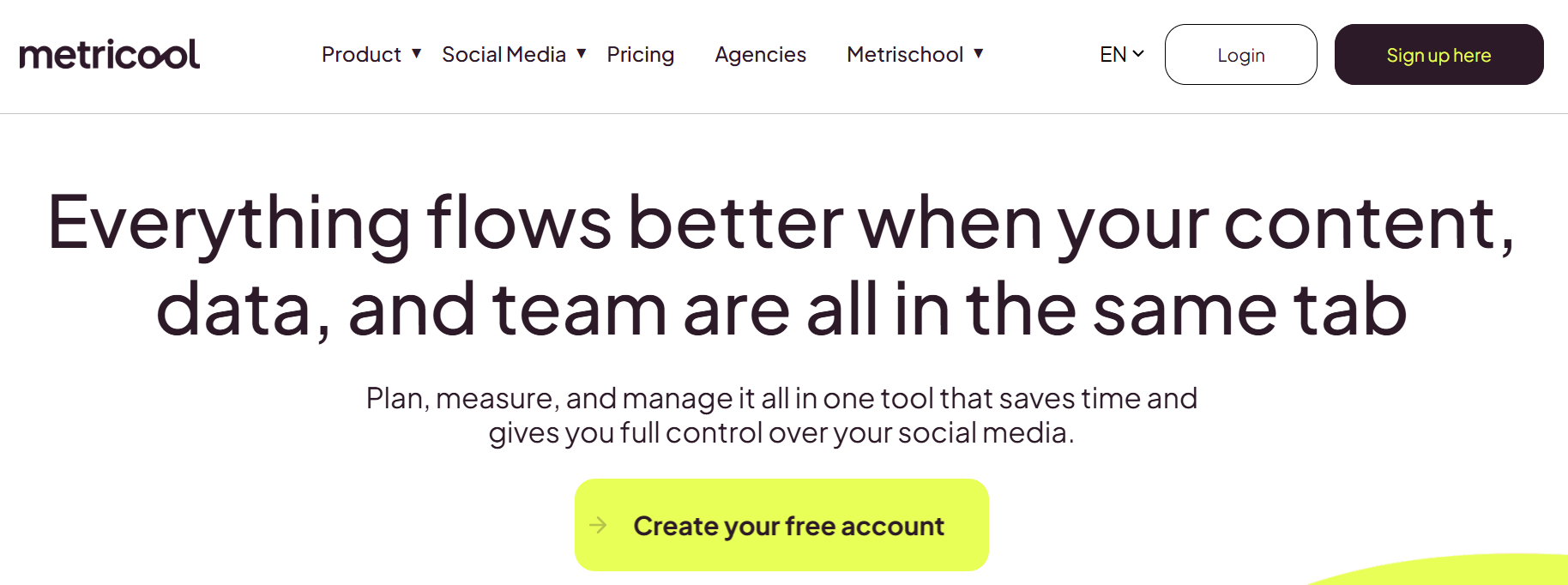
Metricool connects scheduling directly to performance metrics. You schedule a post, then immediately see how it performed compared to similar content you published last week. That feedback loop tightens the gap between creation and optimization.
The tool shows you which hashtags drove reach, which captions generated saves, and which posting times hit your audience when they're most active. You're not waiting for monthly reports to adjust strategy. You're learning from Tuesday's post by Wednesday morning and applying that insight to Thursday's content.
7. Planoly (Content Organization)

Planoly emphasizes pre-scheduling organization. You upload content in batches, tag it by campaign or theme, and arrange it across your calendar before finalizing publish times. The system works for creators who plan weeks ahead rather than posting reactively.
This structure prevents content gaps. You see that next week has three posts scheduled, but the following week has none, giving you time to create rather than scrambling when the calendar runs dry. Organization happens before urgency forces it.
Why These Alternatives Work
These tools solve specific friction points Buffer doesn't address.
- Later handles visual planning.
- Sprout Social deepens analytics.
- Canva removes the need to switch between design and distribution.
Each alternative fits a particular workflow need rather than trying to be everything to everyone.
The choice depends on where your current system breaks down.
- If you're manually checking how posts look together, Later fixes that.
- If you're guessing which content performs best, Sprout gives you data.
- If you're toggling between Photoshop and your scheduler, Canva consolidates that.
The right tool matches your actual bottleneck, not a generic feature list.
Automated Video Creation
Clip creator tool takes this further by automating the editing layer entirely. Instead of designing in Canva and then scheduling in Later, you generate finished videos with captions, transitions, and voiceovers already applied. The workflow comprises create, edit, export, upload, schedule to generate, review, and schedule. That's not just faster. It removes the technical barrier that keeps most creators from producing daily.
Specialized Tool Stacks
Most creators assume one tool should handle their entire content system. But scheduling, analytics, and creation each demand different strengths. Combining specialized tools often outperforms forcing one platform to do everything poorly. Your workflow improves when you stop expecting a single solution to solve every problem and start building a stack that matches how you actually work.
But choosing tools is only half the system. The other half is using them consistently enough to see results.
The 15-Day Workflow to Manage Content Scheduling Consistently
Consistently managing content scheduling doesn't require daily manual posting. You need a 15-day system that separates planning from execution, batch creation into focused sessions, and uses data to improve rather than guess. This workflow removes the chaos of reactive posting and replaces it with a repeatable structure.
Days 1-3: Define Your Content Direction
The first three days eliminate guesswork.
- Choose one content direction (educational, behind-the-scenes, or trend-based)
- List 7-10 post ideas within that direction
- Decide your posting frequency based on your capacity, not arbitrary benchmarks
A creator posting three quality videos weekly with clear direction outperforms someone posting daily without focus.
This planning phase creates clarity. You're not staring at a blank screen each morning, wondering what to post. You've already decided what matters, which removes the emotional friction that kills consistency before it starts.
Days 4-7: Batch Your Content Creation
Batching transforms how you create. Instead of producing one post at a time, you create 2-3 pieces in a single session using tools like Canva for graphics or Later for visual planning. According to Buffer, social media scheduling tools can save up to 6 hours per week by consolidating creation into focused blocks rather than fragmenting it across days.
Schedule everything immediately after creation. When you finish editing a video, schedule it before moving to the next task. This prevents the common pattern of creators batching content but never actually publishing it because scheduling feels like a separate chore.
The workflow debt accumulates when you separate creation from scheduling. You end up with folders of unused content and gaps in your posting calendar because the friction of "I'll schedule it later" compounds over time.
Days 8-10: Track What Actually Happens
Performance tracking starts simple.
- Review views, engagement rates, and completion percentages for each post.
- Identify your top three performing pieces and note specific patterns:
- Did they post at certain times?
- Use particular hooks?
- Feature-specific content formats?
Most creators skip this step because tracking feels tedious. They keep creating without knowing what works, which means they're guessing with every new post. The frustration builds when effort doesn't translate to results, but the real issue is creating without feedback.
Pattern recognition matters more than vanity metrics. If three of your educational posts outperform entertainment content by 40%, that's a signal. If videos posted at 7 PM consistently get more engagement than morning posts, that's actionable data, not a coincidence.
Days 11-13: Adjust Based on Evidence
Small changes compound. Adjust your posting times based on when your top-performing content went live. Refine your content formats by doubling down on what your audience actually watches. Improve hooks and captions by analyzing which openings kept viewers engaged versus which ones lost them in the first three seconds.
Sprout Social found that posts scheduled during optimal times receive 30% more engagement, but optimal isn't universal. Your audience's behavior defines your timing, not generic best practice charts.
Optimization isn't about perfection. It's about reducing the gap between what you create and what your audience responds to. Each adjustment should be specific (change one variable) and measurable (track the result over at least five posts).
Days 14-15: Scale What Proves Effective
Repetition builds momentum. Create variations of your successful content by changing the specific example while keeping the format, hook structure, and core message intact. If a "3 mistakes" video performed well, create another "3 mistakes" video on a related topic. Your audience wants more of what works, not constant novelty.
Schedule more posts in advance during this phase. If you've validated a content direction and format through data, batch-create five to seven pieces and schedule them across the next two weeks. This creates breathing room while maintaining consistency.
The shift from reactive to systematic happens here. You move from "What should I post today?" to "I have content scheduled, and I'm creating the next batch based on what's already working." That mental shift changes everything about how sustainable your content system feels.
What This System Actually Fixes
Random posting creates stress because you're always behind. You miss content days, feel guilty, then overcompensate by posting too much at once, only to burn out again. The cycle repeats because there's no structure separating planning from execution.
This 15-day workflow removes that chaos.
- You plan ahead during dedicated sessions
- Batch content when you have creative energy
- Improve based on real performance data instead of assumptions
The system works because it matches how creative work actually happens, not how we wish it happened.
Consistency stops being about willpower. It becomes about following a process that removes decision fatigue, groups similar tasks, and uses evidence to improve over time. You're not fighting yourself to post daily. You're following a system that makes posting feel inevitable.
Related Reading
- Instagram Reel Hook Ideas
- How To Create A Reel On Instagram
- Instagram Reel Caption Ideas
- Tiktok Content Ideas For Beginners
- Best Time To Post A Reel On Instagram
- Best Content For Tiktok
- How To Schedule A Reel On Instagram
- Best Content Strategy Tiktok
- How To Make Looping Content For Tiktok
- Ai Tools for TikTok Content Creation
Schedule Content Faster With Crayo AI
If scheduling content still feels slow, the problem isn't your scheduler. It's the time it takes to create content before you even schedule it. Most scheduling tools assume your posts are already finished, but the real bottleneck happens earlier, when you're staring at a blank screen trying to write hooks, structure scripts, and format captions manually.
The friction isn't in the clicking schedule. It's in the 30 minutes you spend crafting each post from scratch. That's where consistency breaks down. When creation takes too long, you delay scheduling, posts pile up in drafts, and your calendar stays empty despite good intentions.
Faster Content Creation
Crayo AI removes that friction by turning ideas into ready-to-post content in under 10 minutes. Drop your concept into the platform, and it generates your hook, script, and caption instantly. You're not writing from zero anymore. You're refining what's already structured, which means you can batch multiple posts into a single focused session and immediately load them into your preferred scheduling tool.
Scheduling Becomes Easier
This isn't about replacing your scheduler. It's about feeding it faster. When content creation stops being the slow step, scheduling becomes what it should be: a quick final action, not a project you postpone. You move from thinking about what to post every day to following a system that keeps your calendar full without the manual grind.
Consistency Through Speed
Consistency stops being about motivation. It becomes about removing the slowest part of your process. When you can turn an idea into schedulable content in minutes instead of hours, posting regularly isn't hard anymore. It's just what happens next.
Related Reading
- Later Alternative
- ContentStudio Alternatives
- Sprout Social Alternative
- Ai Tools For Social Media Content Creation
- How To Become A Content Creator On Tiktok
- Hootsuite Alternative
- Tiktok Content Ideas Without Showing Face
- Tiktok Content Creation Tips
- Best Social Media Content Creation Tools