You've spent hours crafting TikTok content ideas for business, filming clips that showcase your brand's personality, and editing until everything feels just right. But when it comes to scheduling that content across multiple platforms, you realize Later might not be the perfect fit for your workflow anymore. Whether it's pricing concerns, missing features, or simply wanting more control over your social media calendar, finding the right scheduling tool can transform how you manage content distribution and free up time to focus on what actually matters: creating engaging posts that connect with your audience.
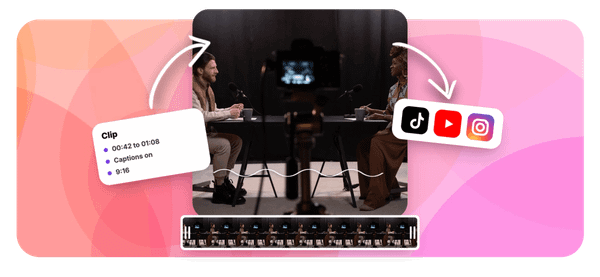
This article walks you through seven powerful alternatives to Later that can help you schedule content efficiently over the next 15 days and beyond. One standout option worth exploring is Crayo's clip creator tool, which streamlines the entire process from content creation to scheduling. Instead of juggling multiple platforms and wrestling with complicated interfaces, you get a straightforward solution that helps you batch create short form videos, organize your posting calendar, and maintain consistency without the headache.
Summary
- Creators waste an average of 4.2 hours weekly navigating platform limitations and workarounds according to a 2024 Hootsuite study. These aren't occasional delays but structural bottlenecks built into scheduling workflows, turning tasks that should take minutes into multi-hour sessions.
- Platform dependency quietly discourages experimentation by making format testing feel expensive. When your scheduling tool excels at static posts but treats video as an afterthought, you default to what works smoothly rather than what might perform better.
- Batch scheduling saves creators 10 to 15 hours weekly compared to daily posting according to InfluenceFlow's research. The time savings compound beyond faster scheduling, reclaiming hours that used to disappear into repeated setup, login, upload, format, and publish cycles.
- According to Dan Barry's LinkedIn research, 95% of creators prioritized direct-to-audience models in 2025, meaning they manage multiple platforms and content types simultaneously. That shift demands tools that scale affordably instead of penalizing growth with exponential pricing as accounts, posting frequency, and content volume increase.
- Small optimizations compound faster than most creators expect in content performance. Changing posting time from 9am to 6pm can increase reach by 30%, shortening hooks from eight words to four might double watch time, and adding questions to captions can triple comments.
- Growth comes from repetition rather than constant reinvention. Creators who scale successfully find what works, then systematically produce more of it with enough variation to avoid monotony, a discipline that feels boring compared to experimenting with new formats constantly but actually builds consistent reach.
Crayo's clip creator tool compresses video workflows by generating edited clips with automated subtitles and voiceovers in seconds, letting creators batch-produce content without platform hopping or juggling separate tools for editing, captioning, and scheduling.
Why Creators Look for Alternatives to Later
Creators look for alternatives to Later when the tool no longer fits how they actually work. It's not that Later fails. It's that their workflow evolves faster than the platform adapts. They need tools that match their speed, flexibility, and scale without forcing them into rigid structures or pricing tiers that punish growth.
They Outgrow Basic Scheduling Features
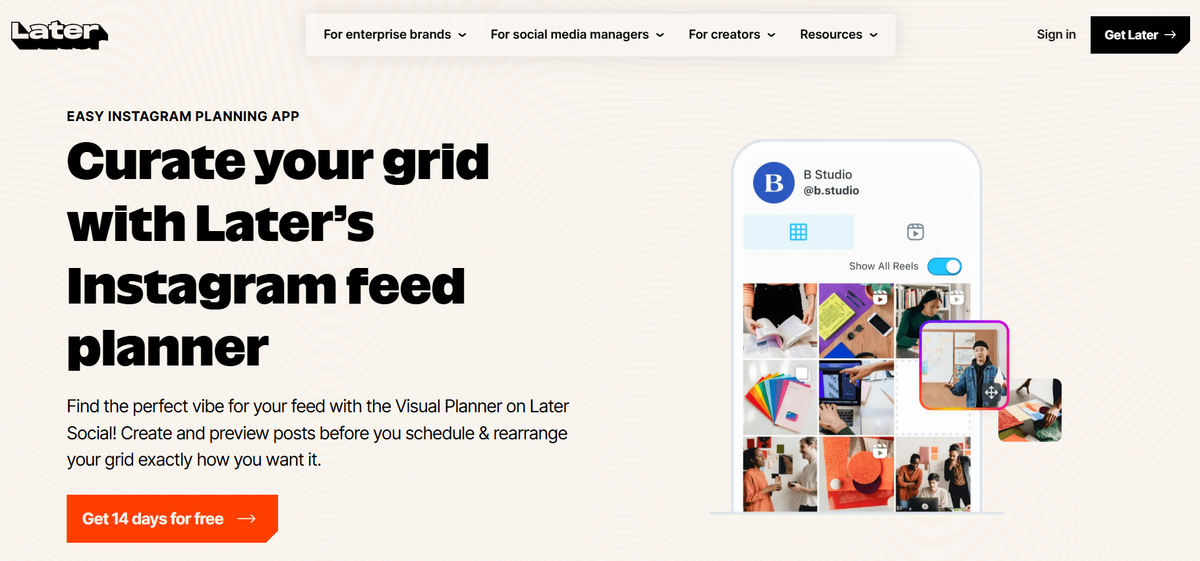
Later excels at planning grids and scheduling posts. That's enough when you're starting out. But as your content operation matures, you start noticing what's missing.
- You want deeper performance analytics that show which hooks drive saves, not just likes.
- You need automation that extends beyond "post at 3pm Tuesday" into batch workflows that let you queue 30 videos in one sitting.
- You want multi-platform flexibility without treating TikTok as an afterthought.
When your needs shift from "schedule this post" to "optimize this entire content engine," the gap becomes obvious.
The Pricing Increases as They Grow
Cost becomes friction when scaling. You add a second account, then a third. You need more monthly posts because consistency drives the algorithm. Suddenly, you're paying triple what you started with, and competitors offer comparable features at half the price. According to Dan Barry's LinkedIn research, 95% of creators are shifting to direct-to-audience models, which means managing multiple platforms and content types simultaneously. That shift demands tools that scale affordably, not ones that penalize growth with exponential pricing.
They Want Faster Content Workflows
Speed determines whether you catch a trend or miss it. Creators prefer tools that compress the gap between idea and published post. If your scheduling platform requires five clicks, three page loads, and a prayer that the preview renders correctly, you're losing time. Worse, you're losing momentum. The best creators batch their work in focused sprints, cranking out weeks of content in hours.
Tools that slow execution with complex dashboards or clunky interfaces get replaced by ones that feel invisible. Most platforms try to be everything to everyone, spreading resources across features nobody asked for while neglecting the core workflows that matter. When a tool loses focus, quality suffers, and creators notice immediately.
Streamlining Video Creation and Scheduling
The familiar approach is to upload videos, write captions, and schedule posts one at a time. As your output increases, that process fragments. You're toggling between editing apps, caption docs, and scheduling dashboards. Important context gets lost. Consistency becomes harder to maintain.
The clip creator tool compresses that workflow by generating edited videos with automated subtitles and voiceovers in seconds, letting you batch-create and schedule without switching platforms. You focus on finding the clips and trends. The tool handles the repetitive execution.
They Need More Flexibility Across Platforms
Some creators manage Instagram, TikTok, YouTube Shorts, and LinkedIn simultaneously. Each platform has different specs, audience expectations, and posting rhythms. Limited cross-platform support creates friction. You're reformatting videos manually, adjusting captions for character limits, and tracking performance in separate dashboards.
When a tool forces you to treat each platform as a separate workflow instead of a unified content operation, inefficiency compounds. You want one dashboard that understands the nuances of each platform without making you rebuild everything from scratch.
Related Reading
- TikTok Content Ideas for Business
- What Does Content Under Review Mean on TikTok
- YouTube Shorts Ideas Without Showing Face
- Viral YouTube Shorts Ideas
- Why Is My Content Under Review on TikTok
- Creative Instagram Reels Ideas
- YouTube Shorts Content Ideas
- YouTube Shorts Ideas For Beginners
- How Long Can A Reel Be On Instagram
- Instagram Reels Ideas For Business
- What Does Promotional Content Mean on TikTok
- Instagram Reels Ideas For Beginners
- How Much Do Content Creators Make on TikTok
The Hidden Cost of Relying on One Scheduling Tool
Relying on one scheduling tool creates invisible dependencies that compound over time. The problem isn't the tool itself. It's building your entire content operation around a single system that may not evolve with your needs, only to discover too late that switching requires rebuilding everything from scratch.
Workflow Bottlenecks Slow Everything Down
When your scheduling platform struggles with upload speeds or imposes arbitrary posting limits, every piece of content hits the same chokepoint. You queue 20 videos for the week, then watch the progress bar crawl while trends age out in real time. According to a 2024 Hootsuite study, creators lose an average of 4.2 hours weekly to platform limitations and workarounds. That's not occasional friction. That's structural delay baked into your workflow, turning what should take minutes into multi-hour sessions.
Small restrictions accumulate faster than most creators expect.
- One tool caps you at 30 posts monthly.
- Another requires manual approval for each TikTok upload.
- A third forces you into separate workflows for Reels versus Stories.
None of these limitations feel catastrophic individually, but together they create a tax on every content sprint. You adapt by posting less, simplifying formats, or burning hours on repetitive tasks that should be automated.
Platform Lock-In Kills Flexibility
Over-reliance on a single system means your workflow mirrors the tool's structure, not your strategy. You organize content around the platform's categories, schedule based on its calendar interface, and analyze performance using whatever metrics it surfaces. When that tool changes pricing tiers, sunsets features, or shifts focus to enterprise clients, your entire operation absorbs the impact. Many creators report feeling trapped, not because switching is impossible, but because their muscle memory, templates, and team processes are hardwired to one interface.
The familiar approach involves uploading videos individually, writing captions in separate docs, then copying everything into a scheduling dashboard while praying the preview renders correctly. As volume increases, context fragments across tools. The clip creator tool compresses that workflow by generating edited videos with automated captions and voiceovers in seconds, letting you batch-create without platform-hopping. You focus on identifying viral clips. The tool handles repetitive execution.
Testing New Formats Becomes Too Expensive
Single-tool dependence quietly discourages experimentation. If your platform excels at static posts but treats video as an afterthought, you default to what works smoothly rather than what might perform better. Creators stick to proven formats because testing requires navigating clunky interfaces, reformatting assets, or manually adjusting specs for each platform.
- Growth stalls when consistency becomes risk avoidance.
- The content gets predictable.
- Engagement plateaus.
You know you should test hooks, pacing, and styles, but the friction makes "good enough" feel rational.
The cost isn't the tool's limitation. It's the innovation you skip because workarounds feel harder than repeating what's safe. When experimentation requires extra steps, most people choose efficiency over discovery. That trade-off compounds, turning your content library into variations of the same template while competitors iterate past you.
7 Later Alternatives to Schedule Content in 15 Days
You don't need to stay locked into Later. Seven alternatives exist that give you more flexibility, faster workflows, and better control over scheduling and growth. Each solves specific friction points that Later leaves unaddressed, letting you choose the tool that matches your actual workflow instead of forcing your process into rigid structures.
1. Buffer (Simple Scheduling)
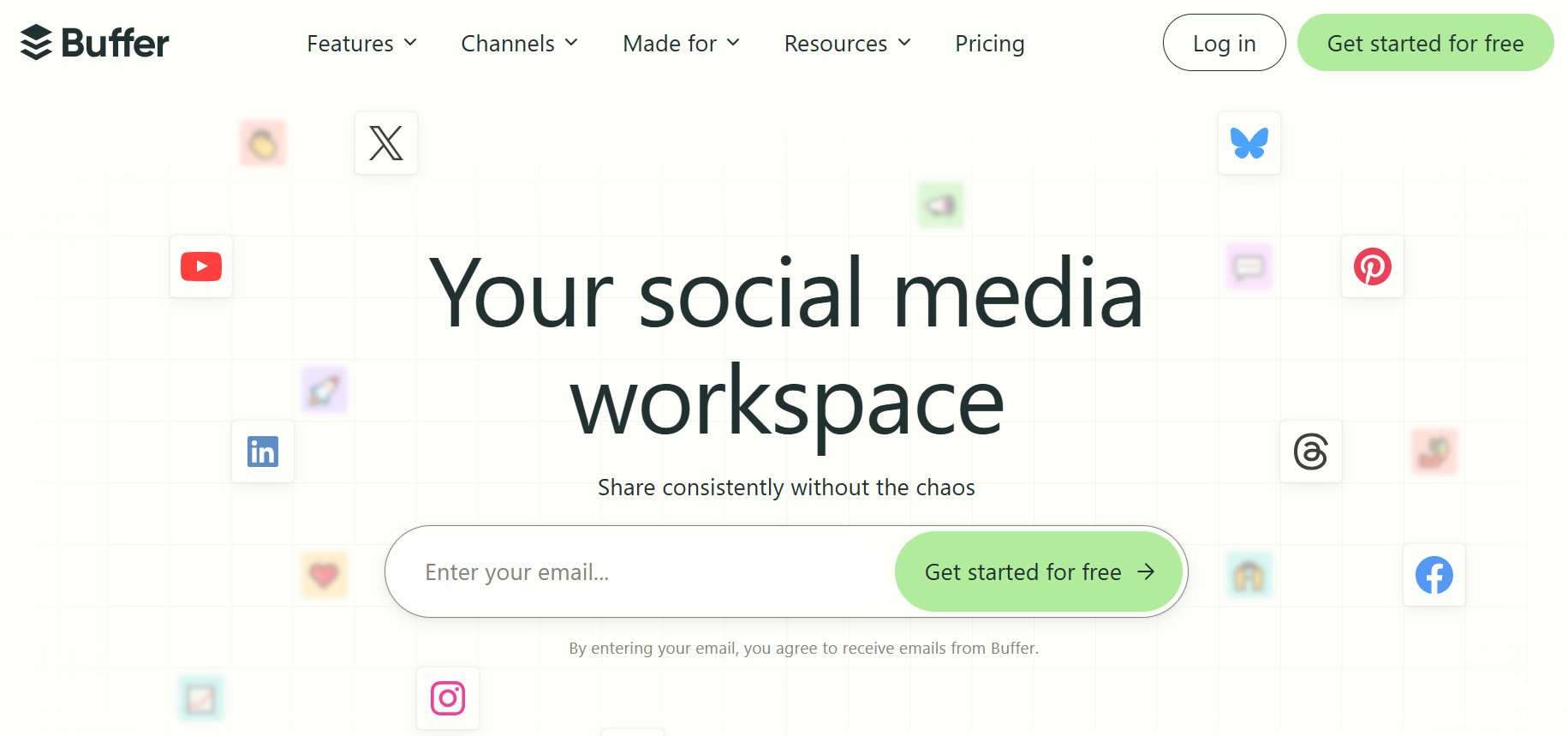
Buffer strips away complexity. You connect accounts, queue posts, and schedule without navigating nested menus or feature bloat. The interface prioritizes speed over sophistication, which matters when you're batching content in focused sprints. Setup takes minutes, not hours. You're scheduling posts the same day you sign up.
The learning curve barely exists. Most creators publish their first scheduled post within 10 minutes of account creation. That speed matters when switching tools mid-workflow because your current platform just increased pricing or deprecated a feature you relied on. Buffer doesn't try to be everything. It focuses on quickly scheduling posts, then steps out of your way.
2. Hootsuite (All-in-One Management)
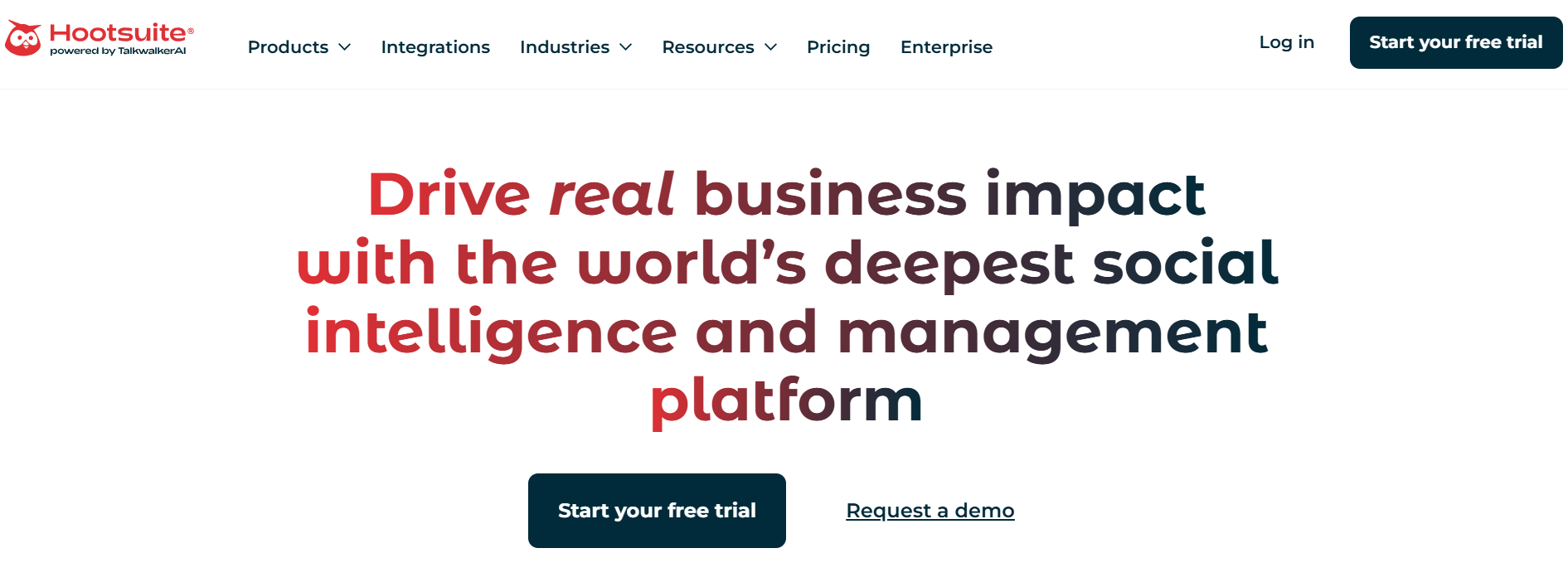
Hootsuite centralizes multiple accounts into one dashboard. You manage Instagram, TikTok, LinkedIn, and YouTube without toggling between platforms or remembering separate login credentials. That consolidation reduces cognitive load when you're juggling content calendars across audiences with different expectations and posting rhythms.
The multi-platform support extends beyond basic scheduling.
- Ttrack mentions
- Respond to comments
- Monitor performance from the same interface where you queue content
That integration compresses workflows that used to require three separate tools into one centralized operation. According to PostEverywhere, most alternatives now offer 7-day free trials, which gives you enough time to test whether centralized management actually saves hours or just shifts complexity elsewhere.
3. Sprout Social (Advanced Analytics)
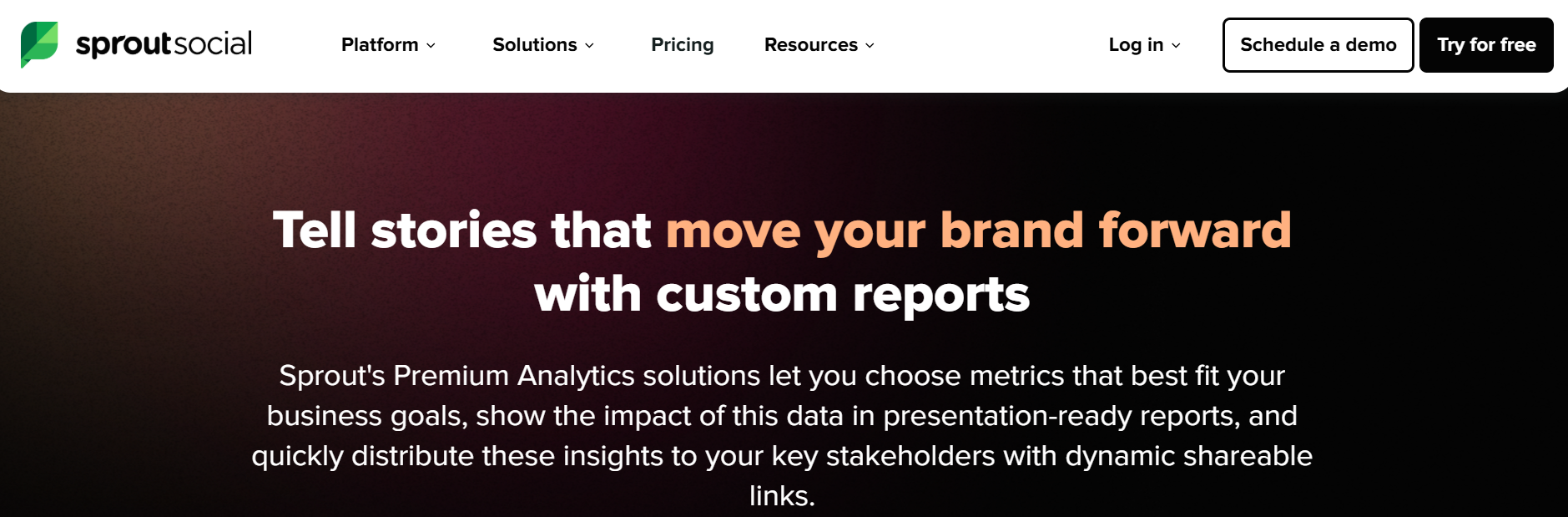
Sprout Social treats analytics as the core feature, not an afterthought. You see which hooks drive saves, what posting times generate engagement spikes, and how content performance trends over weeks instead of days. That depth matters when you're optimizing for algorithmic distribution, not just vanity metrics.
The reporting goes beyond surface-level dashboards.
- Track team collaboration
- Measure response times
- Identify patterns across campaigns
When your content operation matures past post and hope, you need data that reveals why certain formats outperform others. Sprout Social surfaces those insights without requiring manual spreadsheet exports or custom tracking systems.
4. Canva (Create + Schedule)
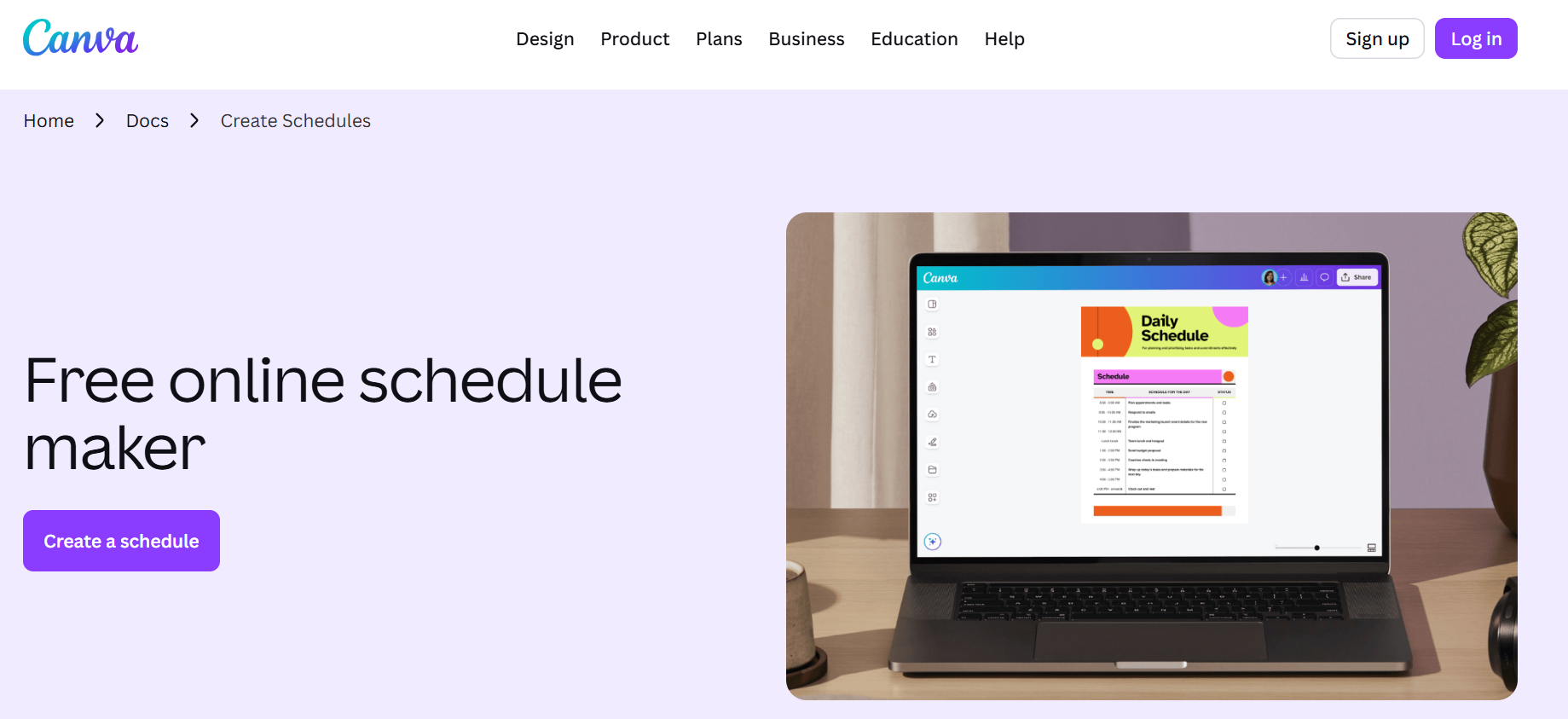
Canva collapses creation and scheduling into one workflow. You design the thumbnail, write the caption, and queue the post without switching platforms. That compression eliminates the context loss that happens when you're juggling design tools, caption docs, and scheduling dashboards simultaneously.
The templates accelerate execution. You're not starting from blank canvases every time you need a YouTube thumbnail or Instagram carousel.
- Duplicate proven formats
- Swap assets
- Publish
The familiar approach involves exporting designs, uploading to scheduling tools, reformatting for platform specs, then praying the preview renders correctly. Clip creator tool takes a similar compression approach for video content, generating edited clips with automated subtitles and voiceovers in seconds, so you can batch create without platform-hopping. You focus on identifying viral trends. The tool handles repetitive execution.
5. Zoho Social (Affordable Option)
Zoho Social balances cost with essential features. You get scheduling, basic analytics, and multi-platform support without the pricing tiers that penalize growth. That affordability matters when you're scaling from solo creator to small team and can't justify enterprise pricing for features you won't use.
The interface stays simple. You're not navigating feature bloat designed for Fortune 500 marketing departments. Zoho focuses on core scheduling workflows that most creators actually need, then prices accordingly. When budget constraints limit your tool stack, finding platforms that deliver essential functionality without premium costs determines whether you scale sustainably or burn cash on capabilities you never activate.
6. Metricool (Performance Tracking)
Metricool connects scheduling with performance tracking. You queue posts and immediately see how previous content performed, creating a feedback loop that informs what you schedule next. That integration prevents the disconnect that happens when analytics live in separate dashboards from your content calendar.
The performance data surfaces patterns. You notice that carousel posts outperform static images, or that 6pm publishes drive more saves than 9am slots. Those insights compound when they're visible during the scheduling process itself, not buried in reports you review weekly. You adjust strategy in real time based on what the data reveals, not what you assume performs well.
7. Planoly (Visual Planner)

Planoly prioritizes visual feed planning. You drag posts into your calendar and see exactly how your grid will look before anything publishes. That preview matters for Instagram accounts where aesthetic consistency drives follows and profile visits.
The drag-and-drop functionality compresses planning time. You're rearranging posts visually instead of editing dates in text fields or navigating calendar interfaces that treat each post as isolated data. When your content strategy depends on visual cohesion across multiple posts, tools that let you see the full picture before committing reduce the trial-and-error that wastes hours.
Why These Alternatives Work
These tools increase flexibility by letting you choose capabilities that match your workflow instead of adapting your process to platform limitations. Speed improves because each tool focuses on specific friction points rather than trying to solve everything. Consistency becomes easier when your scheduling platform removes bottlenecks instead of creating new ones.
According to Radaar's 2025 analysis, 8 social media management alternatives now compete directly with Later by addressing specific workflow gaps that creators report most frequently. That competition drives feature development focused on real user needs rather than enterprise requirements that don't apply to solo creators or small teams.
The shift from single-tool dependence to workflow-specific selection changes how you approach content operations. You're not asking "what can this tool do?" but "which tool solves this specific problem fastest?" That reframe eliminates the compromises that slow execution when your platform forces workarounds for basic tasks.
But knowing alternatives exist doesn't solve the harder problem of actually implementing them without disrupting your existing content calendar.
Related Reading
- Instagram Reel Hook Ideas
- How To Create A Reel On Instagram
- Instagram Reel Caption Ideas
- Tiktok Content Ideas For Beginners
- Best Time To Post A Reel On Instagram
- Best Content For Tiktok
- How To Schedule A Reel On Instagram
- Best Content Strategy Tiktok
- How To Make Looping Content For Tiktok
- Ai Tools for TikTok Content Creation
The 15-Day Workflow to Manage Content Scheduling Consistently
Managing content scheduling consistently means building a repeatable system that removes daily decisions about what to post and when. You're not reacting to empty calendars or scrambling for ideas. You're executing a proven workflow that plans, creates, schedules, and optimizes content in focused cycles. This 15-day structure turns content production from chaotic to predictable.
Day 1-3: Plan Your Content Direction
Start by defining what you'll create before you create anything.
- List 7-10 post ideas based on what performed well previously, trending topics in your niche, or questions your audience keeps asking.
- Decide your posting frequency (daily, three times weekly, whatever you can sustain without quality dropping). Write this down.
The goal isn't perfection. It's removing the paralysis that happens when you open a blank scheduler and think, "what should I post today?"
This planning phase eliminates guesswork. You're not inventing strategy every morning. You're following a map you built when your brain wasn't exhausted from other decisions. Most creators skip this step because it feels like overhead. Then they waste hours staring at empty content calendars, cycling through ideas they immediately reject because nothing feels right in the moment.
Day 4-7: Create and Schedule Content in Batches
Block four hours and create 2-3 posts at once. Use tools like Buffer for scheduling or Canva for quick design work. The batch approach compresses context switching. You're in creation mode for one focused session instead of fragmenting your attention across multiple days. Queue everything immediately after creation while the context is fresh.
According to InfluenceFlow, creators save 10-15 hours weekly through batch scheduling versus daily posting. That time compounds. You're not just scheduling faster. You're reclaiming hours that used to disappear into setup, login, upload, format, publish cycles repeated daily. Those recovered hours let you focus on strategy or trend research instead of repetitive execution.
Batch creation also reveals patterns you miss when creating one post at a time. You notice you're using the same hook three times, or that your captions lack variety, or that your thumbnails blend together. Seeing multiple pieces side by side forces quality control that doesn't happen when posts are isolated events.
Day 8-10: Monitor Performance Without Overanalyzing
- Check views, saves, shares, and comments on published content.
- Identify which posts performed best.
- Note patterns (specific hooks, video lengths, posting times, content formats).
- Don't spiral into analysis paralysis.
You're looking for obvious signals, not statistical significance. If carousel posts consistently outperform static images, that's actionable. If Tuesday publishes get more engagement than Fridays, adjust your schedule.
This monitoring phase builds intuition. You start recognizing what works before the data confirms it. That pattern recognition accelerates decision-making in future planning cycles. You're not guessing what might perform. You're repeating structures that already proved effective.
Most creators either ignore analytics completely or obsess over every fluctuation. Neither extreme helps. You need enough data to spot trends, but not so much that you're second-guessing every creative choice based on sample sizes too small to matter.
Day 11-13: Optimize Your Schedule Based on Evidence
Adjust posting times to match when your audience actually engages.
- Improve content formats by doubling down on what worked and cutting what didn't.
- Refine captions and hooks using language patterns from top performers.
These aren't dramatic overhauls. They're incremental improvements informed by real performance data, not assumptions about what should work.
Small optimizations compound faster than most creators expect.
- Changing your posting time from 9am to 6pm might increase reach by 30%.
- Shortening your hook from eight words to four might double watch time.
- Adding a question to your caption might triple comments.
None of these changes requires more effort. They just require noticing what the data reveals and acting on it.
The familiar approach involves uploading videos one at a time, writing captions in separate docs, then copying everything into scheduling dashboards while reformatting for each platform's specs. As volume increases, that process fragments. Clip creator tool streamlines video workflows by generating edited clips with automated subtitles and voiceovers in seconds, letting you batch-create without hopping between platforms. You focus on identifying viral trends. The tool handles repetitive execution that used to consume hours.
Day 14-15: Scale What Works
Repeat your top-performing content with variations. If a specific hook drove saves, test it with different visuals. If a tutorial format performed well, create three more on related topics. Schedule more posts in advance now that you know what resonates. You're not starting from scratch. You're iterating on proven patterns.
Growth comes from repetition, not constant reinvention. Creators who scale successfully don't chase novelty every post. They find what works, then systematically produce more of it with enough variation to avoid monotony. That discipline feels boring compared to constantly experimenting with new formats, but it's what actually builds consistent reach.
This scaling phase also reveals capacity limits. If you can't sustain daily posts without quality dropping, you know your sustainable frequency. If batch creation works better on Mondays than Fridays, you adjust your workflow calendar. The system exposes constraints so you can design around them instead of pretending they don't exist.
What This Workflow Fixes
Instead of posting randomly whenever you remember, missing content days because you ran out of ideas, or struggling with consistency because every post feels like starting over, you plan ahead with clear direction, schedule content during focused work sessions, and improve based on performance data rather than gut feelings.
This structure moves you from inconsistent posting driven by motivation to structured content scheduling driven by systems. Motivation fluctuates. Systems persist. When you remove the need to decide what to post, when to post it, and whether it's good enough, execution becomes automatic. You're following a workflow, not summoning willpower.
The 15-day cycle also creates natural review points. Every two weeks you assess:
- What worked
- What didn't
- What to adjust
That rhythm prevents both stagnation (doing the same thing for months without checking results) and chaos (changing strategy every 3 days based on a single underperforming post).
Schedule Content Faster With Crayo AI
If scheduling content still feels slow, the problem isn't your scheduler. It's the time you spend creating content before you even reach the scheduling step. Most creators burn hours uploading videos individually, writing captions from scratch, and reformatting assets for different platform specs. That preparation phase consumes more time than the actual scheduling ever will.
All-in-One Content Workflow
The shift occurs when you combine creation and scheduling into a single workflow. Drop your idea into Crayo AI and it generates your hook, script, and caption instantly. You're turning concepts into ready-to-post content in under 10 minutes, then batching multiple pieces in one session.
The friction that used to slow you down (writing, editing, formatting, exporting) disappears because the tool handles repetitive execution while you focus on identifying trends worth chasing.
Batch Scheduling for Consistent Posting
Consistency stops being about motivation when you remove the preparation bottleneck. You're not summoning willpower to create content daily. You're following a system that automates execution. Open Crayo AI, input your idea, and create content you can schedule immediately using Buffer, Canva, or whatever platform fits your workflow. No more idea blocks. No more delays because nothing's ready. Just structured posts you can queue in batches, then move on to the next sprint.
Related Reading
- Buffer Alternative
- ContentStudio Alternatives
- Sprout Social Alternative
- Ai Tools For Social Media Content Creation
- How To Become A Content Creator On Tiktok
- Hootsuite Alternative
- Tiktok Content Ideas Without Showing Face
- Tiktok Content Creation Tips
- Best Social Media Content Creation Tools