Managing your social media presence shouldn't feel like wrestling with an overpriced dashboard that's stuck in 2015. If you're hunting for a Hootsuite alternative, you're probably tired of clunky interfaces, confusing analytics, or pricing that makes your accountant wince. Whether you're seeking a Sprout Social alternative or exploring other social media management tools with better scheduling features, content calendars, and engagement tracking, this article walks you through five practical options you can start using in under ten minutes.
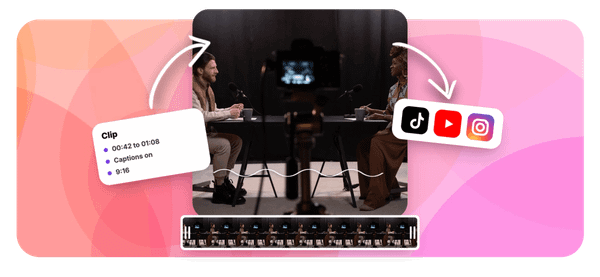
Finding the right platform doesn't require a weekend of tutorials or a degree in software engineering. Crayo's clip creator tool simplifies your social media workflow by letting you quickly produce ready-to-post video content, so you spend less time fiddling with complicated publishing platforms and more time connecting with your audience. When you're evaluating alternatives for posting, analytics, and team collaboration, having a streamlined content creation process means you can test new platforms without disrupting your entire marketing strategy.
Table of Contents
- Why Creators Look for Alternatives to Hootsuite
- The Hidden Cost of Using Complex Social Media Management Tools
- 5 Hootsuite Alternatives You Can Use in 10 Minutes
- The 10-Minute Workflow to Manage Social Media Using Alternatives
- Manage Social Media Faster With Crayo AI
Summary
- Managing your social media presence shouldn't feel like wrestling with an overpriced dashboard that's stuck in 2015. If you're hunting for a Hootsuite alternative, you're probably tired of clunky interfaces, confusing analytics, or pricing that makes your accountant wince.
- Creators abandon Hootsuite when the platform feels too slow for their workflow. The friction isn't about bad software; it's about paying enterprise prices for features you'll never touch while basic tasks like scheduling a single post take more steps than they should.
- Complex social media management platforms promise efficiency but often deliver the opposite. According to K25's analysis of social media management tools, 75% of marketers report spending more than 3 hours per day managing multiple social media tools. That time doesn't go toward creation; it goes toward navigating dashboards built for enterprise teams.
- Simpler alternatives prioritize speed over depth, which means you spend less time configuring and more time creating. Zapier's 2024 analysis found that Buffer serves 18 million users who chose simplicity over enterprise features. That number reflects how many creators hit their limit with complex platforms and switched to something that just works.
- Scheduling without feedback creates blind spots, but switching between separate analytics platforms slows you down. Tools like Metricool combine scheduling with performance tracking in a single dashboard, so you see what worked immediately after it publishes.
- Proper social media management tools save creators 8 to 15 hours weekly, according to InfluenceFlow's 2025 guide, but only when content enters the system ready to publish. Batch your content creation on a single day, film three videos on Sunday afternoon, write all your captions in one sitting, and generate your hashtag sets while you're thinking about topics.
Crayo's clip creator tool addresses this by generating ready-to-publish short-form videos with automated voiceovers and captions from a single idea, making content creation faster than distribution and leaving scheduling as the only remaining step.
Why Creators Look for Alternatives to Hootsuite

Creators abandon Hootsuite when the platform feels too slow for their workflow. The friction isn't about bad software. It's about paying enterprise prices for features you'll never touch, while basic tasks like scheduling a single post take more steps than they should. When the tool designed to save time becomes the bottleneck, switching stops being optional.
The Enterprise Tool Problem
Hootsuite was built for marketing teams managing dozens of accounts across agencies. That design shows up everywhere. You get approval workflows, team permissions, and multi-tiered analytics dashboards. For a solo creator scheduling Instagram Reels and TikToks, those features sit unused while you navigate past them to reach the simple scheduler buried three clicks deep.
The mismatch creates real cost. You're not just paying for capabilities you don't need. You're spending cognitive energy learning interface patterns designed for collaboration workflows when you work alone. Statusbrew notes that many users discovered Hootsuite early through search engines and recommendations, only to realize the platform's complexity didn't match their actual daily needs. The discovery happens fast. The exit takes longer because switching tools feels like admitting defeat.
Pricing That Compounds With Growth
Individual creators hit pricing walls differently than agencies. When you add a third social account, the monthly cost jumps. When you want basic video analytics, you're pushed toward premium tiers built for teams with approval chains and content libraries. The value calculation breaks down quickly. You're comparing what you pay against how much time the tool actually saves, and the math stops working.
Creators managing multiple platforms need speed more than depth. They batch content on Sundays, schedule the week, and move on. Paying for enterprise analytics when you only check engagement once daily feels wasteful. The pricing structure assumes you're managing client accounts with billable hours, not building your own audience between freelance gigs.
When Complexity Slows You Down
Simple actions shouldn't require tutorials. Scheduling a post to three platforms should take seconds, not a multi-step process through different dashboard sections. Teams often report that Hootsuite's interface adds steps where competitors subtract them. You're clicking through menus designed for granular control when you just need to queue a video with captions and hit publish.
The time cost accumulates invisibly. An extra minute per post adds up to five hours monthly. Learning advanced features you'll never use takes an afternoon you could spend filming. The platform doesn't feel broken. It feels heavy. Like editing a tweet in Microsoft Word when you just need a text box.
The Speed vs. Features Tradeoff
Creators prioritize different outcomes than marketing directors. They want to film, edit, schedule, and return to creation. The ideal tool disappears into the background. It doesn't ask you to configure settings, choose between analytics views, or manage team permissions. It accepts content, publishes it on schedule, and shows you what worked.
Lightweight alternatives win by doing less, faster. They skip the approval workflows and white-label reports. They automate the repetitive parts without requiring you to build complex posting rules. When your content creation process involves AI-generated clips ready to publish in seconds, the scheduling tool shouldn't be the slowest part of your workflow.
Technological Velocity and Workflow Friction
Platforms like Crayo let you generate viral short-form videos with automated captions and voiceovers instantly, which makes clunky multi-step scheduling feel even more outdated by comparison. But speed alone doesn't explain why creators leave. The real friction lives in what happens when the tool's design philosophy conflicts with how you actually work.
Related Reading
- TikTok Content Ideas for Business
- What Does Content Under Review Mean on TikTok
- YouTube Shorts Ideas Without Showing Face
- Viral YouTube Shorts Ideas
- Why Is My Content Under Review on TikTok
- Creative Instagram Reels Ideas
- YouTube Shorts Content Ideas
- YouTube Shorts Ideas For Beginners
- How Long Can A Reel Be On Instagram
- Instagram Reels Ideas For Business
- What Does Promotional Content Mean on TikTok
- Instagram Reels Ideas For Beginners
- How Much Do Content Creators Make on TikTok
The Hidden Cost of Using Complex Social Media Management Tools
When a tool adds more steps than it removes, you're not saving time. You're renting complexity. Complex social media management platforms promise efficiency but often deliver the opposite: slower workflows, unused features you still pay for, and posting schedules that become harder to maintain instead of easier. The real cost isn't the subscription price. It's the output you never created because the tool got in the way.
Paying for Features That Sit Unused
Most creators subscribe to platforms loaded with team collaboration tools, approval workflows, and multi-tier analytics dashboards they'll never touch. You're a solo creator scheduling TikToks and Instagram Reels. You don't need white-label reports or client management modules. Yet those features inflate the price and clutter the interface you navigate daily. According to K25's analysis of social media management tools, 75% of marketers report spending more than 3 hours per day managing multiple social media tools. That time doesn't go toward creation. It goes toward navigating dashboards built for enterprise teams.
Functional Bloat and Value Misalignment
The value calculation breaks when you realize you're paying premium rates for capabilities designed for agencies managing dozens of client accounts. You wanted a simple scheduler. You got a project management system with permission levels and content libraries you'll never populate.
Slower Execution When Speed Matters Most
Adding a post shouldn't require a tutorial. Yet complex platforms turn simple tasks into multi-step processes. You click through audience selectors, campaign tags, approval queues, and publishing options when you just need to schedule a video for tomorrow at 3 PM. Each extra click compounds across dozens of posts weekly. What should take 30 seconds stretches into three minutes. Multiply that across a month of daily content, and you've lost hours to interface friction.
The frustration intensifies when you're trying to capitalize on trending audio or viral formats. Speed determines whether your content rides the wave or arrives after it's passed. Platforms like Crayo generate ready-to-publish short-form videos with automated captions and voiceovers in seconds, which makes traditional scheduling tools feel even slower by comparison. When content creation happens instantly, the publishing step shouldn't be the bottleneck.
When Consistency Becomes the First Casualty
Heavy tools get used less often. When scheduling feels like a chore that requires mental energy and multiple browser tabs, you put it off. Posts that should go live on Tuesday get pushed to Thursday. Your batch content session on Sunday turns into scattered, last-minute uploads throughout the week. The tool designed to maintain consistency becomes the reason your posting schedule falls apart.
I've watched creators abandon their content calendars entirely because the scheduling platform felt like homework. They'd film great content, then let it sit in their camera roll because logging into the scheduler and navigating its complexity felt harder than just posting manually. The platform didn't fail technically. It failed practically by adding friction where it promised to remove it.
The Scaling Problem Nobody Mentions
Growth should make things easier, not harder. Yet complex platforms often become more cumbersome as your content output increases. You're managing more accounts, posting more frequently, and trying to maintain quality across platforms. The tool that worked (barely) for five posts weekly breaks down at twenty. You spend more time per post, not less. The dashboard that felt manageable with one account becomes overwhelming with three.
Scaling requires tools that disappear into the background, letting you focus on creation. When the platform demands constant attention, configuration, and manual intervention, it caps your growth. You hit a ceiling where adding more content means hiring help just to manage the scheduling tool, which defeats the entire purpose of automation.
5 Hootsuite Alternatives You Can Use in 10 Minutes
1. Buffer: The Stripped-Down Scheduler
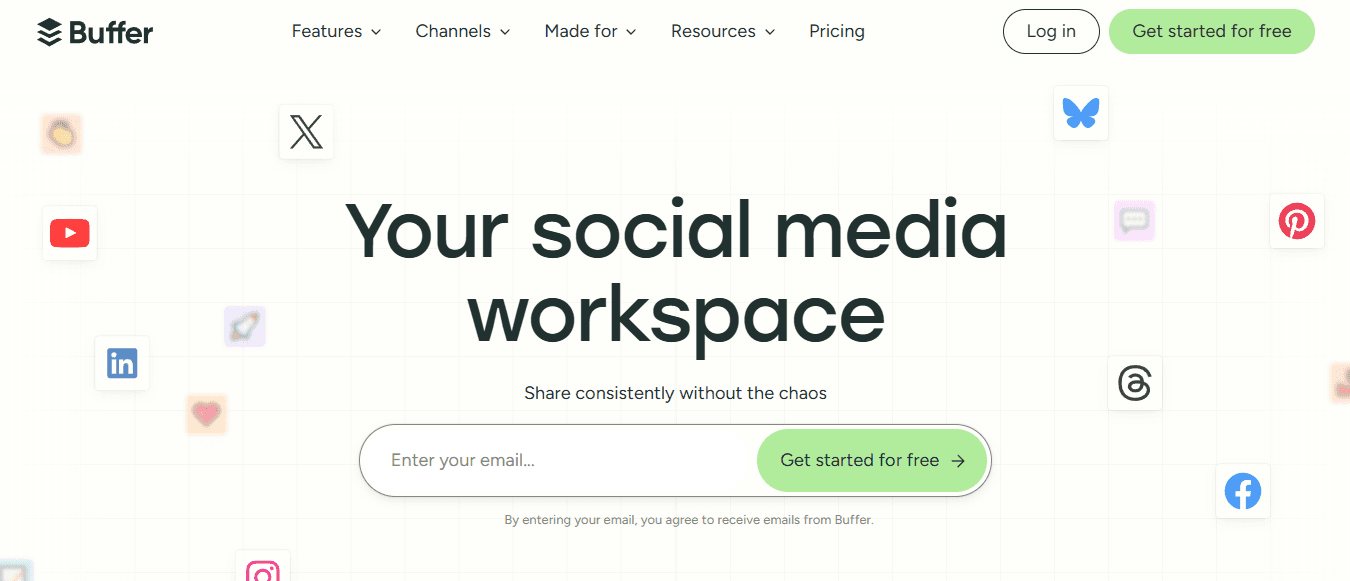
Buffer removes everything except the core function: queue your posts and publish them.
- No approval chains.
- No team permissions.
- No analytics dashboards that track metrics you'll never review.
You connect your accounts, write your caption, upload your media, and select your time slots. The entire process takes under three minutes per post. The interface assumes you work alone and want to batch content quickly. According to Zapier's 2024 analysis of scheduling platforms, Buffer serves 18 million users who chose simplicity over enterprise features. That number reflects how many creators hit their limit with complex platforms and switched to something that just works. The learning curve disappears because there's nothing to learn beyond the basics you already understand.
2. Later: Visual Planning That Matches How You Think

Dragging posts into a calendar feels faster than filling out scheduling forms. Later builds its entire interface around visual planning.
- You see your week laid out as a grid.
- You drop content into time slots.
- You rearrange posts by dragging them to different days.
The workflow mirrors how you'd plan content on paper, except it publishes automatically. Visual organization helps when you're managing multiple platforms and need to spot gaps in your posting schedule at a glance. You're not scrolling through lists or checking timestamps. You're seeing the pattern. When Thursday looks empty, and Monday feels overloaded, you adjust instantly without navigating through menus.
3. Canva: Design and Schedule Without Switching Tools
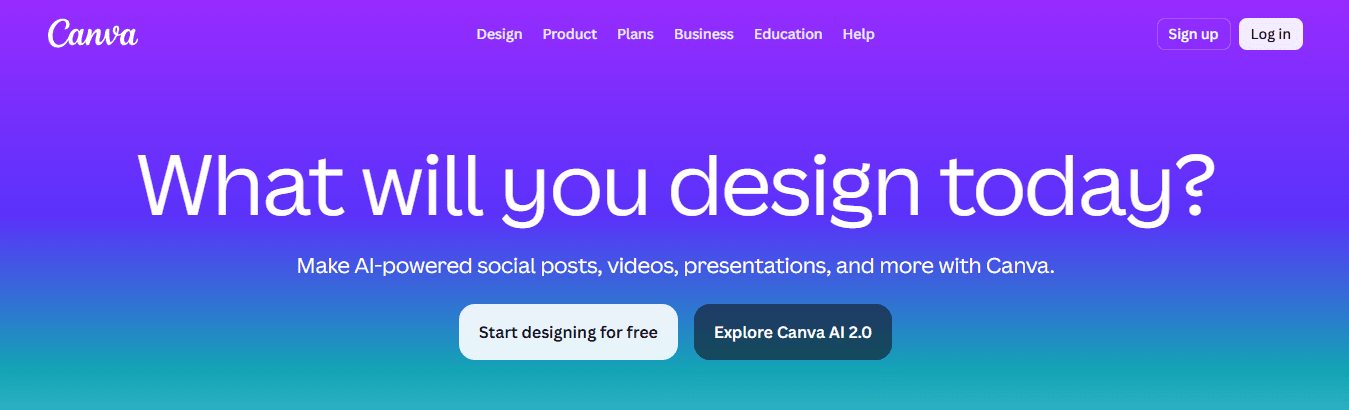
Creating a post in one platform and scheduling it in another wastes time; most people don't notice until they track it. Canva collapses both steps into a single workflow. You design your graphic using templates, add your text, and then schedule it directly from the same screen.
- No downloads.
- No uploads.
- No switching browser tabs or apps.
The efficiency compounds when you're producing visual content daily. Platforms like Crayo generate short-form videos with automated captions and voiceovers in seconds, which makes switching between design and scheduling tools feel even slower by comparison. When content creation happens instantly, the publishing step should match that speed. Canva's integrated approach removes the friction of moving files between systems.
4. Zoho Social: Budget-Friendly Without Feeling Cheap
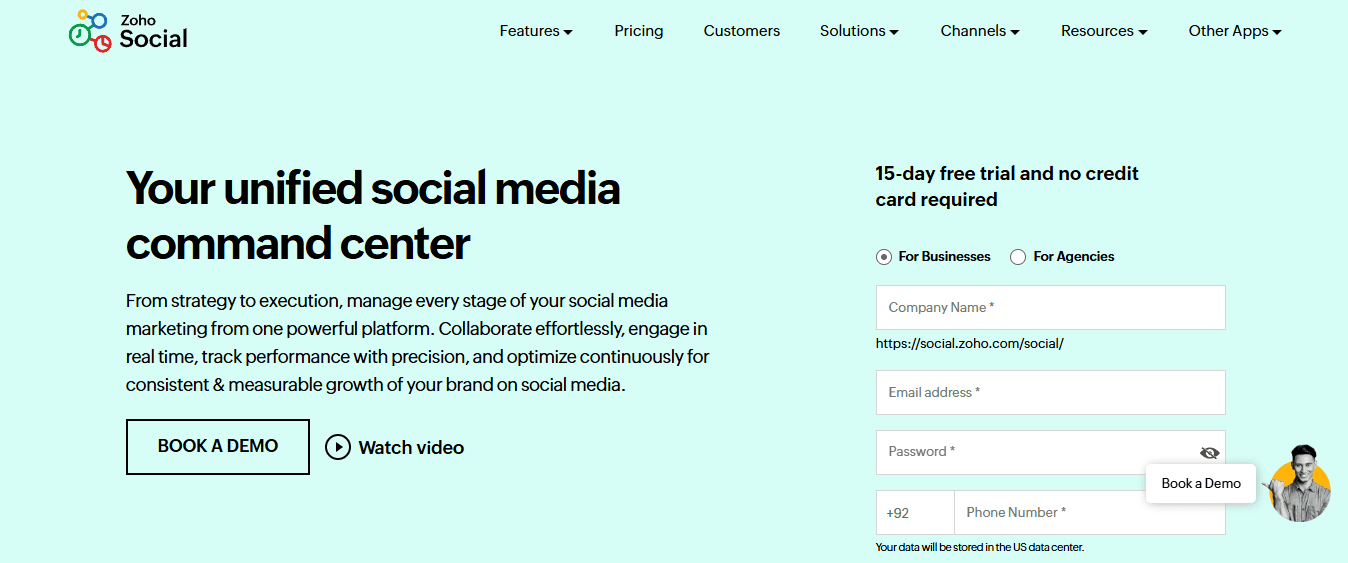
Affordable tools often sacrifice essential features to hit lower price points. Zoho Social keeps the basics, scheduling across major platforms, simple analytics, and multi-account management, while cutting the enterprise bloat that inflates costs. You're not paying for white-label reports or client management modules you'll never touch.
The interface stays clean because it's designed for small teams and solo creators, not agencies managing dozens of client accounts. You get what you need without navigating past features built for collaboration workflows. The value calculation works because you're paying for what you use, not subsidizing capabilities designed for different business models.
5. Metricool: Performance Tracking That Informs Your Next Post
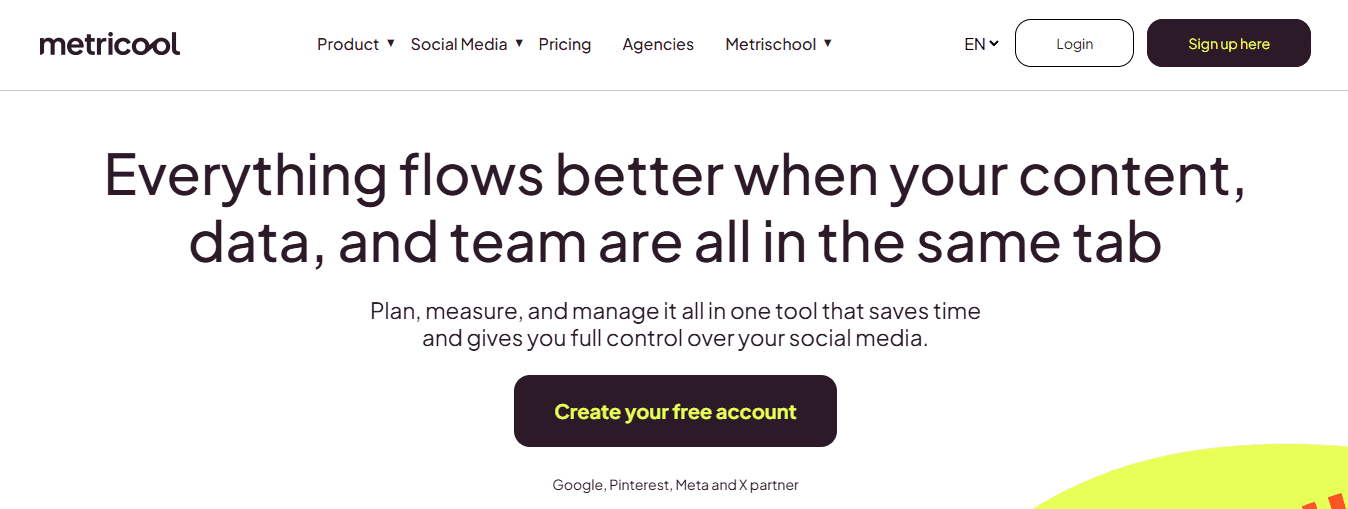
Scheduling without feedback creates blind spots. You post consistently but never learn which formats, topics, or posting times actually drive engagement. Metricool combines scheduling with performance tracking in a single dashboard. You see what worked immediately after it publishes, which informs what you create next.
The feedback loop tightens when insights appear alongside your content calendar. You're not switching to a separate analytics platform to check performance, then returning to your scheduler to adjust your strategy. The data sits next to your upcoming posts. When you notice video content outperforms static images, you adjust your queue in real time without leaving the platform.
Why Speed Matters More Than Features
Complex platforms assume that more capabilities equal better results. That logic breaks when unused features slow down the actions you perform daily. Sked Social's 2025 research found that over 10,000 agencies, brands, and marketers switched to simpler alternatives specifically because speed became more valuable than depth. The pattern reveals a truth most enterprise tools miss: creators optimize for consistency, not control.
Consistency requires removing friction, not adding options. When scheduling a post takes 30 seconds instead of three minutes, you're more likely to maintain your content calendar. When the interface doesn't require decisions about campaign tags, approval workflows, or audience segments, you just publish and move on. The tool that disappears into your workflow beats the one that demands attention.
The Real Test: Can You Use It Today?
- Download the app.
- Connect your accounts.
- Schedule three posts.
If that process takes longer than ten minutes or requires watching tutorial videos, the tool fails the simplicity test. These five alternatives pass because they assume you already understand social media. They're not teaching you new concepts or introducing proprietary workflows. They're just making the mechanics faster. The best tool is the one you'll actually open tomorrow. Complexity creates abandonment. When logging in feels like starting a project instead of completing a task, you delay it. You let posts pile up. Your content calendar falls apart not because you lack discipline, but because the tool added resistance where it promised to remove it.
Related Reading
- Instagram Reel Hook Ideas
- How To Create A Reel On Instagram
- Instagram Reel Caption Ideas
- Tiktok Content Ideas For Beginners
- Best Time To Post A Reel On Instagram
- Best Content For Tiktok
- How To Schedule A Reel On Instagram
- Best Content Strategy Tiktok
- How To Make Looping Content For Tiktok
- Ai Tools for TikTok Content Creation
The 10-Minute Workflow to Manage Social Media Using Alternatives

Managing social media in 10 minutes isn't about posting less. It's about removing every unnecessary step between finished content and the published post. The workflow compresses when you stop configuring and start executing.
Prepare Everything Before You Open the Tool
Most people waste time deciding what to post while staring at the scheduler. That's backward. Your caption, hashtags, and final video should exist before you log in. When preparation happens separately, scheduling becomes mechanical. You're not creating and publishing simultaneously. You're just uploading what's already done.
Batch your content creation on a single day. Film three videos on Sunday afternoon. Write all your captions in one sitting. Generate your hashtag sets while you're thinking about topics, not while you're trying to schedule. According to InfluenceFlow's 2025 guide for brands and creators, using proper social media management tools saves creators 8 to 15 hours per week, but only when content enters the system ready to publish.
The friction lives in context switching. When you're writing captions, your brain operates differently than when you're selecting time slots. Mixing those tasks in the same session drains energy. Separate creation from distribution. Your scheduling session should feel like assembly-line work, not creative problem-solving.
Choose Tools That Match Your Actual Workflow
Complexity hides in features you'll never use. When evaluating schedulers, ignore the capability list. Instead, time how long it takes to publish one post from login to confirmation. If that process exceeds 90 seconds, the tool adds friction. Simple platforms win because they assume you already know what you want to post. They don't ask about campaign tags, audience segments, or approval workflows.
- You connect accounts
- Upload media
- Write text
- Select time
- Publish
Buffer and Later follow this pattern. Metricool adds basic analytics without complicating the core scheduling flow.
Operational Friction and Interface Transparency
The wrong tool reveals itself through hesitation. When you delay scheduling because logging in feels tedious, the platform has failed. The right tool disappears. You open it, queue your posts, and close it without thinking about interface design or navigation patterns.
Upload and Schedule in a Single Session
Spreading scheduling across multiple days creates mental overhead. You remember you need to post on Thursday, then forget until Friday morning. Batch scheduling removes that cognitive load entirely. Dedicate 10 minutes to queue for an entire week. Then ignore your scheduler until the next batch session.
The process compresses when you treat it like a checklist.
- Post one gets Monday at 9 AM.
- Post two gets Wednesday at 3 PM.
- Post three gets Friday at 6 PM. You're not deliberating.
You're executing a pattern you've already tested and know works for your audience.
Multi-Network Optimization and Time Compounding
Upload speed matters more than people realize. Platforms that require separate uploads per network double your time investment. Tools that let you customize captions per platform while uploading, and once saved, save those minutes. When you're scheduling 15 posts weekly, those seconds compound into hours monthly.
Build a Posting Pattern You Can Repeat
Consistency comes from systems, not motivation. Decide your posting frequency once, then automate the decision. Three posts weekly, same days, same times. Your scheduler becomes a template you fill rather than a puzzle you solve each week. Most creators fail to be consistent because they treat every posting decision as unique. They ask, "When should this go live?" for every single post. That question burns willpower. Pre-decide your schedule. Monday, Wednesday, and Friday at 10 AM. Now, scheduling becomes data entry. The pattern also trains your audience. They start expecting content at specific times. Engagement rises when people check platforms to anticipate seeing your posts. Randomized posting times might feel spontaneous, but they work against algorithmic distribution patterns that reward consistency.
Monitor Performance Without Living in Analytics
Checking metrics shouldn't require a separate session. Glance at your last post's performance when you log in to schedule the next batch.
- Did video outperform images?
- Did morning posts beat afternoon?
Adjust your next week's queue based on that single data point, then move on.
Deep analytics dives rarely change creator behavior. You don't need to know your audience's age distribution or geographic breakdown to improve content. You need to know which formats and topics drove engagement. That information appears in basic dashboards without filtering, segmenting, or exporting reports.
Pattern Recognition and Distribution Bottlenecks
When you notice reels consistently outperform static posts, schedule more reels. When Thursday posts get half the engagement of Tuesday posts, shift your Thursday content to Tuesday. Simple pattern recognition beats complex analysis. The goal isn't understanding your audience academically. It's posting more of what works and less of what doesn't.
Platforms like Crayo generate short-form videos with automated captions and voiceovers in seconds, which means content creation speed now outpaces most scheduling tools. When you can produce a finished reel faster than you can navigate a complex scheduler, the bottleneck shifts. The workflow breaks when your fastest content creation method meets your slowest distribution tool.
What This Workflow Actually Fixes
Manual posting creates artificial urgency. You're tied to your phone at specific times, interrupting other work to upload content. Forgetting to post breaks your consistency streak. You scramble to create something at the last minute, which usually means lower quality or skipped days entirely. Scheduled posting removes time pressure. Your content goes live whether you're in a meeting, filming new material, or offline completely. The consistency your audience sees requires zero daily attention from you. You front-load the work into a single 10-minute session, then let automation handle execution.
Cognitive Decoupling and Batch Processing
The mental shift matters as much as the time savings. When posting happens automatically, you stop thinking about distribution and focus entirely on creation. Your brain isn't tracking "did I post today?" or "what should I post tomorrow?" Those questions disappear. You create in batches, schedule in batches, and trust the system to maintain your presence. But speed only solves half the problem if the content itself still requires hours to produce.
Manage Social Media Faster With Crayo AI
The friction isn't scheduling anymore. It's the hours spent creating content before you even open a scheduler. When you batch five posts, the slowest part isn't choosing time slots. It's writing hooks, editing captions, formatting videos, and adding subtitles.
Tools like Crayo collapse the entire process into seconds by generating ready-to-publish short-form videos with automated voiceovers and captions from a single idea. You stop switching between editing apps, caption generators, and schedulers. You create and export in one flow, then drop finished content into whatever simple scheduler you prefer.
Production Acceleration and Bottleneck Realignment
The workflow changes completely when content creation becomes faster than distribution. Most creators spend Sunday afternoon filming, Monday editing, Tuesday writing captions, and Wednesday finally scheduling. That fragmented process creates delays and inconsistency.
When you can turn an idea into a finished reel in under 10 minutes using AI automation, scheduling becomes the only remaining step. Your bottleneck shifts from production to publication, which means simpler tools suddenly work better because they handle only one task instead of compensating for slow content creation.
Instant Scaling and Output Autonomy
Growth stops feeling like a capacity problem. Adding more platforms or increasing posting frequency doesn't require proportionally more time when the content itself generates instantly. You're not hiring editors or learning complex software. You're feeding ideas into a system that handles formatting, captions, voiceovers, and visual editing automatically. The output matches what takes traditional workflows hours to produce, except you're batching multiple pieces in a single session and maintaining quality without manual intervention.
Related Reading
• Sprout Social Alternative
• Tiktok Content Creation Tips
• Contentstudio Alternatives
• Best Social Media Content Creation Tools
• Hootsuite Alternative
• Ai Tools For Social Media Content Creation
• Later Alternative
• How To Become A Content Creator On Tiktok
• Tiktok Content Ideas Without Showing Face
• Buffer Alternative