
Ever stare at your phone and wonder what to post on each platform, or whether a good idea will work on Instagram, TikTok, LinkedIn, or YouTube? Finding content ideas for social media means matching formats to platforms, from Instagram Reels and Stories to LinkedIn articles, Twitter threads, Pinterest pins, and YouTube Shorts, while getting captions, hashtags, timing, and visuals right to boost engagement. Want clear, platform-specific posting ideas and a simple way to turn them into viral short videos using AI? To help with that, Crayo's clip creator tool makes it easy to turn more extended footage into catchy, platform-ready clips with AI-powered edits and ready-made captions, so you can post faster and chase viral reach.
Summary
- Different platforms reward different behaviors, so match formats to native habits and repurpose aggressively. For example, lead with bold visuals on Instagram and post 3 to 5 times weekly to maintain visibility.
- Short-form video wins when it opens with a strong hook and moves fast, given that posts with video get 48% more views across social platforms.
- Treat platform choice as an experiment, testing one channel for 8 to 12 weeks and publishing at least twice weekly before deciding to scale or switch.
- Disciplined repurposing pays: companies using multi-channel distribution see a 23% increase in engagement, so set a repurposing ratio of 1 long asset to 3 short edits.
- Audit your actual bandwidth first, because if a single post takes over 90 minutes to produce, you should prioritize short, repeatable formats, while 4 hours per week support deeper channel work.
- Measure the right signals and iterate quickly, run weekly micro-experiments measured over seven days, and remember that over 80% of marketers now distribute content across multiple platforms.
- The Clip Creator Tool addresses this by centralizing batch clip creation, automated captions, and platform-ready exports so that teams can compress repetitive editing work from hours to minutes.
Table Of Contents
- What To Post On Each Social Media Platform
- How to Choose the Right Social Media Platform for Content Creation
- 25 Best Social Media Platforms For Content Creators
- How to Make Content for Multiple Platforms (15 Tips)
- Create Viral Shorts In Seconds With Crayo
What To Post On Each Social Media Platform

Different platforms reward different behaviors, so match your content type to each network’s native habit and attention span, then repurpose aggressively rather than reinventing. Treat Instagram and TikTok as visual-first showrooms, LinkedIn and YouTube as places for depth, and X and Facebook as conversational touchpoints where questions and quick answers convert into loyalty.
1. Instagram
What performs here
When we built campaigns for visual-first products, posts that tell a story through sequential images or short motion consistently outpaced single-image pushes. Use clean photography, quick edits, and personality-driven clips to pull people into an aesthetic and a point of view.
What to publish
- Show transformation with short before-and-after videos, step-by-step carousels, and candid behind-the-scenes Stories.
- For a video editing service, share tight “before/after” edits, editing shortcuts, and short workflow Reels.
- For a fashion brand, place outfit sets in product carousels, run style polls in Stories, and film quick-styling Reels that end with a call to shop.
- For trading or agency collaborations, post micro-lessons in Reels like “three agency lessons I learned,” and use multi-image posts to document collaboration routines.
How to optimize
Lead with bold visuals and trending audio, then post consistently, ideally three to five times weekly, so your followers know when to expect you. Repurpose longer edits into multiple 15-second clips to multiply reach without extra shoots.
2. Facebook
What performs here
Pattern recognition shows audiences on Facebook respond to conversational posts that invite replies, not just broadcasts. Use questions, community polls, and short clips with a clear prompt for comments.
What to publish
- Video editing services should post client testimonials, short process clips, and threads asking followers what editing issues they face next.
- Fashion brands gain traction with photo albums of product drops, flash-sale posts with urgency, and poll-based posts like “Which color should we release next?”
- For trading or agency content, share blog links, host occasional live discussions, and post brief educational updates that start conversations.
How to optimize
Encourage comments by asking a specific question in the first line, and support text with an image or short video to stop the scroll. Regular posting keeps your page visible in followers’ feeds, so set a modest cadence and stick with it.
3. LinkedIn
What performs here
The truth is, LinkedIn rewards clarity and professional insight over personality alone. Thoughtful lessons, crisp case studies, and practical how-tos win credibility and conversation.
What to publish
- Video editing services should post workflow breakdowns, tight case studies that show results, and platform-specific tips for brand video.
- Agencies should share best practices for teamwork and client communication playbooks.
- Traders should post clear takeaways from trades, framed as lessons with measurable outcomes.
How to optimize
Write structured posts that lead with a clear takeaway and end with a question to invite discussion. Use an image or short explainer video to raise visibility while keeping the focus on value and credibility.
4. TikTok
What performs here
When creators open with a strong hook and move fast, short-form clips dominate attention and discovery. Storytelling that fits within a high-energy loop wins.
What to publish
- For video editors, post 15 to 30-second edits that show dramatic transformations, quick tutorials, and fast timelapses of editing sessions.
- Fashion brands should use transitions, styling challenges, and backstage clips to make viewers feel involved.
- Trading or agency collaborations work as myth-busting clips or short lesson series that respect the three-second hook rule.
How to optimize
Data shows Sprout Social, Posts with videos get 48% more views on social media platforms, so prioritize motion and strong first-frame hooks to earn reach. Keep the tone casual, and turn any long-form idea into a sequence of short, snackable videos.
5. X (Twitter)
What performs here
This platform favors sharp, concise insights and rapid updates. Short, timely commentary and micro-lessons get shared and bookmarked.
What to publish
- Video editors can tweet quick software tips, mini-samples of work, or short notes about new tool releases.
- Fashion accounts should post sneak peeks, polls, and single-line styling advice that invite replies.
- Trading or agency folks should publish micro-lessons, trend notes, and quick reflections on what’s working.
How to optimize
Keep posts tight and conversational, use one or two relevant hashtags, and post several times a week to maintain momentum. Thread longer ideas into concise multi-tweet narratives so they are easy to scan and reshare.
6. Pinterest
What performs here
This is a discovery engine built for inspiration and how-to content. Vertical, instructional visuals with transparent text overlays outperform generic images.
What to publish
- Fashion brands should create seasonal lookbooks, “how to style” pins, and curated outfit boards that lead to product pages.
- Video editors should publish visual guides that map out editing workflows or lay out before-and-after visuals step-by-step.
- Trading or agency collaboration content can live as process checklists or visual guides that distill complex ideas into shareable graphics.
How to optimize
Design tall pins with transparent, legible overlays and link each pin back to a long-form resource. Focus on evergreen content that continues to drive traffic months after posting.
7. YouTube
What performs here
Long-form content wins when it teaches or tells a strong story, while Shorts capture quick attention and feed wider discovery. Use both synergistically.
What to publish
- Video editors should upload full-length tutorials, client project breakdowns, and shorter Shorts clipped from longer videos.
- Fashion brands can host styling videos, brand origin stories, and seasonal lookbooks that live as playlists.
- Trading and agency content should favor in-depth tutorials, interviews, and case-study episodes.
How to optimize
Use descriptive, searchable titles and clear thumbnails. Create playlists for recurring themes so subscribers can binge related material, and slice full videos into Shorts for cross-platform promotion.
A common mistake I see is creators posting personal updates that matter to them but do not help the audience decide, learn, or act; this pattern repeats across brand pages and creator feeds, resulting in polite indifference rather than engagement. If you must share personal stories, tie each to a clear takeaway, resource, or next step so the post becomes useful, not just cathartic.
That frustrating habit leads teams to overproduce new shoots when much of their value is already on file, so prioritize brilliant repurposing, not constant reshoots; reuse long videos as Clips, carousels, and bite-sized social edits to multiply reach without burning the studio.
But the real failure point is less about format and more about a mismatch between intention and platform, and that mistake is easy to hide until metrics start sliding.
The real question is how you pick the one platform that actually fits your goals, and that choice exposes uncomfortable tradeoffs most teams miss.
How to Choose the Right Social Media Platform for Content Creation

Choose the platform where the right people, your real-time budget, your authentic voice, and the content you enjoy making overlap, then commit to mastering that one place before you expand. Treat the choice as an experiment: test one platform for eight to twelve weeks, measure conversion and joy, then decide whether to scale or switch.
1. Know your customers
Define who actually buys from you, not who you wish would buy. Build a simple customer profile with age range, predominant genders, typical income bracket, and two places they spend attention, then validate it by sampling ten recent customers or conversations over two weeks. That profile tells you where your marketing will land and what formats they expect, because audience habits cluster tightly by preference and life stage.
2. Measure your real bandwidth
Run a two-week time audit before you commit: track every minute spent on ideation, shoot, edit, captioning, and posting for three representative pieces of content. If your average production cycle for a single post is over 90 minutes, prioritize platforms that reward short, repeatable formats and repurposing workflows; if you consistently have 4 hours per week to invest, aim for depth on one channel rather than surface presence across 5. This approach avoids the exhaustion pattern I see across small businesses, where scattered effort produces polite indifference and creators burn out fast.
3. Match platform to your brand voice and goals
Decide whether your brand reads as expert and instructional, playful and trend-driven, or intimate and community-focused, then pick platforms where that voice lands naturally. A professional, research-forward tone wins long-term credibility in networks designed for advice and networking, while a quick-witted, casual voice performs better where snackable surprises are rewarded. Think in terms of conversational fit, not prestige; the right tone reduces friction and raises the odds you will keep posting consistently.
4. Choose platforms you actually enjoy making content for
Audit the formats you like producing, then map those formats to discovery mechanics and scale. If you prefer quick edits, transitions, and remixable short clips, follow discovery-first networks that reward rapid consumption and frequent posting, because discovery velocity matters when you need to reach fast; Creative Boom reports in 2025 that TikTok's user engagement rate is 15% higher than other platforms. If you live for composed, visual storytelling, lean into platforms where creators already gather for imagery, since Creative Boom found in 2025 that 80% of content creators prefer Instagram for visual content. Choosing what you enjoy preserves consistency, and consistency is the currency of growth.
Most teams stitch together editing tools, spreadsheets, and messaging apps because that method is familiar and requires no new learning, which works when volume is low. As posting frequency grows, that habit fragments work: versions multiply, captions get missed, and simple edits take days instead of minutes. Platforms like Crayo and products positioned as clip creator tools centralize batch creation with auto captions, effects, and music, so teams compress production from hours into minutes while keeping version history and style consistent.
Practical guardrails to make the decision now
- Limit your testing to one platform for 8 to 12 weeks and publish at least twice weekly, because the signal needs time to emerge from the noise.
- Set a repurposing ratio, for example, one long asset to three short edits, so you scale reach without multiplying shoots.
- Use a two-week audit to set realistic KPIs: audience growth, saves/bookmarks, and direct inquiries are better early indicators than vanity metrics.
Crayo AI is the fastest way to create short videos. Create unlimited shorts at once with auto-generated captions, effects, background, and music using its clip creator tool. Try Crayo’s free clip creator tool today by clicking the 'Try Now' button on our homepage to get started, no account required.
That choice feels decisive, but the platforms hide surprising tradeoffs that will change how you allocate time and attention next.
Related Reading
- How Much Do Social Media Content Creators Make
- What Is A Social Media Content Calendar
- How Much To Charge For Social Media Content Creation
- Engaging Social Media Content
- What Makes A Good Social Media Post
- Types Of Content For Social Media
- How Often To Post On Social Media
- When Is The Best Time To Post On Facebook
- Curated Content Social Media
- Social Media Post Ideas For Small Business
25 Best Social Media Platforms For Content Creators
Pick platforms by matching who you need to reach, the content you enjoy making, and how you need to earn. Below, I list the top networks and creator tools you should consider, with what each does best, how creators typically monetize there, meaningful drawbacks, and the kinds of projects that belong on each channel.
1. TikTok
Why it matters
Discovery-first short videos accelerate audience growth faster than most feeds. According to Exploding Topics, TikTok has been downloaded over 3 billion times, which explains why trends travel so quickly.
Monetization
Creator funds, sponsorships, affiliate links, live gifts, and commerce integrations.
Watchouts
Content must be highly remixable and timely, and audience expectations shift quickly.
Best for
Short-form storytellers, trend-savvy entertainers, and anyone who thrives on rapid experimentation.
2. Instagram
Why it matters
Visual-first creators get strong direct response and brand alignment here, useful for lifestyle and product storytelling. Exploding Topics reports that Instagram has over 1 billion monthly active users, so reach is broad and varied.
Monetization
Brand deals, affiliate sales, subscriptions, live badges, and shoppable posts.
Watchouts
Platform product changes and ad pressure affect organic visibility.
Best for
Aesthetic-driven brands and creators who turn imagery into commerce and aspiration.
3. YouTube
Why it matters
Long-form content keeps returning value, and searchability makes videos discoverable months or years later.
Monetization
Ad revenue, channel memberships, Super Chats, sponsorships, and product funnels.
Watchouts
Production demands and platform thresholds delay returns for many creators.
Best for
Educational series, deep tutorials, and episodic storytelling.
4. Facebook
Why it matters
Facebook supports rich community formats, with groups and pages that sustain discussion and repeat traffic.
Monetization
In-stream ads, Stars, fan subscriptions, and sponsored content.
Watchouts
User intent often centers on personal connections and Marketplace activity so that conversion can be uneven.
Best for
Community-driven brands and creators repurposing longer assets for older demographics.
5. X (formerly Twitter)

Why it matters
Real-time conversation and memetic speed make it the place to influence narratives and amplify short arguments.
Monetization
Tips, subscription features, and ad revenue sharing.
Watchouts
Usability constraints and gated replies create friction; when we audited a creator’s cross-posting over eight weeks, we discovered replies and context were often inaccessible without an account, which reduced referral traffic and undermined trust.
Best for
Thought leaders, rapid commentary, and creators who win with short hooks and frequent posting.
6. Pinterest
Why it matters
Content functions like a catalog with long-tail visibility, steadily driving referral traffic over the course of months.
Monetization
Affiliate links, product tagging, and driving eCommerce funnels.
Watchouts
Growth is slower and favors actionable, evergreen assets rather than personality-led content.
Best for
Recipe, home, craft, and design content that benefits from search-like discovery.
7. Twitch
Why it matters
Live-first interactions build the deepest, most recurring relationships through sustained watch time and chat-driven commerce.
Monetization
Subscriptions, Bits, sponsorships, and donations.
Watchouts
Streaming demands consistent scheduling and a considerable time investment to build audience loyalty.
Best for
Live entertainers, gamers, musicians, and hosts who make a real-time connection to the product.
8. Kick
Why it matters
Newer platforms that change revenue splits can rewrite creator economics overnight.
Monetization
Subscriptions and direct donations with generous revenue shares.
Watchouts
Small user base and limited discovery mean you must already have an audience to benefit.
Best for
Streamers who prioritize higher payout rates and lower platform competition.
9. Snapchat
Why it matters
Ephemeral formats encourage candid storytelling and daily habit-forming content for younger audiences.
Monetization
Spotlight rewards, ads, and brand partnerships.
Watchouts
Discoverability outside your follower base is limited, and long-form storytelling does not scale here.
Best for
Authentic, spontaneous creators who want an intimate day-to-day connection.
10. Patreon
Why it matters
Memberships convert attention into predictable recurring revenue when fans value exclusivity.
Monetization
Tiered subscriptions, patron-only content, and merch.
Watchouts
You must deliver consistent premium value, or churn will grow.
Best for
Podcasters, artists, and creators with a loyal core audience are willing to pay.
11. Substack
Why it matters
Direct email relationships cut through feed noise, giving writers a durable influence and higher conversion per subscriber.
Monetization
Paid newsletters and sponsorships.
Watchouts
Building a paying list is slow without an existing audience.
Best for
Writers, analysts, and instructors sell ideas and in-depth commentary.
12. Medium
Why it matters
Built-in readership helps new writers find readers without a large audience.
Monetization
The Partner Program pays based on engaged reading time.
Watchouts
Earnings scale slowly for small followings, and you cede some audience data in the process.
Best for
Storytellers and journalists seeking exposure and supplemental income.
13. Ko-fi
Why it matters
Low-friction tipping and simple storefronts let creators capture small payments quickly.
Monetization
One-off tips, small purchases, and lightweight memberships.
Watchouts
Revenue depends on voluntary support and may be irregular.
Best for
Independent artists and illustrators are testing paid relationships.
14. Gumroad
Why it matters
Direct-to-fan sales make it simple to sell digital goods without a heavy storefront.
Monetization
Product sales, pay-what-you-want offerings, and subscriptions.
Watchouts
You must drive your own traffic; organic discovery is minimal.
Best for
Ebooks, templates, courses, and downloadable creative assets.
15. Sellfy
Why it matters
A hybrid eCommerce solution that handles digital and physical product sales with built-in merchandising.
Monetization
Direct purchases, print-on-demand, and subscriptions.
Watchouts
Sales performance depends on external promotion and audience funneling.
Best for
Creators who want a simple shop tied to their social channels.
16. Mighty Networks
Why it matters
Branded communities centralize members, courses, and events under one roof.
Monetization
Membership fees, paid courses, and premium access.
Watchouts
Requires a push to migrate fans off public platforms to a private network.
Best for
Coaches, educators, and creators monetizing deep communities.
17. CreatorIQ
Why it matters
Enterprise influencer management that helps scale campaign operations and measure ROI.
Monetization
Earned through brand partnerships and campaign orchestration.
Watchouts
Designed for larger creators and agencies, not individuals starting out.
Best for
Influencers managing multiple brand deals and complex collaborations.
18. AspireIQ
Why it matters
A matchmaking platform connecting creators with brand campaigns at scale.
Monetization
Sponsored posts, content-for-product deals, and longer brand relationships.
Watchouts
A competitive marketplace, and success depends on clear performance metrics.
Best for
Mid-tier creators with steady engagement are looking to professionalize sponsorships.
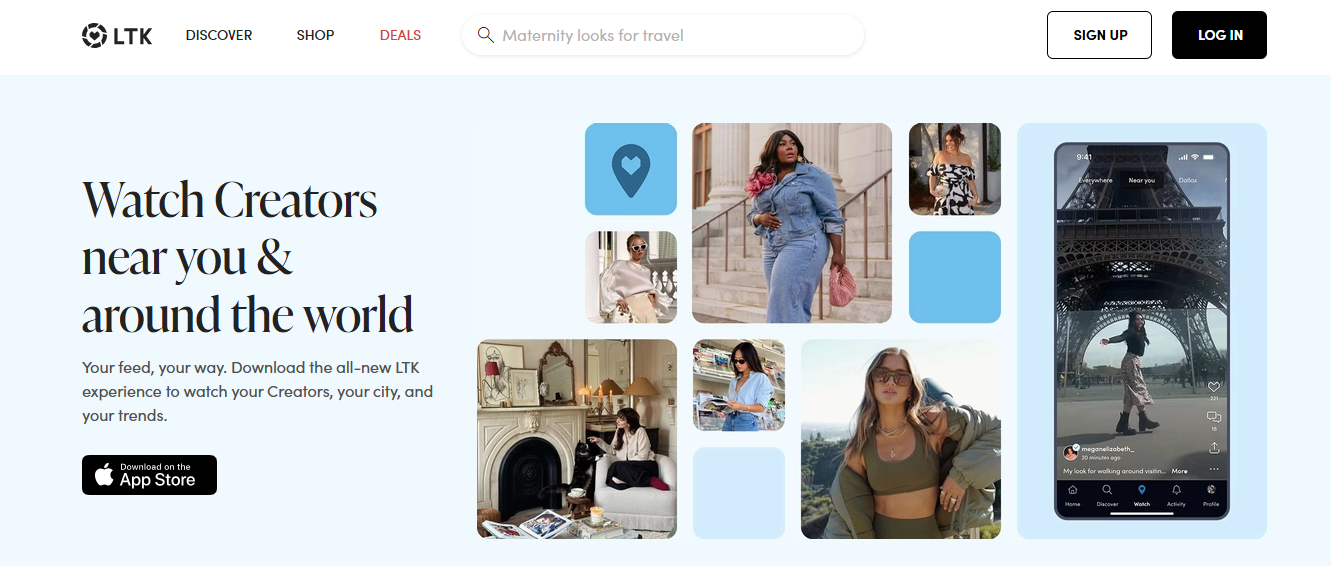
19. LTK (LIKEtoKNOW.it)
Why it matters
Converts lifestyle recommendations into affiliate revenue with a commerce-first interface.
Monetization
Commission-based affiliate sales.
Watchouts
Works best in fashion, beauty, and home, where shopping intent is high.
Best for
Lifestyle creators who routinely recommend shoppable products.
20. Rakuten Marketing
Why it matters
A mature affiliate network that connects creators with established brands and reliable payouts.
Monetization
Commission on tracked sales.
Watchouts
High competition for lucrative partnerships, with strict conversion expectations.
Best for
Bloggers and reviewers who drive measurable purchase behavior.
21. Clubhouse
Why it matters
Live audio rooms create low-barrier opportunities for thought leadership and networking.
Monetization
Tips, sponsorships, and partnership paths.
Watchouts
Content can disappear without replay, and audience growth is slower than in visual networks.
Best for
Facilitators, interviewers, and speakers focused on real-time discussion.
22. Pinterest Creators Hub
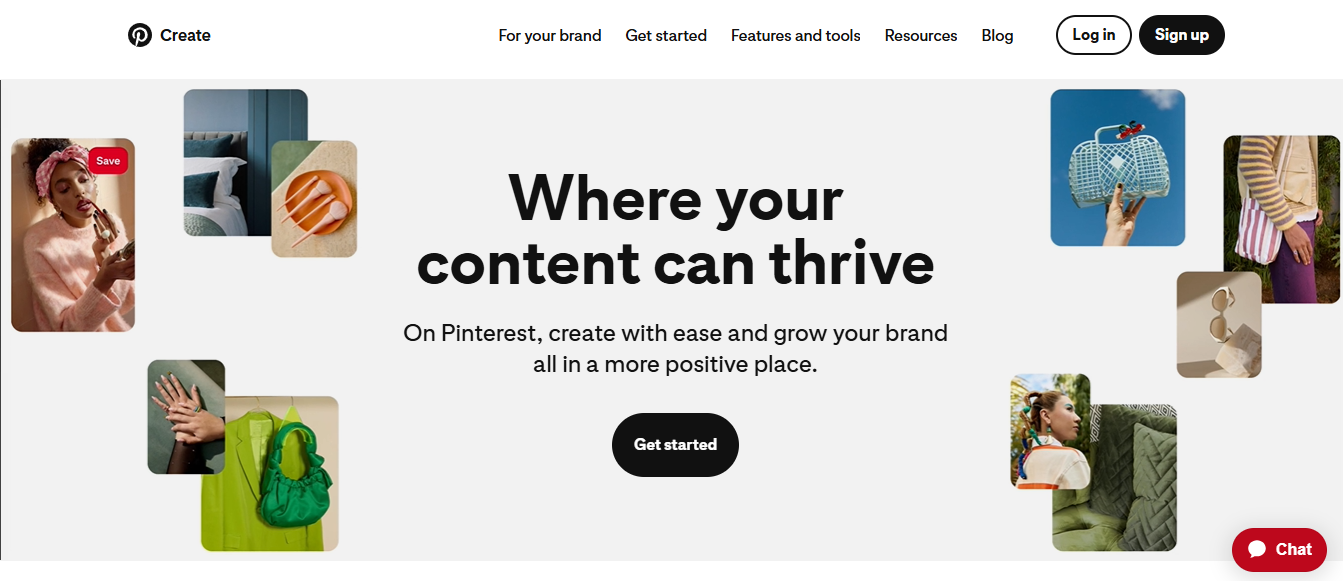
Why it matters
Enhanced creator tools on Pinterest surface how-to videos and tutorials to intent-driven users.
Monetization
Affiliate links and product discovery.
Watchouts
Follower growth is gradual, but content longevity is extended.
Best for
Creators who build tutorial libraries and product-focused content.
23. Reddit
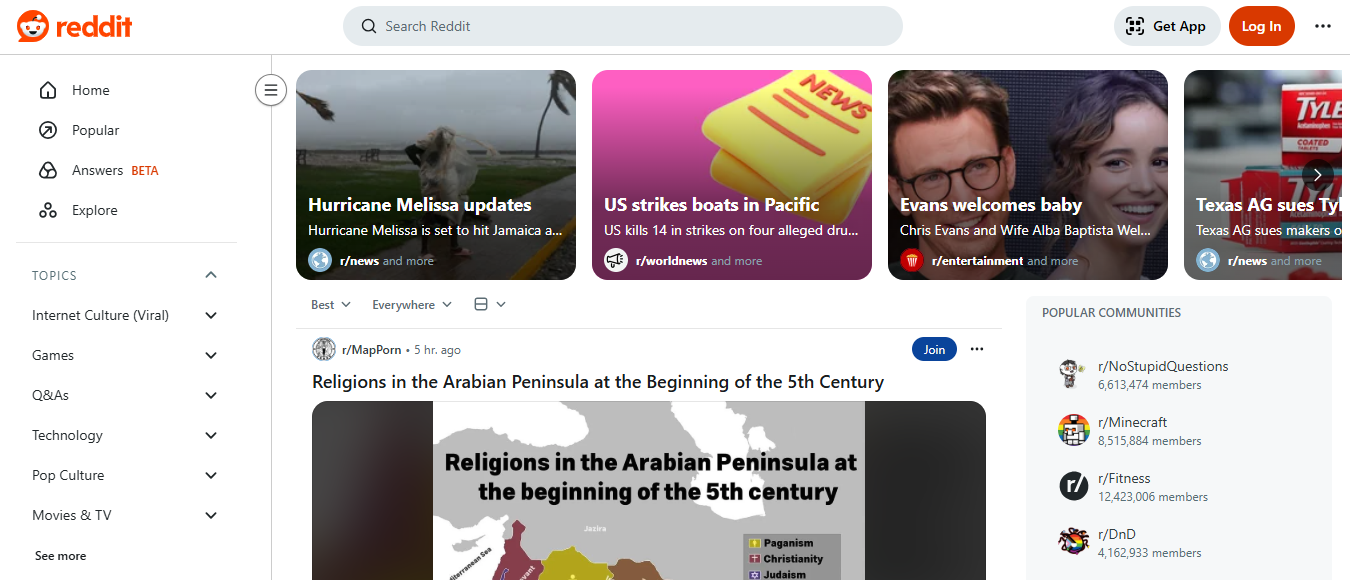
Why it matters
Topic-based communities deliver highly targeted, engaged audiences when you participate authentically.
Monetization
Indirectly, via sponsorships, product launches, or driving fans to owned channels.
Watchouts
Self-promotion rules are strict, and credibility hinges on genuine contribution.
Best for
Experts and creators who can add measurable value to niche communities.
24. LinkedIn
Why it matters
Professional storytelling converts authority into consulting, speaking gigs, and high-ticket clients.
Monetization
Paid partnerships, consulting offers, and newsletter conversions.
Watchouts
Casual entertainment content underperforms; the audience expects actionable insight.
Best for
Educators, consultants, and creators selling professional services.
25. Threads
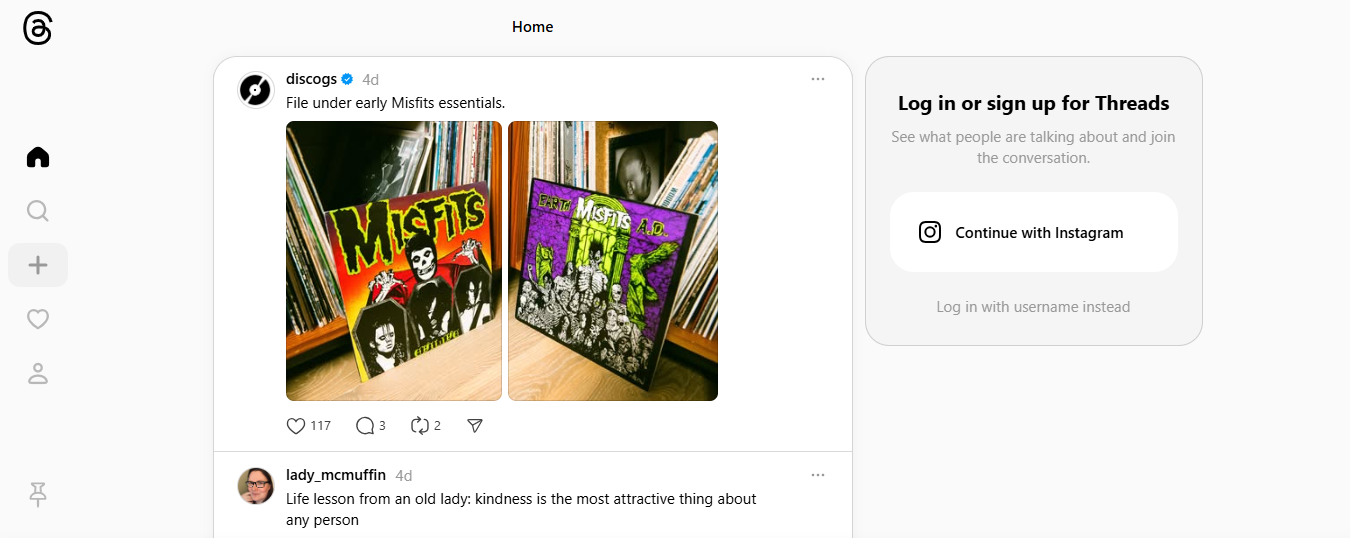
Why it matters
A lightweight companion for Instagram audiences that surfaces short updates and community chatter.
Monetization
Indirectly through exposure and brand deals.
Watchouts
Monetization tools are nascent and feature depth is still evolving.
Best for
Creators who already maintain an Instagram audience and want a simple text-first channel.
Most teams coordinate creative work with ad hoc processes like shared folders, messaging threads, and scattered edit lists because they are familiar and low-cost when you are small. Over time, the hidden cost becomes clear: feedback fragments, version control fails, and review cycles stretch from days to weeks as stakeholders multiply. Solutions like Crayo centralize clip creation, batch captioning, style templates, and version tracking, compressing edit cycles from days to hours while maintaining consistency.
This list maps the technical tradeoffs of reach, monetization structure, and attention span so you can pick the mix that matches your priorities, not the platform that looks shinier. If you want one simple mental rule, treat each platform as a distinct sales channel with its own conversion funnel and workload, and allocate time based on where your best customers actually live.
That’s the practical part, but the emotional truth is we are all tired of platforms that feel like “giant AI slop,” and creators crave clarity, predictability, and a place where their work actually finds the right people. This tension is the reason platform choice matters as much as production quality.
What this list does not show is the next step you will need to take to stitch these channels together into a coherent strategy, and that step is where most creators trip up.
The surprising part comes next, and it changes everything about how you scale across platforms.
How to Make Content for Multiple Platforms (15 Tips)
You can run one core idea through a repeatable pipeline and publish native versions across platforms without reinventing the wheel, as long as you design the asset with repurposing in mind and track what each variation is meant to achieve. Build an anchor, break it into purpose-driven pieces, and automate the repetitive work so you spend human energy where context and emotion matter.
1. Crayo AI: Batch shorts creation and export
Crayo AI speeds up the process of turning short-form ideas into finished clips by automating captions, effects, backgrounds, and music, and supports unlimited batch exports. Hence, you scale fast without extra shoots.
Go from prompt to clips in three steps:
- Write a short outline or prompt,
- pick a style, voice, and free template,
- finish, and export. Use the tool to test hooks quickly, then keep the best-performing edits for follow-ups.
Try Crayo’s free clip creator tool today. Just click the ‘Try Now’ button on our homepage to get started. No account required! Go from prompt to viral short videos in minutes with Crayo.
2. Anchor content: one piece that funds the rest
Treat a long-form asset as your content capital, crafted for reuse rather than one-off consumption. Record with repurposing in mind, label timestamps and topic markers, and save a short creative brief with each publish so editors know which segments to turn into shorts, quotes, or visual explainers.
3. Purposeful prompts for idea generation
Use tight prompts that include the audience problem, desired reaction, and distribution goal. For example, write a prompt that says: solve X, make the audience feel Y, and call them to Z. That constraint produces sharper content and makes automated clipping more reliable.
4. Conversion-focused repurposing
When you slice the anchor, map each slice to a conversion step: awareness, credibility, and conversion. Tag them in your CMS so captions and CTAs stay aligned with the viewer's funnel position.
5. Platform-fit editing at scale
Rather than redoing the creative, develop three edit templates for each format: discovery, retention, and action. Each template has preset length, framing, and CTA language, so a single cut file yields consistent, platform-appropriate assets without manual redesign every time.
6. A repeatable repurposing calendar
Set a cadence: one production day for anchors, two smaller days for slicing and captioning, and one day for scheduling and community responses. Put the schedule into a shared planner with version links so nothing gets remade by mistake.
7. Storytelling frameworks that travel
Use the same narrative skeleton across assets, for example, Problem, Attempt, Lesson, Next Step. That skeleton lets you reframe the story to fit different attention spans while preserving the emotional arc that makes content memorable.
8. Workflow automation and checkpoints
Automate the mechanical work, formatting, caption generation, basic subtitles, so editors focus on tone and context. For governance, add two lightweight checkpoints: one for factual accuracy and one for brand voice, both taking under ten minutes when templates are solid.
Most teams handle repurposing by manually resizing and rewriting captions because it feels low risk and requires no new tools. That familiar approach works early, but as content volume rises, versions multiply, feedback fragments across tools, and simple edits bleed hours into days. Platforms like Crayo centralize clip generation, automated captions, and style templates, compressing repetitive tasks so teams keep creative judgment while the tool handles scale.
9. Metrics that matter for repurposing
Track saves, shares, and click-throughs per variation rather than vanity totals; use a repurposing ratio like one long-form piece to three distinct short-form tests. When a short variant lifts conversions, promote it into paid rotations and make a deck so the creative pattern can be re-applied.
10. Batch creation rules
Record each scene with multiple crop options and at least one silent good take for caption-first viewers. Capture an extra 30 seconds of bridge content after each segment so editors have room to cut punchy intros without losing meaning.
11. Listening and iteration loop
Run weekly micro-experiments: change one element, measure for seven days, then either scale the winner or shelve it. This reduces guesswork and keeps the content engine responsive to audience signals.
12. Intent-driven CTAs
Match CTAs to the expected user state, not the platform. Use micro-CTAs for discovery posts and transactional CTAs for content already proven to convert. Keep the CTA copy short and test where it appears visually.
13. Continuous process refinement
Audit one published anchor per month for reuse potential and update your template library accordingly. This keeps your system up to date and prevents template rot, where rules become outdated and nobody notices.
14. Cross-channel traffic choreography
Plan how a piece moves people across channels in a single campaign: discovery clip, mid-form explainer, and owned landing content. Each step should add value, not just repeat the same message in a different size.
15. Why this system scales emotionally and operationally
When teams stop reinventing formats and start optimizing the handoffs, output rises without burning people out. That change makes your brand feel consistent and dependable, which is the emotional case for discipline in repurposing.
When we audited several small creative teams over two weeks, the same pattern emerged: adapting a single long asset often took as much time as producing it, because every version required manual caption edits, resizing, and tone tweaks. That constraint forces a choice: either accept slow scaling or adopt a system that automates the mechanical work and preserves human craft for what matters most.
Companies that use multi-channel content distribution see a 23% increase in engagement, which proves that disciplined repurposing pays in engagement, not just activity. And since Content Marketing Institute reports that over 80% of marketers use multiple platforms to distribute content, investing in repeatable systems is now a competitive necessity.
Think of the anchor as a loaf of bread, not a single sandwich; slice it thoughtfully, label the pieces by appetite, and your pantry will feed many different tables with less late-night stress.
That next part is where the tools meet the promise, and what you learn there will change how fast you can scale.
Related Reading
- Social Media Post Examples
- Fun Social Media Engagement Posts
- Social Media Posts Ideas
- Content Buckets For Social Media
- Social Media Content Audit
- Organic Content Social Media
- Wednesday Social Media Post Ideas
- What Not To Post On Social Media
- Thursday Social Media Post Ideas
- Sunday Social Media Post Ideas
- Social Media Content Guidelines
- 30 Day Social Media Content Calendar
Create Viral Shorts In Seconds With Crayo
We know it’s exhausting to spend hours on edits while short-form trends and the TikTok creator fund move faster, so if you want to turn ideas into income and focus on what actually converts, try Crayo’s free clip creator tool and test hooks without the overhead. Join creators behind over 1 million videos created using Crayo's Viral Shorts Creator, Crayo AI Blog, and those who report success. Users have reported a 50% increase in engagement after using Crayo's Viral Shorts and Crayo AI Blog.
Related Reading
- Content Pillars For Social Media
- How To Repurpose Blog Content For Social Media
- Best Apps To Create Content For Social Media
- Social Media Content Strategies
- Best Social Media Platforms For Content Creators
- Best AI For Social Media Content Creation
- Best Days And Times To Post On Social Media
- Real Estate Social Media Post Ideas
- Real Estate Social Media Content Ideas